生成AIで変わったゲームライフ――スケッチ風のキャラクター設定画を作る
네오필
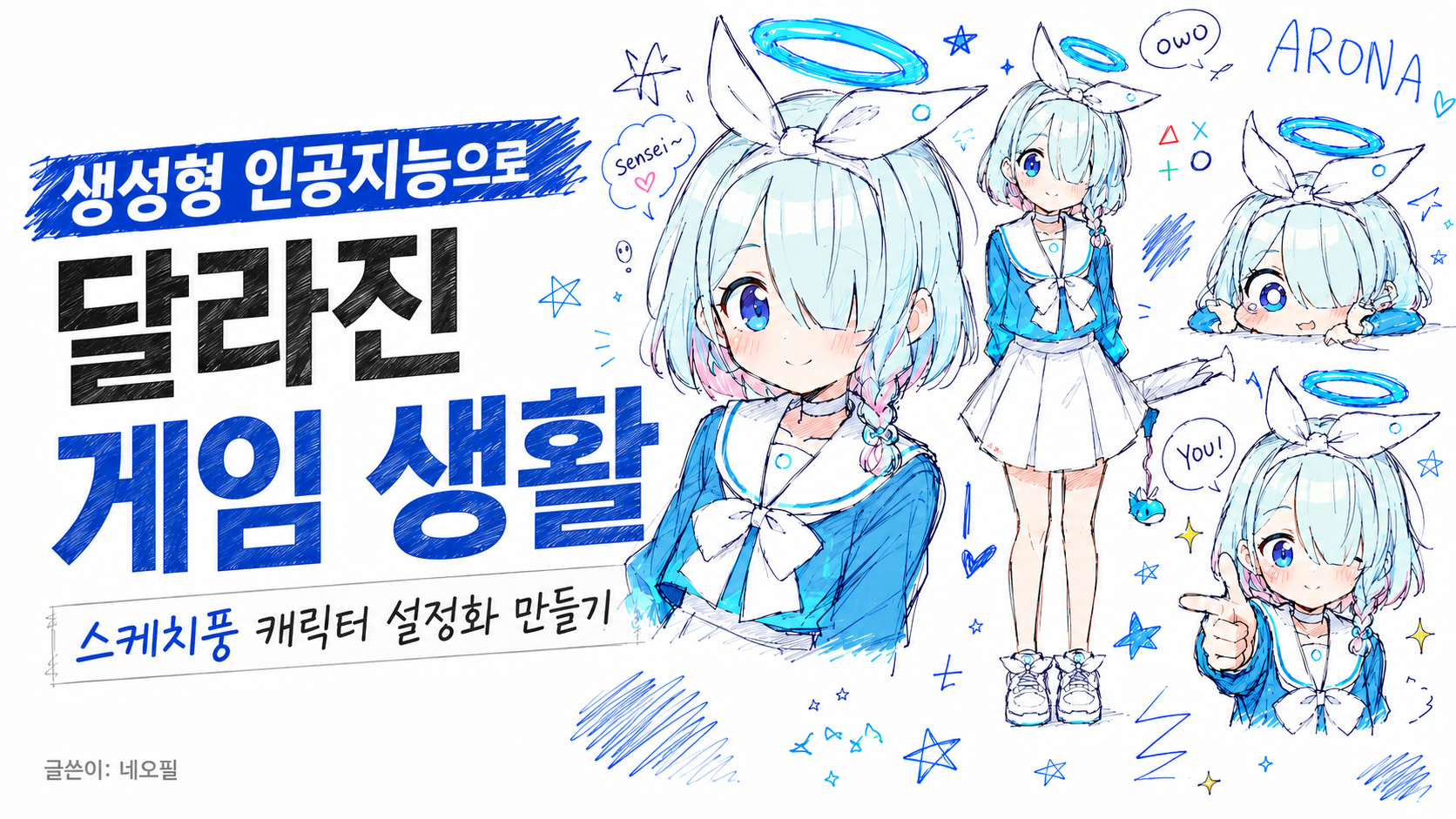
生成AIが当たり前になってきた今、ゲームを遊ぶ中でいちばん変わったことのひとつが「자캐짤」の手に入れ方だと思う。今回はそのあたりを軽く話してみたい。
자캐짤とコミッション
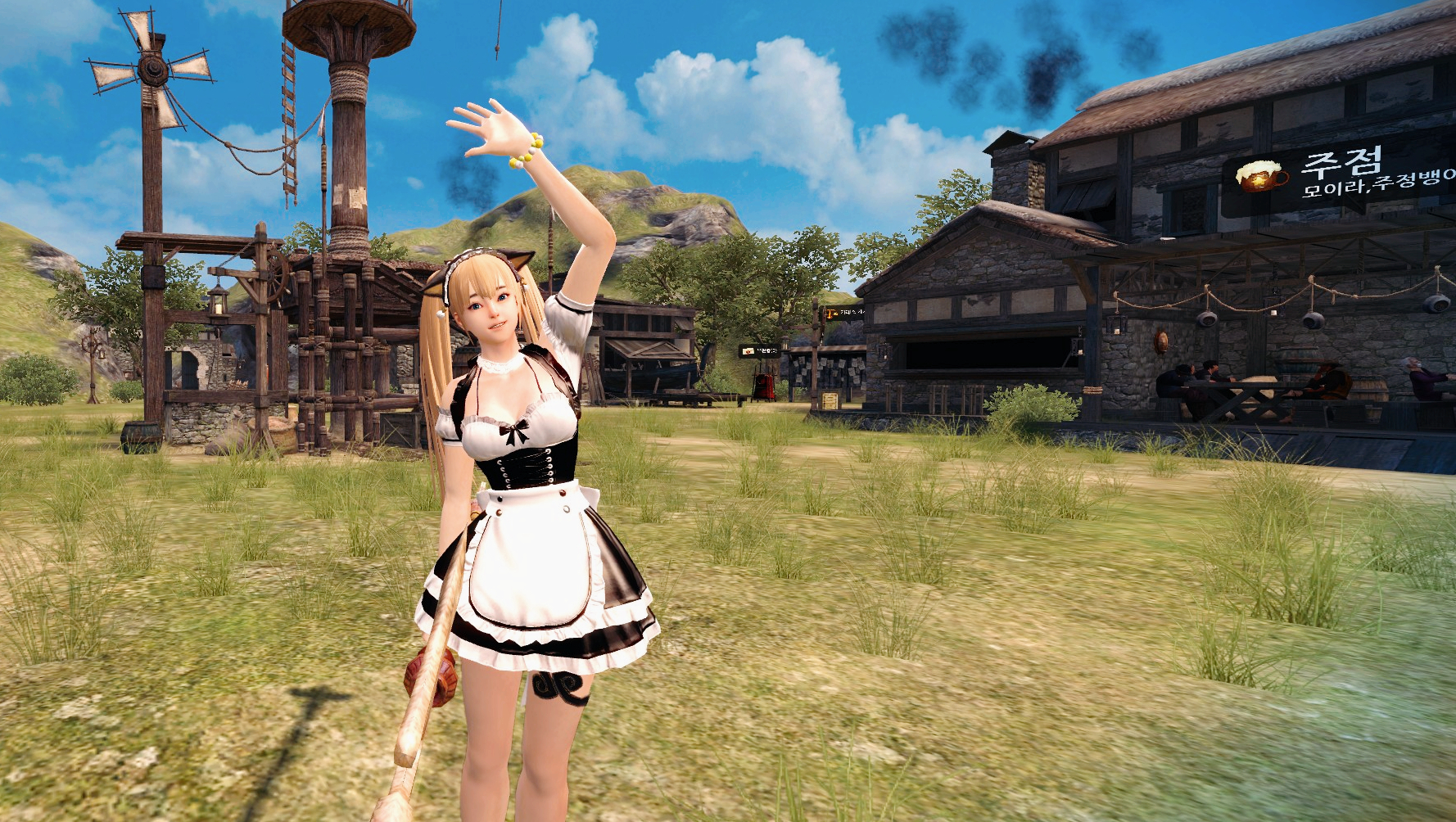
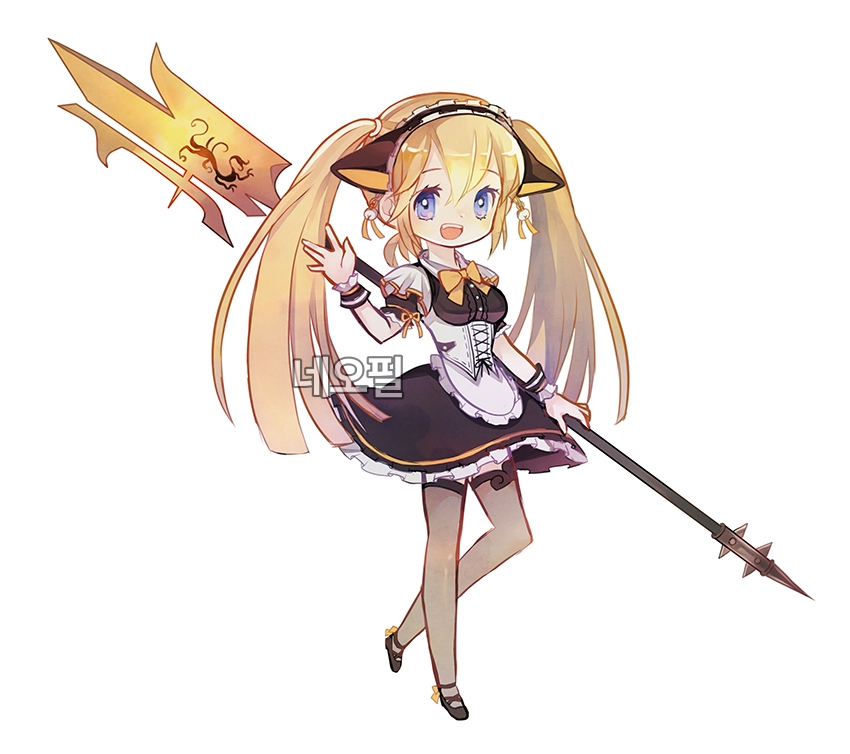
▲マビノギ英雄伝のキャラクターでコミッションを依頼して作った자캐짤
자캐짤とは、自作キャラや自分のキャラクター画像(ネタ画像)を指す言葉だ。
RPGを遊ぶユーザーの中には、自分でカスタマイズしたキャラクターを자캐짤として残しておく人もいた。絵が得意なら自分で描けば済むが、そうでない場合は「コミッション」という形で料金を支払い、クリエイターにイラストを依頼する必要があった。
修正依頼の回数にも制限があったり、追加料金が発生したりする。完成までの期間も、短くて数日、長ければ数か月かかることも珍しくなかった。
今では誰でも手軽に手に入れられる
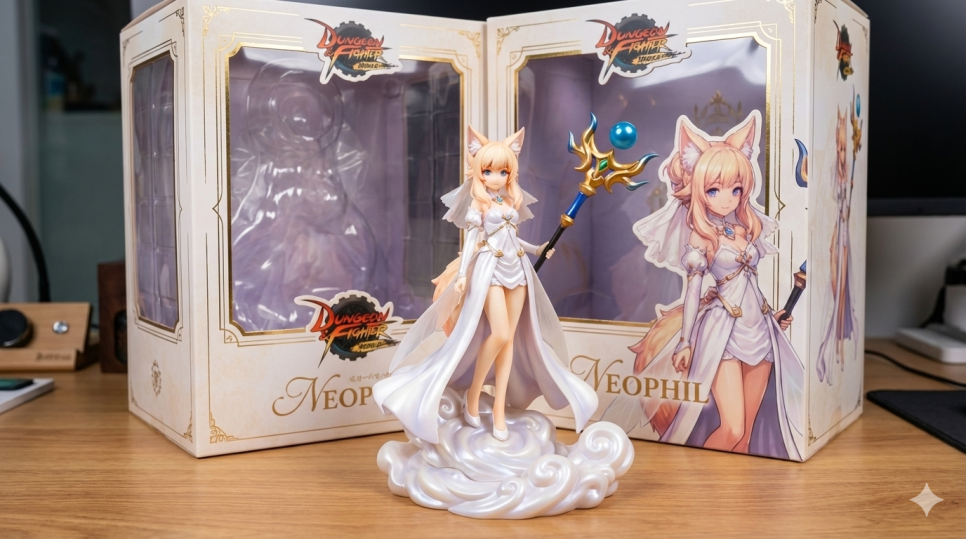
今ではAIに希望どおりの内容を伝え、数分でその場で結果を受け取れますし、修正も何度でもお願いできるようになった。
少し前まではChatGPTでジブリ風に描くのが流行り、ある時期にはナノバナナでフィギュア版を作るのが流行した。その後またChatGPTに戻って、今度は落書き風の絵がトレンドになっている。
たとえば、下のプロンプトは少し前からゲームコミュニティで広まり始めたスケッチ風の設定画プロンプトだ。ChatGPTで画像生成を設定し、これを貼り付けるだけで、かなり魅力的な仕上がりを得られる。
Use the attached reference image as the character reference.
Analyze and extract the person’s main visual features: hairstyle, hair length, hair color, bangs, eye shape, eye color, facial impression, outfit, accessories, body proportions, and overall vibe.
Keep the person recognizable, but redraw them as an intentionally charming messy doodle collage character sheet.
ultra messy doodle collage, intentionally bad but cute drawing, chaotic sketchbook page, MS Paint mouse drawing aesthetic, rough scribbles, ugly-cute, charming amateur doodle, white background, low quality hand-drawn feeling, uneven anatomy, childish lineart, goofy proportions, awkward but adorable composition, pixel-ish roughness, messy coloring outside the lines, loose sketch strokes, ballpoint pen texture, colored pen sketch, notebook doodle vibe
multiple drawings of the same person across the canvas, character reference sheet, expression sheet, pose sheet, sticker sheet, doodle collage layout, many small variations of the same character,
large main portrait, full body standing pose, sitting pose, pointing at viewer, peace sign pose, close-up face, sleepy face, crying face, angry face, smug face, embarrassed face, chibi face, tiny mascot-like face, looking down at camera, dynamic perspective
convert the reference person into a cute anime-style doodle character, keep their distinctive features and fashion identity, soft blush, expressive eyes, simple cute face, rounded cheeks, slightly exaggerated cute proportions, small hands, simple legs, loose clothing folds, adorable imperfect sketch feeling
scribbled handwritten text
random doodles around the character: stars, hearts, arrows, speech bubbles, question marks, exclamation marks, barcode, tiny notes, emoji faces, “owo”, “???”, abstract scribbles, small mascot animal, messy symbols, color swatches
color palette based on the reference image, limited to 3–5 main colors, rough marker coloring, sketchy hatching, visible pen strokes, white empty background with scattered doodles, cute chaotic energy, charming messy collage, playful personality
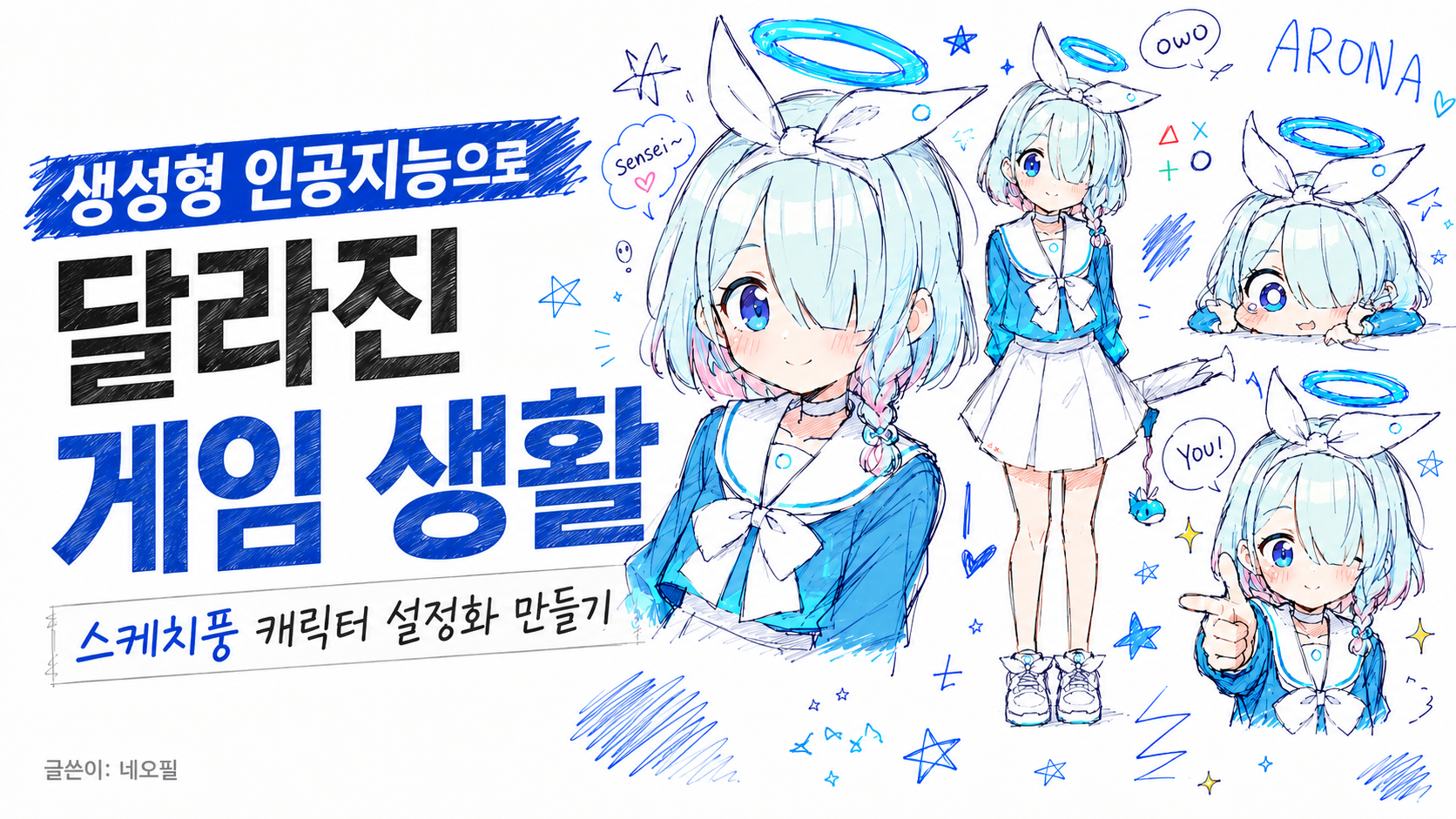
スケッチ風キャラクター設定画を作る
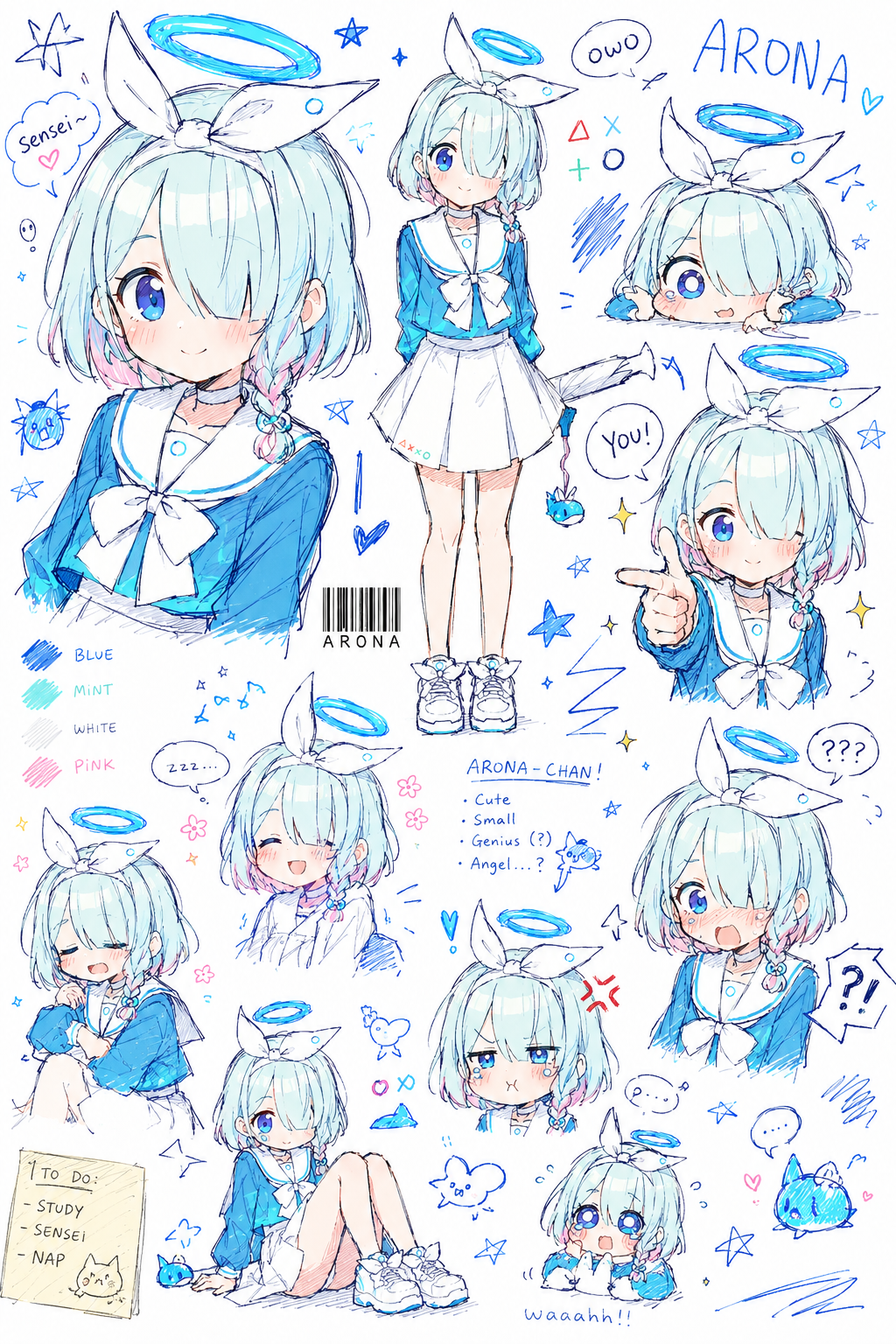
実際にブルーアーカイブのアロナで試してみた。プロが手描きしたような自然さがありつつ、驚くほど高いクオリティで仕上がる。
直したい部分があれば、そのまま追加で指示すればいい。とはいえ、無料モデルの利用者は1日に3~4回程度しか画像生成を使えないので、そこは少し慎重に使うのがおすすめだ。
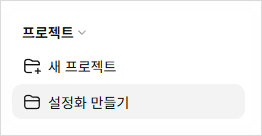
よく使いたいのに、毎回プロンプトをコピー&ペーストするのが面倒なら、「プロジェクト」機能を使えばいい。左側の新しいプロジェクトボタンを押してプロジェクトを作り、
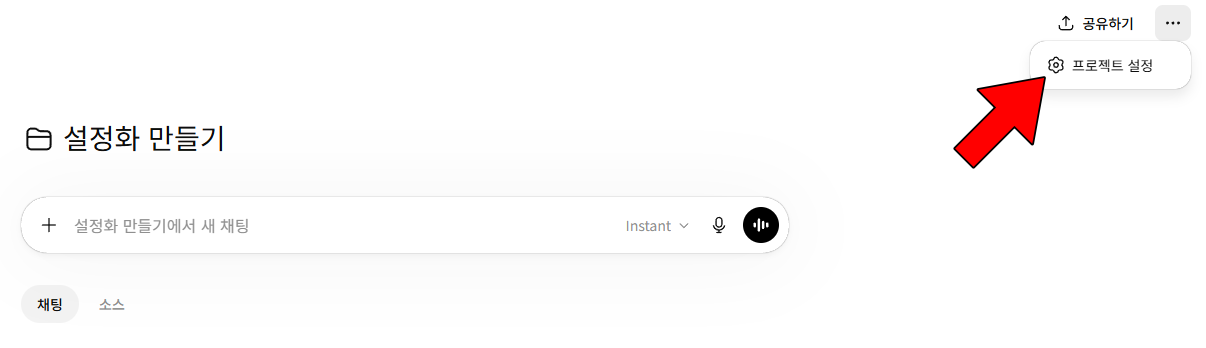
そのプロジェクトに入ったら、右上の3点メニューからプロジェクト設定をクリックする。
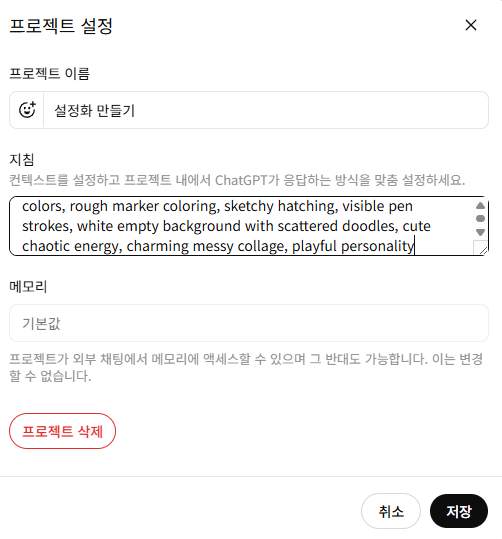
指示の欄にプロンプトを貼り付けて保存すれば、それで完了だ。
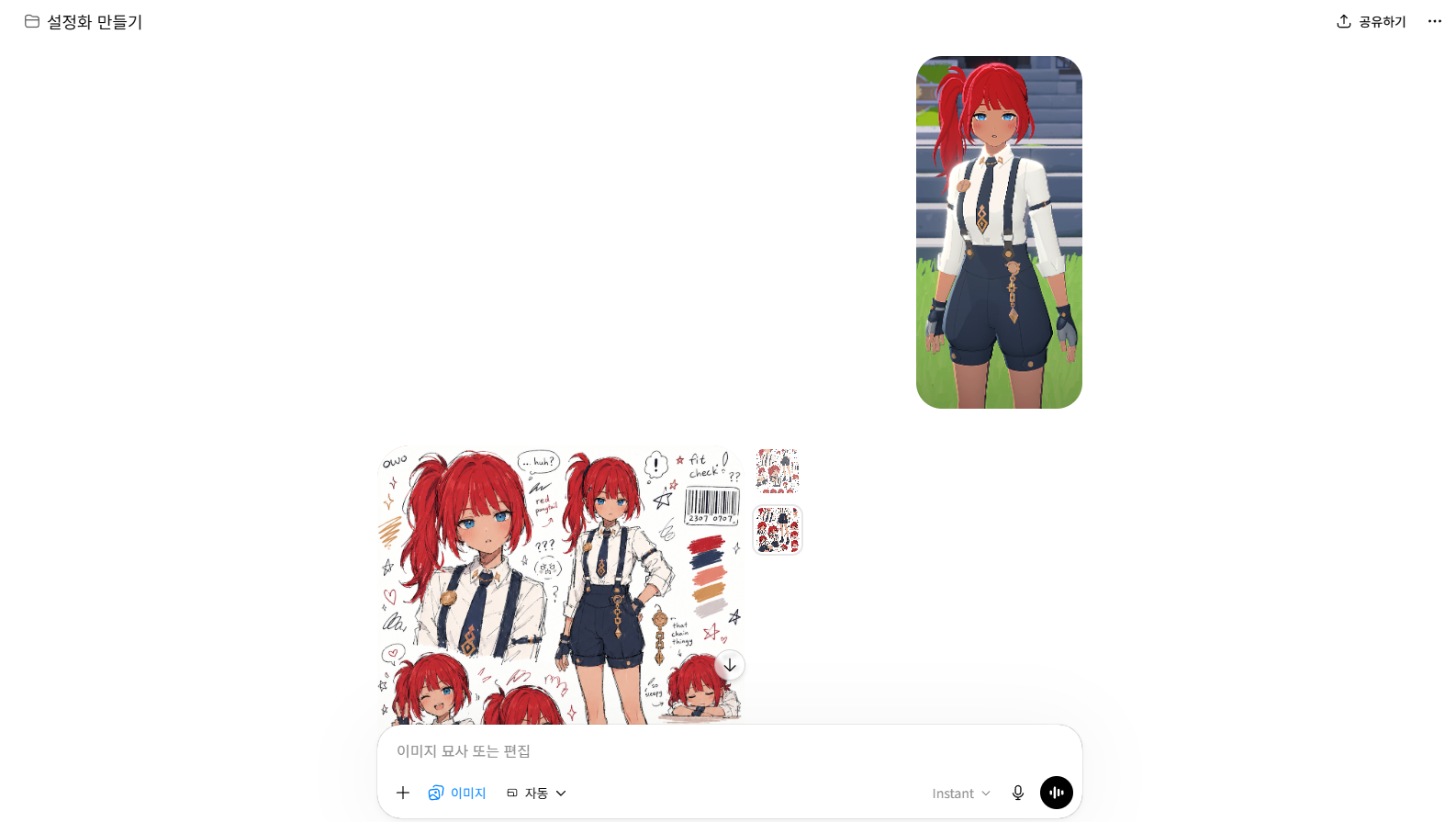
あとはプロジェクト内で、欲しいキャラクター画像だけ添付して画像生成に送れば、自動で作ってくれる。たまに妙な結果が出ることもあるが、そんなときは「指示どおりにやって」と入力すればすぐ修正される。
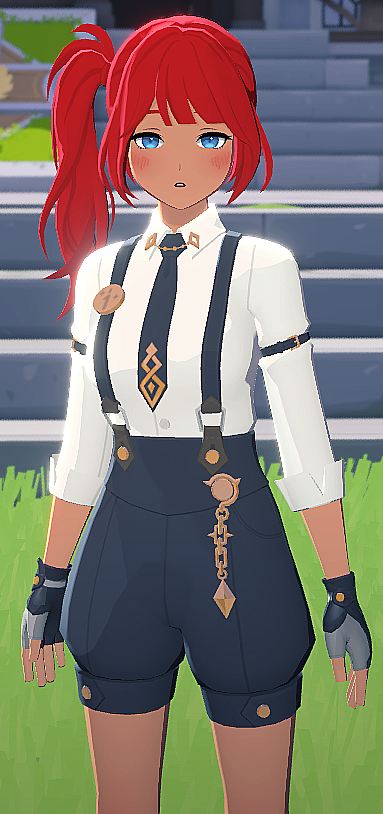
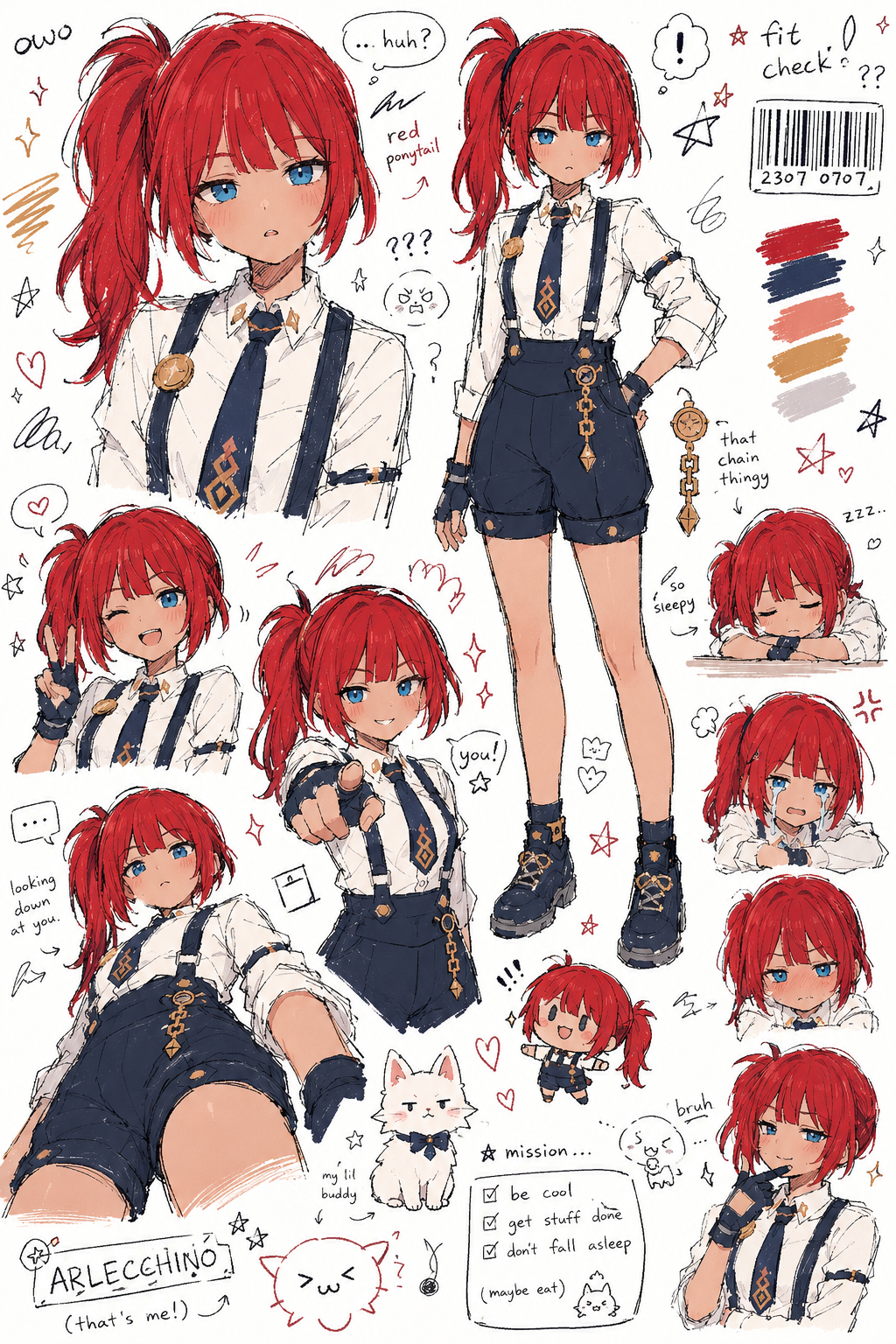
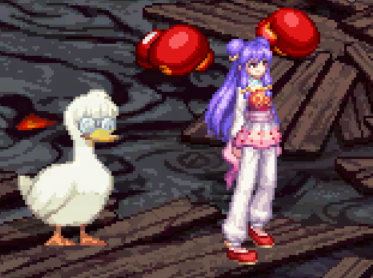
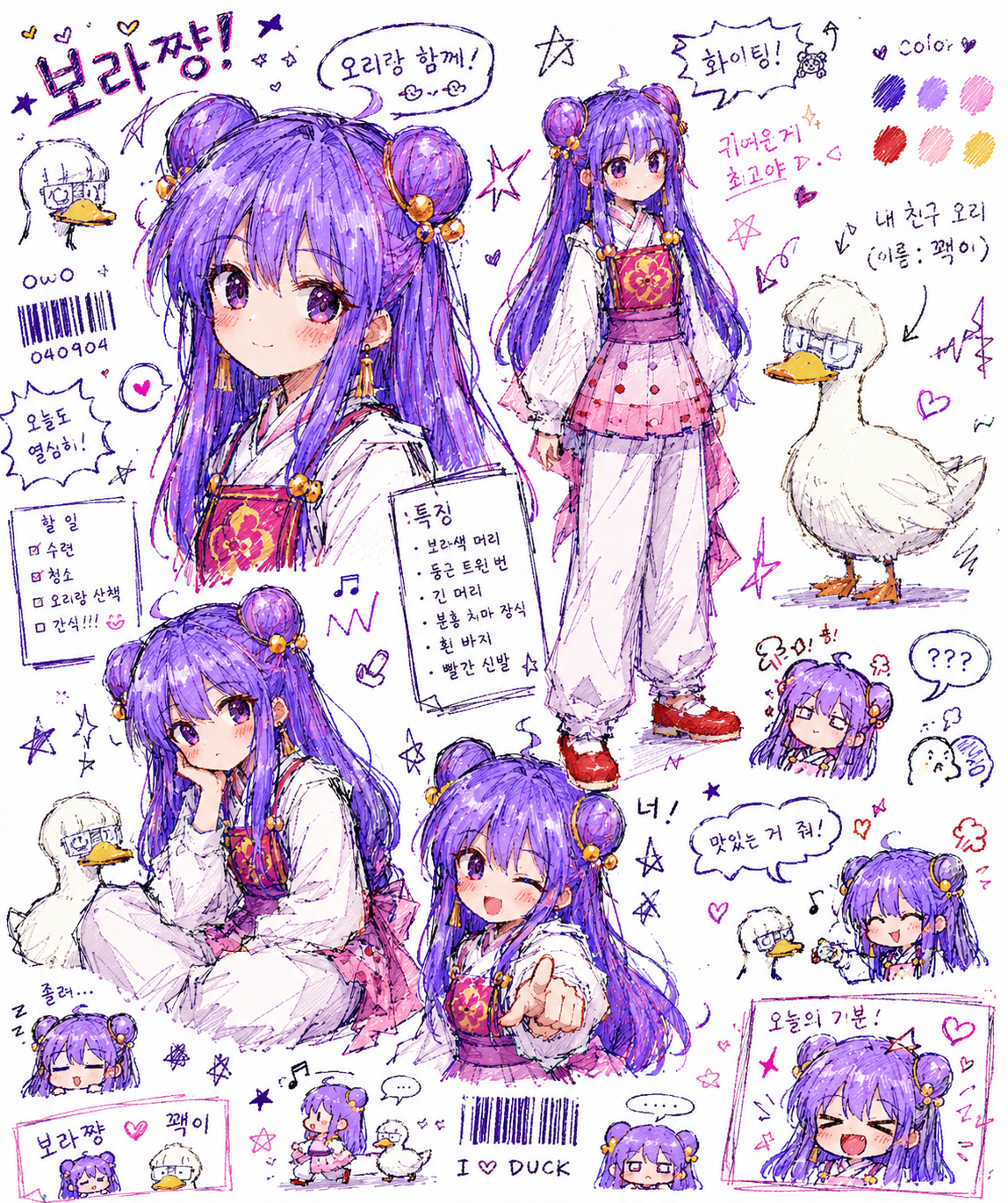
マビノギモバイルとDNFモバイルのキャラクターでも実際に作ってみた。キャラクターの具体的な設定や名前まで追加で入れておくと、完成度はさらに上がるはずだ。
おわりに
今では、発想はあるのに絵はあまり得意ではない人でも、AIを通して自分の可能性を引き出せるようになった。キャラクターへの愛着も、以前よりいっそう深くなるだろう。そしてこれは、AIによって変わったゲーム生活のほんの一部にすぎない。
![[메이플 플래닛] 옛날 메이플 정보? AI로 편하게 공략하기 (달라진게임생활)](https://peak-file.nexon.com/uploads/20260611_1256_d8a46744.png)