Let’s take a look at 5 useful features in DNF Mobile.
네오필


DNF Mobile is a long-running game now approaching its 4th anniversary.
Over the years, its quality-of-life features have continued to evolve with mobile play in mind.
Today, let's take a look at some of DNF Mobile's useful features.
Avatar Showroom


First up is the Avatar Showroom.
The "Avatar Yearbook" lets you browse every avatar released so far.


In "Avatar Shopping," you can also see which avatars are currently available for you to purchase.
After trying on different pieces, you can save your favorite lookbook setups, load them again later, or share them with others.
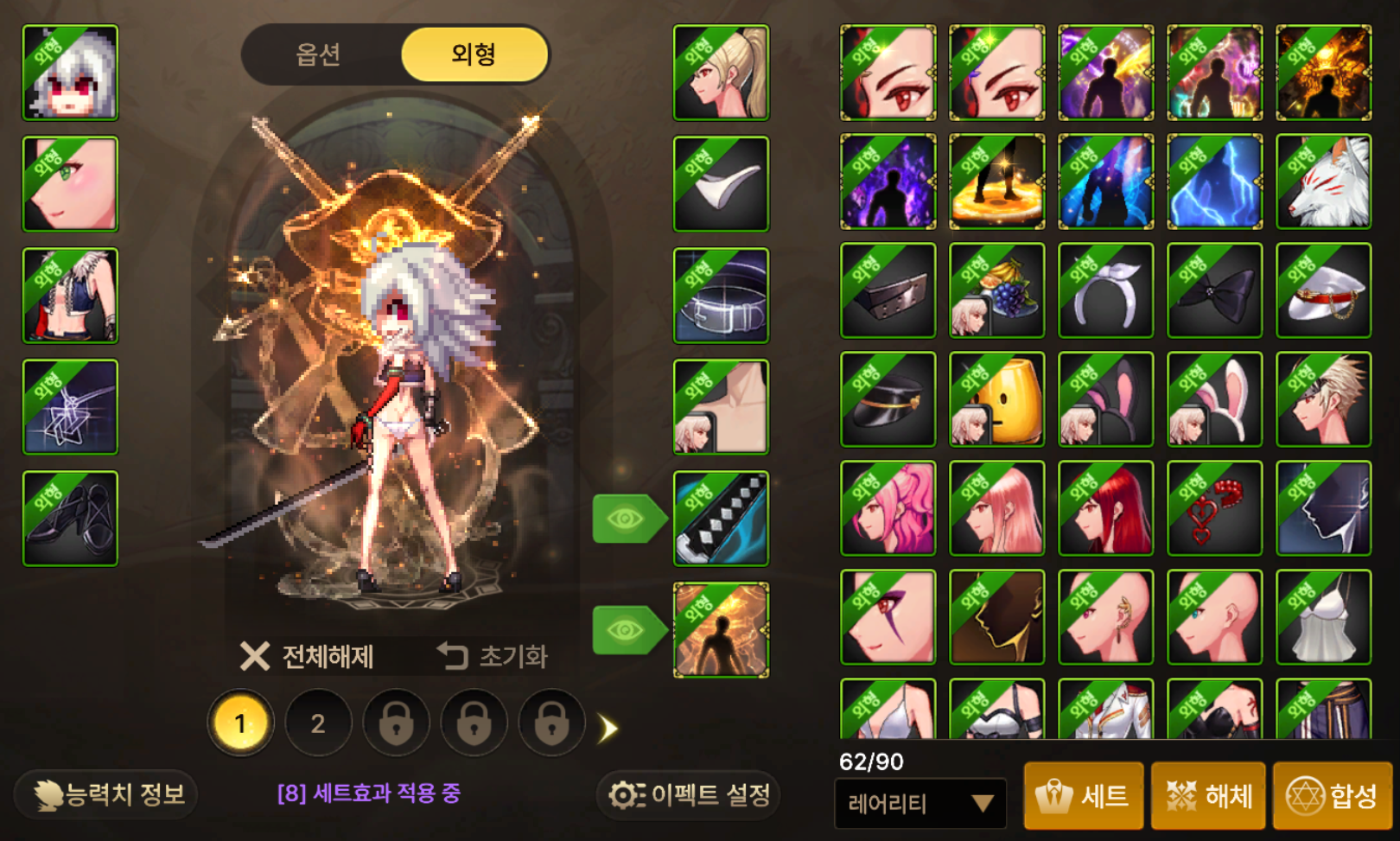
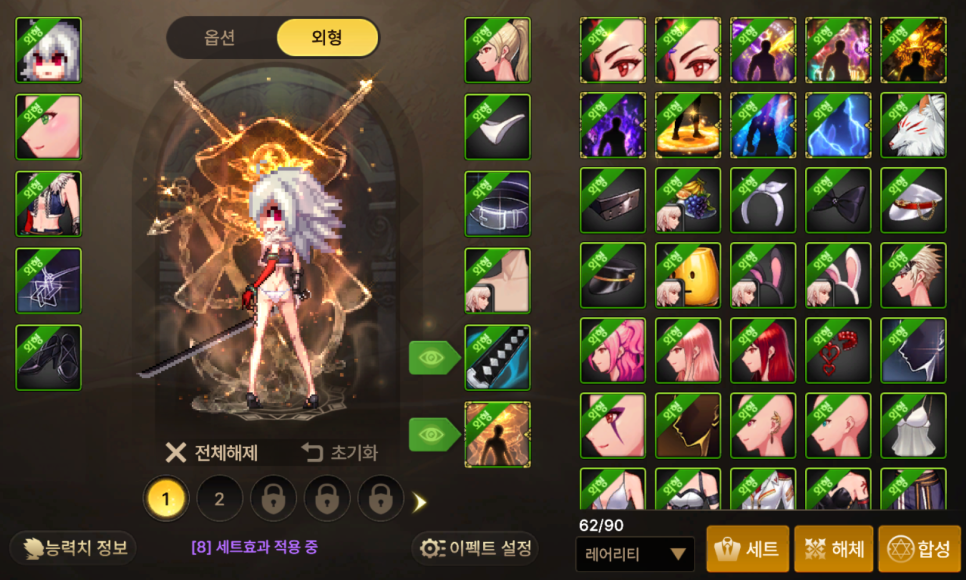
You can also apply just the appearance of any avatar, which helps keep the cost of changing your look down.
Quick Stickers
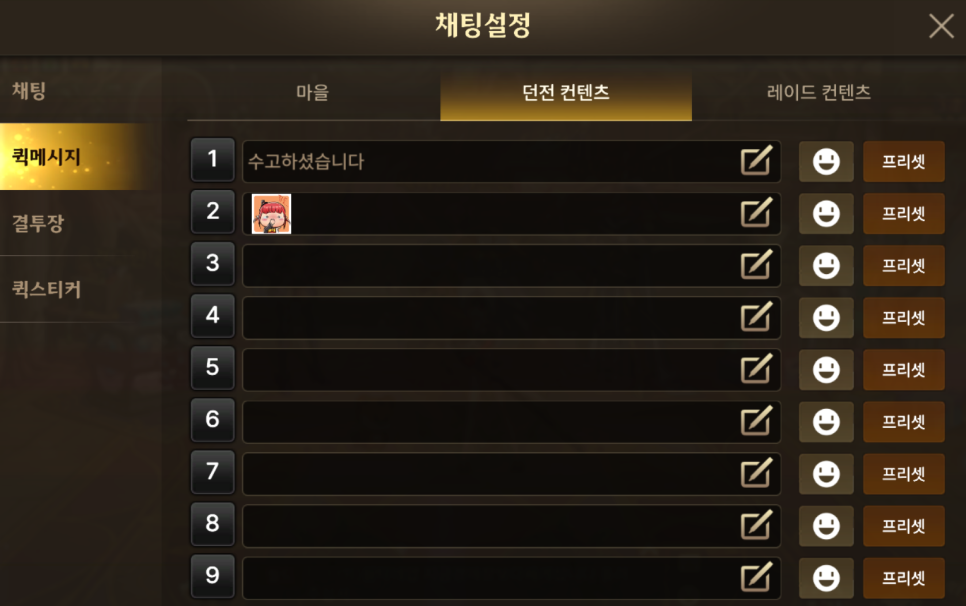
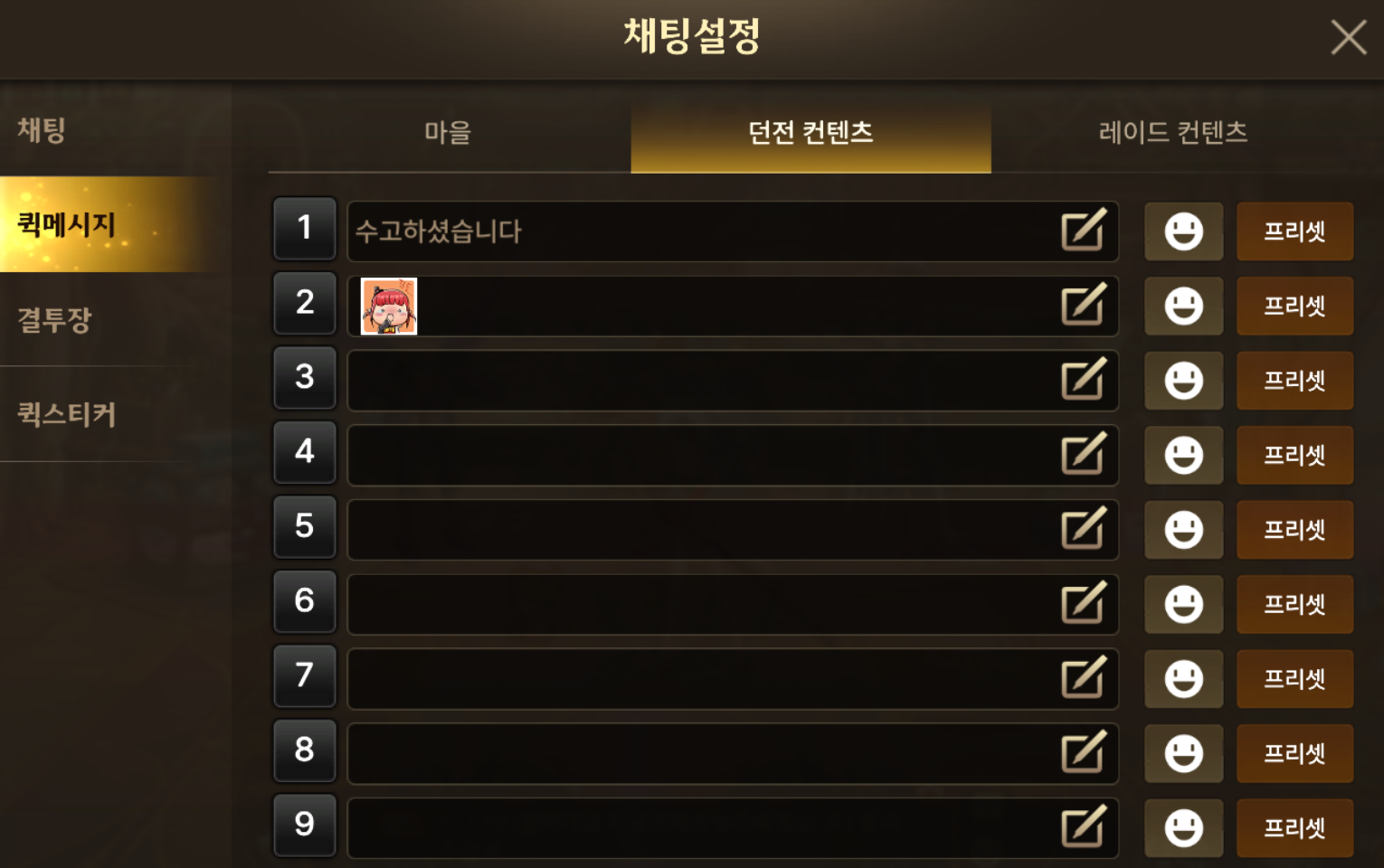
Second on the list are Quick Messages and Quick Stickers.
You can save chat messages or stickers, then use them instantly later by entering their assigned number.
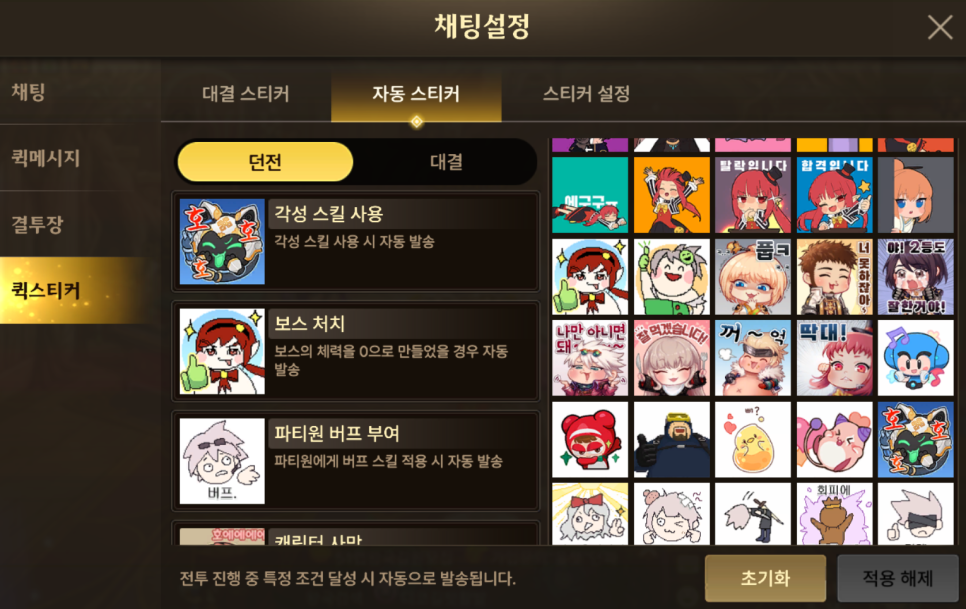
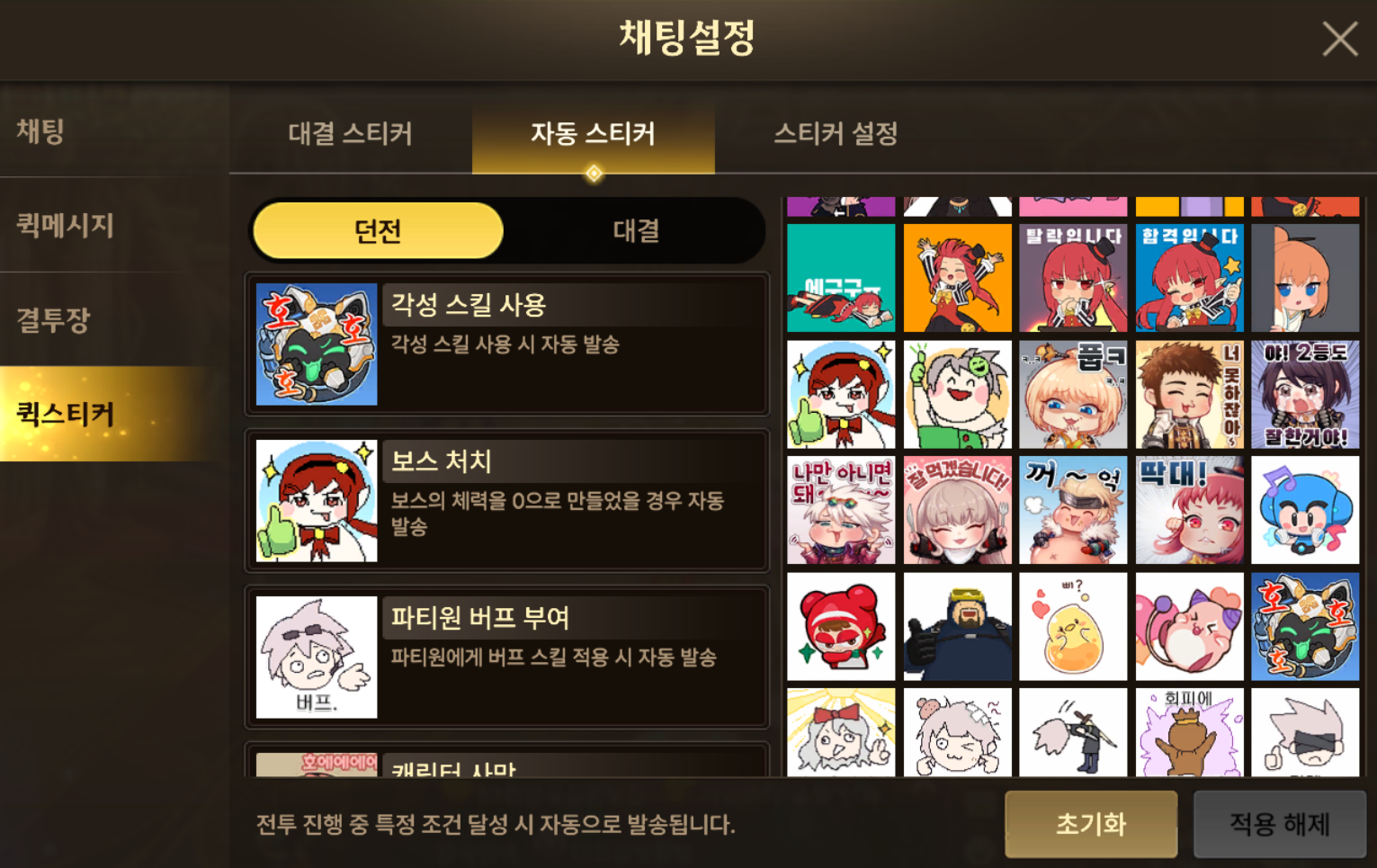
I often use the Auto Sticker feature myself.
It automatically displays your chosen sticker in specific situations, such as when you use an Awakening skill or defeat a boss.
For example, you can set a thumbs-up sticker to appear after defeating a boss in place of a greeting.
Vault System

Third is the Vault.
In DNF Mobile, you can access your vault from anywhere on the map by opening your inventory and tapping the Vault tab on the left.
You can even open it in the raid lobby, giving you plenty to do while you wait for others.
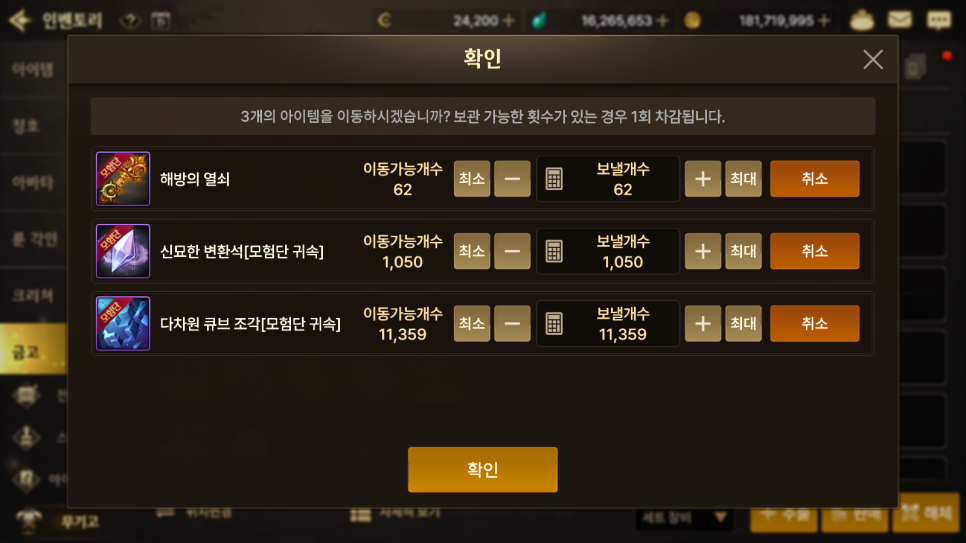
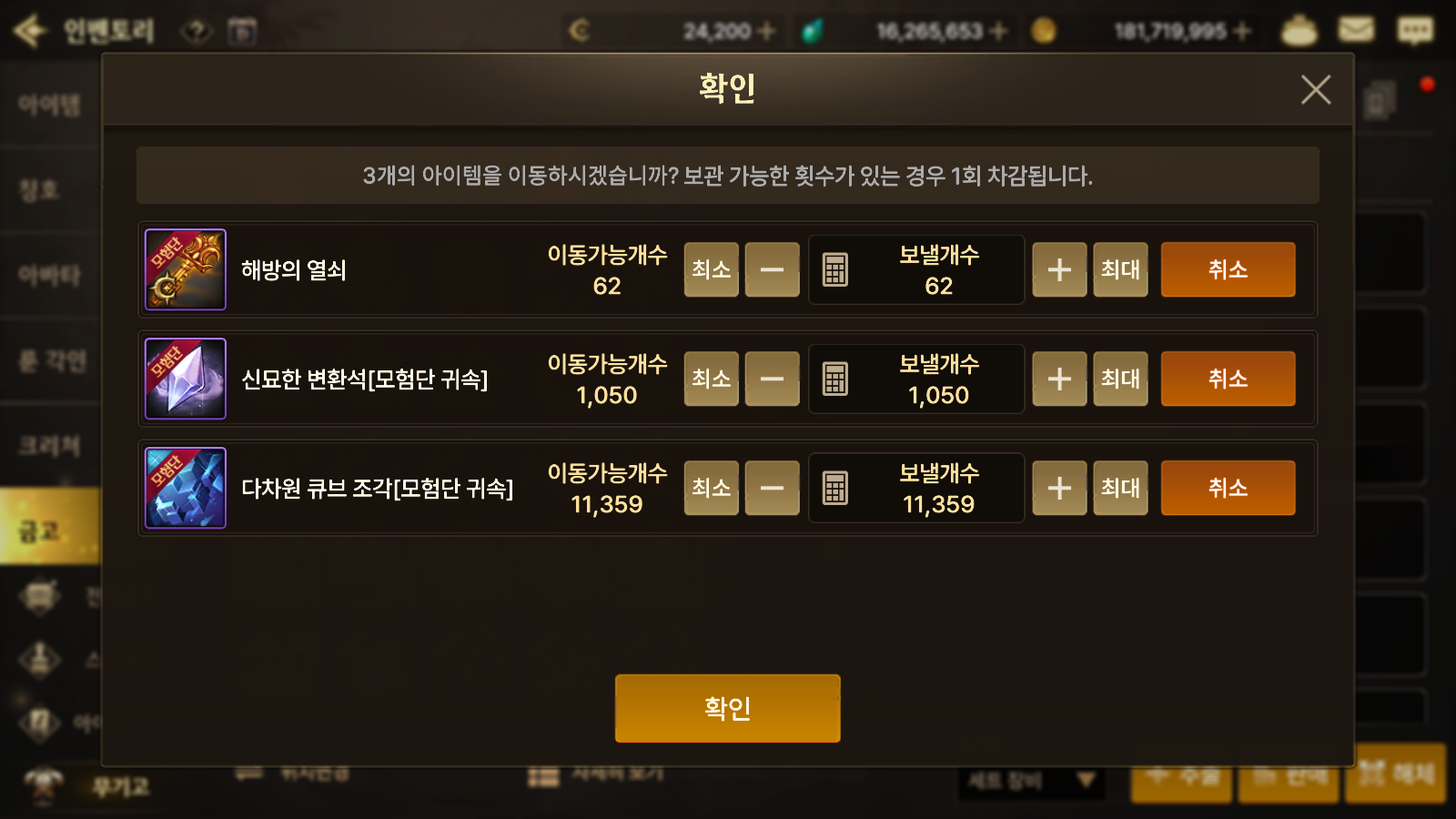
Another useful feature is bulk storage, which deposits inventory items that you already have copies of in your vault.
It's essential for players who build up multiple characters.
You can also exclude individual items that you don't want to store in bulk.
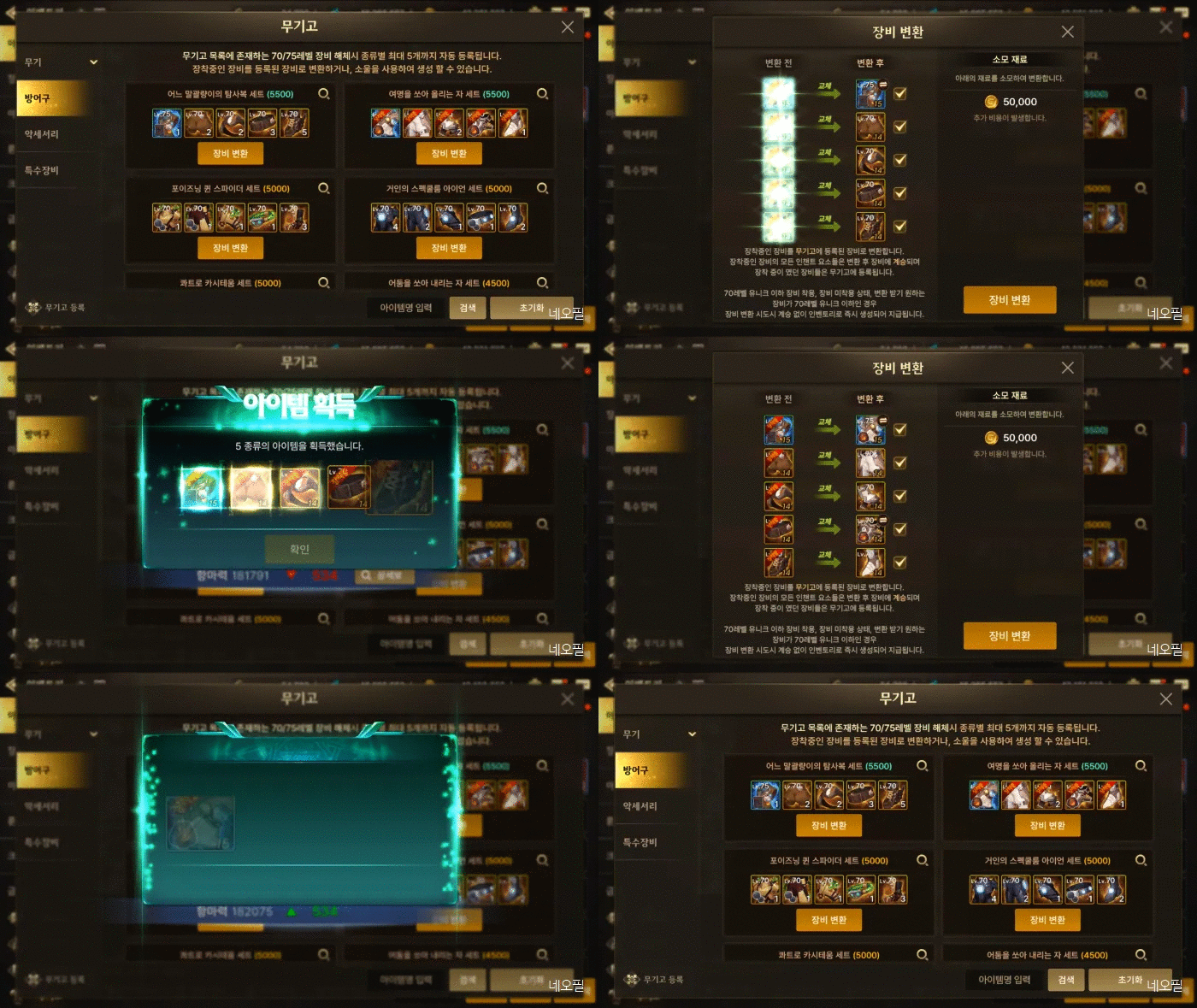
I particularly like the Armory system added this season.
I can store all the equipment I've obtained here and freely switch gear anytime, anywhere. It's a convenient system, and I hope it stays in place.
Fatigue Battery


Fourth is the Fatigue Battery.
Fatigue is a form of energy you spend to run dungeons.
You receive 100 each day. If you leave it unused until the next day, you receive 50 in your Fatigue Battery, which can store up to 100.
In other words, if you take a break on days 1 and 2 and log in on day 3, you can enjoy a longer session with 200 Fatigue.


You can also save up 150 Fatigue for Thursday's weekly content reset, then run the weekly dungeon (80) and elite dungeon (60) in one session.
This is especially useful for people whose work schedules keep them from logging in every day.
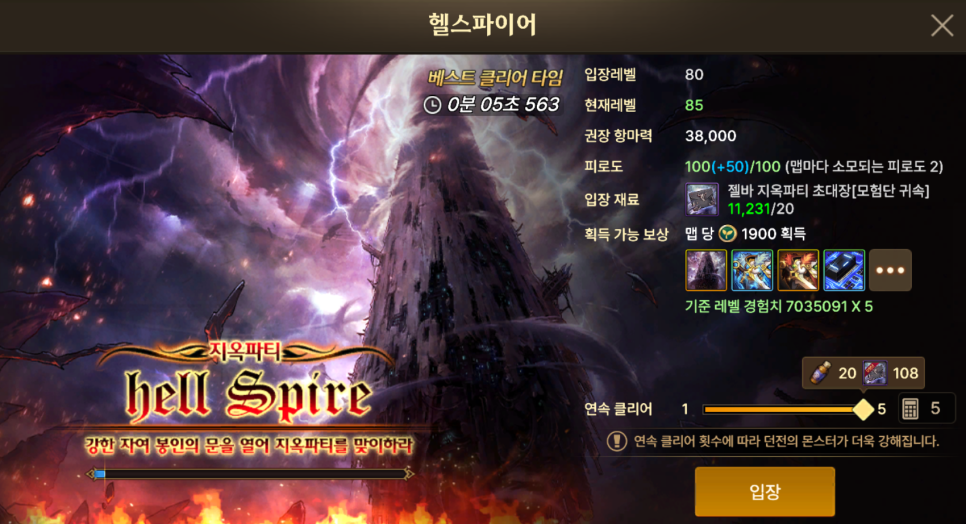
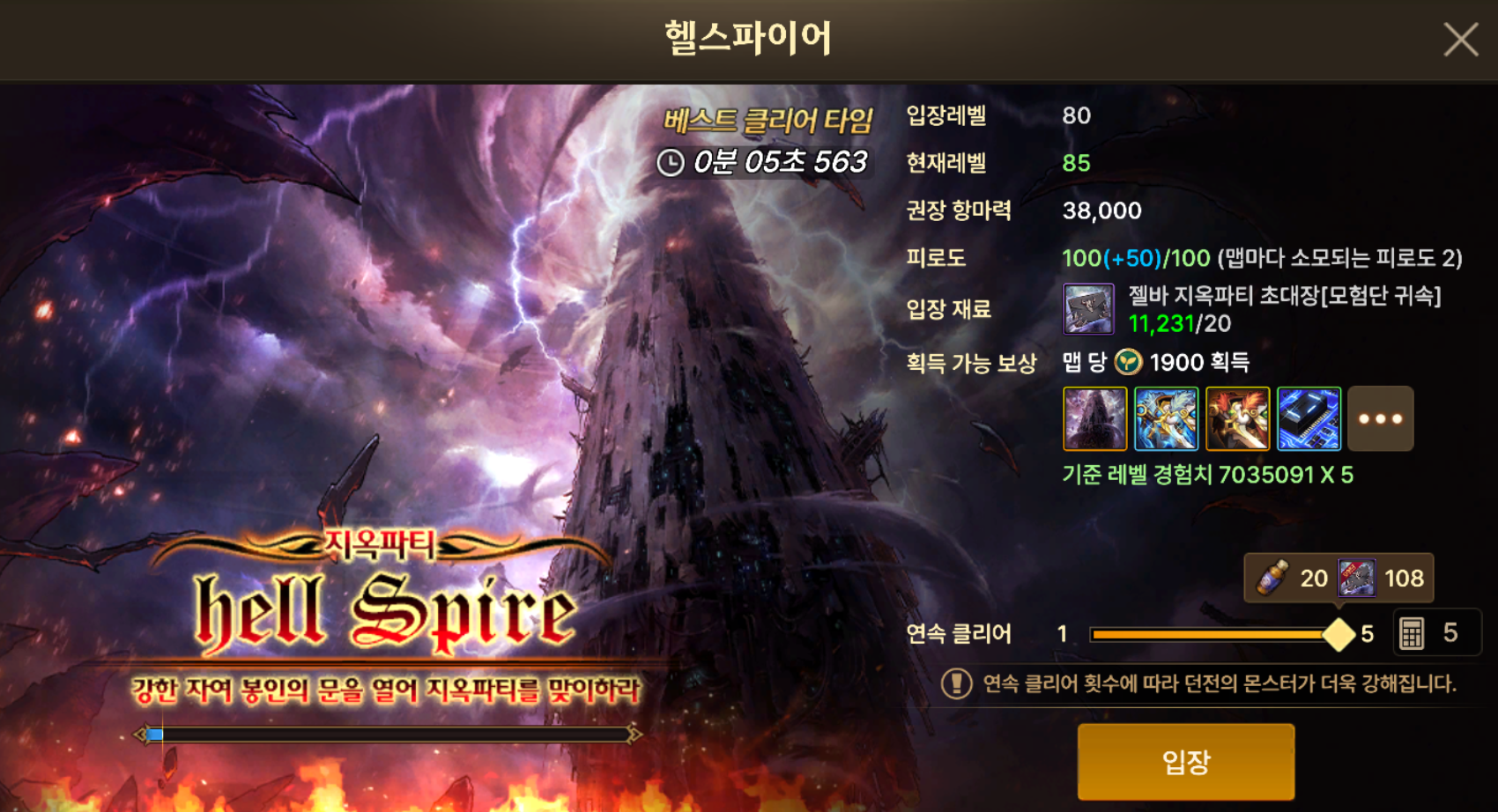
On a related note, the recently added Consecutive Clear system lets you complete the equivalent of 5 Hell Party dungeon runs at once.
I also appreciate how this change brings Hell Party dungeons, which cost 4 Fatigue per run, in line with the pace of regular farming dungeons, which cost 20.
Combo System
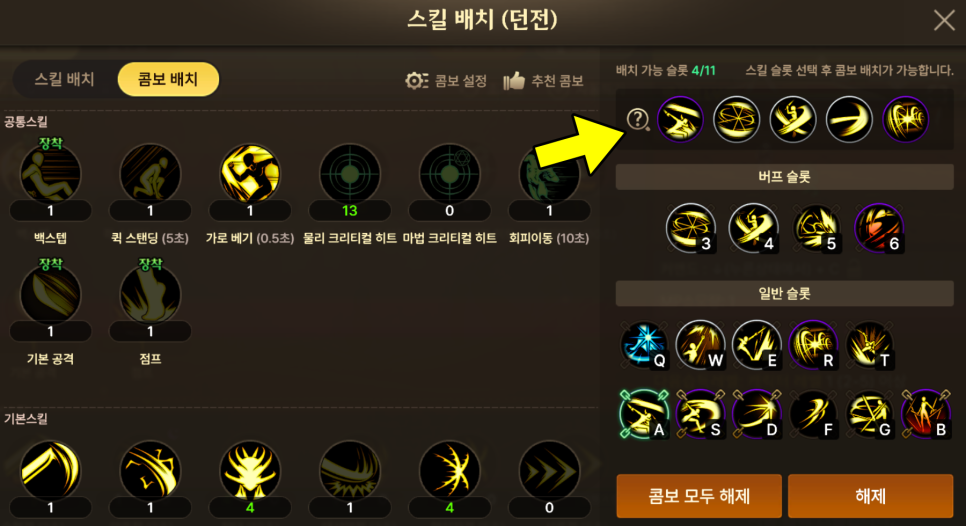
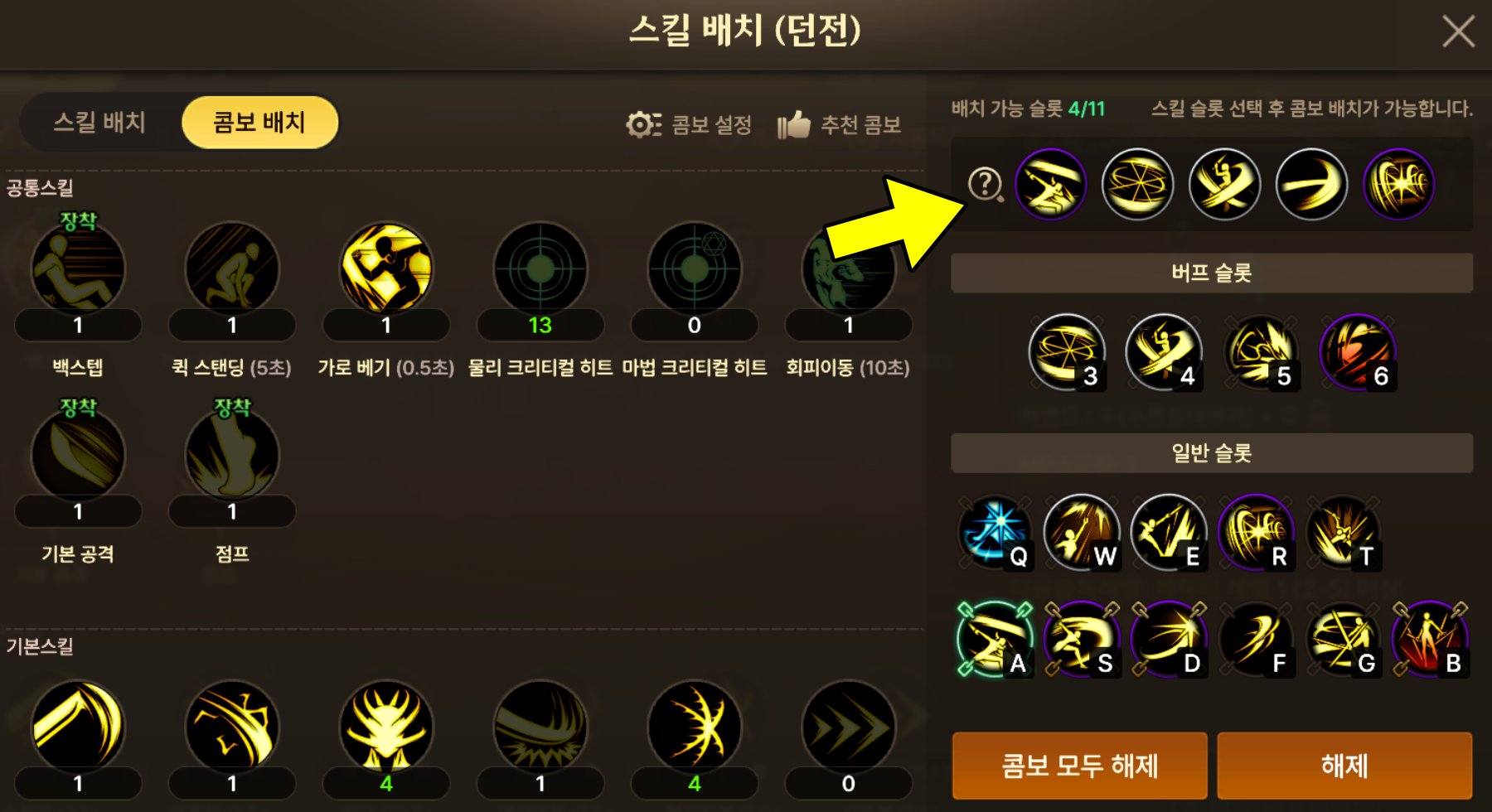
Fifth and finally, there's the Combo System.
You can assign up to 5 skills of your choice to a single shortcut slot.

This feature simplifies your controls even when you have many different skills and makes classes like Spectre, where skill order matters, easier to play.
It makes such a difference that I don't think I could have built up a Spectre without it.
Closing Thoughts


These changes show that DNF Mobile is doing more than recreating the original game. It continues to evolve with mobile play in mind.
I look forward to seeing what new quality-of-life features and systems are added in response to player feedback.

![[피크 챌린지] 게임도 편하게 할 수 있어! : 마비노기 모바일](https://peak-file.nexon.com/uploads/20260726_0352_2ec3dfae.png)
![[피크 챌린지] 마비노기 모바일 편의성 앞으로도 부탁해(feat. 냉장고를 부탁해)](https://peak-file.nexon.com/uploads/20260725_0334_4314ccc7.png)