If you can’t find the stickers you want for your phone case, make your own!
마포감튀
Hello!
It's 마포감튀 here.
Keychains have become more than just a trend—they're a way to show who you are.
Your phone case is another way to express yourself, so of course you want it to look great!
It's fun to start with a plain case
and decorate it with stickers of your favorite characters,
but if you've ever been disappointed because you couldn't find the stickers you wanted, this post is for you!
If you love MapleStory, follow along below to create a phone case that's all your own!
A case featuring your MapleStory character
https://maplestory.essential.nexon.com/kr/@/product/list/labs
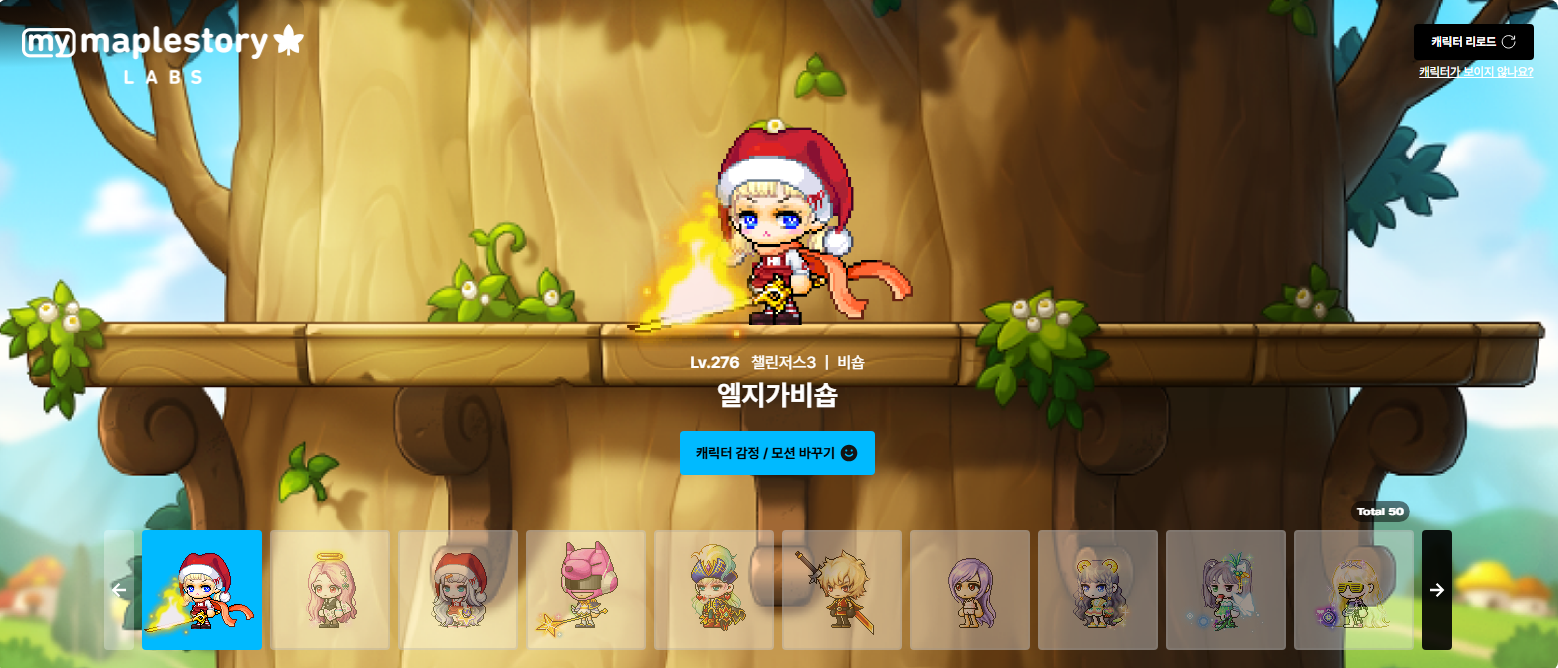
First, head to 넥슨에센셜 - MapleStory - Labs.
Once you log in, you'll see all your characters lined up.
Start by choosing the character you want,
then use that character to design your phone case.
When you order, you can choose a case for your iPhone or Galaxy model.
The supported Galaxy models cover a really wide range, from the S8 to the S25 Ultra,
and the iPhone options go all the way from the iPhone 6 to the iPhone 17!
There are 4 design themes to choose from.
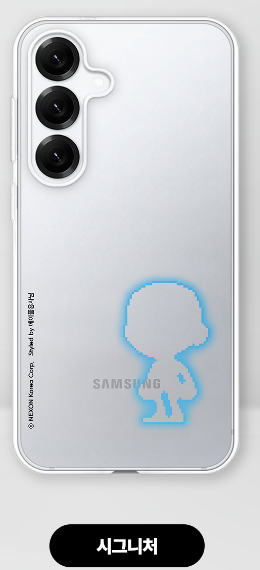
Signature puts your character in the spotlight.
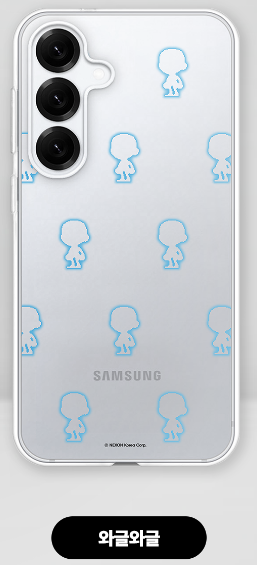
Bustling repeats your character in a monogram-style pattern.
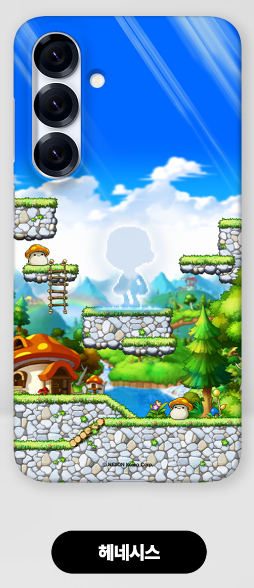
Henesys places your character in Henesys, the popular social hangout.
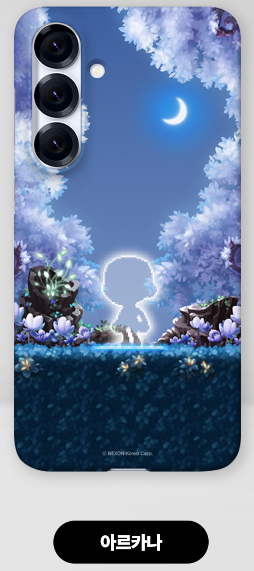
Arcana gives your case a calm, soothing feel.
I ordered a Bustling case myself, and I've been using it!
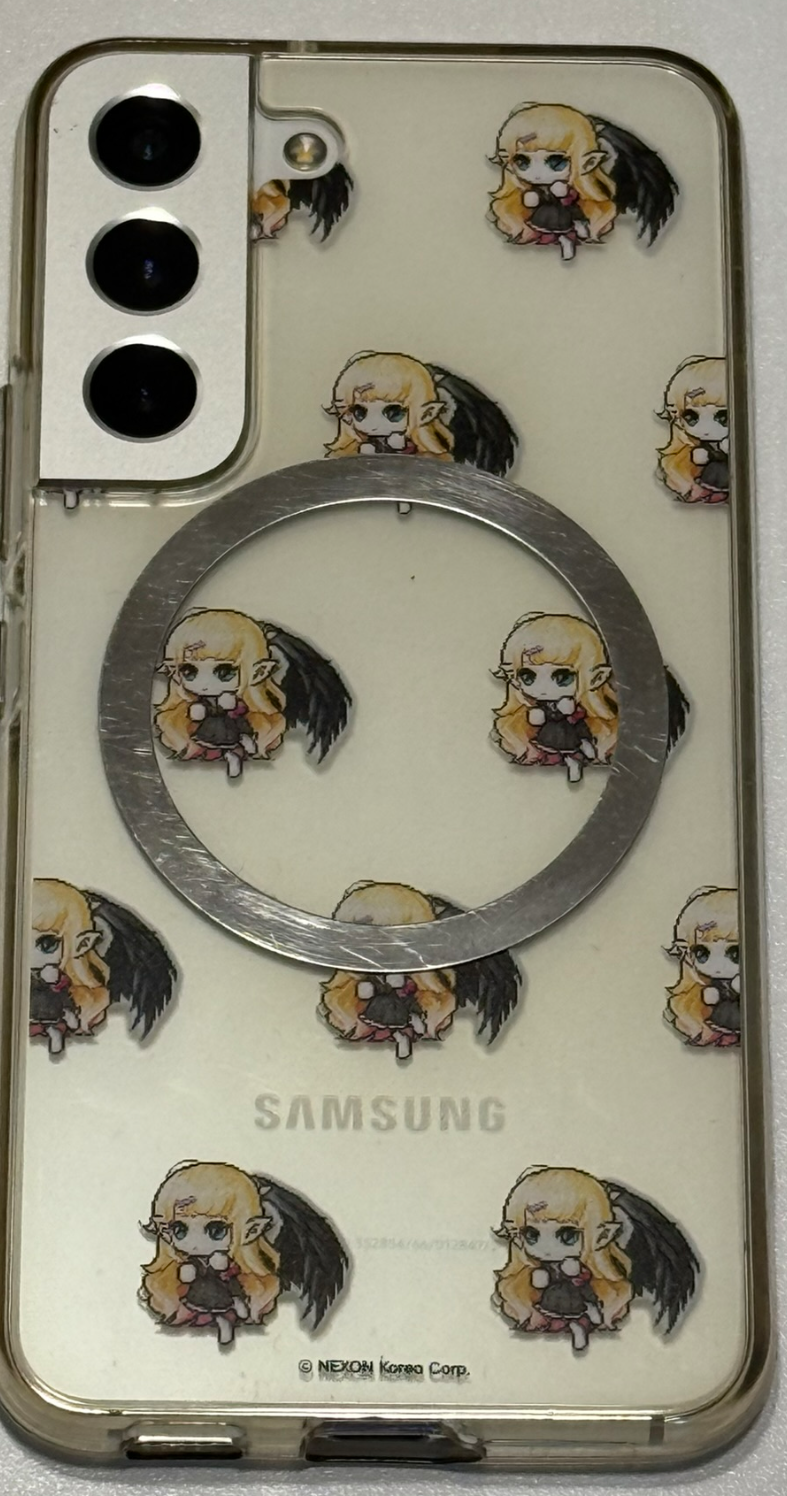
The only downside is that these are only available as basic soft cases, with no MagSafe support.
Hopefully they'll release a MagSafe-compatible option later!
A custom case made with MapleStory designs
You can find these on 넥슨 에센셜 as well.
Head to MapleStory - Custom Studio,
then Create Your Own - Smartphones to find a variety of case options.
You'll find cases for the Z Flip and Fold series here, too.
There are 4 main case types: soft, matte hard, glossy hard, and bumper (with camera protection).
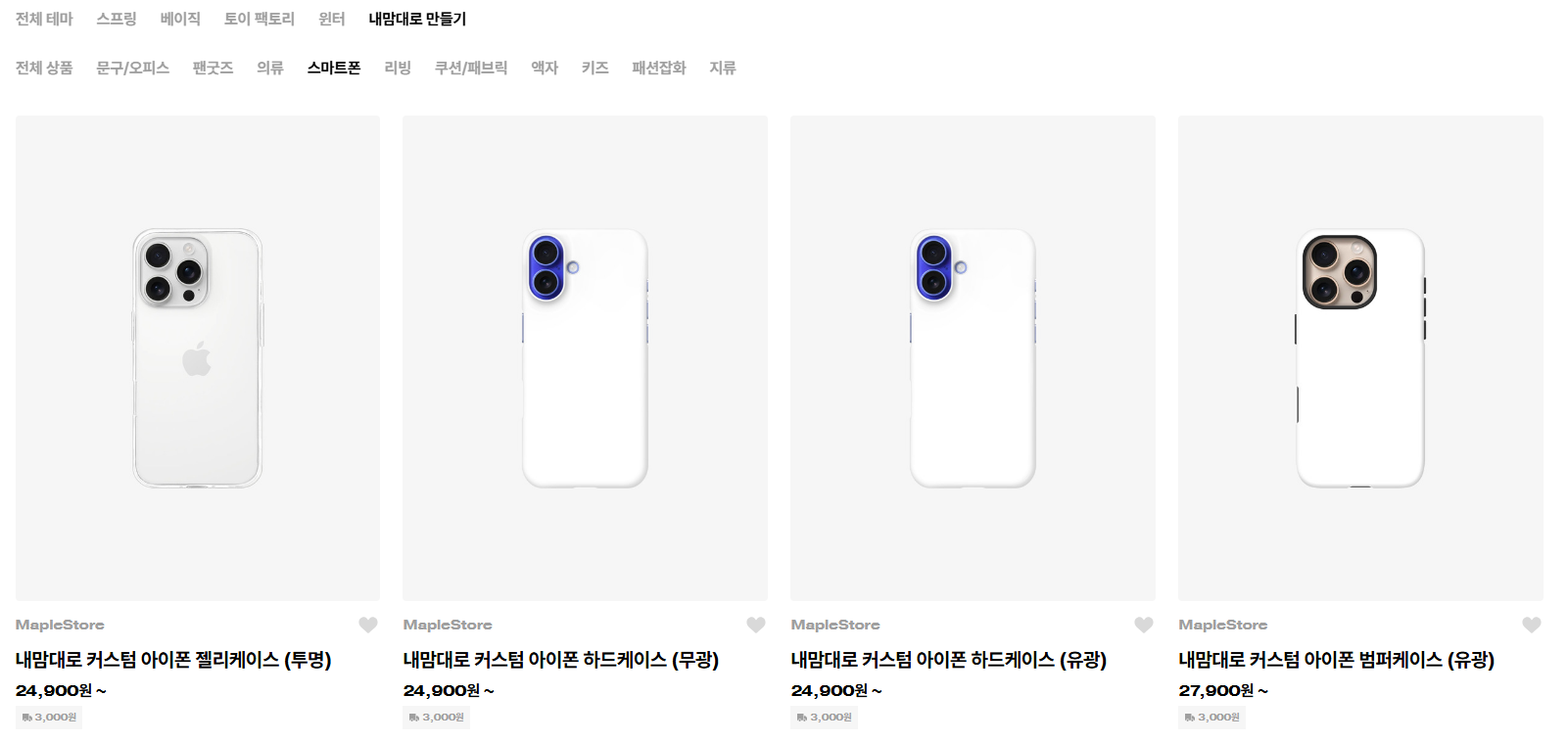
Let me click on one to show you how it works.
I'll go with a bumper case.
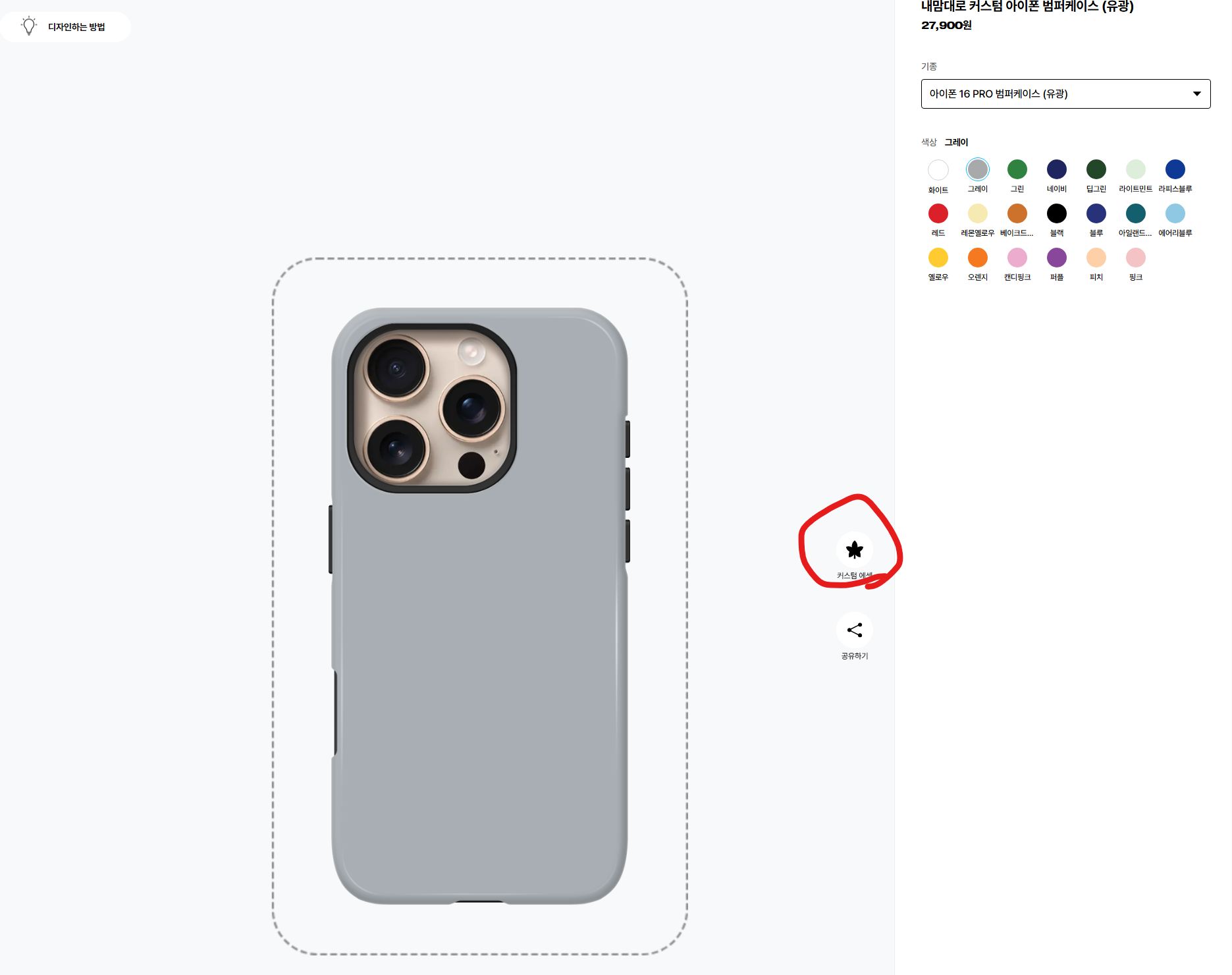
First, choose your base color here.
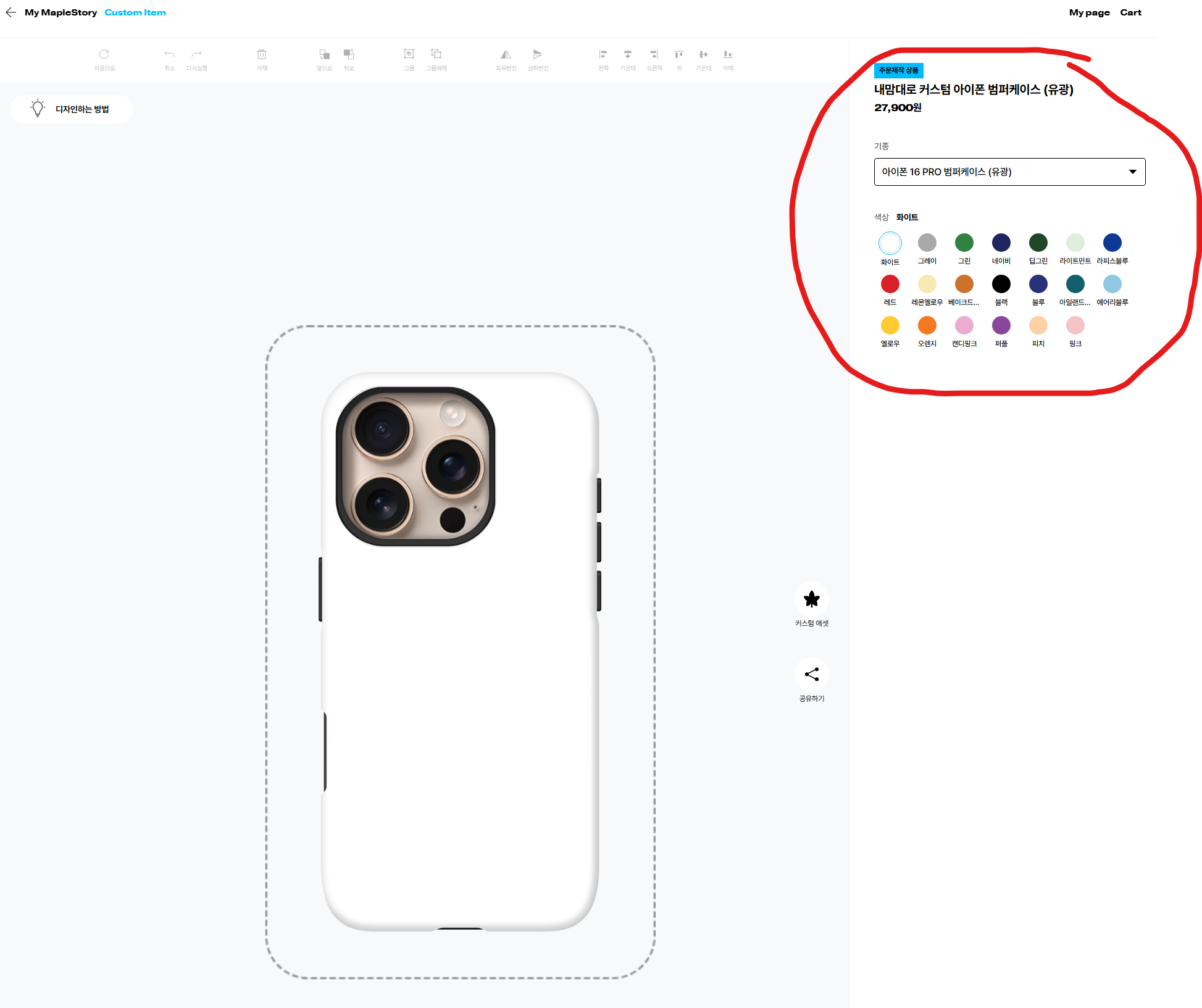
I'll try gray for now.
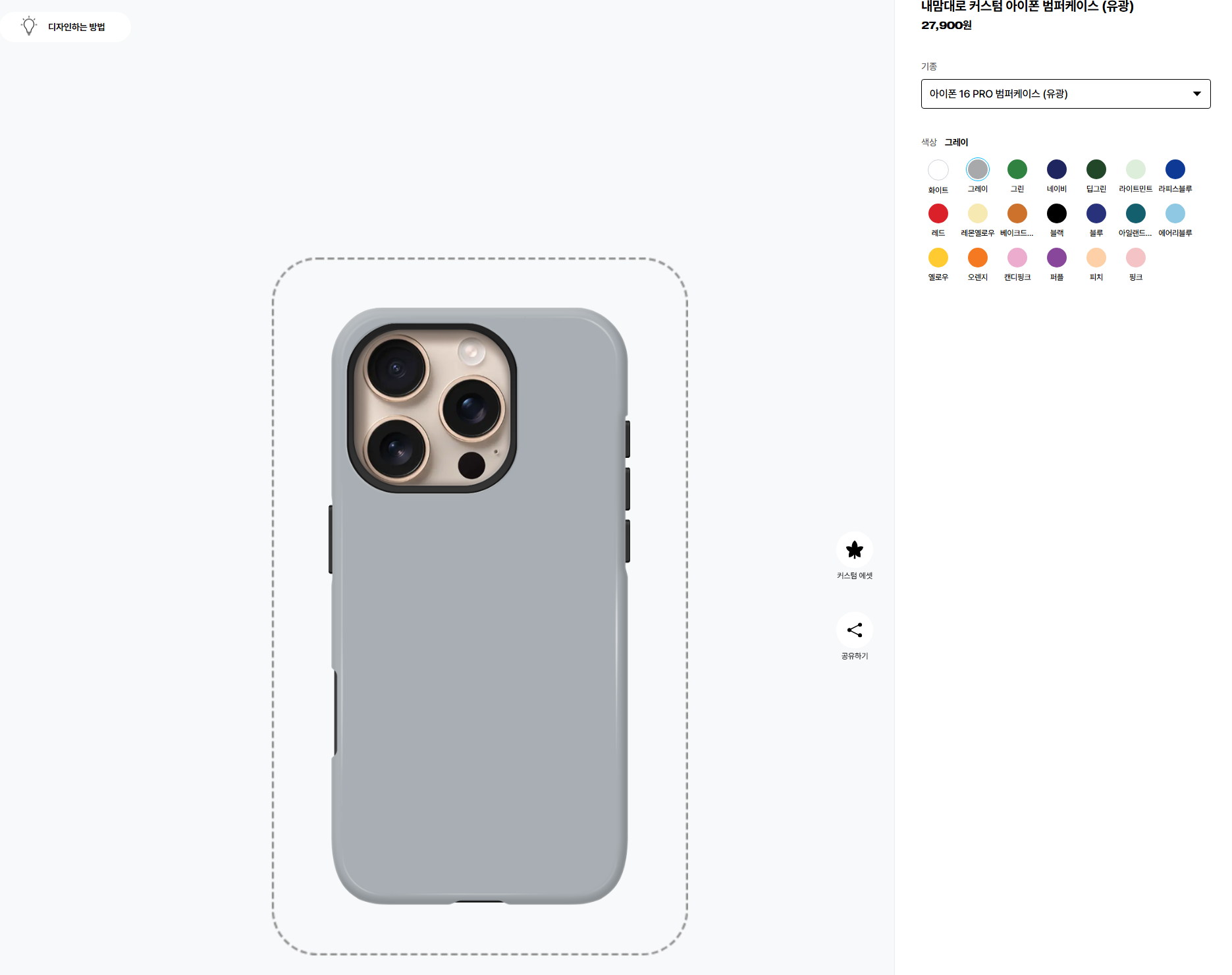
Next, click ‘Custom Assets’ to browse the MapleStory assets.
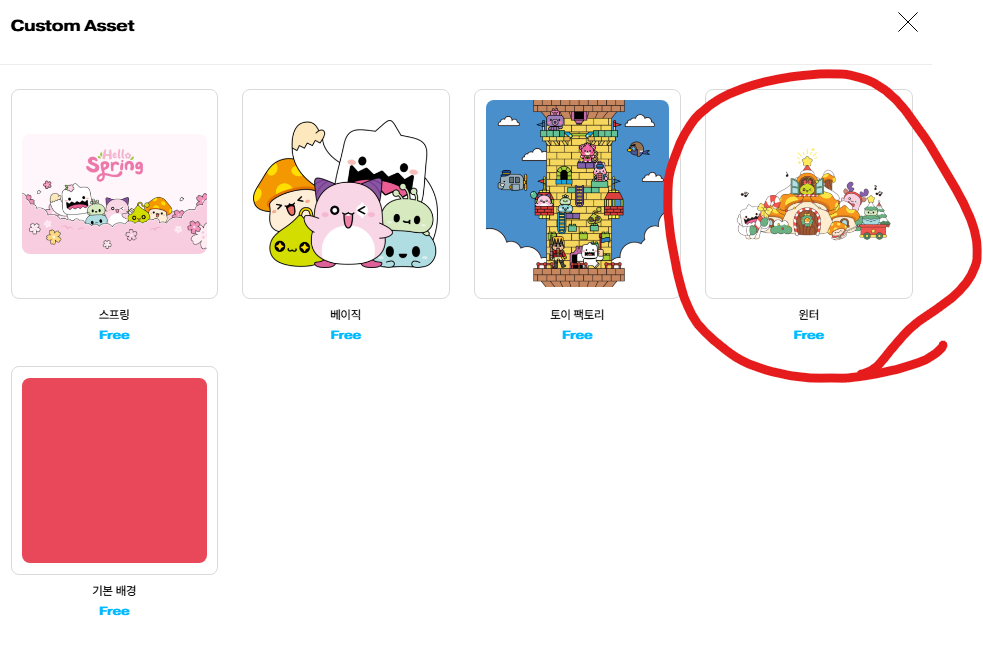
I don't think the new ‘Winter’ theme was here last time I looked, so let's click on it and take a look.
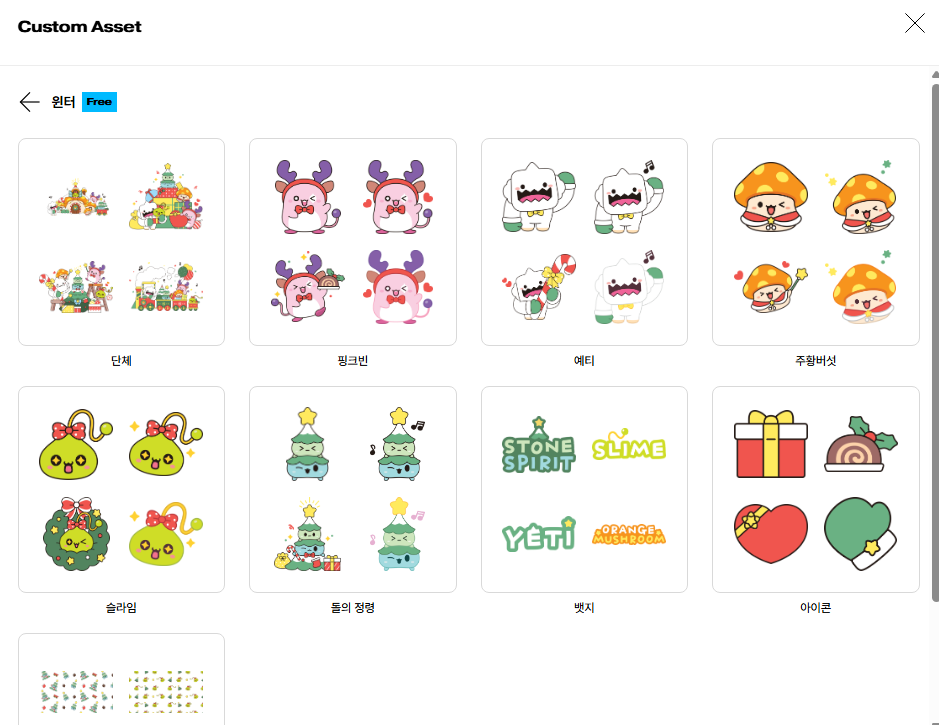
How about adding an adorable Pink Bean?
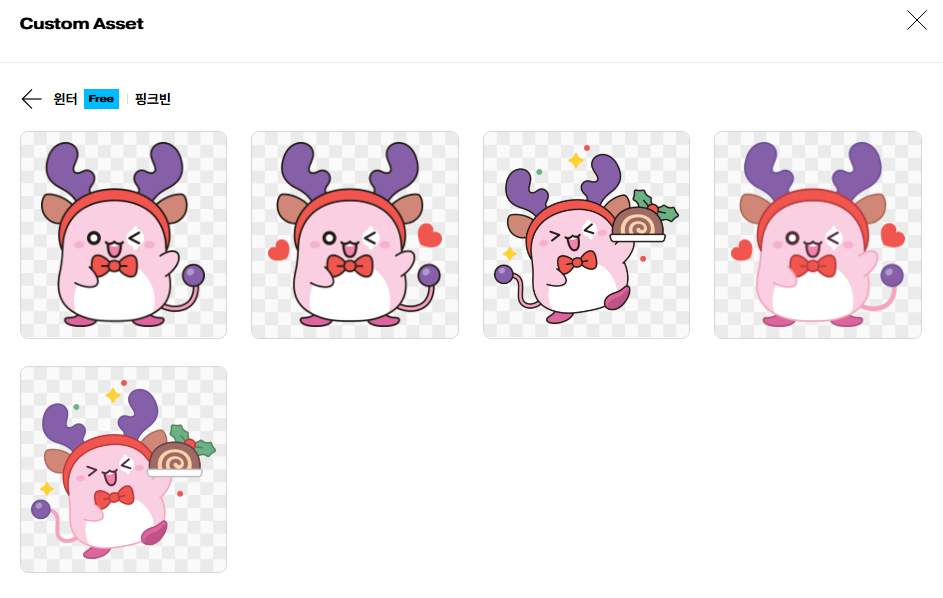
Click the design you want, and Pink Bean will appear in the editor like this.
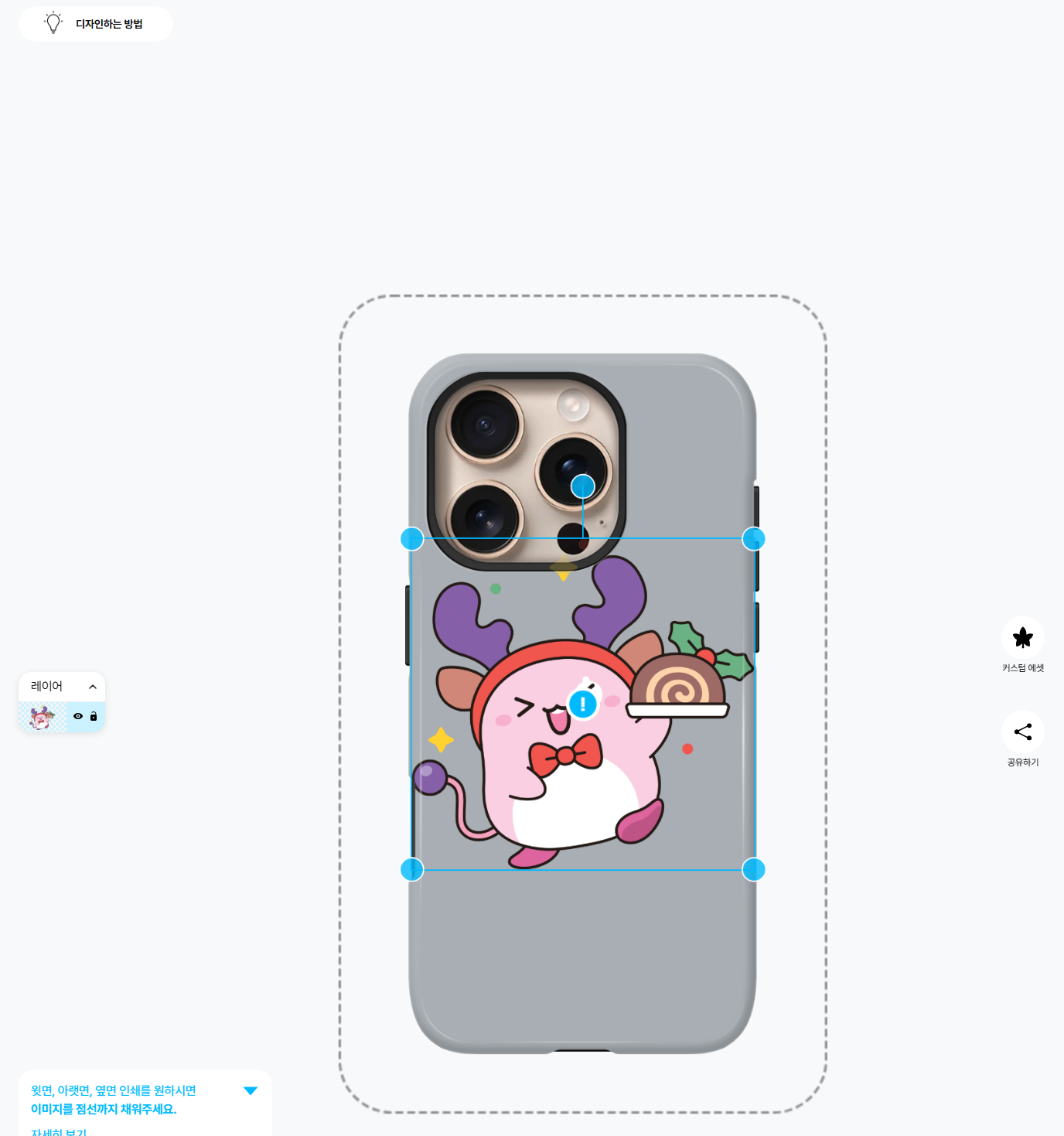
Let's add some other assets to decorate the case, too.
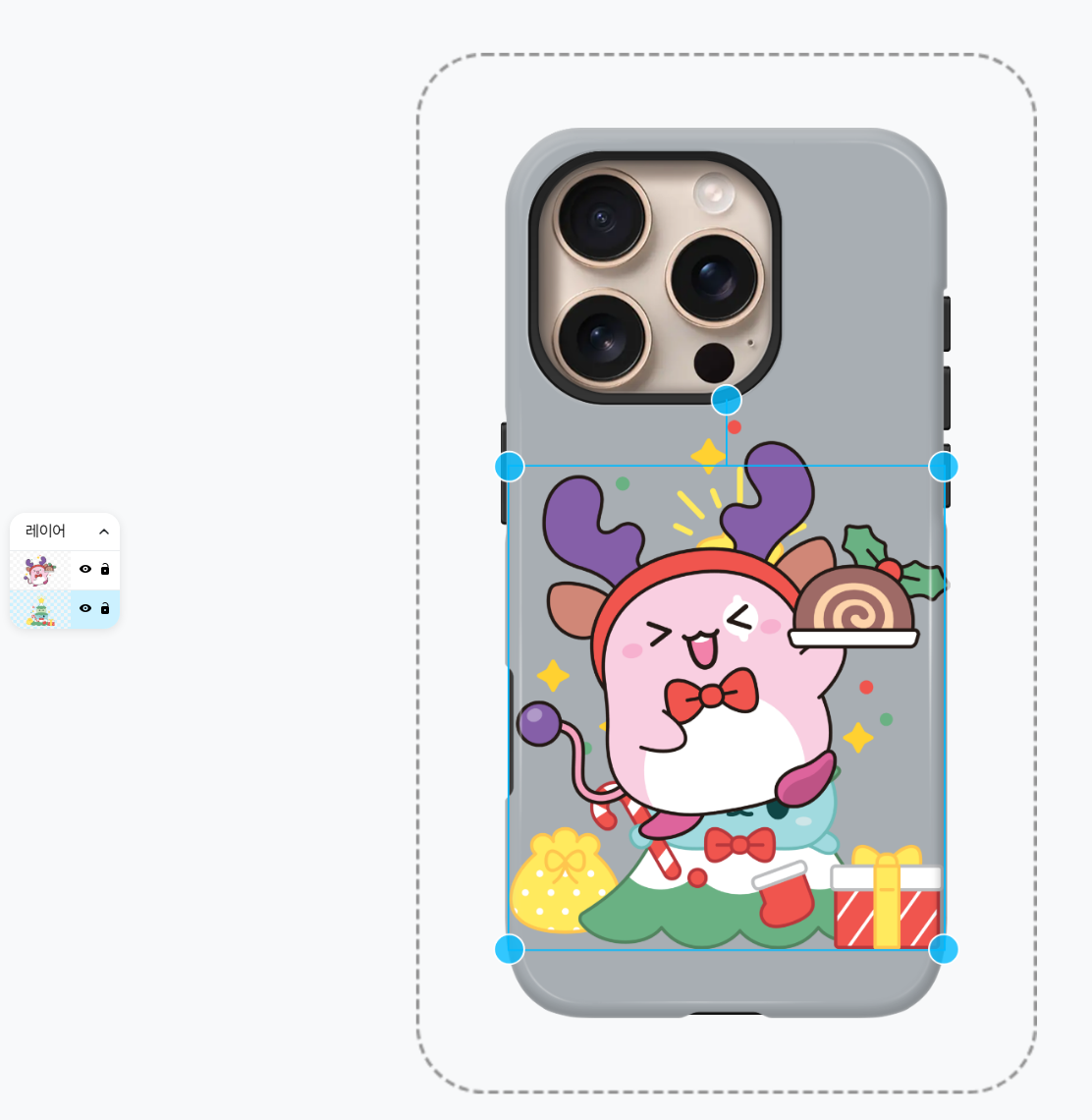
The layers panel on the left shows you which images sit above or below the others.
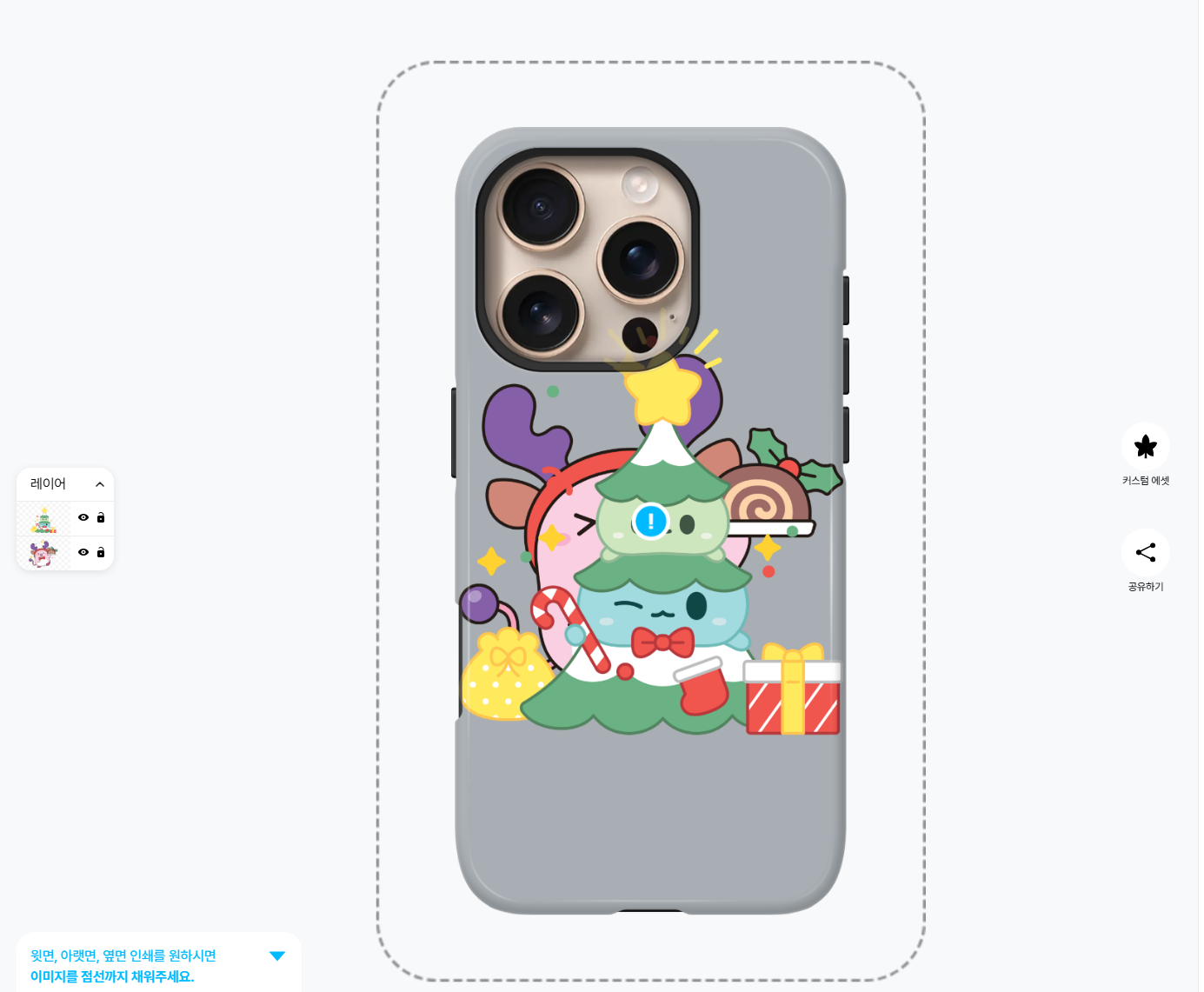
Unfortunately, you can't drag items around in the layers panel to change their order, but it's easy to rearrange them with the Bring Forward and Send Backward options in the top menu.

Try adding different assets and decorate your case however you like!
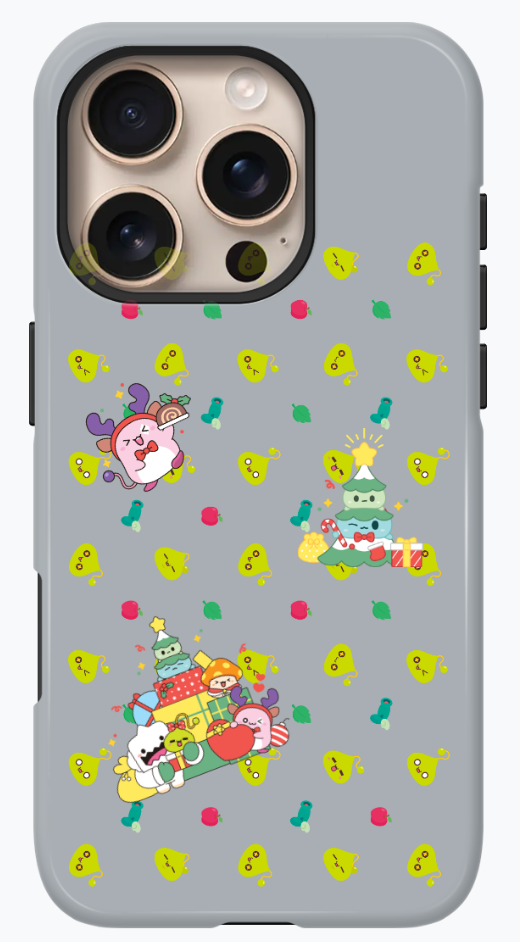
Once you've got your design just the way you want it, you can show it off to others using the ‘Share’ menu.
https://maplestory.essential.nexon.com/kr/maplestore/products/21831434
![[메이플] 메린이를 위한 직업 추천! 무자본도 좋은 캐릭터 추천 BEST 5](https://peak-file.nexon.com/uploads/20260611_0417_0514c8be.png)