[Azur Promilia] November 26: The Day the World First Opened! A Roundup of Key Announcements and Events
이호
This post was created as part of Nexon PEAK activities.
Hello, it's 이호!
I've written before about how the adorable Kibo companions got me interested in Azur Promilia. The game is set in a world where Starborn form Starlinks with Kibo and travel across the continent of Promilia with their companions.
This is my first time trying a game at launch. It's tempting to jump straight in, but I recommend reading the official launch announcement first. Once you log in, check your Mailbox and then the [Events] menu. There are two reasons for this.
First, a new release may have installation instructions, account-linking details, and issues under investigation that you need to check. And second, you don't want to miss the pre-registration gifts or any of the launch events!
(This checklist is a lesson learned from missing an event in Mabinogi Mobile 흑흑)

Azur Promilia officially launched on Thursday, November 26, 2026! You can play on PC or mobile via the Google Play Store, App Store, or Galaxy Store.
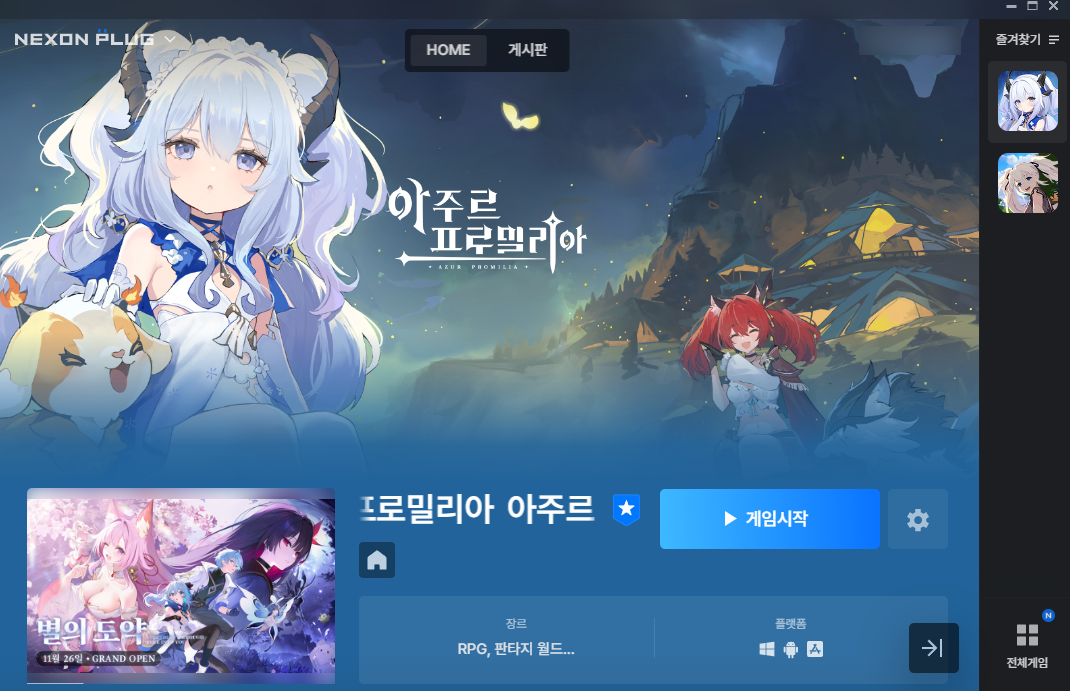
On PC, log in to the official website with your Nexon ID, then click GAME START in the upper-right corner to install the client. If you don't have NEXON Plug, it will be installed first. I already had it, so the client installation started automatically. The PC version requires a verified Nexon ID belonging to a player aged 15 or older!
On mobile, just search for 'Azur Promilia' in your store. The instructions also ask anyone who took part in the Korean CBT to completely uninstall the app or client they used before downloading the official release.
An issue currently prevents Facebook login on mobile. If you plan to play on both PC and mobile, the official advice is to choose a login method that works on both platforms.
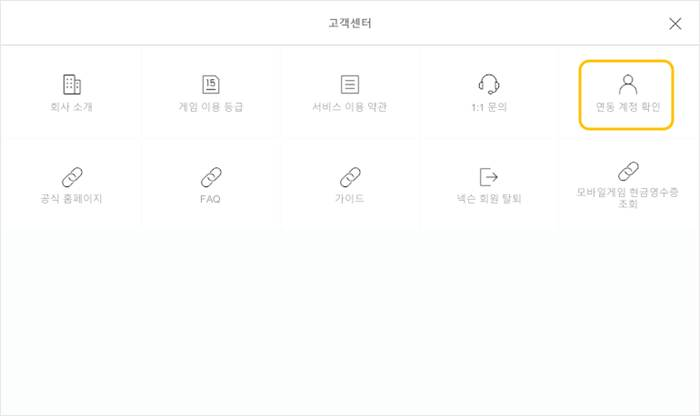
When you first launch the game, you'll need to select an account to link on the login screen. Using the same account lets you carry your progress across PC, Android, and iOS. You can check your linked account in-game under [Menu] → [Settings] → [Account] → [Nexon Customer Support] → [Check Linked Account].
You can install the mobile version through the Google Play Store or App Store, but I'm more comfortable gaming on PC, so that's where I started!

Pre-registration rewards (global milestones) are delivered to your [Mailbox] once per account when you log in after the official launch. The Mailbox unlocks as you progress through the main quests; you'll find it under [Menu] → [Mailbox]. These rewards are available from Thursday, November 26, 2026, until further notice.
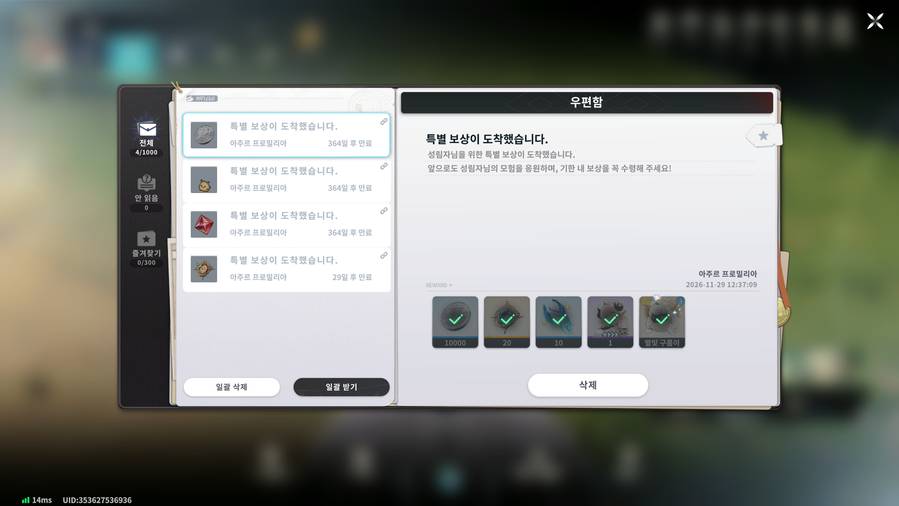
(After I finished the story, these 4 messages were waiting for me!)
The pre-registration gifts are 10,000 유니, 20 Star Memories, 10 Clear Starvein Crystals, the character 애니스, and the Kibo 별빛 구름.
A launch celebration event called A Journey Begins, Starlight Companions also started that same day! Create a character and log in to receive the gifts in your Mailbox. You'll be able to check them after completing the tutorial, which unlocks the Mailbox. The listed rewards are the Kibo 별빛 야로다, the 츄츄츄츄: 츄츄 frame, and 1 Star Memory.
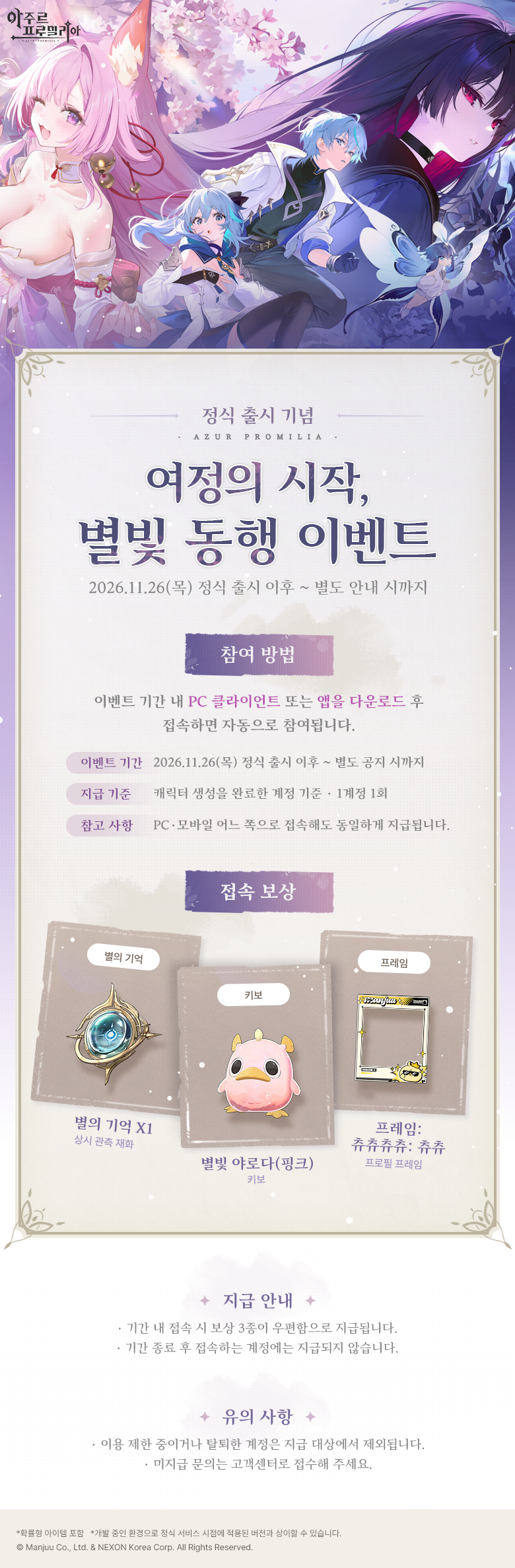
According to the instructions, the Mailbox unlocks through main quest progress, and both the pre-registration milestone rewards and launch celebration gifts are delivered there once per account. The Starlight Companions announcement also confirms that you receive the same rewards whether you log in on PC or mobile!
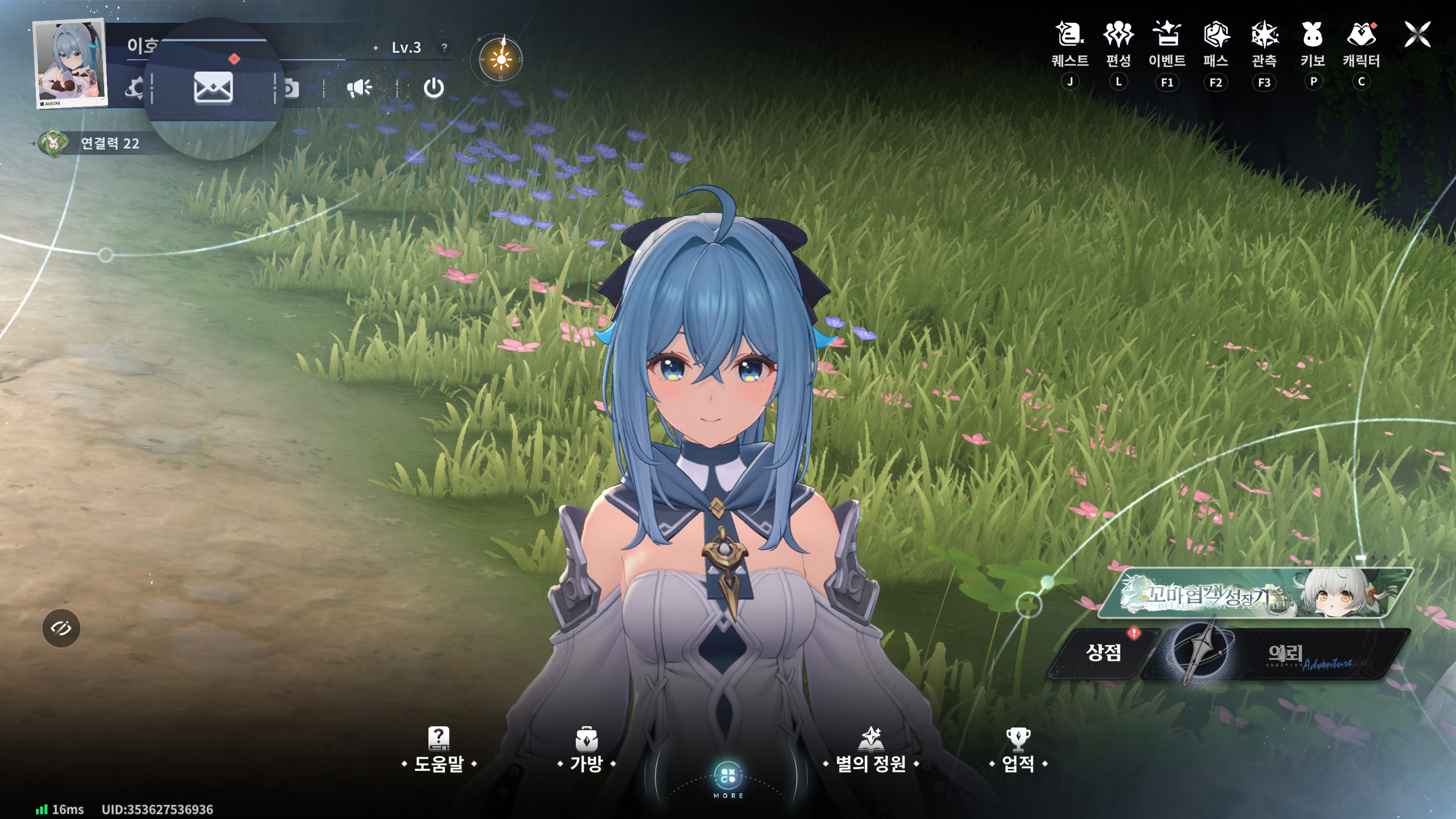
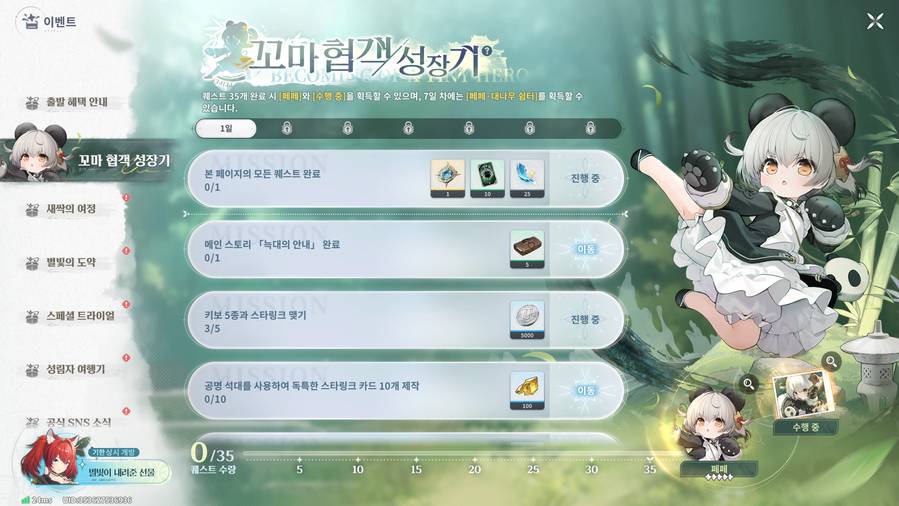
I found the Mailbox in the upper-left corner after pressing ESC! And we shouldn't forget the Events tab, right? Press F1 on the same screen to see the events currently running!
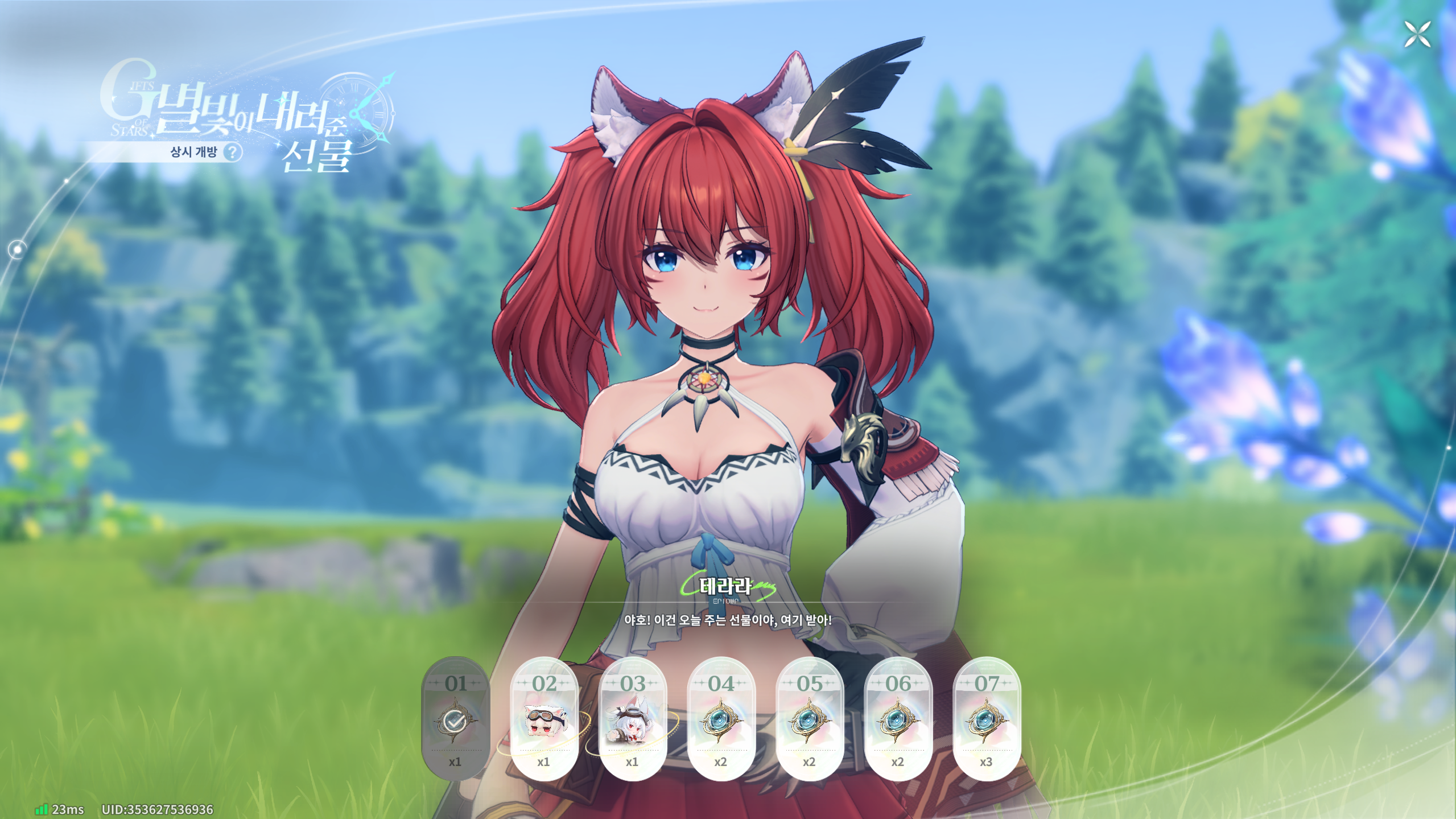
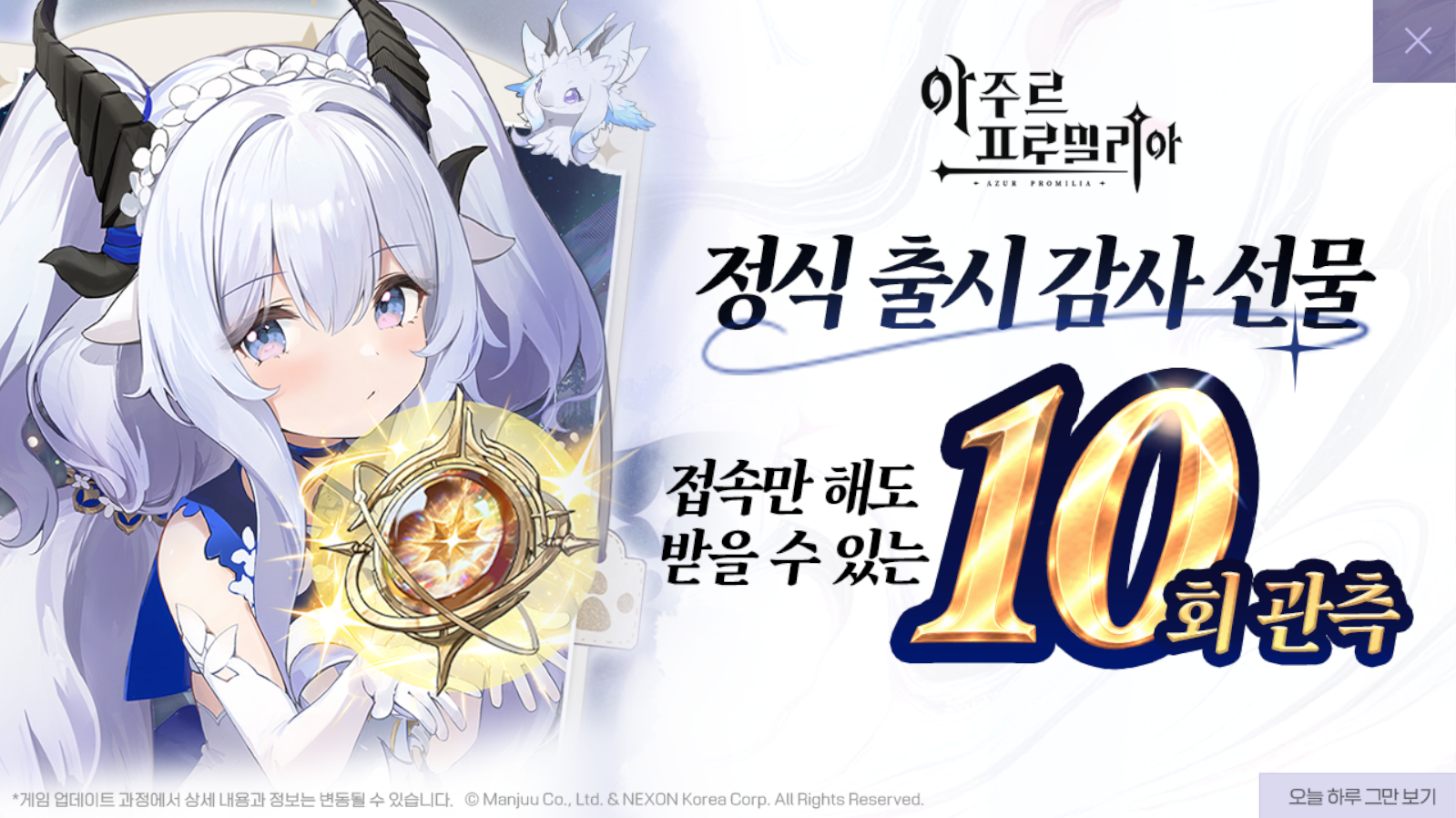
The login event also appears after you finish the story! There's also a reward of 10 Observations just for logging in, so it's worth dropping in at least once to collect the rewards.
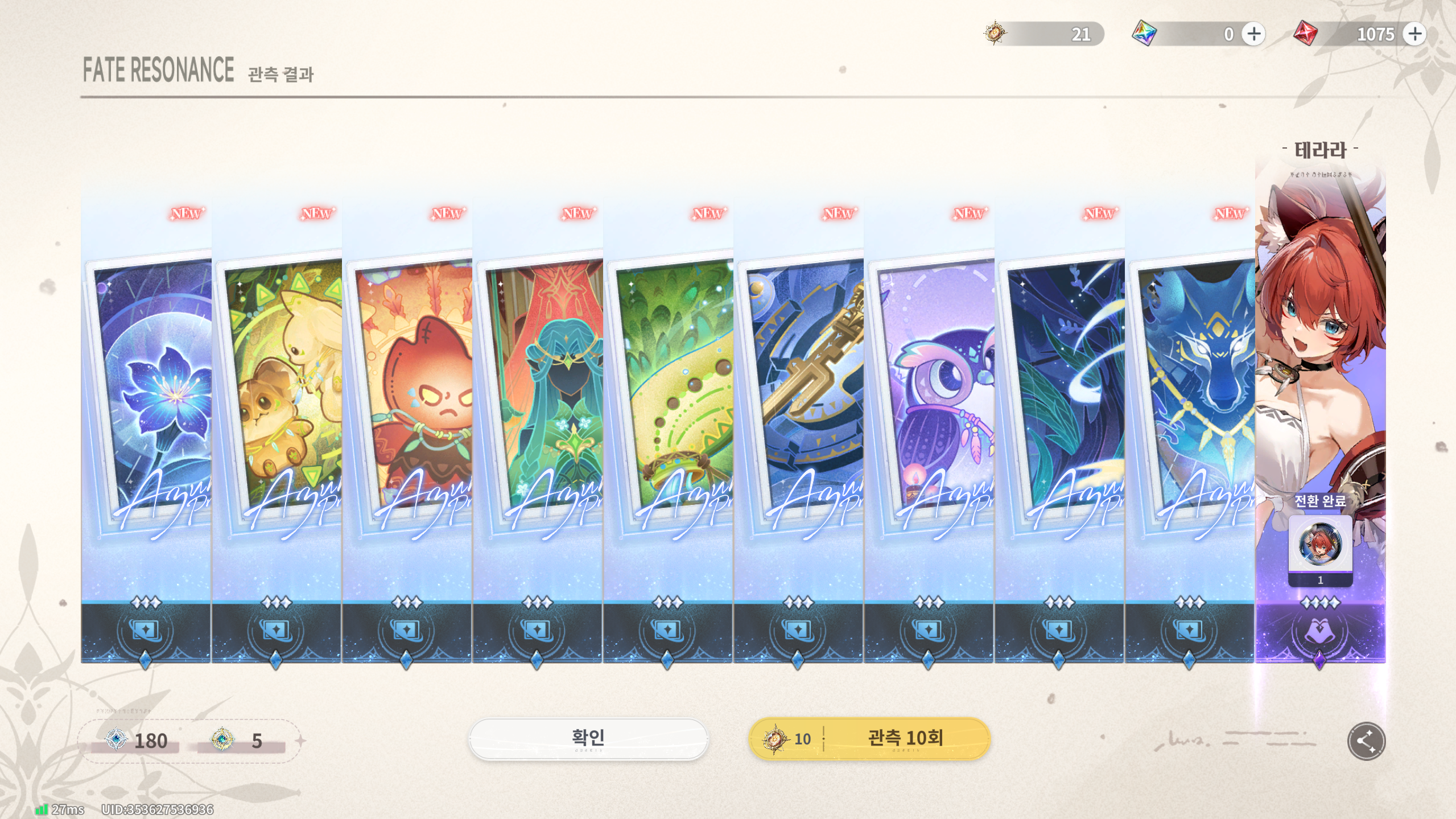
After doing all that, I had enough currency for about 40 Observations, so I decided to test my luck. I didn't know which results were good, but the artwork was so lovely that I was happy anyway. If you enjoy anime-style games, I think you'll have fun with this one!

Most login and story events unlock after you complete the “Keep Moving Forward” stage of the quest “Chapter 1 - First Visit to Sprout Valley”. According to the official guide, on PC, you can press J to open the quest menu, then view the route using [Navigate] in the lower-left corner of the screen or the Tab key.
|
Order |
What to Check |
Where to Look |
|---|---|---|
|
1 |
Installation details and issues |
Official launch announcement, PC guide, notice on issues under investigation, FAQ |
|
2 |
Collect Mailbox gifts |
[Mailbox], after progressing through the main quests: pre-registration milestone rewards and Starlight Companions gifts |
|
3 |
Login rewards and travel journal |
[Events] menu. Gifts from the Starlight resets daily at 5 a.m.; complete 7 days to receive 10 Star Memories, 4-star 노노, and the 통통 모험가 mount. Starborn Travel Journal runs until 4:59 a.m. on Tuesday, January 5, 2027 |
For event dates and participation details, check the Ongoing Events at a Glance! announcement and the links to each event.
That wraps up this look at the first steps of my journey in Azur Promilia.
Here's a quick recap:
1. Before installing, read the official launch announcement and the notice on issues under investigation.
2. Once you log in, link an account rather than using a guest account, and continue the main quests until the Mailbox unlocks.
3. Then work through the [Events] menu, checking activities available from day one, such as login rewards and the Sprout's Journey.
Starting a new journey is always exciting.
So is discovering a new game! Shall we set off together?