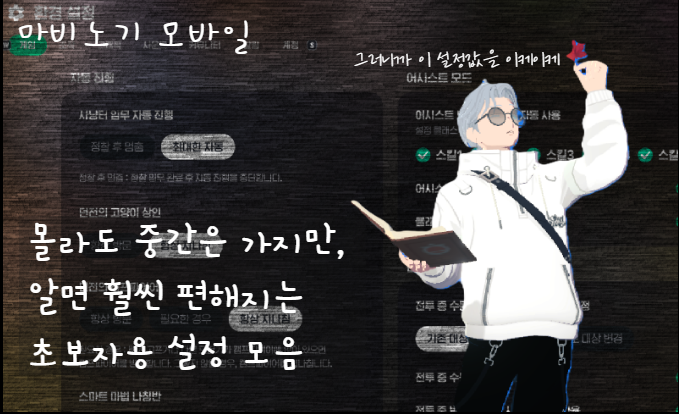
2 combat settings every Mabinogi Mobile beginner should check
곤류

This post was created as part of Nexon PEAK activities.

If you have just started playing Mabinogi Mobile, I recommend taking a look at the settings first.
The defaults work well enough for general gameplay,
but changing a few options can make combat much easier to manage.
Here are two settings I found particularly useful while playing
and have recommended to other players.
✅ Always Run When Moving Manually in Combat: ON
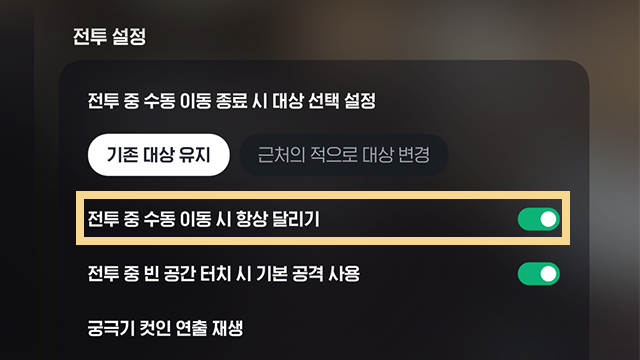
Settings path: Settings → Game → Combat Settings → Always Run When Moving Manually in Combat
If you play Mabinogi Mobile on a smartphone or tablet, I strongly recommend turning this on.
It is off by default, so you will need to enable it yourself.
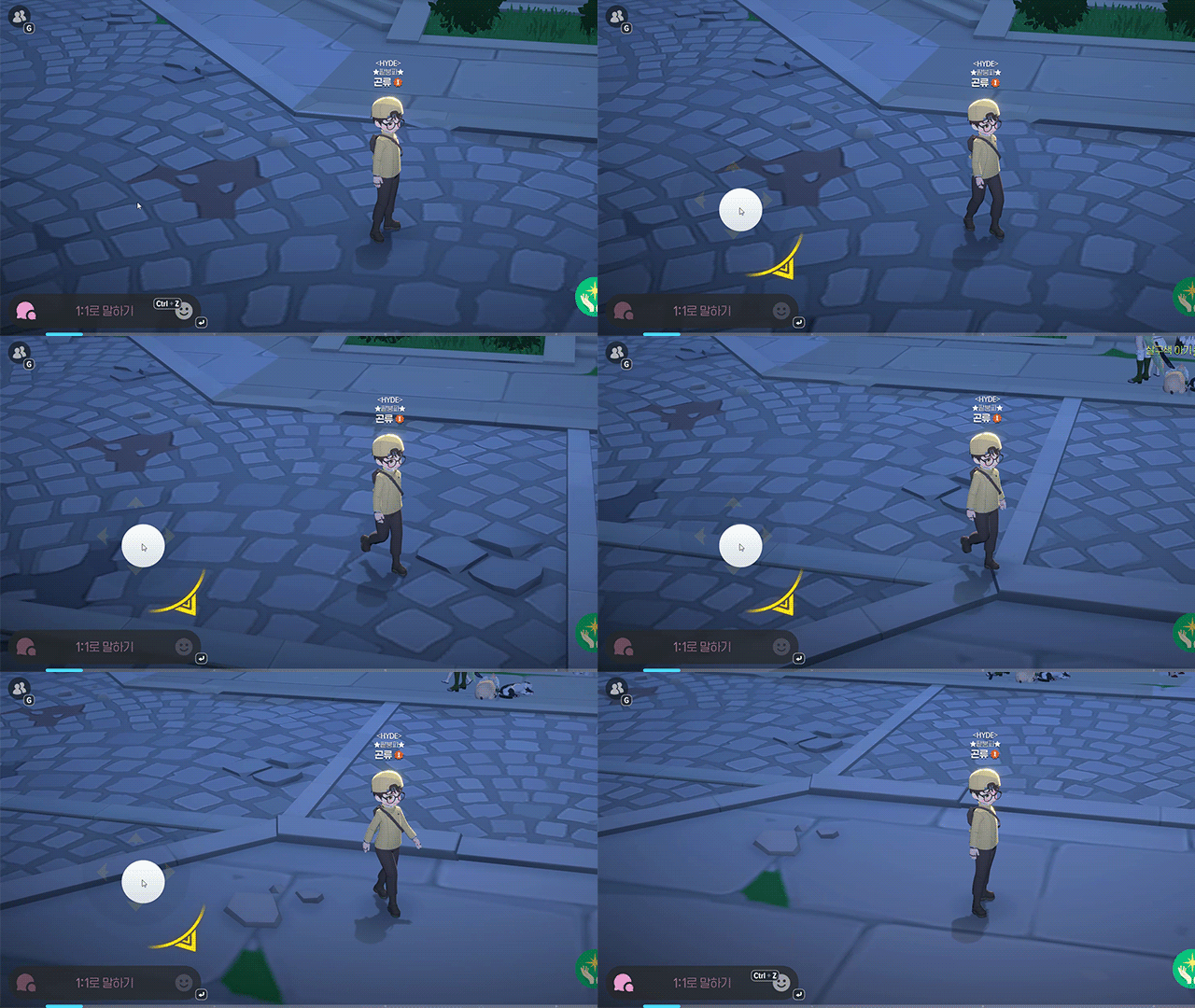
On PC, you move your character with the WASD keys.
On mobile devices, you use a virtual joystick by touching and dragging at the bottom left of the screen.
Dragging farther from your initial touch point makes your character run,
while dragging only a short distance makes them move slowly or walk.
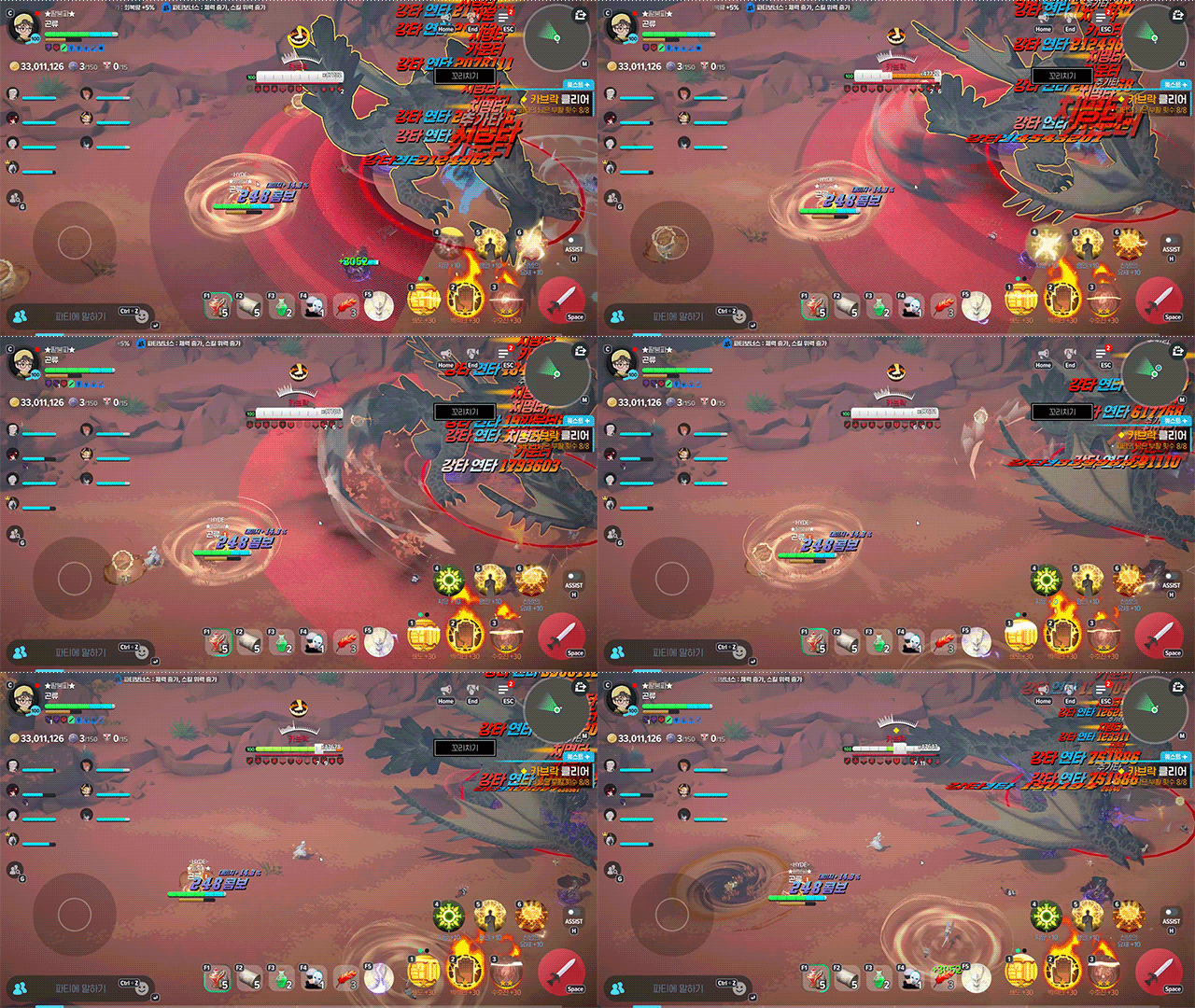
This is not much of an issue around town, but it matters in combat.
When you move your character manually, it is usually to dodge a monster's attack pattern
or reach a specific location to handle a mechanic.
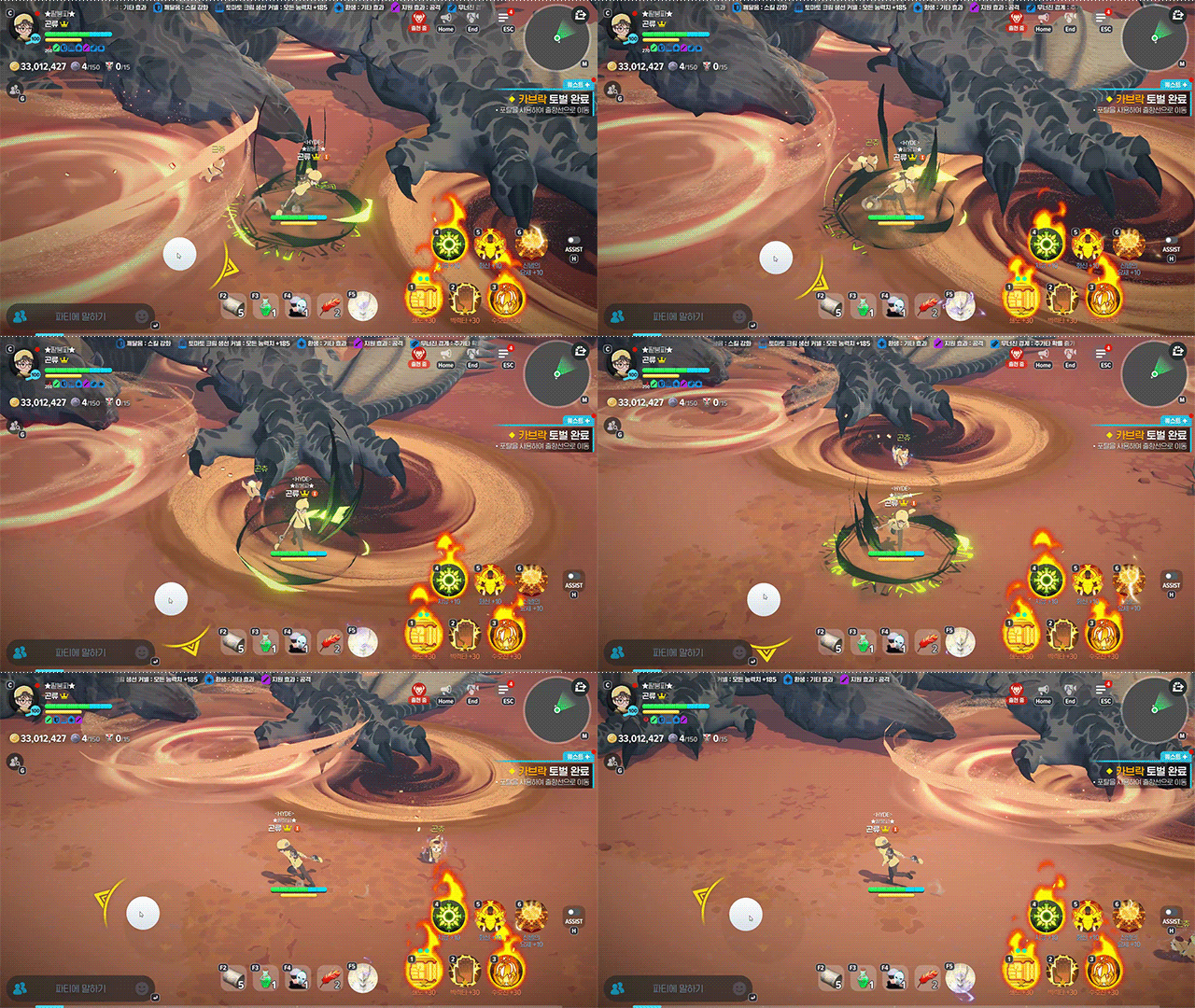
Having your character walk when you need to dodge an attack right away can be frustrating.
When playing with beginners who had only recently started the game,
I often saw their characters switch back and forth between walking and running while handling mechanics.

Whenever this happened, I suggested turning this option on, and everyone said it solved the problem they had been struggling with.
With it enabled, your character always runs when you move with the virtual joystick during combat.
You no longer need to worry about how far you drag the joystick, which makes movement much easier.
If you play on a smartphone or tablet, this is the first setting I recommend checking.
✅ Display Other Players' Skill Effects: Beneficial Effects Only
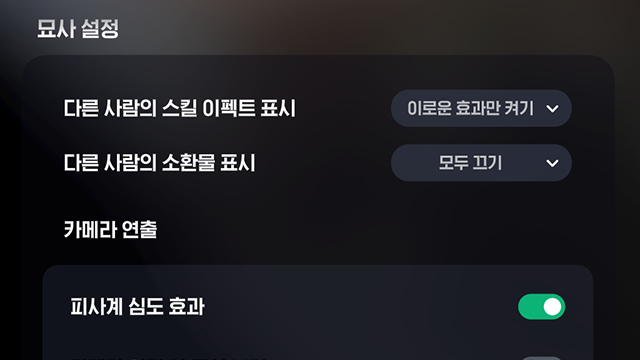
Settings path: Settings → Graphics → Rendering Settings → Display Other Players' Skill Effects → Beneficial Effects Only

Mabinogi Mobile has plenty of content where players fight together,
and the screen can fill with effects as party members use their skills.
I initially turned off all other players' skill effects because of my device's performance,
but playing in parties made me realize that some of those effects are important to see.
These include skills that benefit allies through healing, damage reduction, and similar effects.
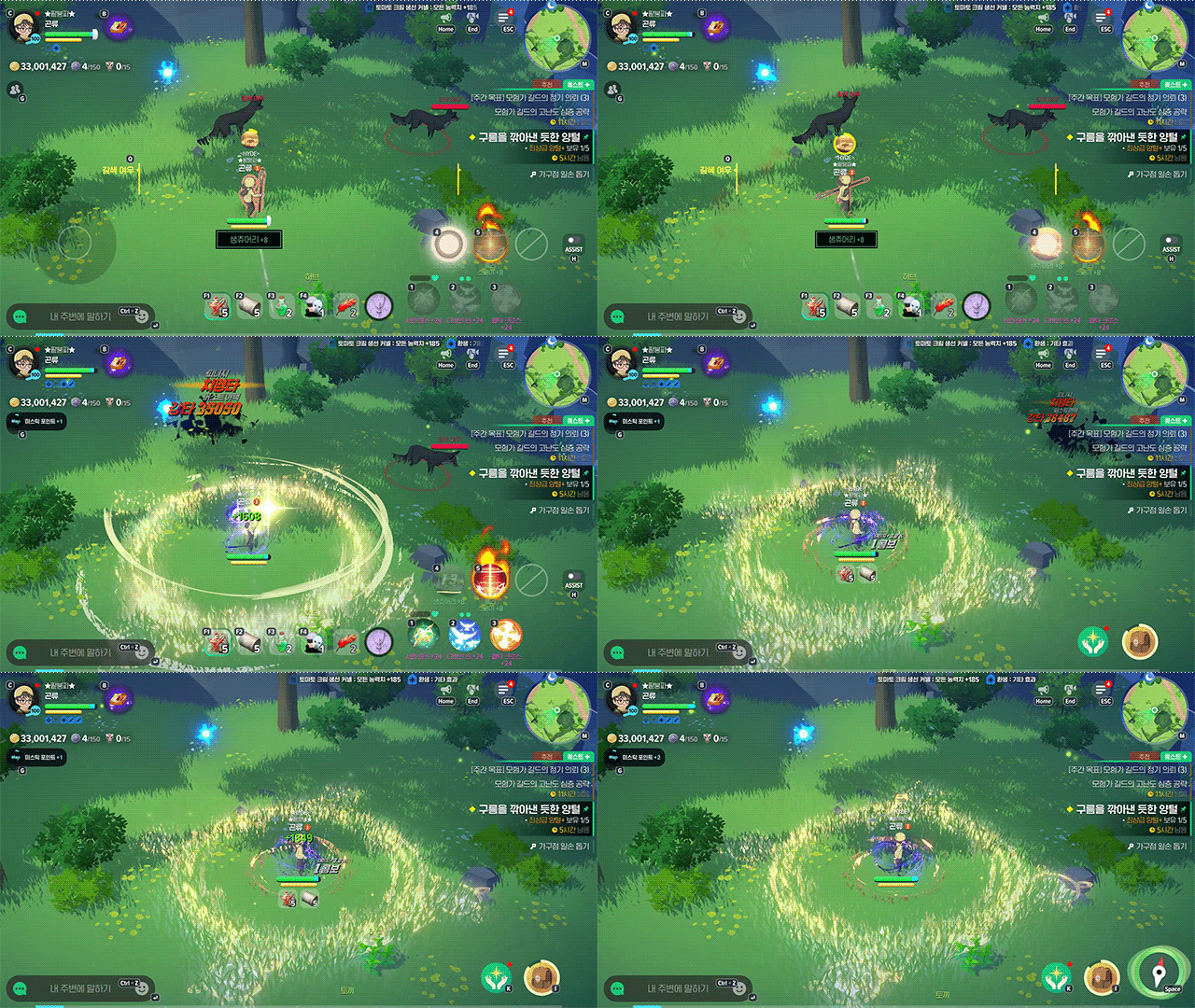
A good example is the Priest class's Sanctuary.
Sanctuary creates a magic circle on the ground,
and you need to stand inside it to receive healing.
That means you need to be able to see where it has been placed.
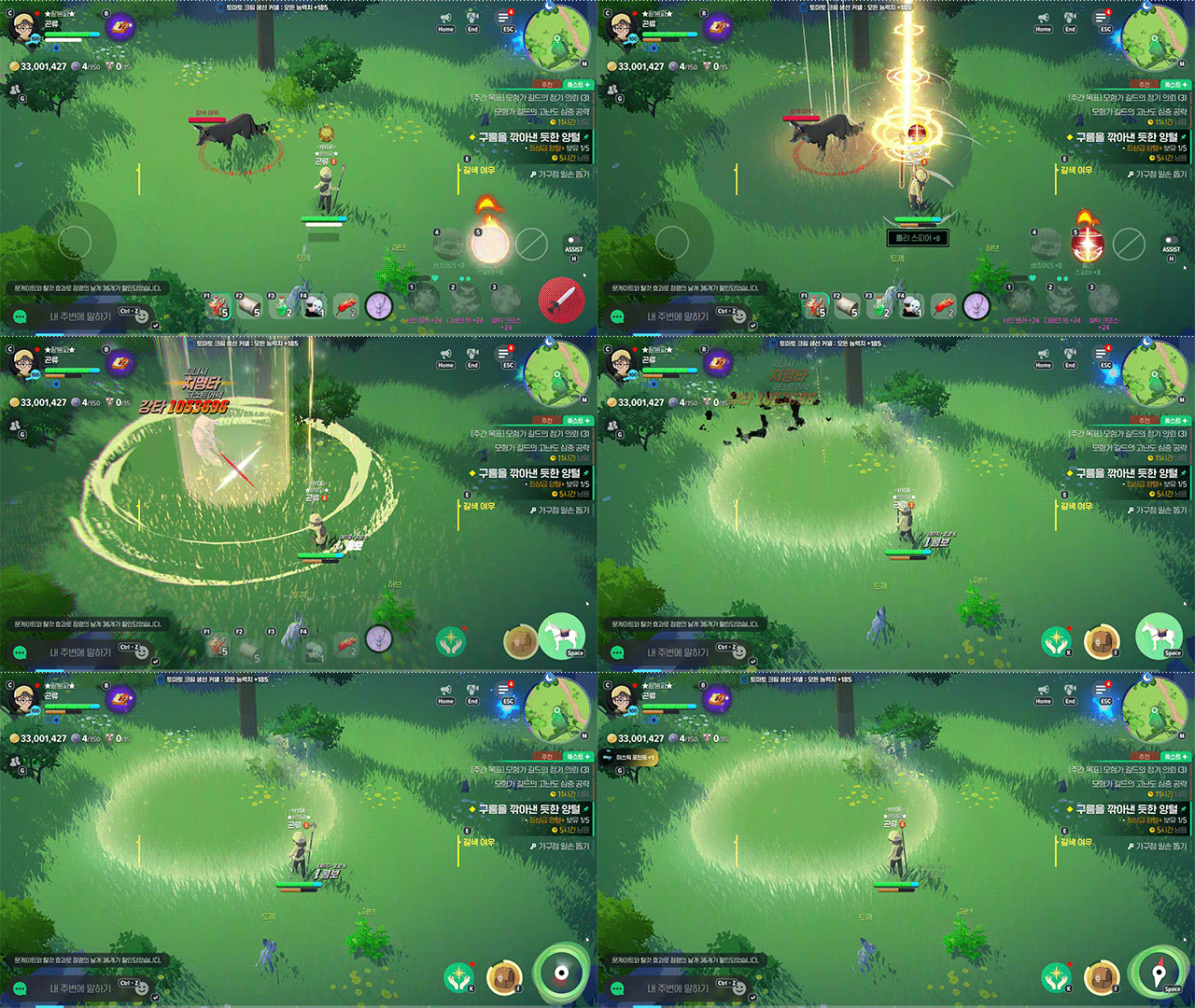
The area left on the ground after a Priest uses Holy Spear also provides healing.
However, Holy Spear lands at the monster's location,
so melee classes that fight close to monsters generally have less need to keep track of it.
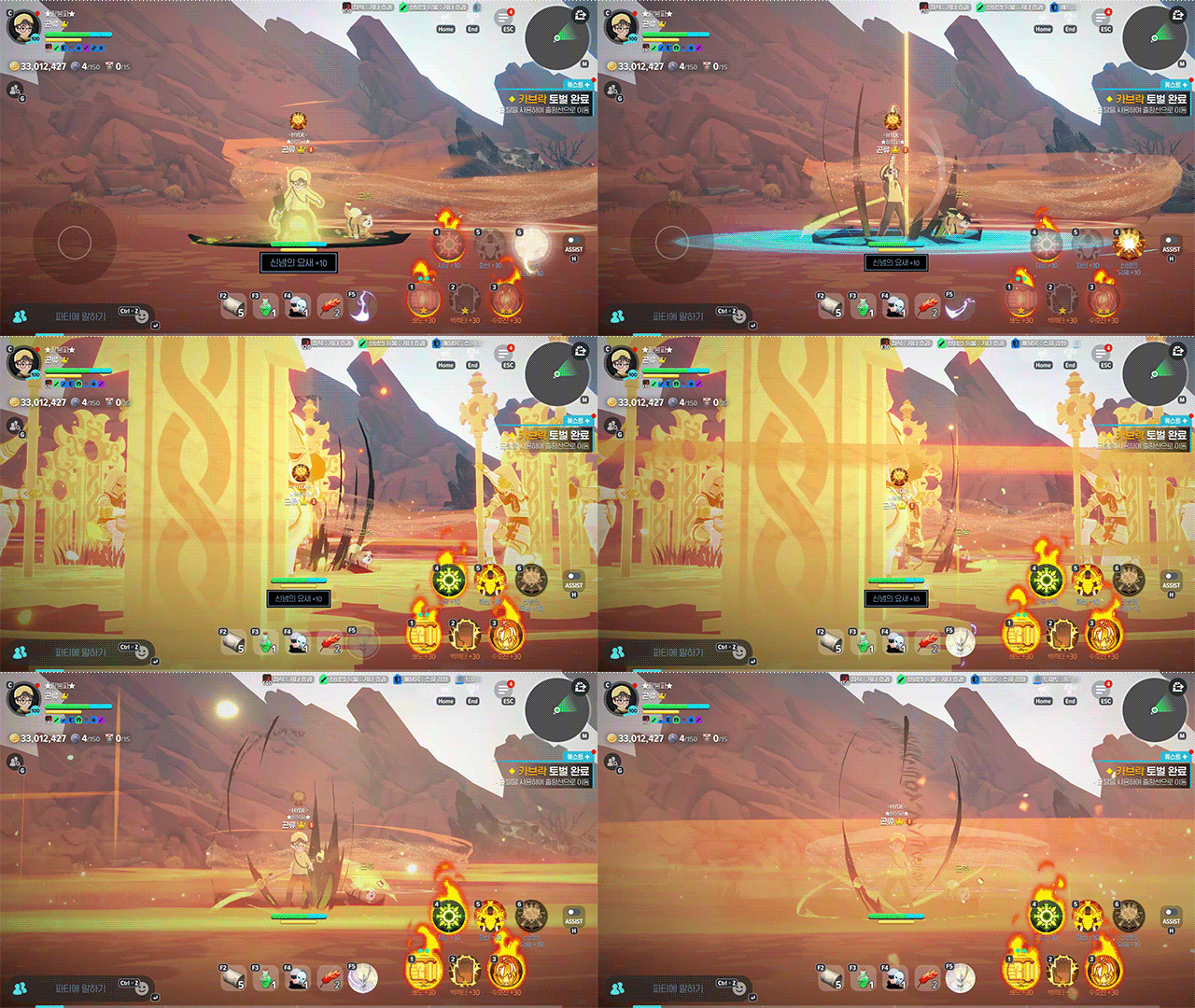
The Monk class, which I play, has a similar skill.
The Monk's ultimate, Fortress of Faith, gives party members benefits including Break immunity
and a 10% reduction in damage taken.
Here, too, you need to know where the effect is on the ground to benefit from it.

Turning off all other players' skill effects makes these areas difficult to see.
As a result, you may miss out on healing or support effects even when you have a support player in your party.
Even if you need to reduce skill effects to help your device's performance, I recommend keeping beneficial effects visible.
✅ Recommended Settings Checklist for Beginners
Game → Combat Settings → Always Run When Moving Manually in Combat: ON
Recommended for smartphone and tablet players. This keeps your movement from slowing during combat, helping you respond quickly to boss attack patterns and mechanics.
Graphics → Rendering Settings → Display Other Players' Skill Effects: Beneficial Effects Only
This lets you see where your party members' healing and support skills are placed while reducing unnecessary skill effects.
Both settings directly affect combat, but their value may not be obvious when you first start playing.
I found that a surprising number of mobile players were unaware of the first setting in particular.
If movement feels frustrating during combat or you have trouble seeing your party members' healing skills,
I recommend checking your settings first.