Maple Home, your own space in MapleStory #꿈의집
마포감튀
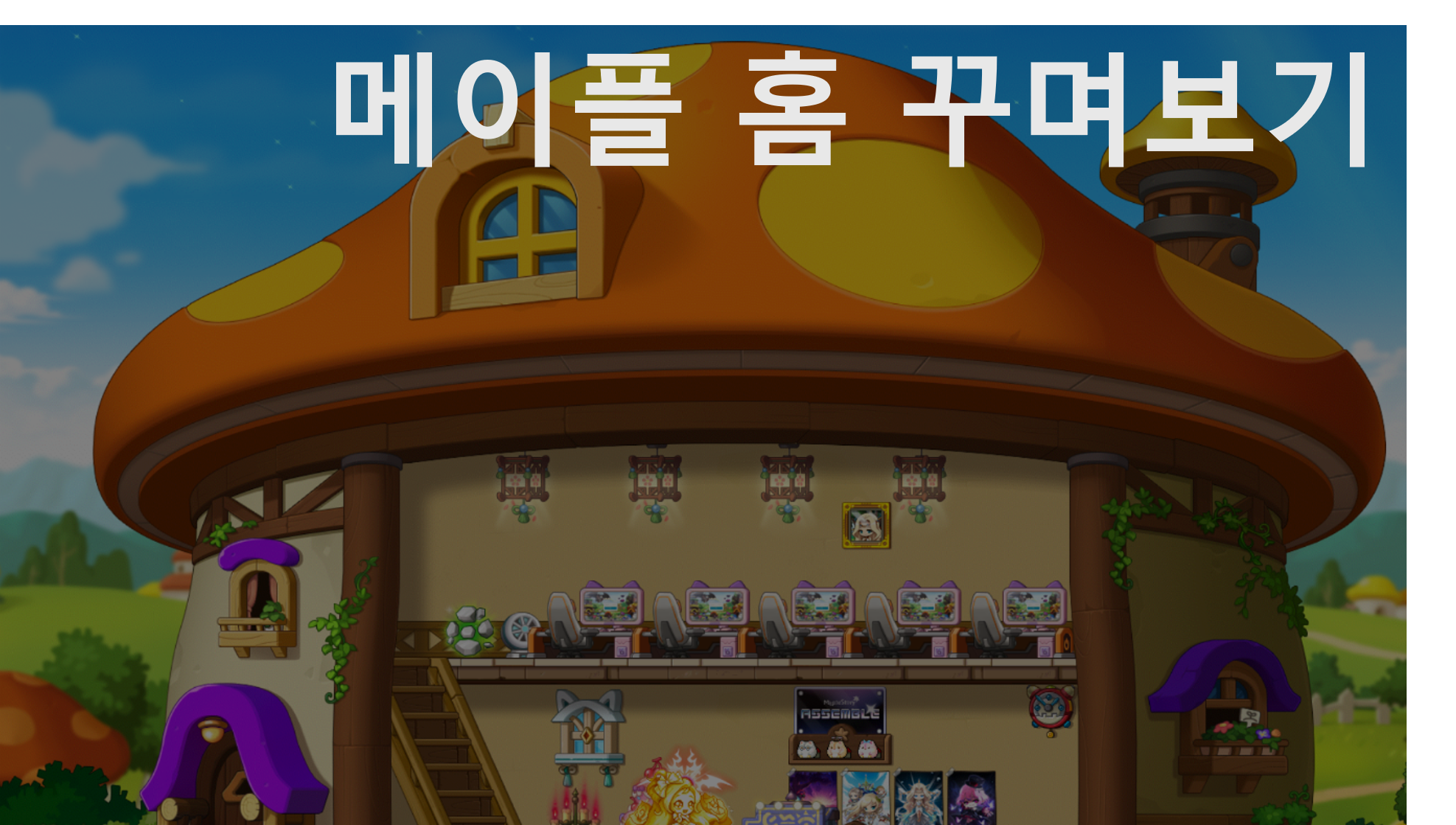
Hello!
I'm 마포감튀.
Do you ever wish you had a space in a game where you could express your own style?
MapleStory has a space where you can do just that.
It's Maple Home!
If you haven't visited yet, let's explore Maple Home together!
Entering Your Home
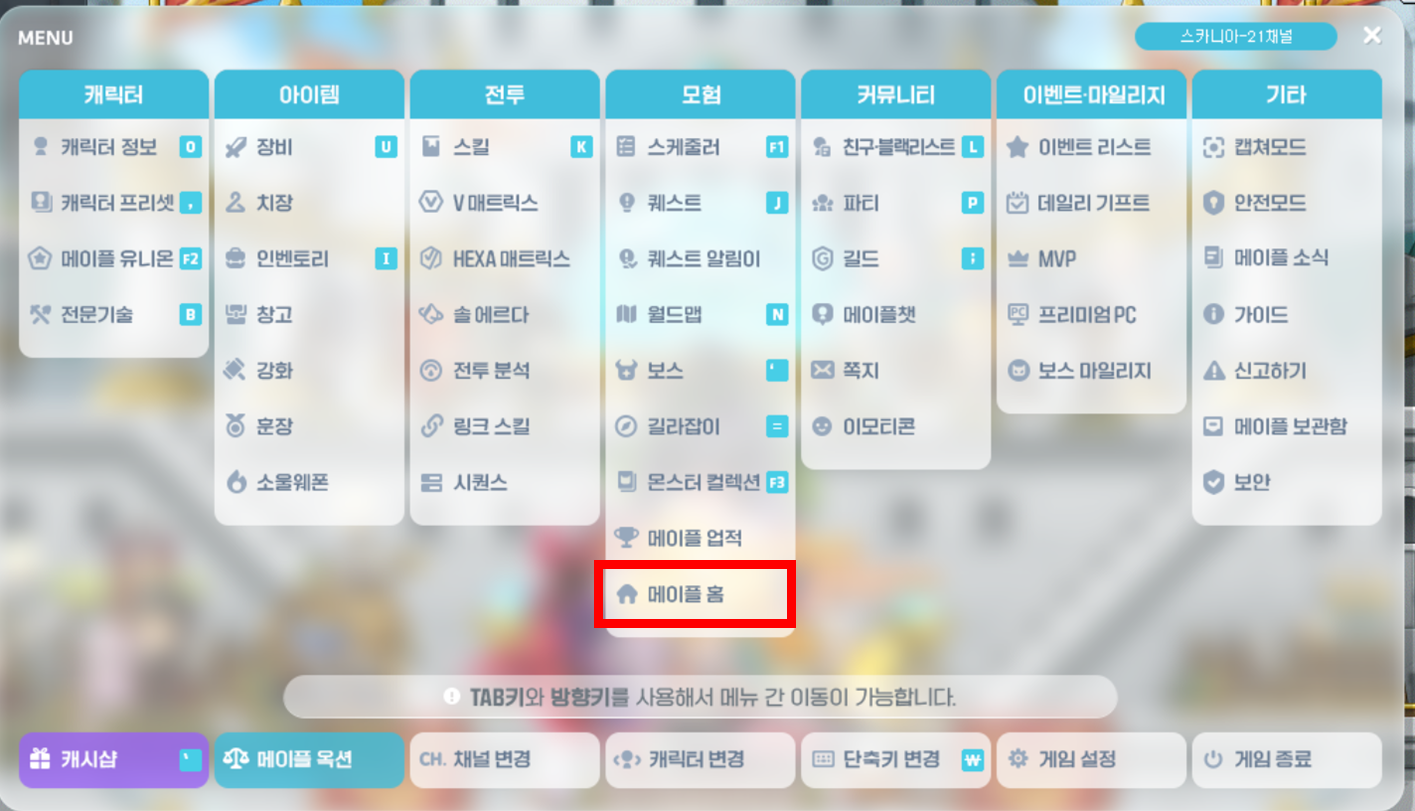
You can enter Maple Home from the bottom of the Adventure section in the main menu.
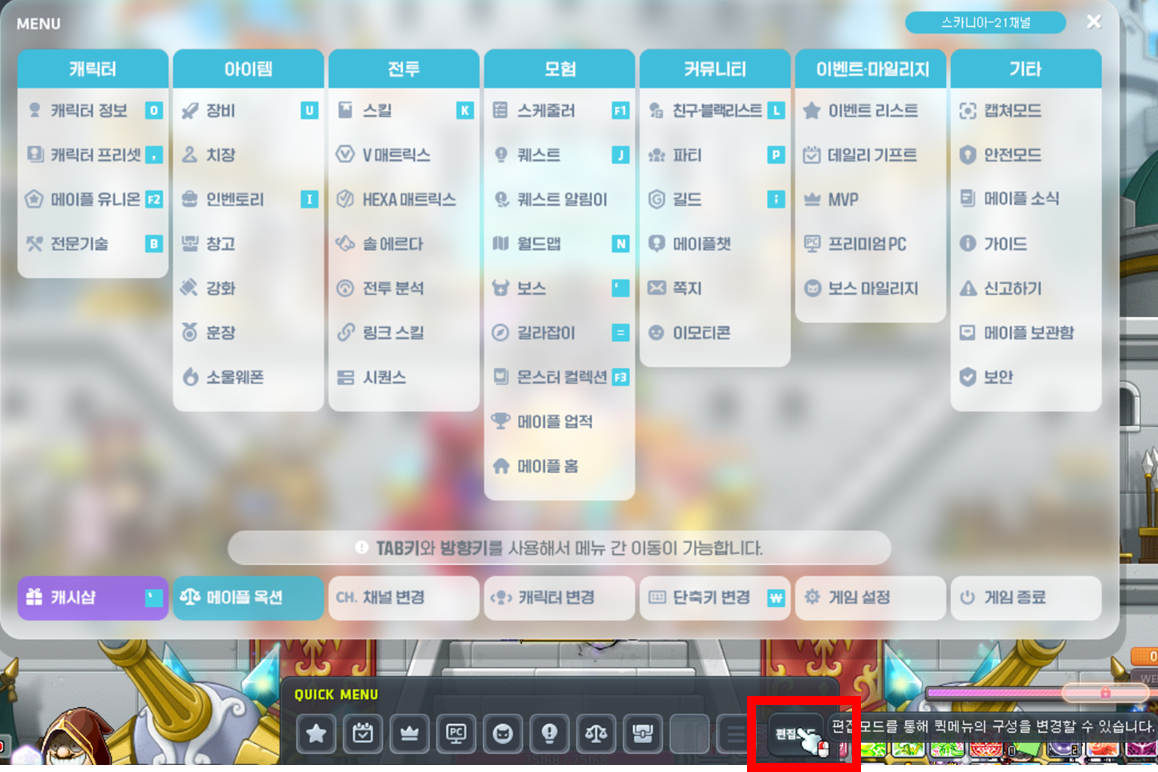
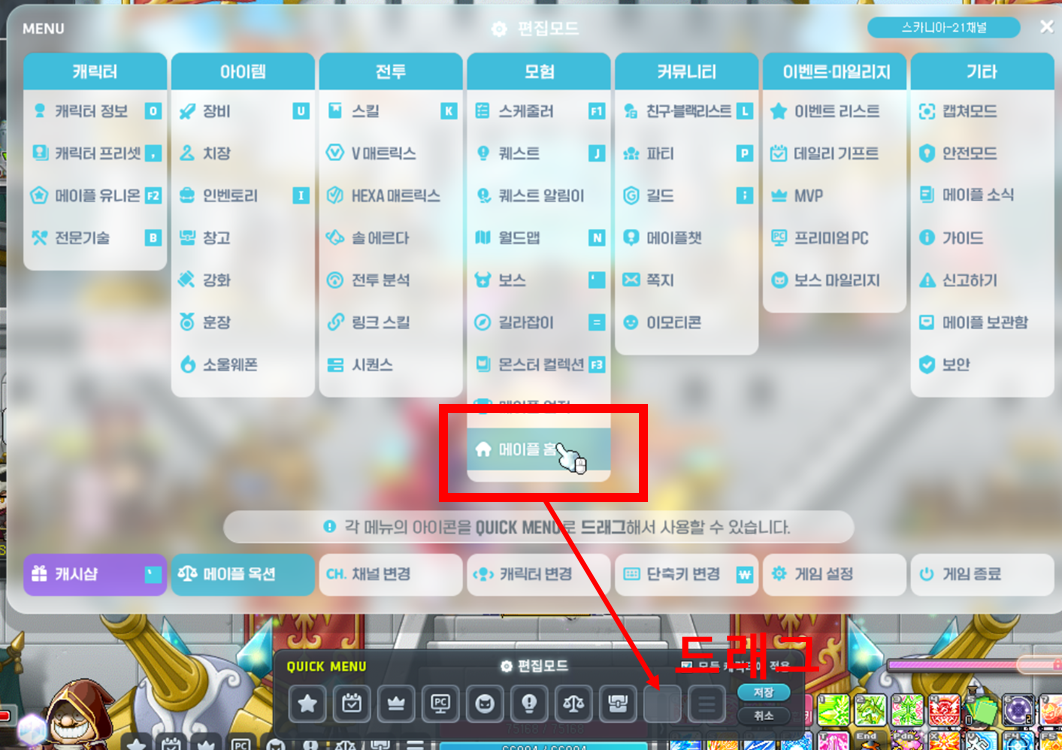
If you plan to visit often, add Maple Home to your QUICK MENU. That way, you can get there quickly without opening the menu window.
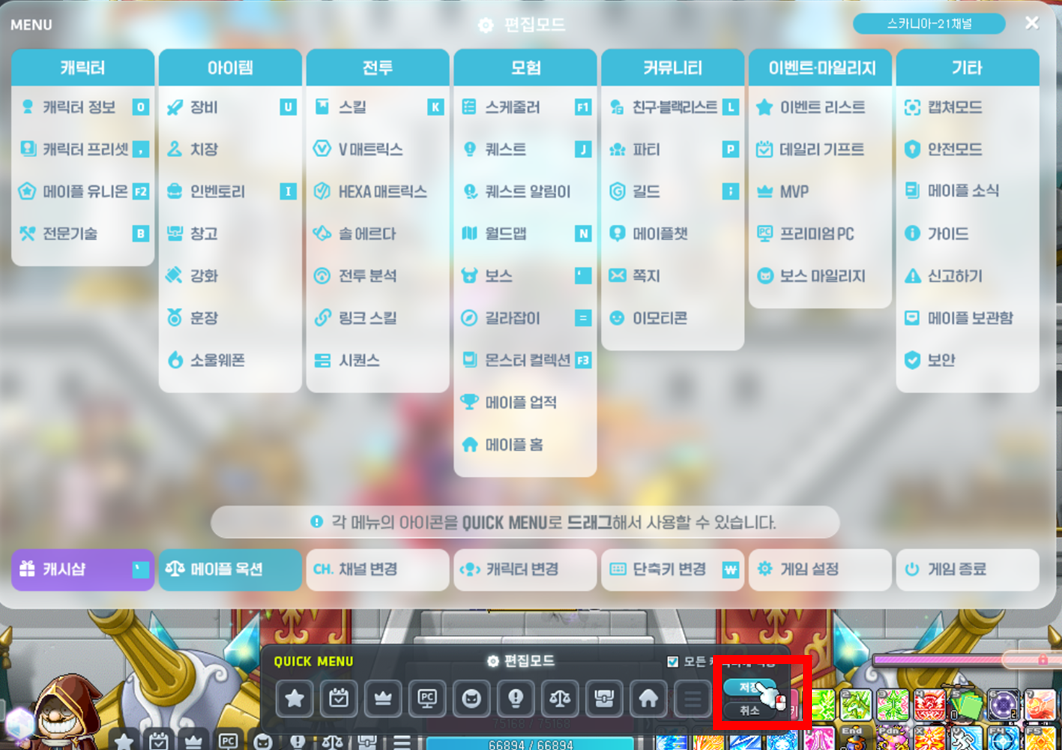
Decorating Maple Home - Building Management
To change your Maple Home's appearance and arrange furniture, open the management menu.
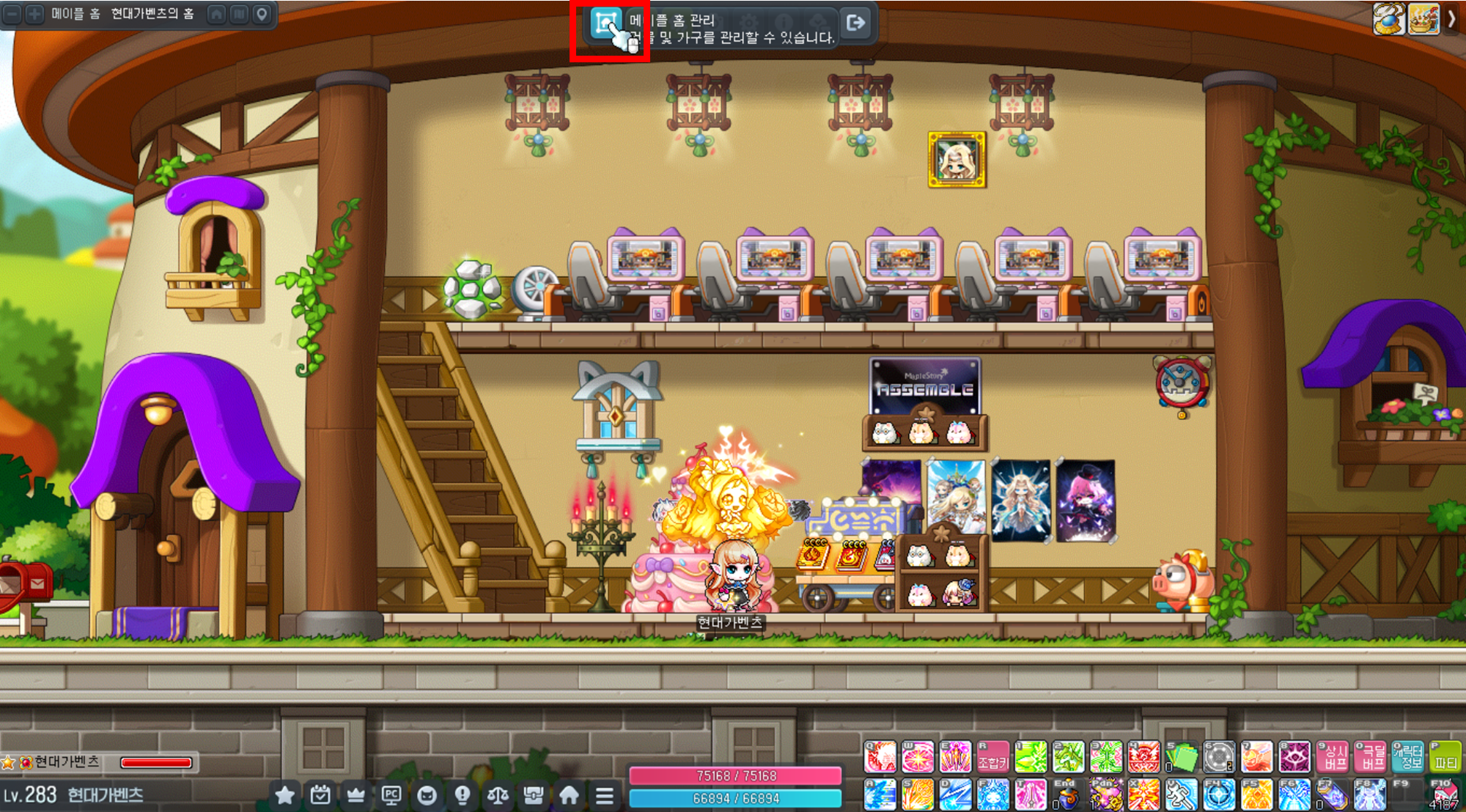
Open it, and ta-da! The home decorating menu appears.
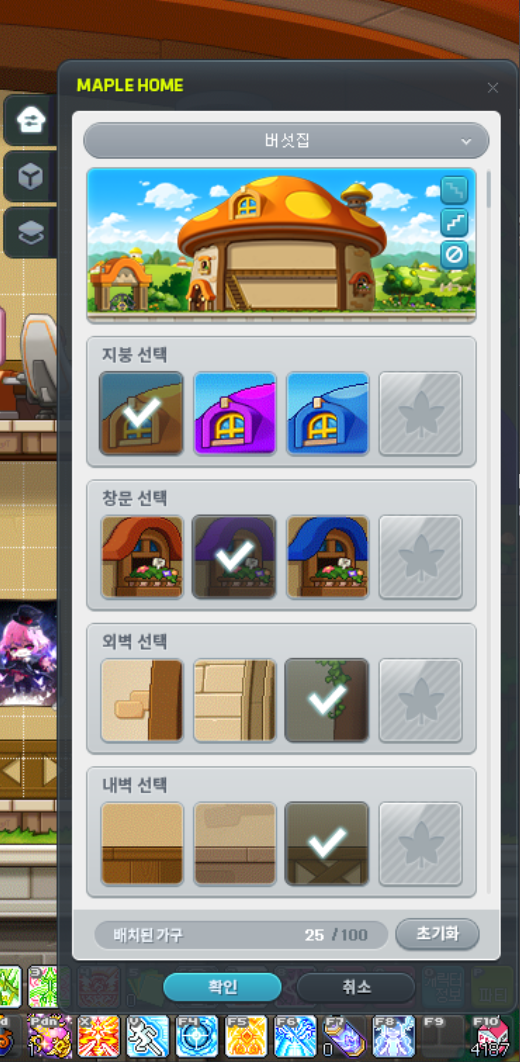
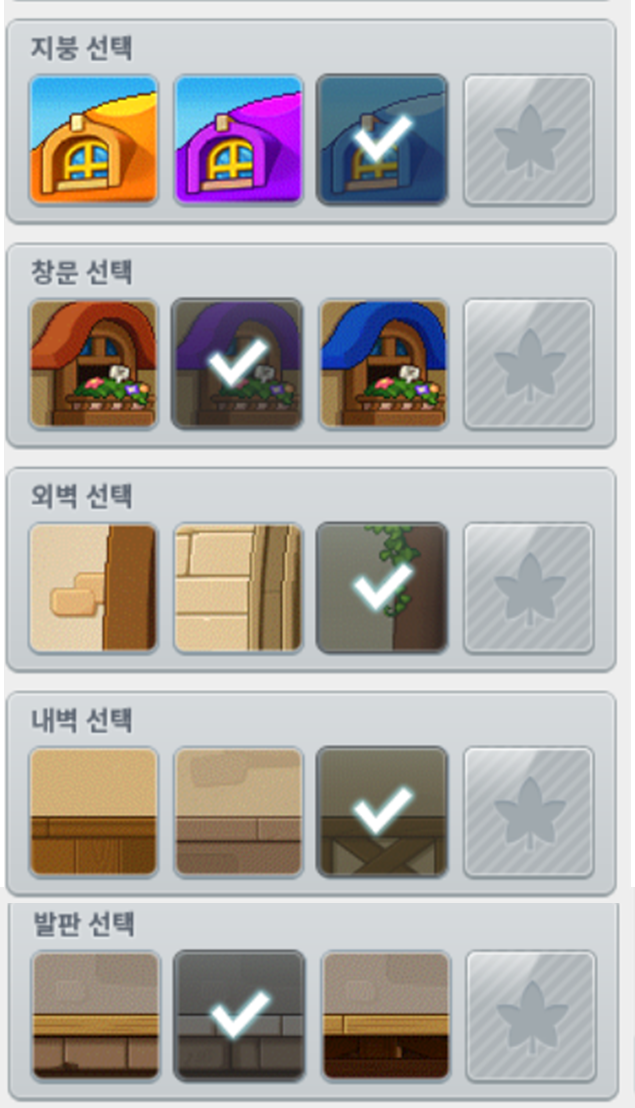
The first menu lets you choose your home's basic structure.
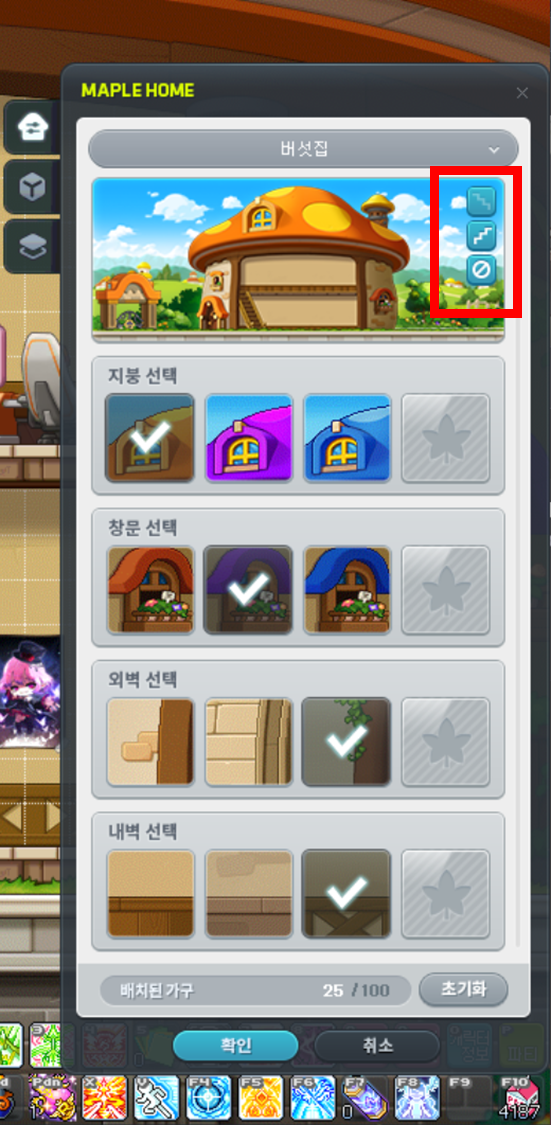
This option is easy to miss because it isn't labeled. Click the button on the right
to choose where the stairs go (left / right / no stairs).
The menus below let you choose the roof, windows, exterior walls, interior walls, and platforms, just as their labels indicate.
Decorating Maple Home - Furniture Management
Now that you've chosen your home's structure, how about adding some furniture?
Let's open the second menu, the furniture menu.
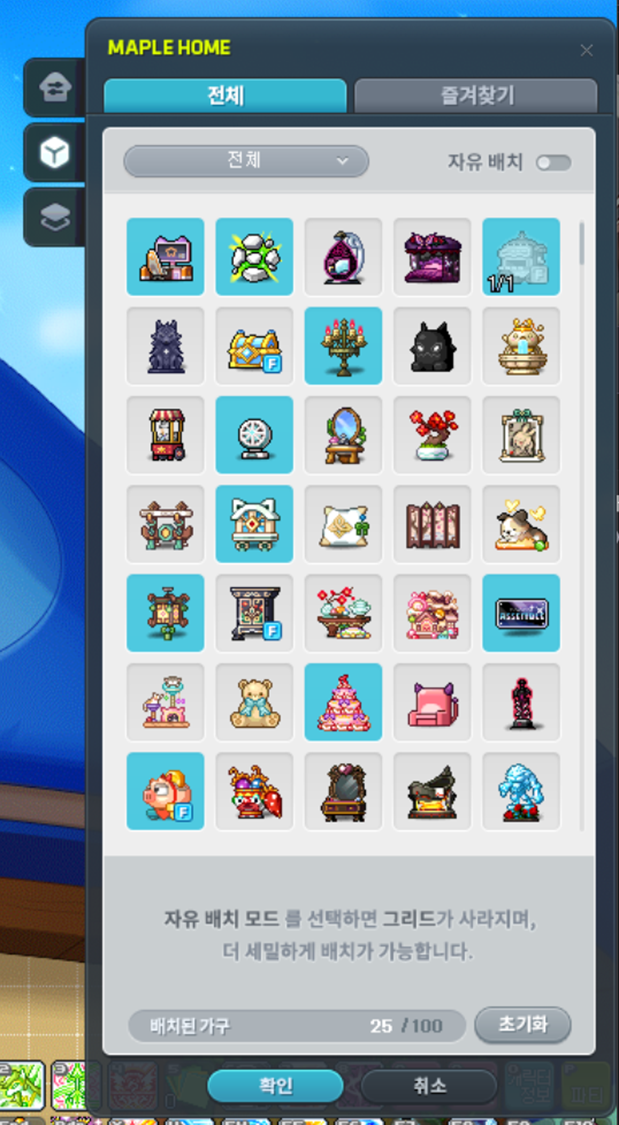
Here, you can see all the furniture you own.
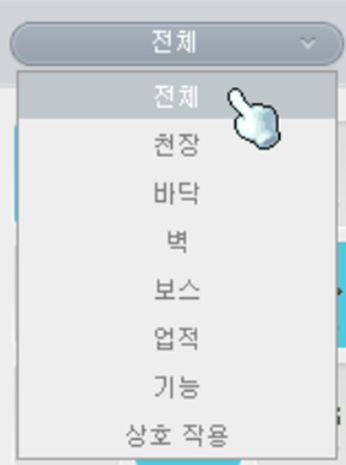
You can also use filters to show only the furniture you want.
Click a piece of furniture you own, as shown here, then move your mouse cursor over to Maple Home to place it.
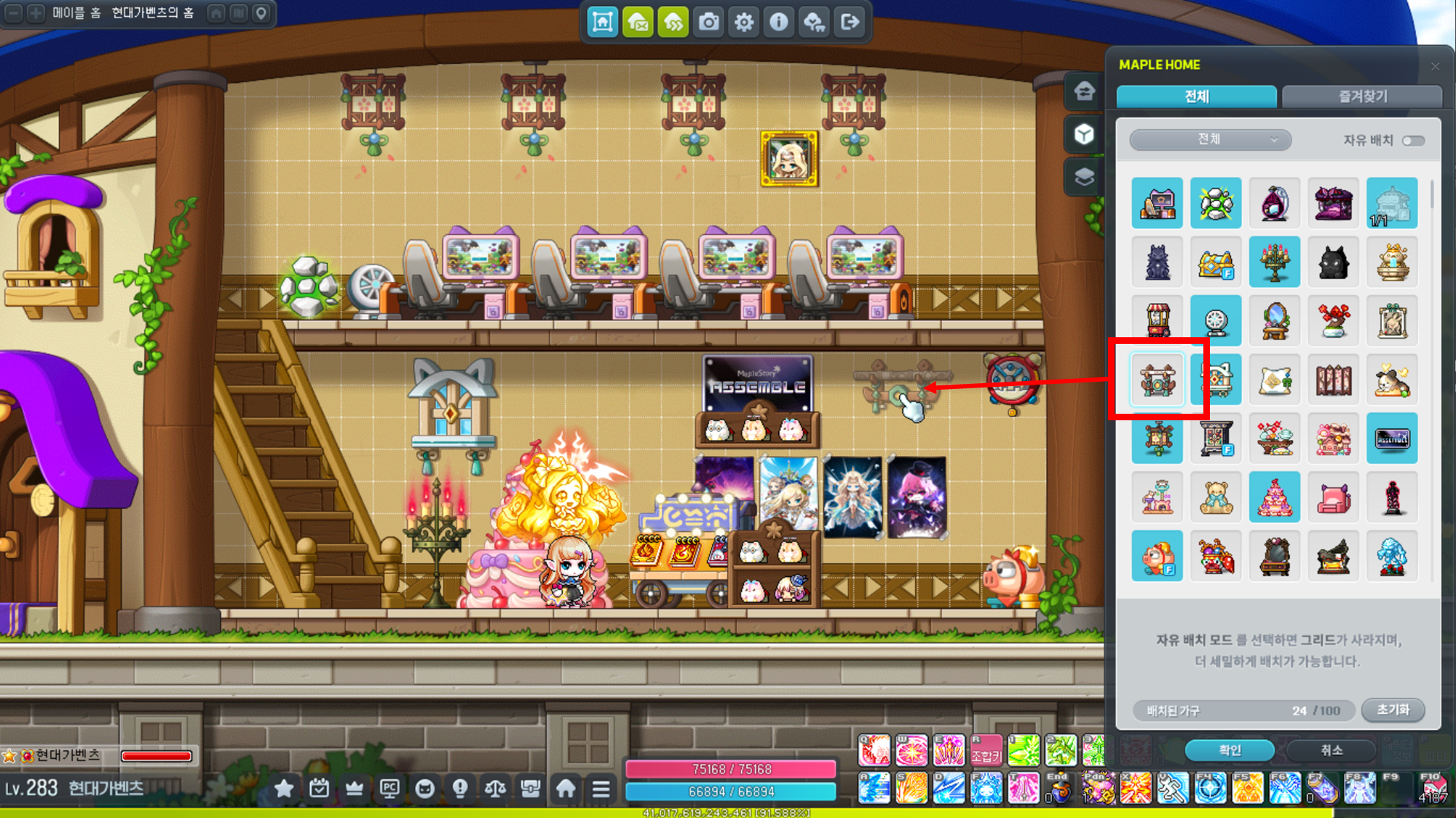
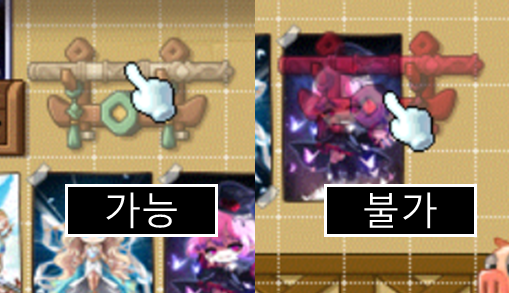
Each piece of furniture has its own placement requirements. It turns red if you can't place it in a particular spot, so keep that in mind as you find the right place for it.
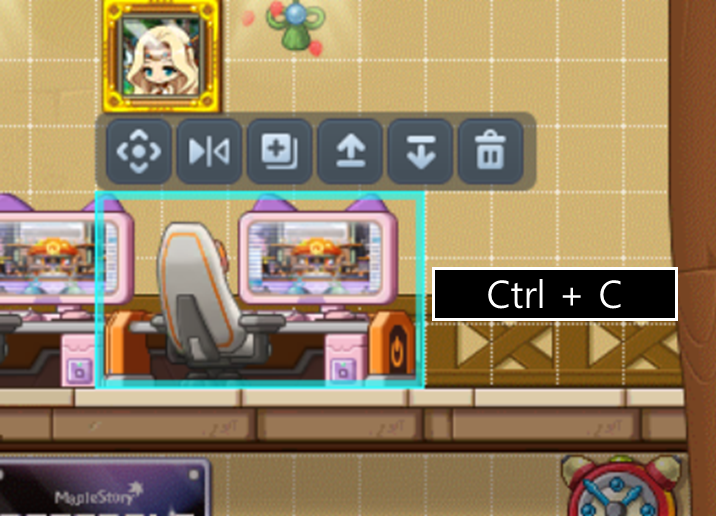
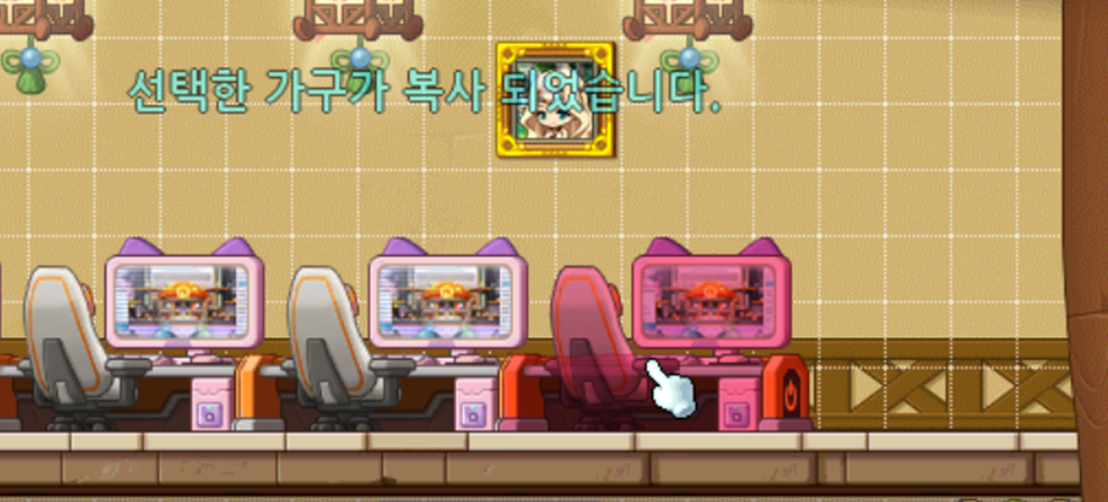
What if you only own 1 copy of a piece of furniture but want to place several?
Just click the furniture and press ctrl + c to copy it. You can then place another identical piece.
If a piece of furniture doesn't look right and you'd like to remove it, click it and press delete.
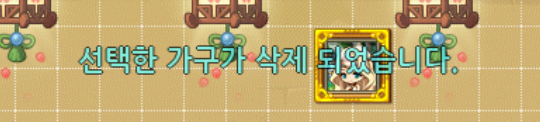
That might sound like you're deleting it for good, but don't worry—it's only removed from the layout. It stays in your furniture collection, so you can click it and place it again whenever you like.
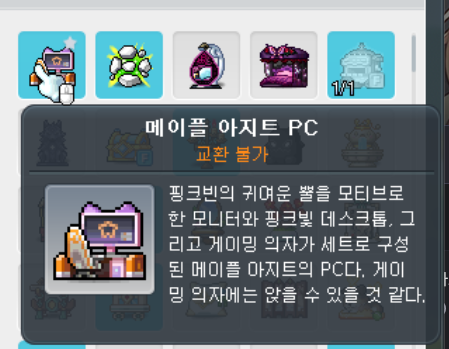
Now, let's put these features to use and decorate your very own Maple Home!
My Maple Home
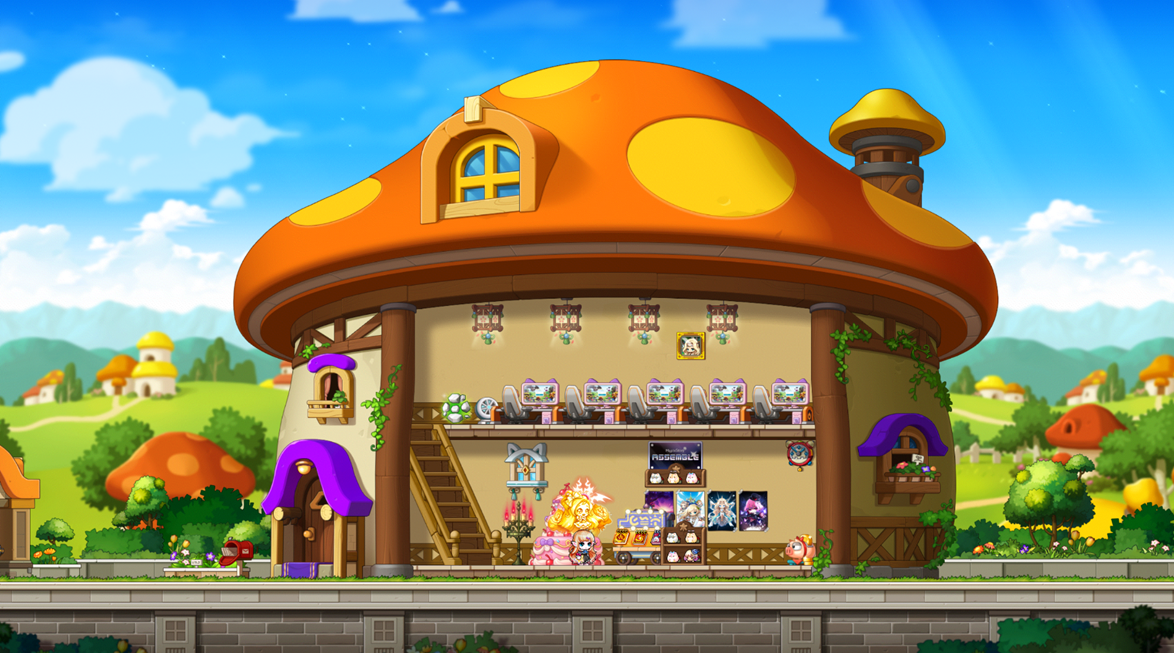
I decorated mine with the PC desks I got from the recent hideout event.
I went with a counter on floor 1 and a PC café on floor 2.
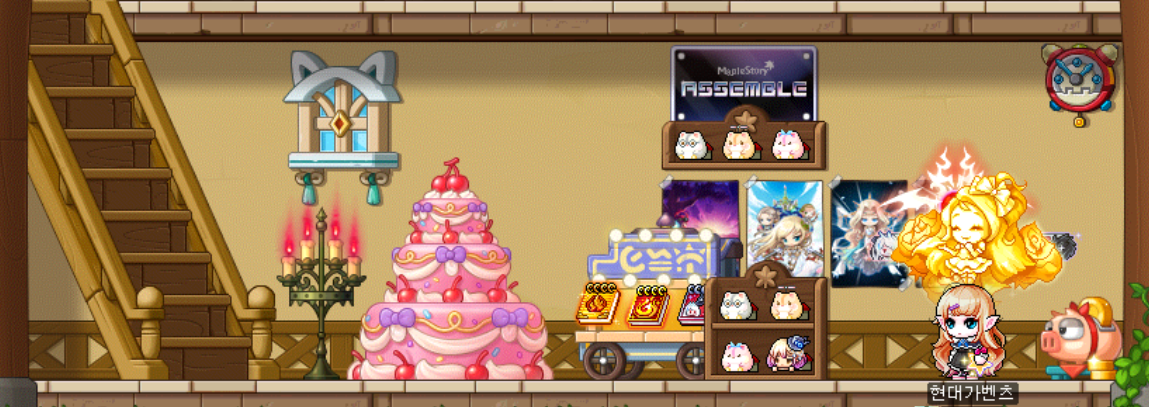
The idea is to welcome customers at the counter on floor 1
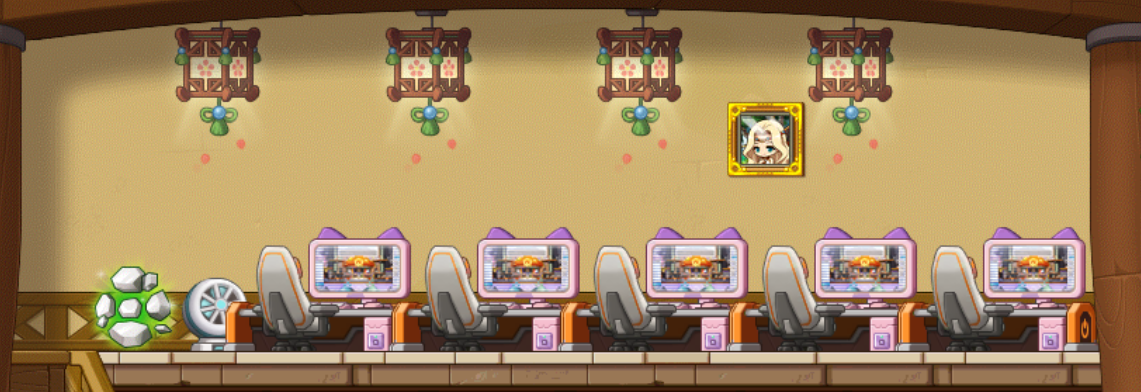
and enjoy games on floor 2!
What theme did you choose for your home?
Try creating a space in MapleStory that shows off your own style!


![[메이플] 귀가 호강한다! #게임 오케스트라로 듣고 싶은 명곡 리스트](https://peak-file.nexon.com/uploads/20260514_1121_5f443179.png)