Avoid an Embarrassing Start: TOP 5 Beginner Mistakes in Mabinogi Mobile
네오필

|
This content was created as part of Nexon PEAK activities. |


New players in Mabinogi Mobile tend to make the same mistakes—the kind you look back on later with a little embarrassment. In this post, I’ll cover 5 of the most common ones.
If you’re just getting started with Mabinogi Mobile, keep these tips in mind to avoid making the same mistakes.
|
Contents |
|
1. Dismantling Enhanced Gear Too Soon |
|
2. Using Bag Cleanup Without Checking the Criteria |
|
3. Appraising Gear You Plan to Sell |
|
4. Misunderstanding the Silver Coin Regeneration Cap |
|
5. Confusing Free Entry with Auto-Retry Costs |
1. Dismantling Enhanced Gear Too Soon
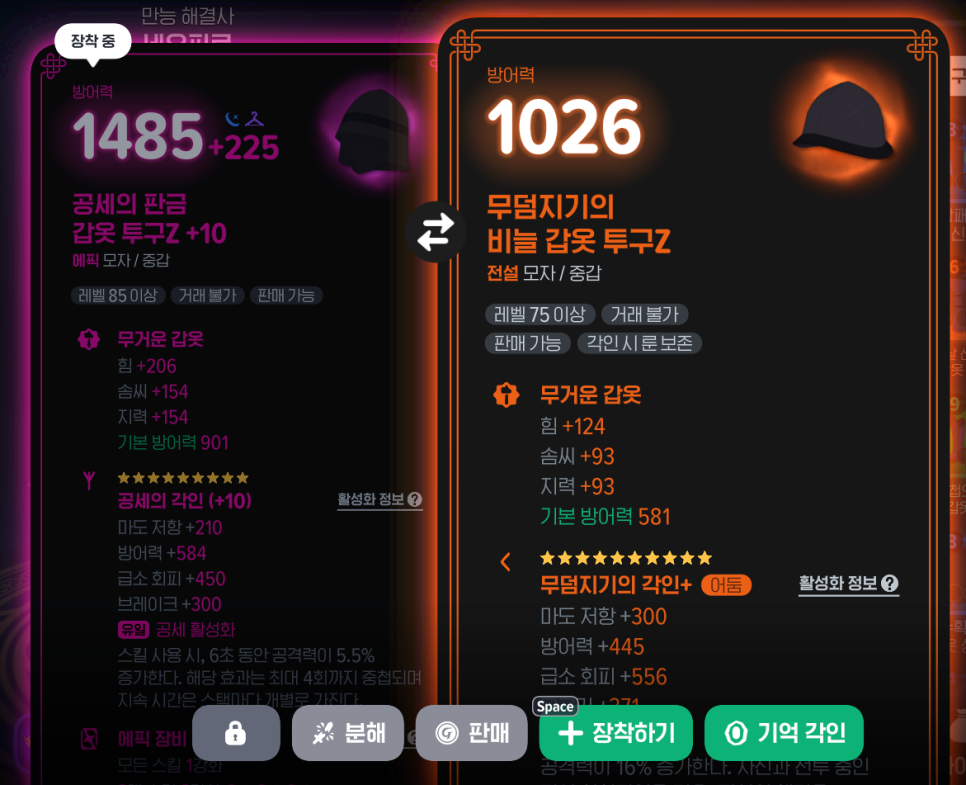
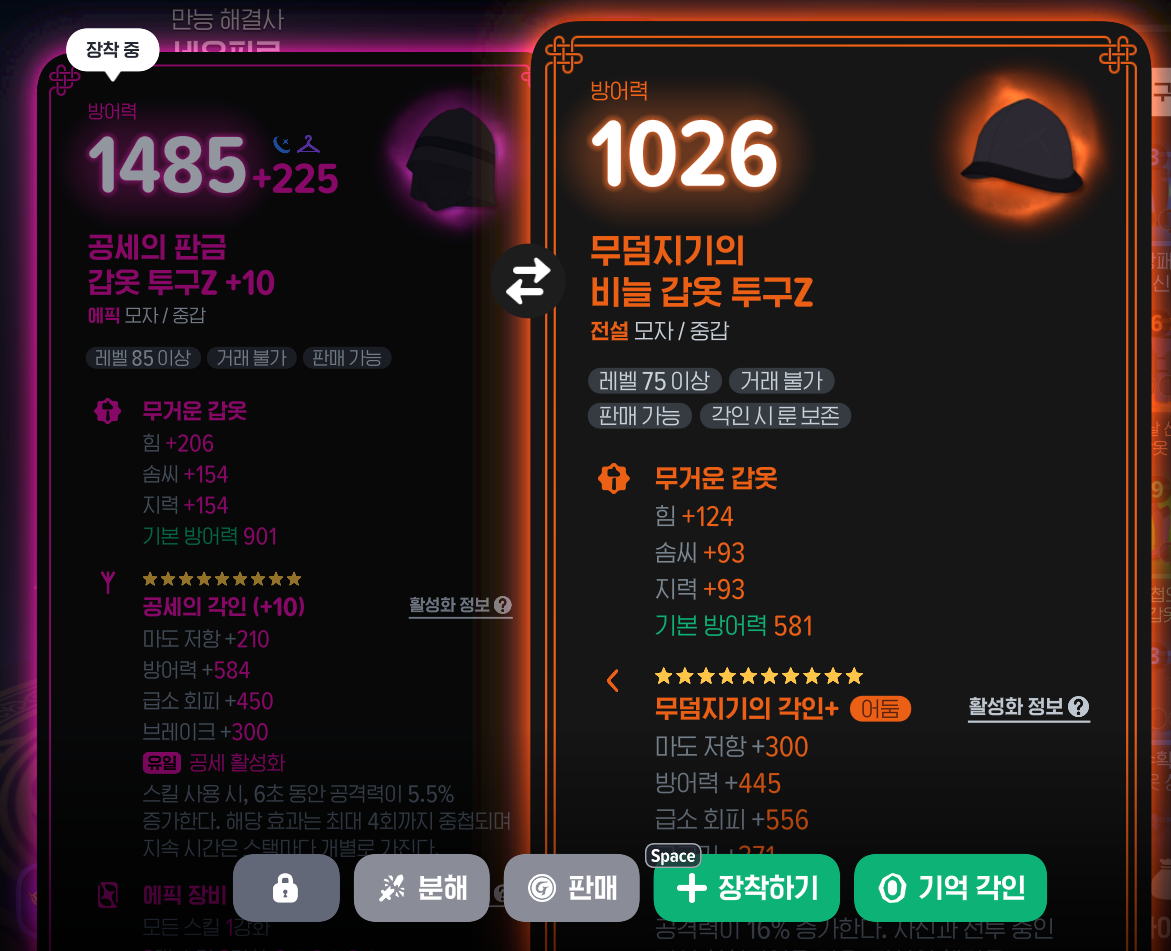
When you get better gear, it’s tempting to swap out your old gear right away. But if you’ve enhanced it, don’t rush to dismantle it.
Dismantling gear returns its rune, but resets its engraving enhancement level. You also get back only some of the Rune Fragments spent on enhancement, so enhancing your new gear from scratch can be costly.
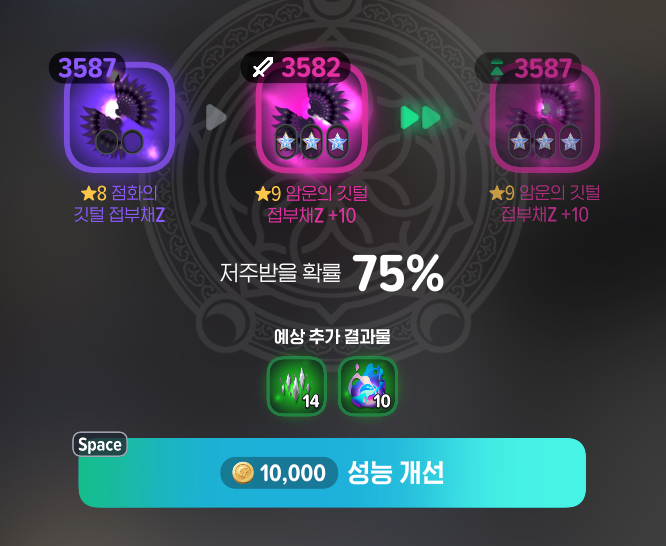
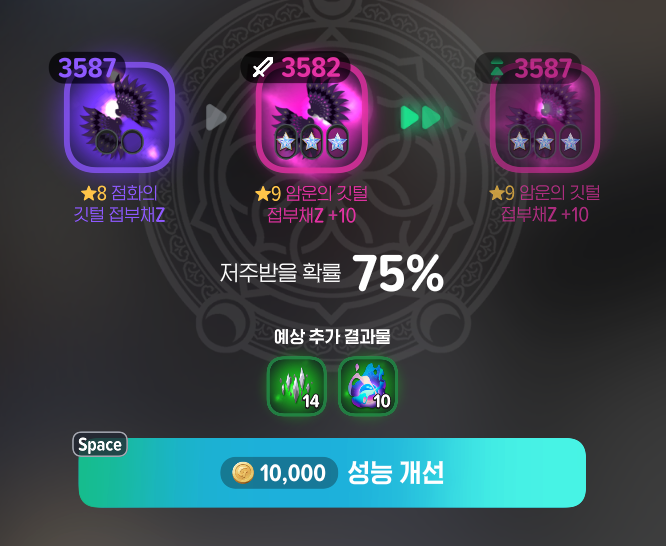
Check “Performance Improvement” first. Select your existing enhanced gear as the improvement target and use the new gear as material. This lets you improve its base stats while keeping its enhancement points.
|
Category |
What to Check |
|
Gear to improve |
The existing gear with the enhancement points you want to keep |
|
Material gear |
The gear with the base stats you want to use |
|
Caution |
Enhancement points on gear used as material are lost |
You don’t necessarily need to dismantle your existing gear to use a new rune, either. Check whether you can use New Rune Engraving or Memory Engraving instead. Keep in mind that New Rune Engraving carries over enhancement points, so the displayed enhancement level may change depending on the rune’s tier.
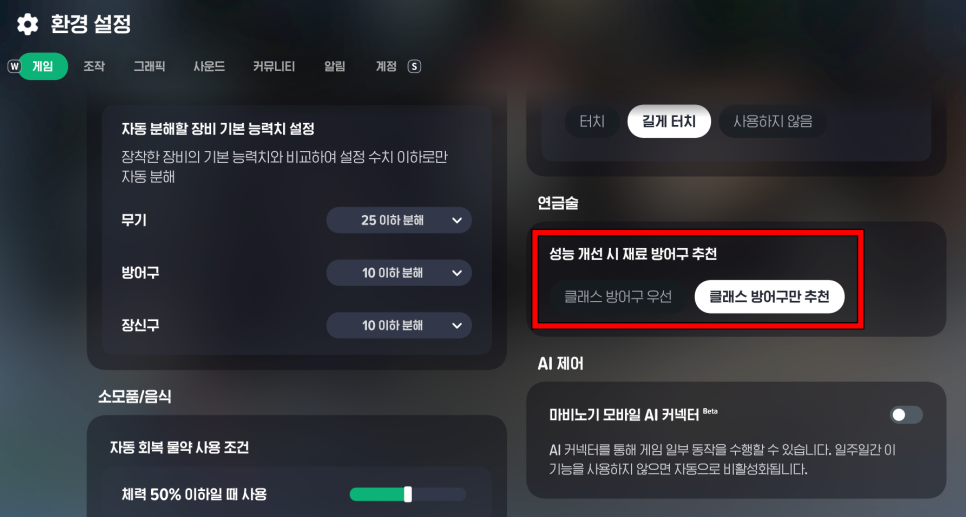
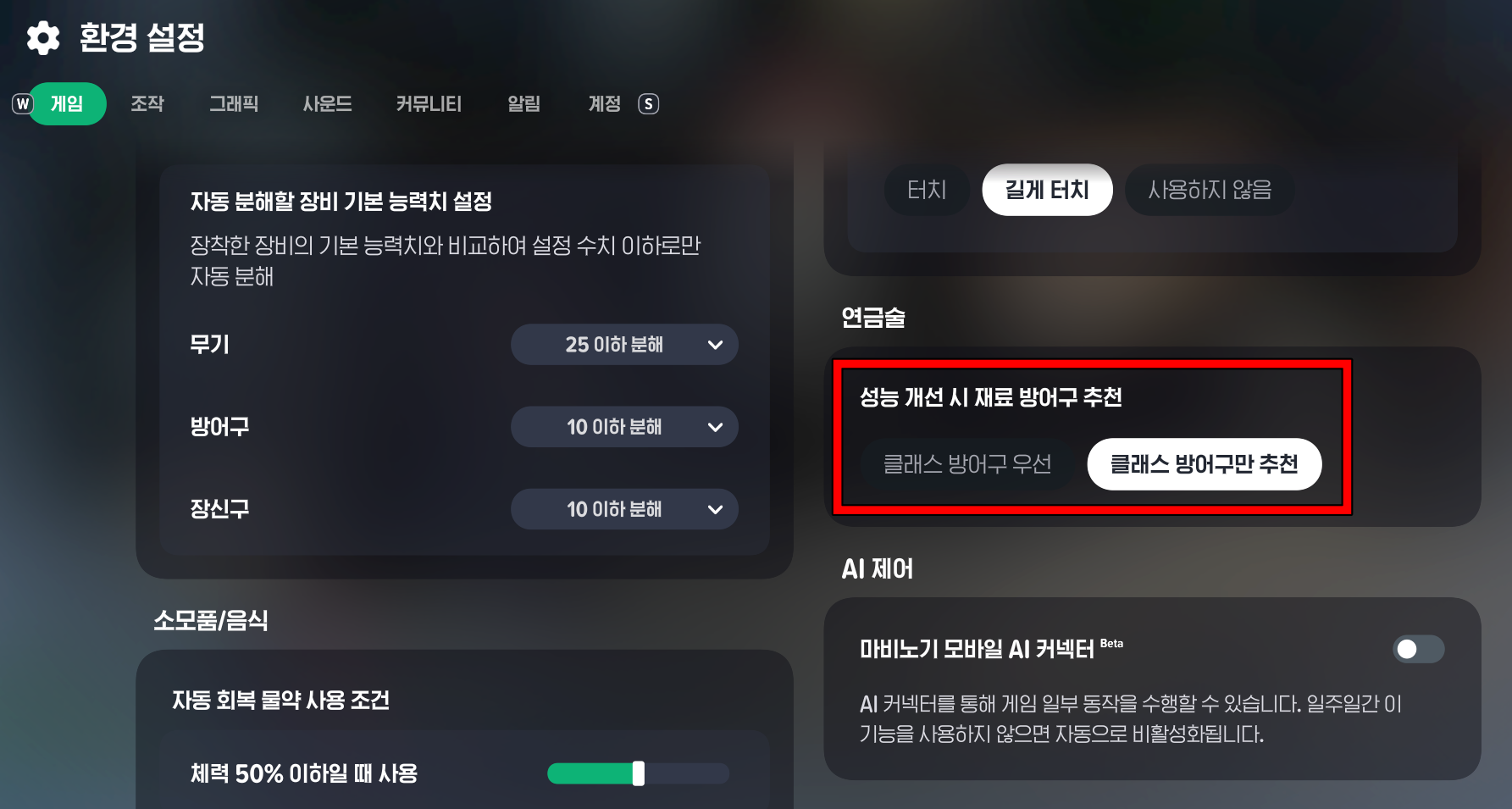
When improving armor, check its material, base stats, and magic resistance as well. “Recommend Class Armor Only” narrows the selection to materials suited to your class. Using another material temporarily can be an option, so changing materials isn’t a mistake in itself. Just make sure you understand what will change before applying it.
2. Using Bag Cleanup Without Checking the Criteria
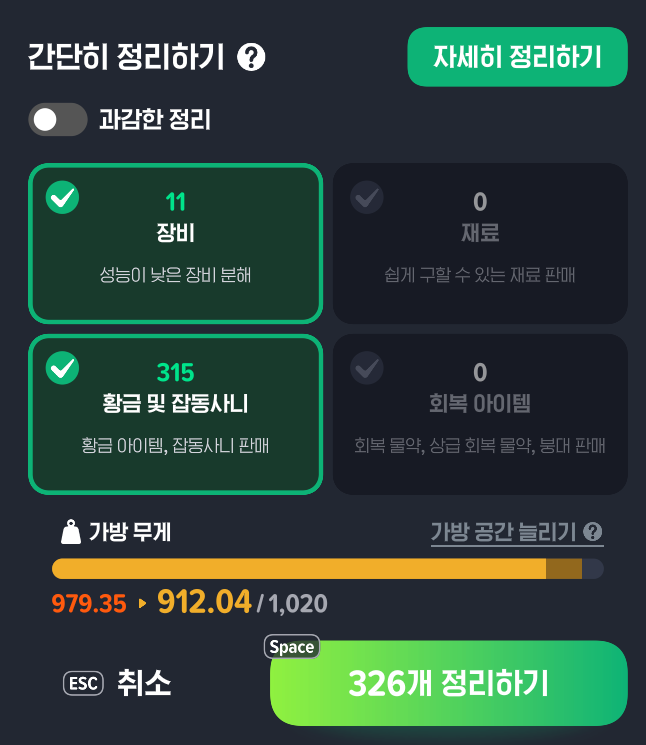
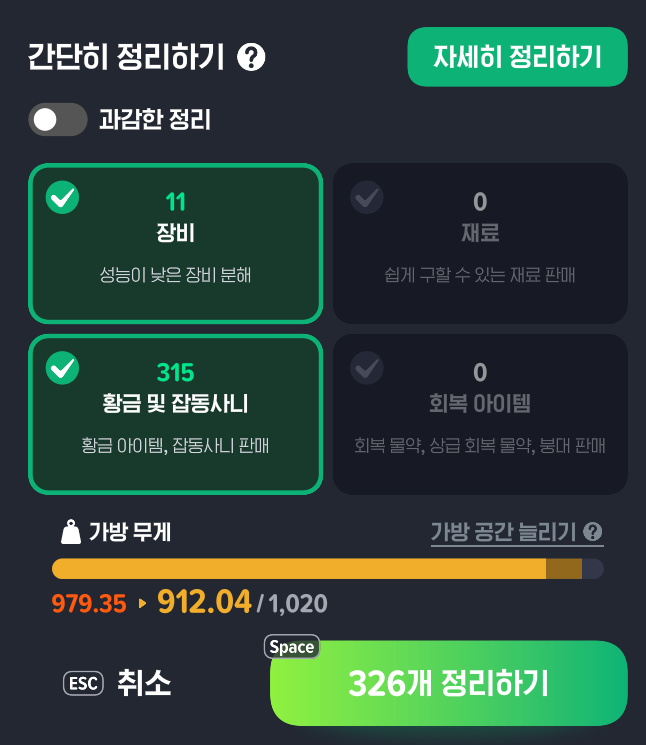
When your bag gets heavy, it’s tempting to free up space as quickly as possible. But using a feature just because it says “Cleanup” could mean getting rid of materials or gear you’ll need later.
“Aggressive Cleanup” in particular can cover a wider range of items depending on the conditions you select. For example, “Heavy Materials” sells all but 20 of each eligible material. Mystic Dice may also be dismantled based on how their base stats compare with your equipped gear.
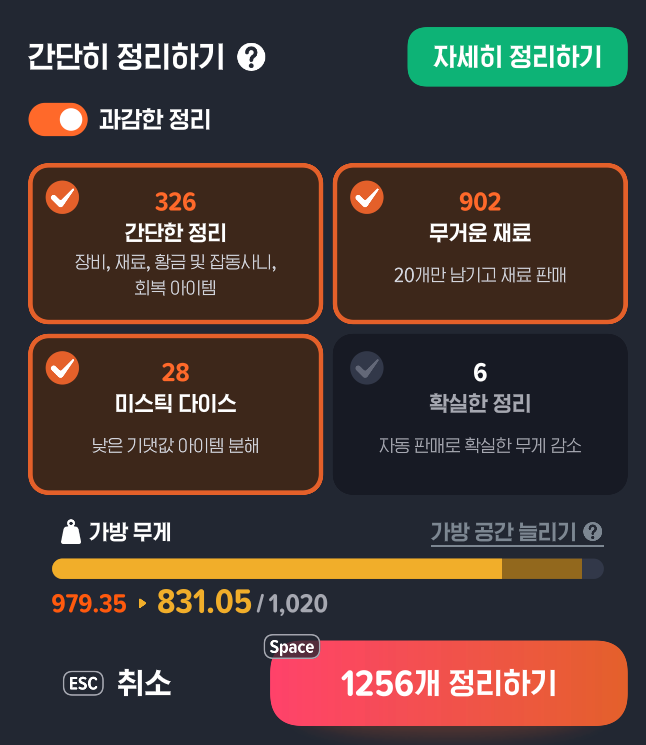
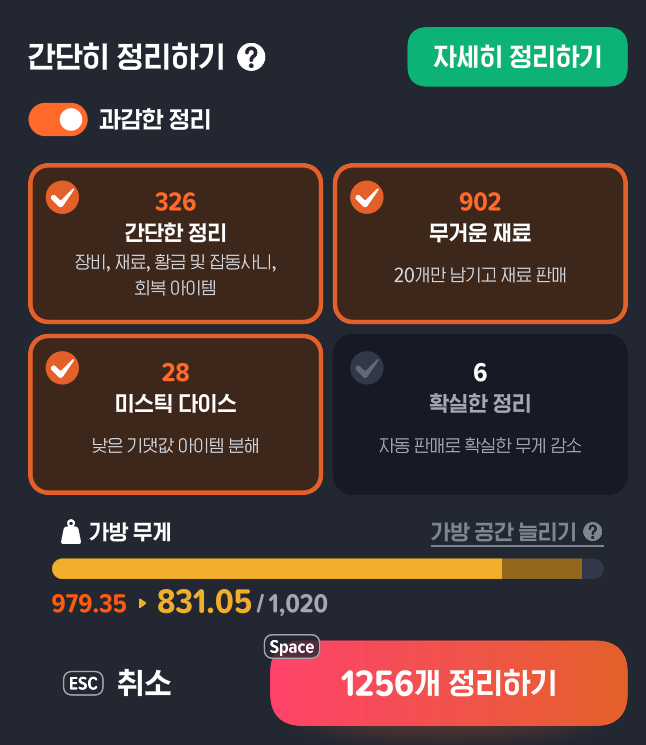
The point isn’t to avoid Aggressive Cleanup altogether, but to understand which conditions you’ve enabled. If you’re a new player and aren’t sure how many materials you’ll need later, start by deciding which items to keep.
Don’t rely on the name “Simple Cleanup,” either. You can change the gear dismantling criteria in the settings—even to include gear with higher base stats than what you currently have equipped.
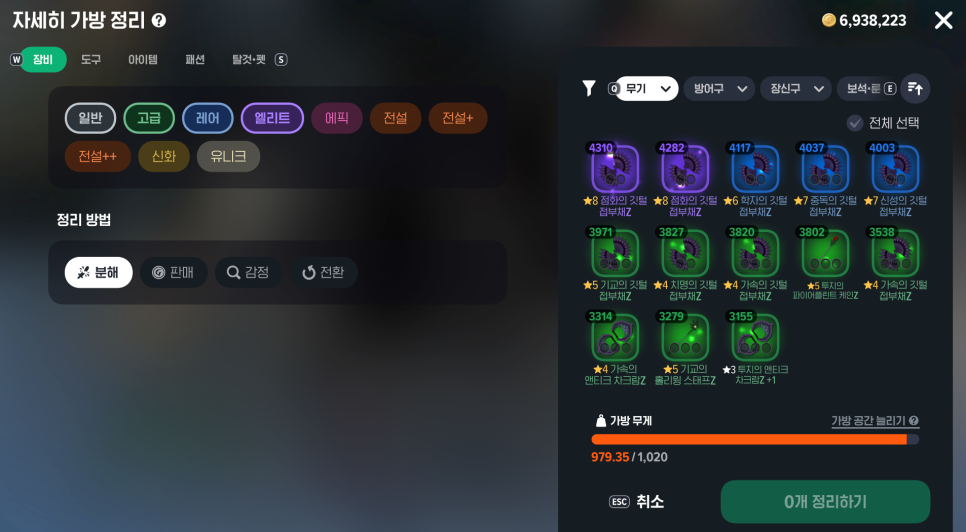
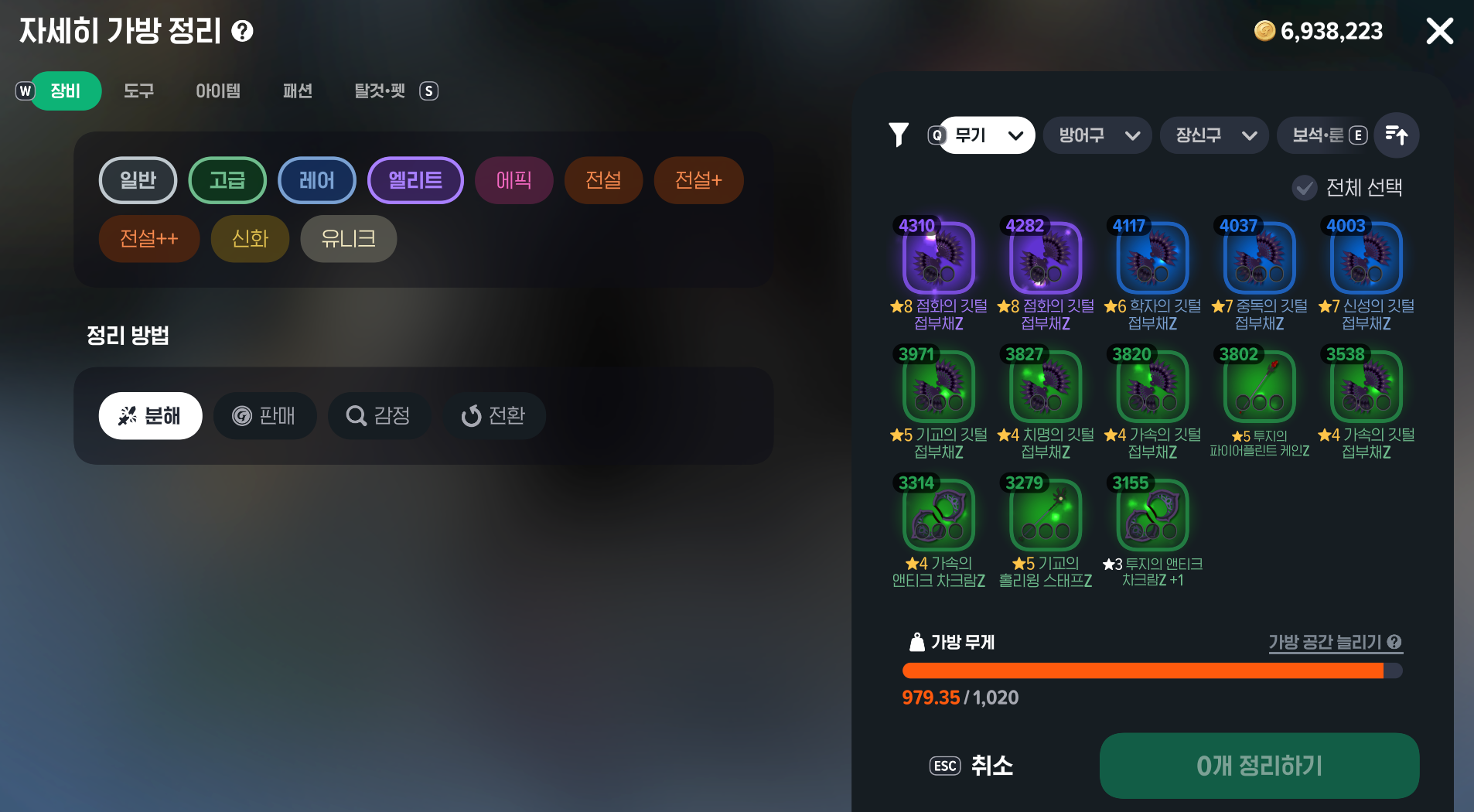
To start with, I recommend using “Detailed Cleanup” and checking the list as you go. This lets you manually select items to clear out or exclude ones you want to keep.
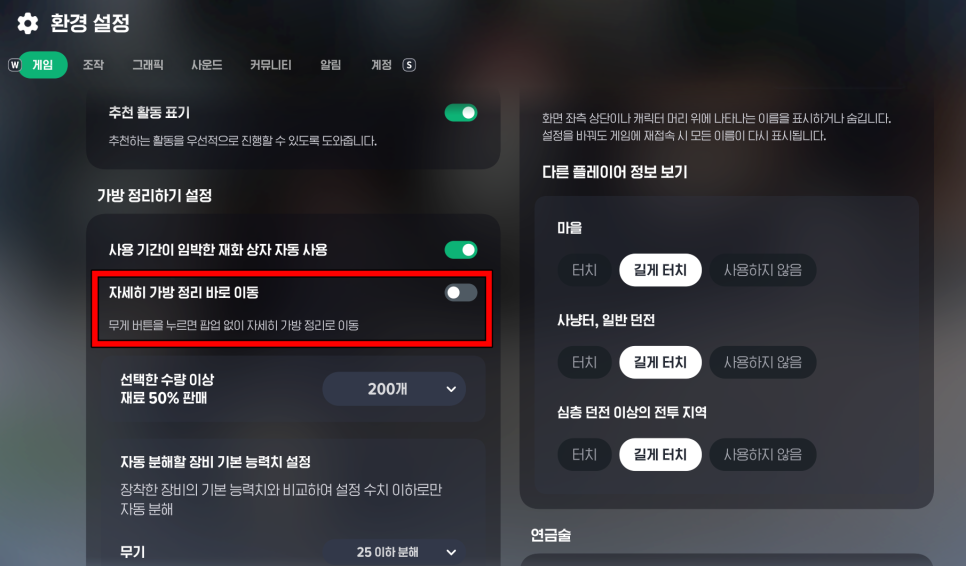
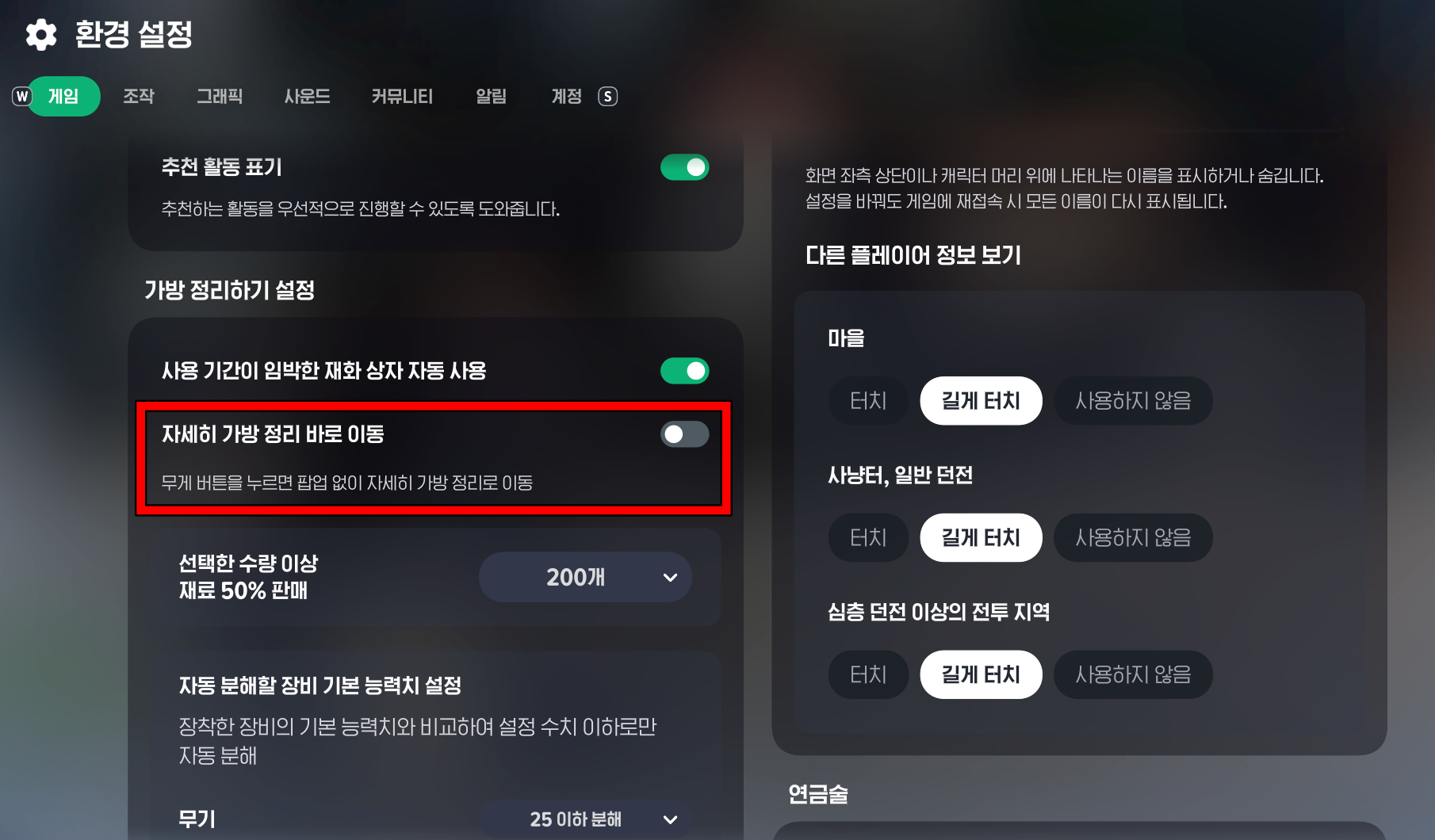
Under “Menu → Settings → Game → Bag Cleanup Settings,” enable “Go Directly to Detailed Bag Cleanup” to go straight to that screen. Before proceeding, also check whether the selected action is appraising, opening, selling, or dismantling.
If you accidentally sell or discard something, check the Buyback tab at an NPC shop first. You can buy items back within 1 hour, but once the list exceeds 30 items, the oldest entries disappear first. Dismantled items cannot be restored this way.
3. Appraising Gear You Plan to Sell
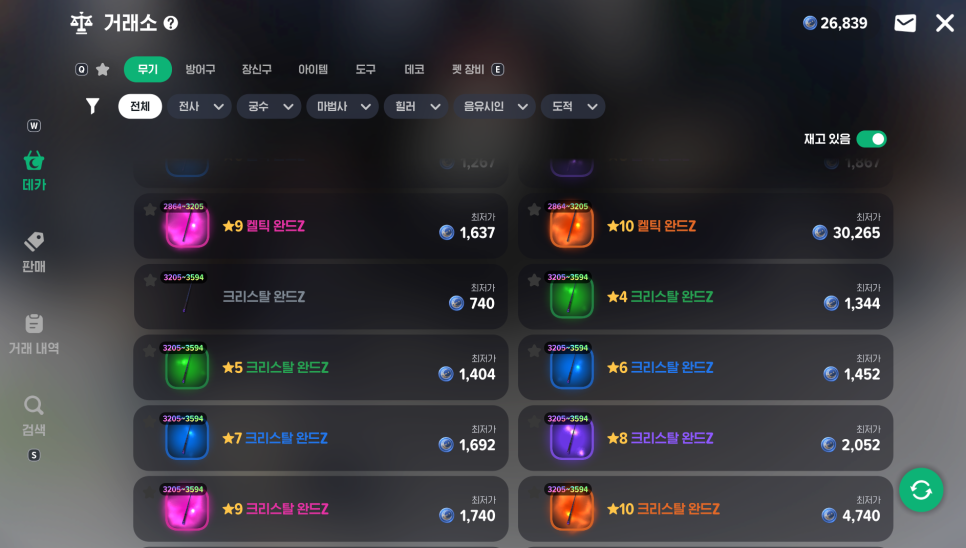
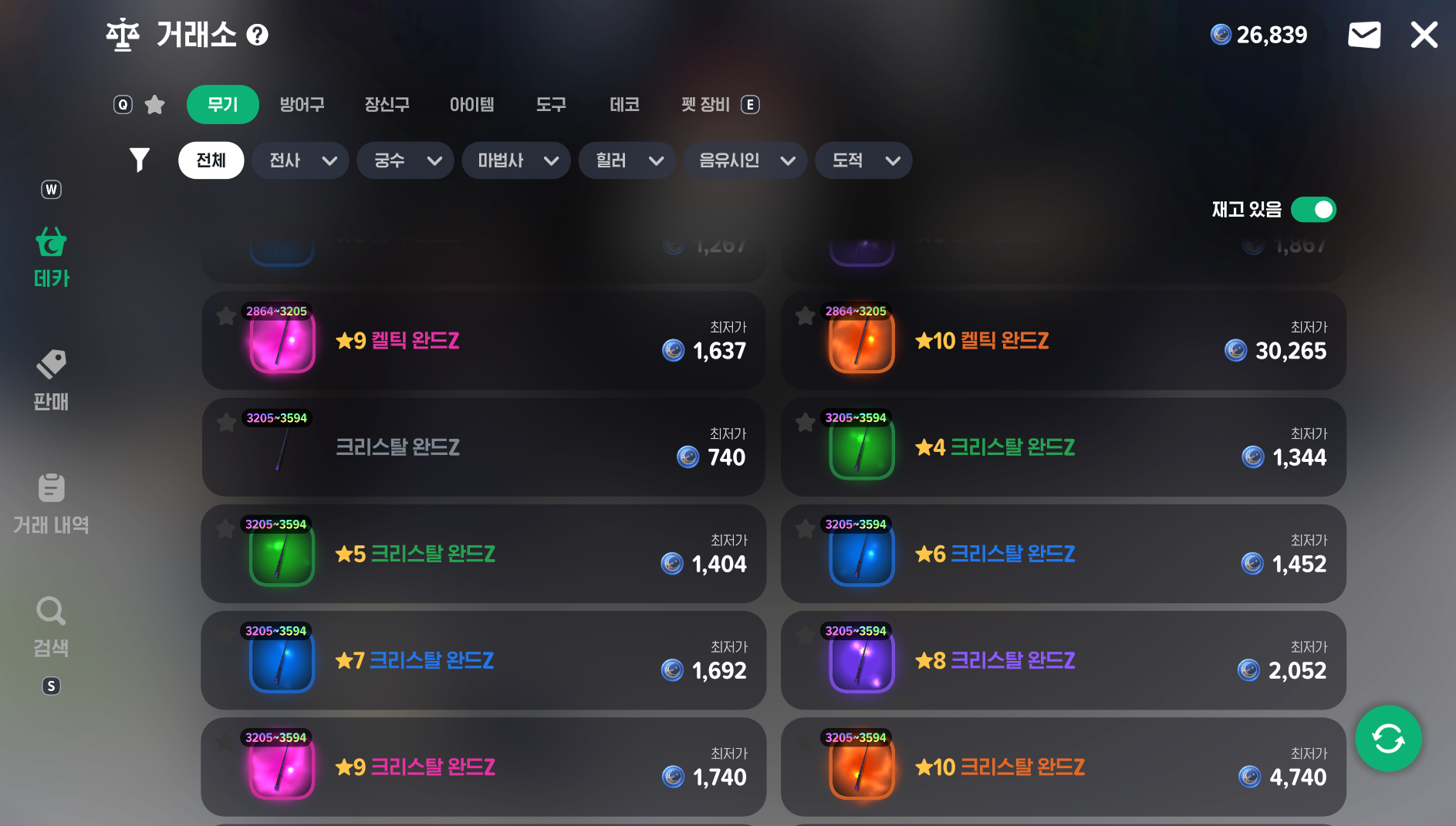
When you get unidentified gear, it’s natural to be curious about its stats and want to appraise it right away. But if the gear is tradable, think twice before doing so.
Even unidentified gear marked as tradable becomes untradable once appraised. If you weren’t planning to use it yourself, that means losing the opportunity to sell it.
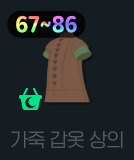
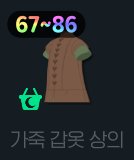
When you get unidentified gear, work through these steps:
-
Check whether the item is marked as tradable.
-
Look up the going price for the same item on the marketplace.
-
Decide whether to use it yourself or sell it before appraising it.
Not all unidentified gear is tradable or valuable. The idea is to keep your options open before appraising anything that might be worth selling. When using bulk appraisal in Bag Cleanup, also make sure gear you intend to sell isn’t selected.
4. Misunderstanding the Silver Coin Regeneration Cap


Silver Coins regenerate at a rate of 1 every 30 minutes, even when you’re offline. They won’t keep accumulating indefinitely, though. Automatic regeneration stops once you reach a certain amount.
Here’s the easily overlooked distinction: the regeneration cap is different from the maximum amount you can hold.
|
Category |
Silver Coin Amount |
|
Default regeneration cap |
100 |
|
Regeneration cap with an active Total Membership |
150 |
|
Maximum amount you can hold |
999 |
Being able to hold up to 999 doesn’t mean your coins will regenerate up to that amount. On the other hand, exceeding the regeneration cap won’t make the Silver Coins you already have disappear. You simply miss out on further regeneration.
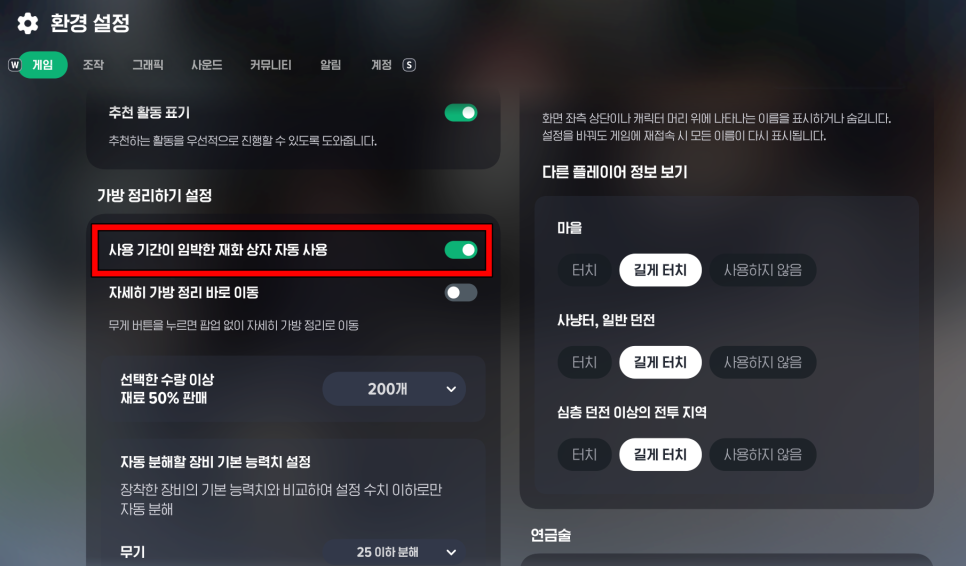
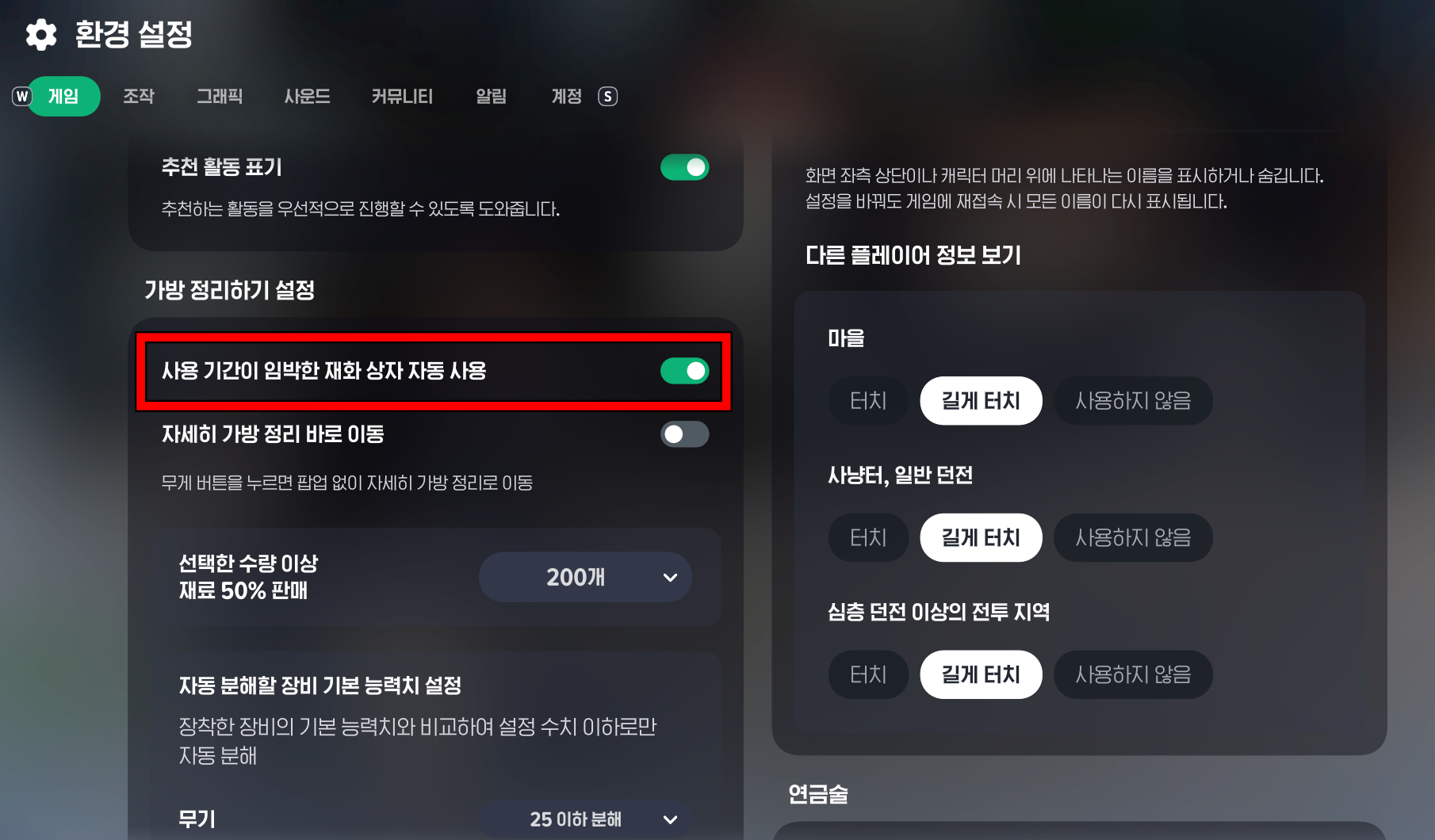
Rather than opening every Silver Coin Box as soon as you receive it, check when you plan to use the coins and when the boxes expire. If you’re about to run dungeons or head to hunting grounds, open as many as you need and use them.
Saving boxes isn’t always the right choice, either—don’t hold on to time-limited boxes so long that they expire. There’s an option to automatically use Silver Coin and Fomor Offering Boxes with 24 hours or less remaining when you enter a town, so check your settings.
5. Confusing Free Entry with Auto-Retry Costs


Entering a dungeon without a mission (without spending Silver Coins) isn’t the same as using Auto-Retry. Manually entering normal or deep dungeons without a mission doesn’t use Silver Coins, but enabling Auto-Retry uses Spirit Wings.
Each entry or retry with Auto-Retry enabled requires 3 Spirit Wings. If you’ve set up companions, you’ll pay their costs too. That’s why it’s worth checking the resource cost before leaving it on for convenience.
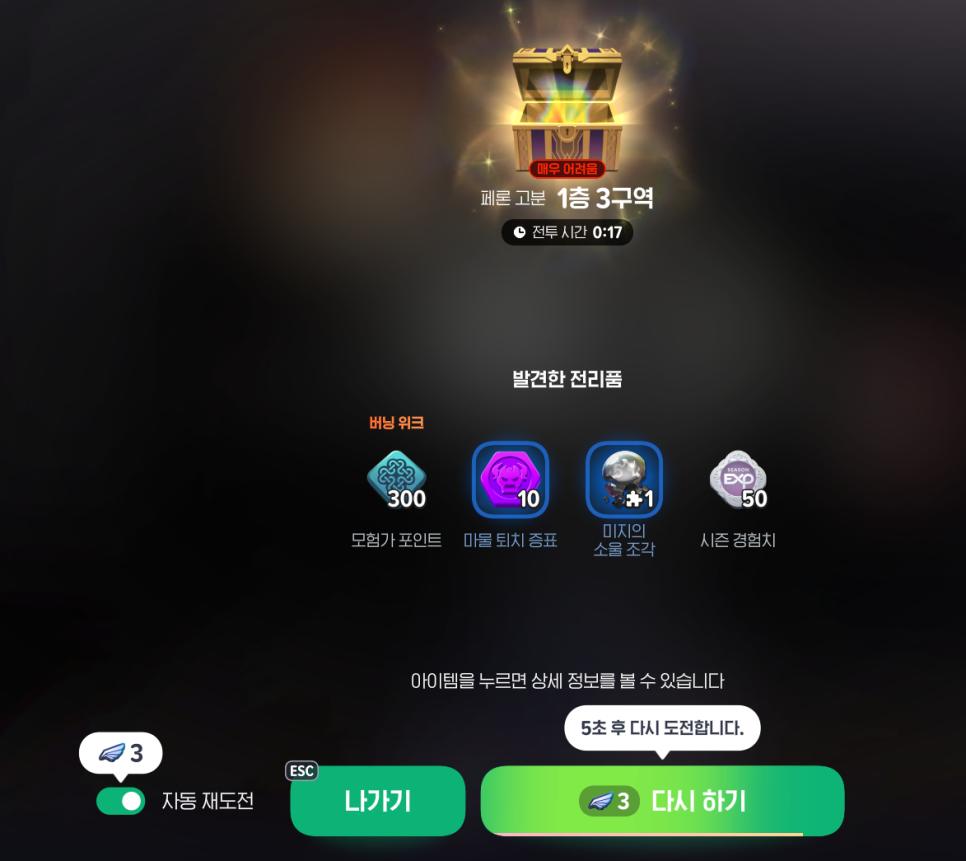
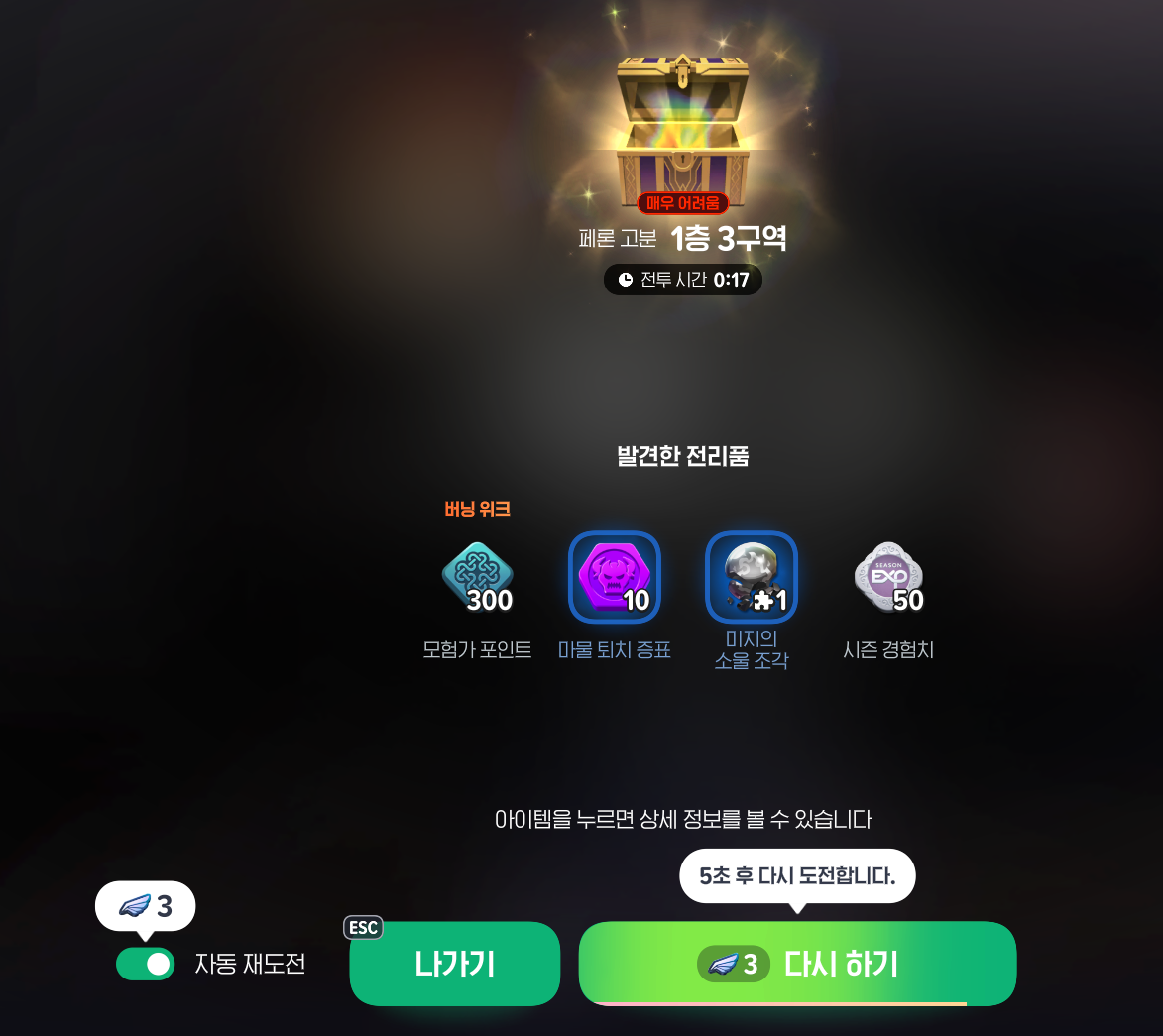
Remember that Auto-Retry settings are saved separately for each character. Before entering again, check the toggle and the cost displayed on the button—it’s easy to forget you left it on last time.
|
Before Entering |
What to Check |
|
Auto-Retry |
Enable only when needed |
|
Spirit Wings |
Check how many are needed for entry and retries |
|
Companions |
Check the costs of repeated runs as well |
Using Auto-Retry isn’t necessarily a bad deal. You’re choosing to spend resources to save time. Just don’t assume it works like free entry: check your remaining resources and what you want to achieve by repeating the dungeon before using it.
Wrapping Up


That wraps up the TOP 5 Mabinogi Mobile beginner mistakes and tips for avoiding them. The easiest way to spare yourself a few embarrassing memories from your early days is to double-check the conditions before taking action.

![[마비노기 모바일]캠파 라이브 모아보기](https://peak-file.nexon.com/uploads/20251118_0159_e99-19a1-42e0-9c18-ce07cfe997d7)