Enjoy Mabinogi Mobile with ease—even with just one hand
곤류
This post was created as part of Nexon's PEAK activities.
Mobile games often have you holding your smartphone horizontally
and controlling the action with both thumbs.
Between rotating the camera, moving your character,
and using skills, both hands can stay busy.
Mabinogi Mobile supports portrait mode,
while Smart Compass and Assist Mode reduce the input needed for movement and combat.
Together, these three features let you play while holding your smartphone in one hand.
This article explores
three reasons why Mabinogi Mobile
is comfortable to play with just one hand.
📱 Play in Landscape or Portrait
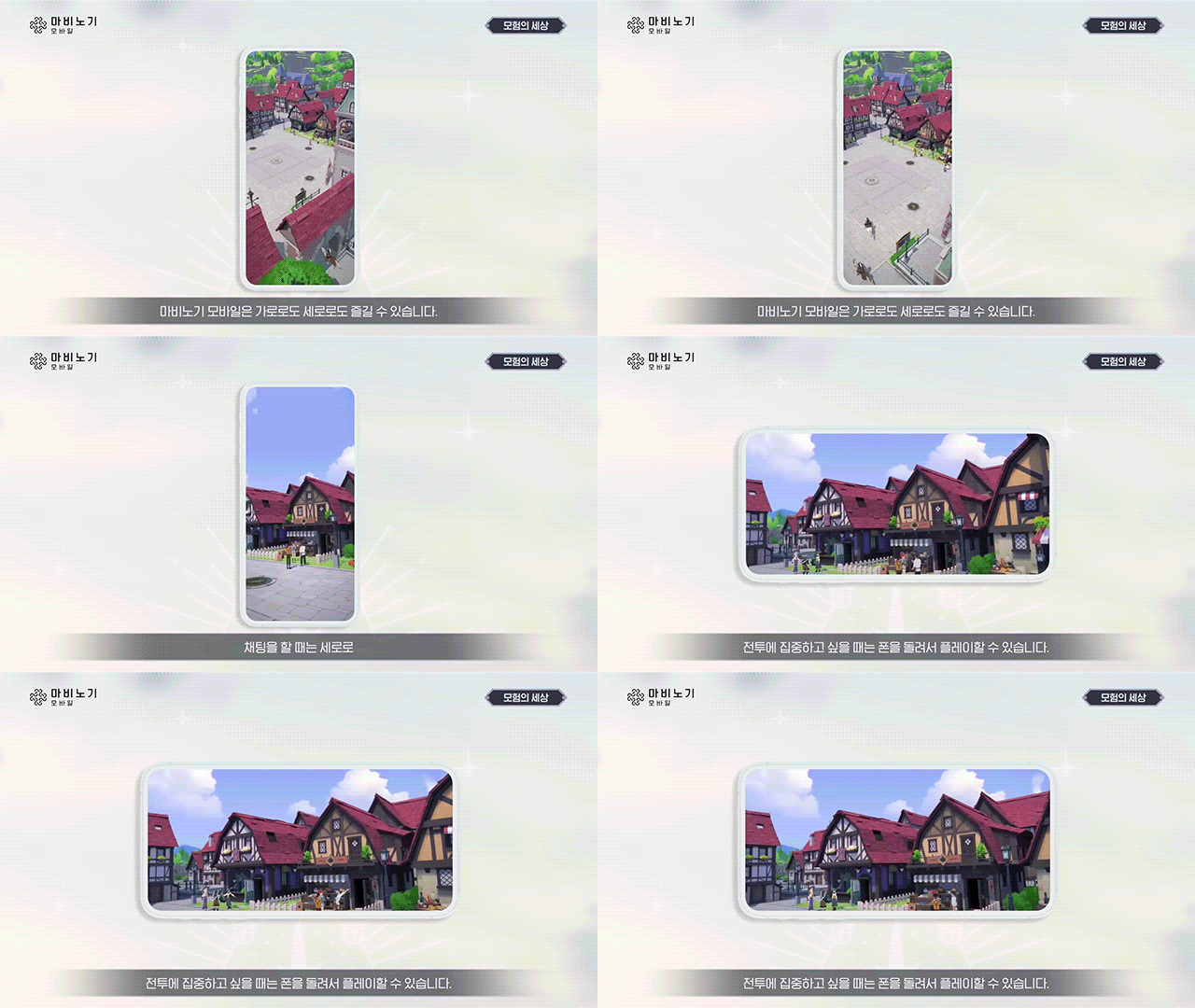
Mabinogi Mobile supports both landscape and portrait modes.
The aspect ratio is not locked to 16:9,
so the UI adapts naturally to your device's screen.
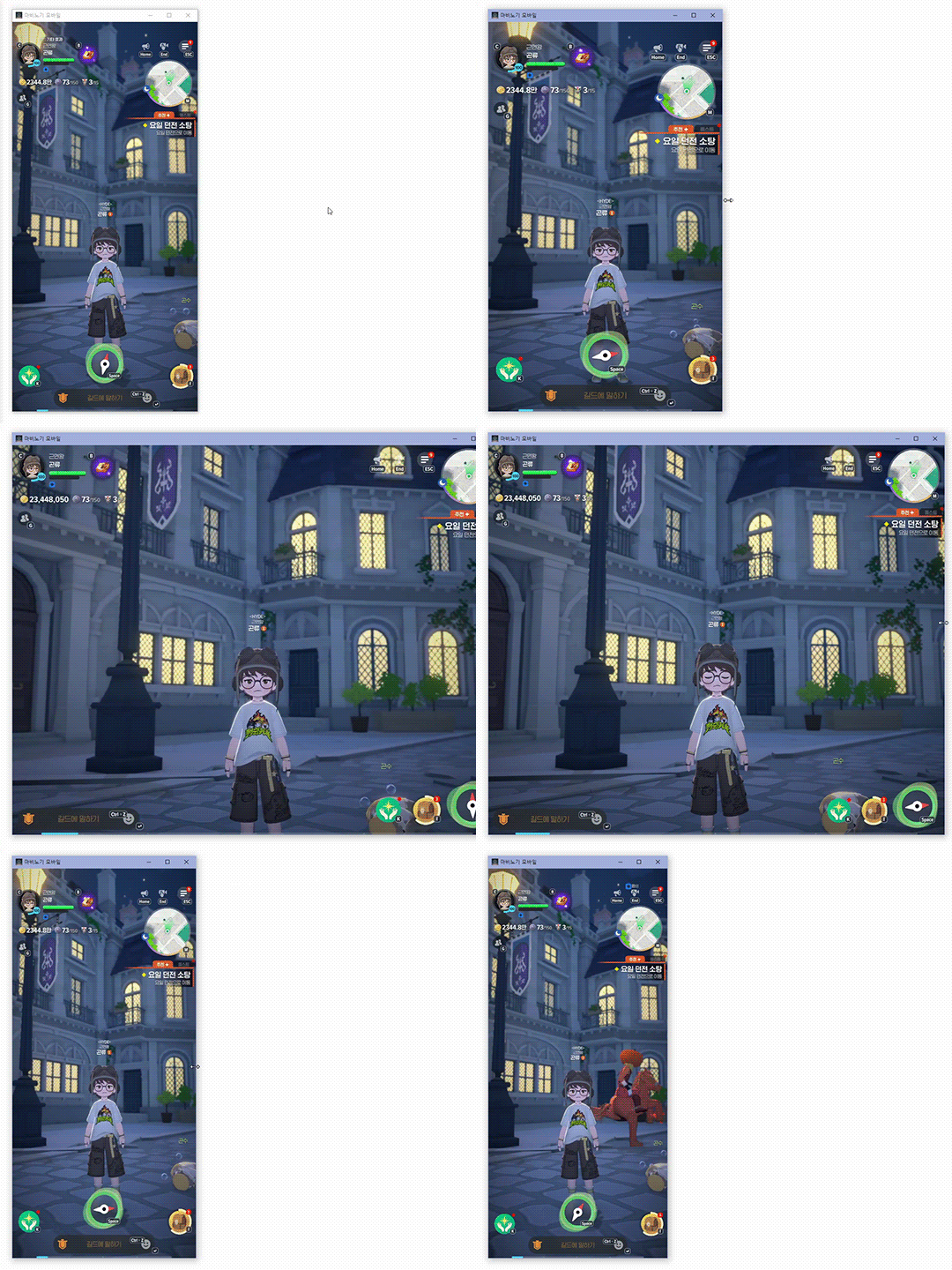
The game offers a consistent experience across smartphones, tablets, and PCs.
On PC, windowed mode lets you freely resize the game window,
making it easy to play alongside other open windows
even without a dual-monitor setup.
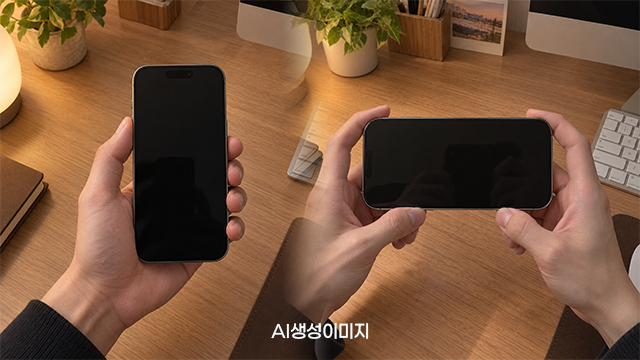
The controls in portrait mode are key to one-handed play.
Holding a smartphone horizontally generally means using both hands,
but portrait mode lets you hold the device in one hand and control the action with your thumb.
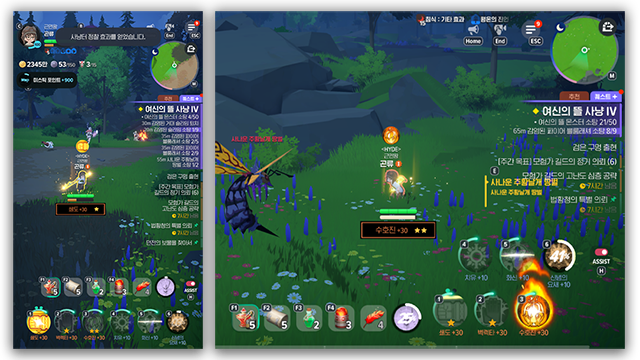
The combat UI also adjusts to the screen orientation.
In landscape mode, 6 skill icons appear in a 3x2 layout at the bottom right of the screen,
while portrait mode arranges all 6 side by side in a horizontal row.
You can also switch between monster targets by tapping the left and right sides of the screen.
With the UI and controls adapting to the screen orientation,
combat remains comfortable in portrait mode.
🧭 Smart Compass: Let the Compass Guide You
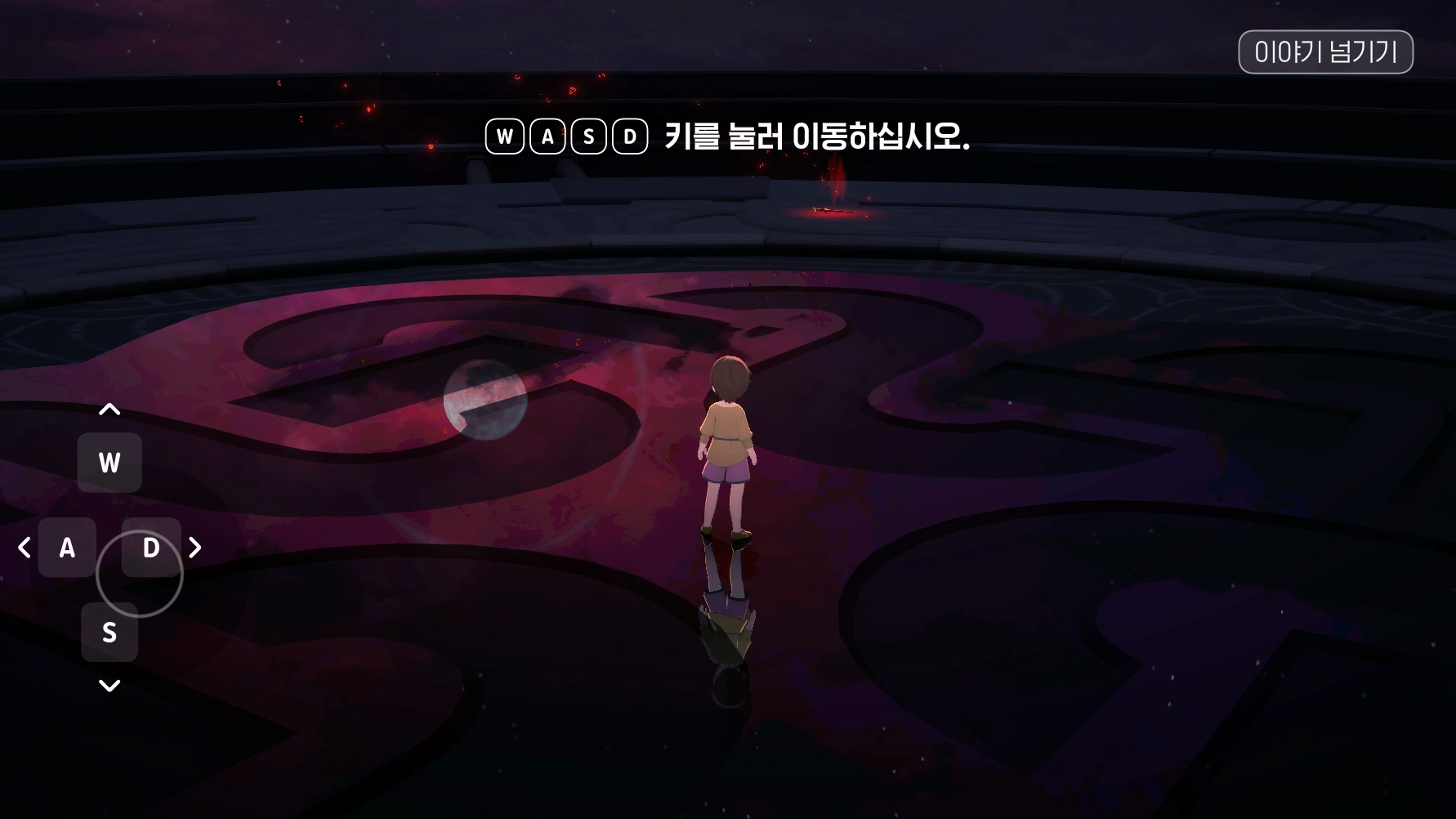
In RPGs with manual character movement,
even getting around can take plenty of input.
You need to move while rotating the camera to check paths and terrain,
then find and target enemies during combat.
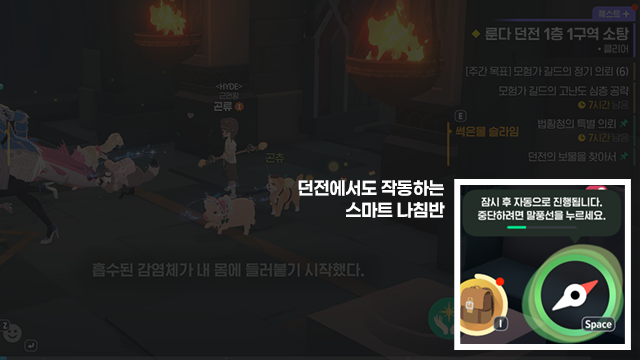
Mabinogi Mobile's Smart Compass helps with these movement controls.
Enabling Smart Compass moves your character to the room where combat takes place
and can also automatically target nearby monsters.
That leaves you free to focus on using skills,
making one-handed play more comfortable.
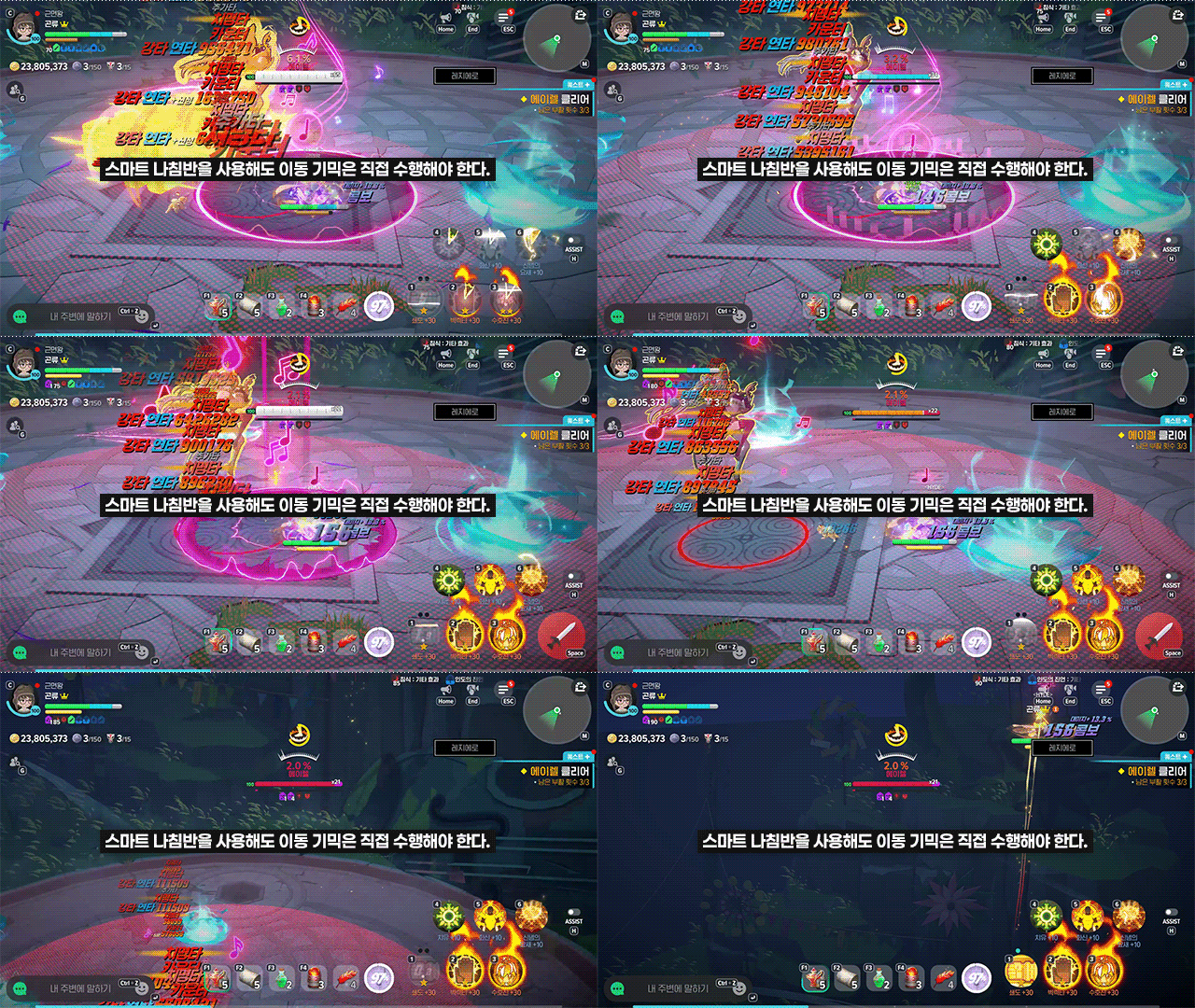
Some combat mechanics still require manual movement,
so you will need to take direct control of your character when necessary.
Overall, though, Smart Compass means less attention spent on movement and controls,
allowing you to focus on combat with just one hand.
🎮 Assist Mode: Give the Skill Buttons a Break
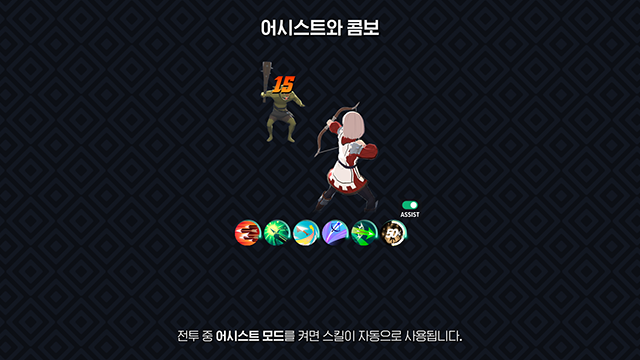
Assist Mode automatically uses skills during combat.
With no need to press each skill button yourself,
you can reduce the manual input combat requires.
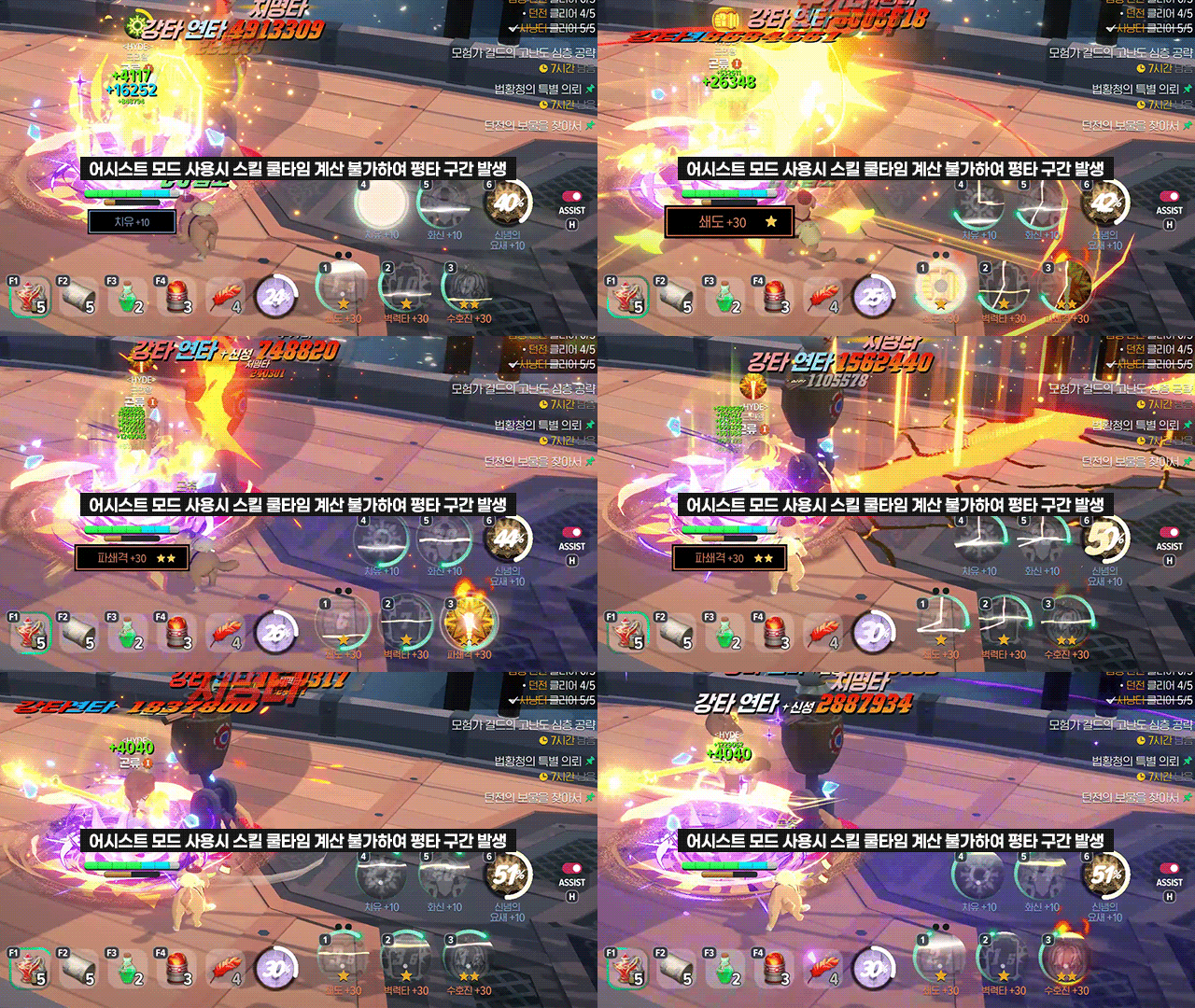
The trade-off is that combat can be less efficient than with manual controls.
Assist Mode uses skills in a set order,
limiting its ability to adapt to combat conditions, skill cooldowns, and resource management needs.
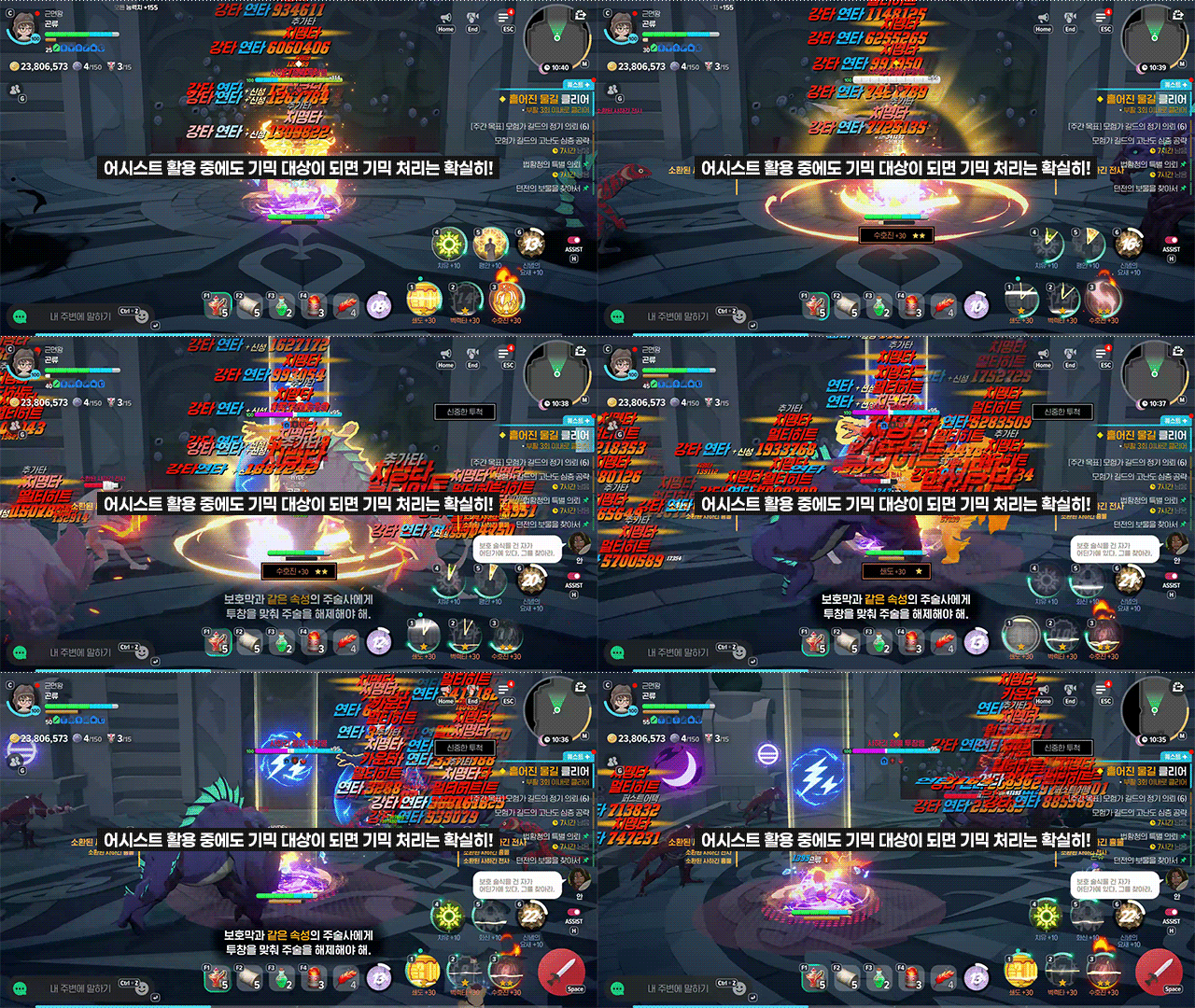
Assist Mode is useful when survival matters more than clear speed
or when you want to reduce manual combat input.
You can leave skill use to Assist Mode
and focus on moving your character or responding to mechanics as needed.
👆 One Hand Is Enough!
These three features work together to make one-handed play possible in Mabinogi Mobile.
The UI adapts to portrait mode, Smart Compass helps with movement and targeting,
and Assist Mode handles skill use.
Some situations still call for manual movement or a response to specific mechanics,
so you cannot handle every battle with one hand.
Even so, I see this as a strength of Mabinogi Mobile:
combining these features gives you the option to play one-handed
on a mobile device.
Whether you are logging in briefly on the go to complete daily content
or holding your smartphone in one hand to keep the other free,
being able to keep playing when a PC is not a practical option is a welcome benefit.
![[마비노기 모바일] 침대 모드 ON! 한 손으로 즐기는 마비노기 모바일](https://peak-file.nexon.com/uploads/20261026_1155_d5db816d.png)
![[피크 챌린지] 로딩 화면에서도 에린을 느낄 수 있는 마비노기 모바일](https://peak-file.nexon.com/uploads/20260630_0726_7cf73884.png)