It’s finally out! Let’s learn how to play Global Classic MapleStory (글클메)!
게임하늘


Hello, everyone! 게임하늘 here.
It’s finally here! MapleStory Classic World, or 글클메 for short, launched on 10/21, and you can now play it yourself. So, how do you get started? Just a heads-up: if you’re in Korea, you’ll need a VPN to play MapleStory Classic World, so make sure you have one ready. Once that’s set up, let’s give it a try! In this guide, we’ll walk through how to play MapleStory Classic World, also known as 글클메.
Let’s get started.
Contents
-
Downloading Through Nexon Launcher or Steam
-
Logging In
-
Gameplay
-
Wrapping Up
|
Downloading Through Nexon Launcher or Steam |
|---|
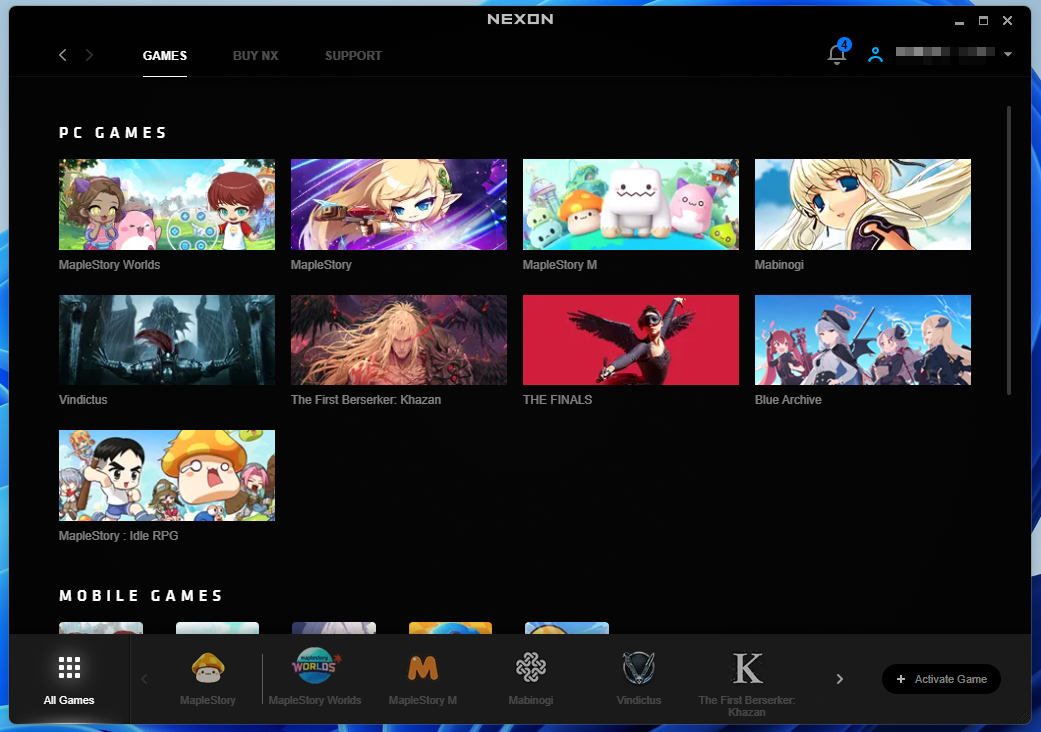
We covered how to download Nexon Launcher in the previous post. Now, turn on your VPN and log in with your Google account. Once you’re logged in, the launcher should open like this. You’ll see a range of games, including MSW, MapleStory, MapleStory M, and Mabinogi. Let’s select MapleStory.

The official MapleStory Classic World website should now show that the game is available to play. You’ll find the Nexon Launcher option we mentioned earlier, but you can also play through Steam. If you have a Steam account, click Steam.
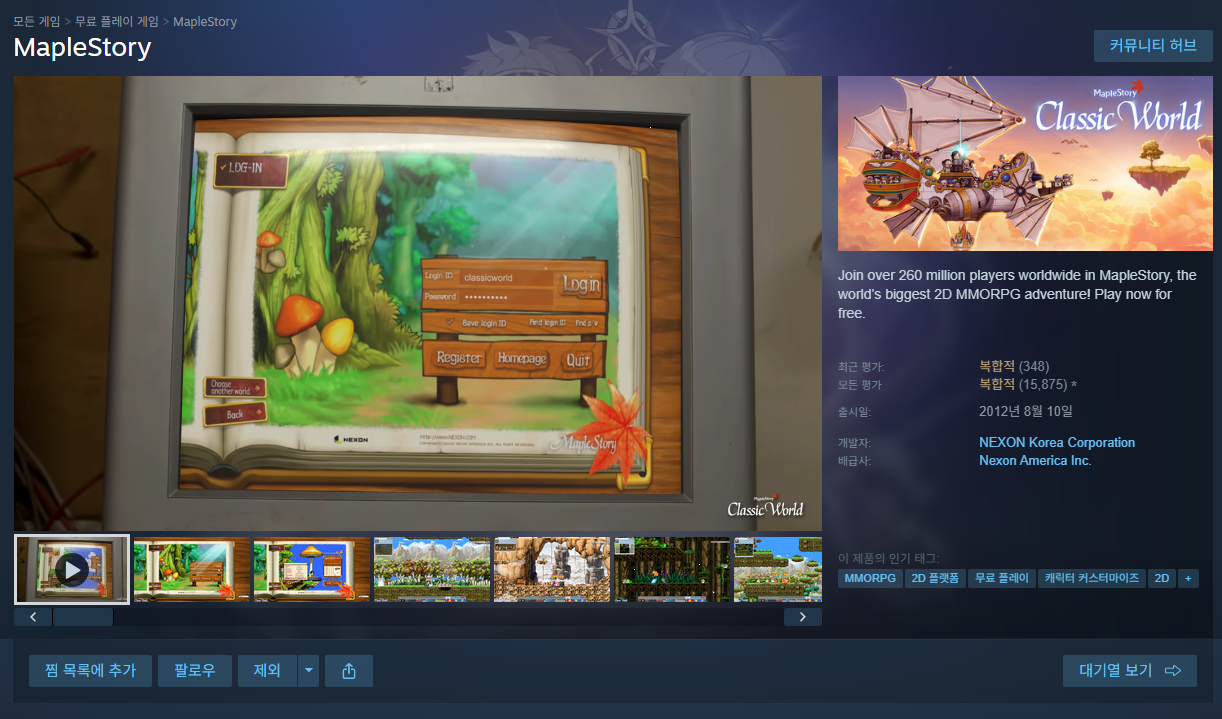
A window like this should appear. Notice that the game is simply listed as MapleStory, with a Mixed review rating. I think that’s because it’s grouped together with the main game.
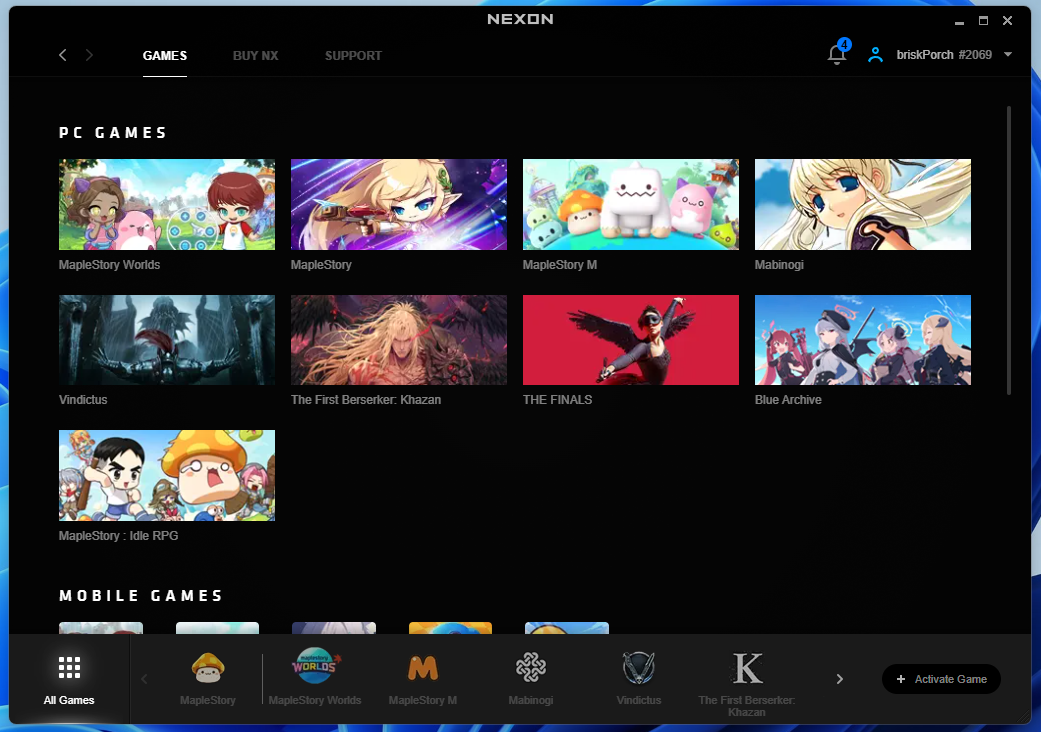
For now, let’s head back to Nexon Launcher and select MapleStory Classic World—not the main game—to download it. Once the download is complete, you’re finally ready to play!
|
Logging In |
|---|
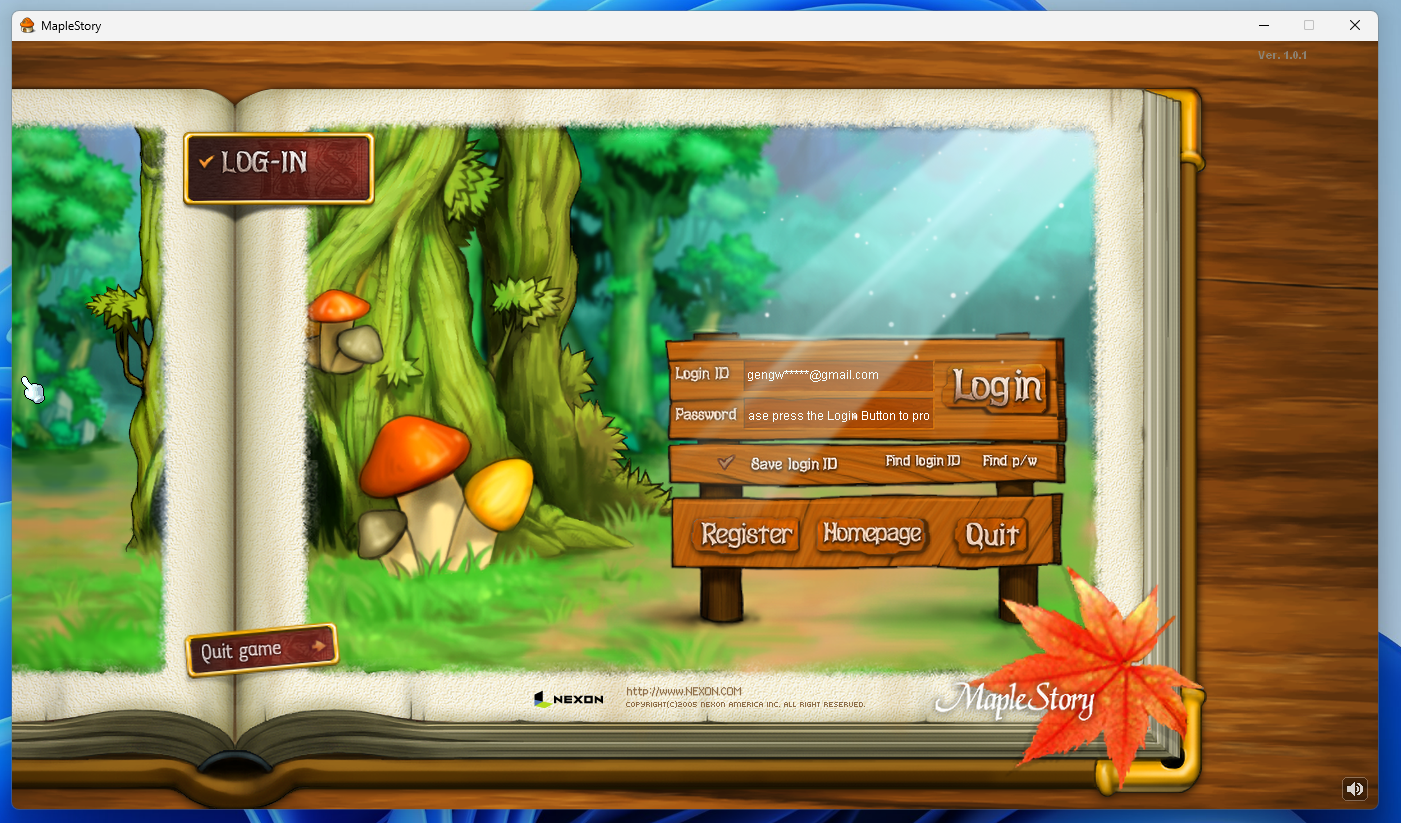
When you launch the game, you’ll see this login screen. It really brings back memories. I’ve seen it in Mapleland, of course, but there’s something different about seeing it in an official release.
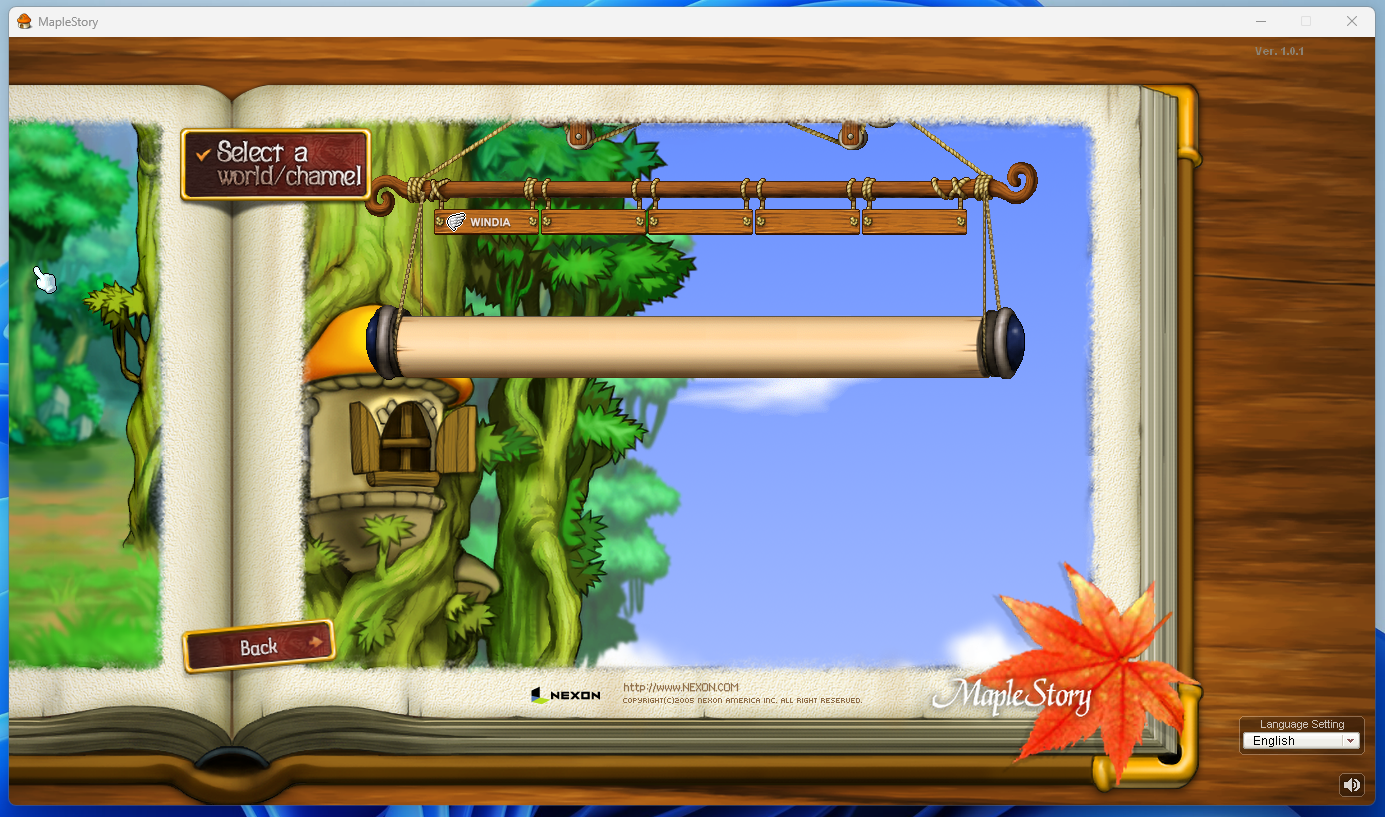
Once you log in, you’ll see the channels displayed like this, with Windia as the available server. It looks like there’s only one server for now, since the game has only just launched.
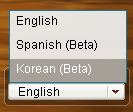
By the way, you can change the language in the bottom-right corner. I selected Korean, but strangely, the text didn’t switch to Korean. That’s a bit disappointing.
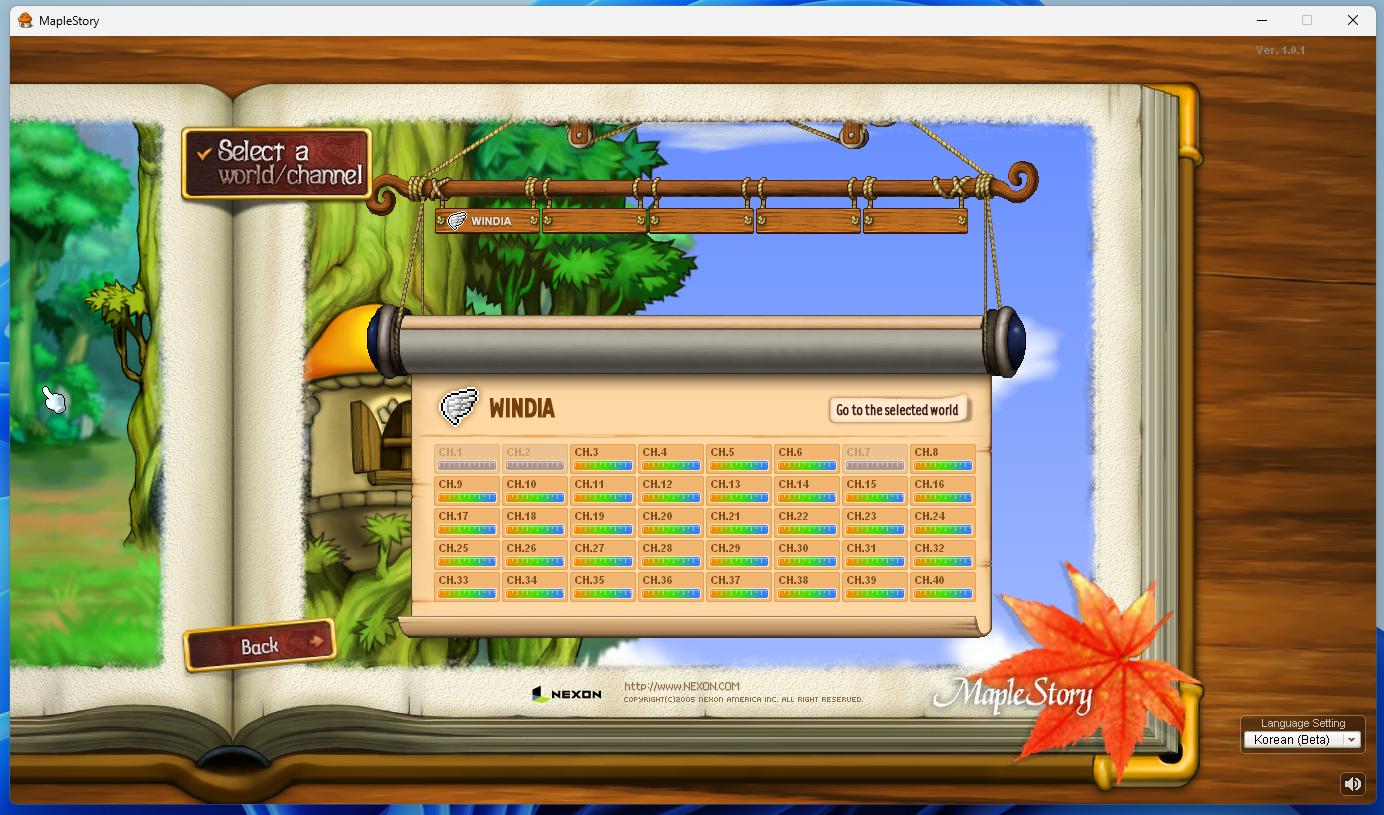
With that out of the way, let’s connect to the Windia server. Just keep in mind that you may not be able to join a channel if it’s full.
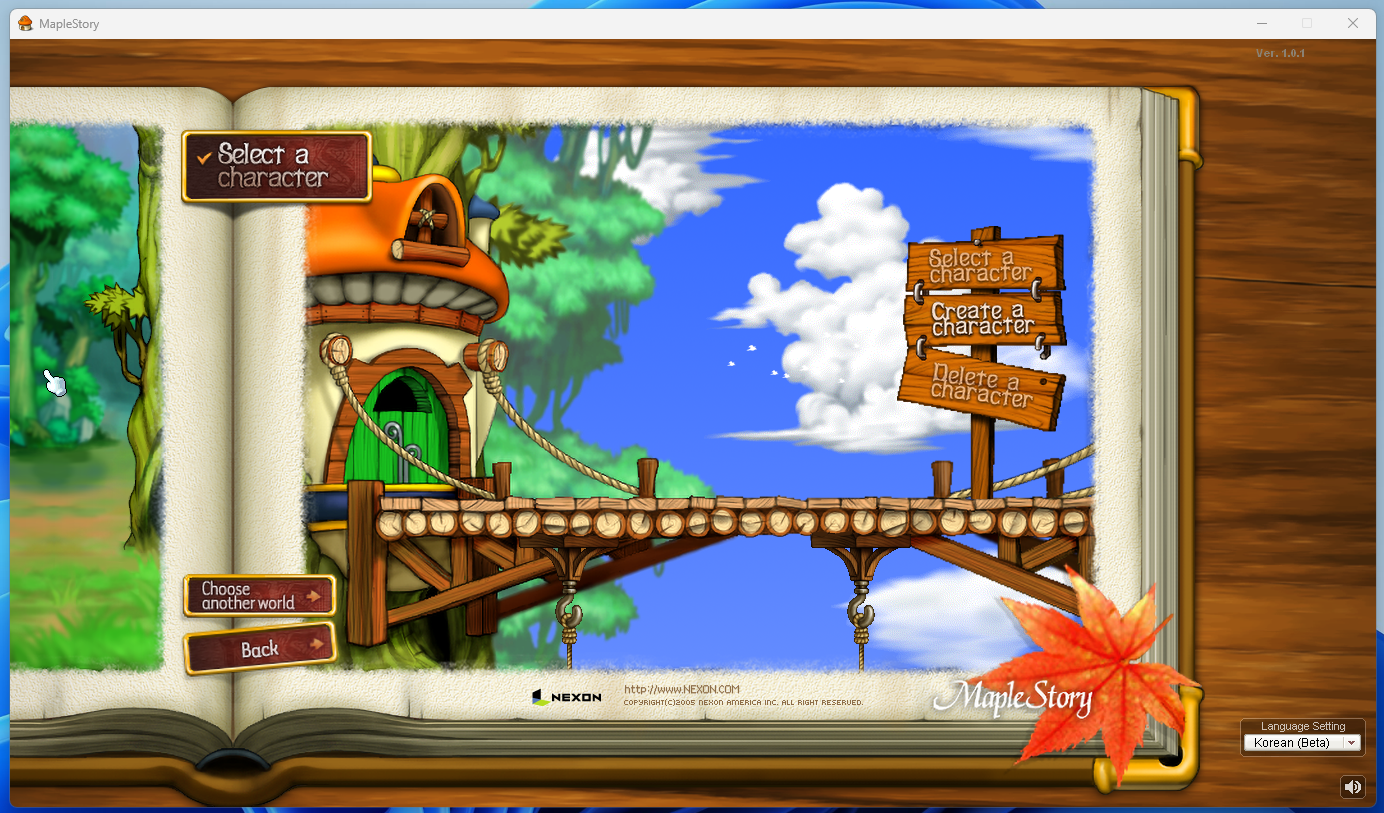
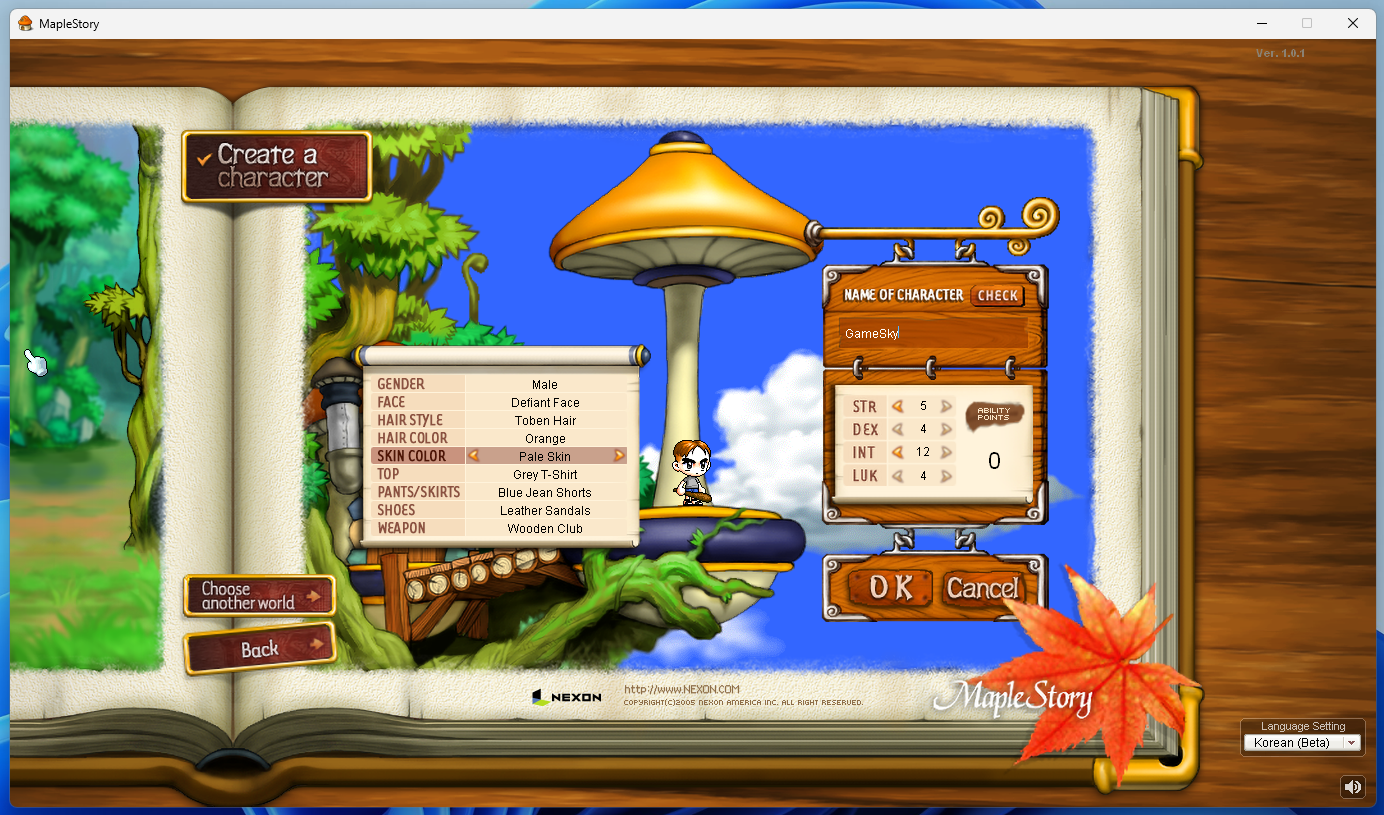
The character screen has that unmistakable classic MapleStory feel. Back when I played, we rolled dice to determine our stats, but here you can allocate stat points yourself. MapleStory Classic World also lets you choose your skin color and pick from a variety of hair colors, perhaps to cater to a global audience.
|
Gameplay |
|---|
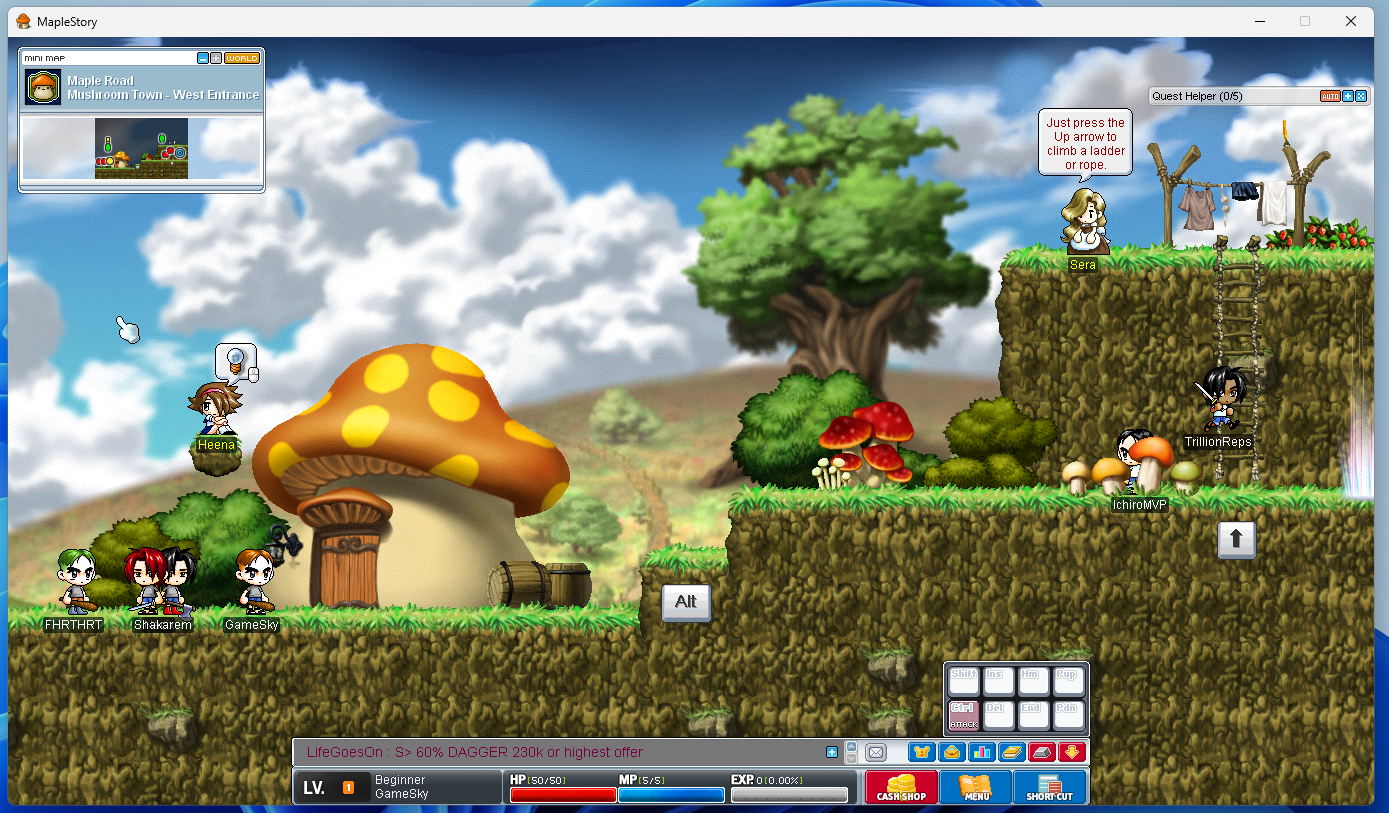
As you might expect from a global server, there are plenty of players around. Aside from the game being in English, the gameplay doesn’t seem much different from Mapleland or 메이플 플래닛.
|
Wrapping Up |
|---|
Today, we walked through how to play MapleStory Classic World, also known as 글클메. As mentioned earlier, you’ll need a VPN if you’re playing from Korea, so don’t forget to have it ready.
That’s all from 게임하늘. Thanks for reading!
Link


![[메이플스토리] 시험 끝나고 몰입하기 좋은 게임, 메이플스토리 블랙헤븐 정주행 추천!](https://peak-file.nexon.com/uploads/20261028_0559_d3fc0040.png)