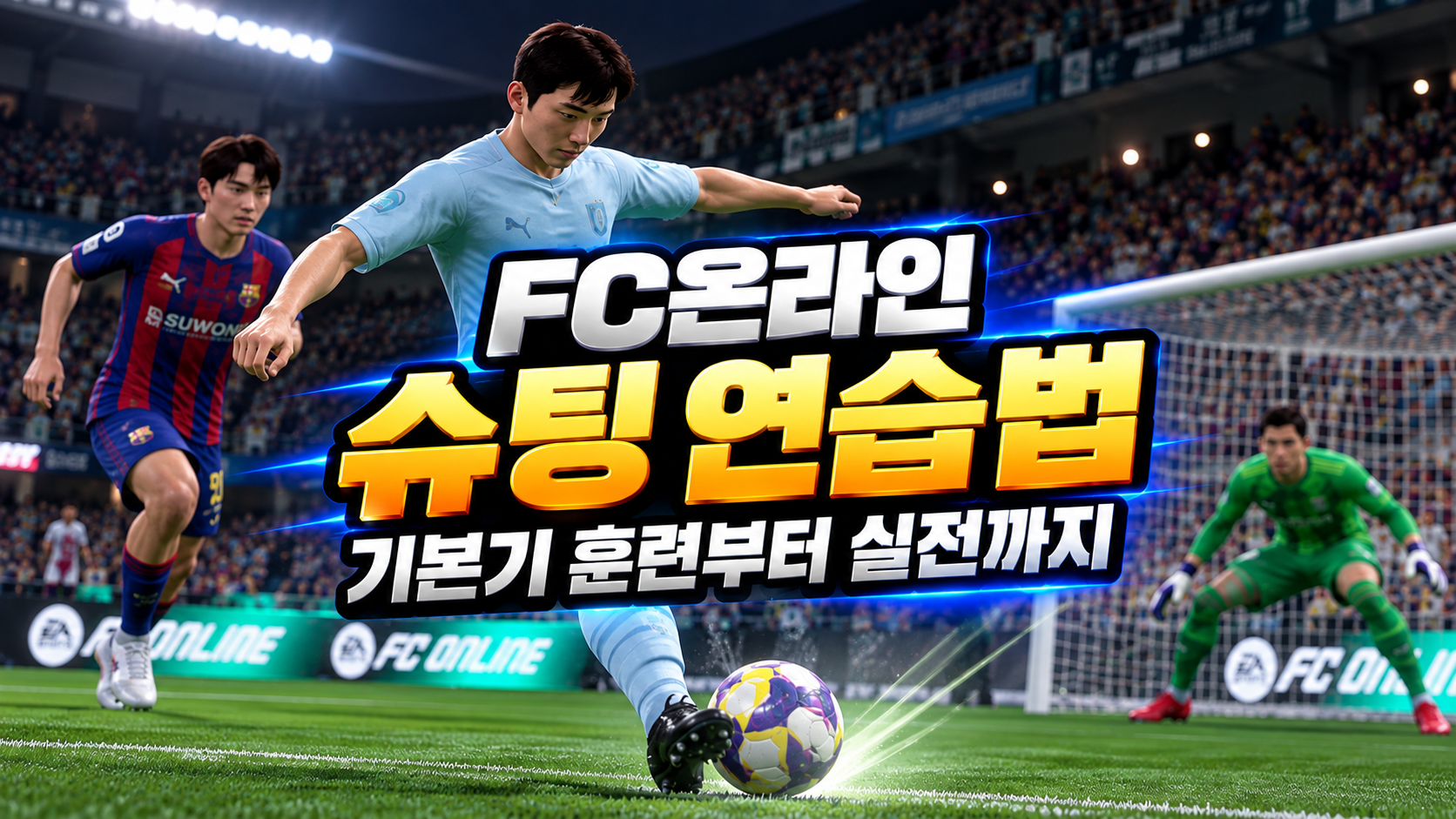
How to Use Practice Mode in FC Online: 4 Skill Moves and a Guide to the Training Ground
껑이

This post was created as part of my activities on Nexon PEAK.
Includes randomized items
Hello, I'm 껑이, a gaming blogger.
If you want to improve quickly in FC Online, I recommend learning skill move inputs in Practice Mode, then practicing them repeatedly against defenders in Kick-Off Mode.
There are two reasons for this.
First, you can learn to execute inputs accurately without pressure from an opponent. Second, you can improve your decision-making by repeating attacking situations that often give you trouble in matches.
The 2026 update for FC Online made skill moves easier to execute and adjusted the performance of certain moves.
This guide covers how to use Practice Mode in FC Online and 4 useful skill moves for matches, along with an easy-to-follow practice routine for beginners.
Let's take a closer look.
How to Use Practice Mode in FC Online
For efficient practice, learn skill move inputs using the Play Guide and a free practice environment, then use Kick-Off Mode to practice against defenders.
I do most of my skill move practice on the in-game lobby screen.
You need to be able to execute skill moves fluently during matches, so it is best to warm up before playing.
That is why I tend to practice on the main screen that appears when you enter the game.
Once you are more comfortable with skill moves, I recommend practicing in Kick-Off Mode against the AI or a friend, without worrying about winning or losing.
Start in Practice Mode without defenders to check each move's direction and timing, then practice using it repeatedly against AI opponents.
In my experience, mastering 2–3 frequently used moves is more useful in matches than memorizing several difficult ones.
4 Recommended Skill Moves for FC Online Matches
Prioritize moves that help you evade defenders and create space for passes and shots, rather than learning flashy techniques first.
|
Skill Move |
Basic Keyboard Controls |
When to Use It |
|
Fake Shot |
D → S + direction key |
Drawing in defenders inside the box |
|
Side Step (Ball Roll) |
Hold Shift + a sideways direction key |
Creating passing and shooting angles |
|
Body Feint |
Hold Shift + briefly tap a sideways direction key |
Changing direction in 1-on-1 situations |
|
Heel to Ball Roll |
Q + Shift + forward, then backward |
Beating a defender head-on |
1. Fake Shot
The fake shot is the first move I recommend for beginners.
You pretend to shoot, then change direction to tempt your opponent into a tackle or defensive movement.
It is especially useful inside the penalty box when a defender approaches to block your shot.
If you use it too close to a defender, though, you can lose the ball during the animation. Check the gap between you and the defender first.
The move has also been updated with more varied animations based on its direction, which could make it more effective against opponents unfamiliar with them.
2. Side Step (Ball Roll)
The ball roll is a basic skill move that helps create passing and shooting angles from wide positions.
You roll the ball left or right to evade an approaching defender.
Use it when a winger cuts inside from the flank or an attacking midfielder needs to create shooting space.
It requires few complex directional inputs, making it a relatively straightforward move for beginners to practice.
3. Body Feint
I recommend the body feint for drawing a reaction from a defender with a sudden change of direction.
A newly added effect boosts acceleration for about 1 second after a body feint, making it much easier to get past defenders.
Focus on feinting in one direction as a defender approaches, then moving into space on the opposite side.
Practicing with an agile winger or forward with good acceleration should help you get a feel for the movement that follows the animation.
4. Heel to Ball Roll
The heel to ball roll can help you beat a defender head-on, but it requires well-timed inputs and good judgment about when to use it.
Players with 4-star skill moves or higher can use it. The basic input is Q + Shift + forward and backward direction inputs.
I have spent quite a bit of time trying to execute this move, but I have not had much success.
I will need to keep practicing to get comfortable with it.
Frequently Asked Questions (FAQ)
Q. Which skill moves should FC Online beginners learn first?
A. I recommend starting with the fake shot and side step (ball roll). Their inputs are relatively simple, and both help create passing and shooting angles.
Q. Do I need players with high skill move ratings to use skill moves?
A. The required skill move rating varies by move. The heel to ball roll requires 4 stars or higher, so check the rating in the player's information first.
Q. Is the heel to ball roll easy to execute on a keyboard?
A. You can use shortcut keys by selecting a custom configuration under Settings → Control Settings → Key Settings.
Q. Why do my skill moves fail in ranked matches when they work in Practice Mode?
A. It comes down to differences in the opposing defenders' positions and your input timing. I recommend practicing thoroughly against the AI in Kick-Off before using the moves in ranked matches.
This guide has covered how to use Practice Mode in FC Online and several useful skill moves for matches.
Rather than memorizing many complex moves, focus on mastering the fake shot, ball roll, and body feint first, then using them in the right situations.
If you are a beginner whose attacks often get stopped in ranked matches, a short practice routine is a good place to start.
#게임연습모드활용법
#게임훈련장활용법
#FC온라인연습모드
Copyright 2026. 껑이 All rights reserved.


![[마비노기 모바일] RPG 입문자도 딜사이클 훈련 가능, 비결은 바로 허수아비!](https://peak-file.nexon.com/uploads/20261020_1114_012fcd99.png)