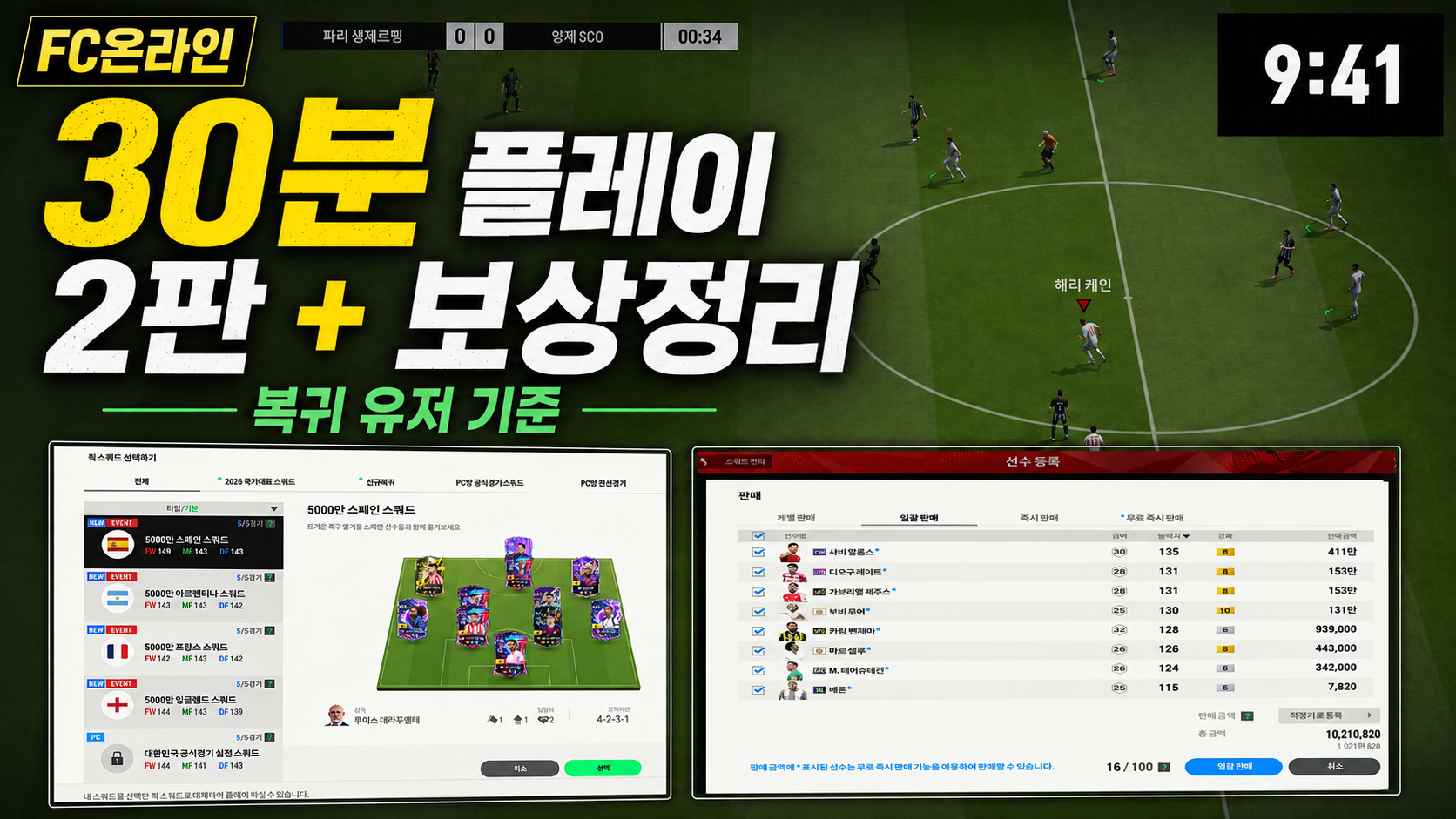
30 Minutes with FC ONLINE: Fun for Beginners, Too
네오필
What can you do in an online football game in 30 minutes?
Logging into FC Online as a new user, I had time to set up a team, play a match against the AI, practice the basics, and collect rewards. A preset quick squad let me get straight into a match, while control prompts and training content helped me learn the basics on my own. That made it a good fit for a short session.
It had been a very long time since I last played a football game. I barely knew the controls, but I decided to give it just 30 minutes this time.
Choosing a logo, kit, and manager
|
Time played |
What I tried |
|
Start–5 minutes |
Choosing South Korea's logo and kit, plus a manager |
|
5–15 minutes |
1 match against an AI BOT in kickoff mode |
|
15–25 minutes |
8 basic training drills |
|
25–30 minutes |
Collecting login rewards and checking events |
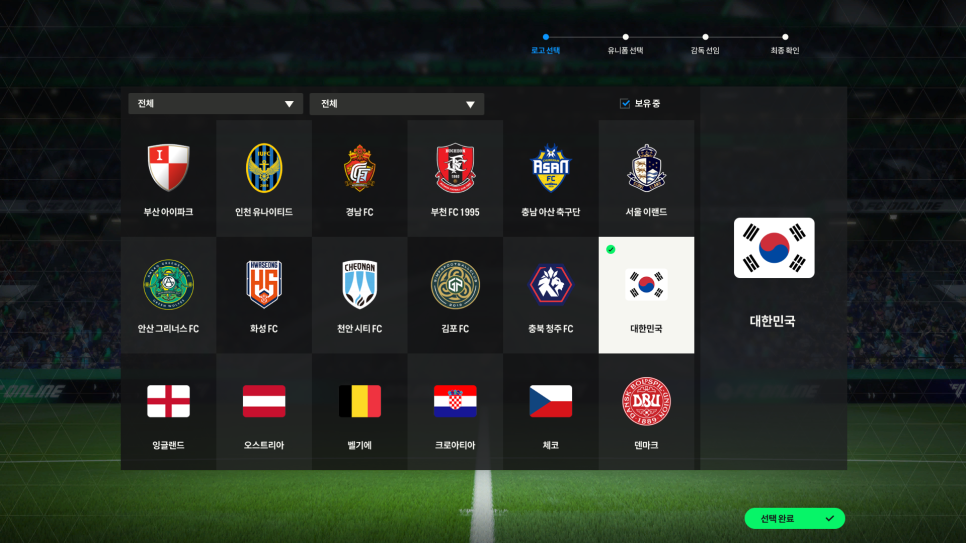
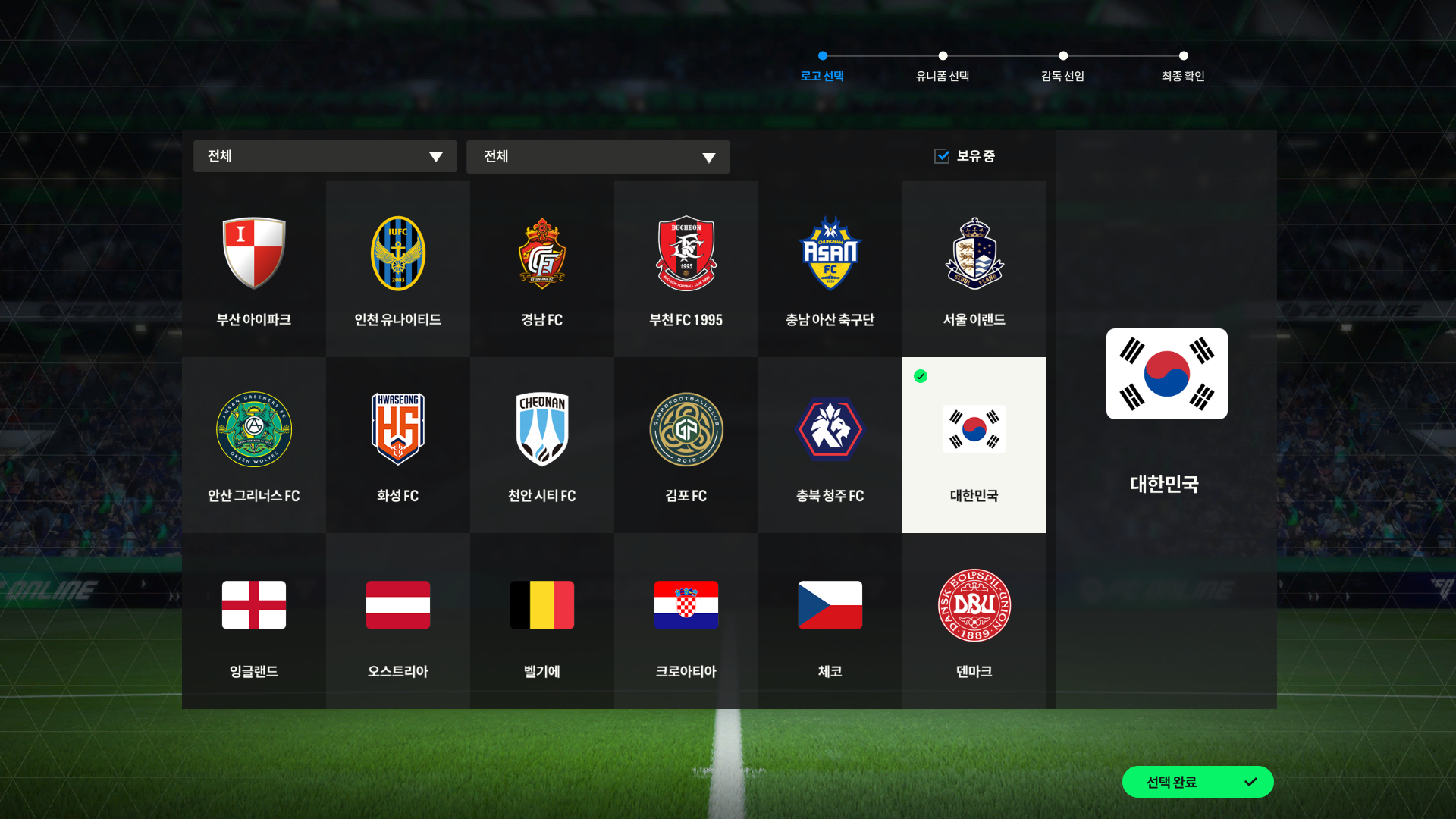
The first thing I did after logging in was choose a logo, kit, and manager.
I chose South Korea's logo and kit. The 4-2-2-1-1 formation caught my eye when I checked the current trend rankings, so I picked David Moyes as a manager to suit it. Since I was new, I decided to get into a match and learn the controls before worrying about detailed tactics.
Playing kickoff mode
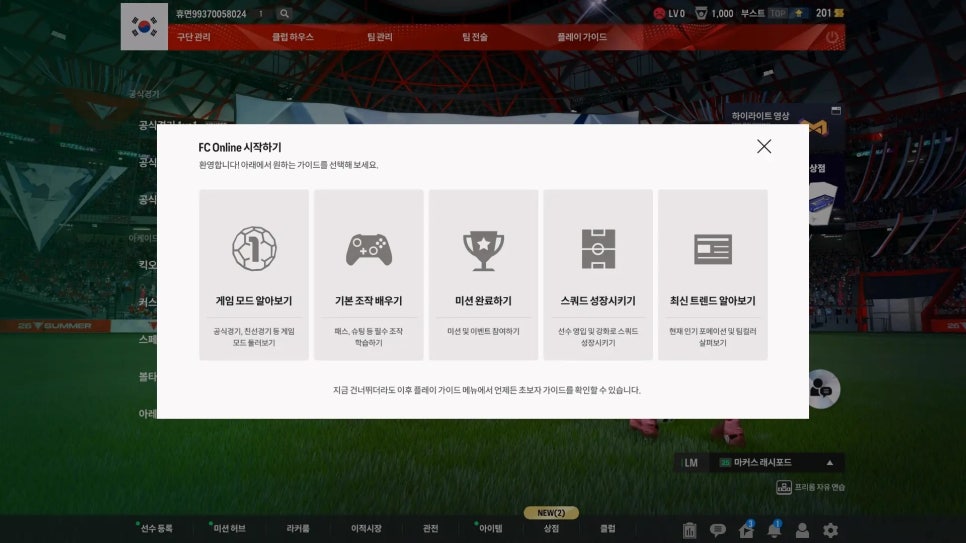
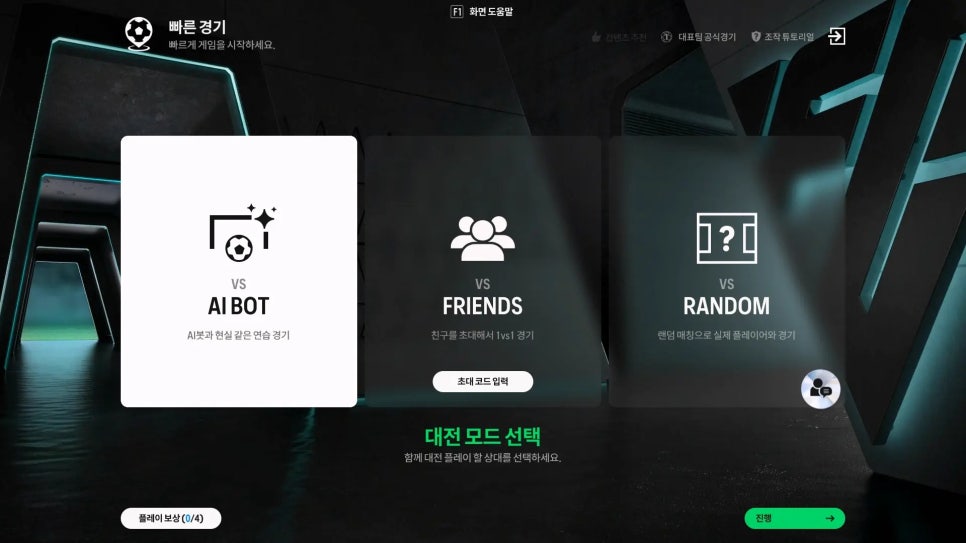
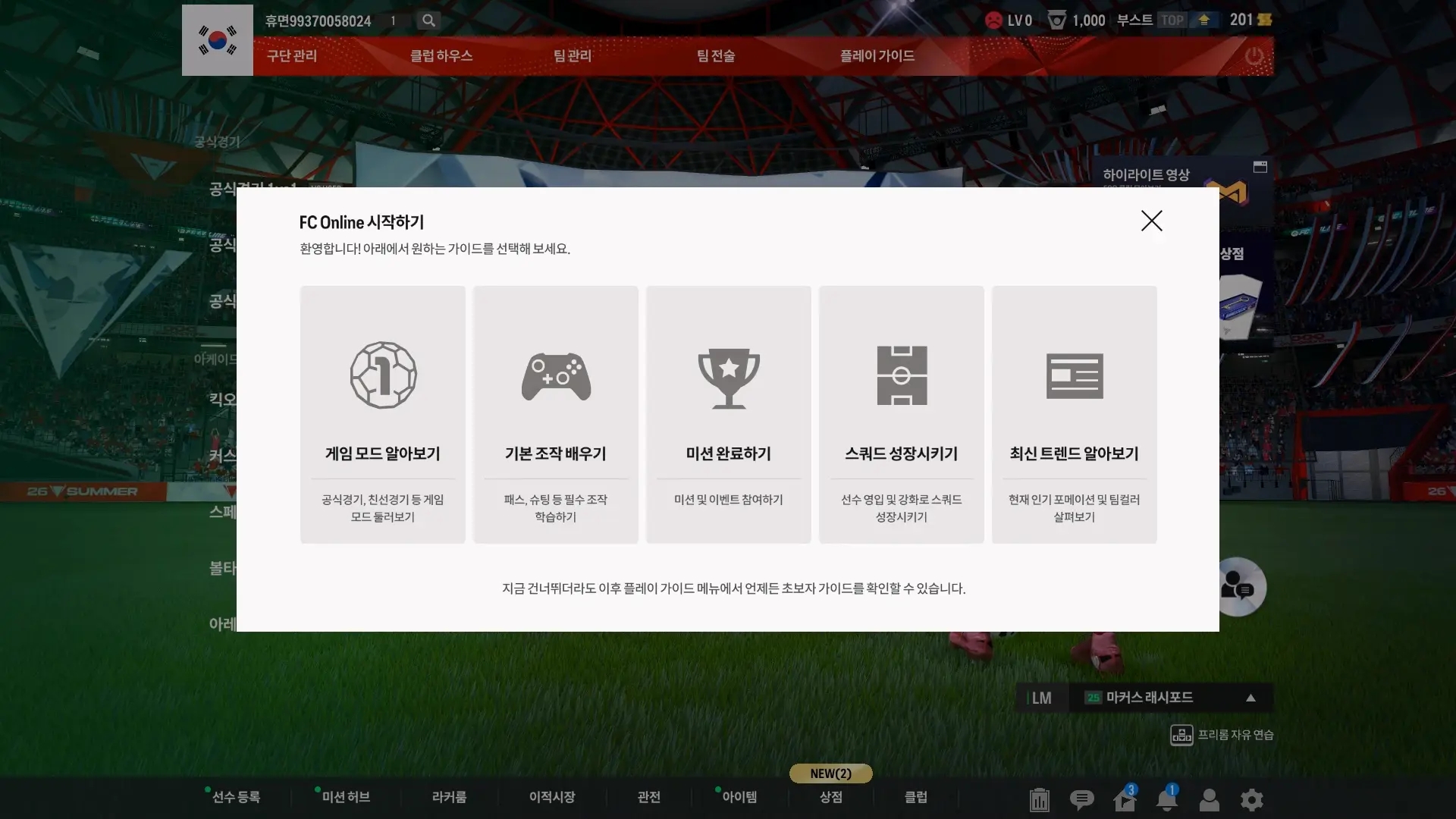
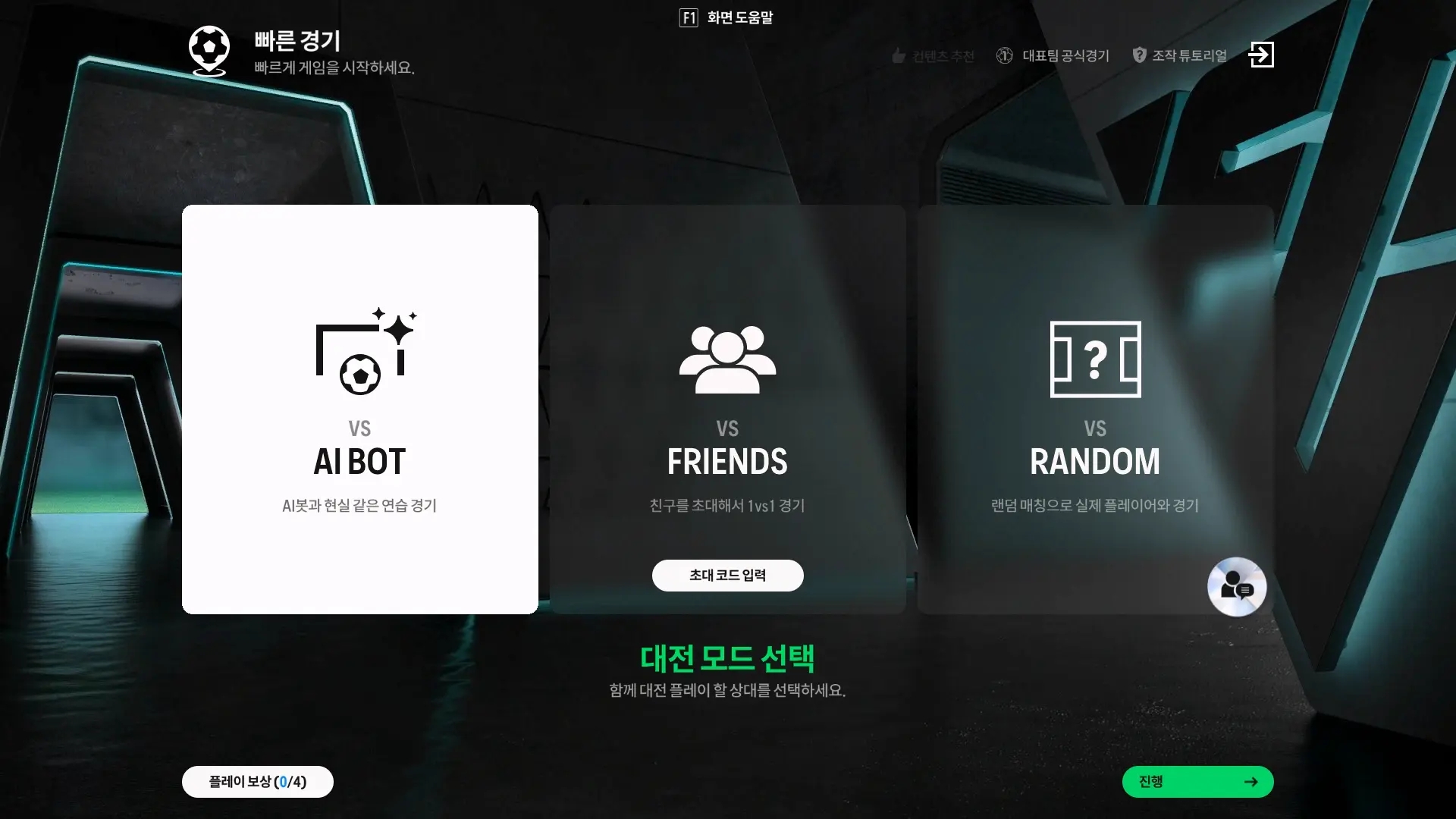
My first match was against an AI BOT in kickoff mode. Kickoff also lets you invite friends or play against other users, but since this was my first time logging in, I chose an AI match so I could practice on my own without pressure.
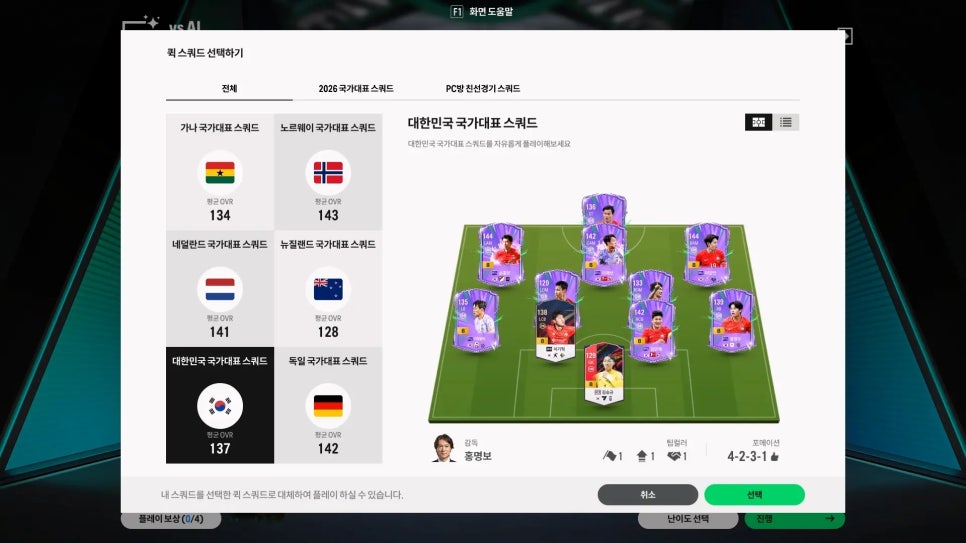
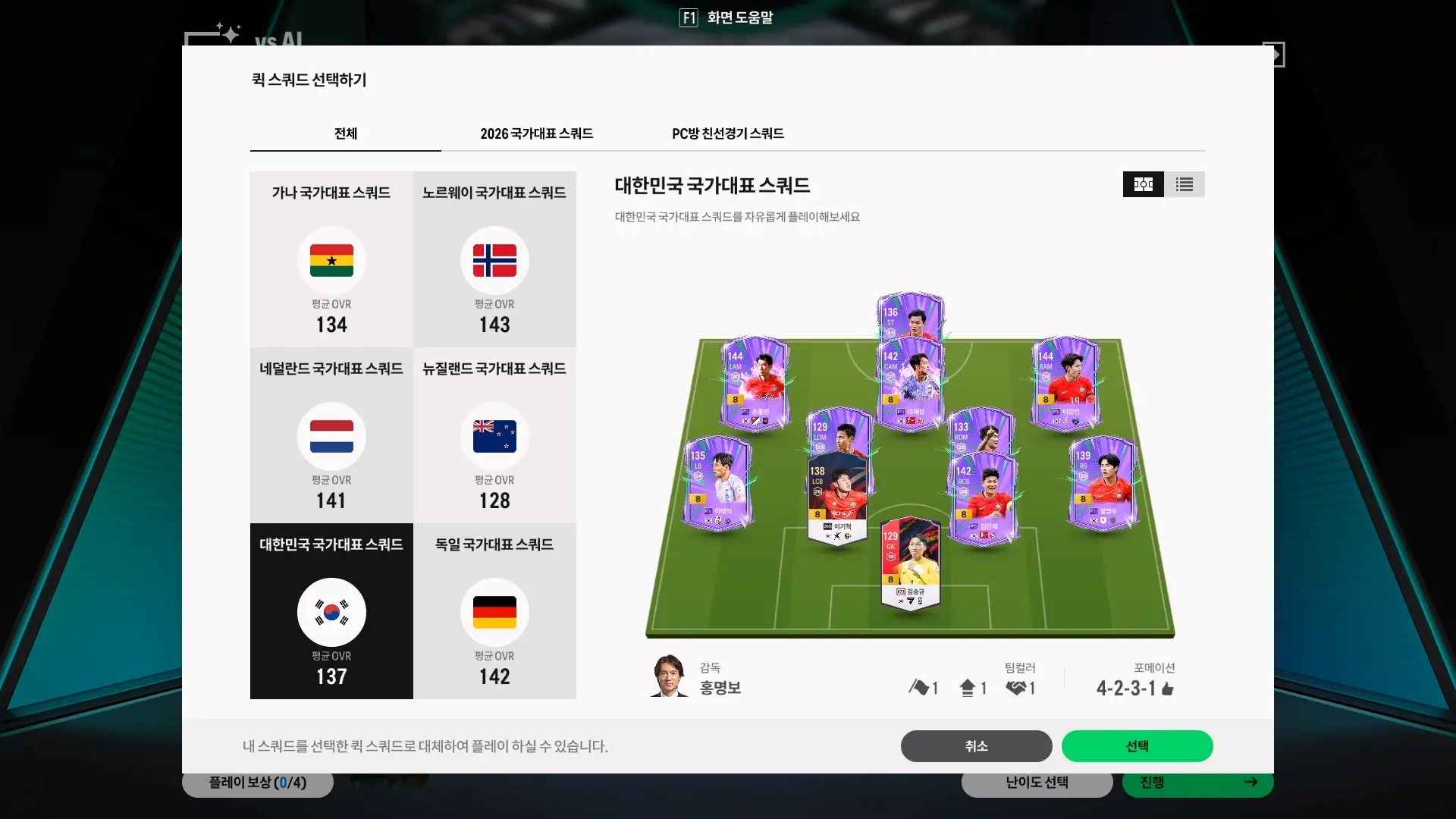
One feature I liked was quick squad. It let me start a match with a preset squad of good players, so I did not need to spend much time signing players or building a team first. I felt this feature alone would be enough if I simply wanted a casual game of football. National team quick squads are available in kickoff mode and other supported modes without a daily match limit.
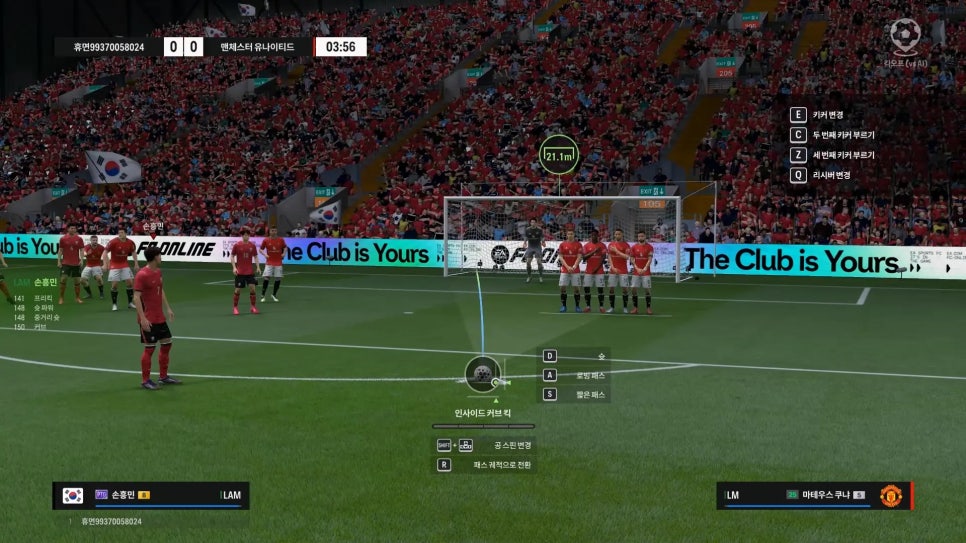
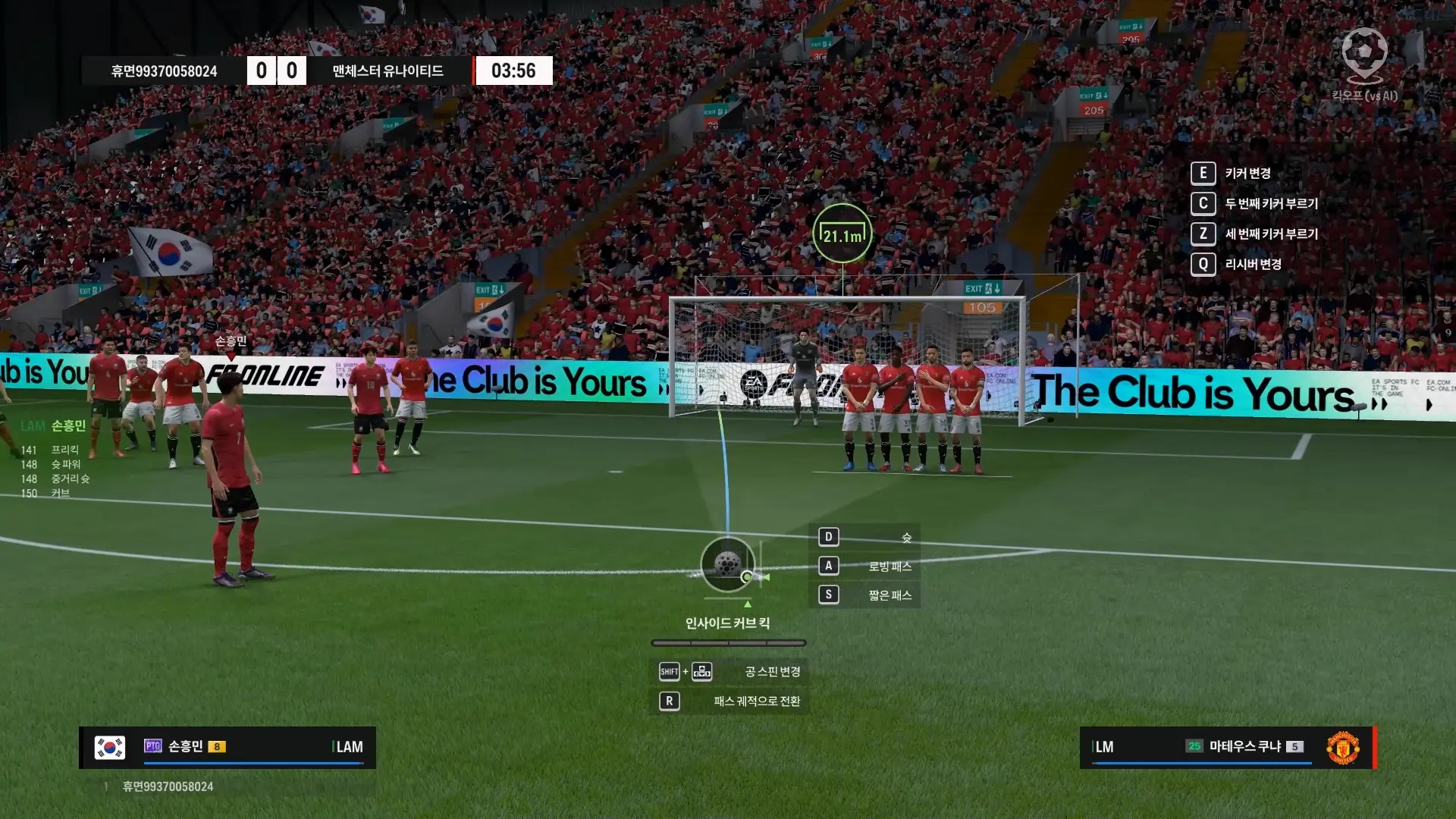
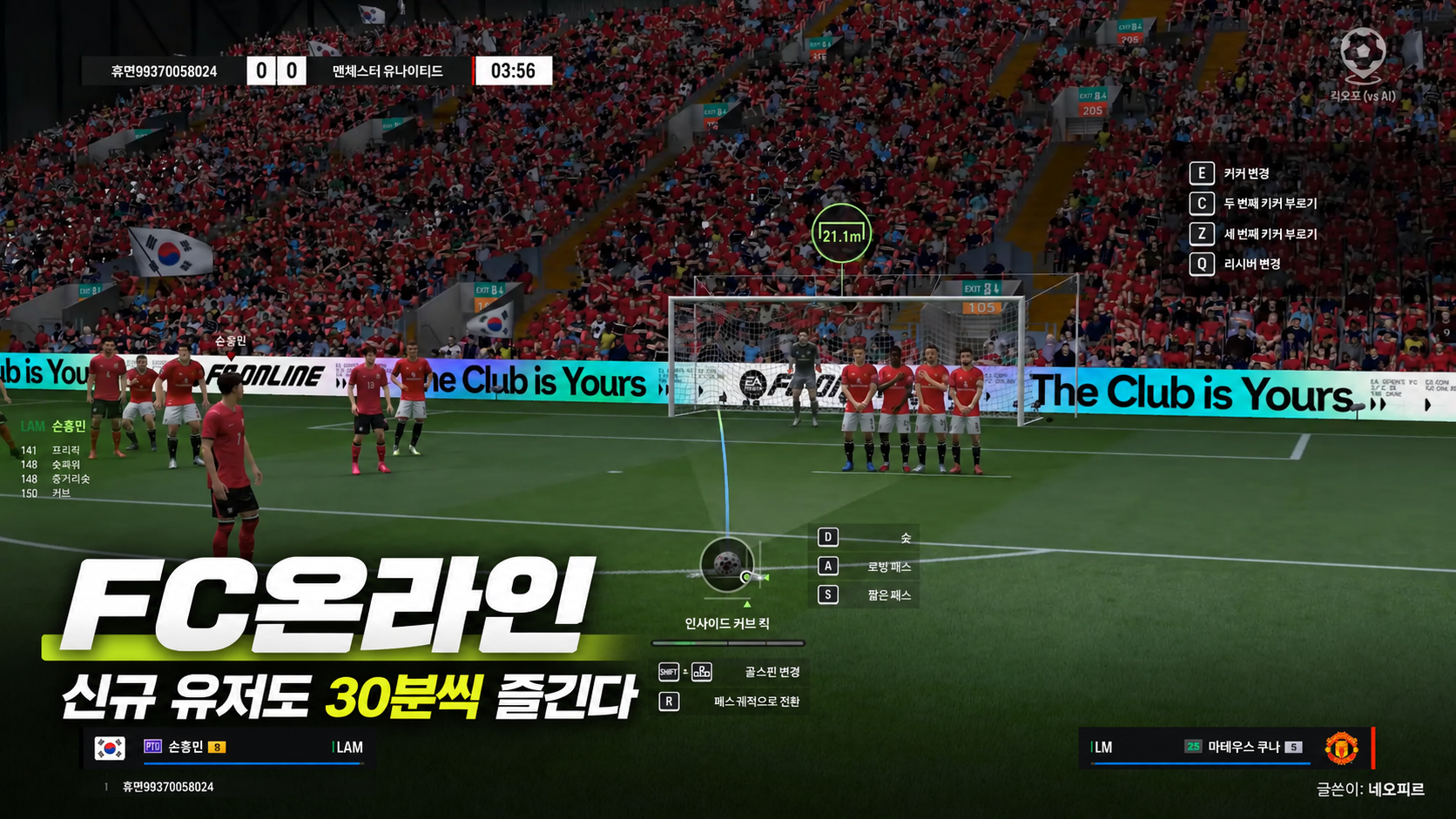
I used keyboard controls. I had a fair amount of fun with just the basics: moving players with the arrow keys, passing with S, crossing with A, and shooting with D. Context-sensitive key prompts appear beside the player you control, so I never found myself fumbling for the right key.
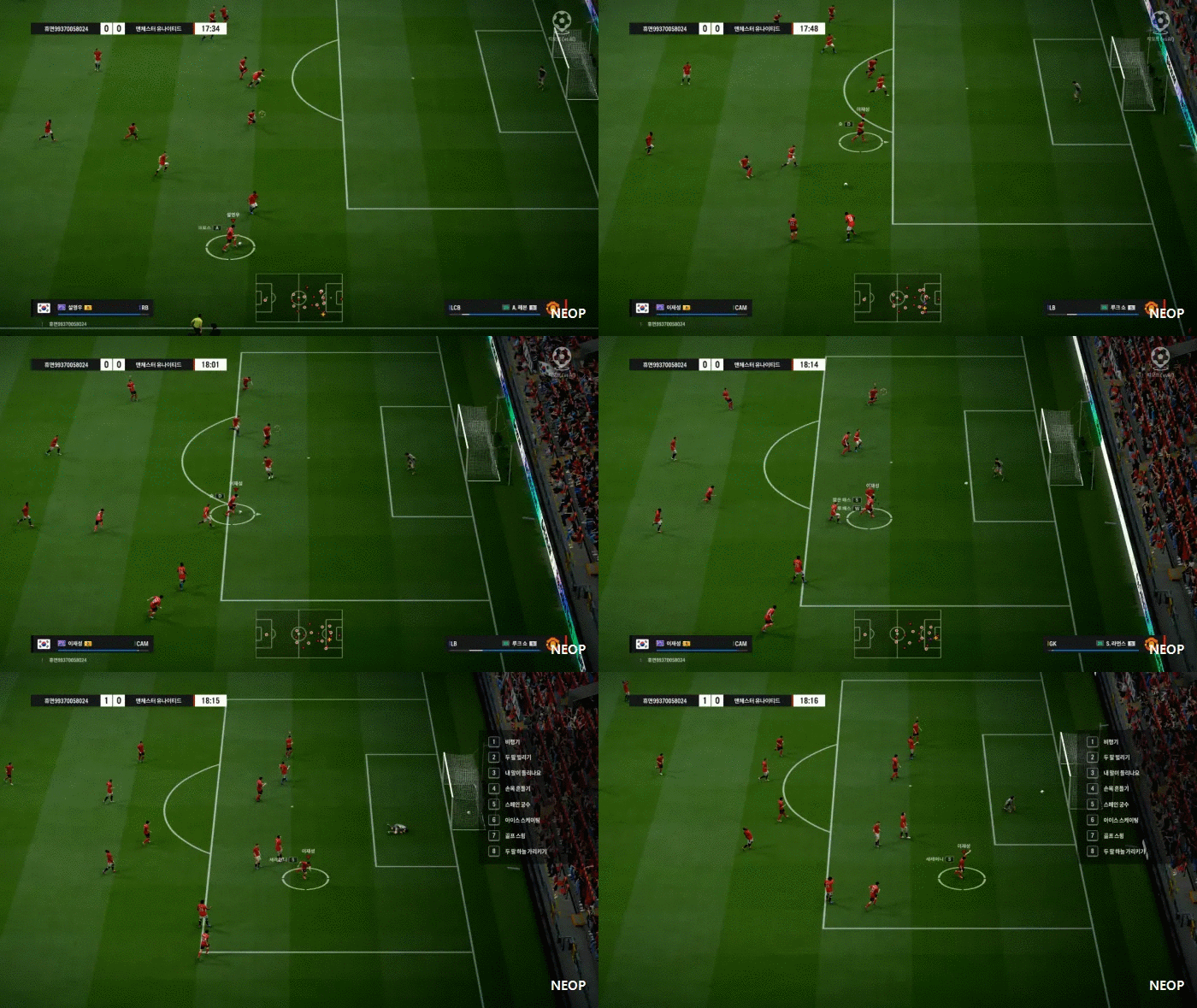
Lee Jae-sung scored two goals in my first match. His goals gave me a good start, helping me beat Manchester United 2:0 as South Korea.
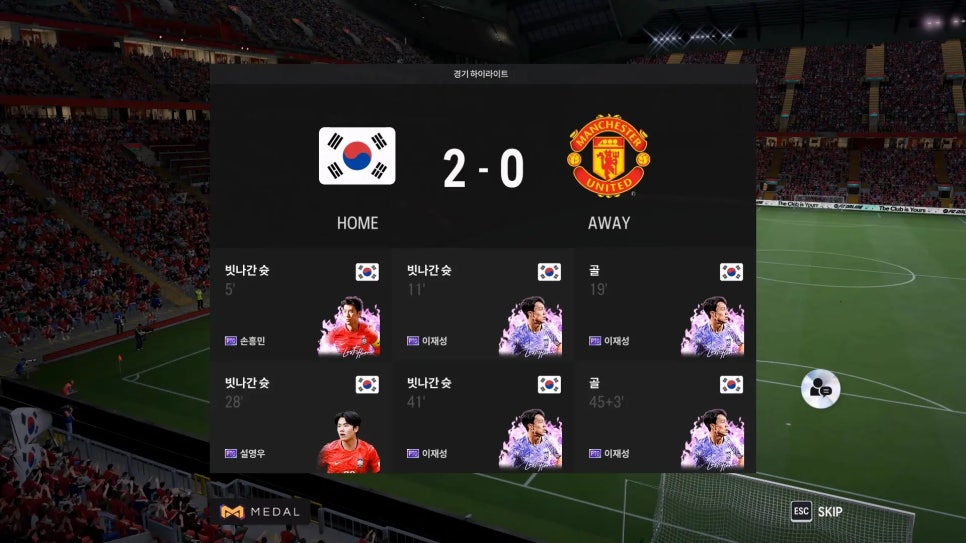
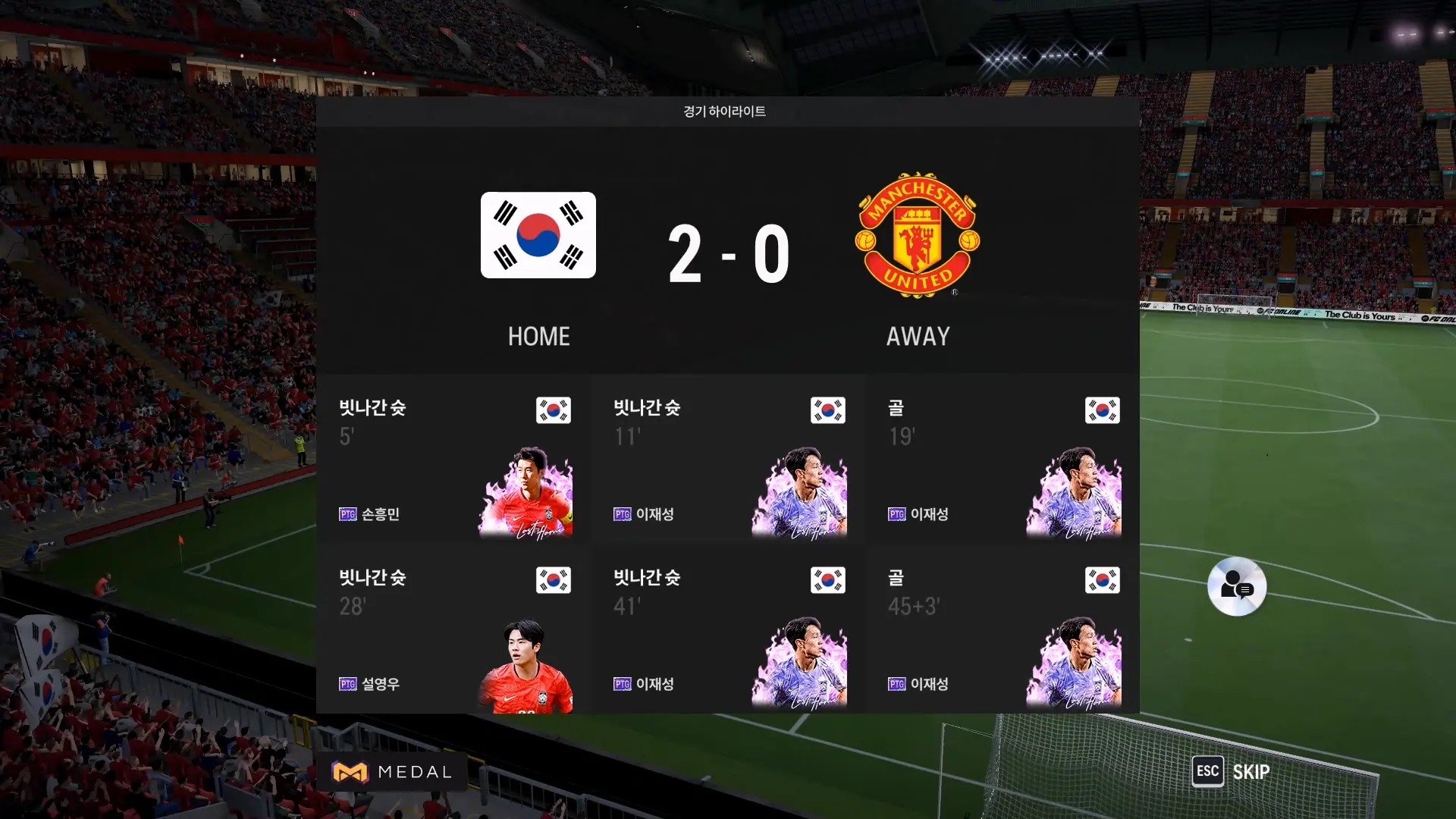
Of course, winning did not mean I had mastered the controls. I played without even knowing the sprint key and missed several chances because I had not yet got a feel for when or how to shoot. I had to laugh whenever I aimed at the goal only for the ball to fly off somewhere else entirely.
Basic training
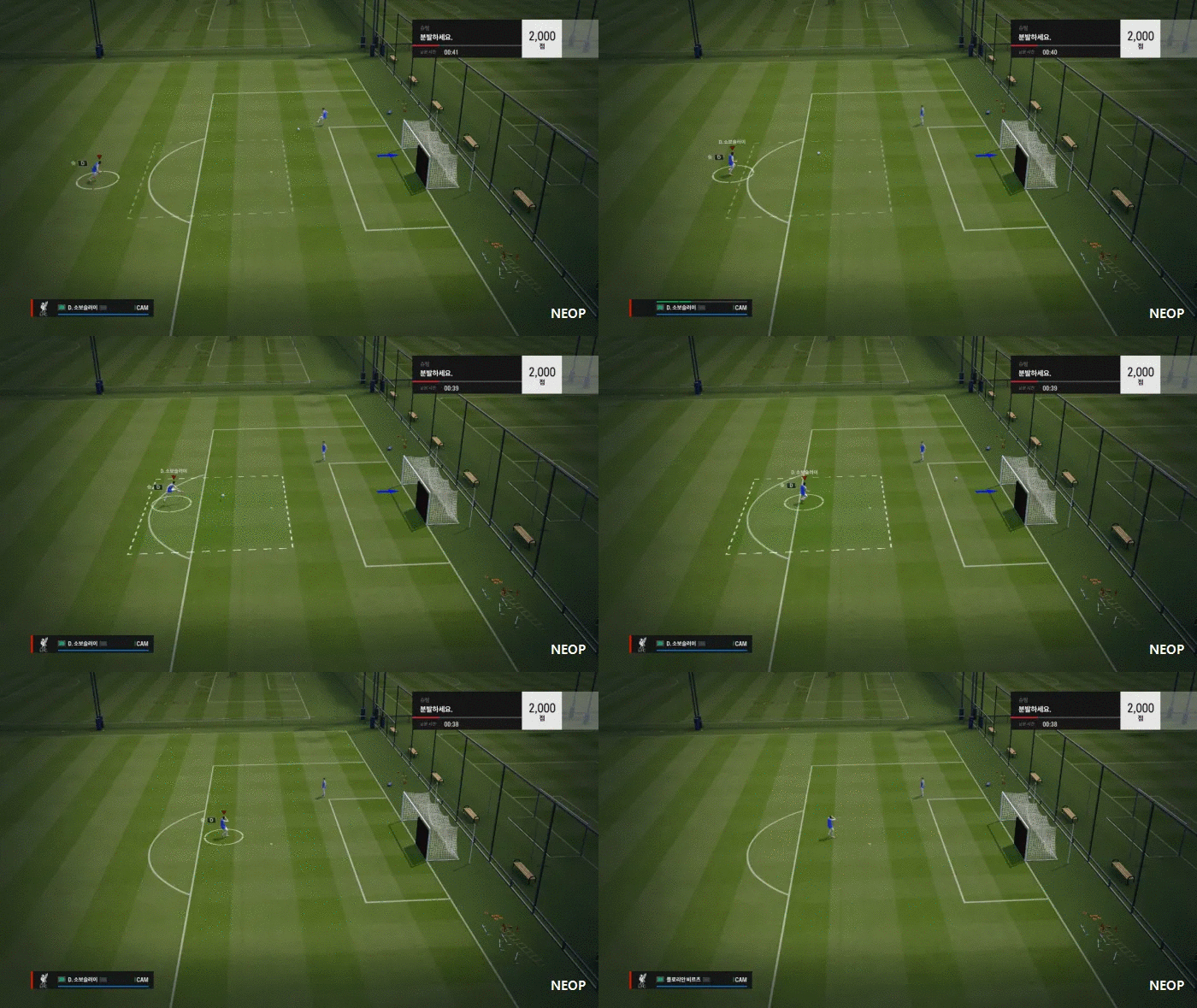
I hadn't realised how clumsy I was with the controls
So I spent the next 10 minutes on basic training. Practicing the things I had struggled with during the match made the instructions easier to follow. I worked through 8 basic training drills. I passed all the others on my first attempt, but kept failing the shooting drill and had to retry it about twice.
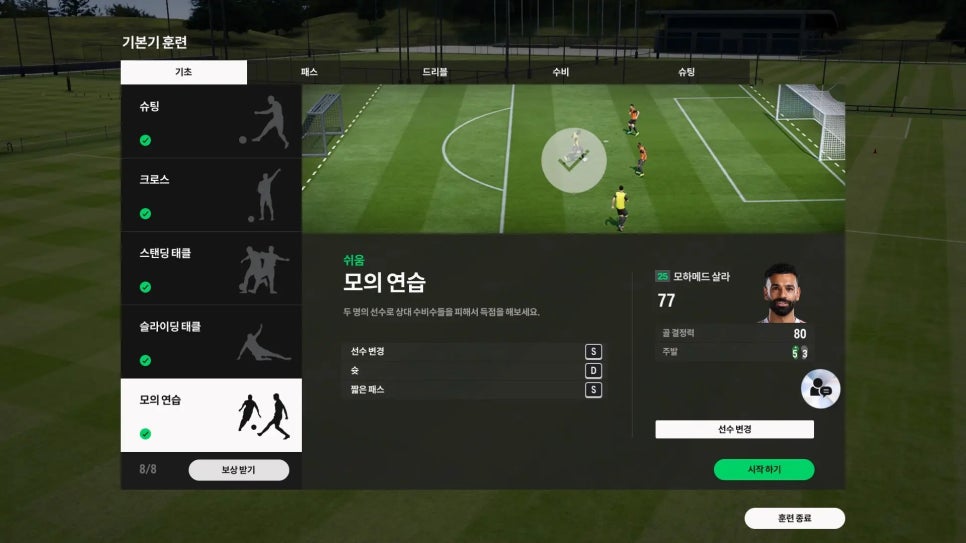
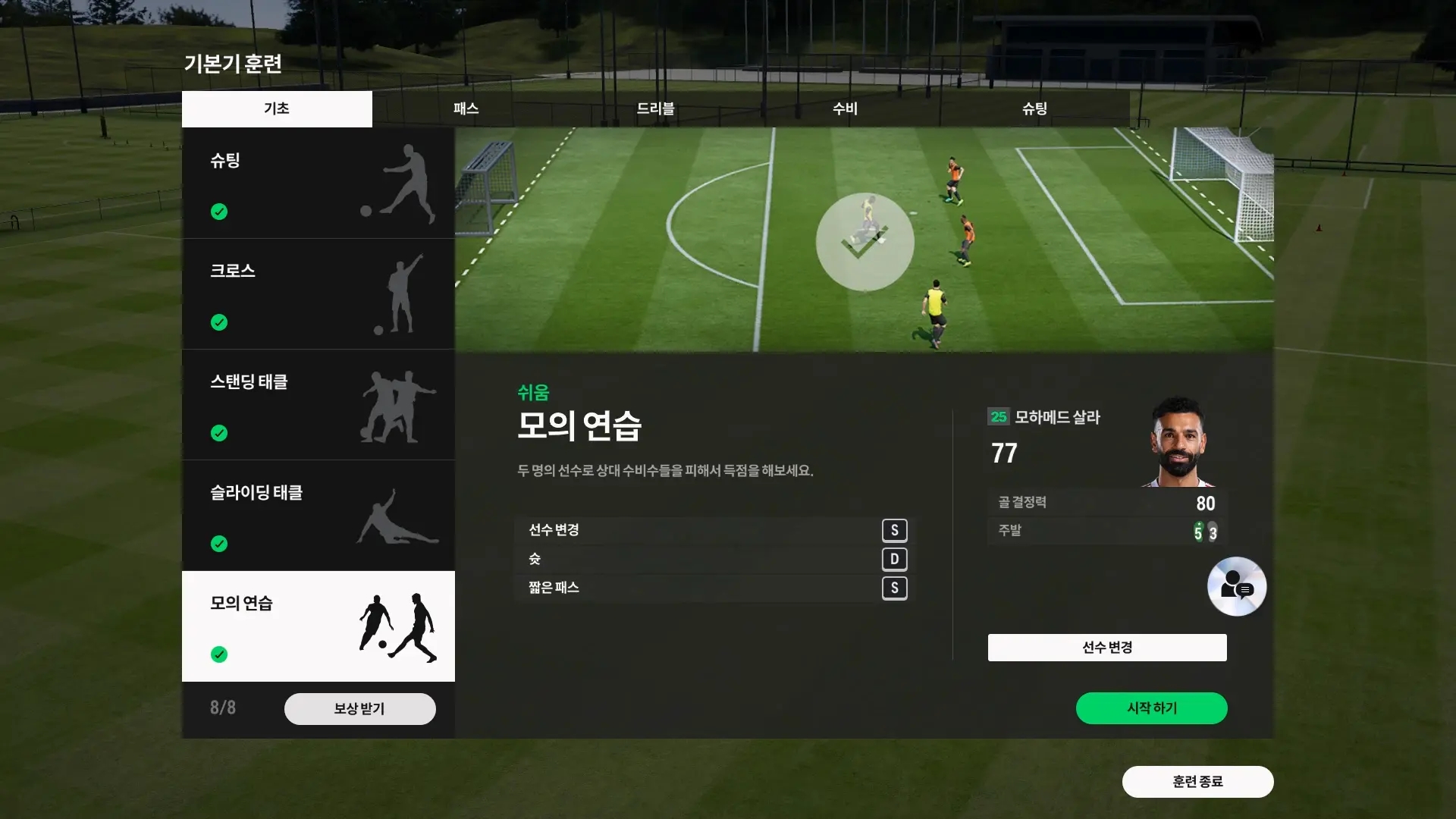
Working through the drills one by one, I found that 10 minutes had passed before I knew it. Next time, I plan to try the harder passing, dribbling, defending, and shooting drills. As a beginner, I found it helpful to play a match first, then practice the areas I had struggled with.
Collecting event rewards
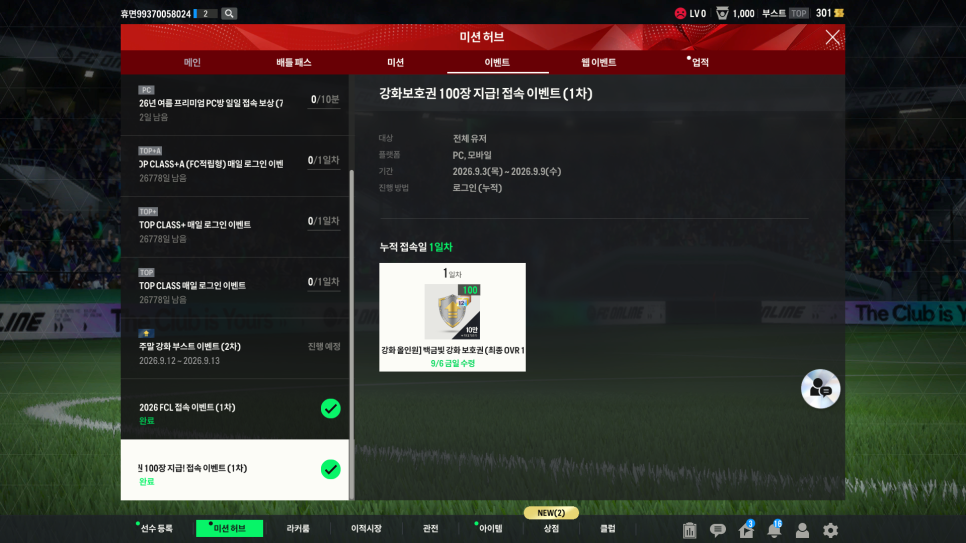
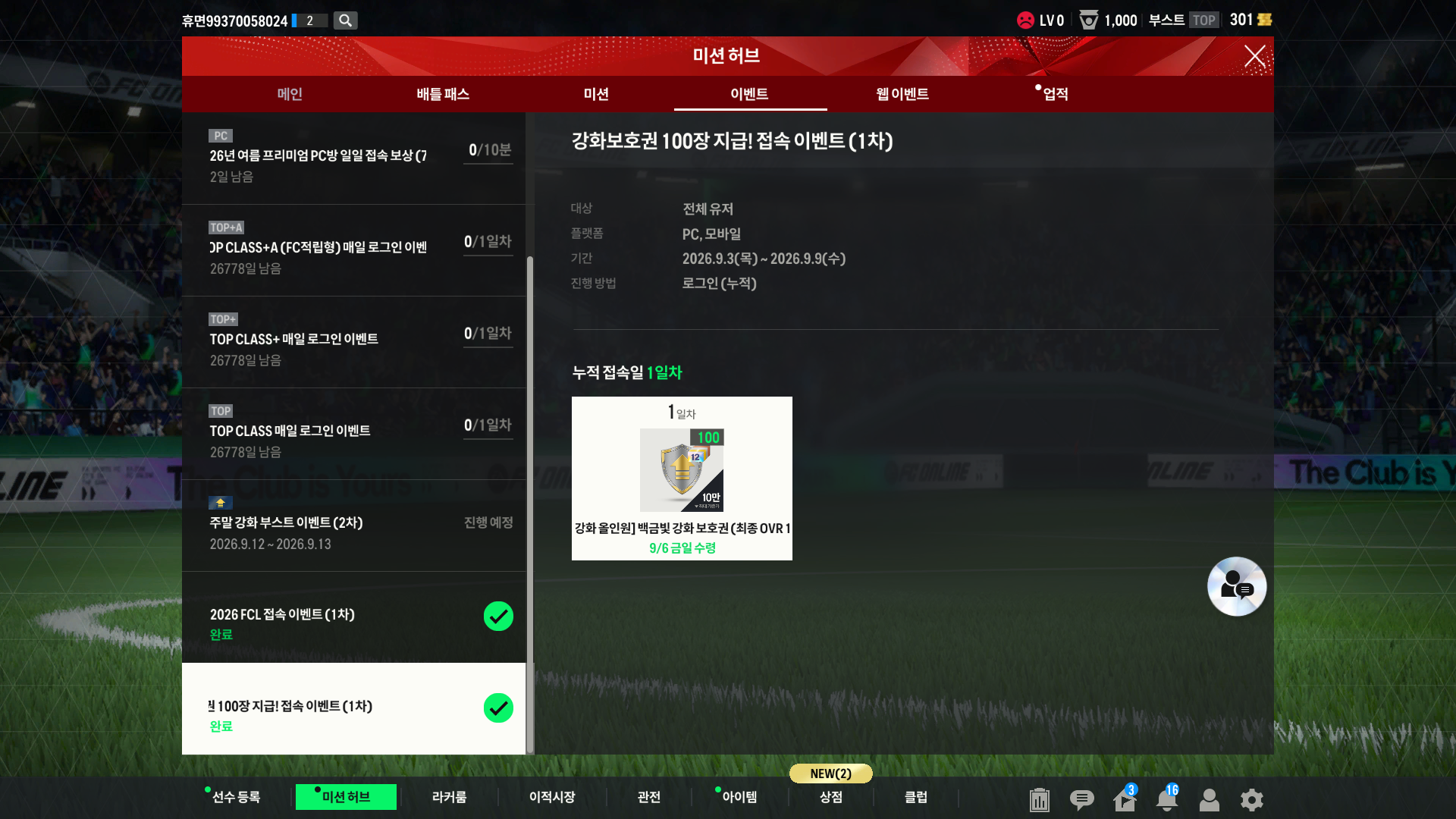
I spent the last 5 minutes collecting rewards and browsing events. This time, I was able to collect rewards from the FC BOOST event for new and returning users, attendance rewards, and rewards for completing a match in kickoff mode, among others.
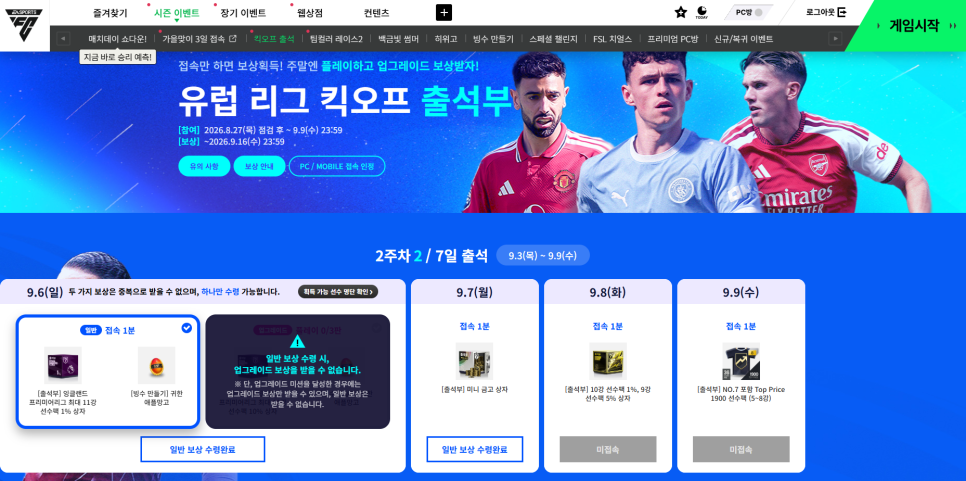
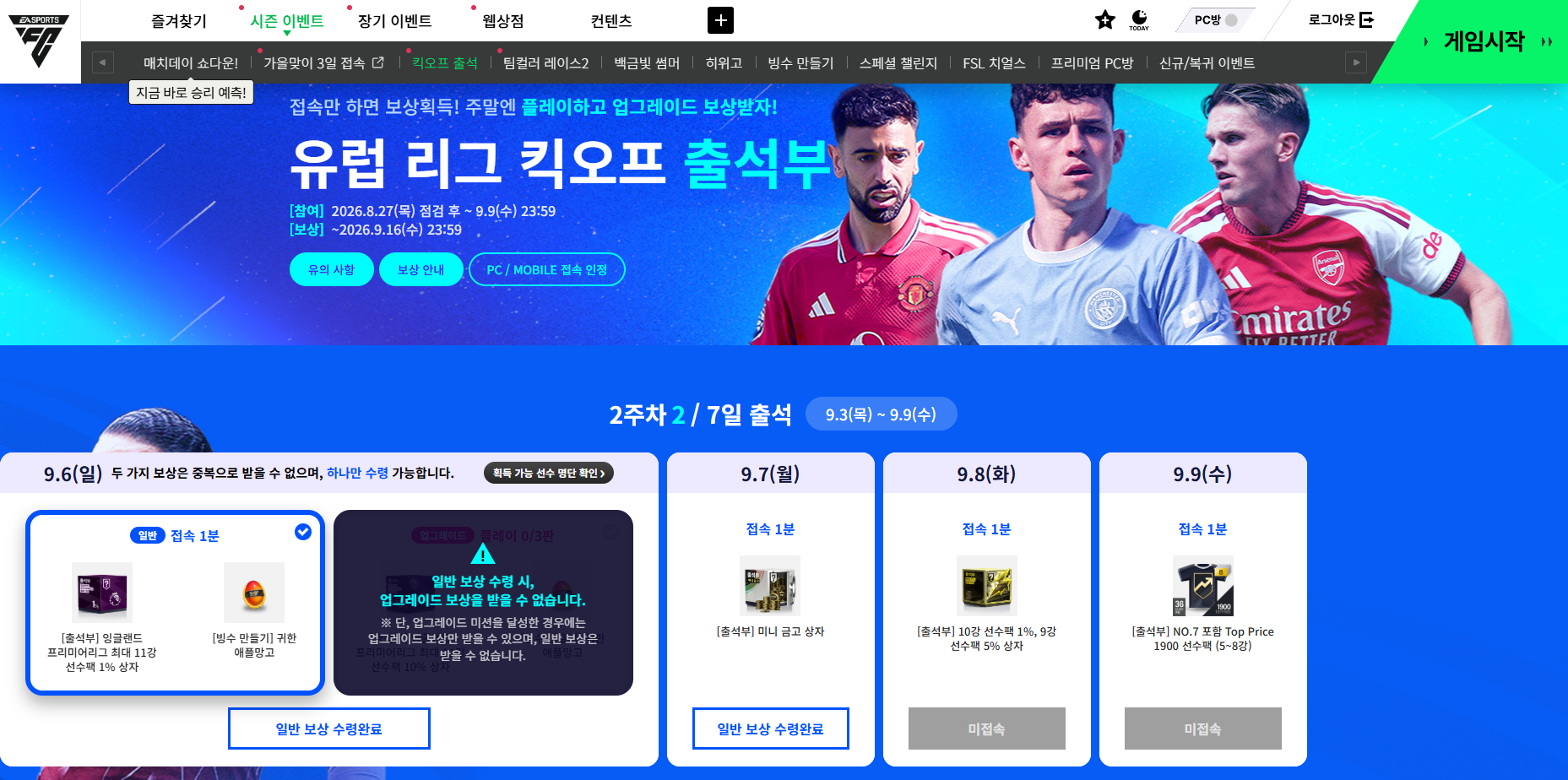
One thing worth checking was where to claim each reward. Some events, such as kickoff attendance, required me to log into the game and then claim the rewards separately on the official website. Rather than just logging in and leaving it at that, it is worth checking the event page to make sure you have claimed them.
Closing thoughts
That brought my session to exactly 30 minutes. Playing a football game again after so long felt refreshing, and I appreciated being able to learn on my own as a beginner by alternating between matches and practice. I did not run into any particular inconveniences during this short session, either.
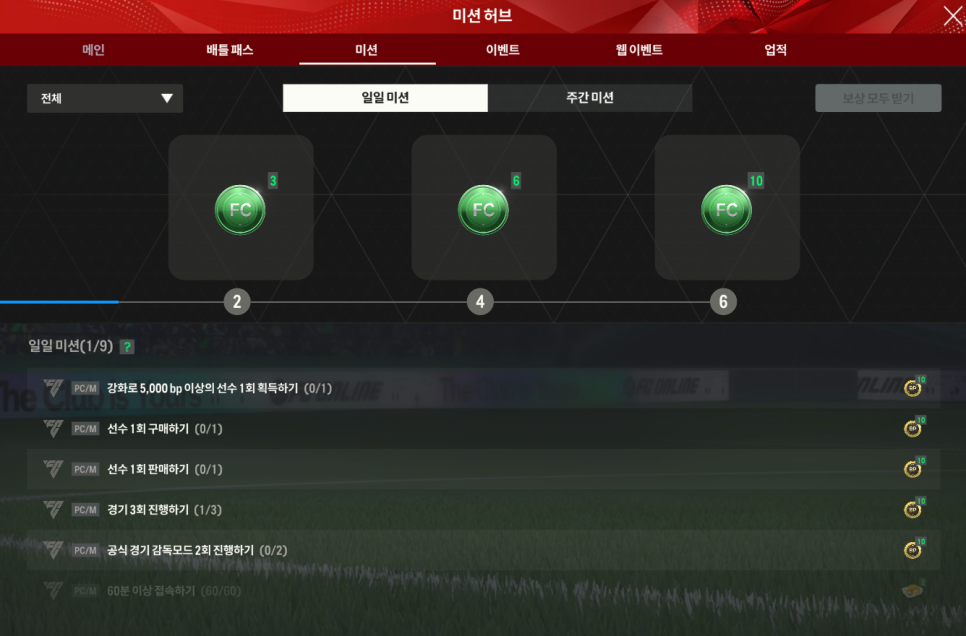
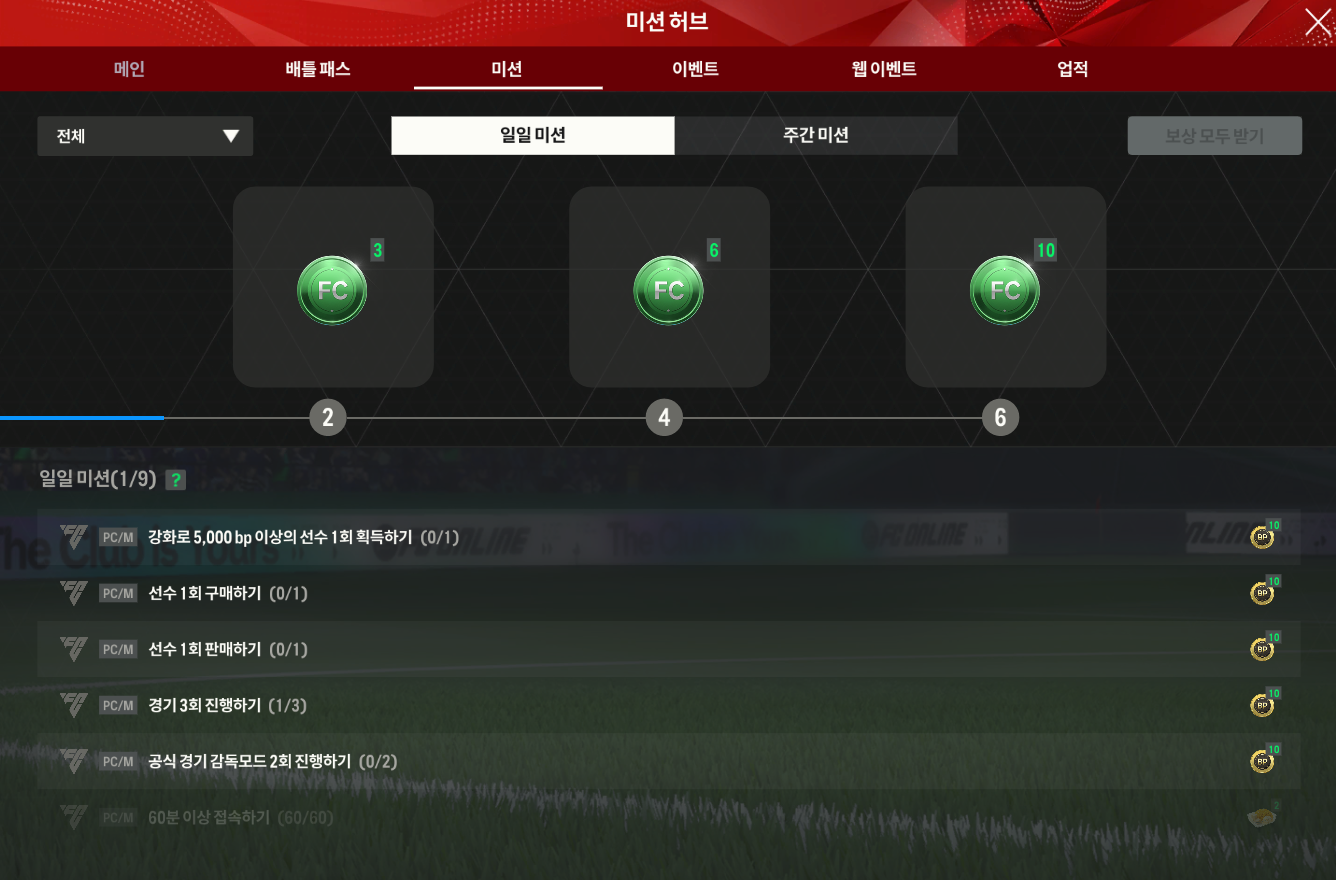
For a longer session, the remaining basic training drills or the mission hub could be good next steps. The daily and weekly missions I checked included staying logged in for 60 minutes or more and playing 5 matches, with currencies such as FC and BP available as rewards.
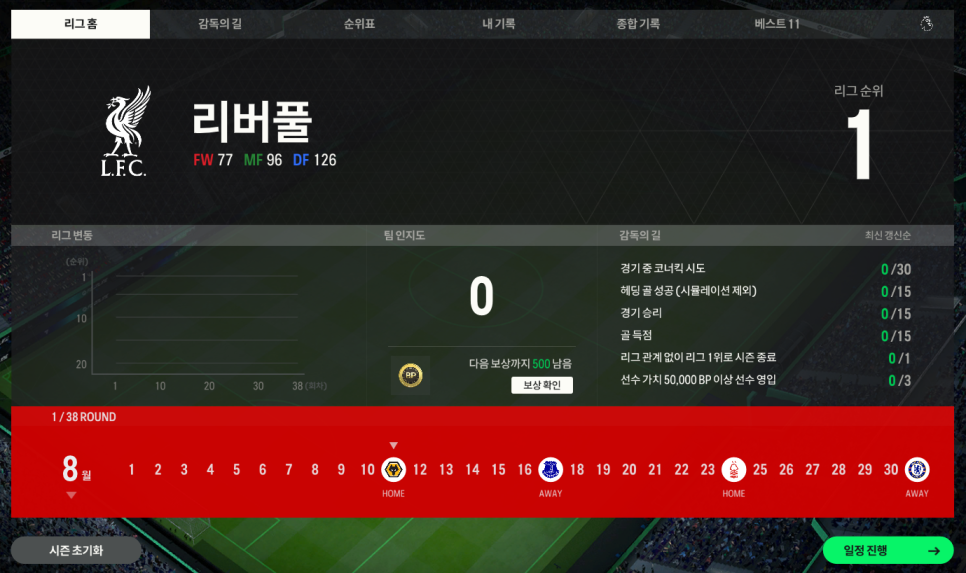
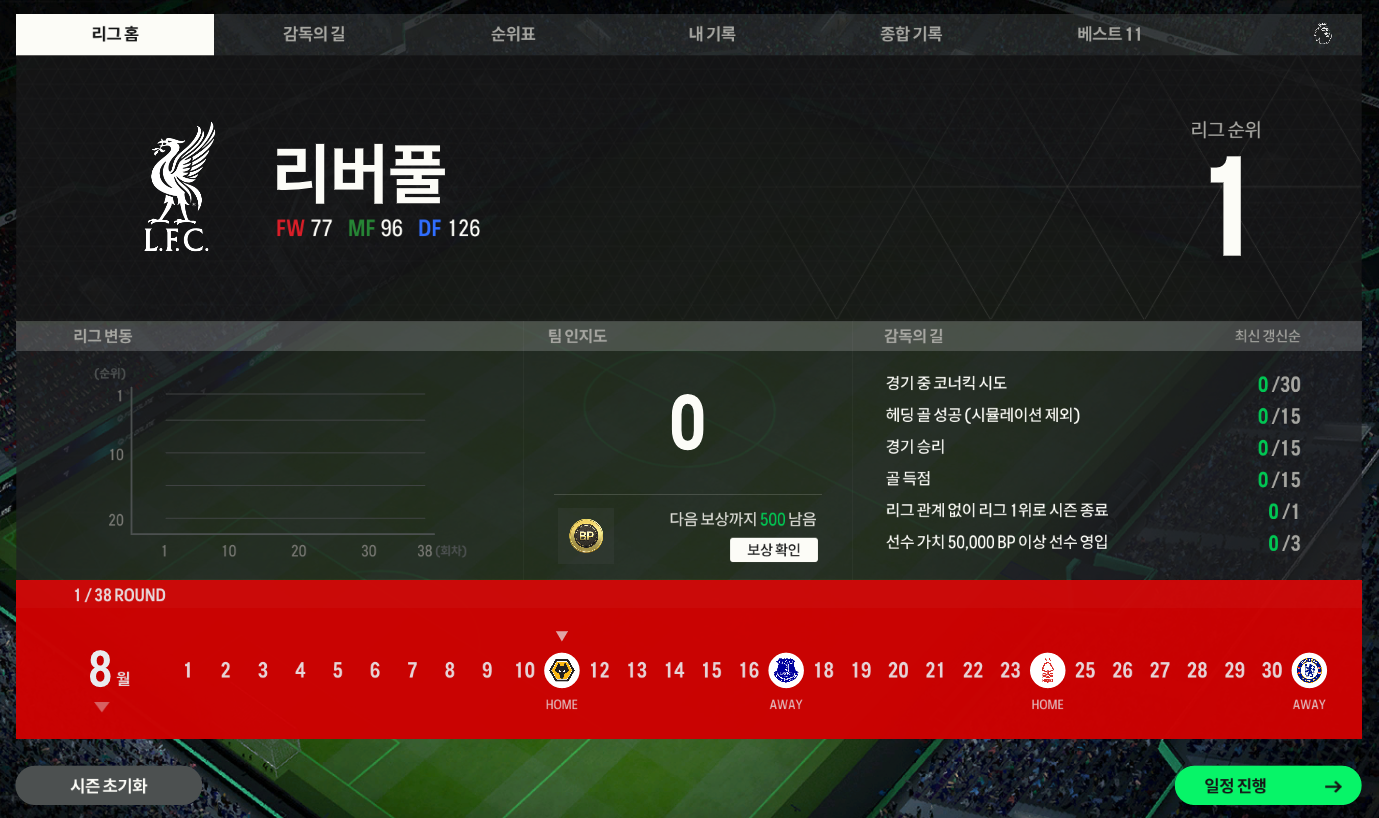
League mode and mobile account linking are also features I would like to try.
League mode lets you take a quick squad into a full league. Since the matches are against the AI, it offers a low-pressure way to try that format.
FC Online M also lets you link your PC account to manage your club, sign players, or play mobile manager mode, where you set the tactics. It plays differently from PC matches, where you control the players directly, but it seemed well suited to brief team-management sessions.
If you want to try a football game for free, or play a few relaxed matches against the AI before moving into ranked competition, this approach is worth considering. For now, I plan to play 1–5 matches at a time and practice the controls I struggled with, gradually getting more comfortable.