How Generative AI Has Changed the Gaming Experience: Creating Sketch-Style Character Reference Art
네오필
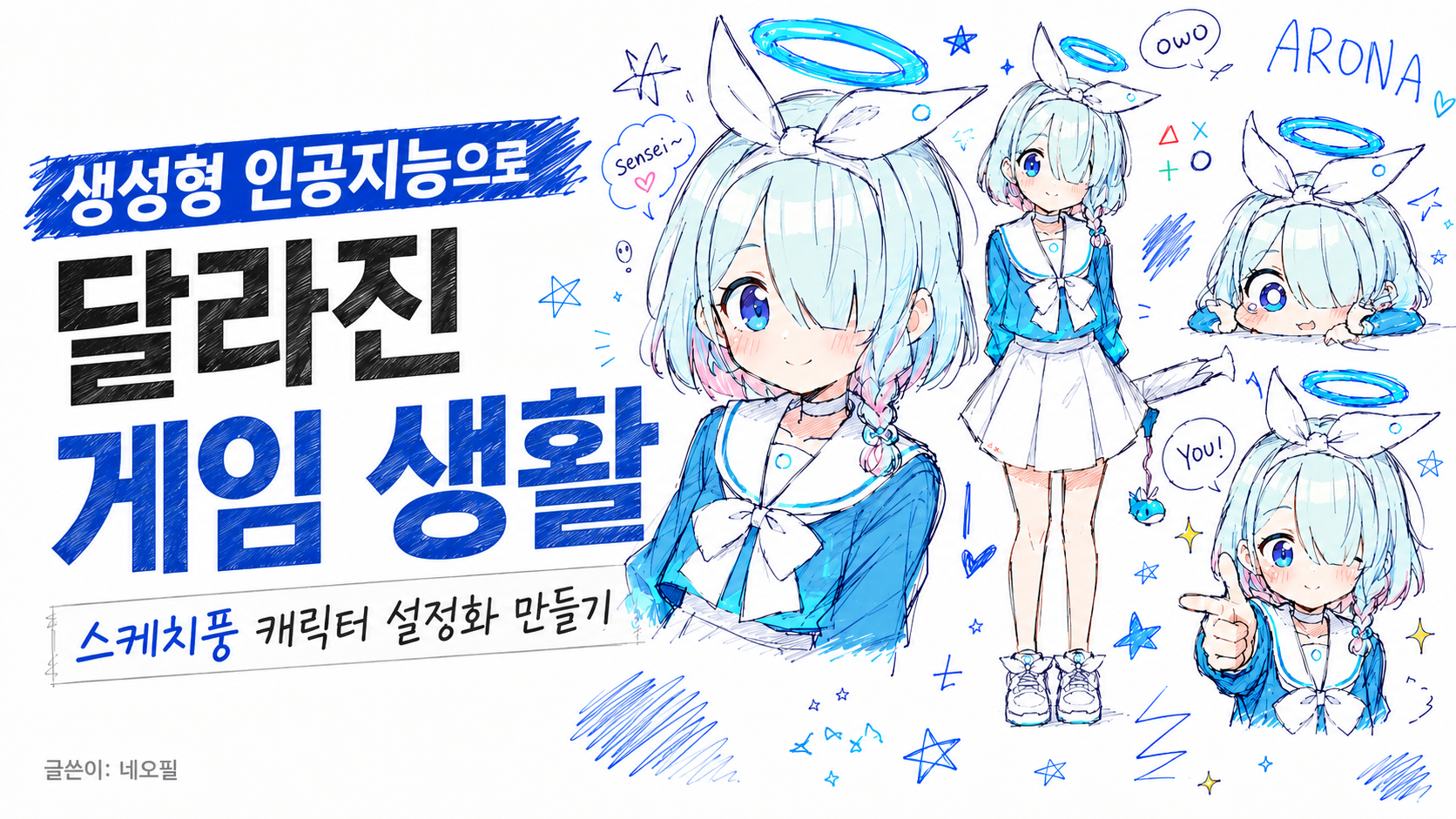
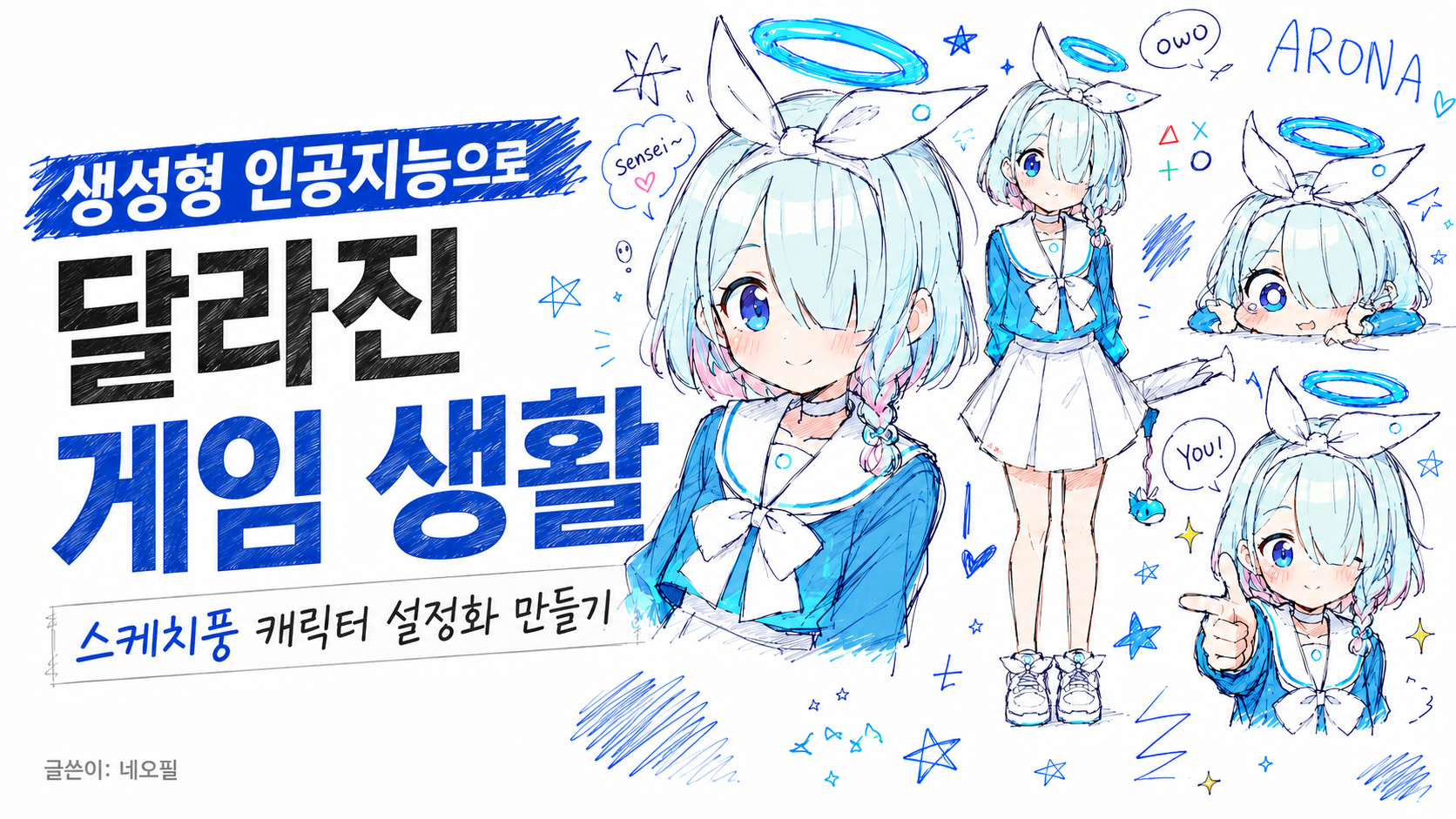
Now that generative AI has become part of everyday life, one of the biggest changes in gaming is how people get their “자캐짤.” I wanted to talk about that a bit.
자캐짤 and commissions
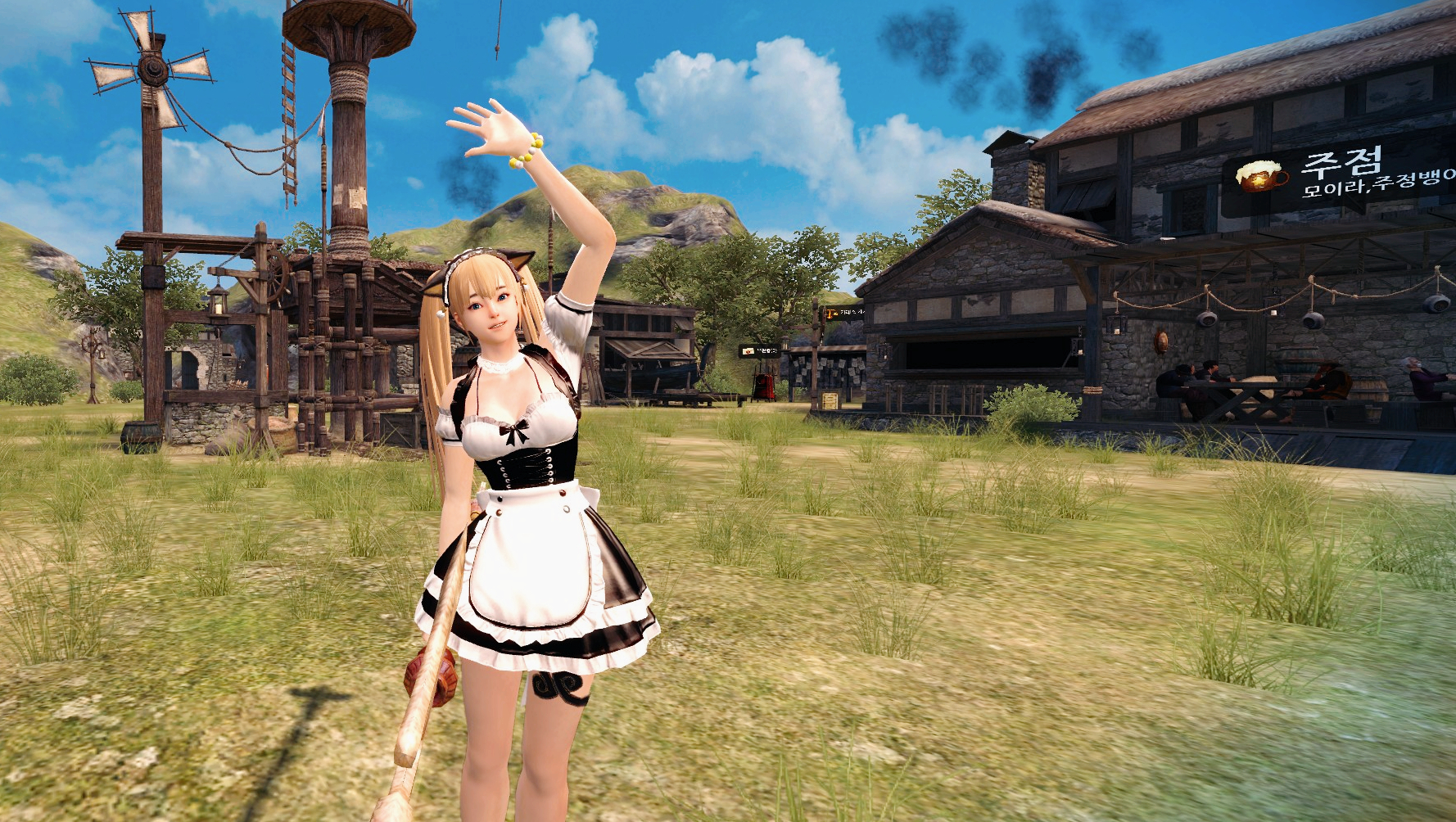
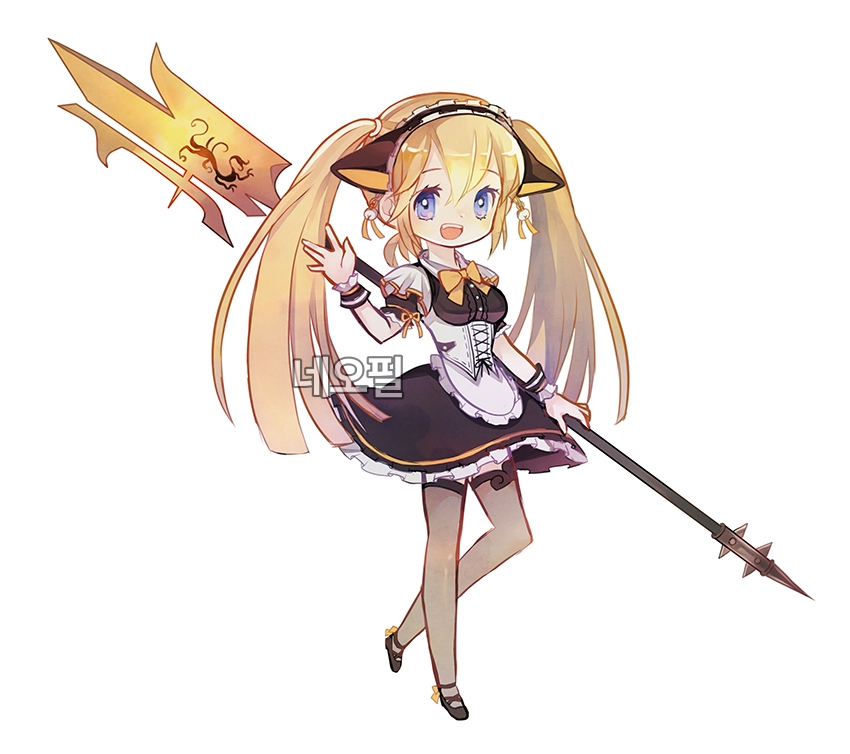
▲A 자캐짤 commissioned using a Mabinogi Heroes character
자캐짤 refers to an original or personal character image.
RPG players often liked to keep 자캐짤 of the characters they customized. If you were artistically gifted, you could just draw one yourself, but if not, you usually had to pay for a “commission” and ask a creator to make the artwork.
The number of revision requests was often limited, or came with extra fees. Turnaround times also ranged from a few days at minimum to several months in many cases.
Now anyone can get them easily
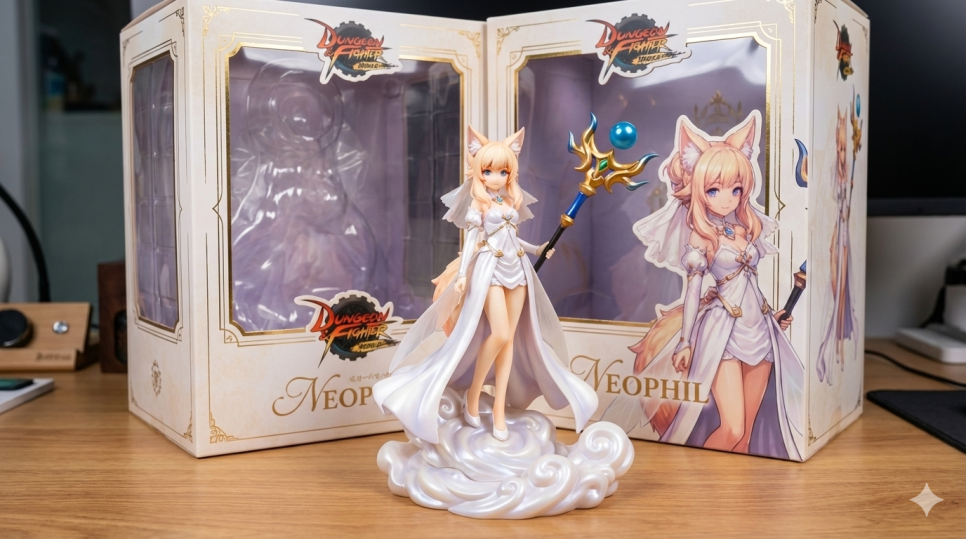
These days, you can simply tell AI what you want, get the result within minutes, and ask for revisions as many times as needed.
Until fairly recently, Ghibli-style images made with ChatGPT were everywhere. Then there was a stretch where figure-style versions made with Nanobanana took off, and now the trend has swung back to ChatGPT again with doodle-style images.
For example, the prompt below is a sketch-style character sheet prompt that started spreading through game communities not long ago. If you switch ChatGPT to image generation and paste it in, you can get some very appealing results.
Use the attached reference image as the character reference.
Analyze and extract the person’s main visual features: hairstyle, hair length, hair color, bangs, eye shape, eye color, facial impression, outfit, accessories, body proportions, and overall vibe.
Keep the person recognizable, but redraw them as an intentionally charming messy doodle collage character sheet.
ultra messy doodle collage, intentionally bad but cute drawing, chaotic sketchbook page, MS Paint mouse drawing aesthetic, rough scribbles, ugly-cute, charming amateur doodle, white background, low quality hand-drawn feeling, uneven anatomy, childish lineart, goofy proportions, awkward but adorable composition, pixel-ish roughness, messy coloring outside the lines, loose sketch strokes, ballpoint pen texture, colored pen sketch, notebook doodle vibe
multiple drawings of the same person across the canvas, character reference sheet, expression sheet, pose sheet, sticker sheet, doodle collage layout, many small variations of the same character,
large main portrait, full body standing pose, sitting pose, pointing at viewer, peace sign pose, close-up face, sleepy face, crying face, angry face, smug face, embarrassed face, chibi face, tiny mascot-like face, looking down at camera, dynamic perspective
convert the reference person into a cute anime-style doodle character, keep their distinctive features and fashion identity, soft blush, expressive eyes, simple cute face, rounded cheeks, slightly exaggerated cute proportions, small hands, simple legs, loose clothing folds, adorable imperfect sketch feeling
scribbled handwritten text
random doodles around the character: stars, hearts, arrows, speech bubbles, question marks, exclamation marks, barcode, tiny notes, emoji faces, “owo”, “???”, abstract scribbles, small mascot animal, messy symbols, color swatches
color palette based on the reference image, limited to 3–5 main colors, rough marker coloring, sketchy hatching, visible pen strokes, white empty background with scattered doodles, cute chaotic energy, charming messy collage, playful personality
Making sketch-style character reference art
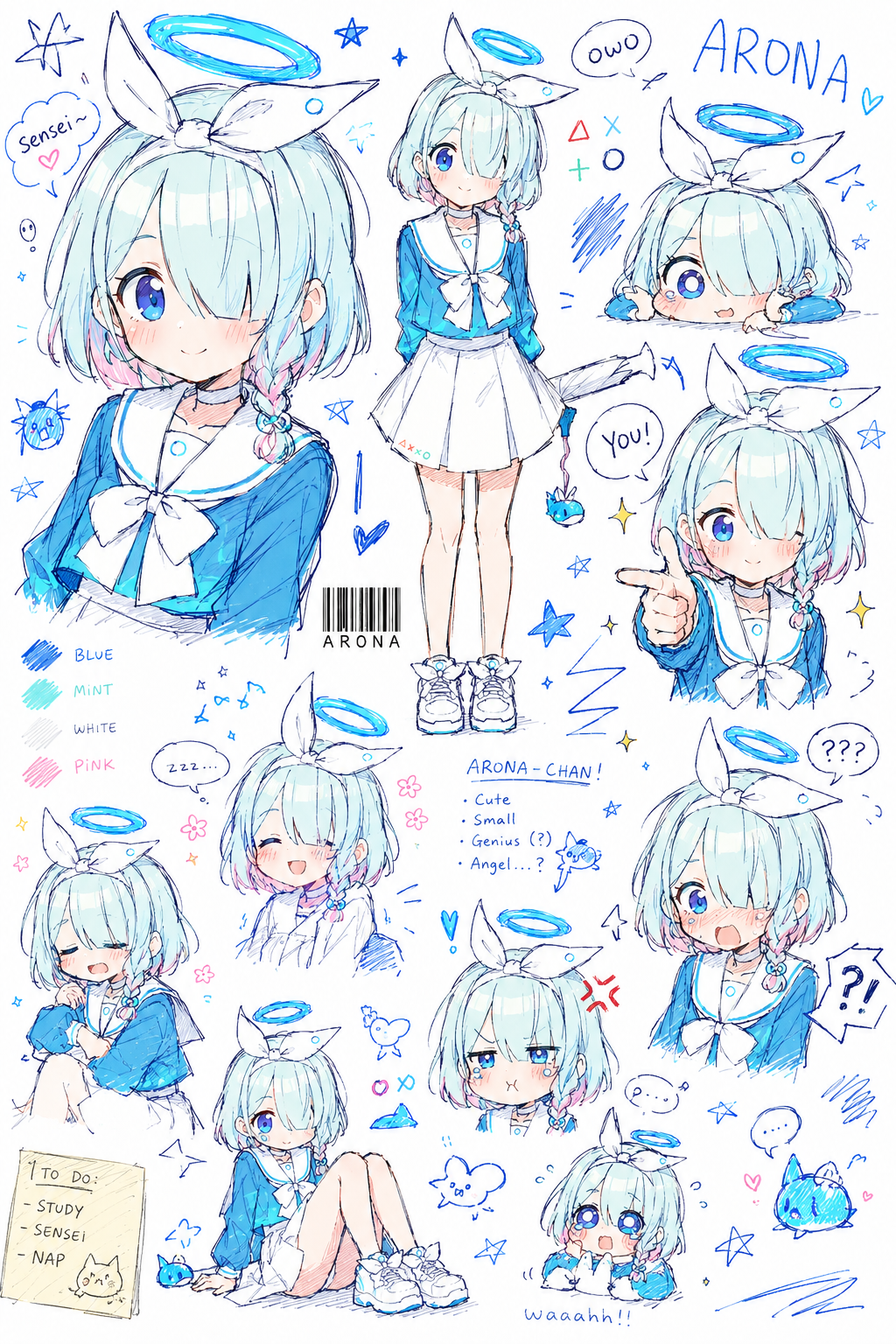
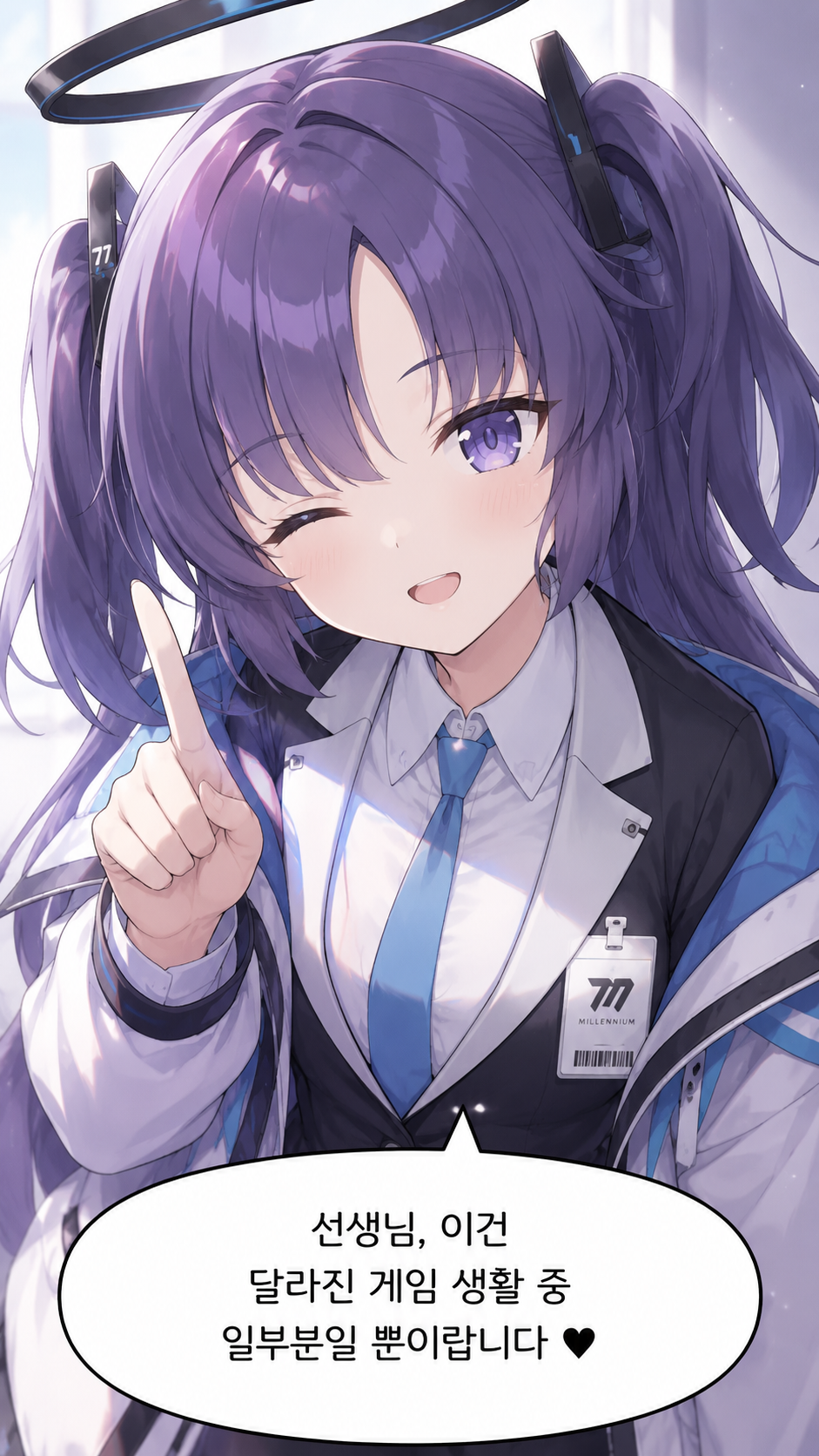
I tried it myself with Arona from Blue Archive. The result comes out surprisingly polished and natural, almost like something a professional drew by hand.
If there’s anything you want to change, you can just ask again. That said, free-model users can only use image generation about 3 to 4 times per day, so it’s better to use those attempts carefully.
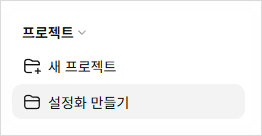
If you want to use it often and copying and pasting the prompt every time feels annoying, you can use the “Project” feature. Click the New Project button on the left to create a project,
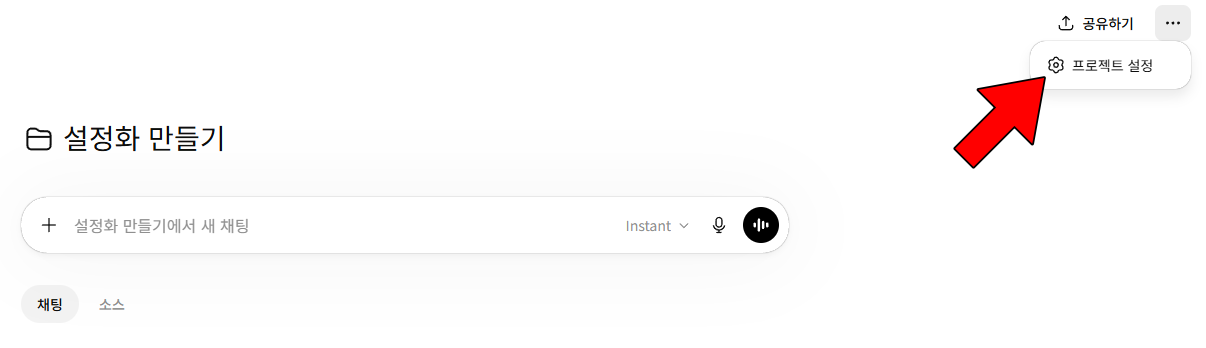
then go into that project and click Project Settings from the three-dot menu in the top right.
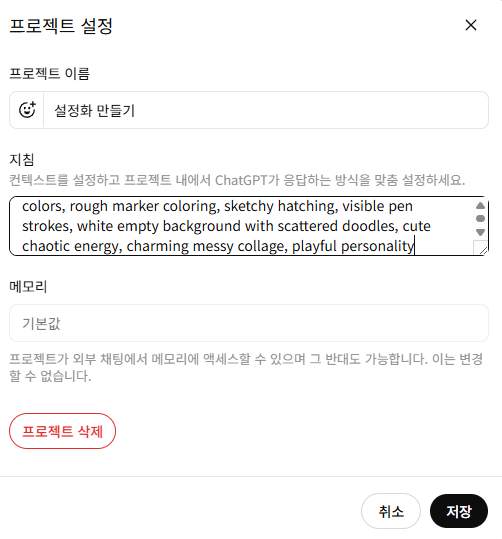
Paste the prompt into the instructions section and save it. That’s all there is to it.
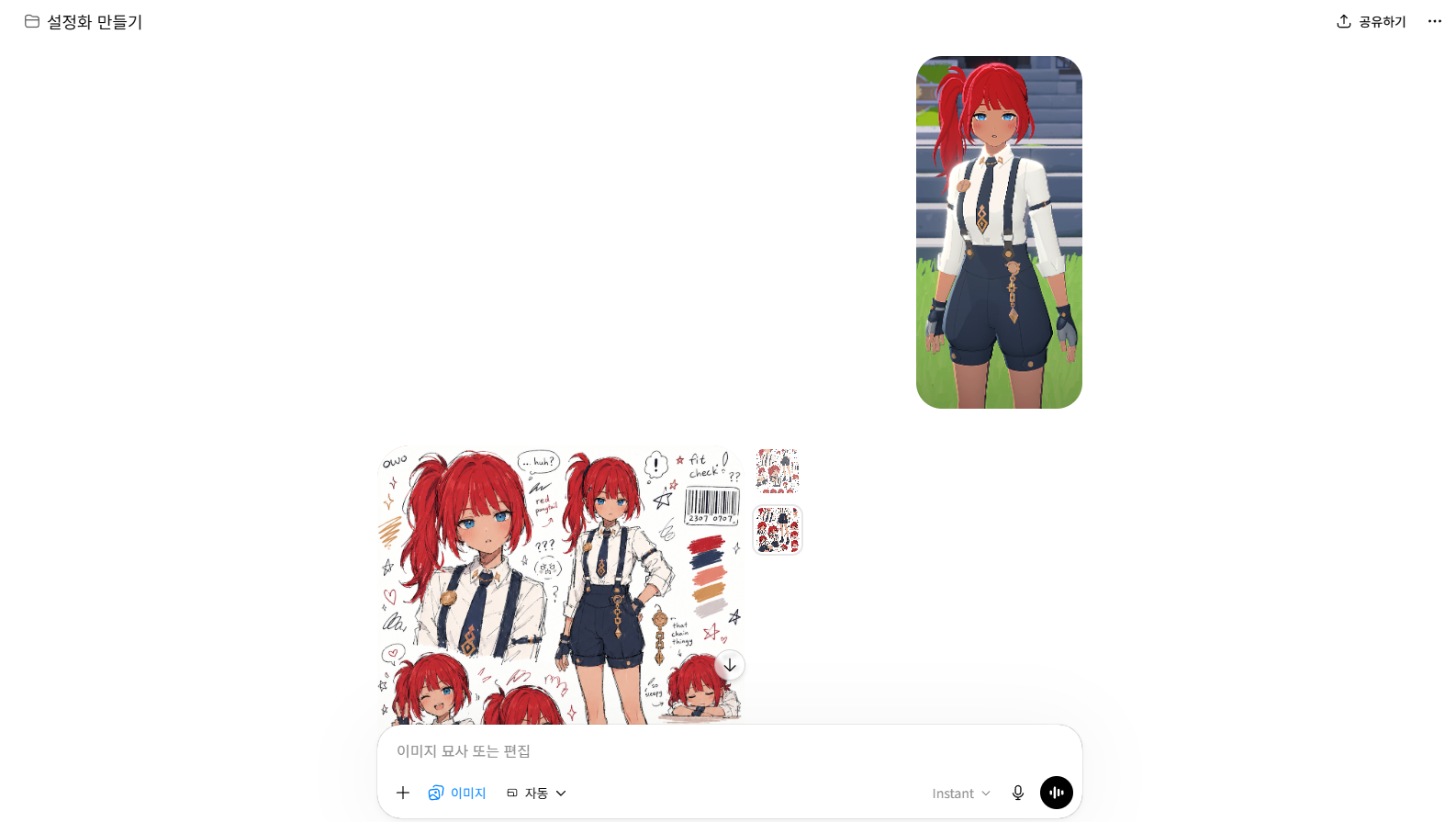
After that, all you have to do within the project is attach the character image you want and submit it for image generation, and it will handle the rest. If you occasionally get a result that feels out of nowhere, typing “Follow the instructions” usually fixes it right away.
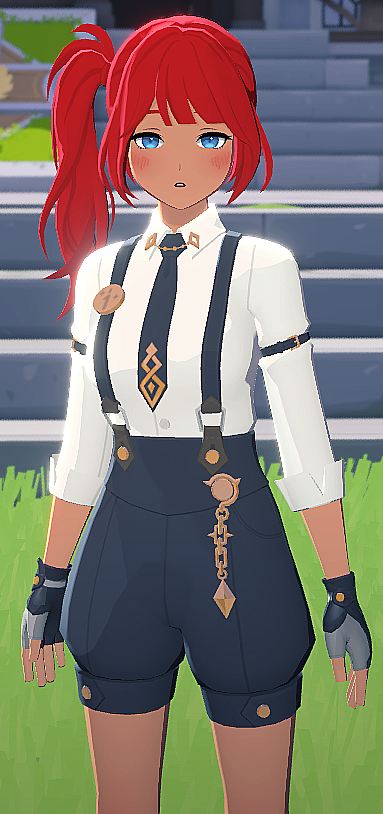
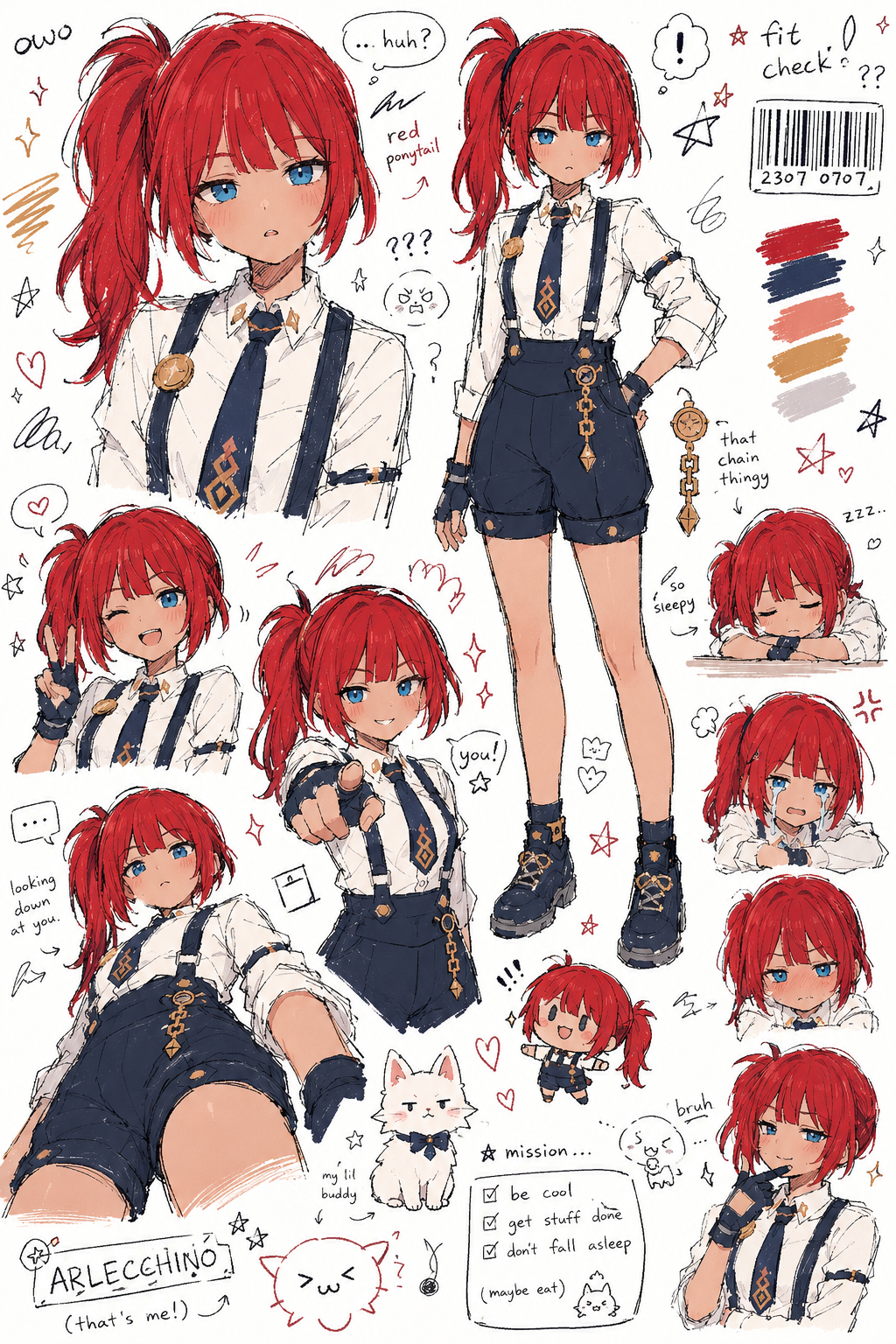
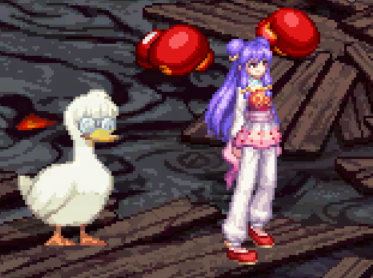
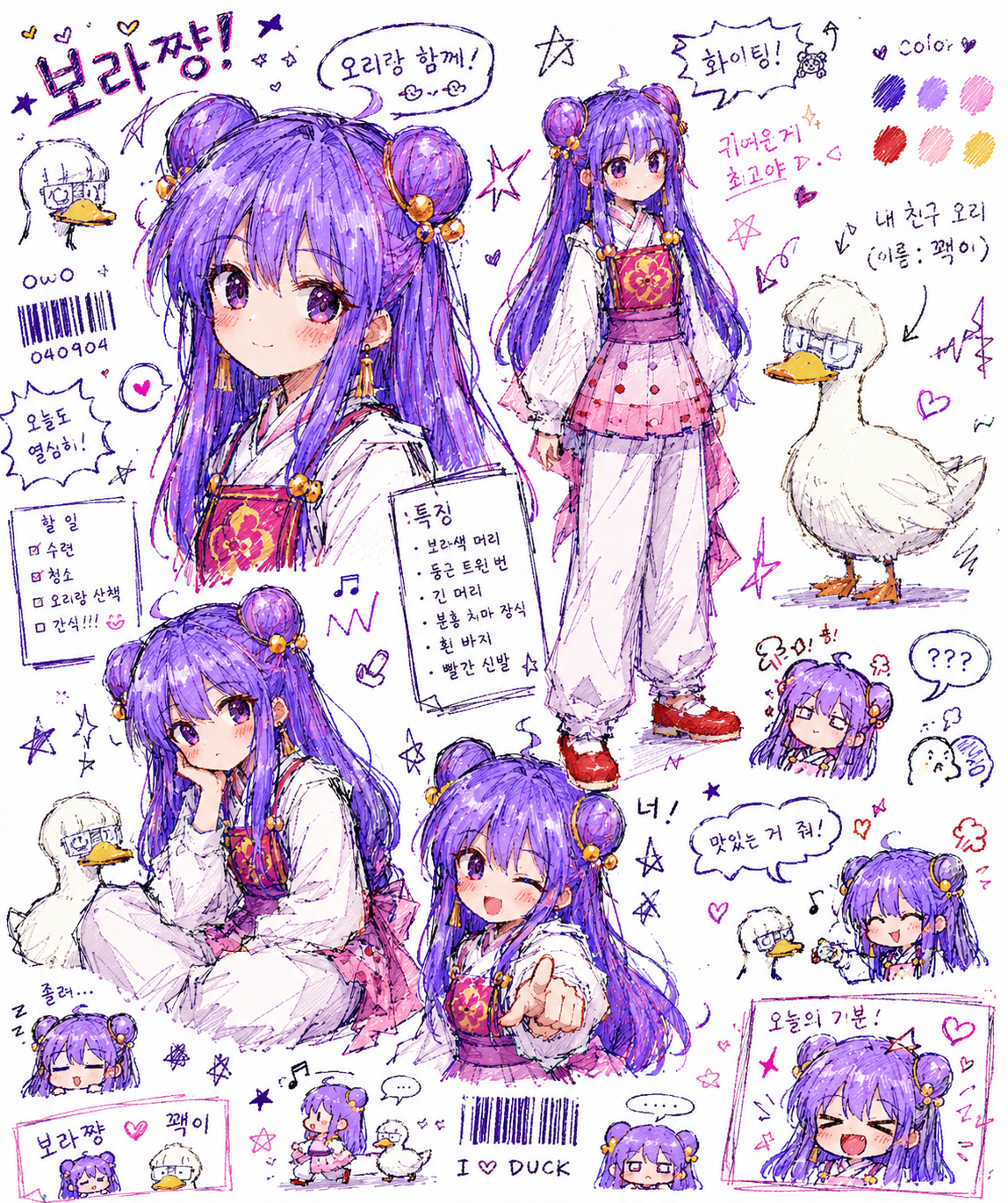
I also tried making them with characters from Mabinogi Mobile and DNF Mobile. If you add more specific character details or the character’s name, the results will likely come out even better.
Wrapping up
Now, even people with plenty of imagination but limited drawing skills can use AI to discover that creative potential. It also makes it easier to grow even more attached to a character. And this is only a very small part of how AI has changed the way we experience games.
![[메이플 플래닛] 옛날 메이플 정보? AI로 편하게 공략하기 (달라진게임생활)](https://peak-file.nexon.com/uploads/20260611_1256_d8a46744.png)