Official Uses of AI in MapleStory #달라진게임생활
마빡도로시
Hello.
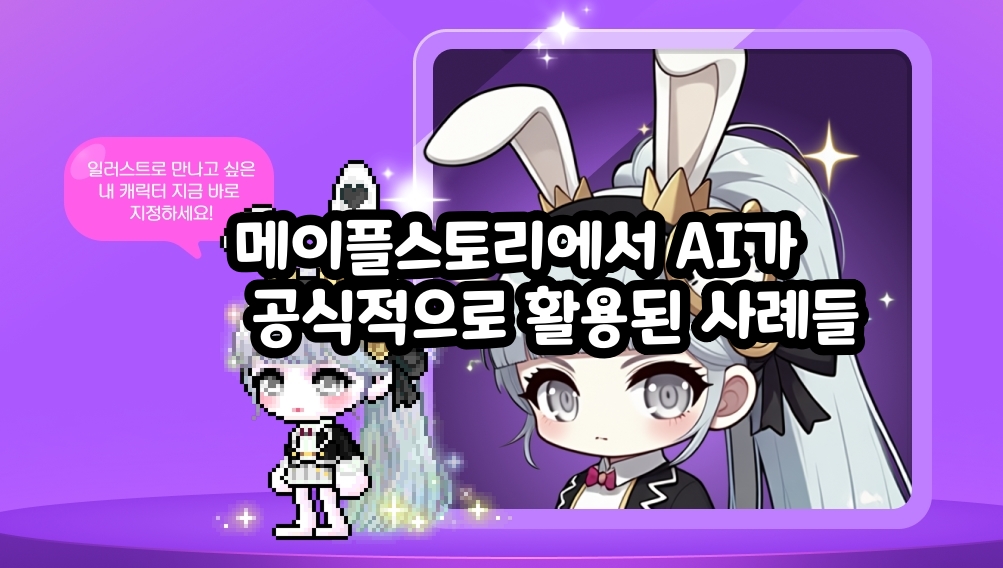
This time, the keyword is Changed Gaming Life, and the focus is on examples of AI influencing gameplay. With that in mind, I looked into officially recognized cases of AI being used in MapleStory.
Example used outside the game: AI Style Finder
First, as an example of AI being used outside the game, there is AI Style Finder(AI Style Founder). This system began as a trial service during last year’s 2025 22nd anniversary event, then officially launched on May 9 of that same year.
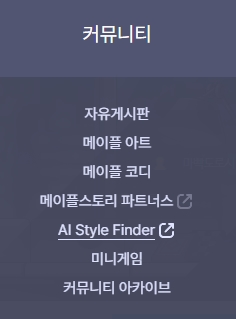
You can access the site through the Community tab on the official homepage, or simply find it through search as well.

As the name suggests, this site offers a feature that uses AI to find outfit items. You enter the keyword you want into the search box, and outfit items that match it are displayed.

I wasn’t sure whether the summer keywords were appearing automatically because it is currently summer, or because users have been searching for summer-related terms so often. Either way, since summer keywords were being shown under the search box, I clicked one.
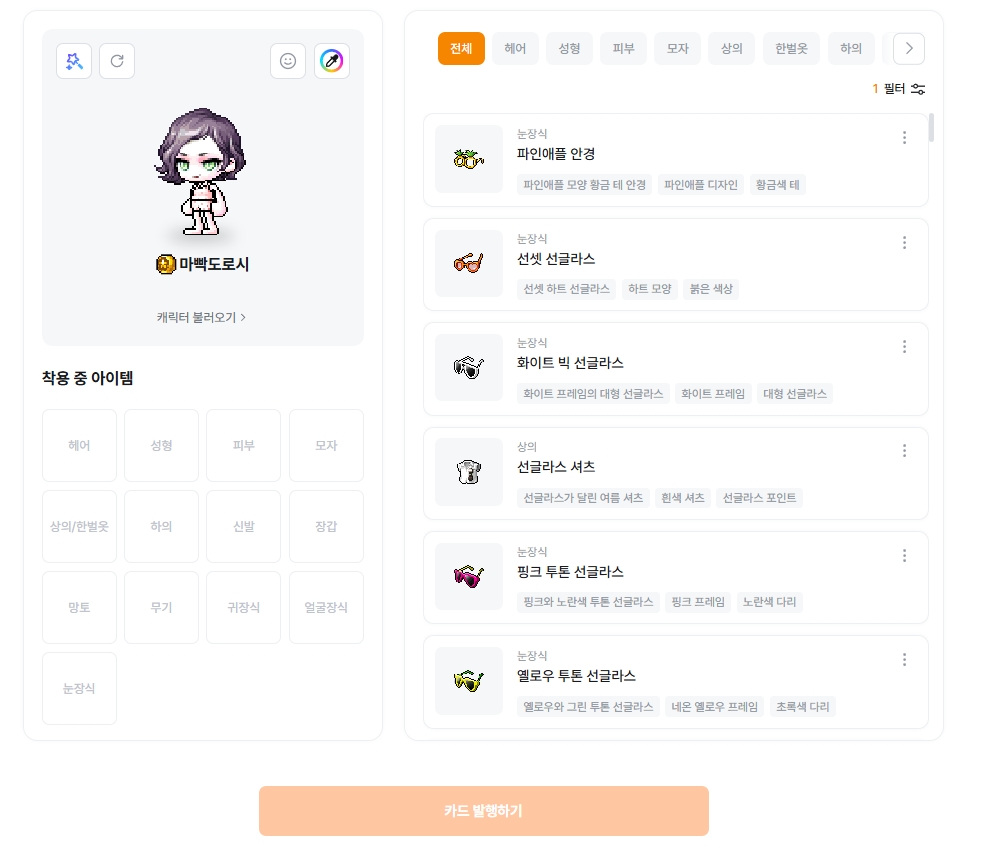
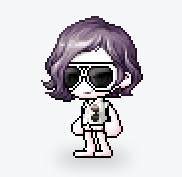
Once you click it, the site shows outfit items, hairstyles, and face options that fit the keyword, and clicking them lets you equip them on the character shown to the side.
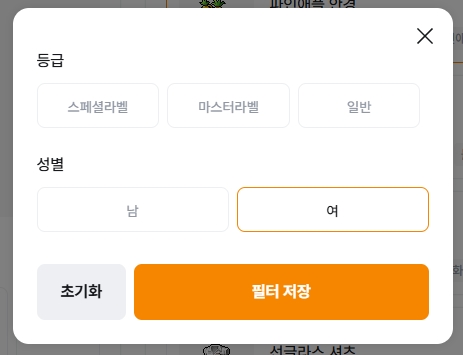
You can set the filters like this. For labels that were discontinued a long time ago, even if they appear in the results, they may be little more than wishful thinking, so if you are searching with the goal of actually obtaining the items, it is probably better to exclude them from the start.
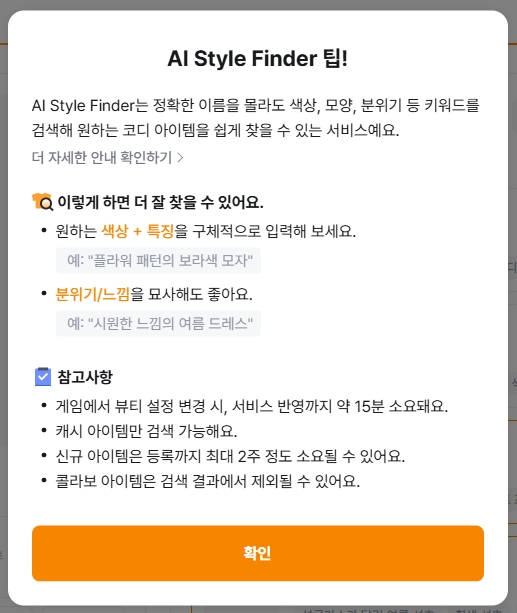
Since the idea of finding outfit items that match a keyword like this seemed pretty solid, I tried a few more searches.
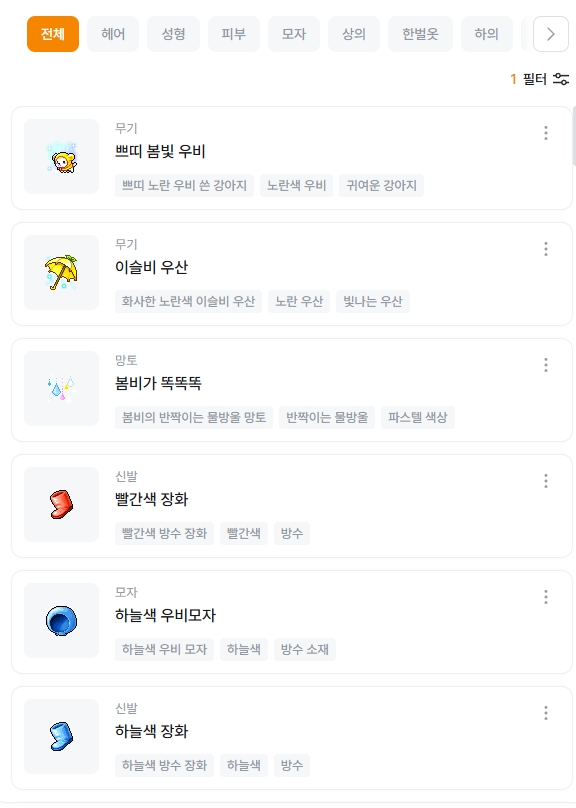
Search for “Rainy Day”
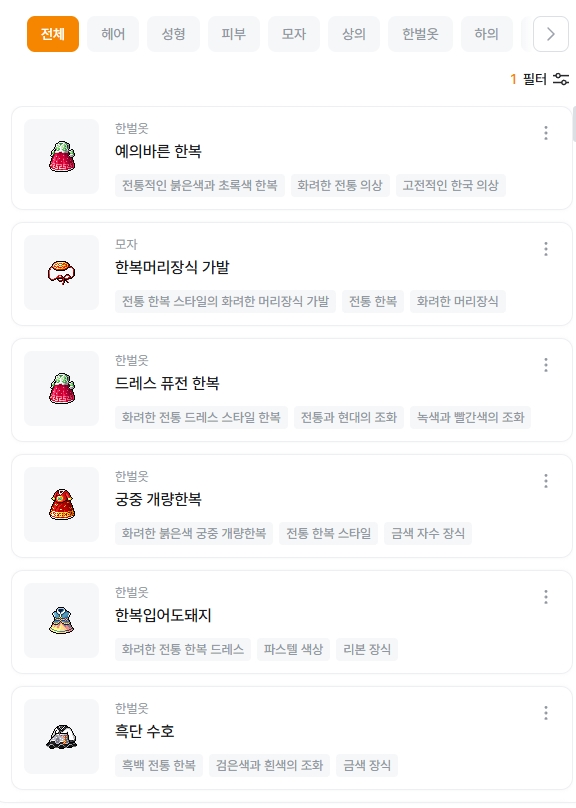
Search for “Hanbok”
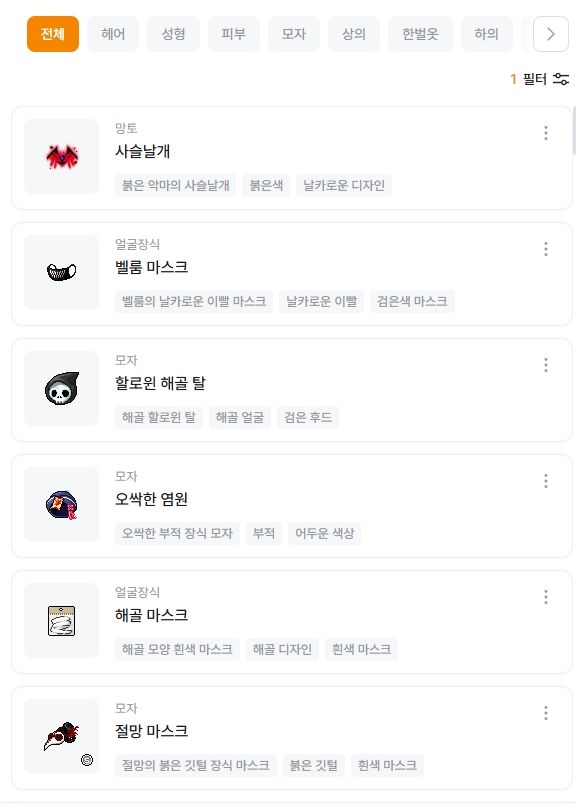
Search for “Horror”
Overall, the results matched the intended mood fairly well, which I liked. That said, hairstyles and face options are harder to associate directly with keywords like these, so compared to outfit items, there were fewer results, or the matches were tied more literally to names related to the keyword.
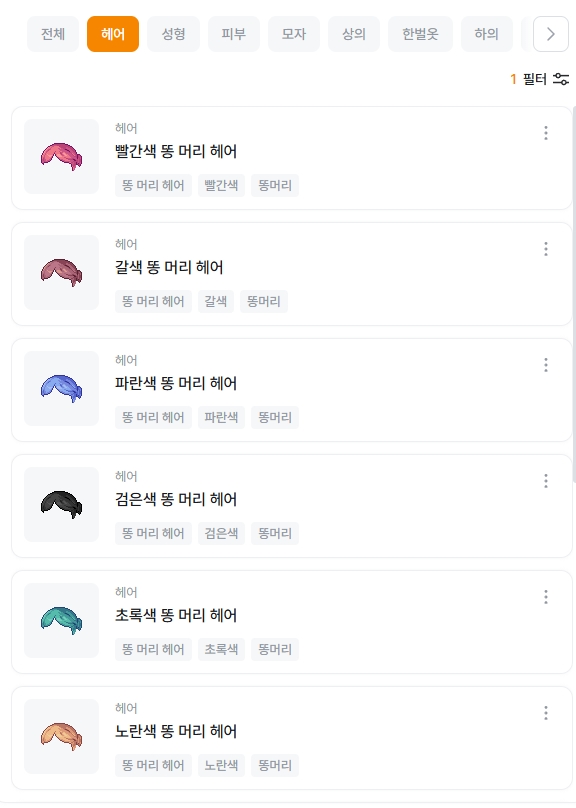
That said, the hairstyle in the results for the keyword “Hanbok” was an especially good match.
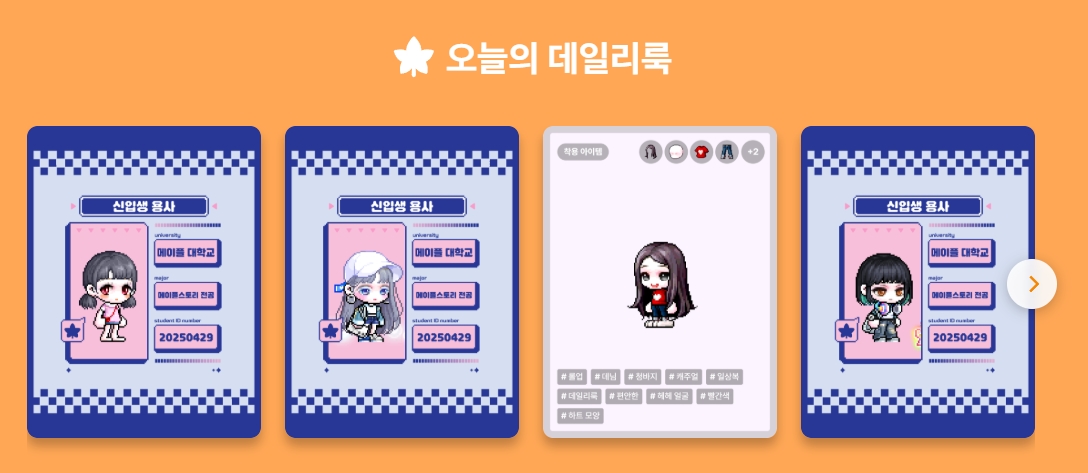
If you scroll down on the main homepage, you can also see outfits uploaded by other users, or ones that appear to be auto-generated, and you can apply any that you like to your own character. Right now, it does not seem to have a huge user base, but for anyone interested in outfit coordination, it feels like a fun site worth checking out at least once.
Example used in-game: Maple Custom Illustration
Next, as an example of AI being used in-game, there is the [Custom Illustration System]. This was a new system introduced in the winter 2025 CROWN update, and it was something many users did not expect when it was first released.
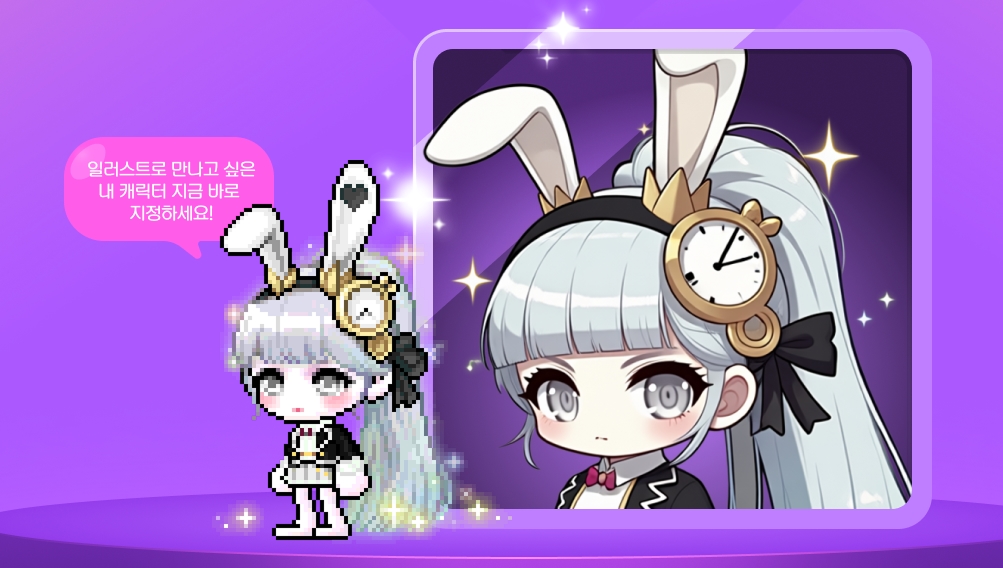
That is because it took the fairly bold approach of learning from MapleStory’s official illustrations and drawing player characters in that official illustration style. Since this is a game where many players are deeply attached to their own characters and outfits, the feature drew a fair amount of attention.
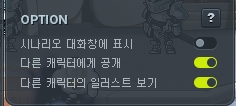
It was also well received because it did more than just give players an illustration. There are additional functions that let you display it next to the character UI or use it in place of the job illustration during quest progression.
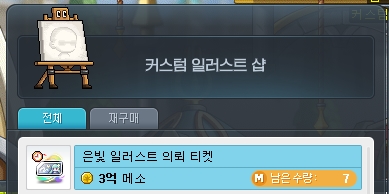
Before it was introduced as official content, tickets could be obtained by defeating level-range monsters. After the official launch, however, it has remained as permanent content where one ticket costs 300 million mesos and up to 7 can be purchased per week.
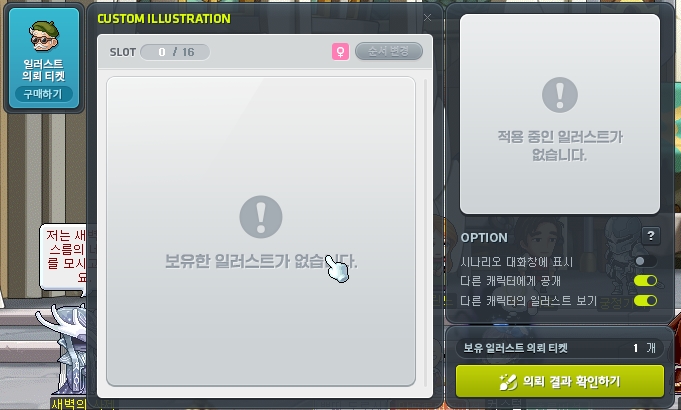
The request process itself is simple. You buy a ticket, submit a request, and the result arrives within a short time.
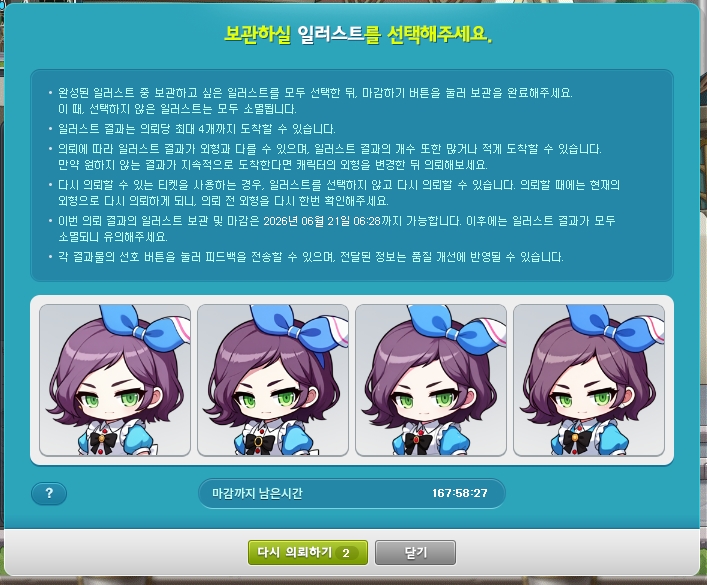
You can choose and save the one you want from up to 4 illustrations, and you can store up to 16 in total. This is based on the test world, and after the June 18 (Thu) update, tickets will be changed so that, as shown here, they can be used for 2 re-requests, so unless you are in a hurry, it seems better to buy tickets after that update.
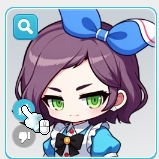
You can leave feedback through the Like and Dislike buttons on the left side of the result.
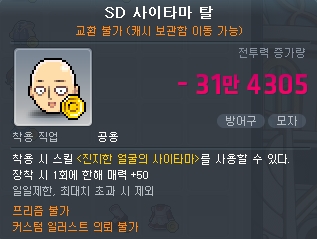
In addition, custom illustration requests are not available for collaboration items like these. Even outside collaboration items, anything that cannot be used is clearly marked in the tooltip as shown above, so that is something you should make sure to check.
Thank you for reading.

![[피크 챌린지] 친구와 4주동안 깐부 맺는 스펙터 공략](https://peak-file.nexon.com/uploads/20260621_1255_2af876a4.png)
![[피크 챌린지] 메이플 스펙업 욕구 뿜뿜!](https://peak-file.nexon.com/uploads/20260721_1050_4991d83b.jpg)