Seokchon Lake at night, with a little MapleStory on the side
마포감튀
Hey everyone.
Mapo Fries here.
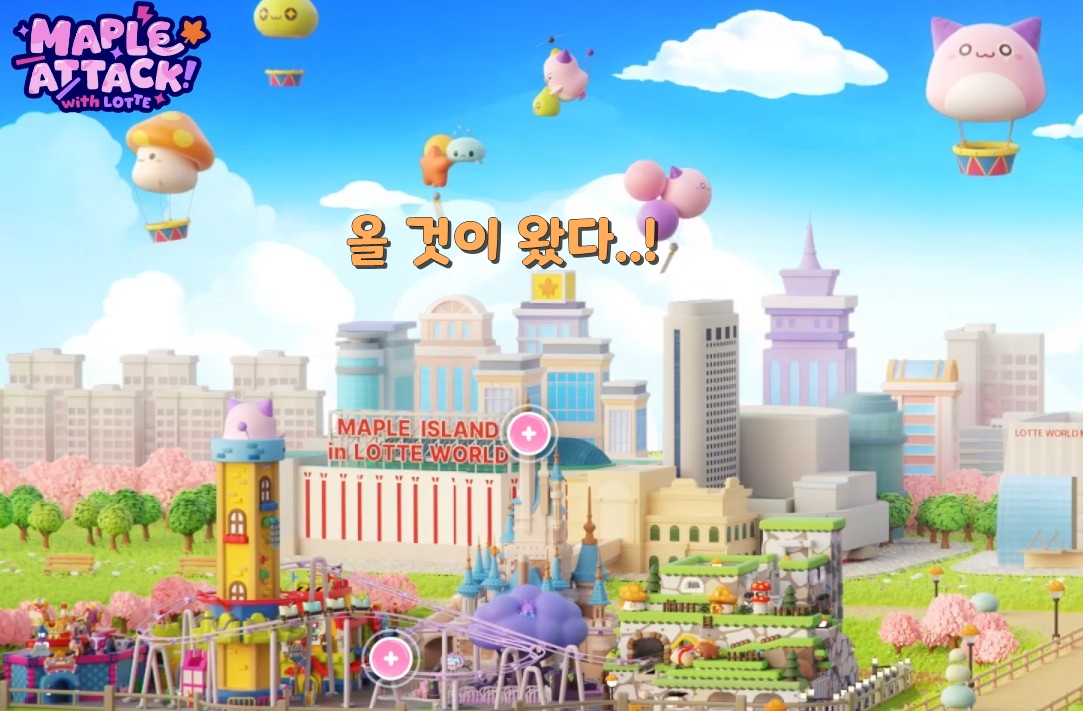
So, how’s everyone enjoying the Maple Attack! event?
You can actually visit Seokchon Lake in-game right now.
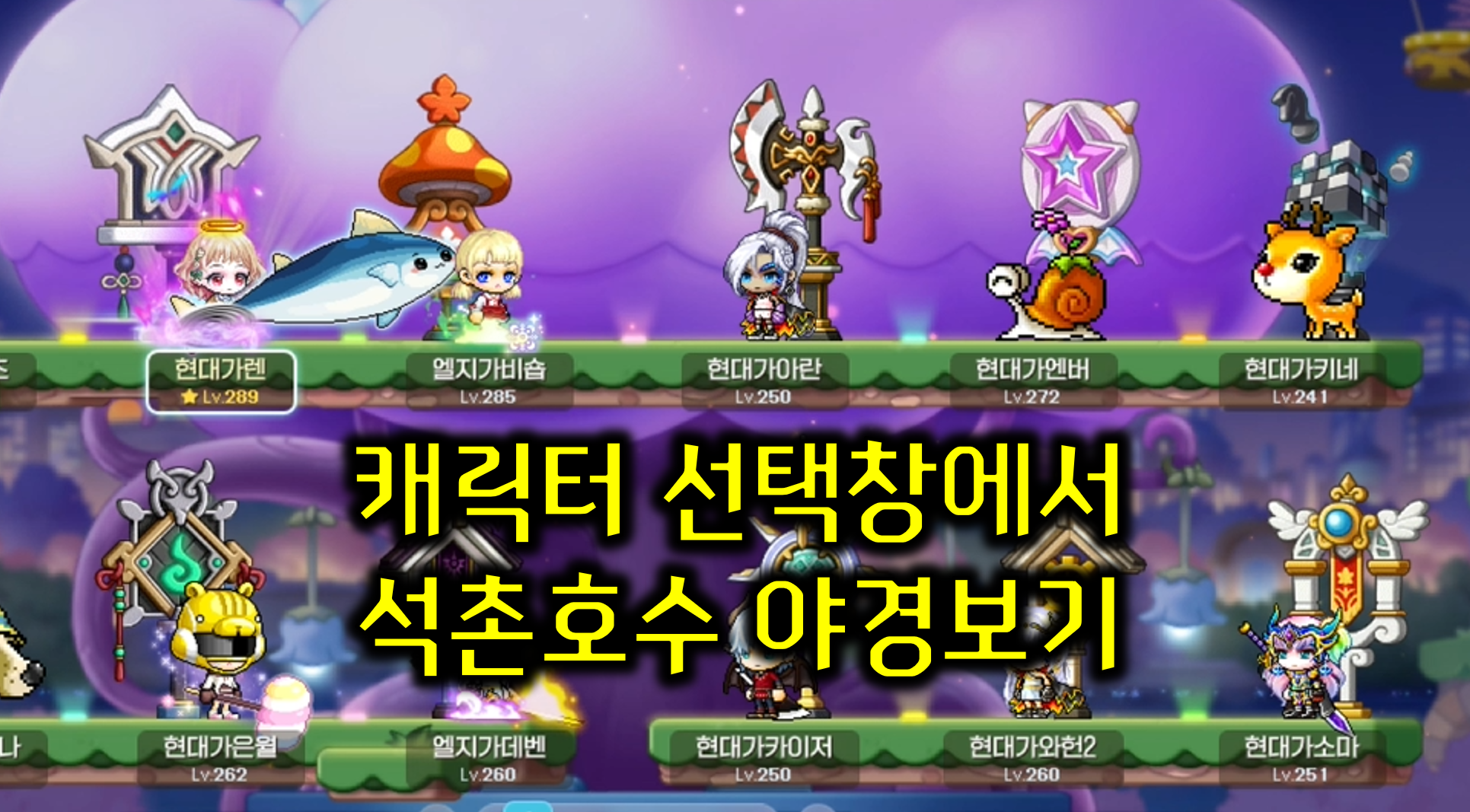
Today, I’m going to take a look around Seokchon Lake, show off its night view, and walk you through how to customize your character select screen too.
How to get to Seokchon Lake
Once you reach Level 101, you can enter Seokchon Lake through the event menu.
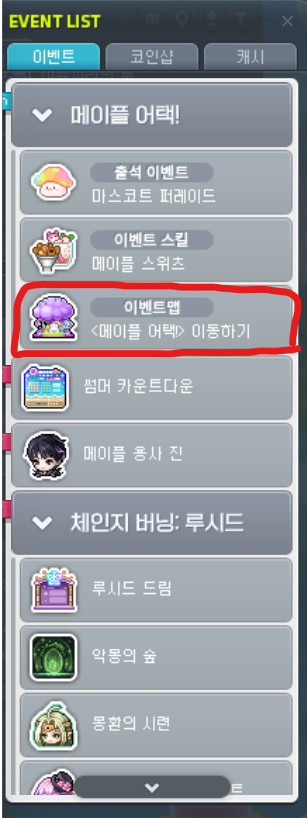
From the event list, go to <Maple Attack> and hit Move—go go.
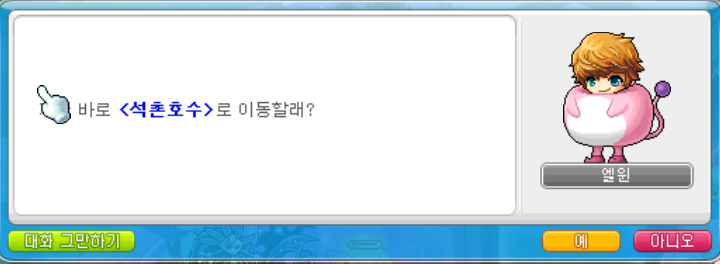
Looking around Seokchon Lake
The event map has all sorts of fun little details tucked away in it.
Let’s check out just a few of them.

When you think amusement park, a carousel is pretty much the first thing that comes to mind, right?
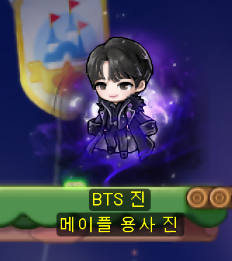
And here’s Boss Jindo, the super generous one who gives out Sol Erda Fragments every week.

A hot air balloon that instantly makes you think of Lotte World!
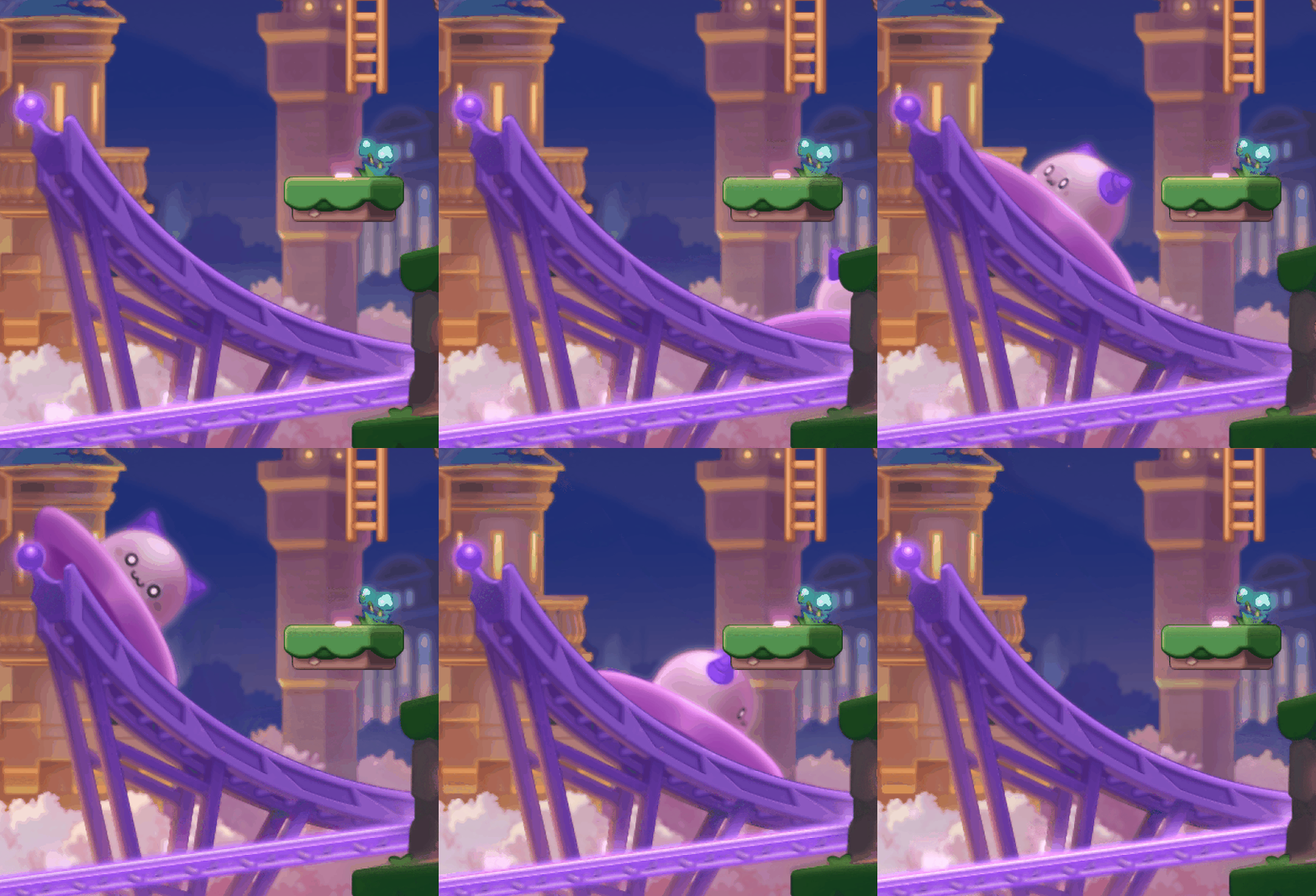
There’s also the Gyro Spin that was added to Maple Island.
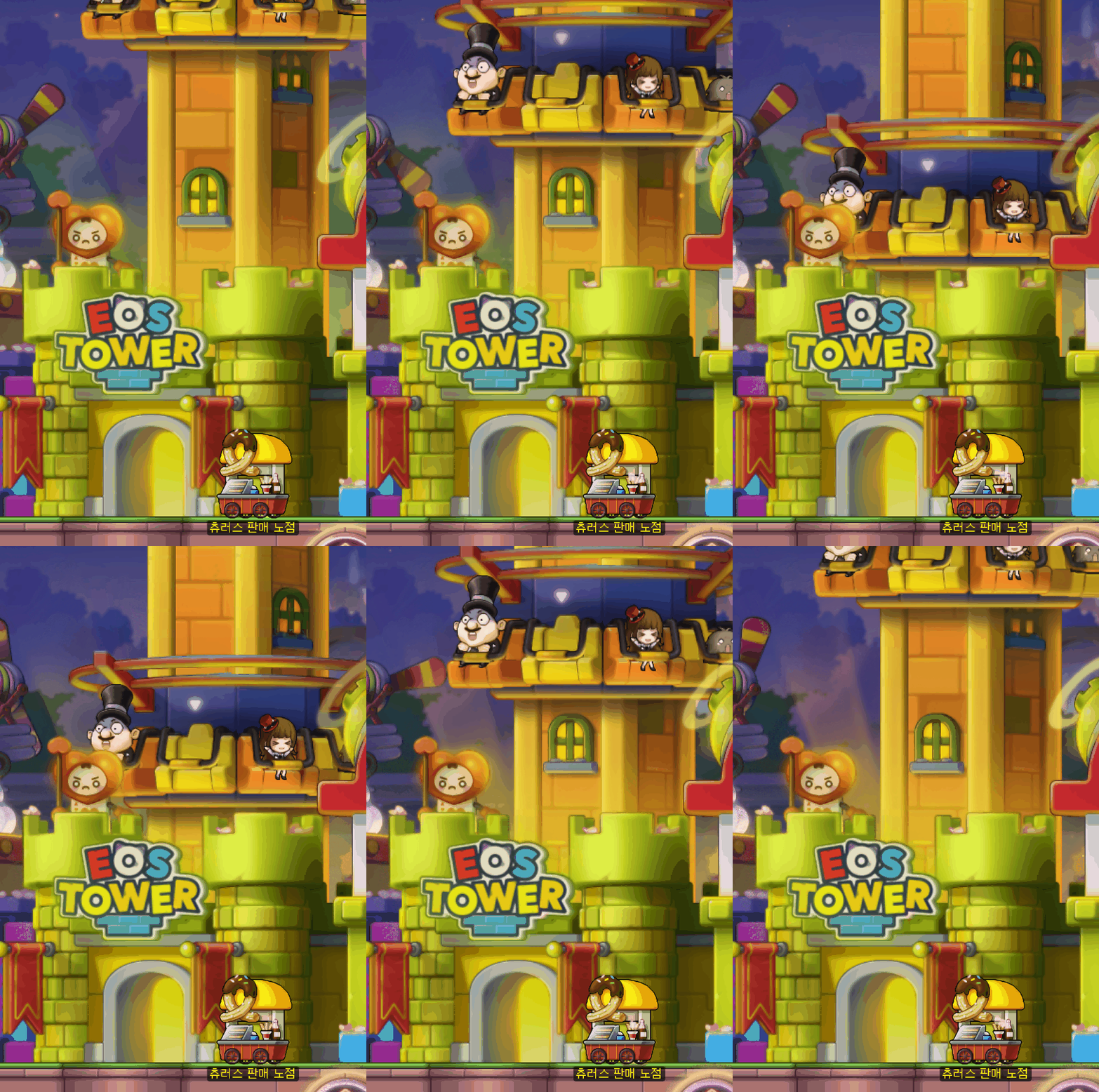
Eos Tower is here too.
The more I look around, the more I want to go to Lotte World.
This newly added event map feels way too good to just see once and move on from, doesn’t it?
You can get a character select screen theme from the Summer Countdown event.
Applying the character select screen theme
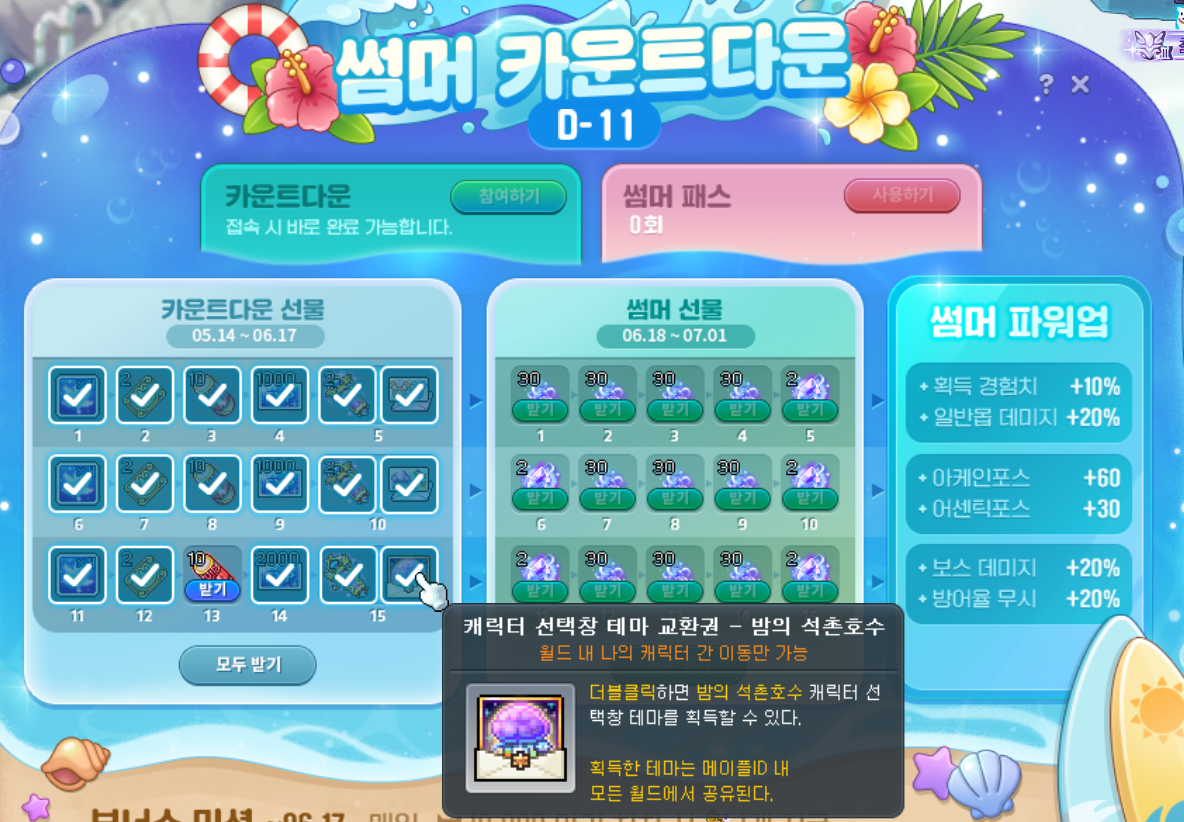
First, if you log in for 15 days in Summer Countdown, you’ll get a Character Select Screen Theme Exchange Ticket.
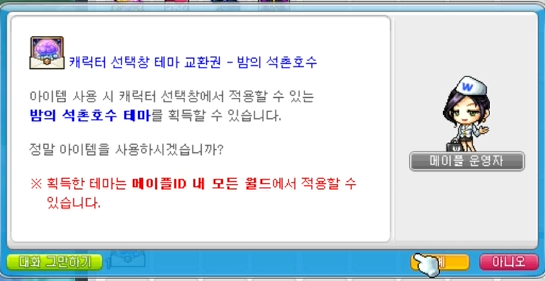
Use it from your inventory...
It might look like nothing happened, but once you’ve used it, head to the character select screen.
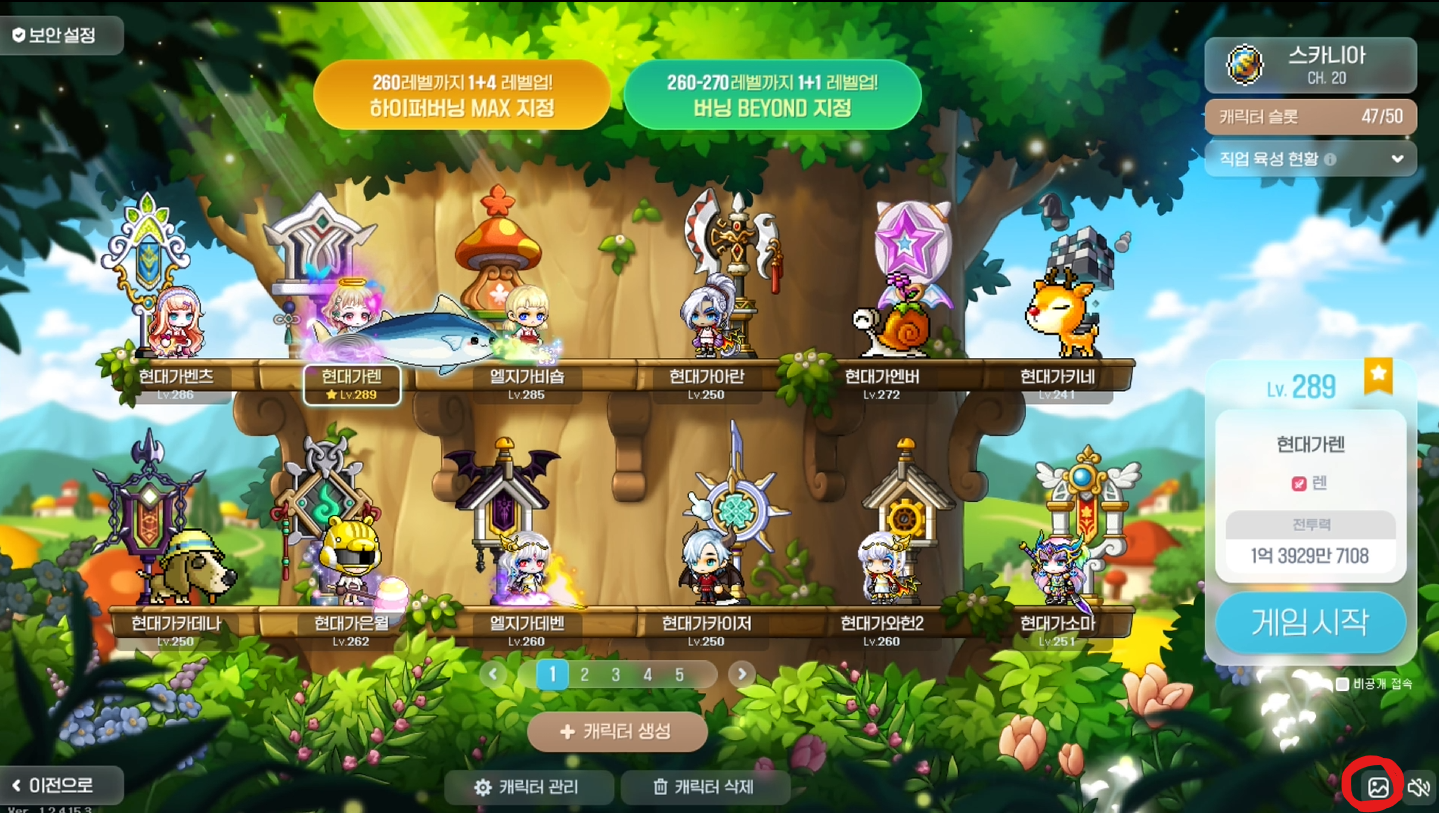
From here, click the little “photo” icon in the bottom-right corner.
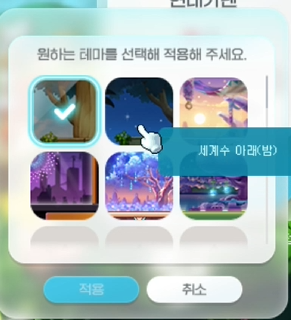
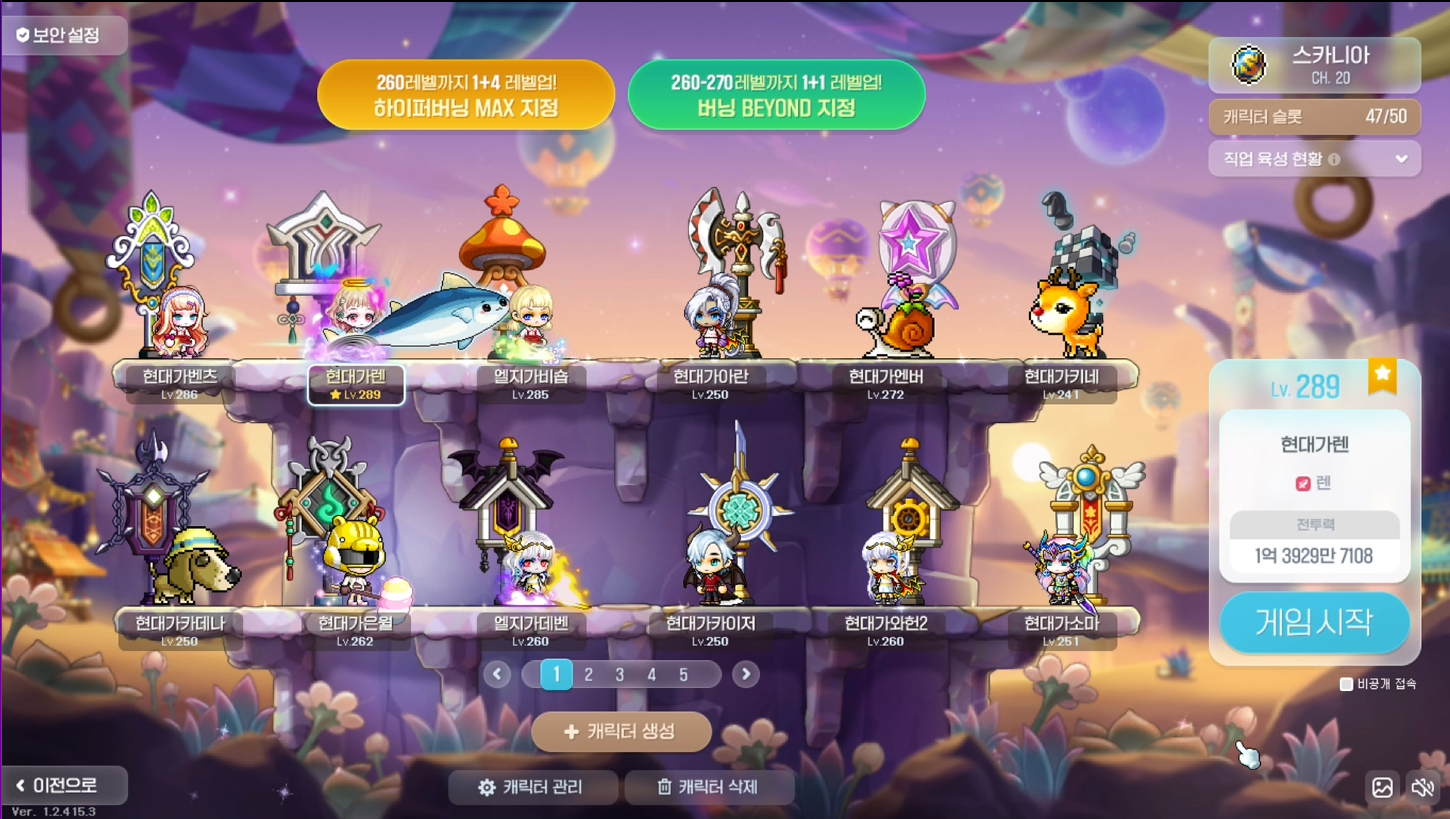
That’ll bring up the background themes you can choose from. From there, apply the Nighttime Seokchon Lake theme you just got.
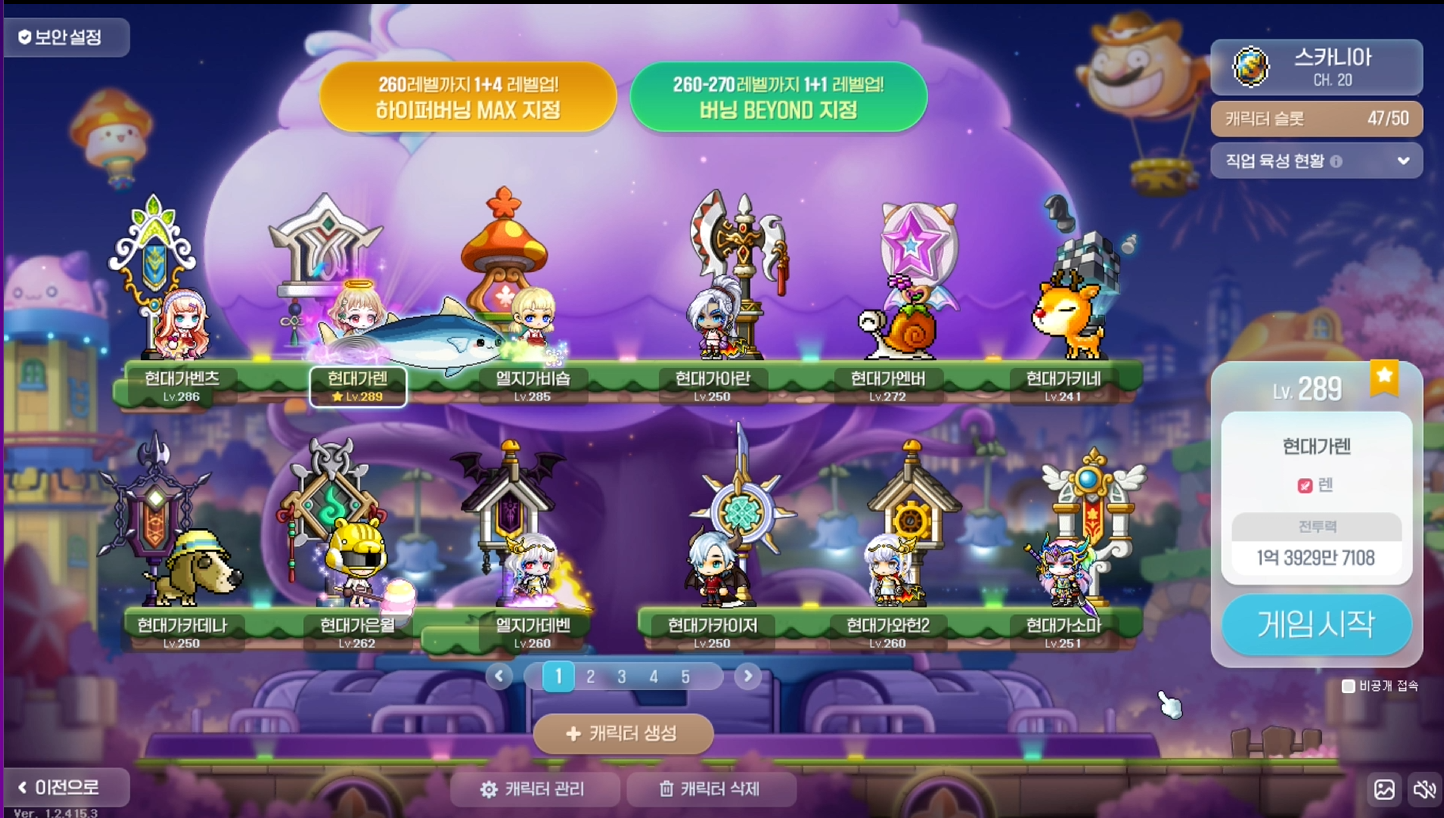
Ta-da!!
You can even spot Eos Tower and the hot air balloon we just looked at.
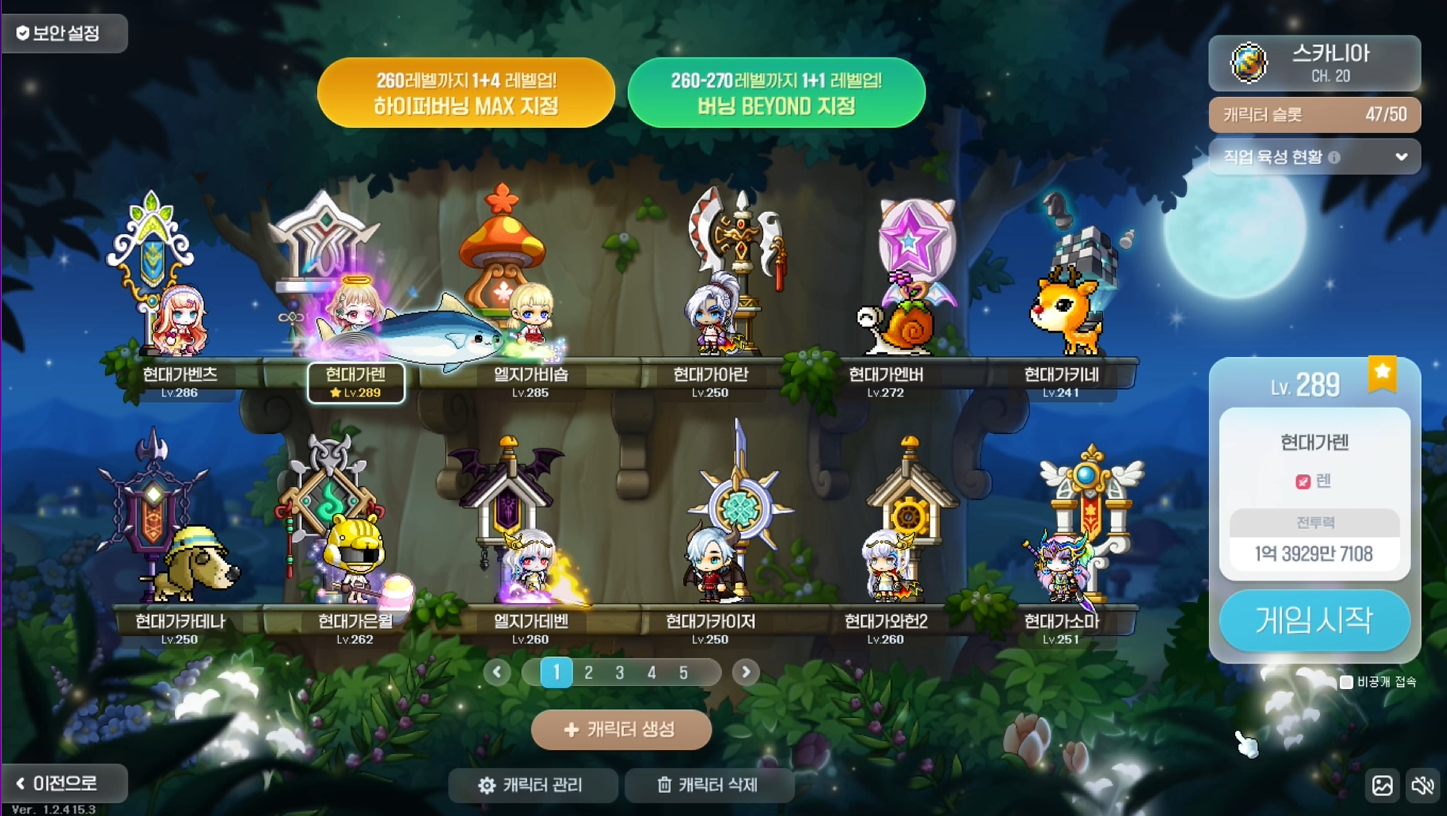
There are other backgrounds too, so try them out and decorate your screen with whichever theme you like best.


![[마비노기모바일] 밤 풍경이 아름다운 곳으로 나들이 가보자!](https://peak-file.nexon.com/uploads/20260605_0354_8bb694f2.png)