Smartphone Heat Management Tips Worth Adding to Your Routine #발열방지
마빡도로시
Hello.
This time, the topic is preventing overheating, with a look at practical ways to reduce heat buildup when using your smartphone, even if only a little.
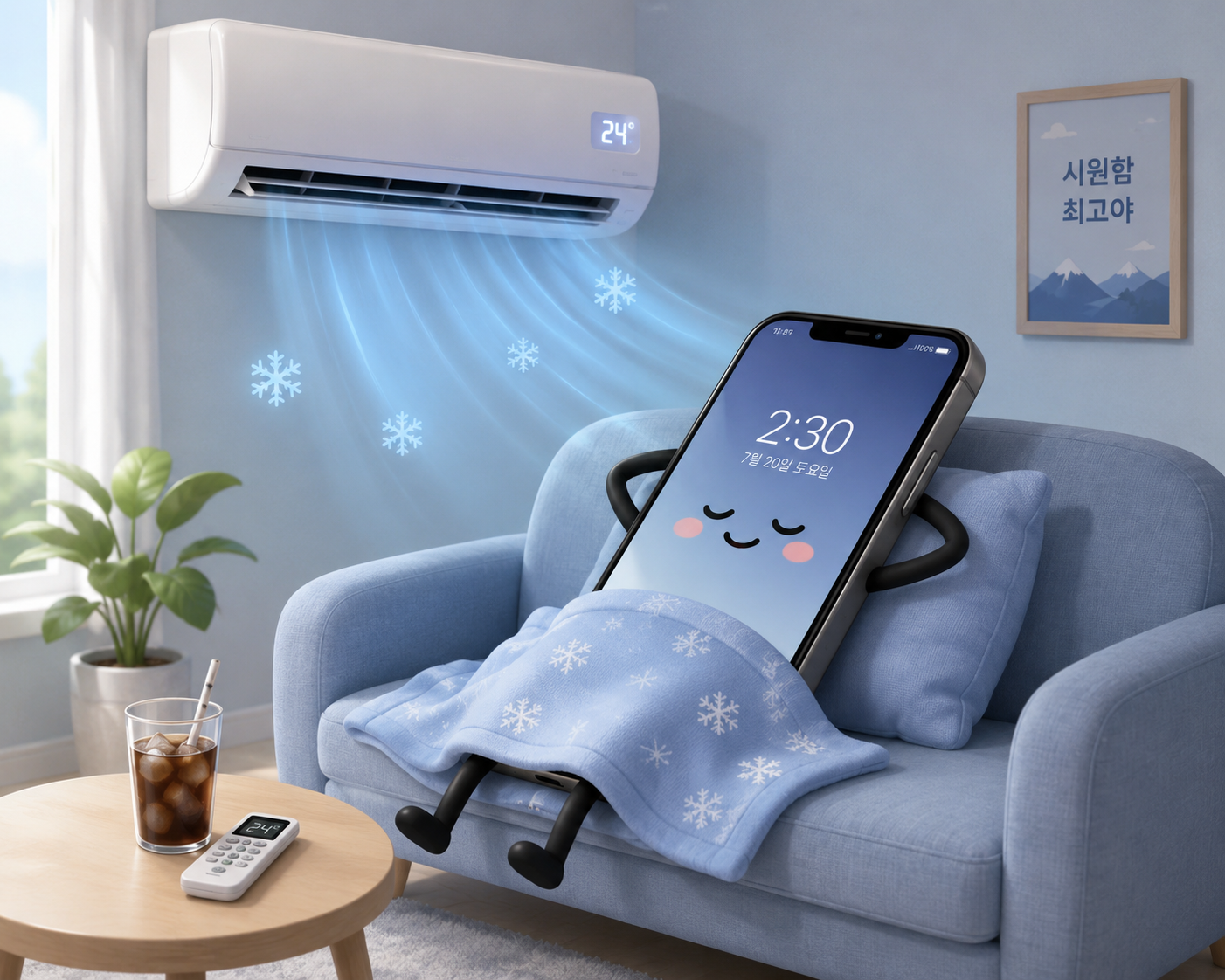
This image was generated using AI.
I no longer play mobile games on my smartphone, but I remember being surprised by how hot my device used to get. While researching this post, I put together a few ways to reduce that heat, although it is not possible to stop a phone from generating heat altogether.
Avoid using your smartphone while it is charging
Like me, many of you probably keep using your smartphone after plugging it in when the battery is low, but I learned that this habit can cause it to generate more heat. It can also be bad for the battery itself, so unless you have something urgent to take care of, it is better to let the phone charge for a while before using it.
Manage background apps
Running many apps in the background can contribute to heat buildup and battery drain. I used to ignore notifications suggesting that I remove apps I had not used in a long time or review apps I might not need, but after learning this, I plan to act on those notifications whenever they appear.
Avoid using your phone on or under soft items such as blankets and pillows
Our smartphones tend to stay by our side wherever we are, including in bed. Using your phone while it is resting on or tucked under soft items such as blankets and pillows can trap heat, making the phone even hotter. Electric heating mats pose an even greater risk, so be particularly careful with those, although it will probably be a few months before we use them again. Setting up a smartphone holder is a convenient and safe alternative.
Keep the room at a suitable temperature
The temperature of the phone itself matters, but keeping the room reasonably cool is important as well. Especially in summer, using air conditioning or other ways to maintain a suitable room temperature can help reduce heat buildup. Dedicated smartphone coolers are also said to help, although I have not used one myself, so they may be worth considering after you have read through reviews carefully.
Adjust in-game settings
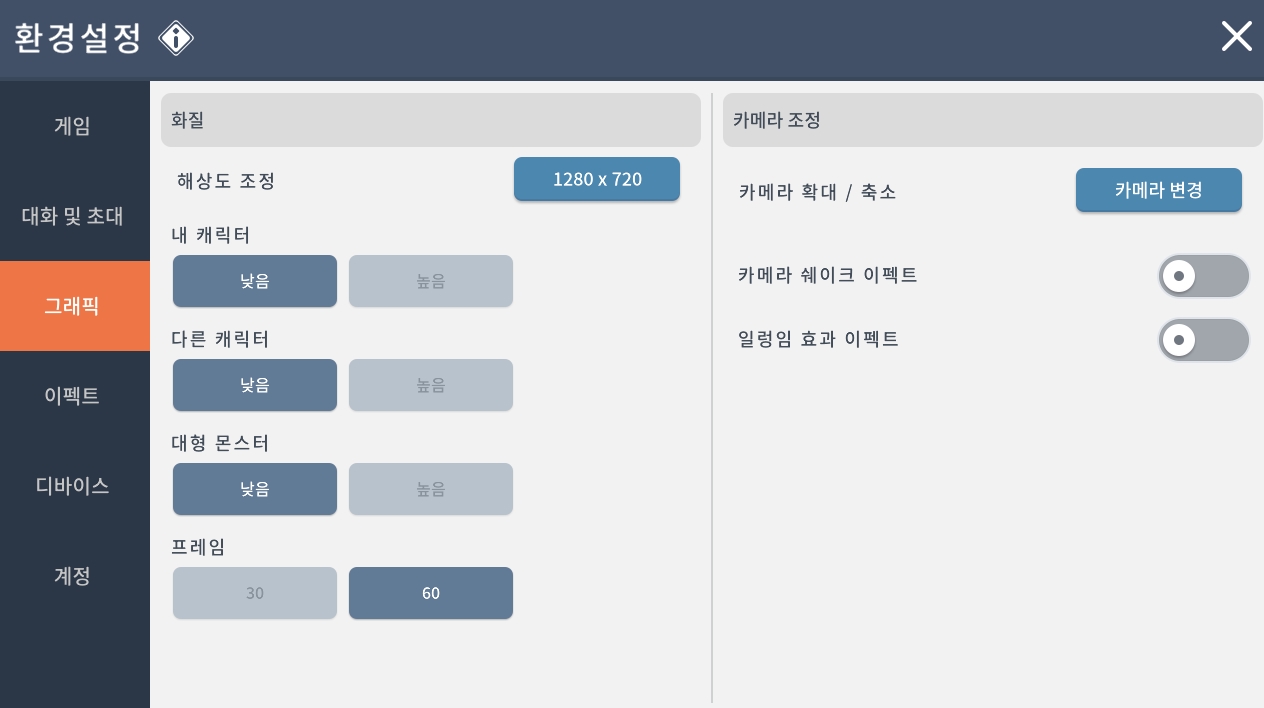

Reducing a game's visual effects can also help by putting less strain on your phone. Options include turning off other characters' effects or lowering the graphics settings.
What if your phone suddenly gets very hot?
If your phone heats up rapidly and becomes much hotter than expected, the recommended approach is to turn it off and leave it somewhere cool so it can cool down naturally. A thick phone case can also keep heat from escaping properly, so removing it temporarily can help the heat dissipate. It is also important to keep the phone out of direct sunlight.
During my research, I also came across people who, worried about the heat, put their phones in the refrigerator or applied an ice pack. Avoid doing either of these, as they can seriously harm the phone's internal components.
Use the official PC version if the game has one

If the game you play has an official PC version, it is worth making full use of it. The Nexon games MapleStory M and Mabinogi Mobile both have official PC versions that let you play comfortably on a PC, and I appreciate how much easier this makes completing the daily quests for mileage points.
Thank you for reading.