Keep Your Smartphone and PC Cool This Hot Summer! Practical Tips to Prevent Overheating
제이메르
Hello,
I'm 제이메르, a Nexon Picker.
*This image was generated by AI
Summer is fast approaching, and the weather is already getting quite warm.
Every summer, I find myself worrying about the same thing: my devices overheating.
As temperatures rise, smartphones and PCs tend to run even hotter.
Did you know that poor heat management can do more than make your games lag?
It can also shorten the lifespan of the devices you rely on.
Hot, humid summer days don't have to get in the way of long, comfortable gaming sessions.
Today, I'd like to share a few tips for preventing overheating to help you enjoy them!
1. Put Airflow First: Give Your Devices Room to Breathe with Stands & Cooling Pads
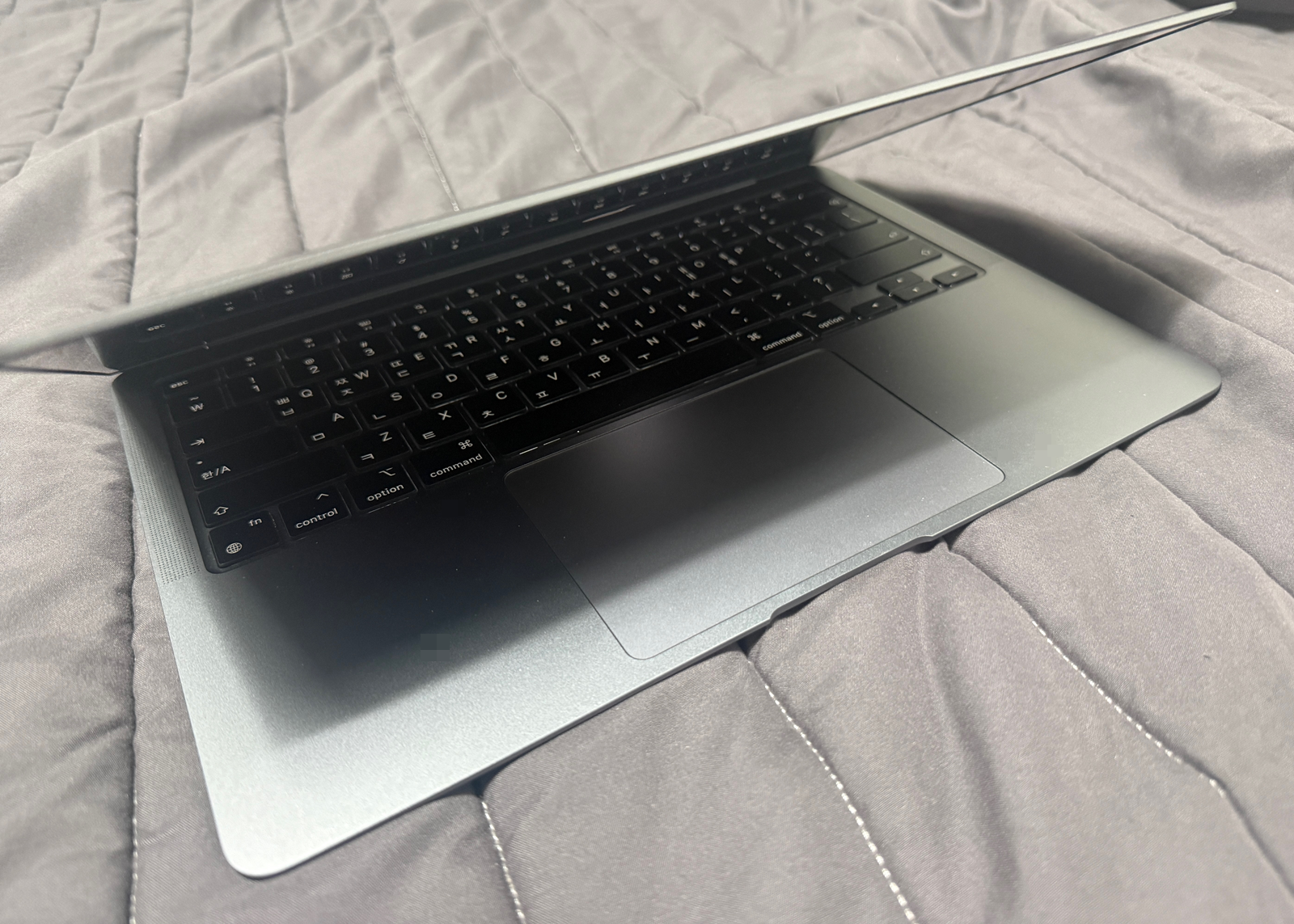
When gaming on a PC or gaming laptop, avoid leaving it flush against the surface beneath it.
Blocking the vents on the bottom and sides traps heat, causing your device to heat up quickly.
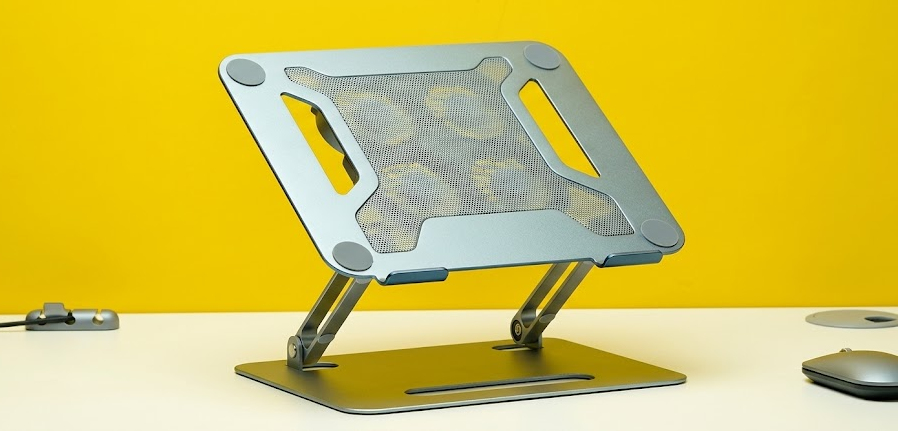
*This image was generated by AI
For a laptop or tablet, be sure to use a stand designed for your device.
It should leave a gap between your device and the surface below.
Adding a cooling pad is even better!
Keeping cool air circulating freely is the key to preventing overheating.
2. A Mobile Gaming Essential: Dedicated Smartphone/Tablet Coolers
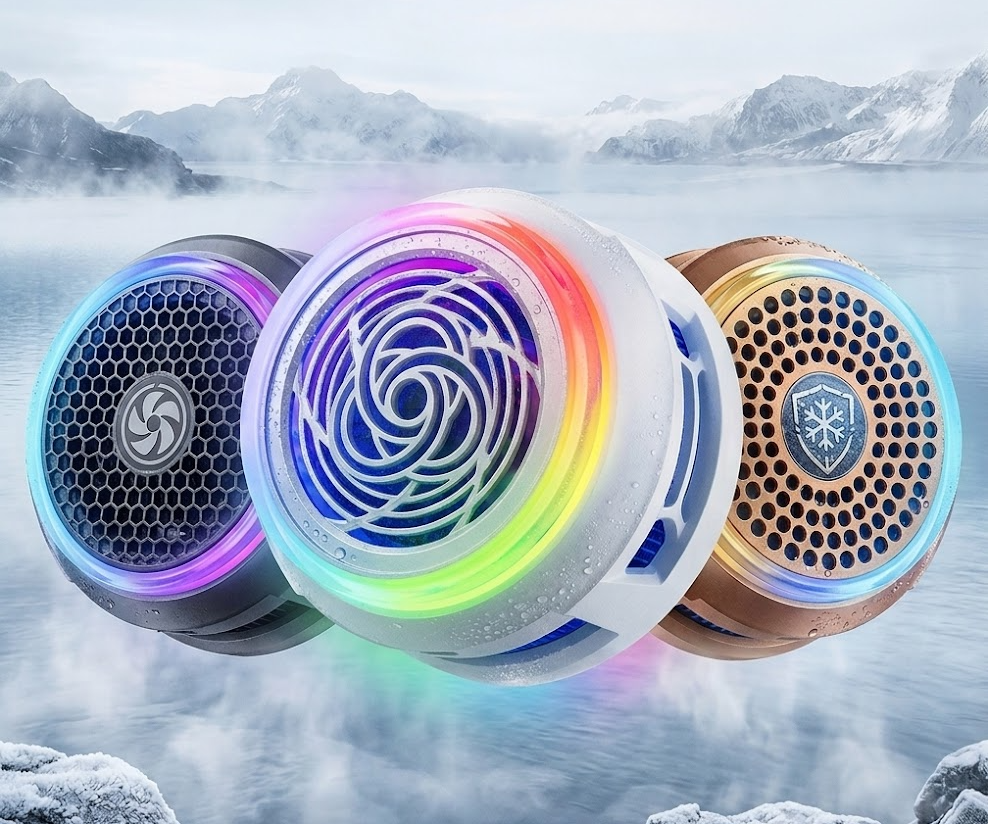
*This image was generated by AI
Many of you probably play demanding games on mobile devices these days.
I often play them on my gaming tablet or smartphone, too.
When your device starts getting as hot as a hand warmer, a dedicated cooler is a recommended way to help cool it down!
I've noticed some very well-made coolers on the market lately.
From what I've heard, simply attaching one can keep gameplay smooth without heat-related performance drops.
I haven't bought a cooler yet, but I plan to get one before the weather gets any hotter!
3. A Reluctant Compromise... Lower In-Game Graphics and Limit Frame Rates
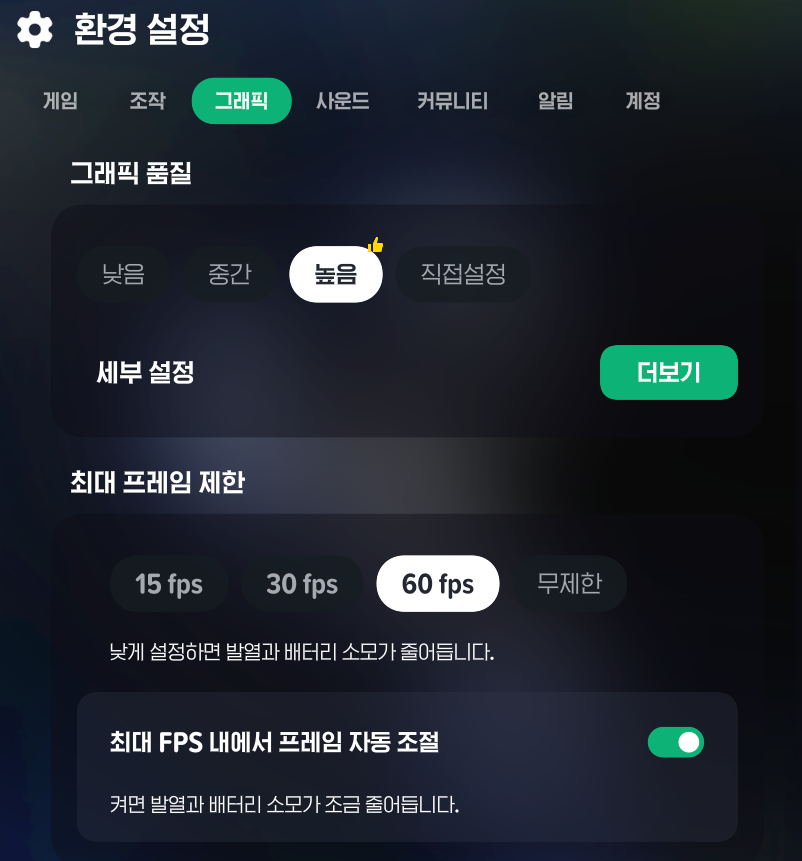
Hardware solutions matter, but don't overlook your software settings.
Impressive graphics and high frame rates look great, but they put a heavy strain on your device.
During the hot summer months, I recommend lowering your in-game graphics settings by one level
or capping the frame rate at around 60Hz.
You may have to give up a little visual detail,
but it's a reliable way to significantly reduce the heat your device generates.
4. Allow Enough Time for Breaks, Too!
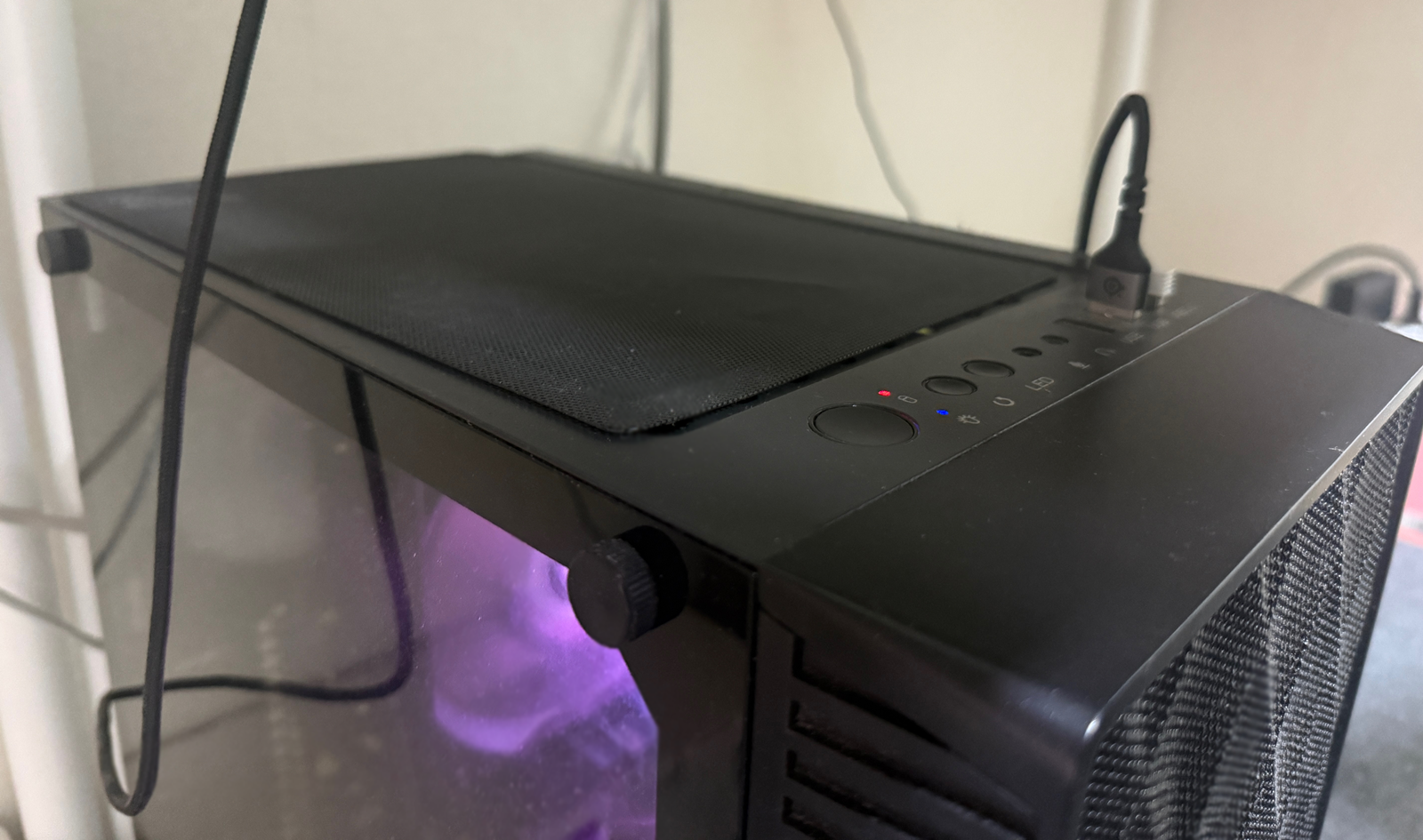
Even with the best cooling setup,
heat will inevitably build up if you keep games running in your room for hours at a time.
Use an air conditioner or fan to help keep the whole room cool.
Most importantly, after 3~4 hours of play, close the game for about 10 minutes to let your device cool down.
Use that break to have a glass of cold water
and give your eyes and wrists a rest, too. This can help you stay comfortable for longer!
I hope today's tips help you protect your devices
and enjoy comfortable gaming sessions throughout the hot summer.
I'll be back when I have more useful gaming news and tips to share :)

![[메랜] MMORPG 게임 뉴비 필독! 네티켓 정리 #게임 예절](https://peak-file.nexon.com/uploads/20260110_0439_dc1-61b5-41bb-b000-c60d5bc5b10f)