Create an illustrated diary to archive your everyday moments in Mabinogi Mobile!
네오필
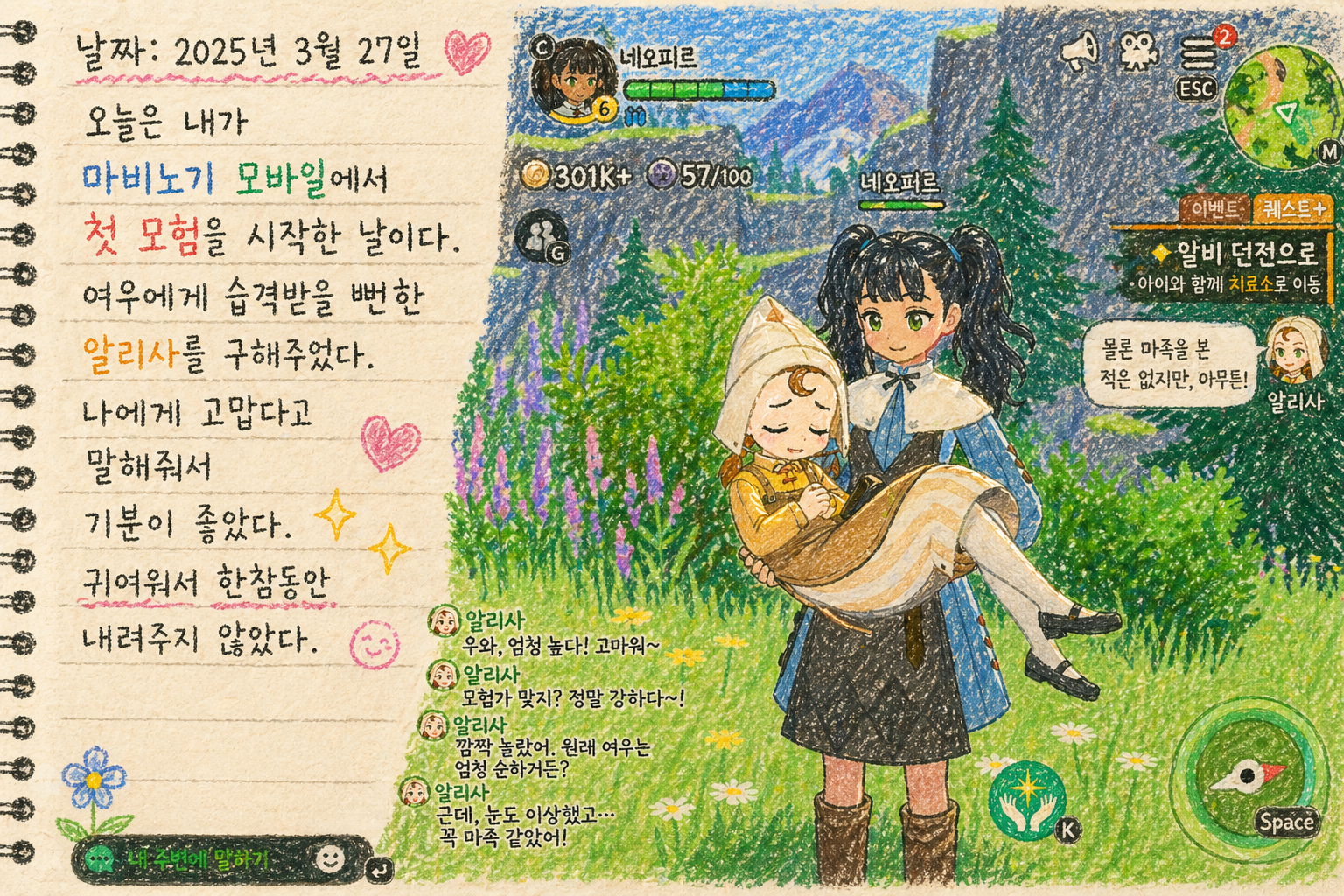
Whenever something happens in a game that I want to remember, I instinctively reach for the Print Screen button to take a screenshot.
I collect these screenshots for blog posts or share them in fan groups and communities. Sometimes, when they come to mind later, I browse through them like a photo album and enjoy the happy memories they bring back.
I used to touch up my screenshots in Photoshop to make them look nicer, especially when I planned to post them online. Lately, though, I’ve been having fun using AI to give them a new look.
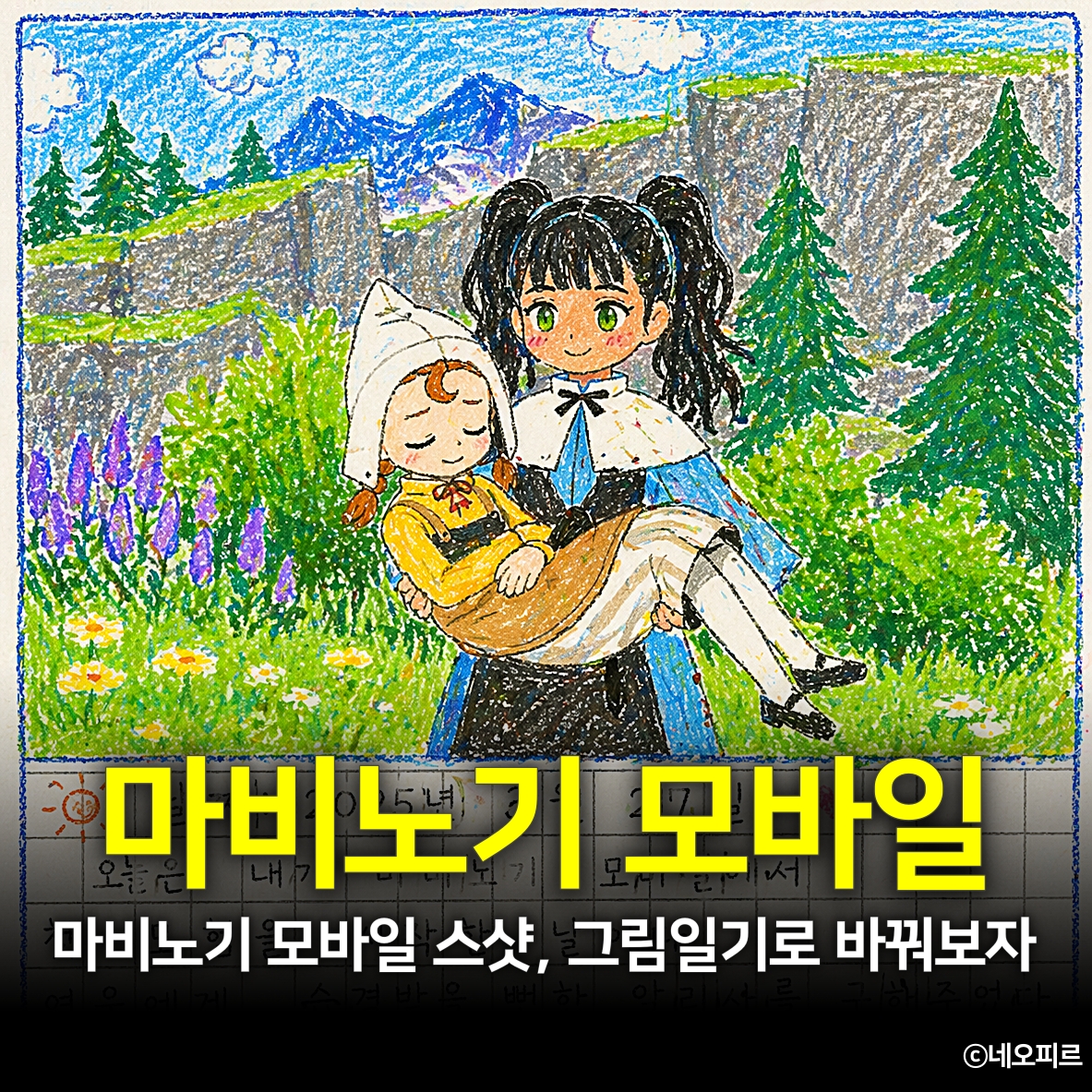
For example, I’ve been turning everyday moments in Mabinogi Mobile into an illustrated diary.
How to Archive Game Screenshots as an Illustrated Diary

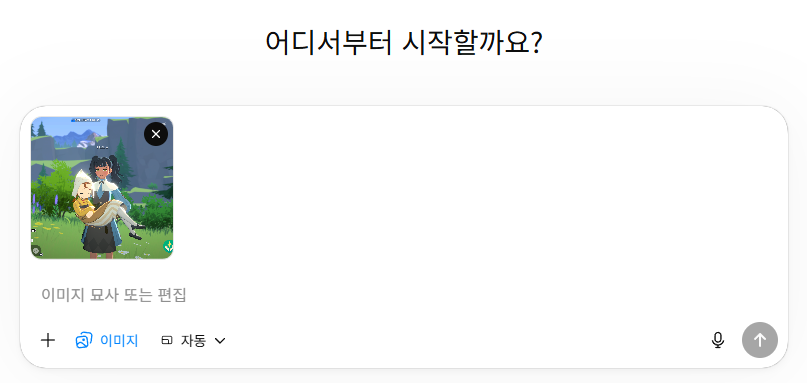
I recommend using ChatGPT’s Create image feature.
On the main screen, click the Create image button, then attach the screenshot you want to use from your game.
Then write a simple prompt.
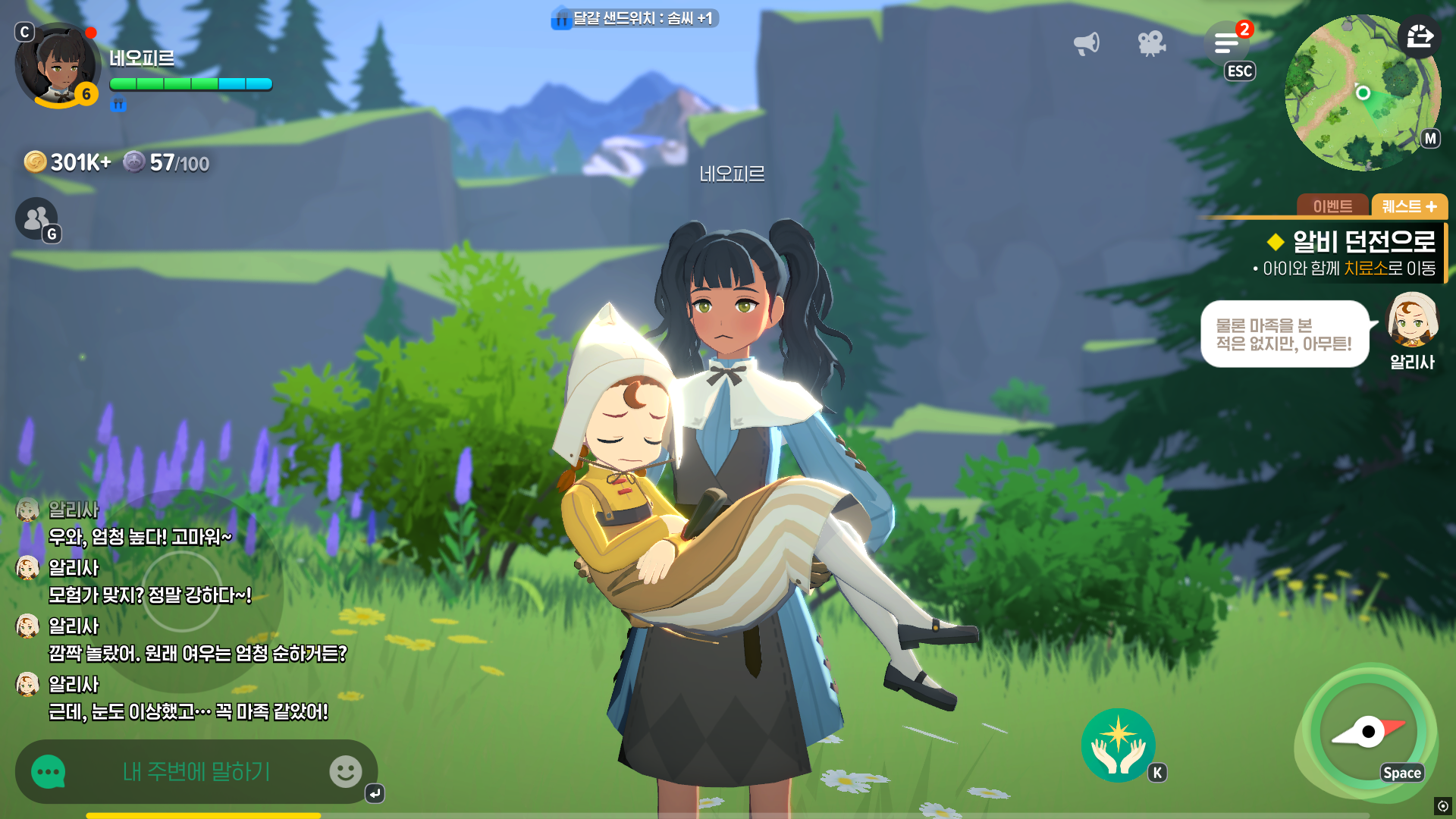
Turn this image into a crayon-style illustrated diary entry. Use the following text for the entry.
Date: March 27, 2025
Today I started my first adventure in Mabinogi Mobile. I saved Alissa, who was about to be attacked by a fox. I felt happy when she thanked me. She was so cute that I didn’t put her down for quite a while.
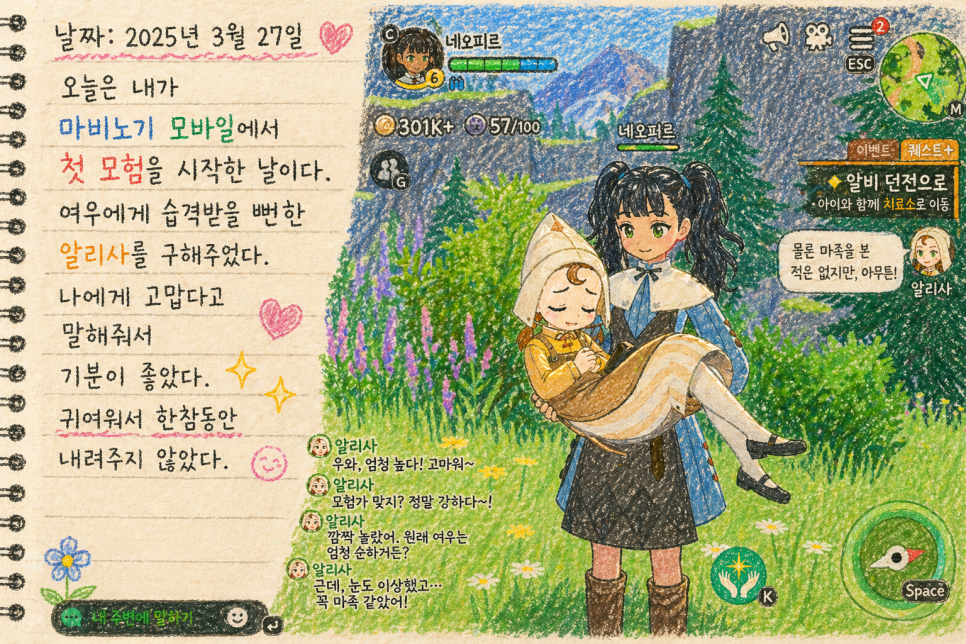
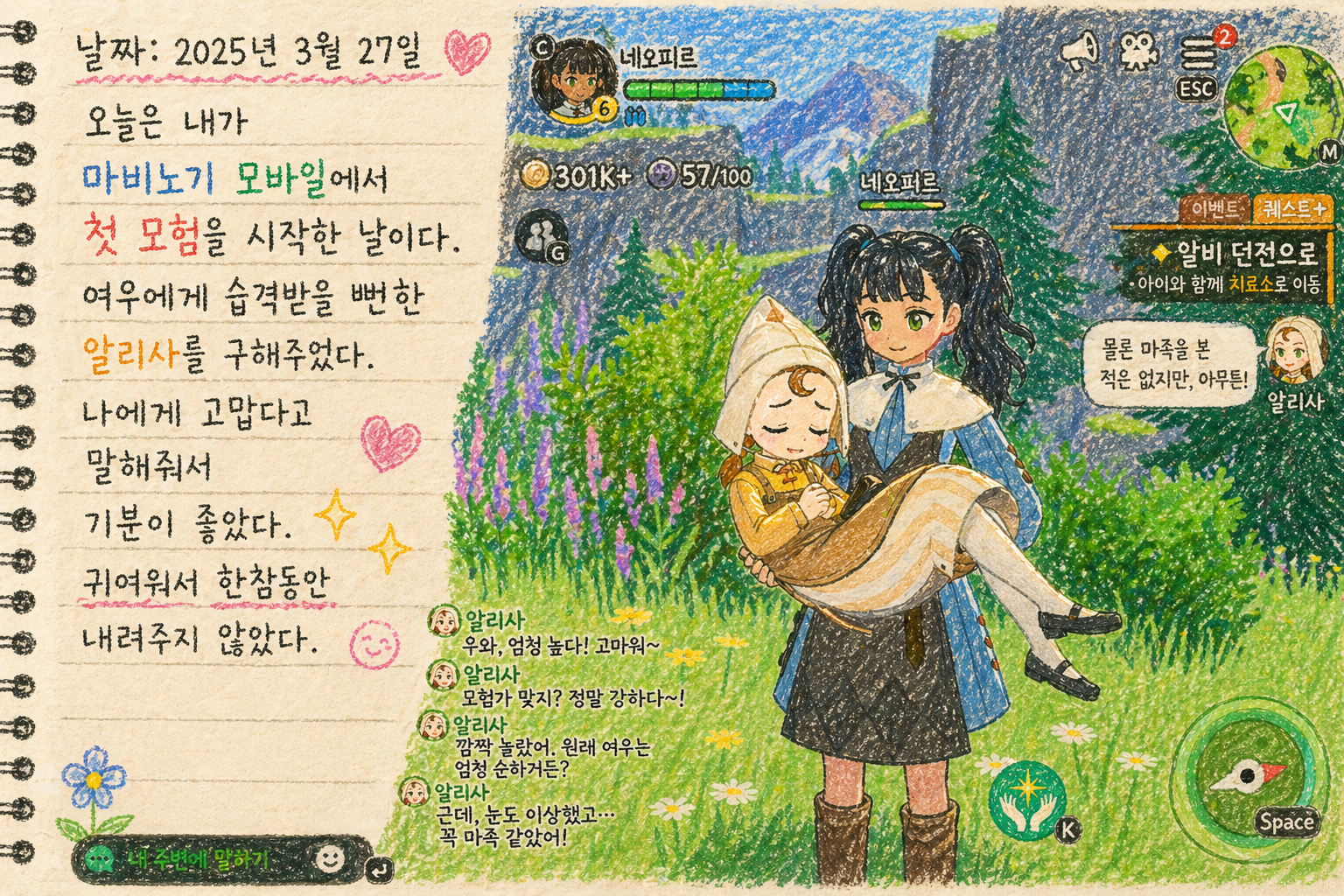
Enter the prompt and wait about 1–2 minutes for your illustrated diary entry to be ready.
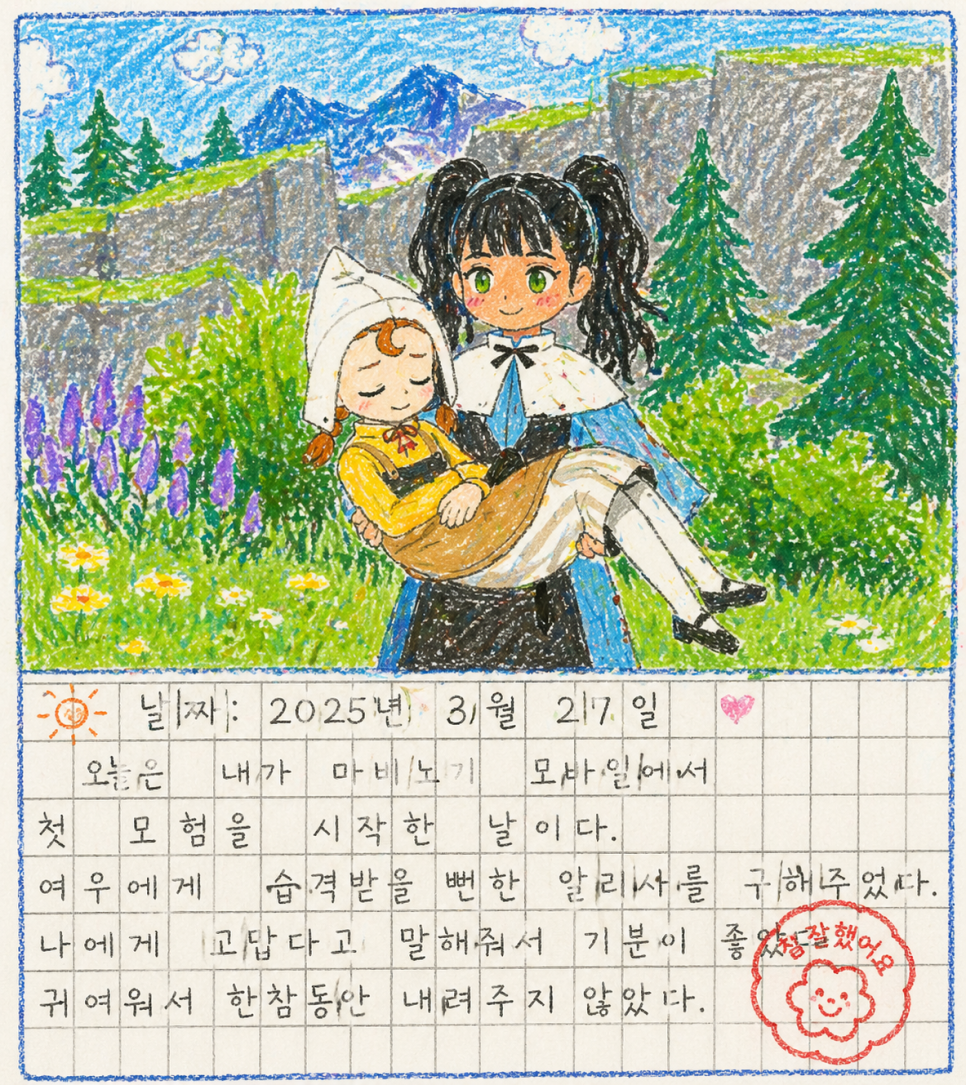
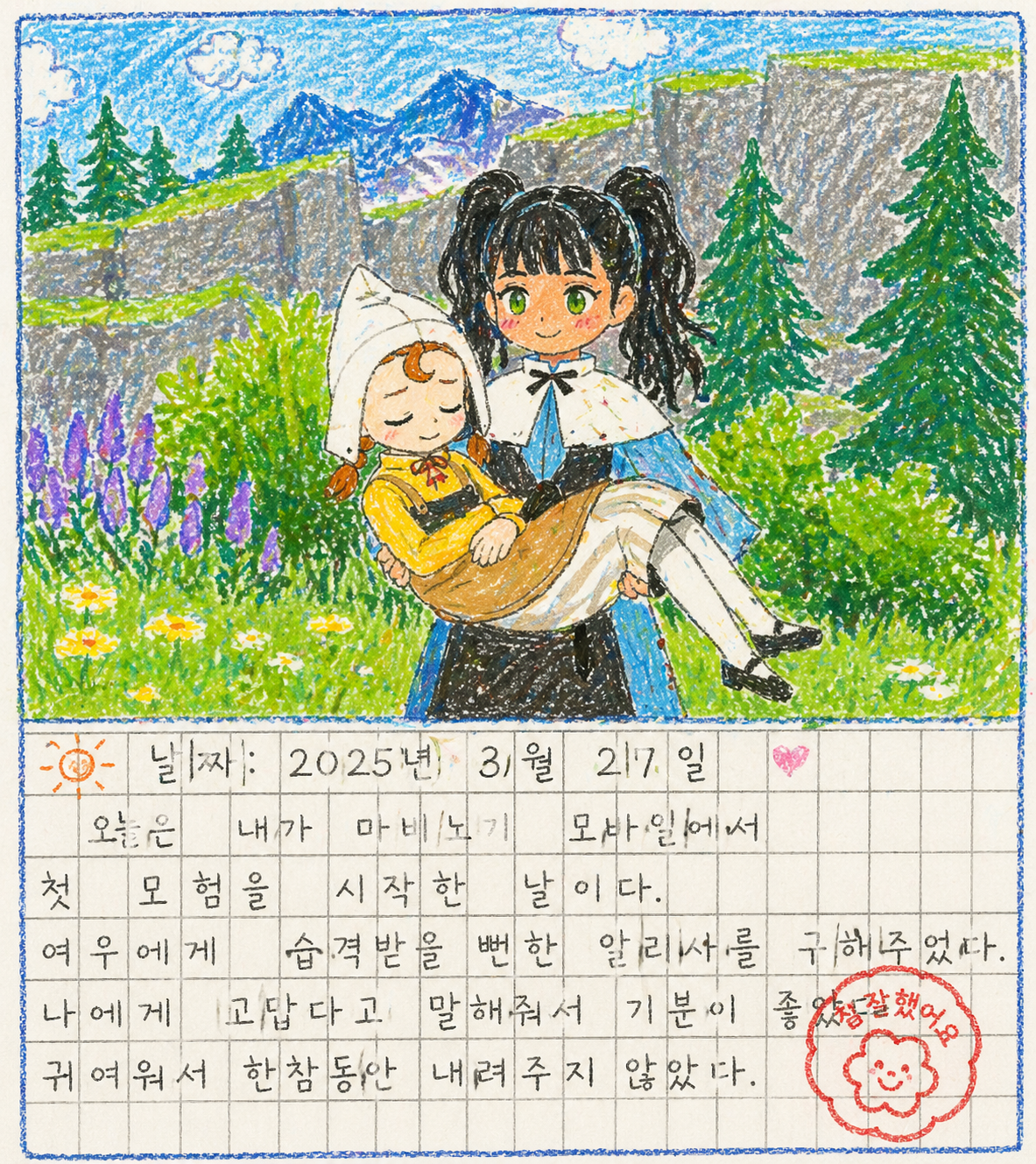
To make it feel more like an illustrated diary, ask ChatGPT to leave out the game interface (UI) and add a “Great job!” stamp. Then ask it to make the drawing a little rougher, as though a child drew it.
It will likely struggle to fit the text neatly inside the boxes, but that can actually make the entry look more like something a child wrote.
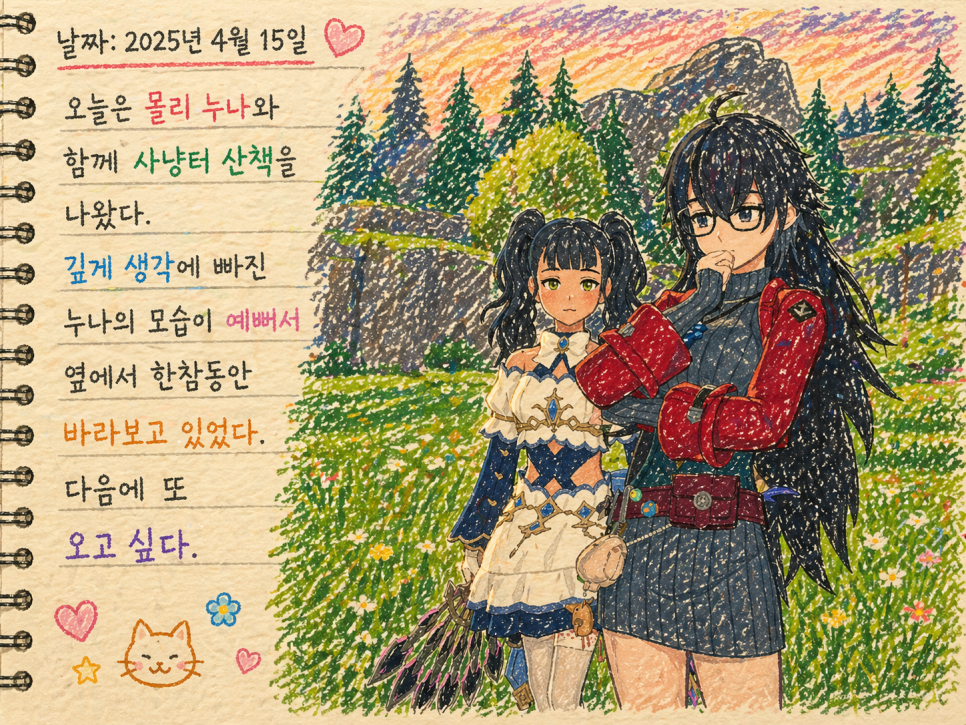
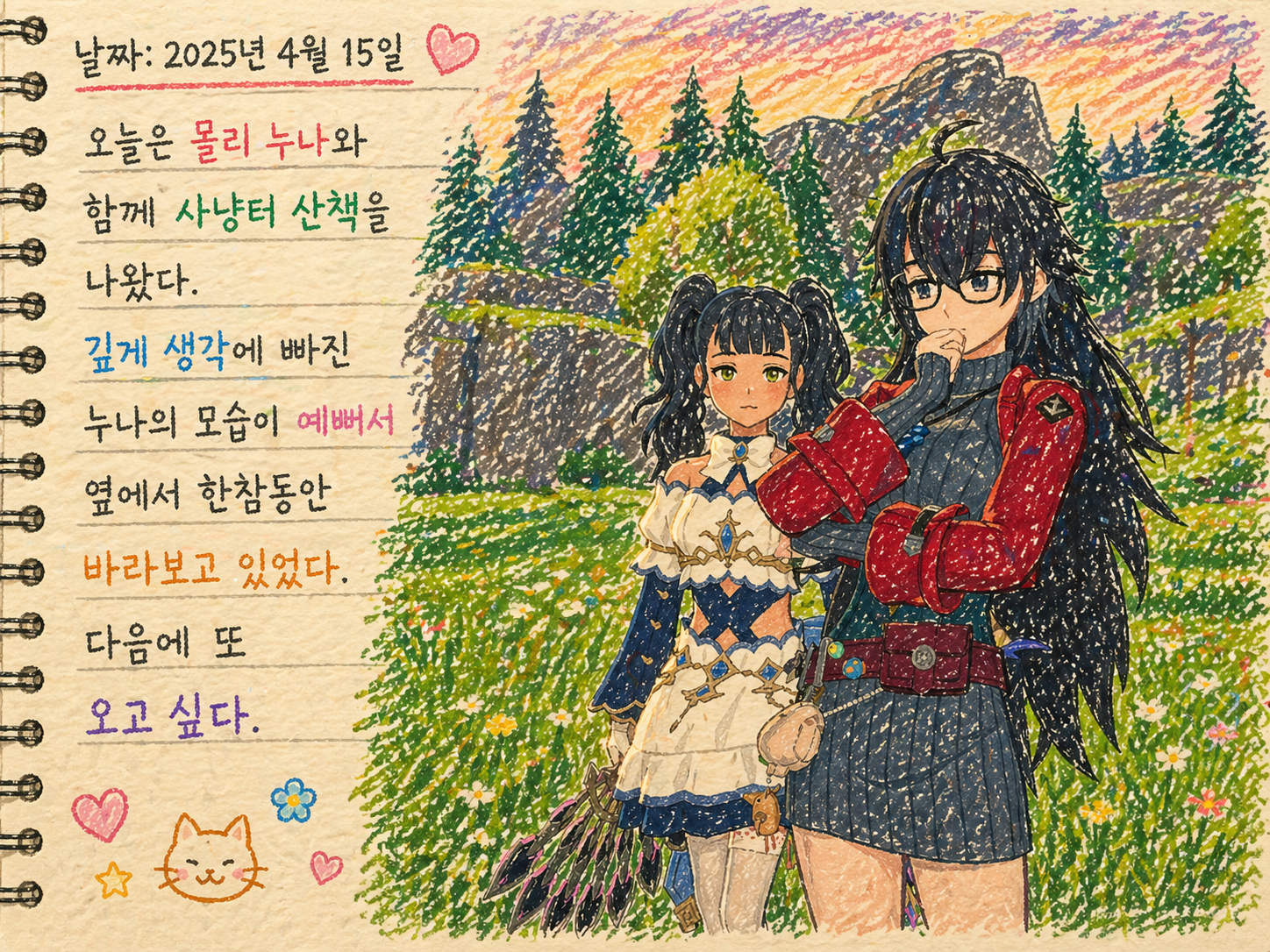
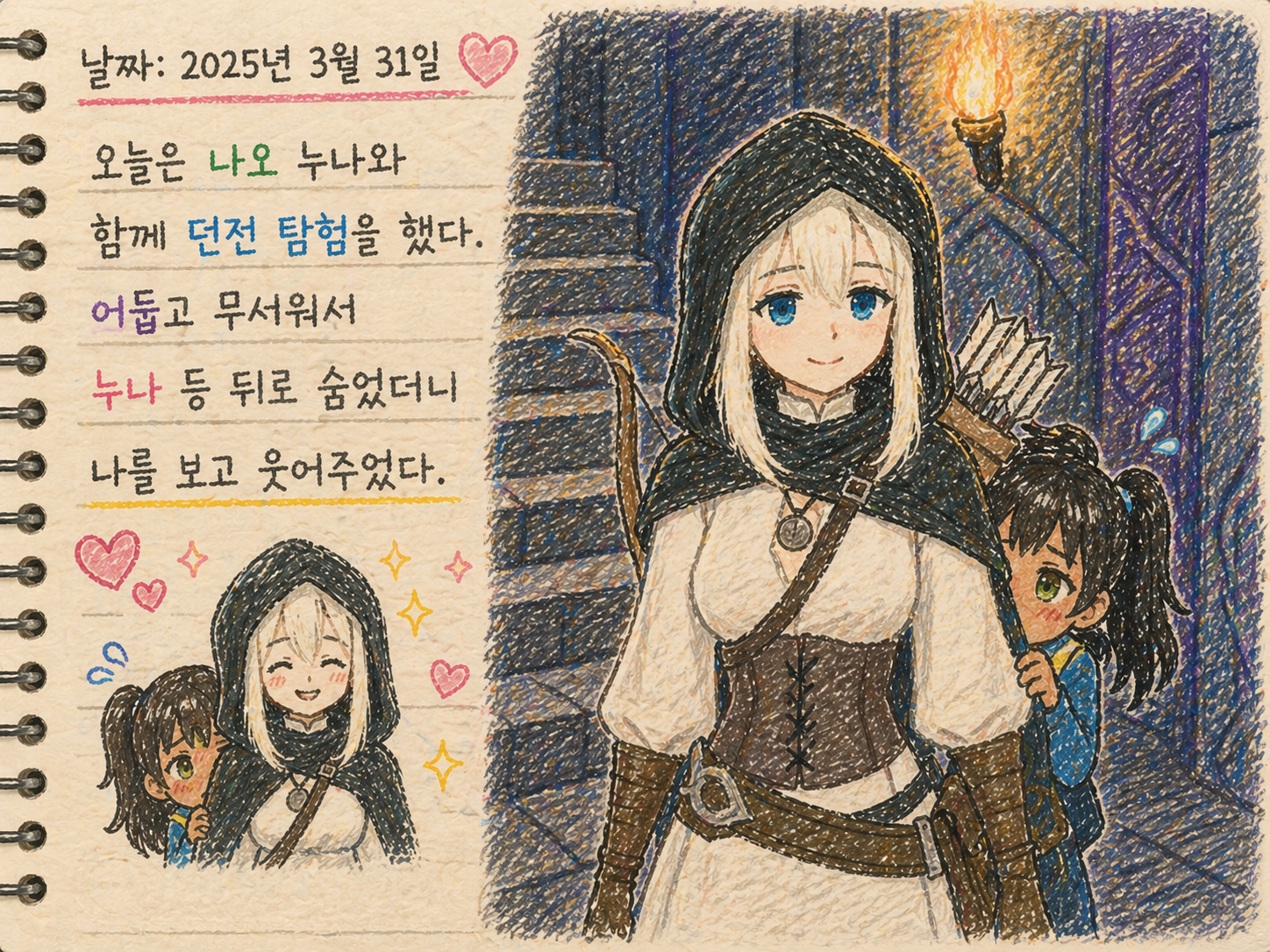
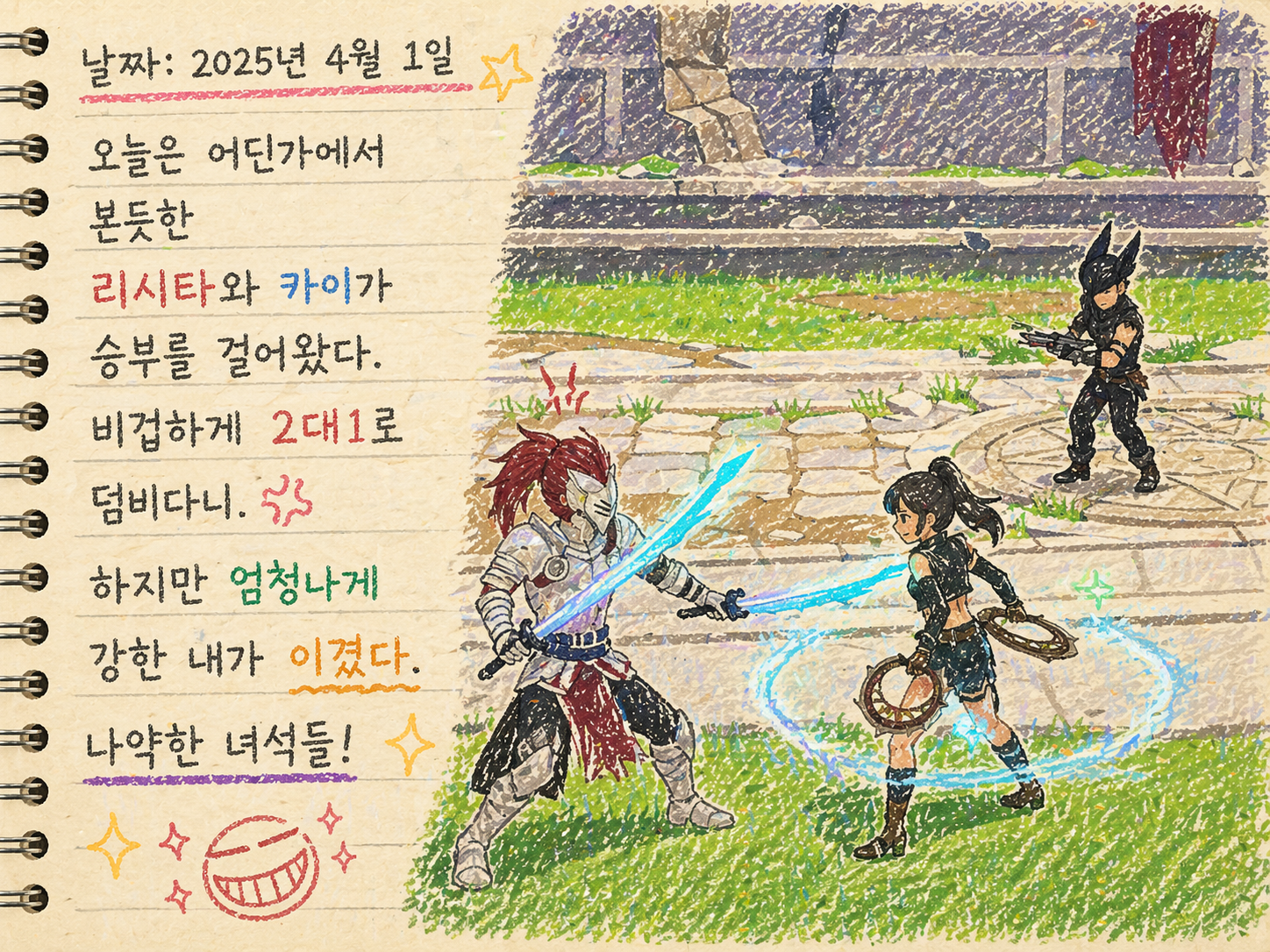
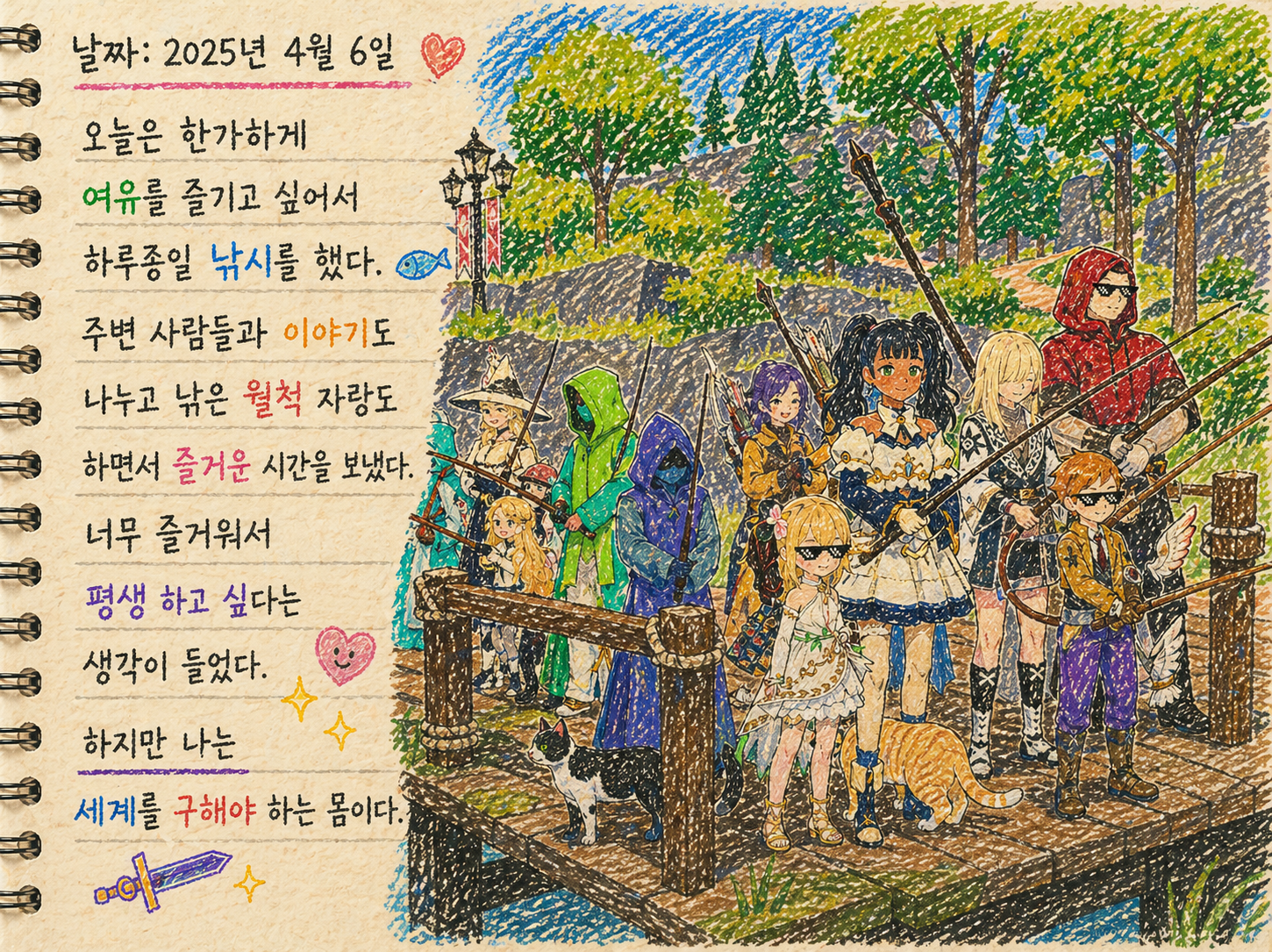
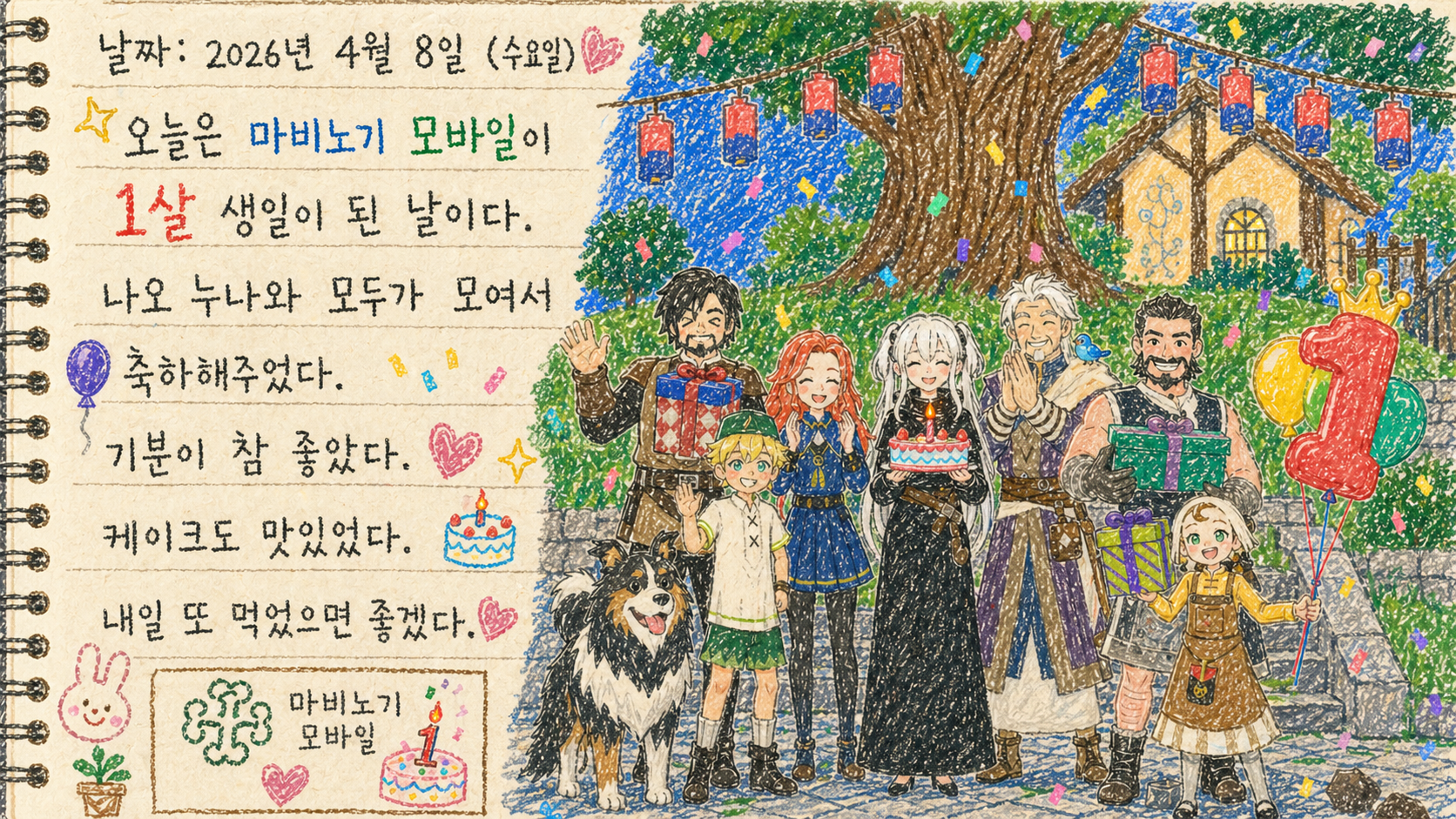
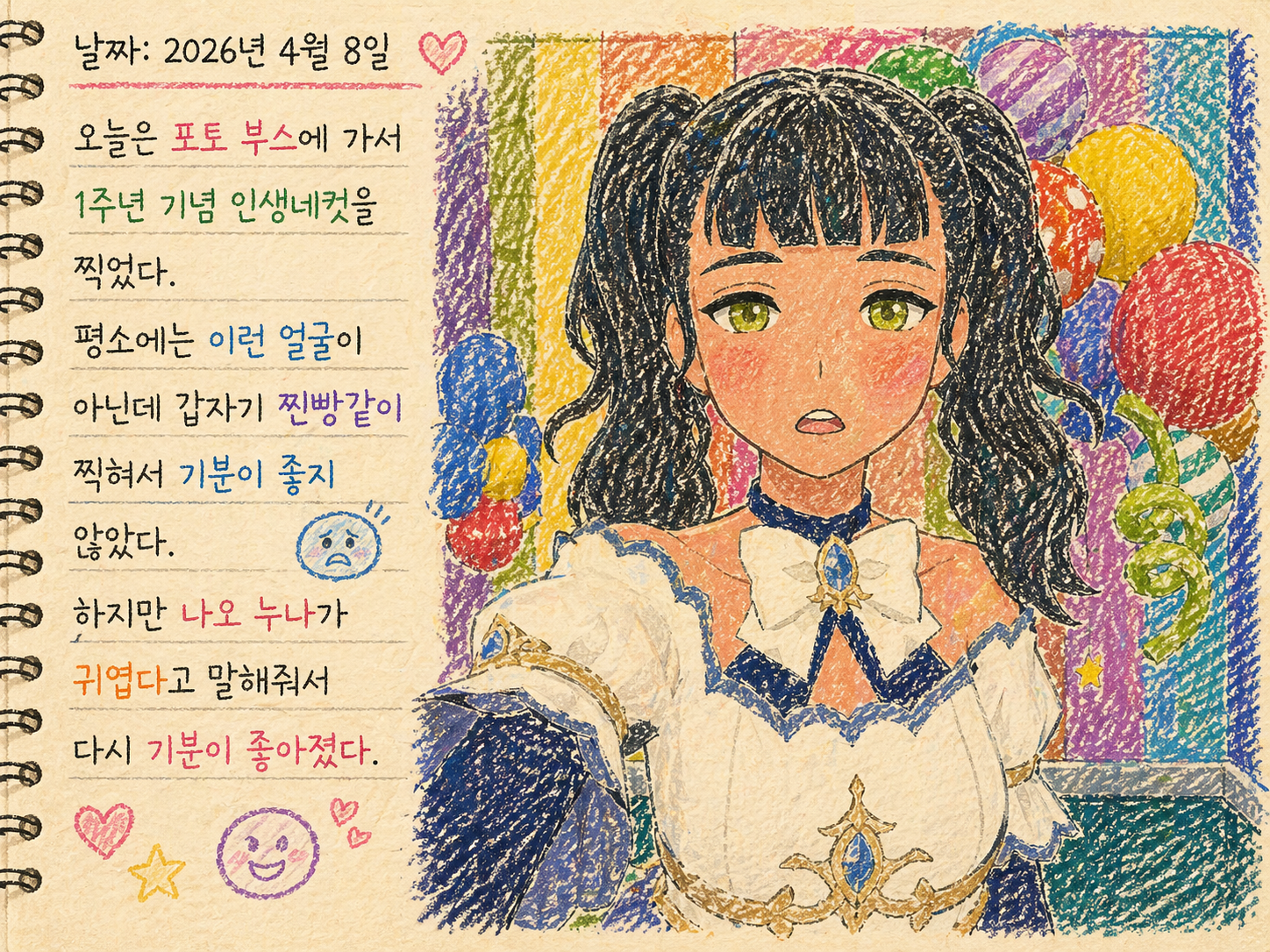
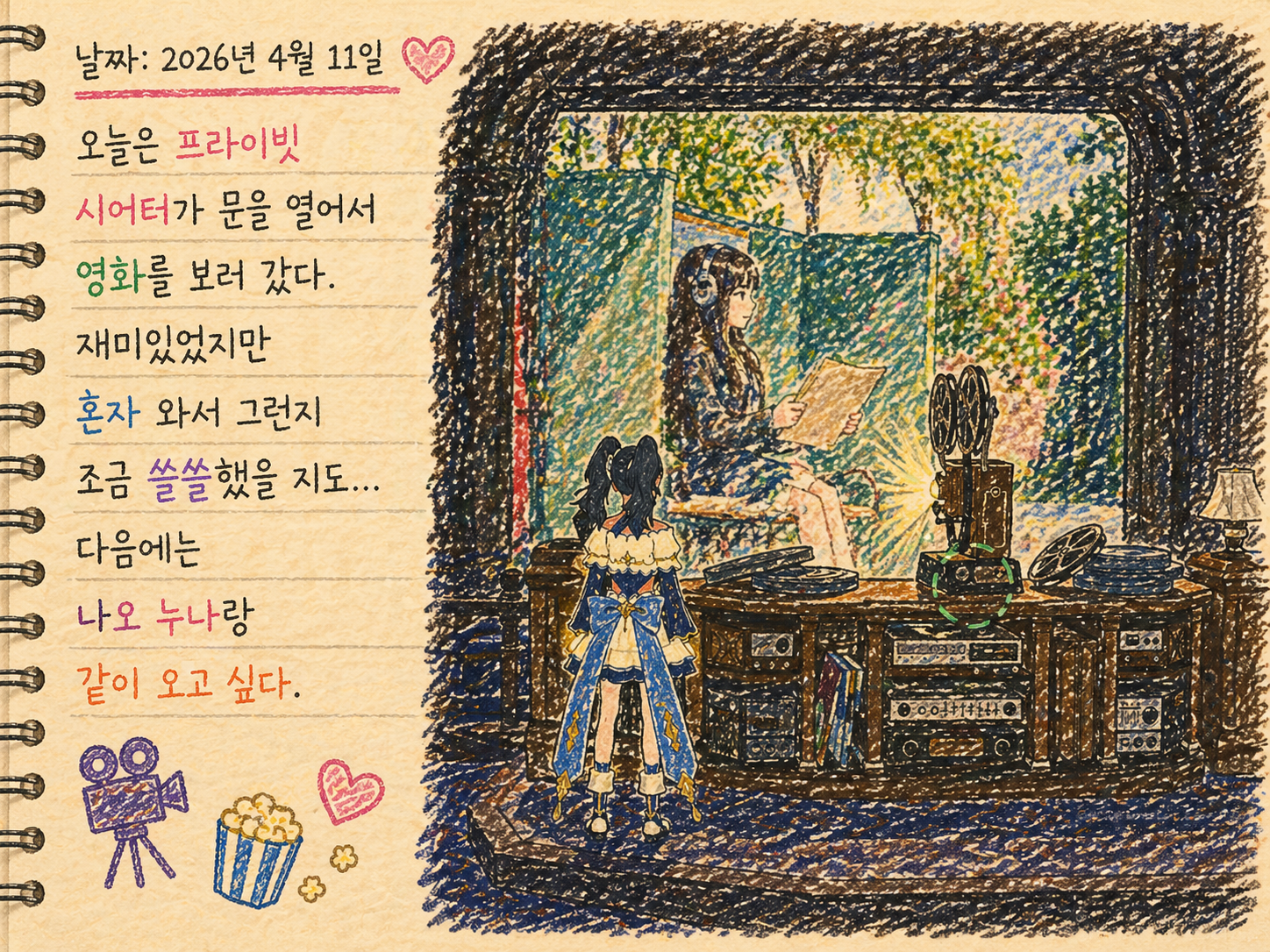
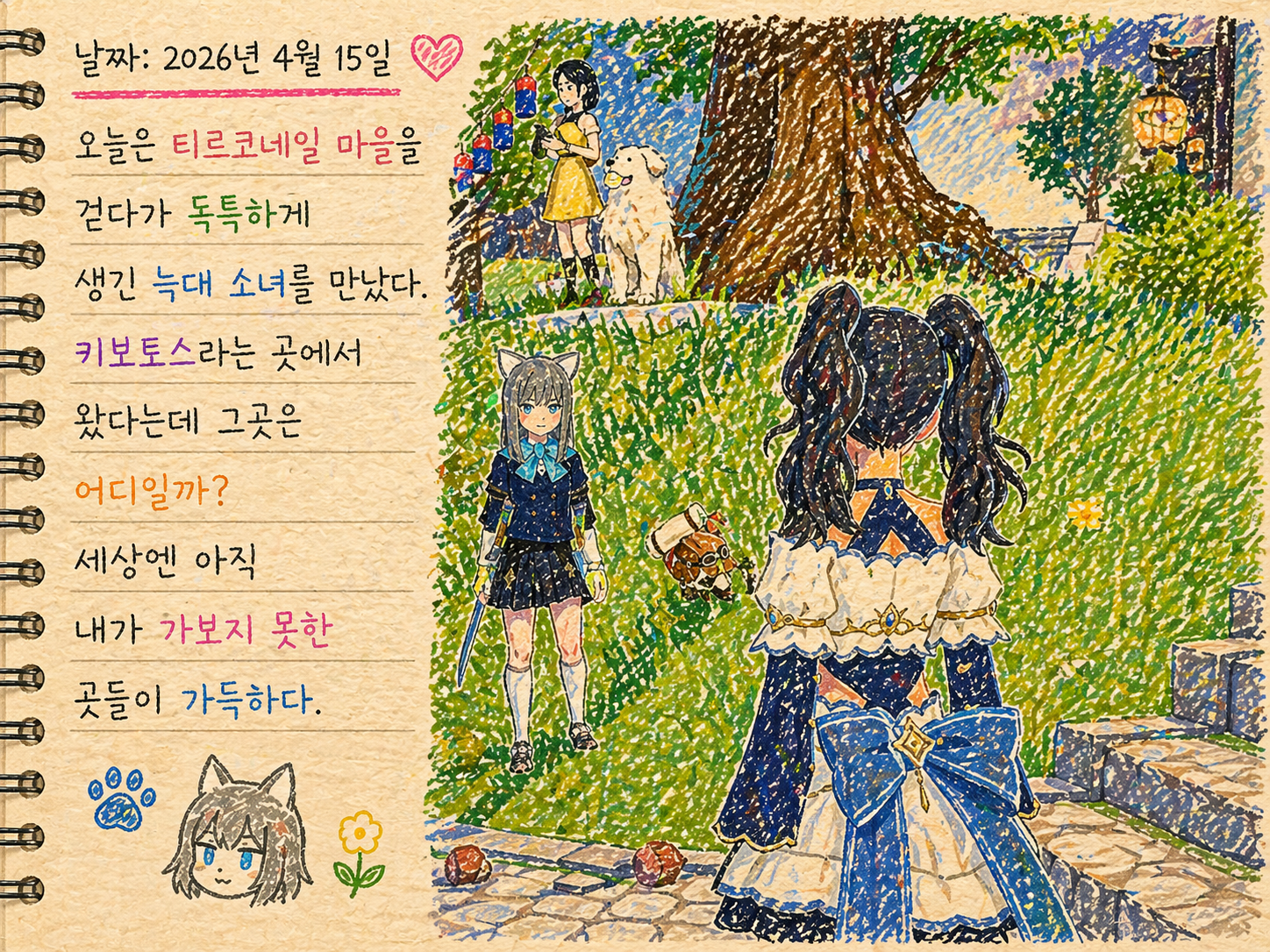
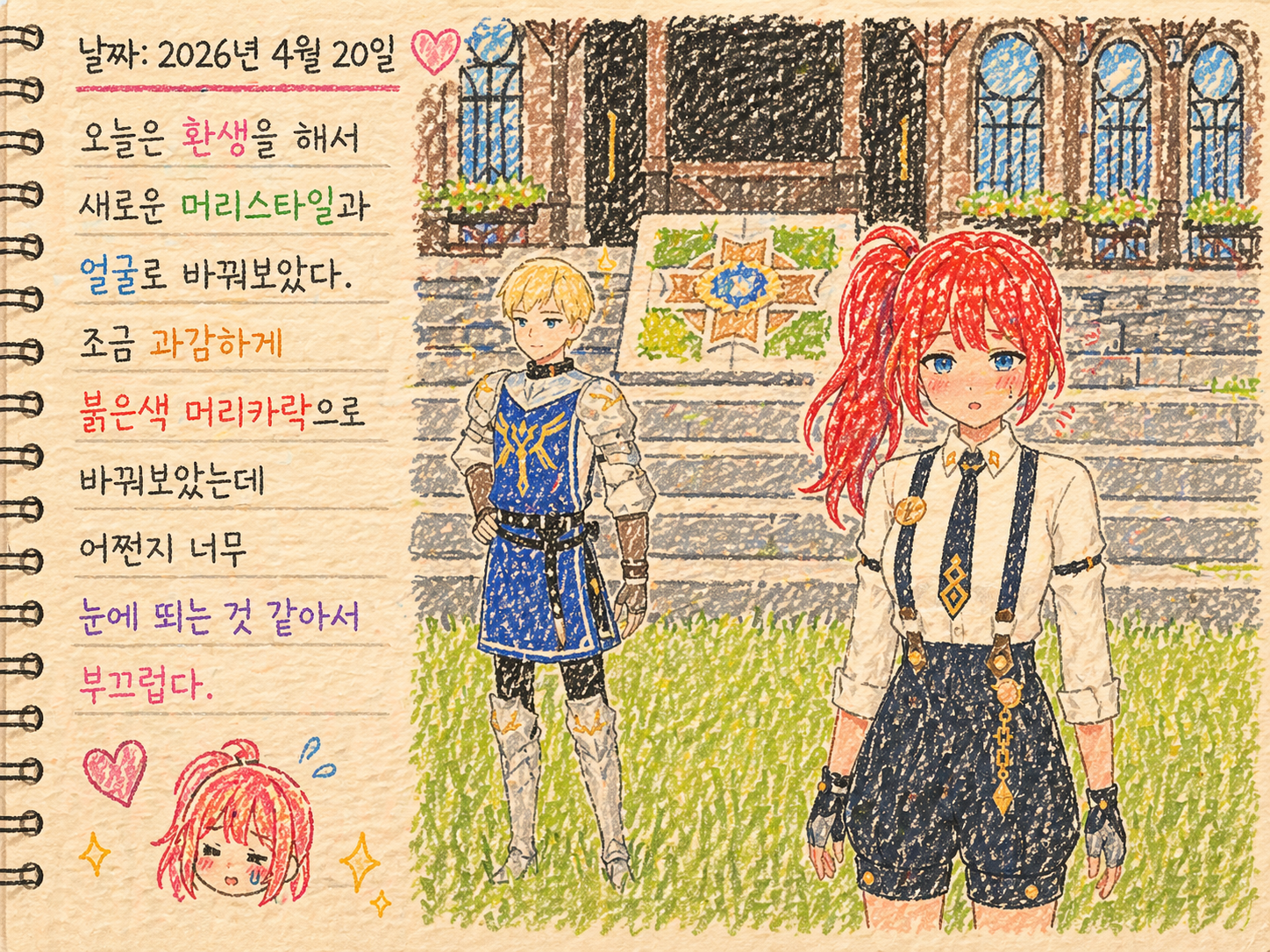
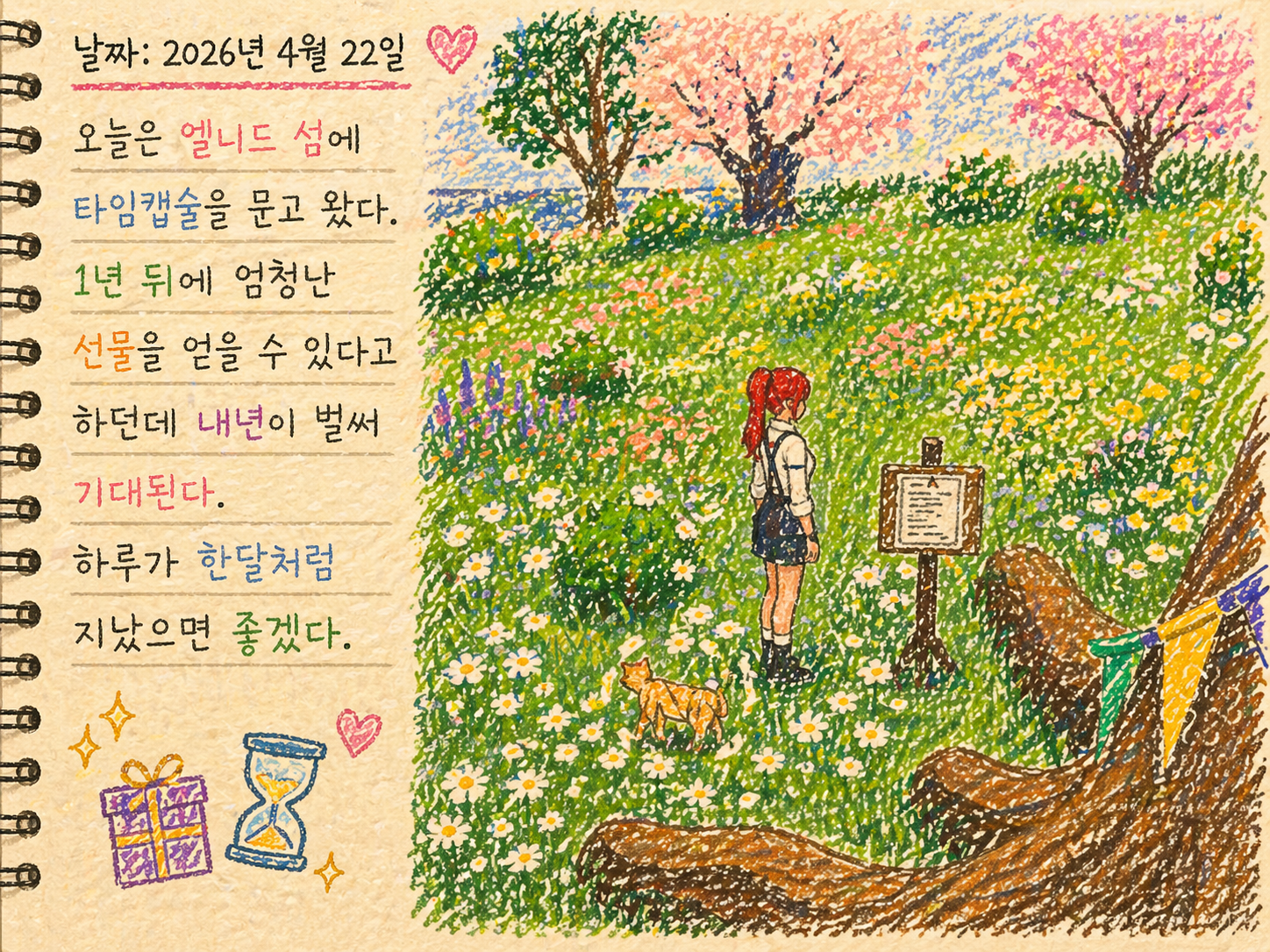
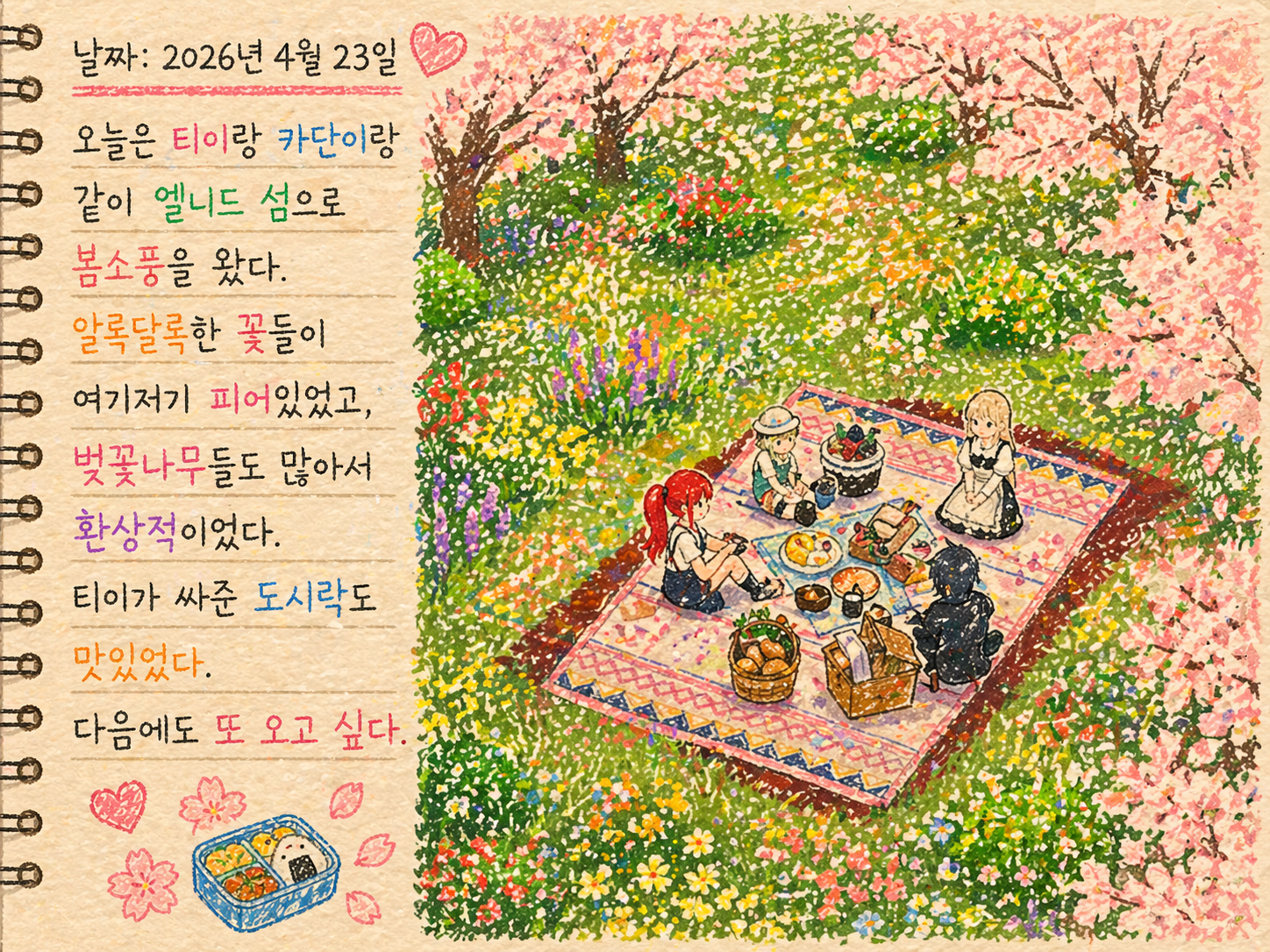
Including a few notes about your mood or impressions of the day in an illustrated diary like this makes it even more enjoyable to revisit later.
You might find yourself thinking, “So that’s what was on my mind back then.”
Adventurer’s Records Event

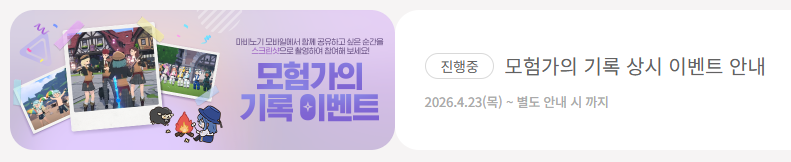
It was actually an event in Mabinogi Mobile that inspired me to try this style with my screenshots.
The “Adventurer’s Records” event, which began on April 23, invited players to post screenshots on the official website’s forum. The best entries would be selected each month to receive NAVER Pay points coupons.

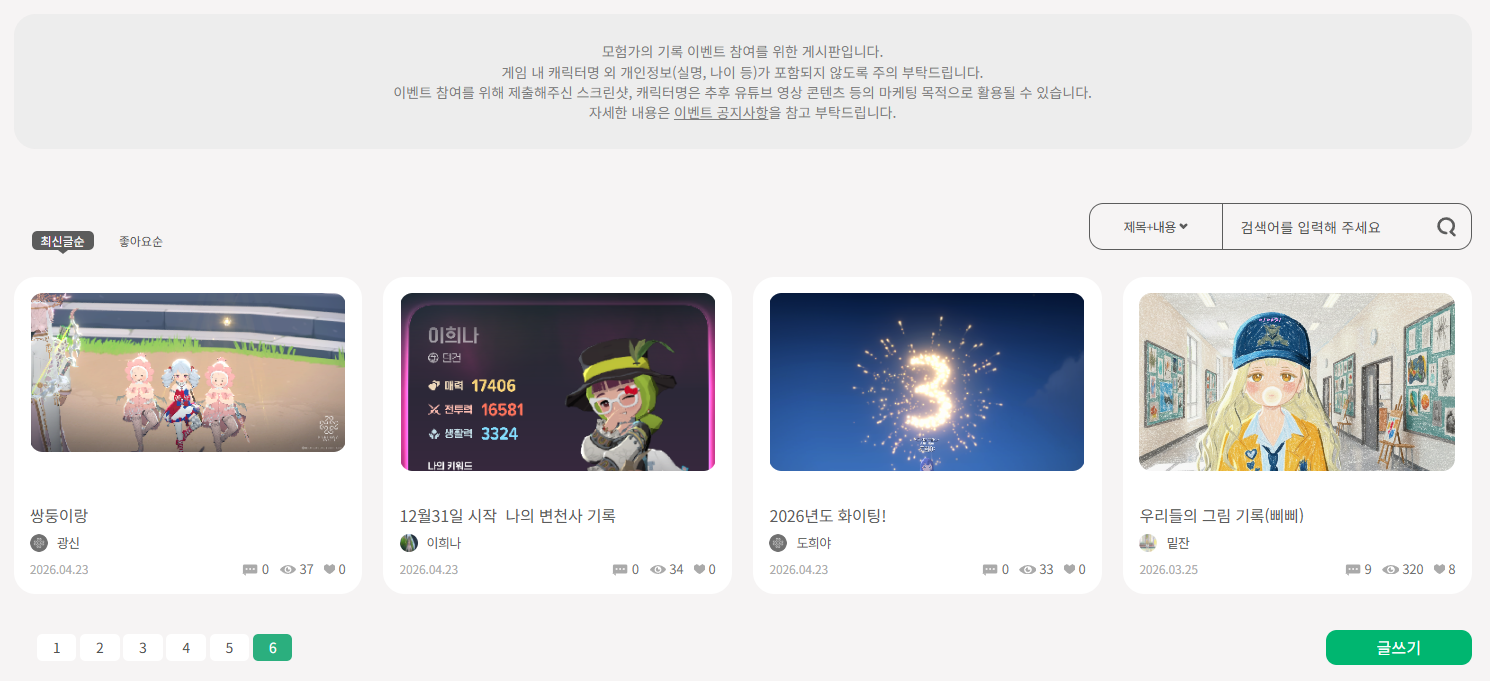
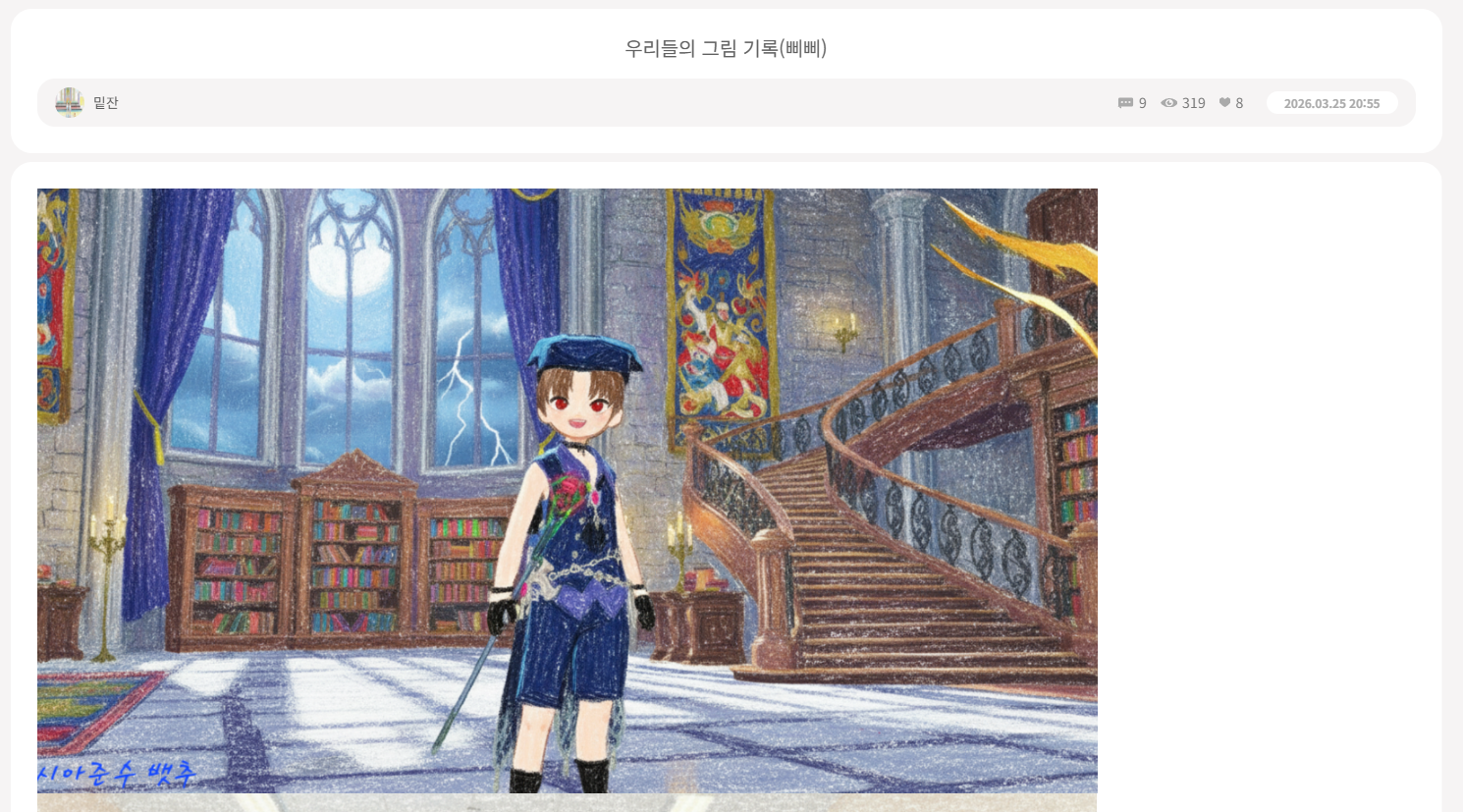
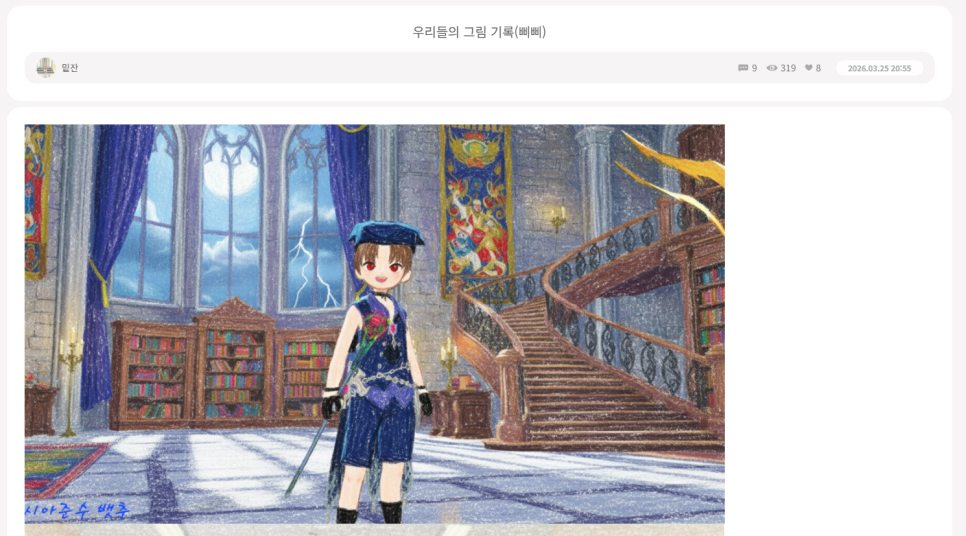
The event gave me plenty of screenshots to enjoy browsing. In the first post I looked at, someone had turned a screenshot into what looked like a crayon drawing.
I thought it looked lovely, so I tried it myself. The style was a wonderful match for Mabinogi Mobile’s distinctive, cute graphics.
I appreciate events like this that bring out the game’s charm, and I enjoy browsing screenshots from players with such a good eye for art.
Wrapping Up
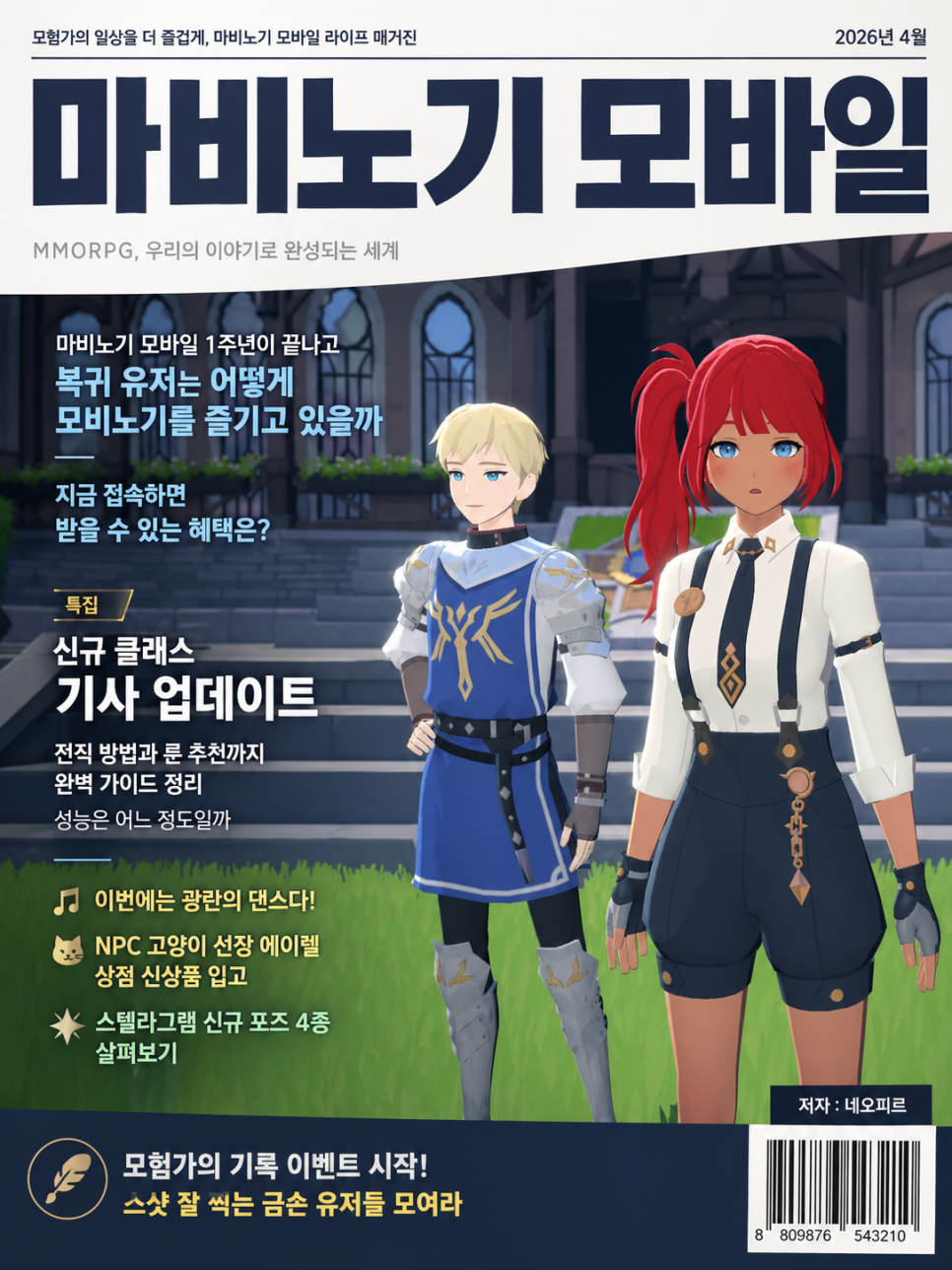
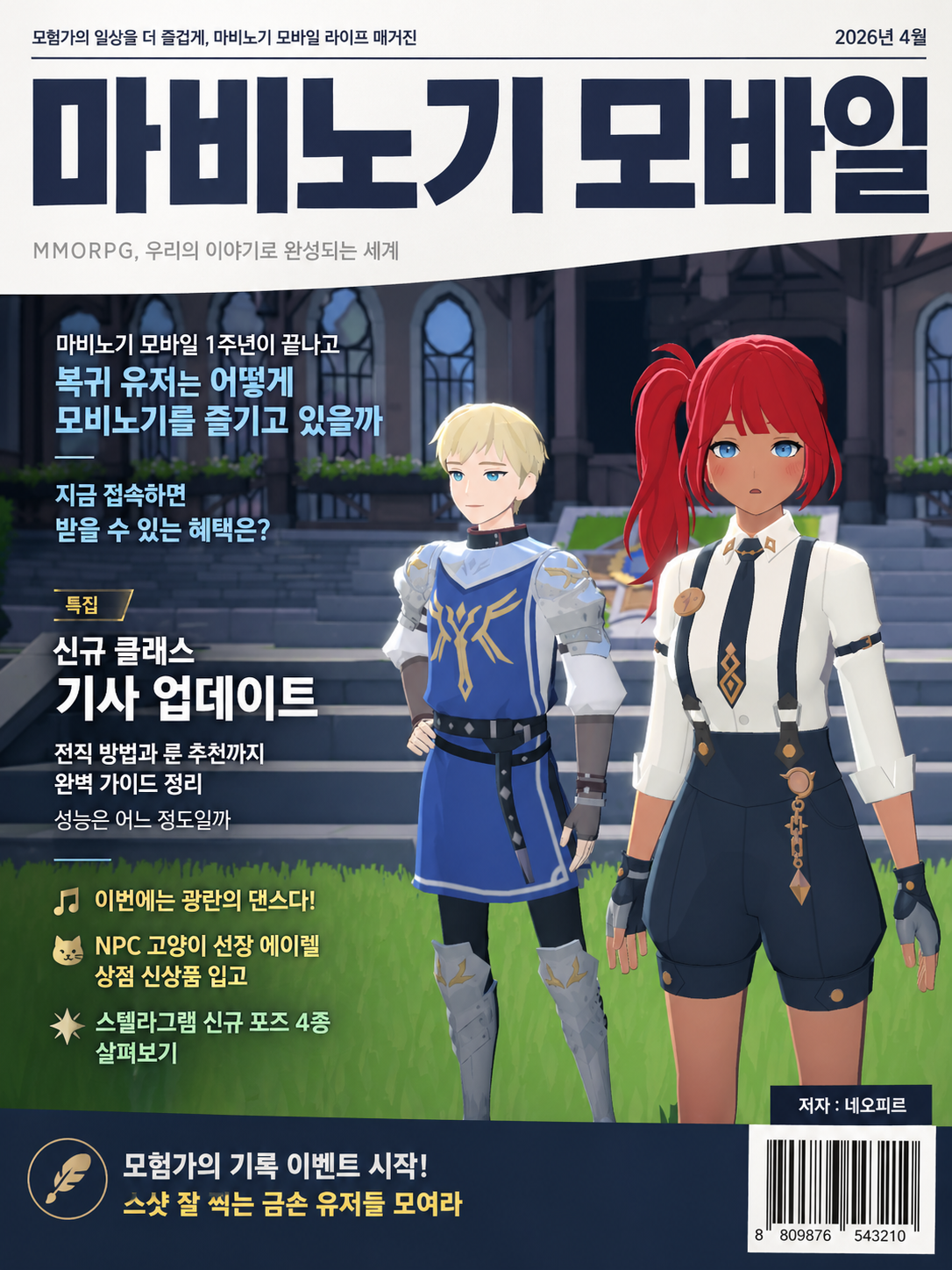
That’s how I turn 모비노기 screenshots into illustrated diary entries.
Why not try this method today and make your archive of gaming memories a little more special?
You can also go beyond illustrated diaries and give your screenshots all sorts of other looks, from webtoons and comics to magazine covers, variety shows, live-action adaptations, and merchandise.
![[모비노기] 캐릭터 별 Y3K 패션, 미래에는 이게 대세 패션?](https://peak-file.nexon.com/uploads/20260322_0213_cf9-e4e7-4794-829d-8197be77749b)