[Mabinogi Mobile] Let's keep a record of our adventures in Erinn as we go~
unknown
![[Mabinogi Mobile] Let's keep a record of our adventures in Erinn as we go~](https://peak-file.nexon.com/uploads/20260426_1040_6c378a8b.png)

Hello, adventurer~!
Are you enjoying life in Erinn and making the most of it?
We woke up in Tir Chonaill in Erinn with no idea how we'd got there,
then met all sorts of people, visited different towns, and even met the goddess Morrighan!
We've been through so much along the way~
I'm sure some of those memories are ones you want to treasure,
moments you'd love to look back on someday.
How do you save those memories?
I usually capture those moments with screenshots and keep them organized.
Here's a quick look at how I save and sort them.
I hope this helps you create your very own album, adventurer😉
Let's Organize Your Memories
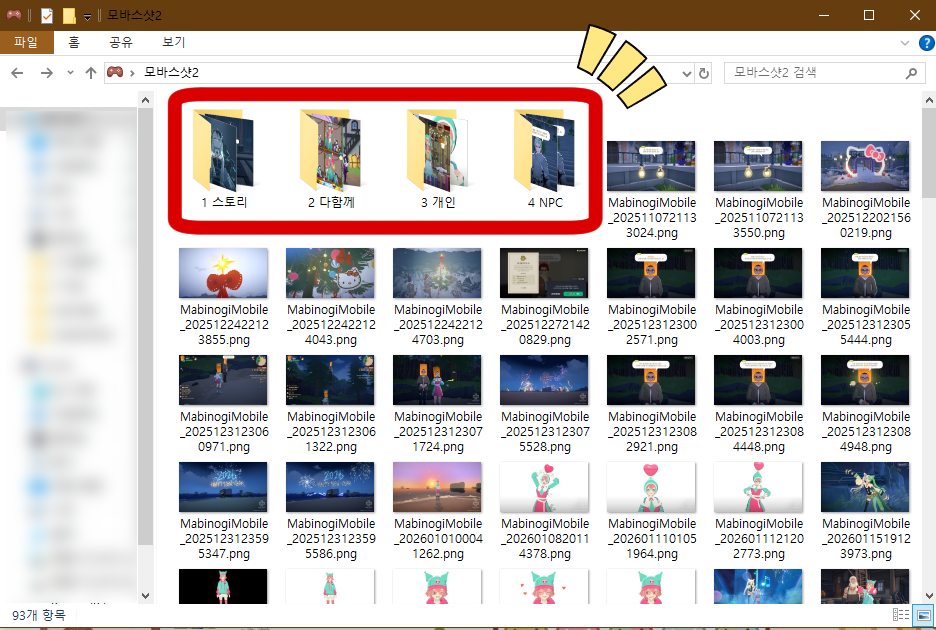
You probably already know that pressing PrtSc, or the Windows logo key and PrtSc together,
lets you capture a moment you'd like to save.
Before long, those pictures pile up in date order, each with a date in its name…
Instead of just letting them accumulate, try sorting them into categories. It'll make them much easier to browse later.
1 Separate story screenshots from everything else
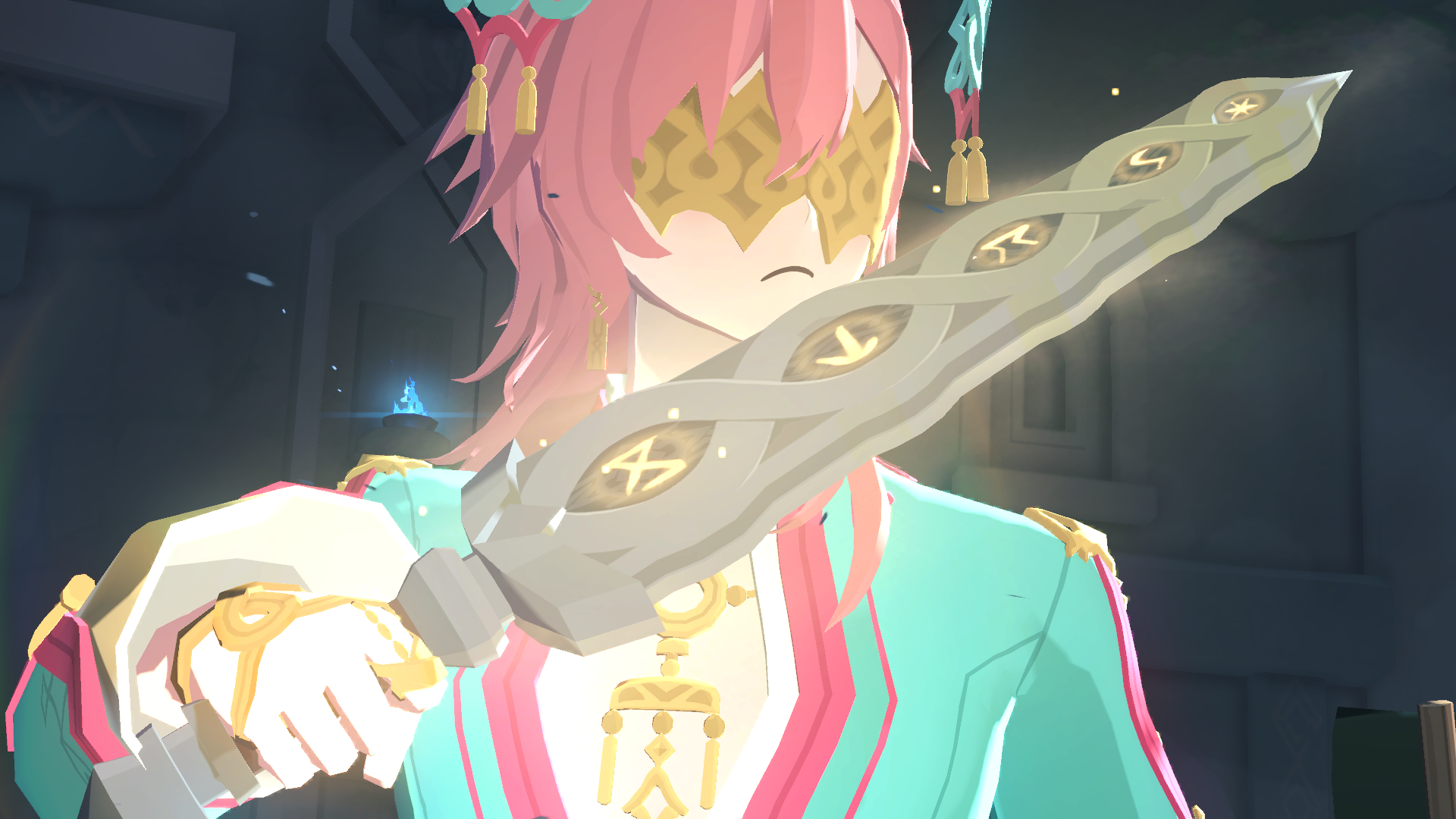
Why not separate the pictures you take as you follow the main story
from the ones you take to capture personal memories?
That makes it easier to tell when you took each picture and what was happening,
and to find it when you want to revisit that part of the story~
I recommend creating a story folder, with subfolders for the main story, side stories, and events.
If keeping track of so many categories feels like too much work,
keep it simple with just story and non-story folders!
2 Separate group pictures from solo pictures
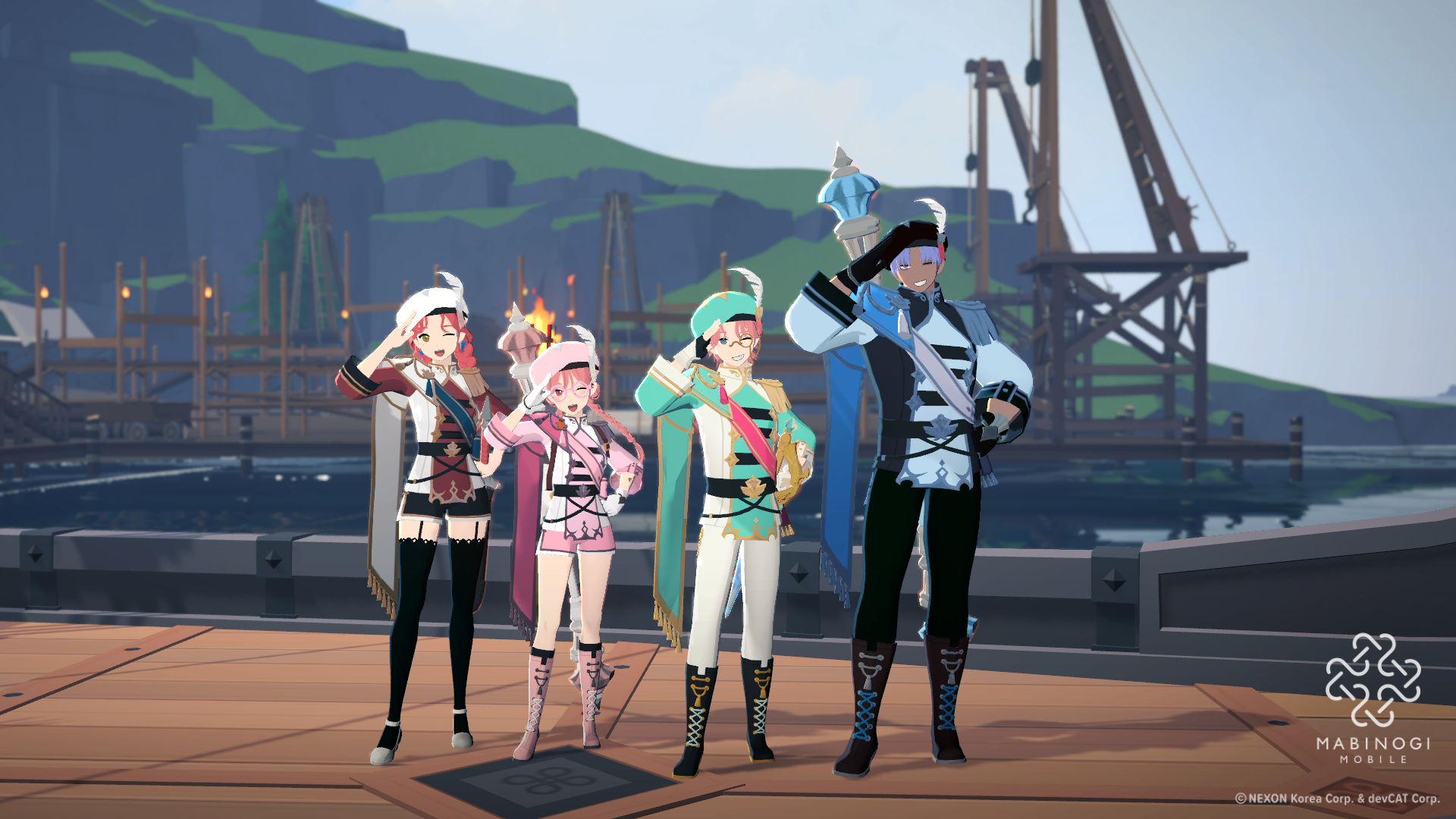
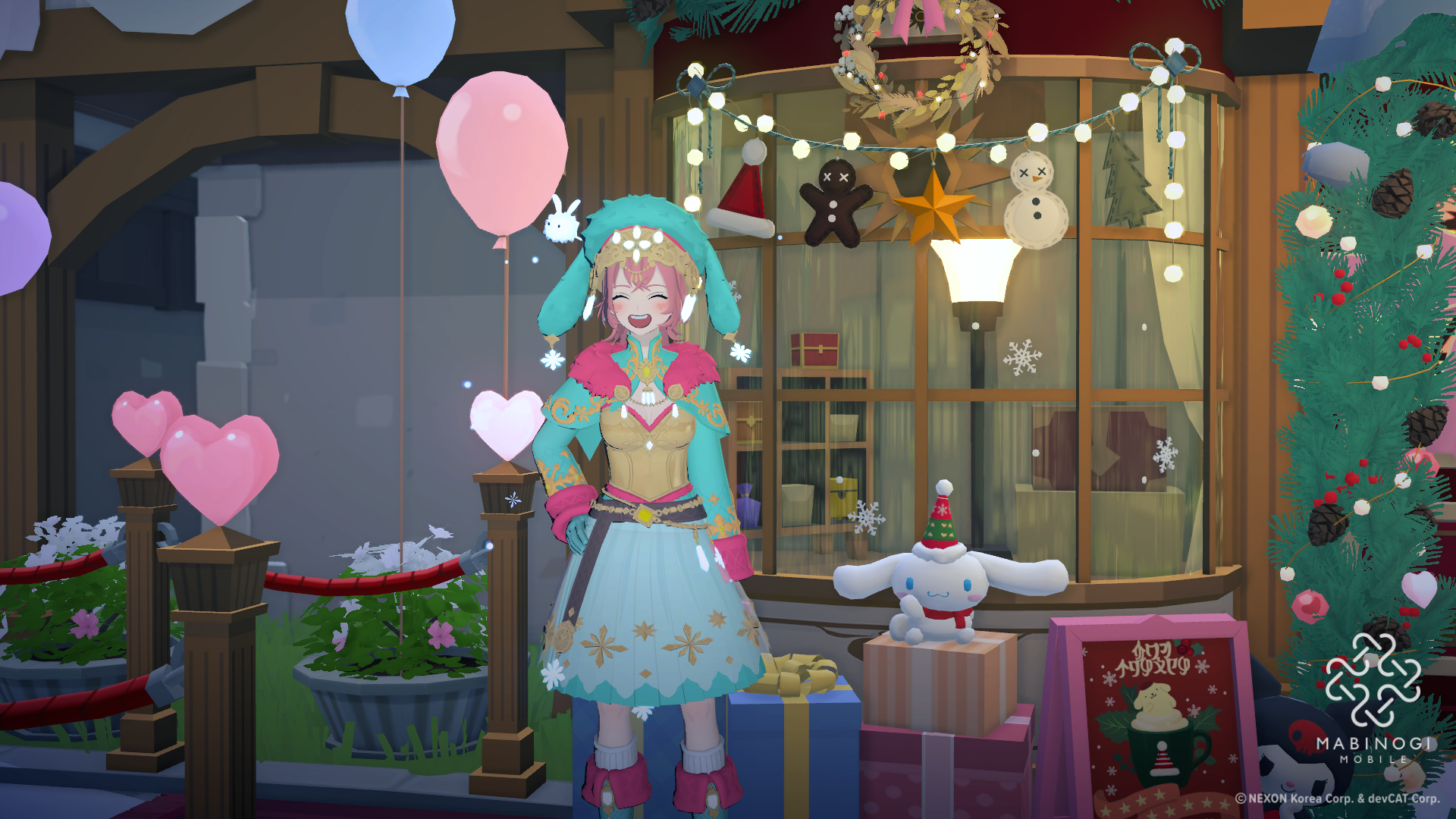
Once you've separated your story screenshots from the rest,
it's time to organize your personal pictures.
Try separating group pictures with guildmates or friends from pictures of you on your own.
Group pictures are a lovely reminder of shared memories,
while I find solo pictures great for looking back at how my character looked at the time.
That's why I take care to sort my group and solo pictures and save them separately.
For group pictures, it's handy to put the names of the people you were with in the file name~
Add a note about what was happening, too, to make those memories easier to recall!
Examples: [Guild Group Photo] With A and B / [New Year Event] With A, B, C
Back Them Up on Your Personal Blog
Once everything is sorted, it's worth making a backup in case you ever lose the picture files.
Save them on your personal blog as both a backup and a record of your adventures!
When you write a post, try arranging it in this order!
Story moments → Events → Time spent with friends and others
→ Other personal moments
This order keeps your posts nice and tidy👍
Under each picture, add a brief description of what happened,
along with a little note about how you felt at the time~
Looking back, you can enjoy thinking, “Oh, I remember that~”
Or you might find yourself wondering, “I did that?” and seeing things in a new light😁✨
You don't have to record everything like I do!
Even a collection of just the moments you especially want to remember can make a wonderful keepsake, adventurer~
For example, why not make an album of events you've taken part in
and fill it just with pictures from special seasonal events?
Or, if you love fashion and enjoy putting different outfits together,
it could be fun to keep a record of what you wear with pictures from the front, back, and side.
You could create your very own lookbook~
Another fun idea is to become an NPC researcher in each town!
Take pictures of each NPC and organize them by town.
You could also keep a record of conversations with your favorite NPCs to look back on.
Try making an archive of all your different experiences in Erinn
in your own way, with a system that suits you, adventurer~
I hope you keep making precious memories and saving them along the way.
That's all from me for today!
See you next time, adventurer🖐🖐🖐
![[모비노기] 어비스 4종 #던전 타임어택 세팅 공략](https://peak-file.nexon.com/uploads/20260307_0714_d93-fb26-4c11-aa63-fe8cdb049118)
![[마비노기 모바일] 나의 귀여운 펫 변천사 #시고르자브종](https://peak-file.nexon.com/uploads/20250922_0711_723-b369-4ace-a65e-fde4e5f85764)
![[마비노기모바일] 험난한 모험길에서도 손목 만큼은 건강하게 지키자!](https://peak-file.nexon.com/uploads/20260308_1100_bb7-9786-4ebf-a5f7-0791e1d5e930)