I Record All My Gameplay: Recording Software I Recommend for Archiving
피스타임
Hello!
I'm Nexon Picker 피스타임.
Today, I'd like to share a slightly more personal story.
It's about how I've caught the archiving bug and now record every game I play.
I'll also share the recording software I use and some tips for setting it up!
I've Caught the Archiving Bug
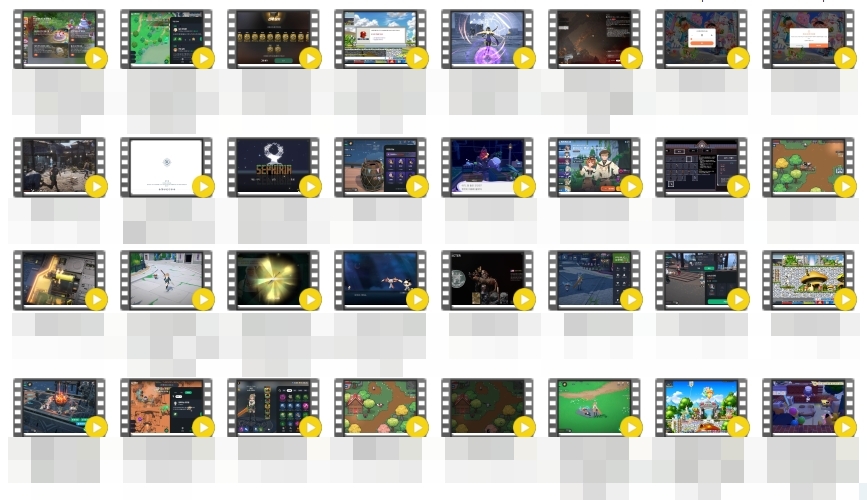
Archiving simply means saving the things you want to remember.
Since I run a NAVER blog and am also active as a Nexon Picker,
letting even a single moment of gameplay go unrecorded feels like such a waste,
so I keep recording software running the whole time I'm playing.
Over the years, that footage alone has added up to a staggering amount—over 16TB.
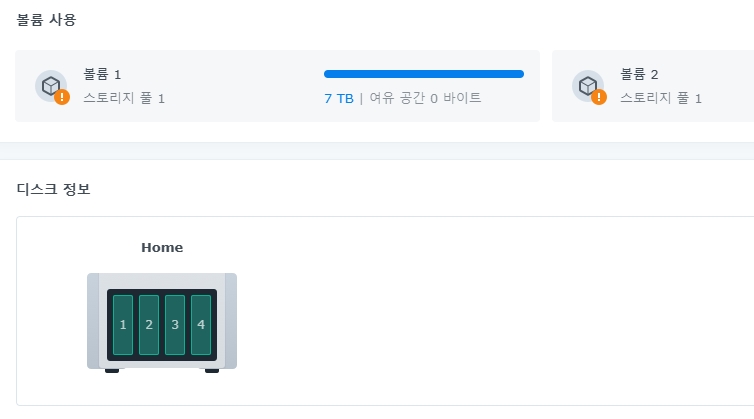
A regular external hard drive could only take me so far,
so I set up a personal server called a NAS to store and access it all.
Of course, a NAS isn't invincible either, and I still need backups to keep my data safe,
so although its listed capacity is 32TB, I only have 16TB of usable space.
In trying to preserve as much image quality as possible when recording games,
I've ended up learning quite a bit about recording settings.
Let me walk you through the recording software I use most.
My Game Recording Software Recommendation
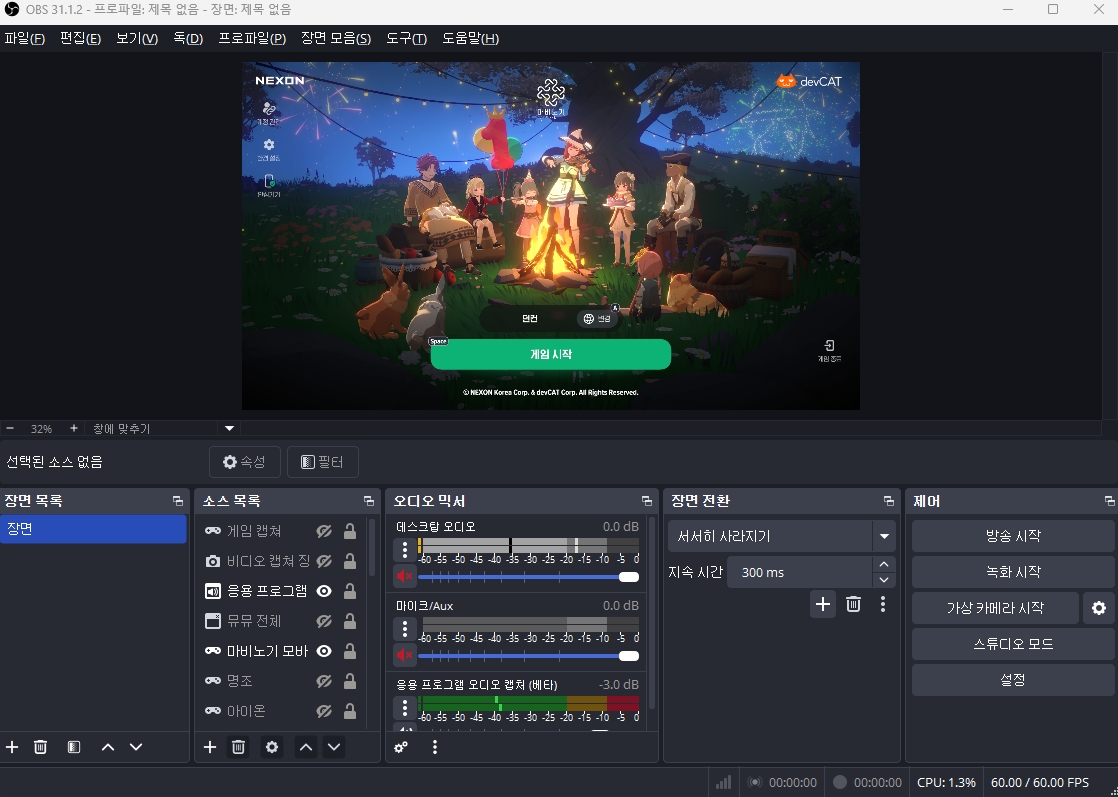
My go-to is OBS Studio!
Most people think of it as broadcasting software for streamers,
but it's also really handy for making high-quality recordings with small file sizes.
Maybe it's because it's built for broadcasting, but it seems a little less demanding on my system, too.
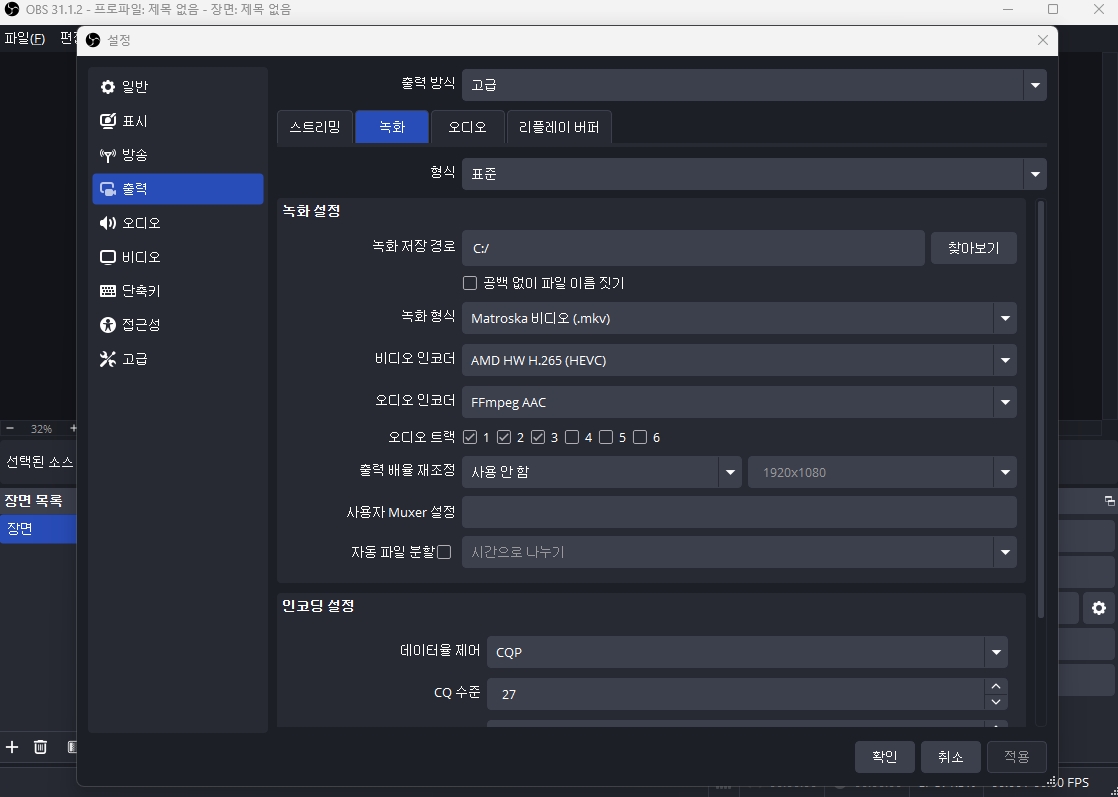
You'll find the recording settings under Output in Settings,
and the recording format and video encoder are especially important.
For the recording format, I'd recommend mkv every time.
mp4 is convenient for editing, but it has one serious drawback: if something goes wrong while you're recording,
you can lose the entire video.
Your choice of video encoder depends on your computer,
but since I use an AMD CPU and graphics card, H.265 (HEVC) works well for me.
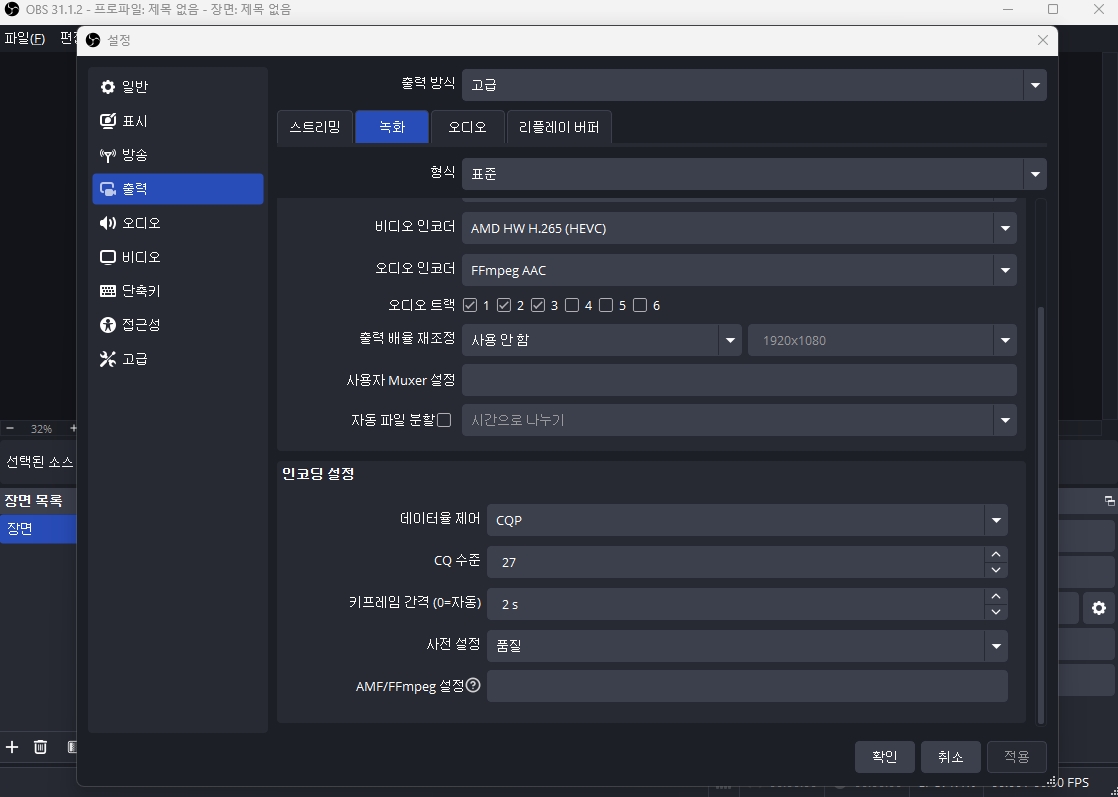
The real key, though, is the encoding settings.
I recommend using CQP (Constant Quantization Parameter).
With CQP, the bitrate adjusts to the complexity of the scene,
which keeps image quality consistent no matter what game you're playing.
The most important CQP setting is the CQ level.
A lower CQ gives you better image quality but much larger files,
while a higher CQ gives you worse image quality but much smaller files.
Personally, I find that a CQ level of 27 gives me decent image quality with relatively small files,
so that's the balance I've settled on.
If you have storage space to spare, try lowering it further,
and you'll notice the image quality gradually improving.
Of course, the file sizes will grow quite a bit along with it.
Archiving:
Bringing Memories Back to Life
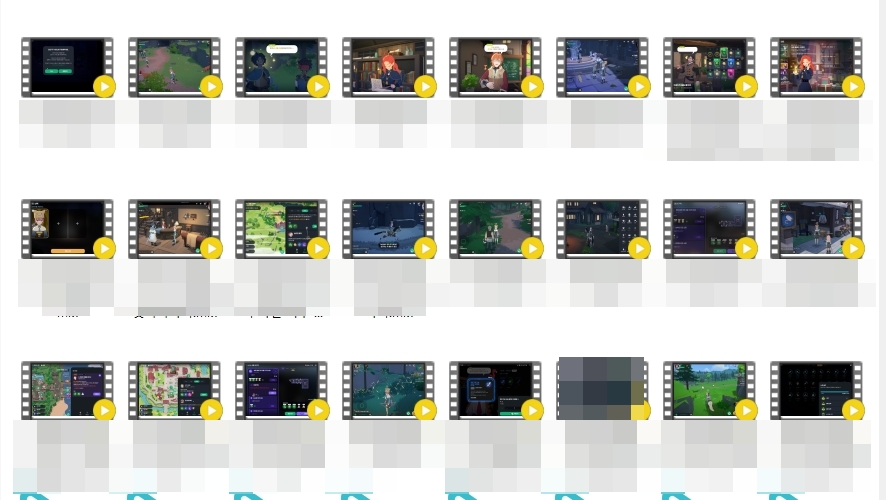
Thanks to this habit of mine, even my very first day in Mabinogi Mobile
is captured in full on video.
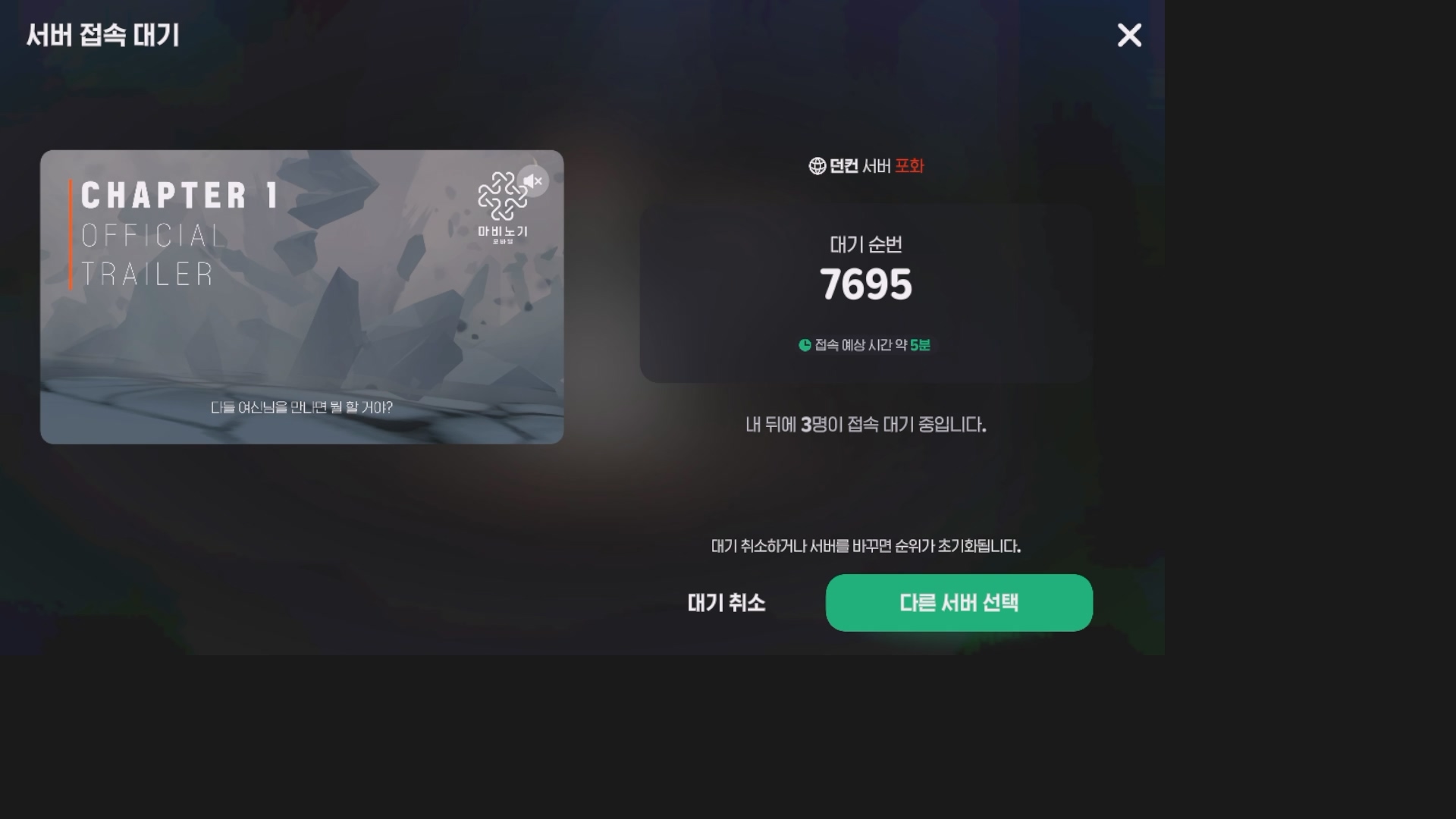
This is the moment I first logged into the Duncan server,
known as the big city of Mabinogi Mobile.
For a whole month, the login queue always had over 10,000 people in it.
(Oh, how I miss those days.)
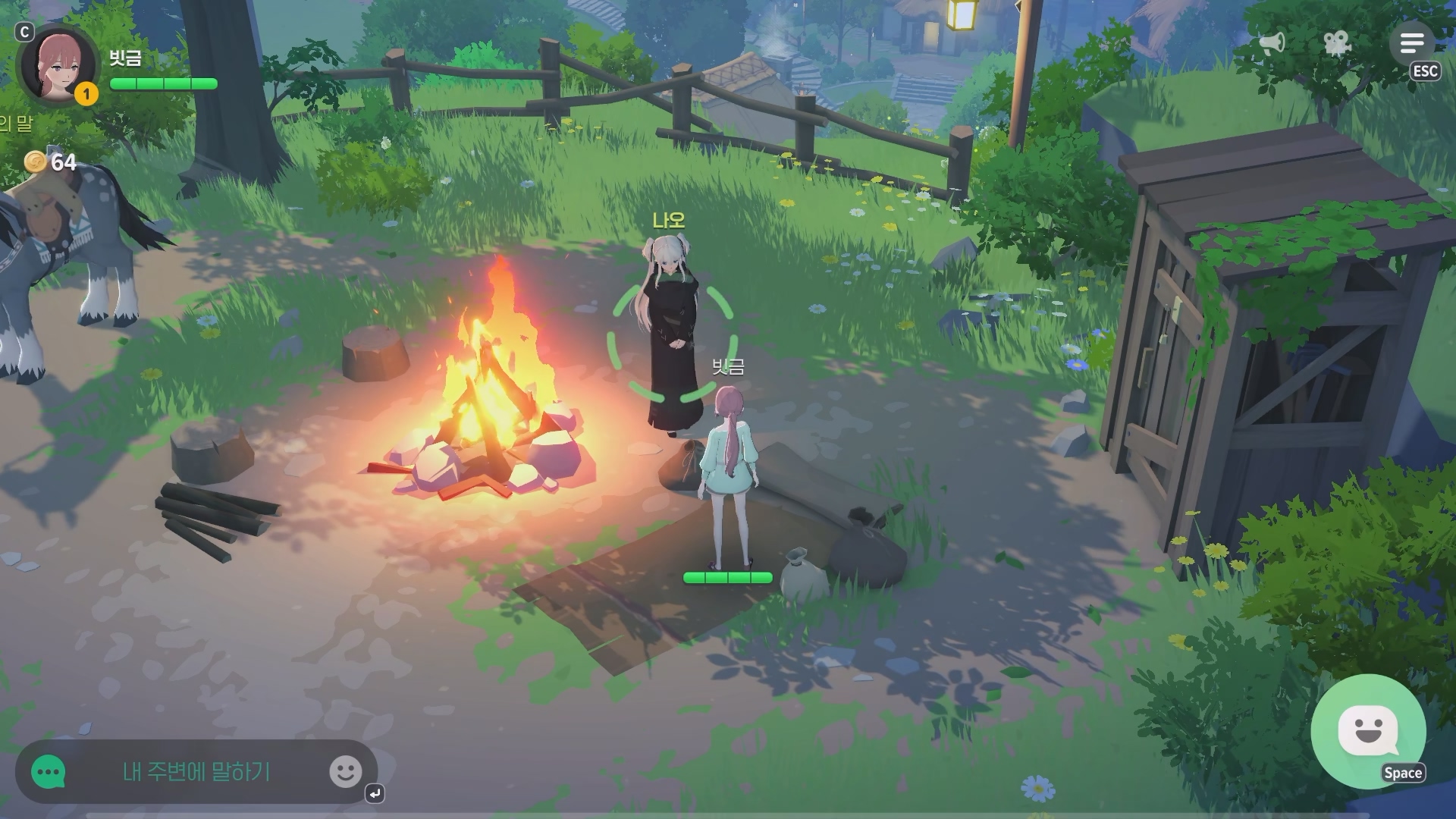
Here I am meeting Nao for the first time.
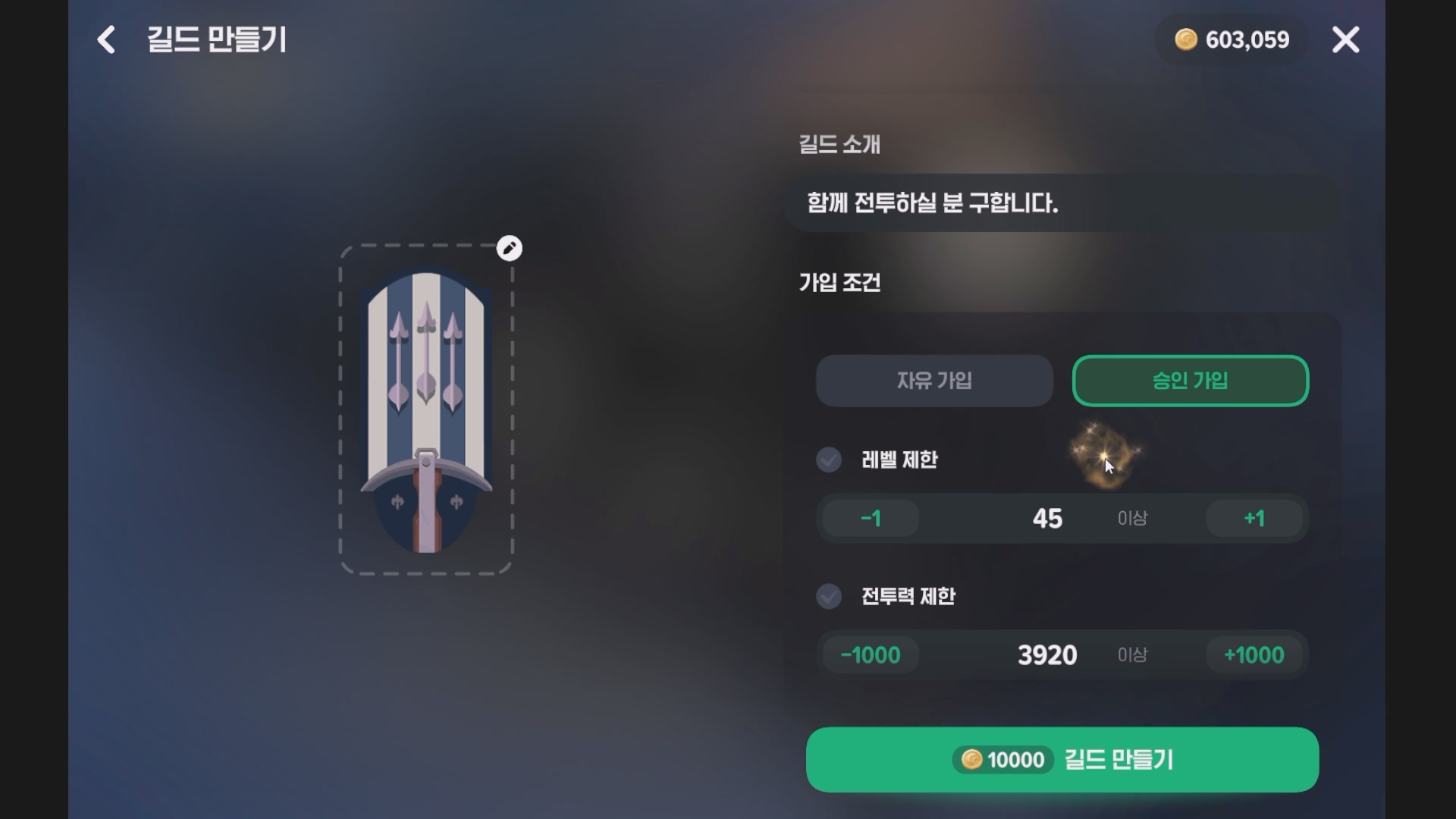
And here's the moment I created the 던컨 타임 guild.
It started out as a one-person guild.
But as I got more and more into the game, I started recruiting people.
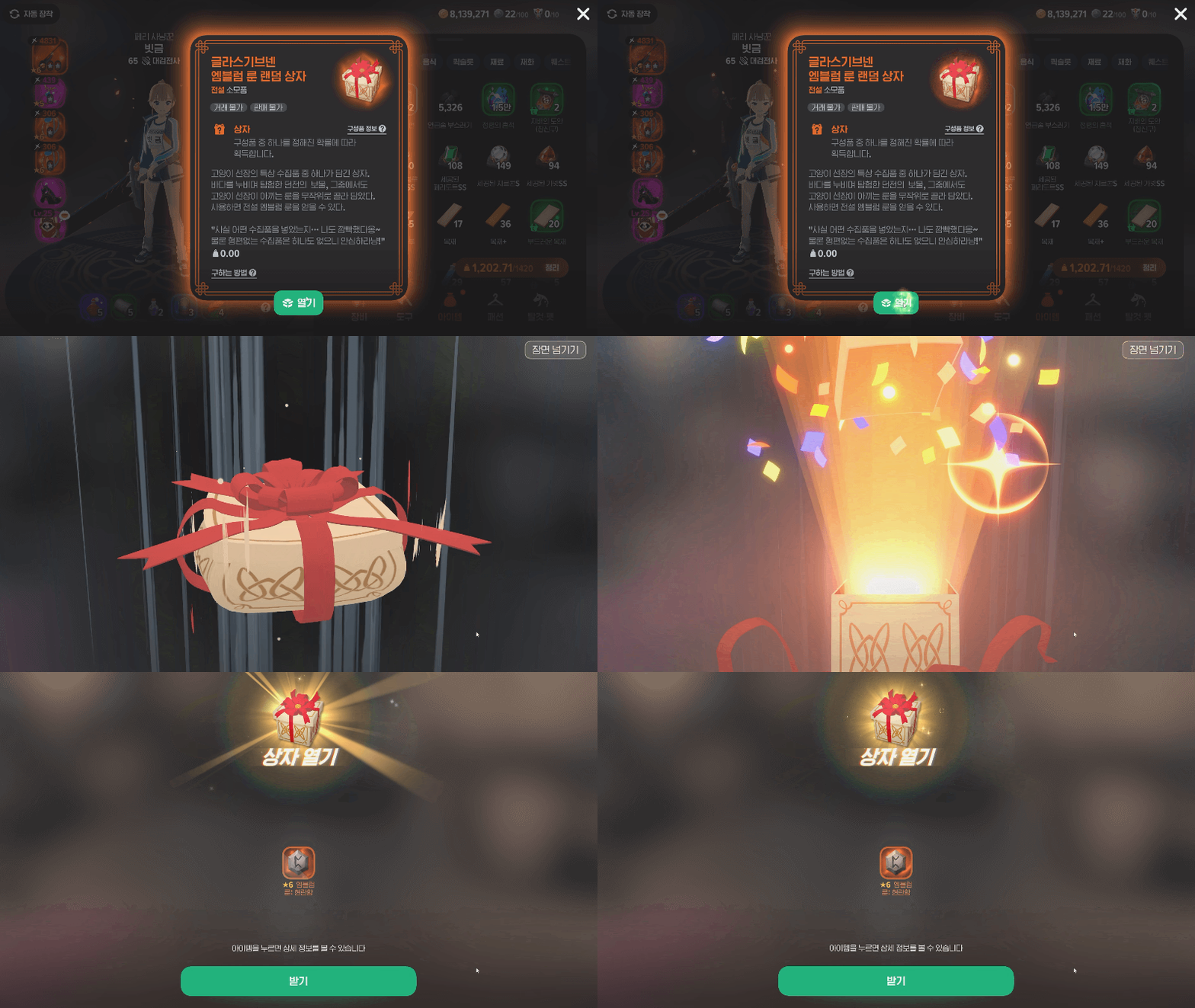
This was last June, when everyone was praying for the 현란함 rune.
I was having a really rough time with just 2 copies of 굳건함,
but then I got 현란함 from a Glas Ghaibhleann random box.
That was the biggest dopamine rush
I've ever had playing Mabinogi Mobile.
It's a shame nothing has topped that moment yet.
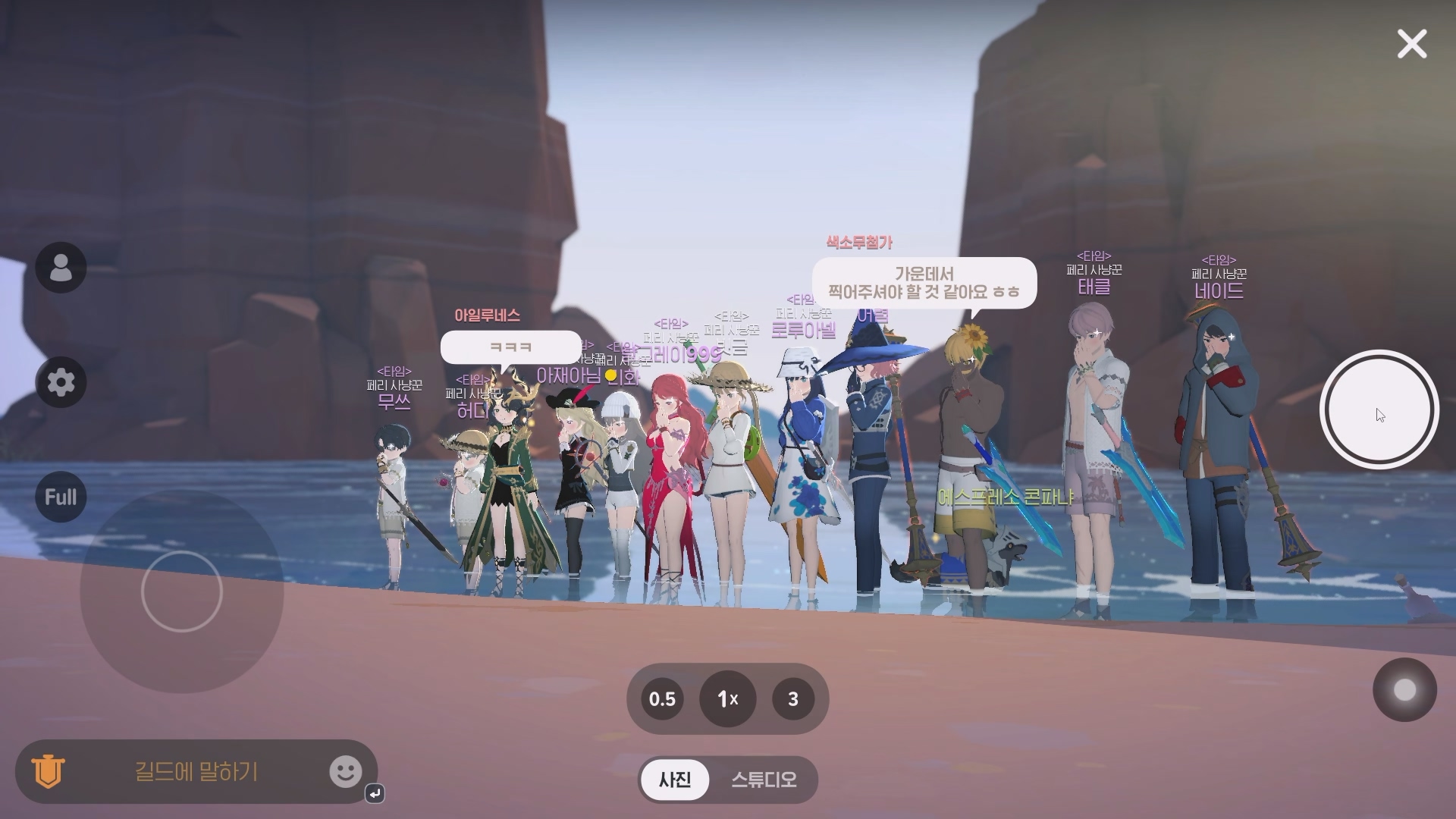
Here's a photo with my guildmates from last August!
The Guild Photo event was running at the time.
About 3~4 of them aren't around anymore,
but plenty are still playing and enjoying the game.
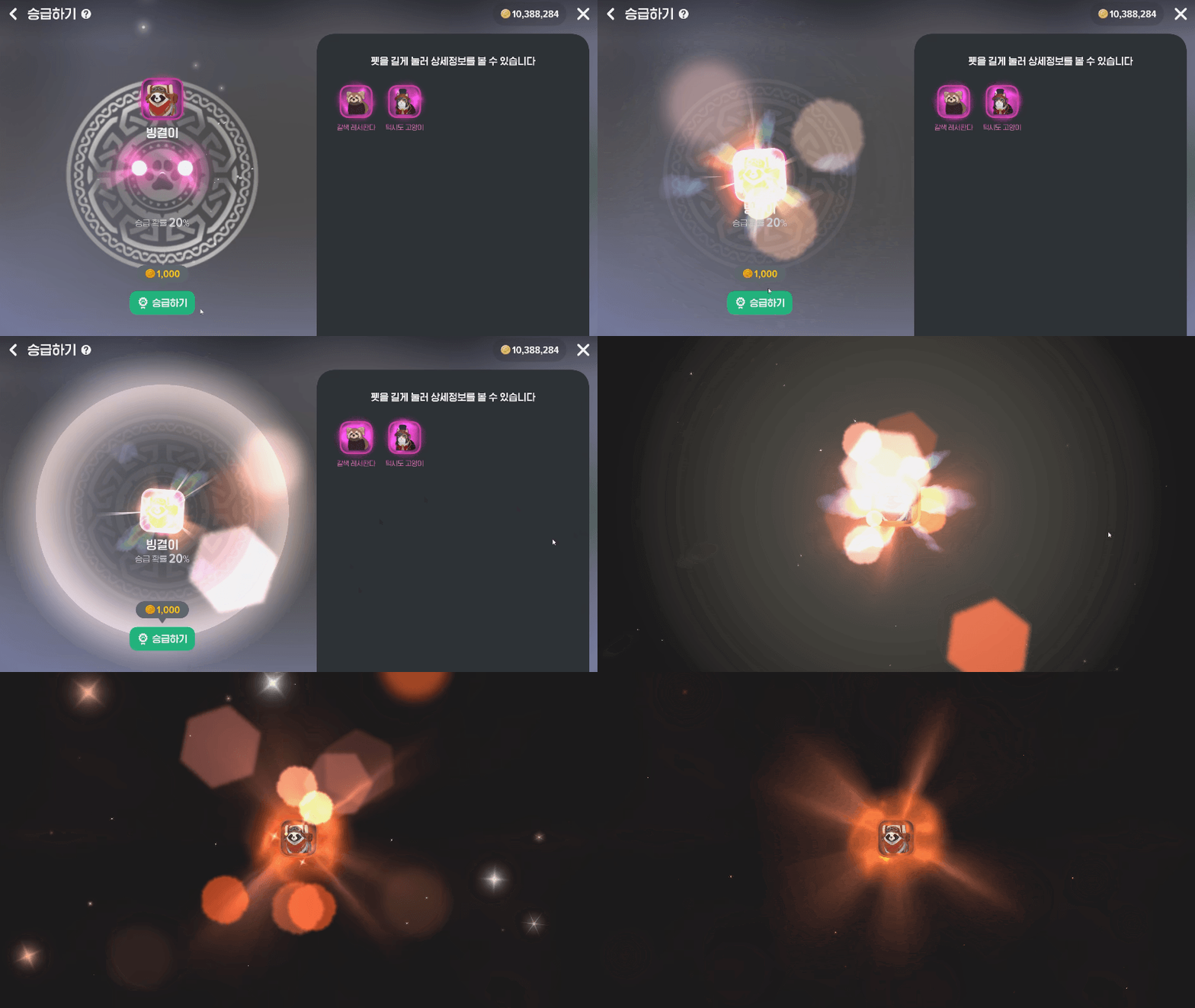
This is the moment I made my first Legendary pet last December.
It was around my 5th attempt, so I was really relieved it worked.

April 15 of this year—the day our stage 3 guild ship was finally completed.
Honestly, we're a casual guild, so I didn't think we'd manage it,
but everyone chipped in, and we made it happen.
Those are the archiving tips I wanted to share with you today.
I honestly think recording everything has more advantages than drawbacks.
Still, I'm always looking for ways to get better at archiving.