A New Mini Theater in Mabinogi Mobile? Here’s How to Use the Private Cinema!
피스타임
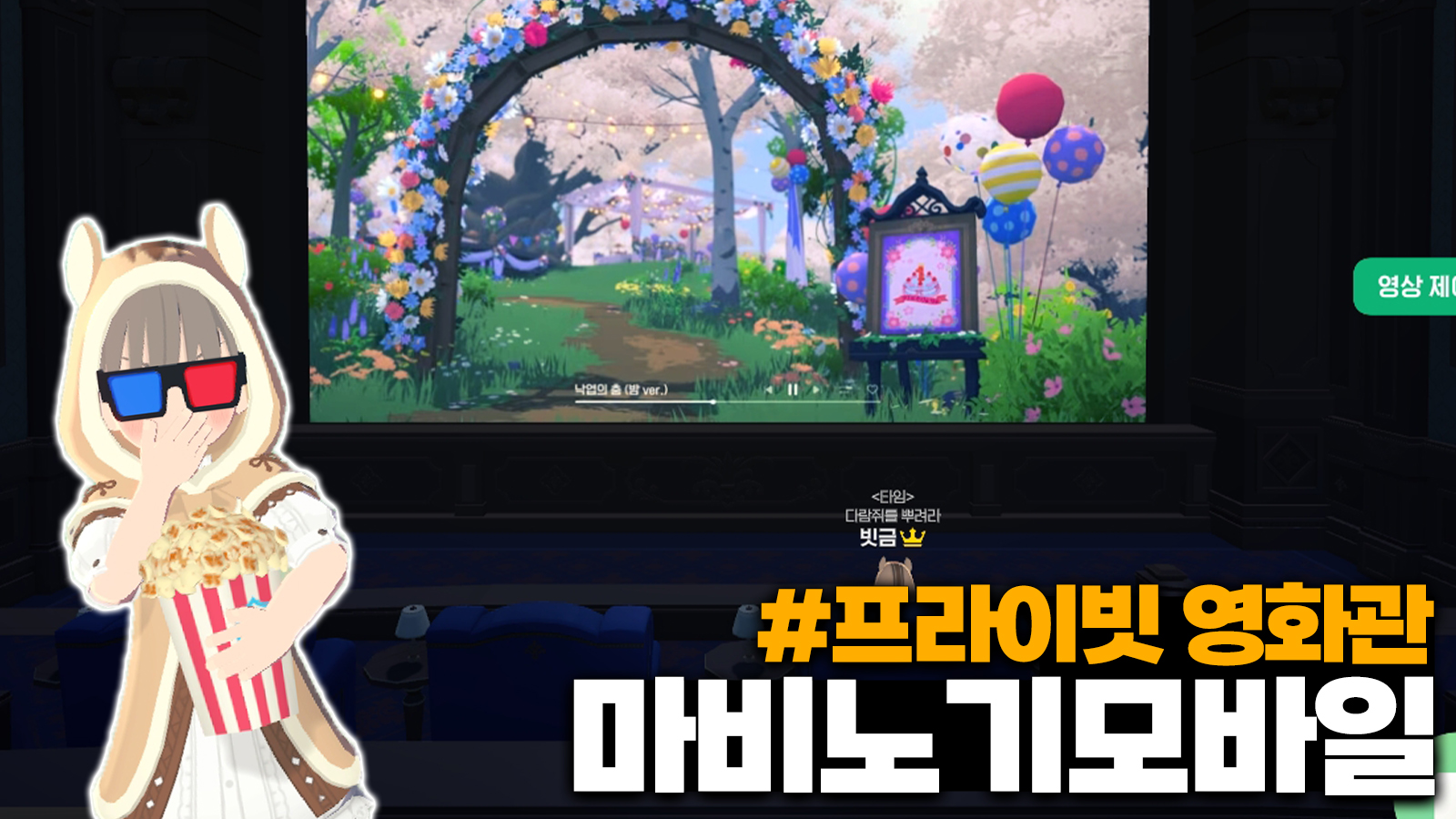
Hello!
I'm Nexon Picker 피스타임.
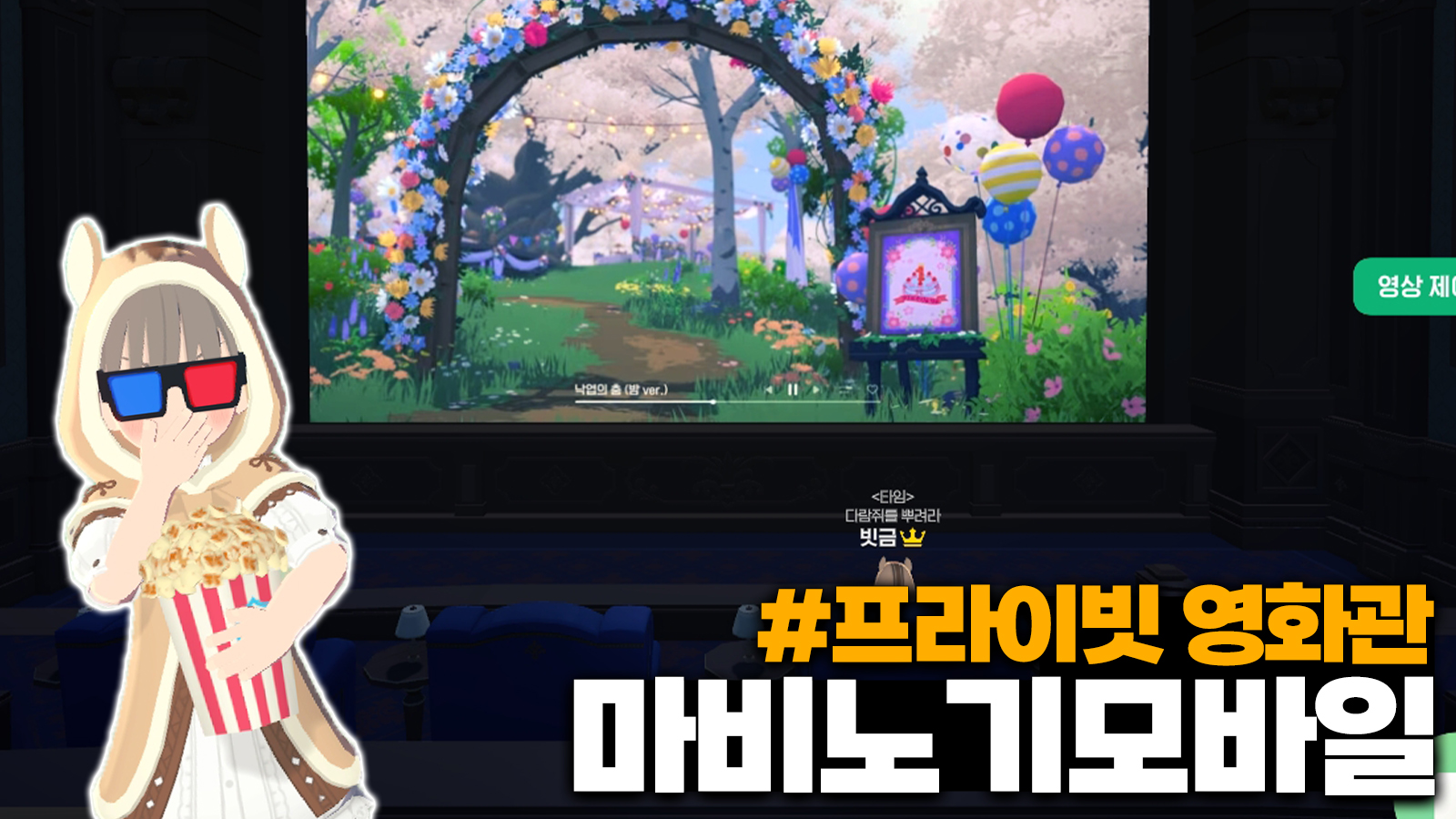
Did you know that Mabinogi Mobile recently added
a new feature called the Private Theater?
It's one of the best-received features from the latest updates.
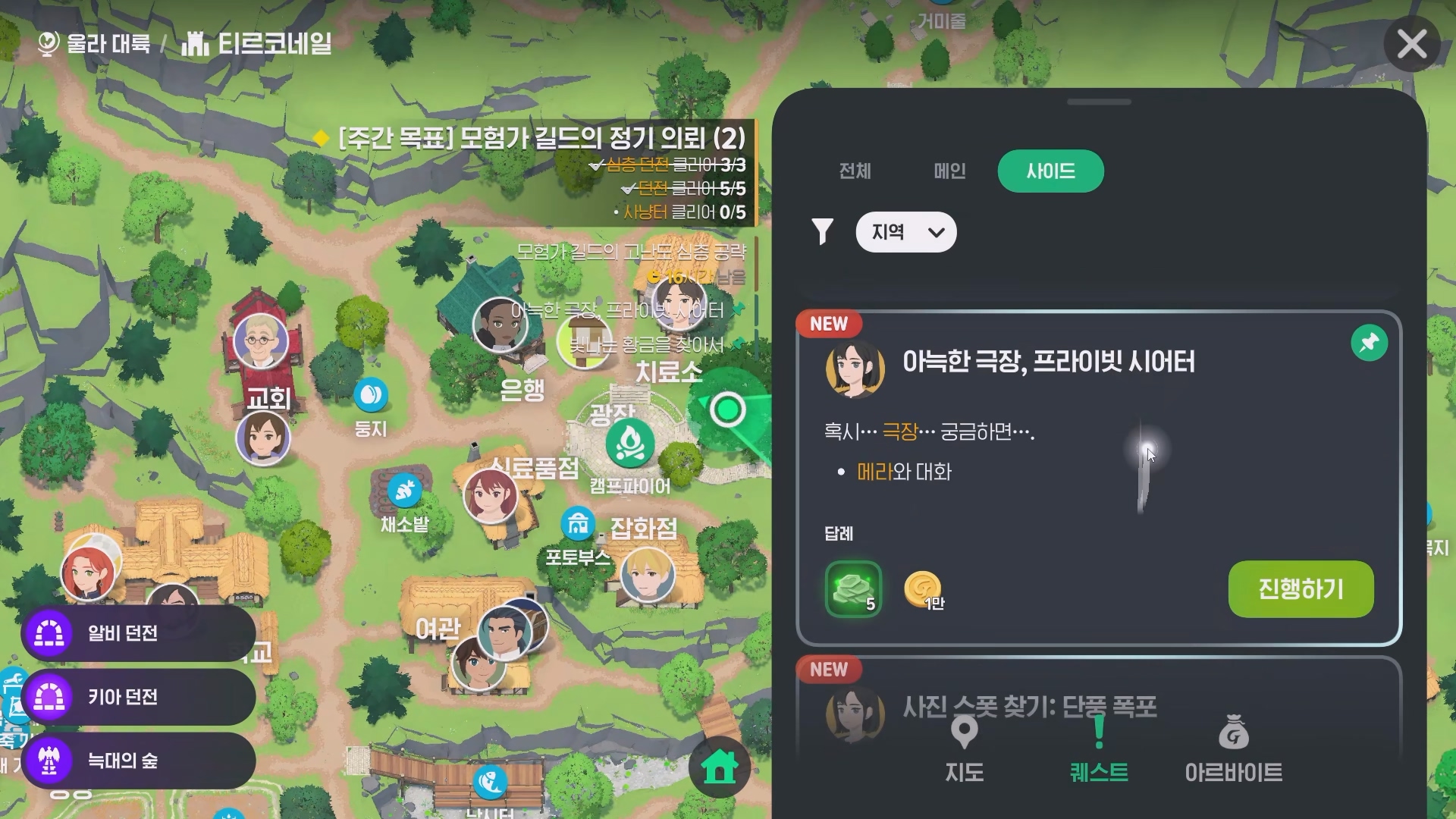
To get started, you'll need to complete the side quest “A Cozy Cinema, Private Theater.”
You can begin as soon as you finish the prerequisite quest.
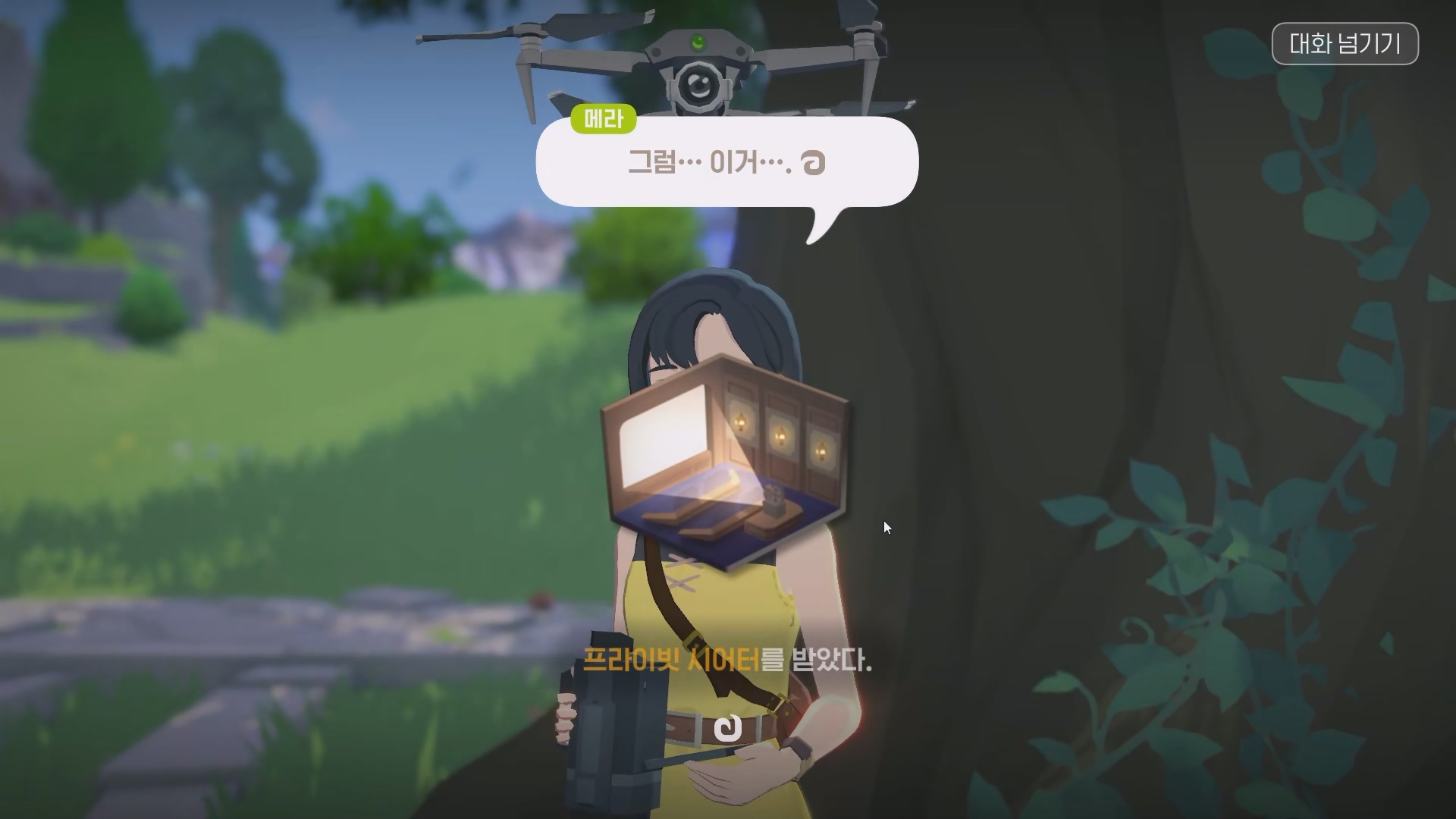
Once you've completed it, 메라 will give you a Private Theater right away.
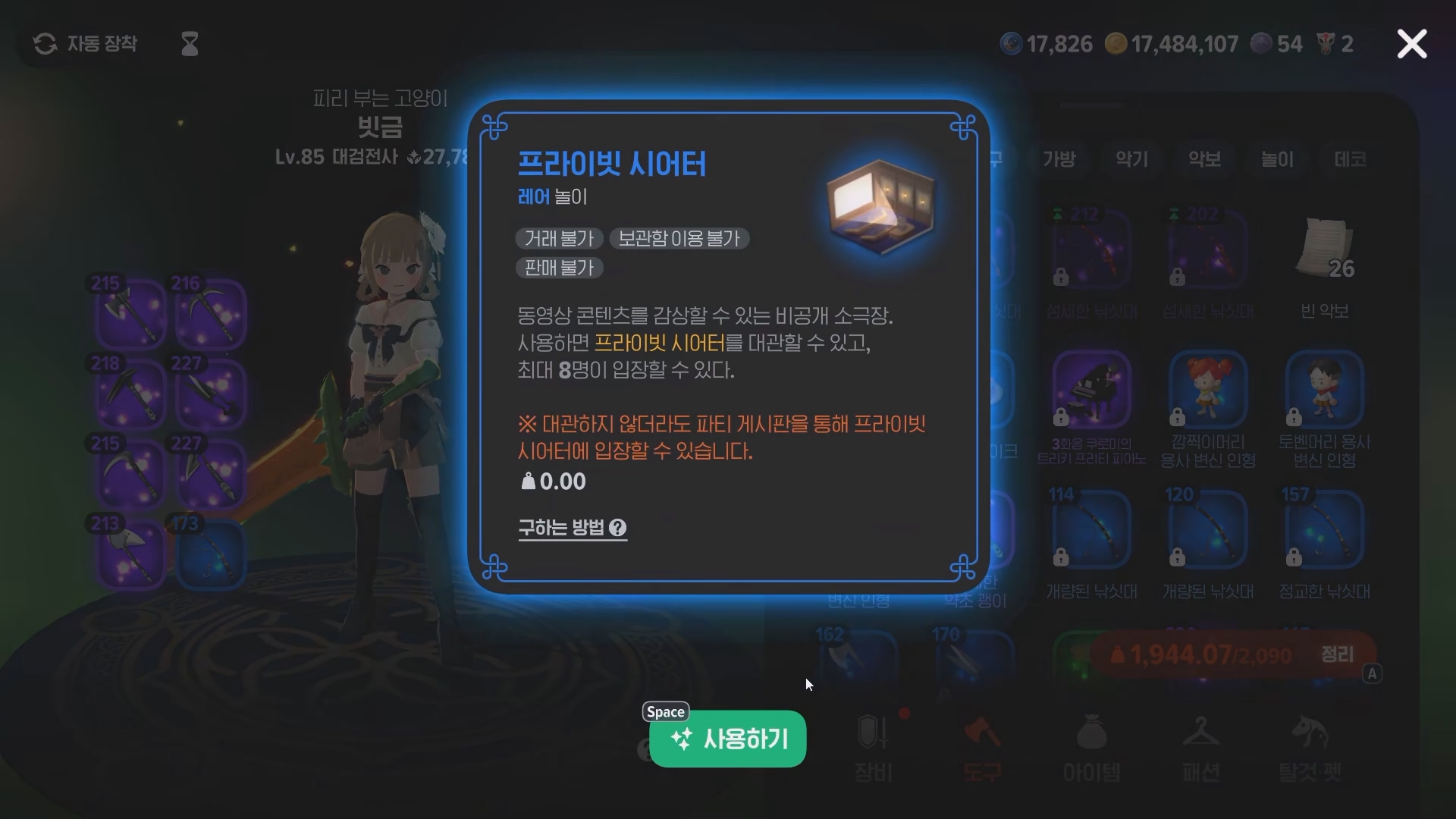
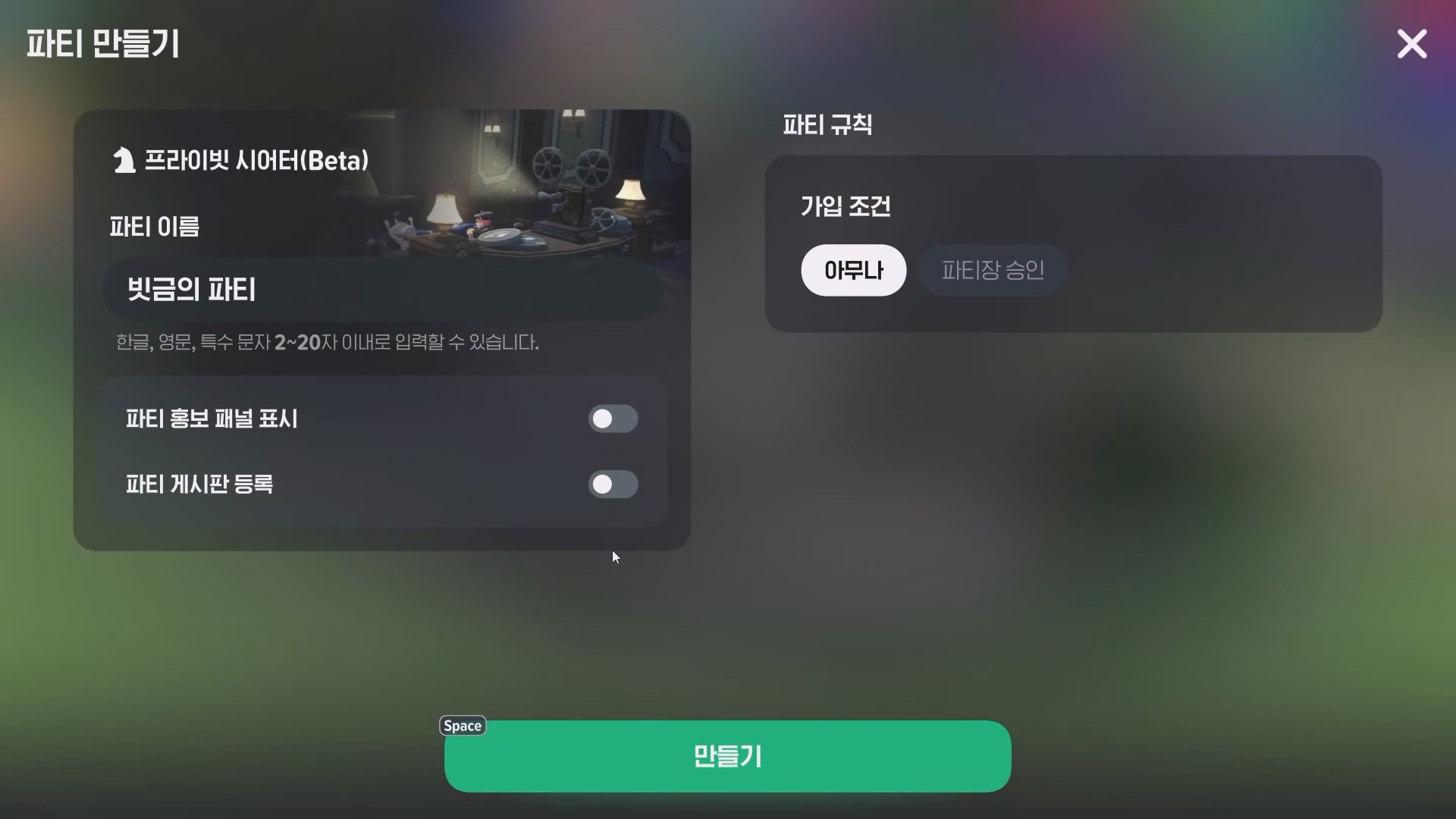
Use the Private Theater from the Tools section of your inventory
to create a room for up to 8 players, as shown here.
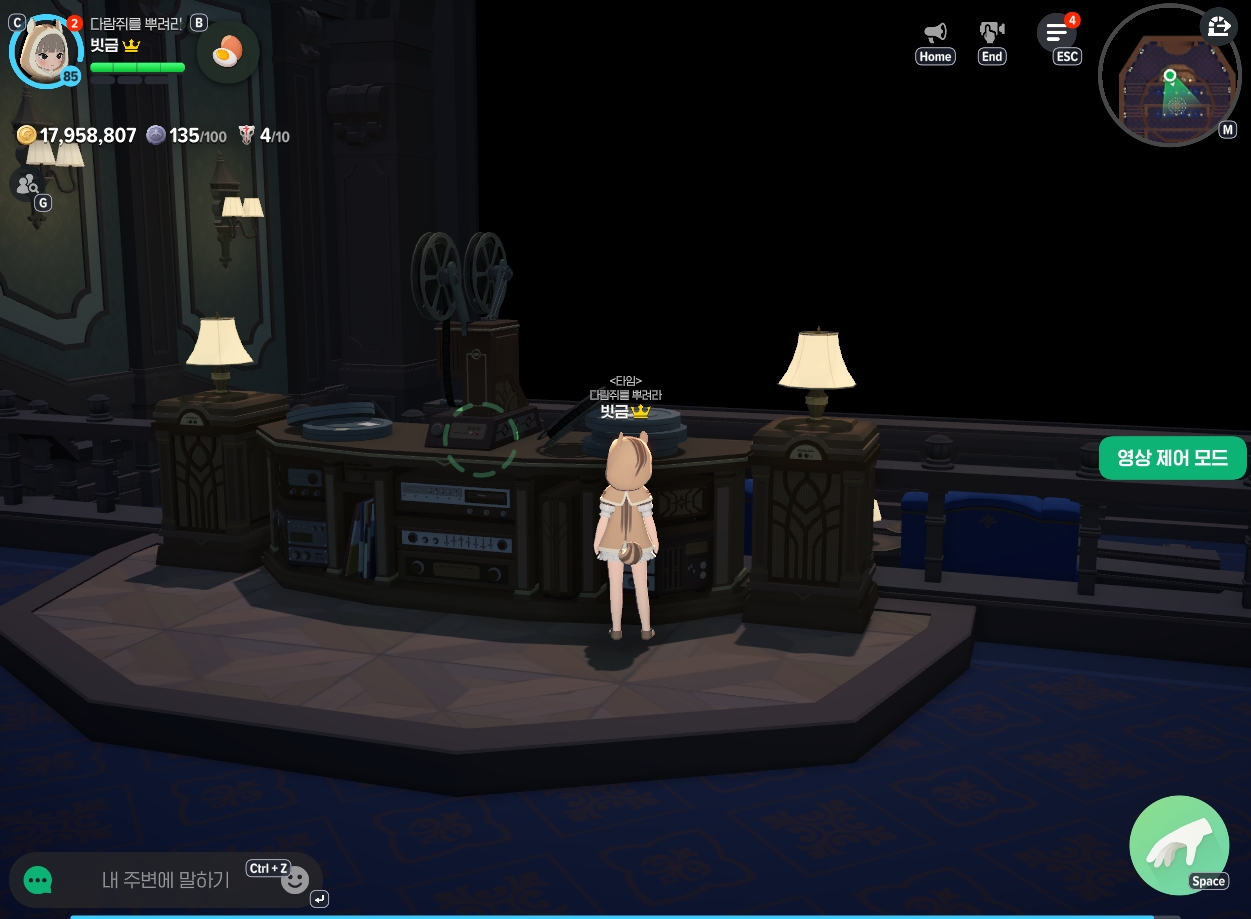
The party leader can use the projector in the center
to play a YouTube video of their choice.
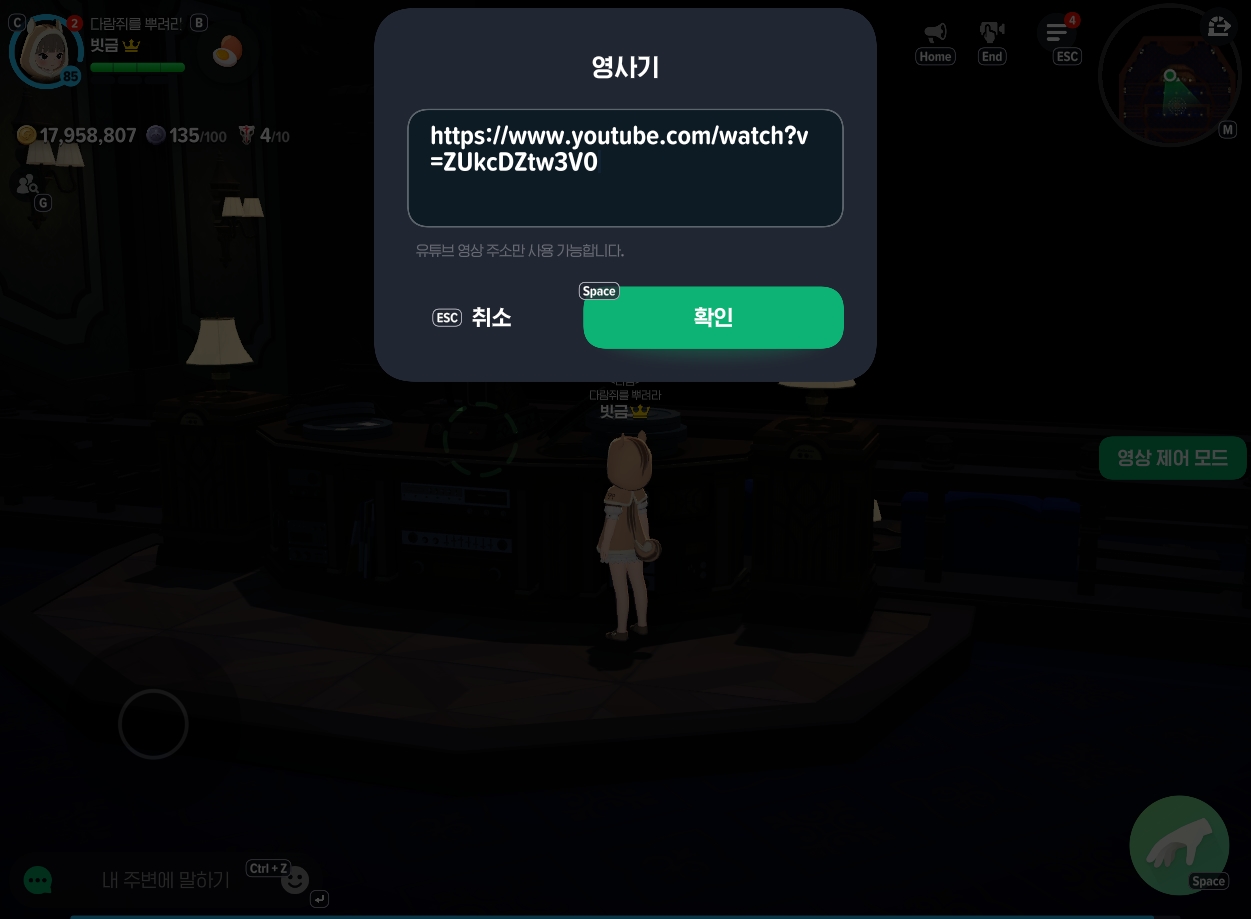
What happens when you open a link like this?
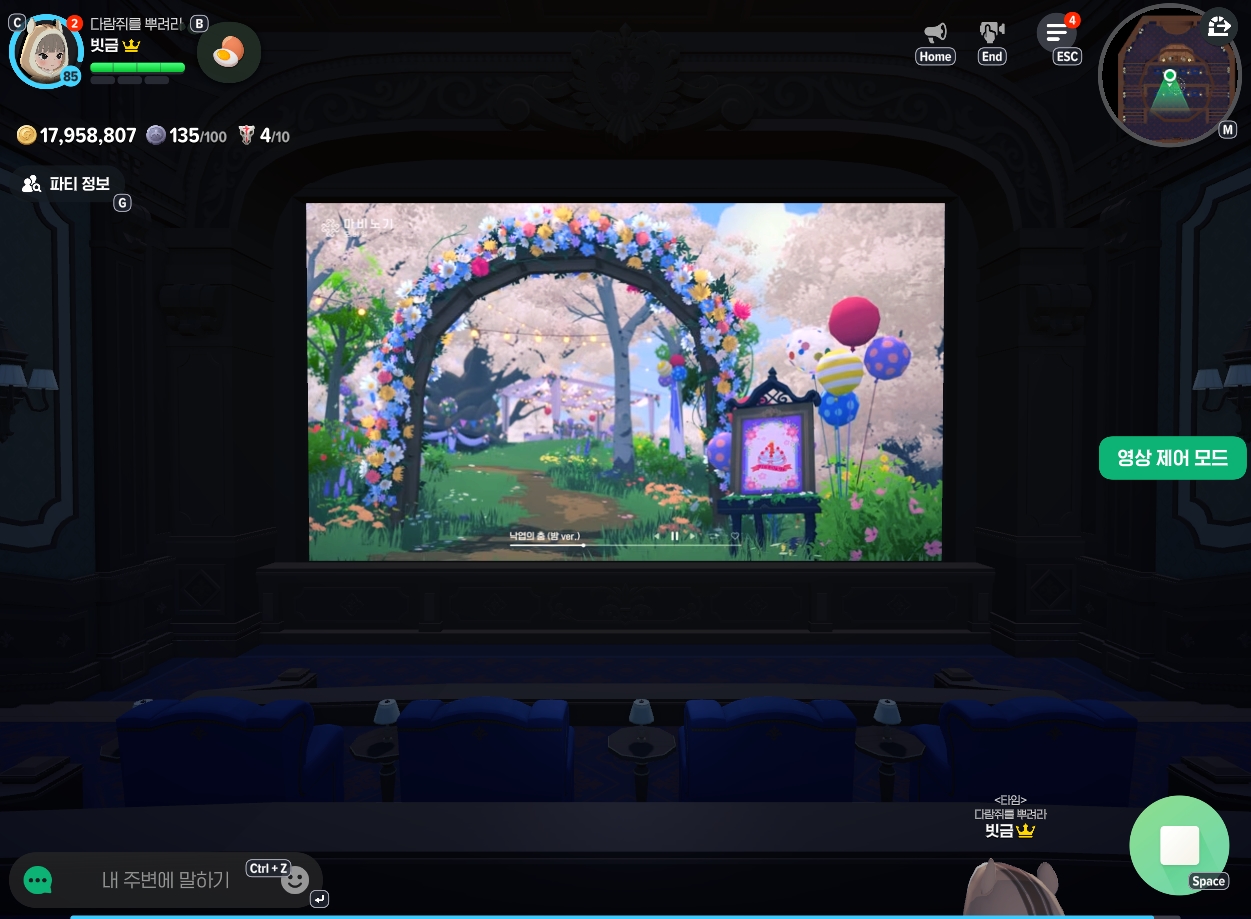
The video starts playing with sound, as shown here.
It's a fun way to watch YouTube in-game
together with other players.
Up to 8 people can watch together, including the party leader.
You can invite people to a private room or create a public room.
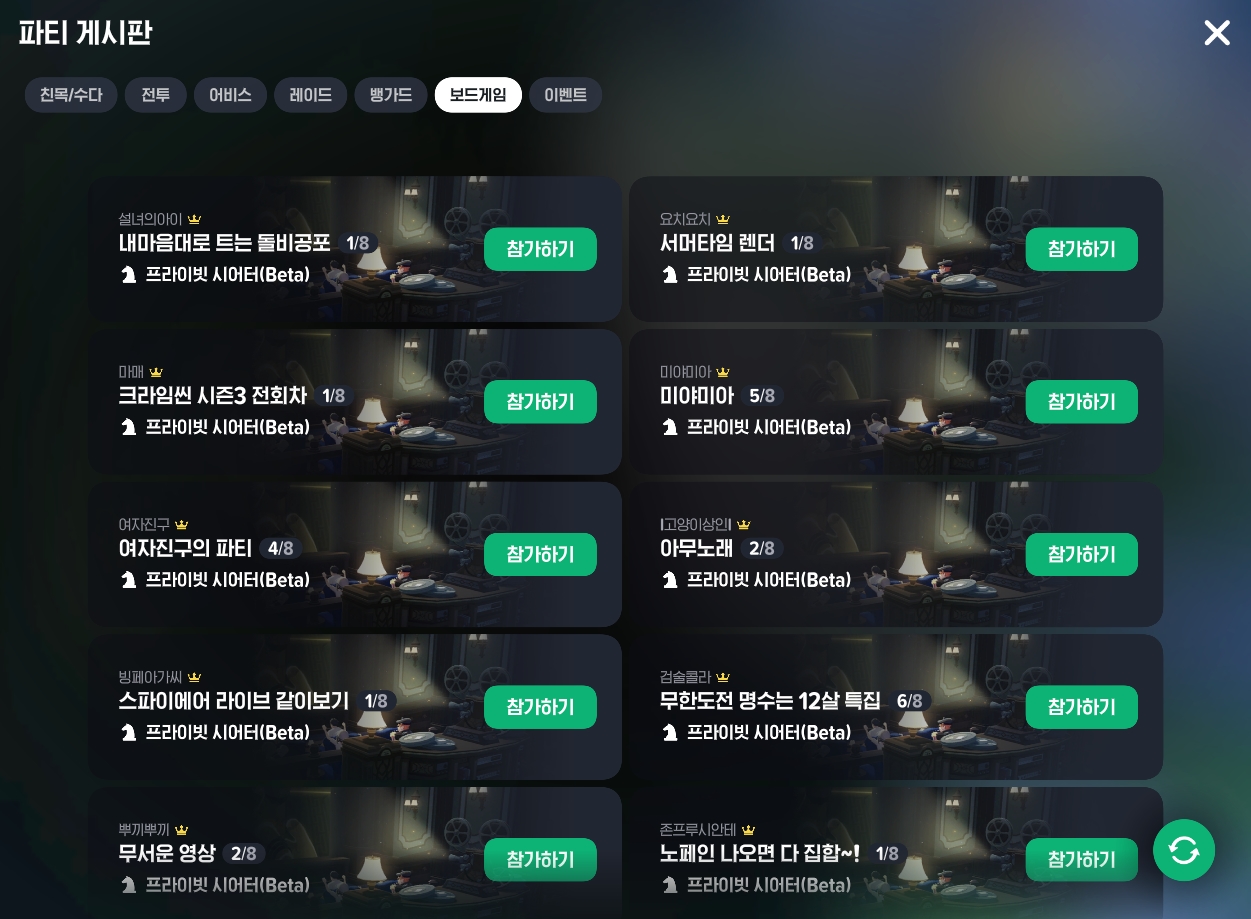
Thanks to the Private Theater, the party board
is now filled with all kinds of screenings.
If there's a video you'd like to watch,
why not enjoy it with other players like this?
Private Theater Guidelines
|
- Videos play as they would when you're not signed in to YouTube. - Ads may appear before, during, or after video playback. - Ads cannot be skipped by default, but the party leader can skip them using “Video Control Mode.” - The party leader can use “Video Control Mode” to adjust playback, volume, and other settings. * Volume is controlled by “Settings > Sound Master Volume.” * Some features may work differently depending on the device used for playback, and may not work smoothly while the game app is in the background. * If a video isn't playing smoothly, try playing it again or leave and re-enter the Private Theater. |
|
※ Content viewed in the Private Theater must comply with the stated policies. ※ If content that violates the operating policy is found in the Private Theater, it may be subject to report handling and restrictions on game access. ※ Be sure to review the stated operating policy before using the Private Theater. |
|
- The party leader selects and plays content in the Private Theater, and is responsible for any content they share and play. - The party leader is responsible for choosing content allowed under the guidelines above. - Sharing content that violates the operating policy, or knowingly overlooking or enabling these violations, may result in a warning or a temporary restriction on game access under the operating policy. - Please be considerate of others and avoid causing inconvenience or offense while they watch. - Malicious behavior that disrupts viewing may result in access restrictions. - The URL or ID of content played may be stored for a limited period solely to process reports. - This information will only be used to process reports and will be deleted after a set period. - If needed, this information may be encrypted before storage for added security. - Keep in mind that playing content may use data, depending on your network connection. - In Settings > Graphics, you can choose to allow content playback only when connected to Wi-Fi. This setting is disabled by default. |
Be sure to follow these guidelines and avoid watching inappropriate content.
With that in mind, enjoy your movie!
I think I'll get together with my guildmates and listen to some music, too!

![[마비노기모바일] 다함께 연주했던 즐거운 추억 꺼내보기](https://peak-file.nexon.com/uploads/20260328_0123_318-0f1b-423f-a4c2-4993df507690)
![[모비노기] 무기 18강 달성! 나만의 강화 명당](https://peak-file.nexon.com/uploads/20260514_0207_8afe684b.png)
![[피크 챌린지] 친구와 함께하기 좋은 게임추천! 마비노기 모바일 시즌2(6/25) 시작](https://peak-file.nexon.com/uploads/20260622_0709_fd6dea80.jpg)