Trying Out Mabinogi Mobile’s Private Theater: Fun for Returning Players, Too
네오필
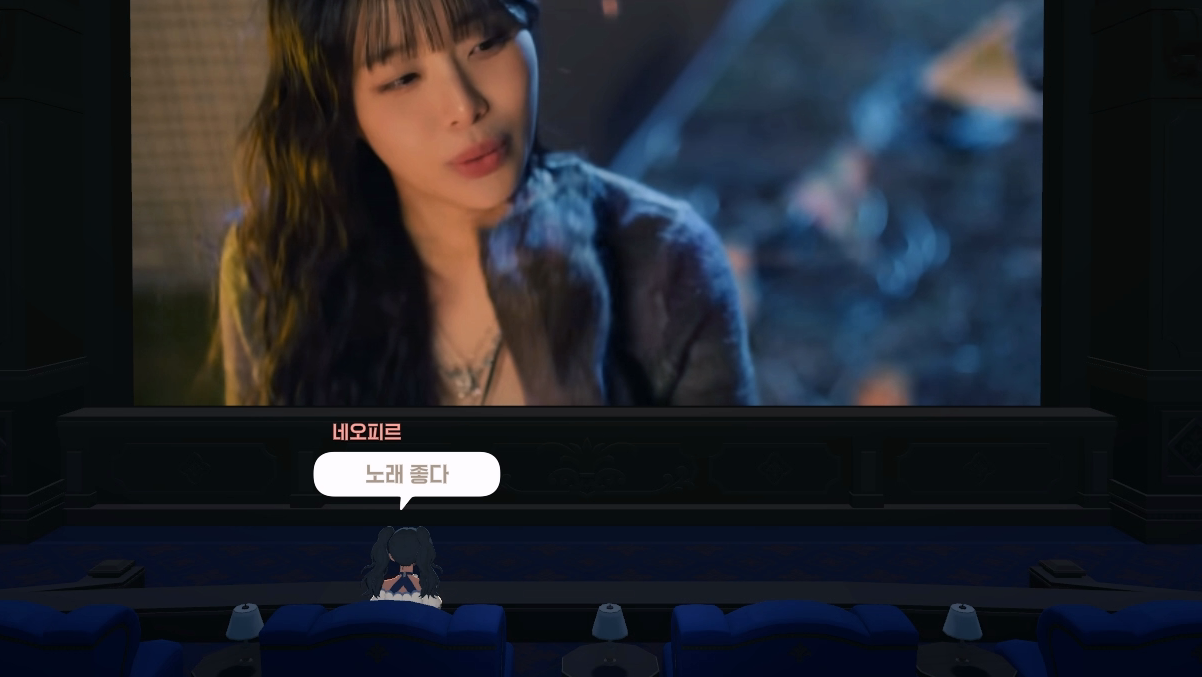
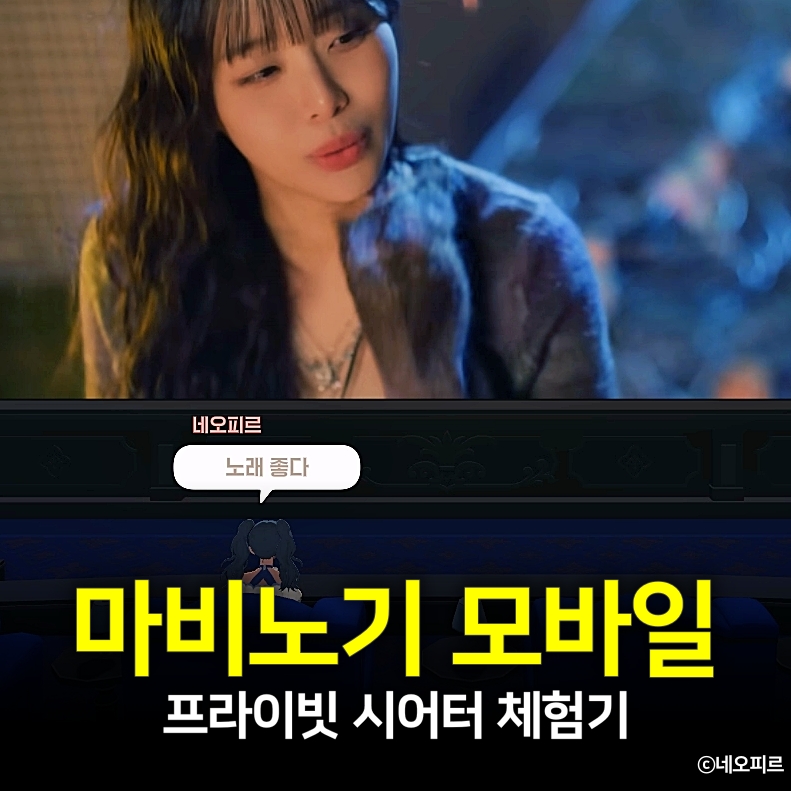
In the April 2 update, Mabinogi Mobile introduced a new feature called the Private Theater.
It is a theater where you can watch your choice of YouTube videos, either alone or with other players.
The idea felt fresh, so I wanted to try it for myself.
Fortunately, the feature is easy to access even for returning players, so I was able to try it right away.
Where to Find 메라
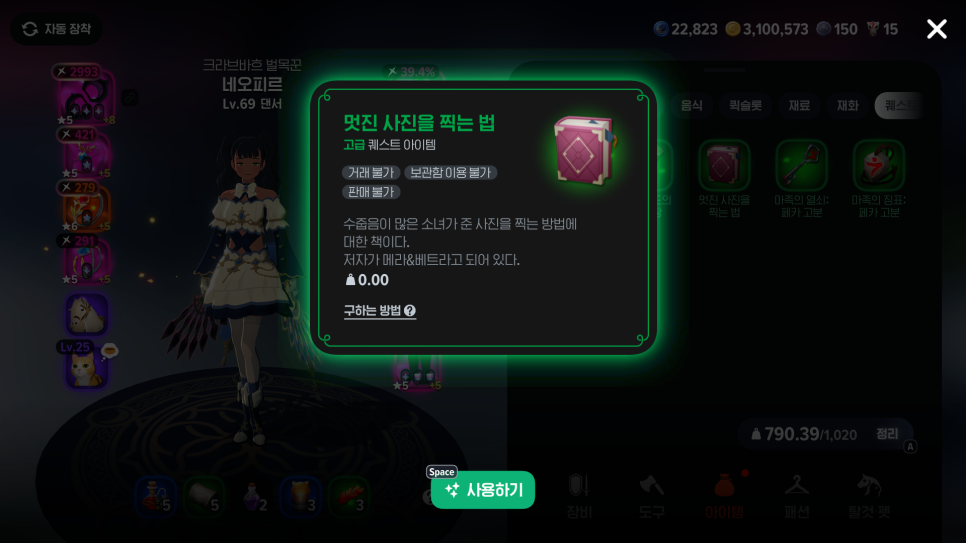
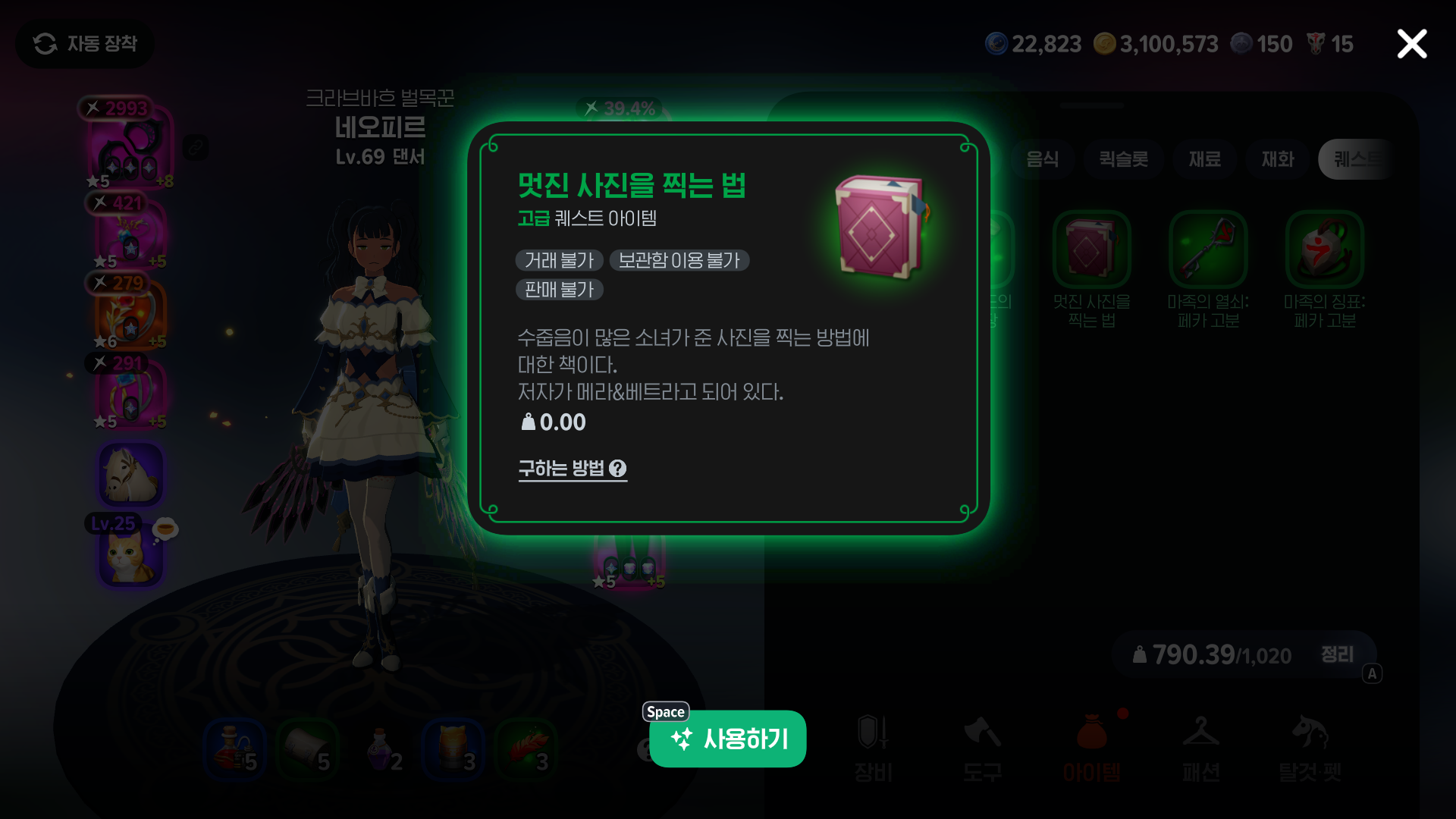
To get started, you need to complete the side quest “Wolf Rock Photo” and meet 메라 before you can access the private cinema.
If Wolf Rock Photo is not on your side quest list, find the quest item “How to Take Great Photos” in your bag and use it to begin the quest.
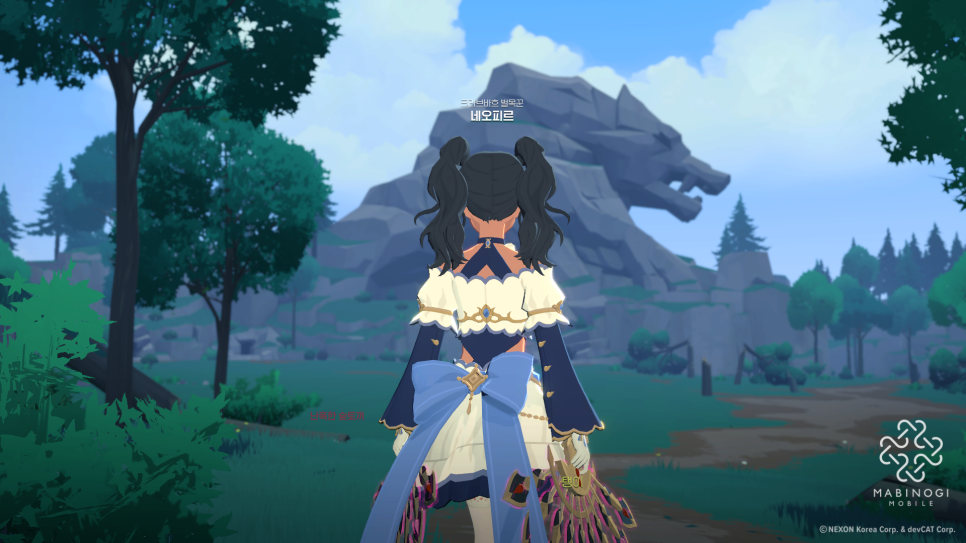
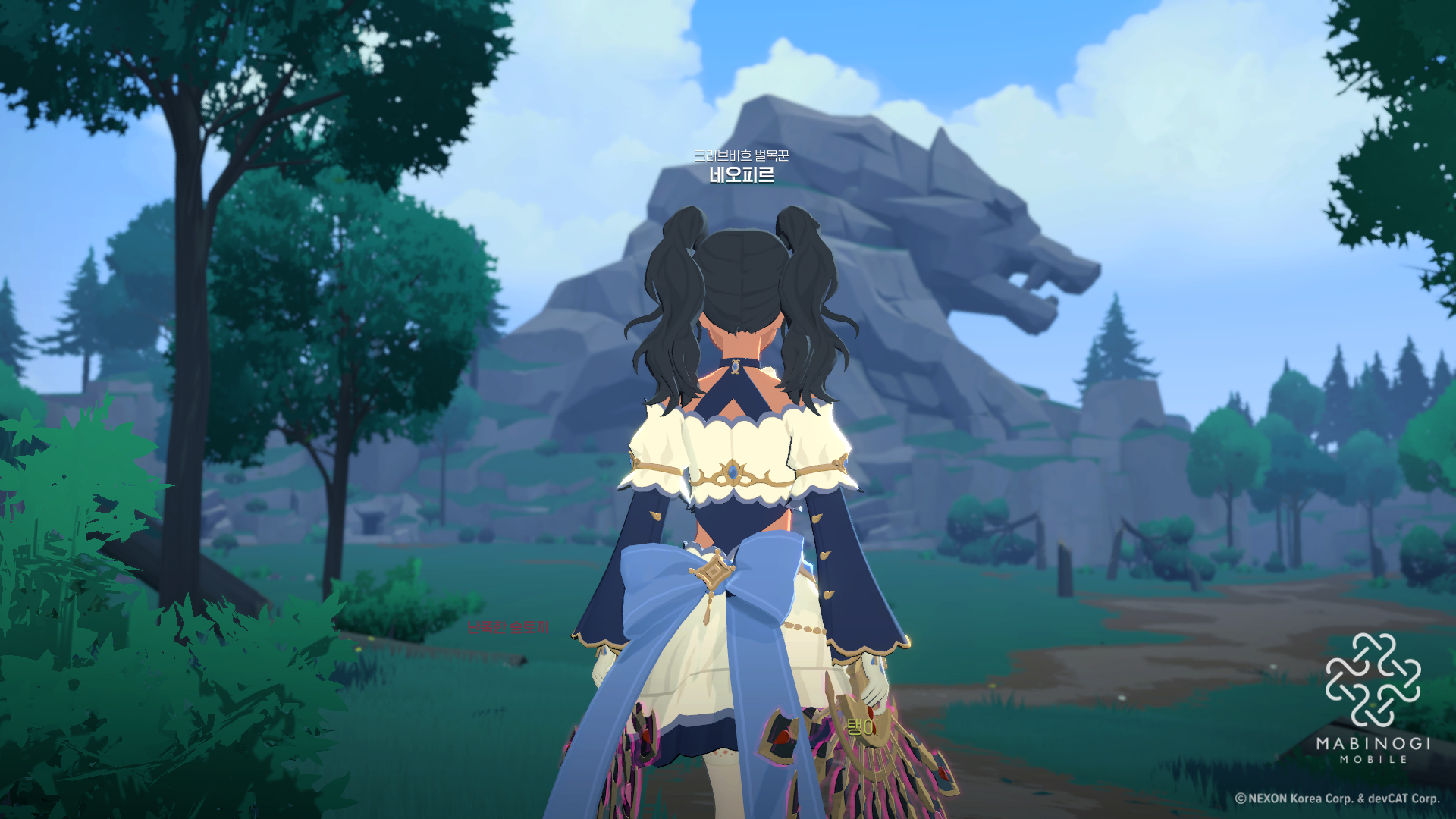
After taking a photo of Wolf Rock,

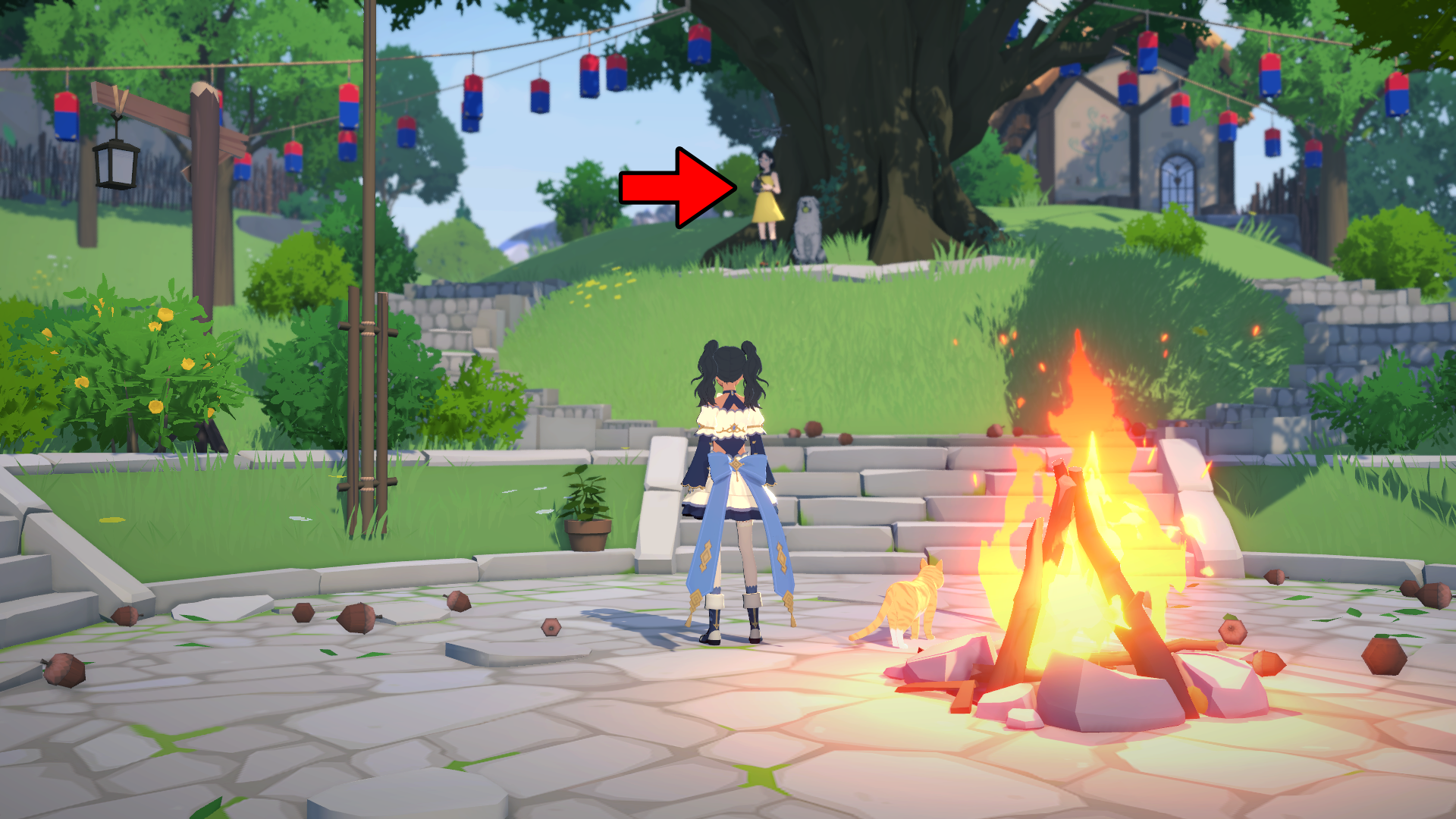
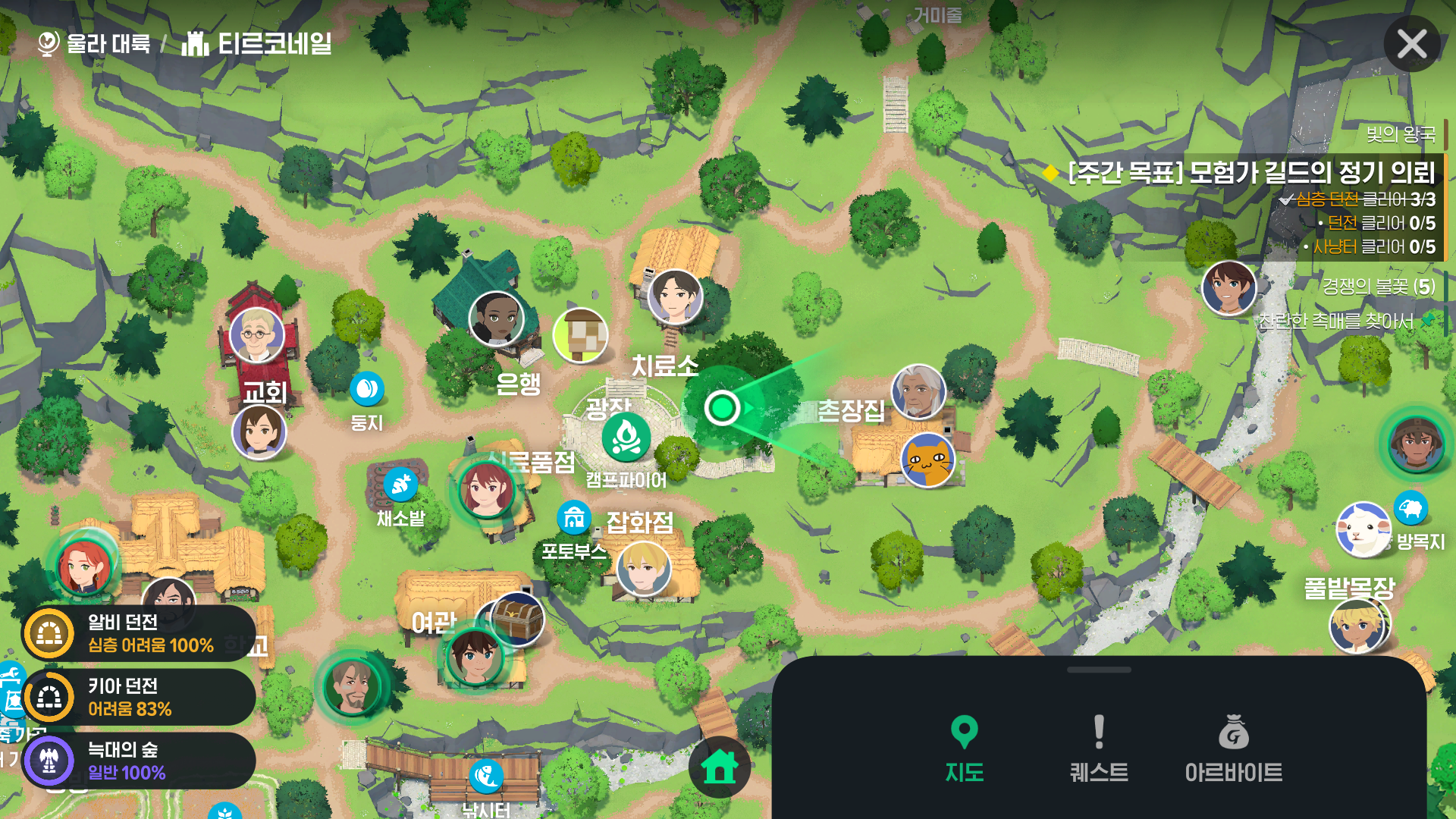

head to the campfire in Tir Chonaill.
You can find 메라 under the large tree on the uphill path from the campfire to the chief’s house.
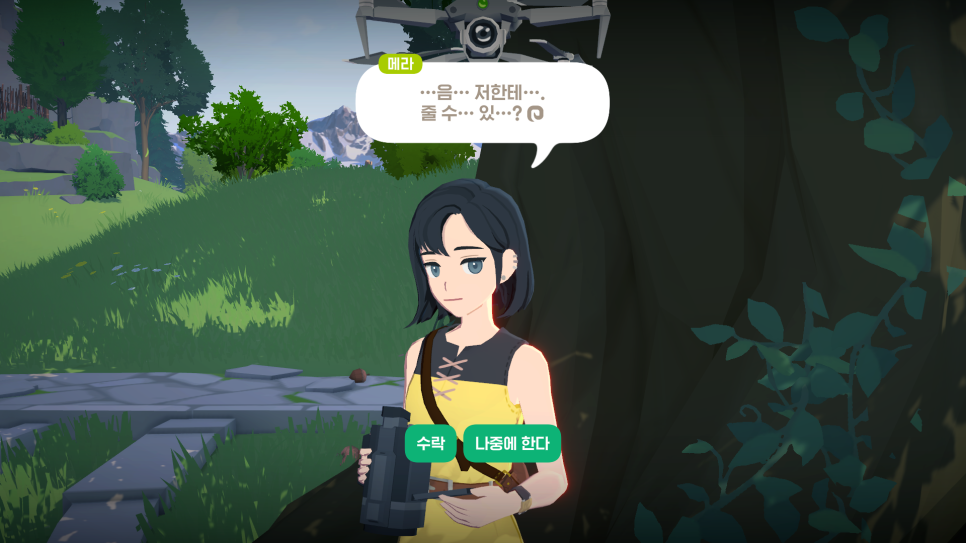
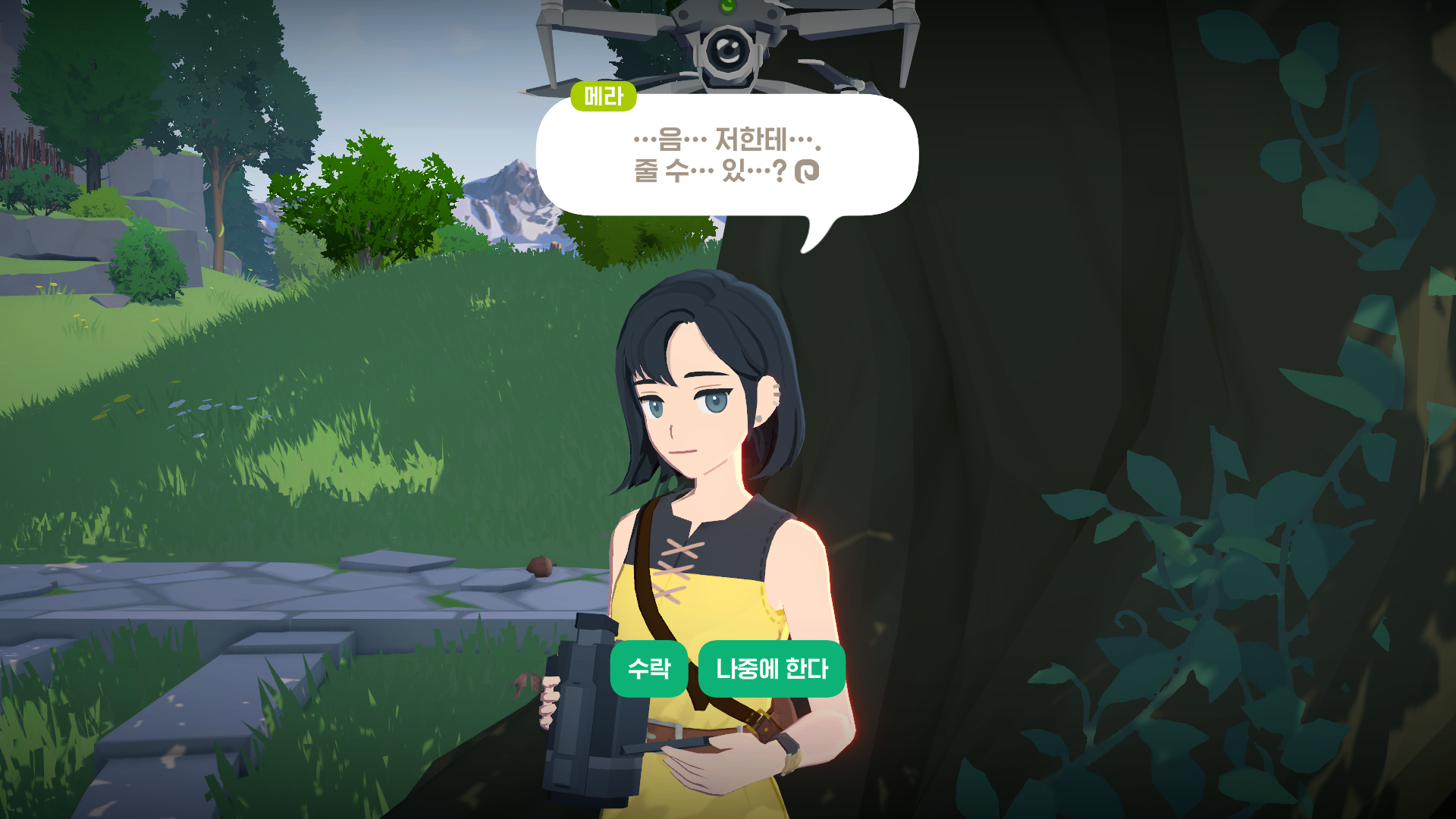
When you speak to 메라, she shyly asks if you could give her the Wolf Rock photo. Her delighted reaction when you hand it over is cute.
Entering the Private Cinema!
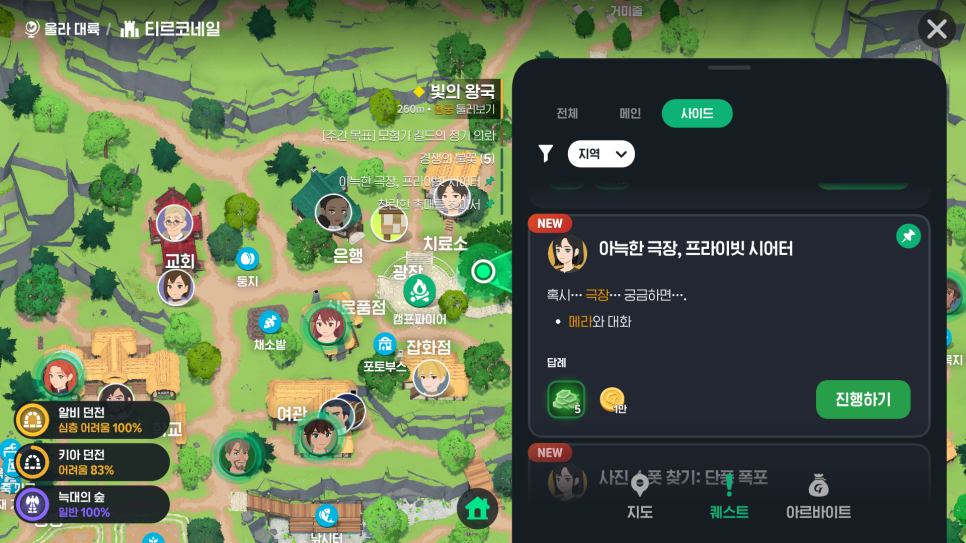
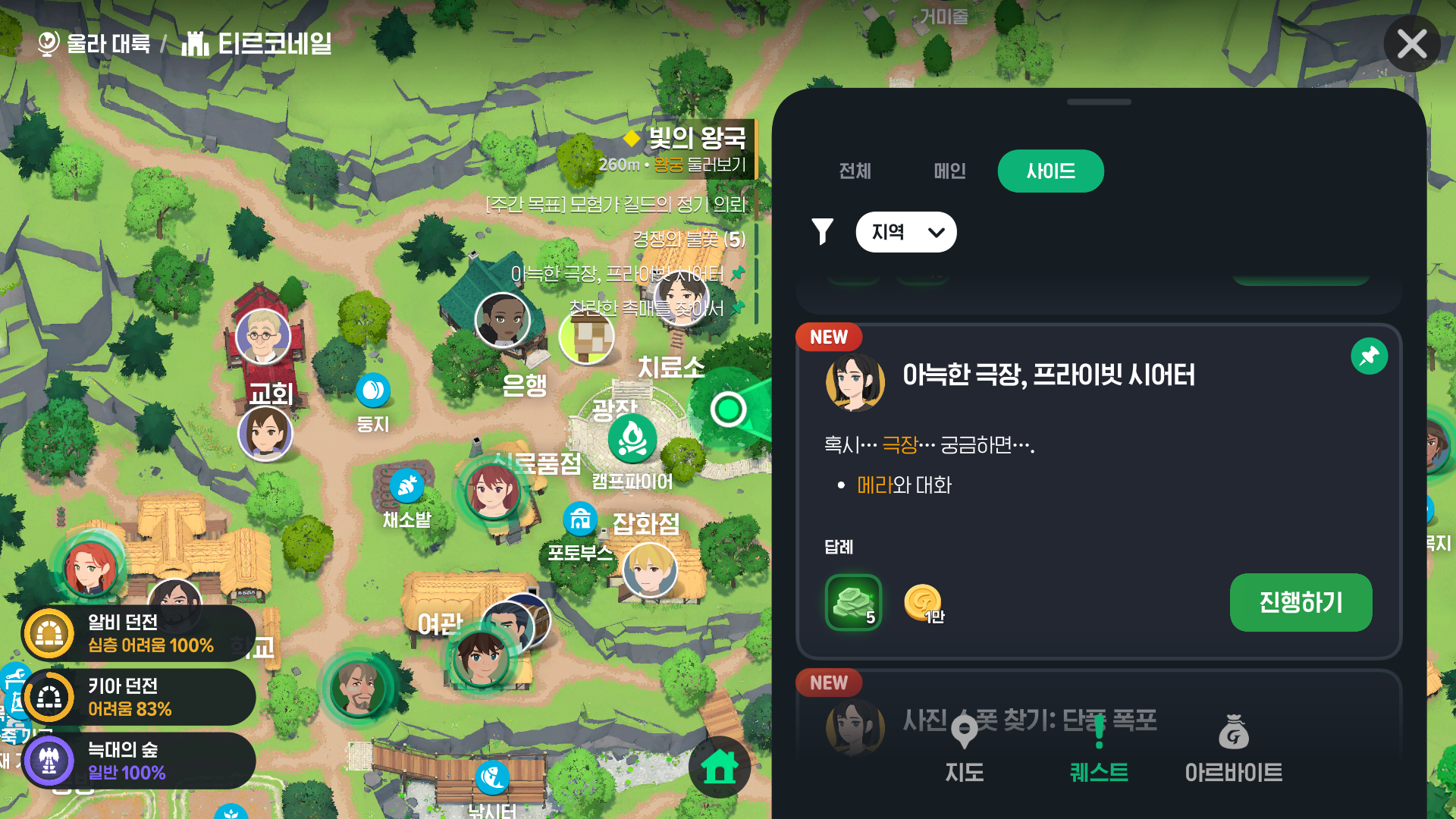
Completing the Wolf Rock Photo quest unlocks a side quest called “A Cozy Cinema, Private Theater.”
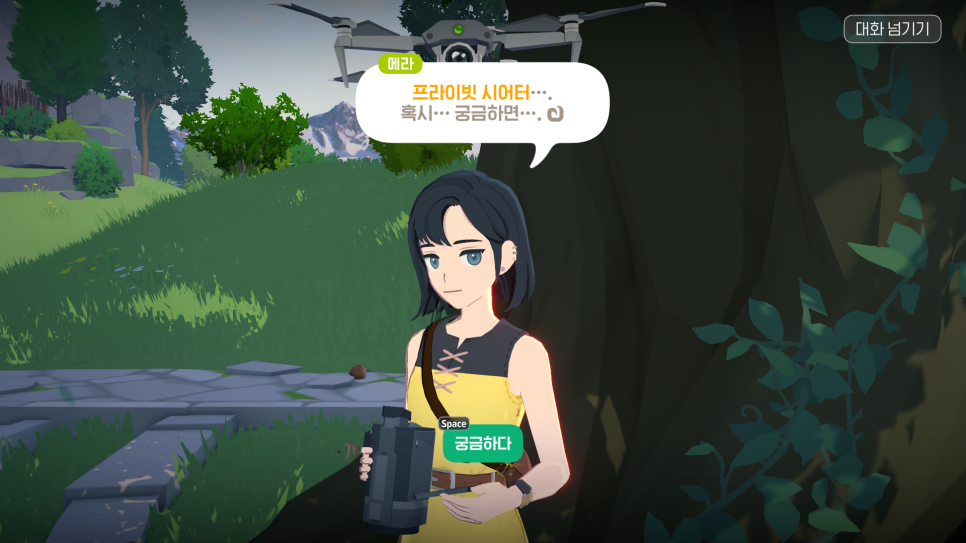
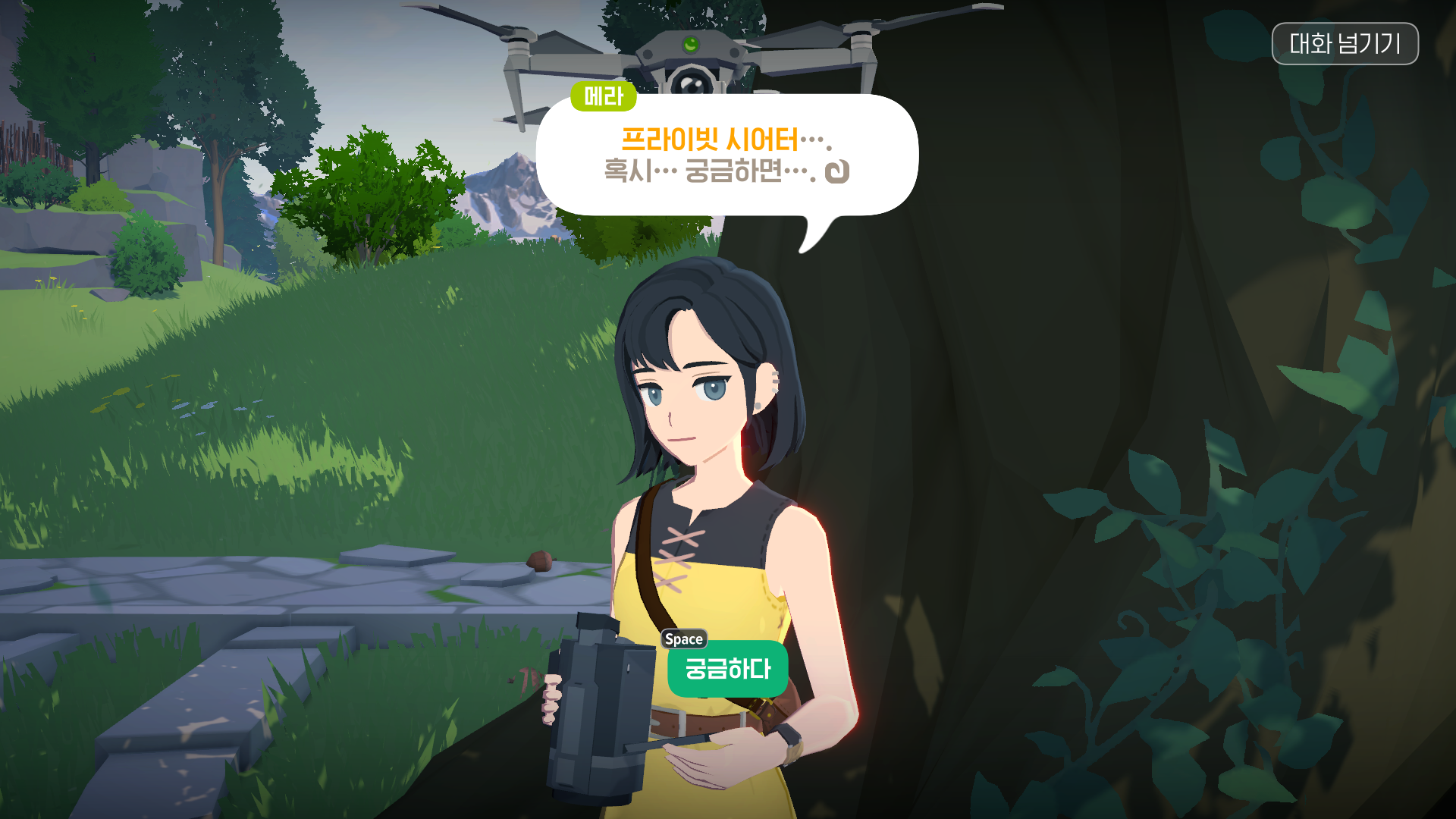
Press Proceed, and 메라 will give you a Private Theater as a gift—apparently as thanks for the photo you gave her earlier.
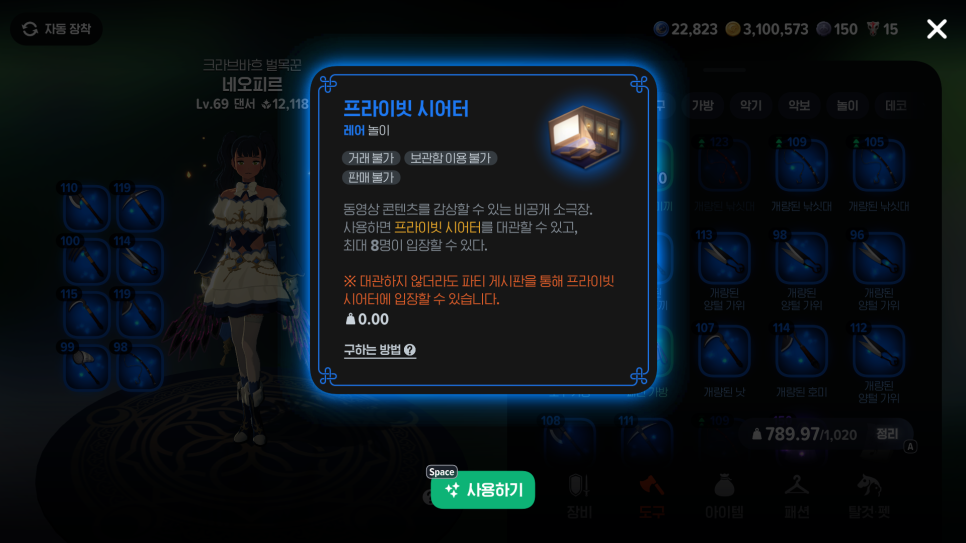
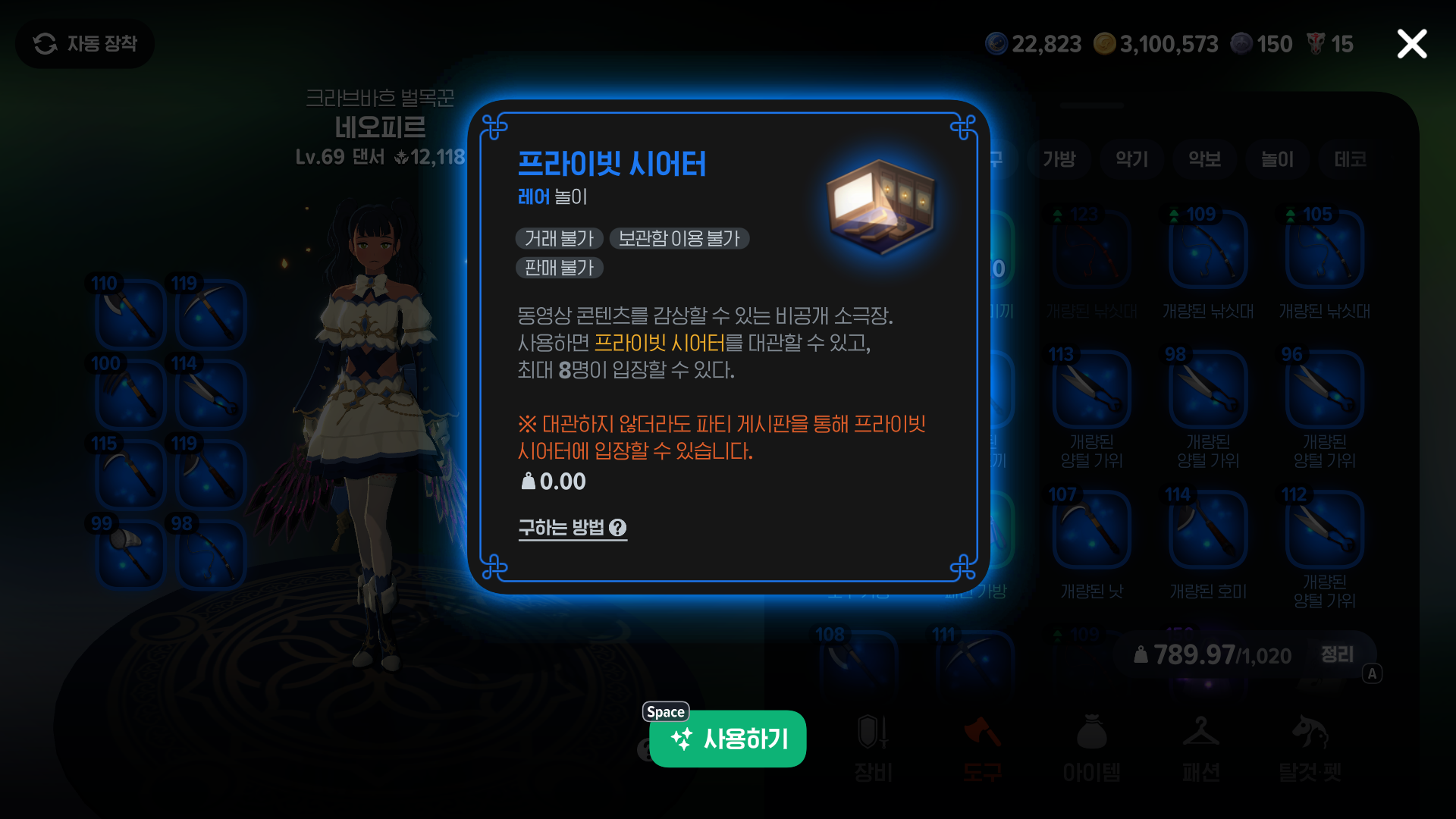
Open your tool bag to use the Private Theater.
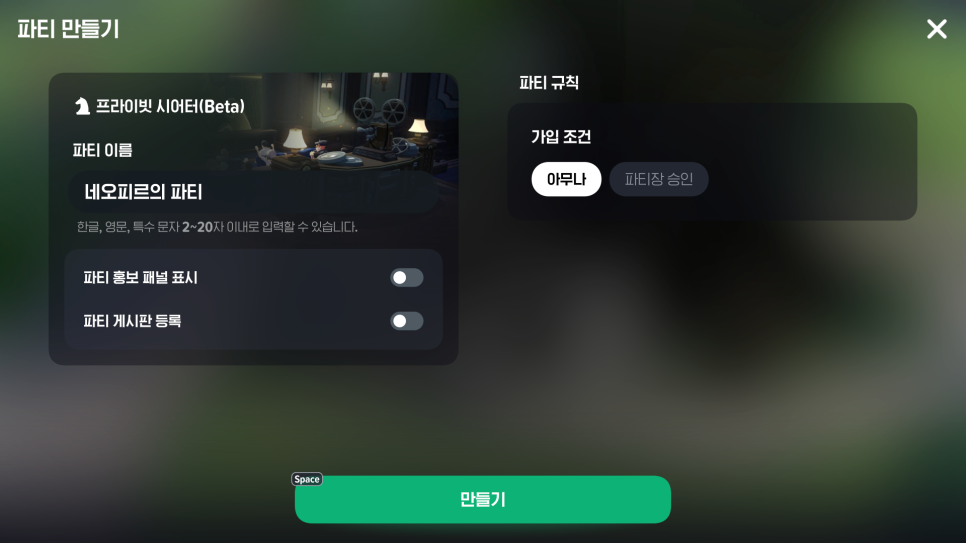
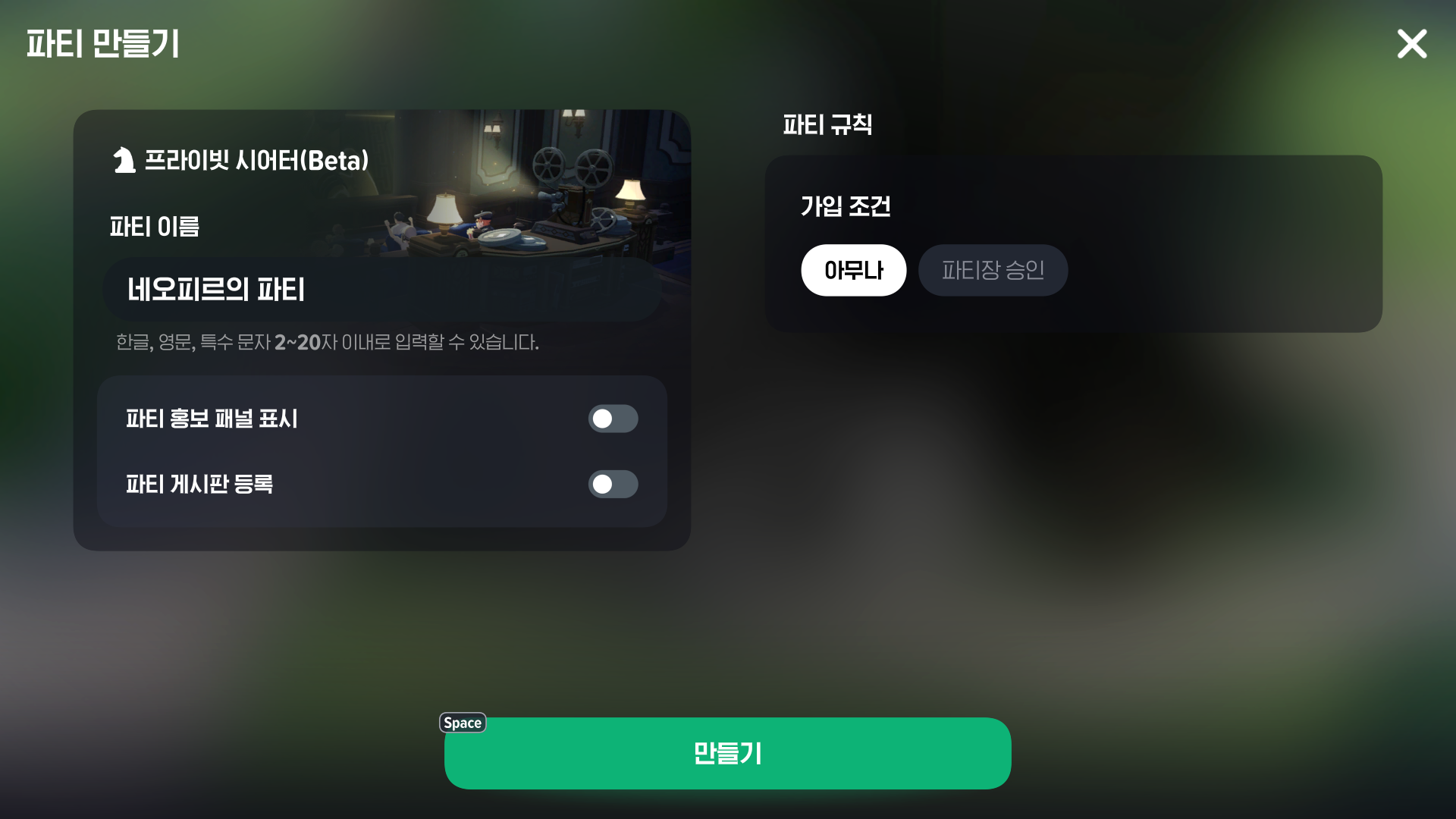
To watch on your own, leave the default settings unchanged and press Create. To watch with other players, check the options to display the party recruitment panel and list your party on the party board.
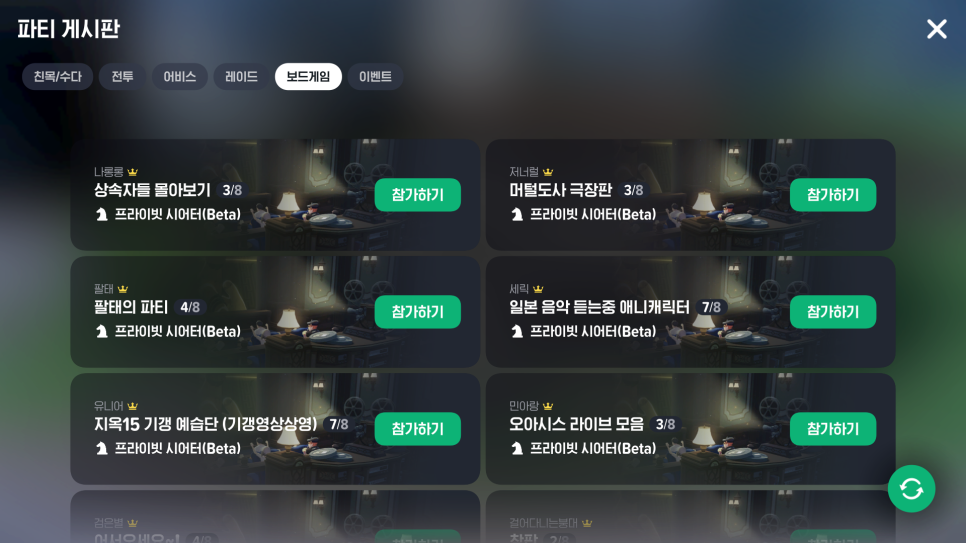
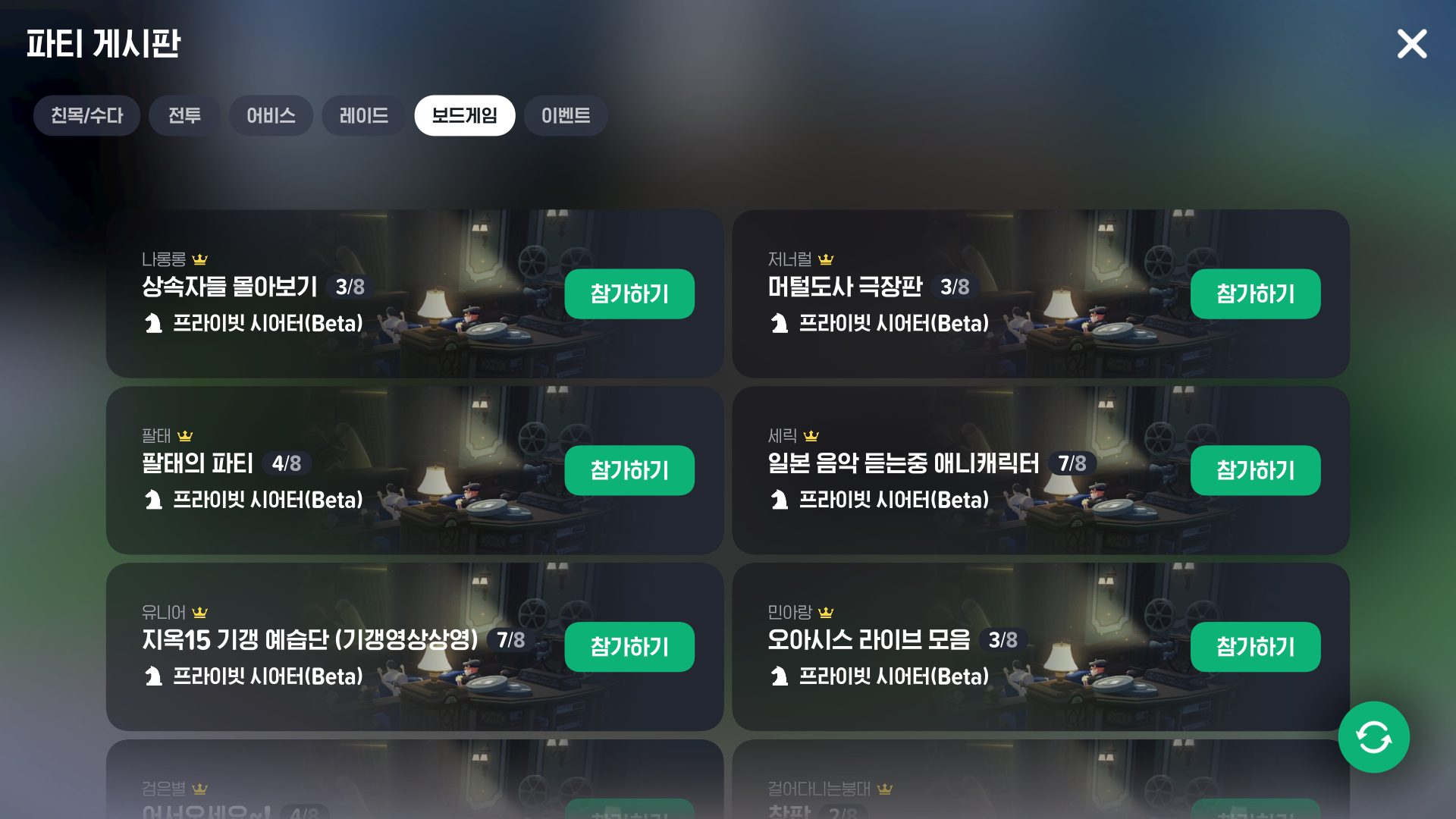
Your room will then appear in the Board Games tab on the party board.
Each room holds up to 8 players. You can find public rooms for a range of activities, from binge-watching The Heirs to listening to music.

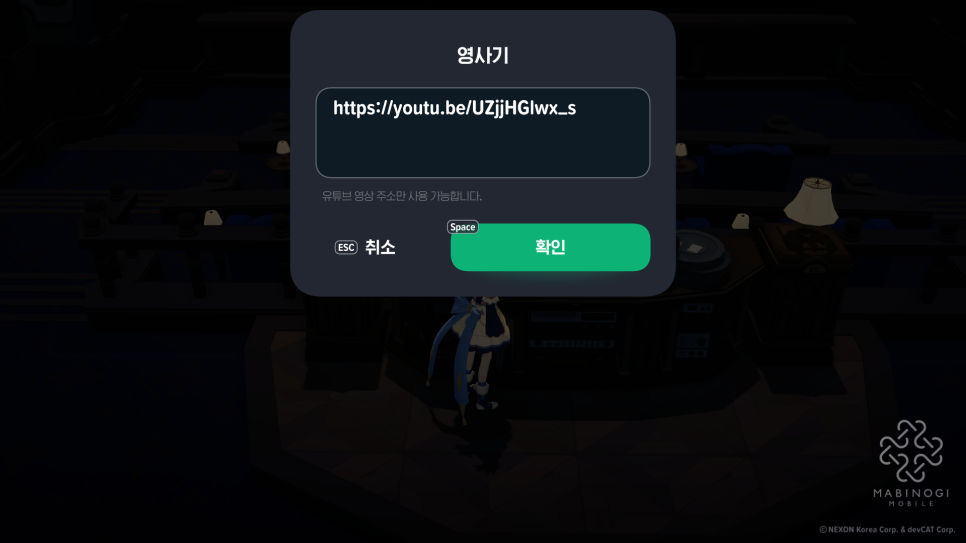
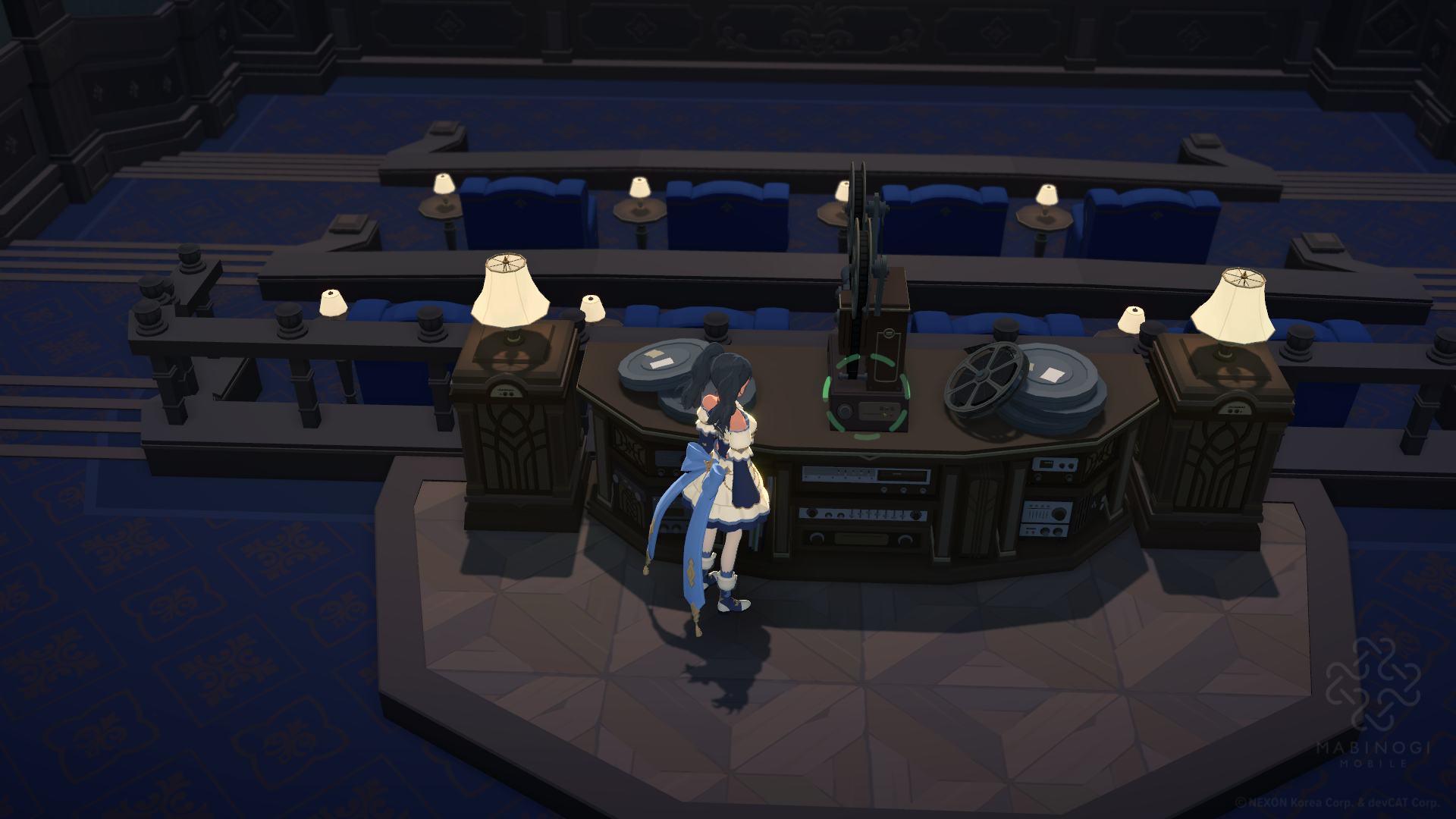
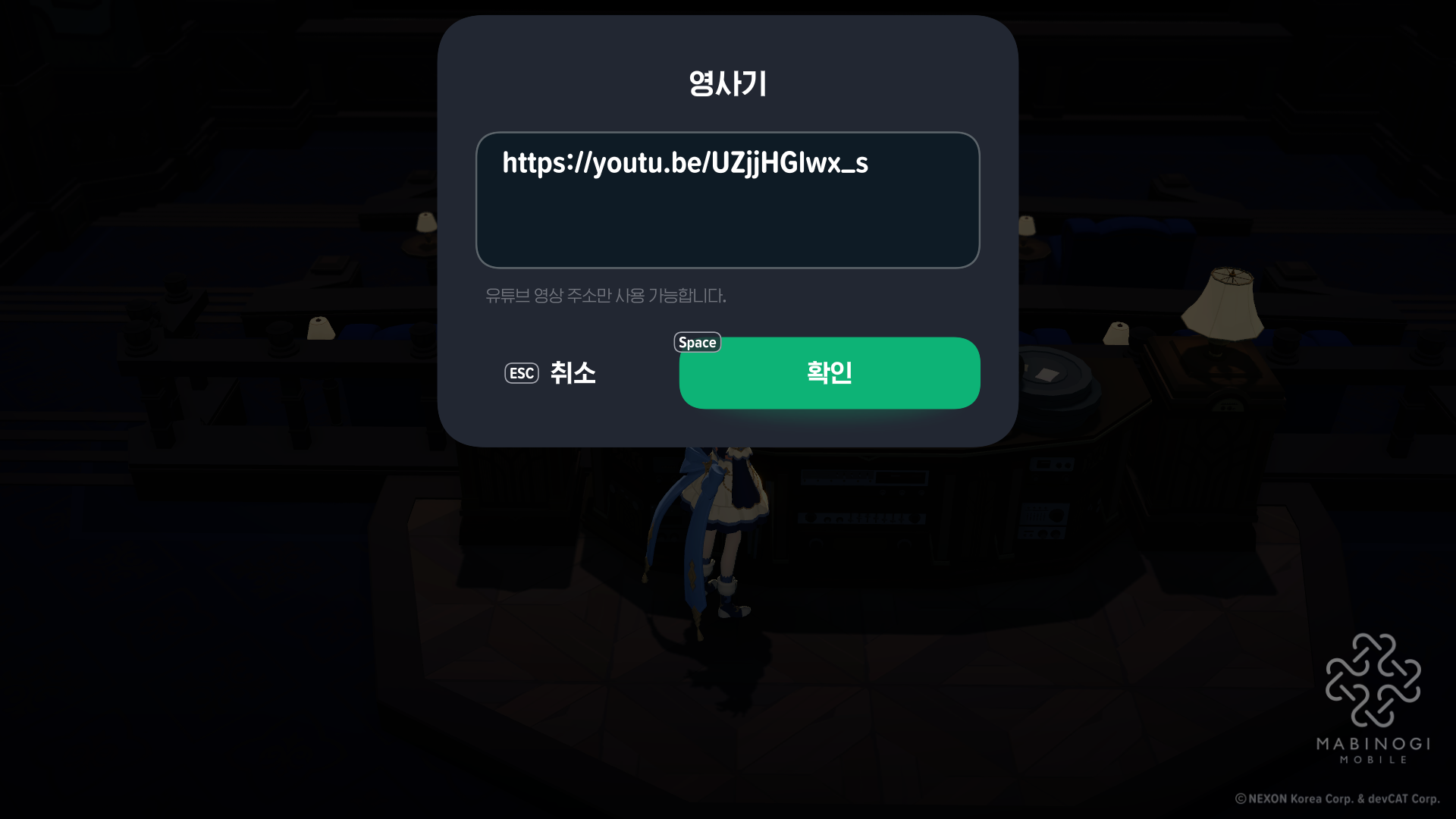
When you enter the Private Theater, you will see a projector directly ahead. Interact with it to enter a YouTube video URL.
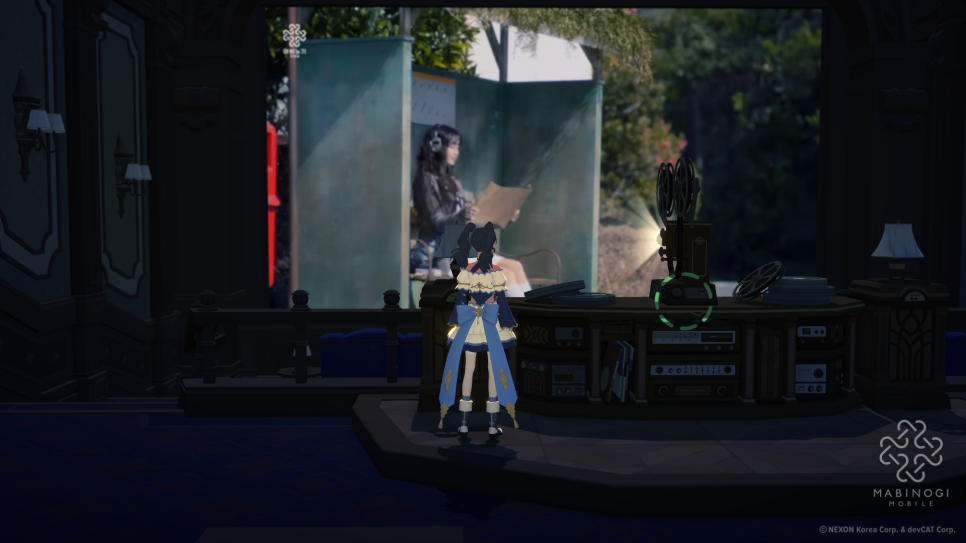
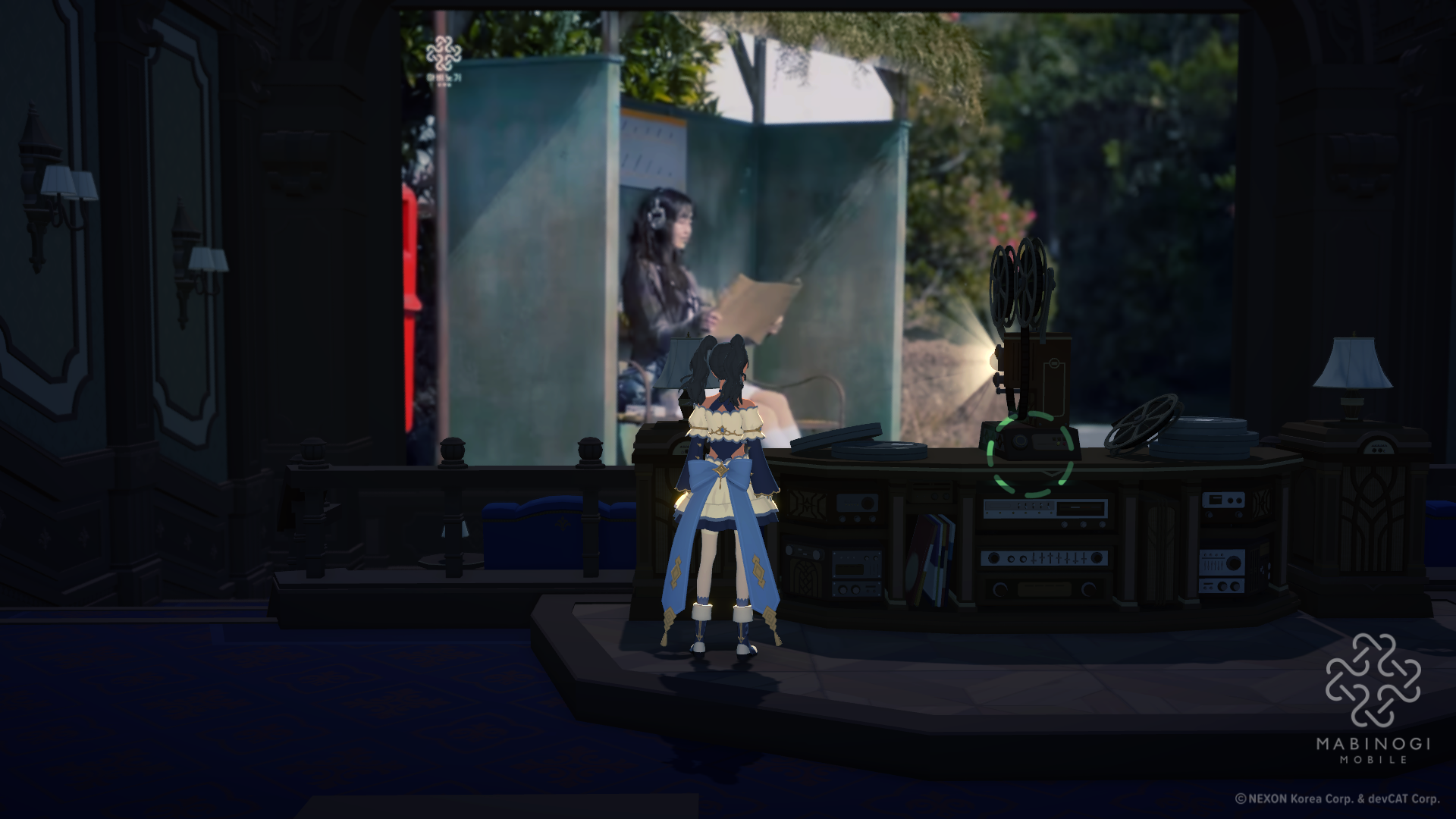
A video selected by Mabinogi Mobile is set as the default, so you can press Confirm without entering anything and start watching right away.
Currently, the default is the video for “An Old Story from Grandma,” performed by Kim Chang-wan & CHUU.

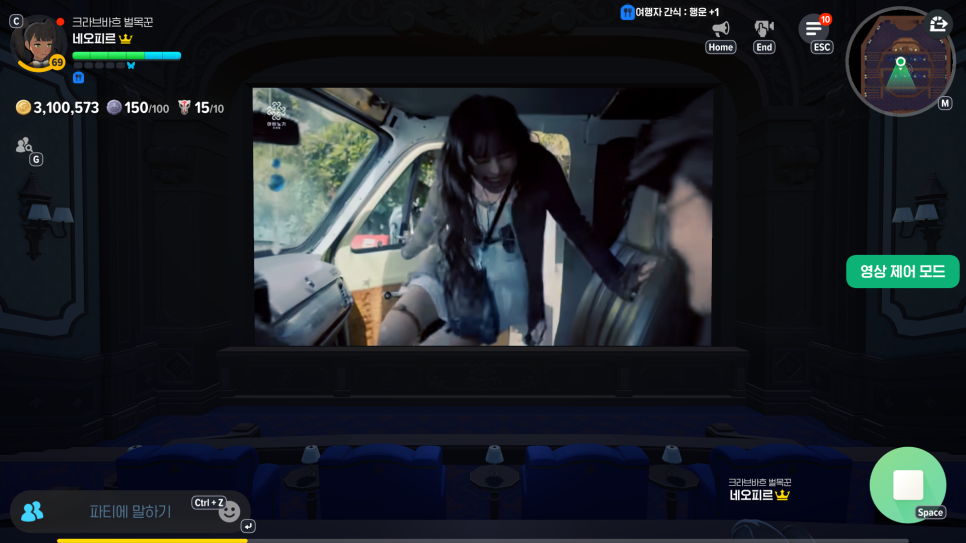
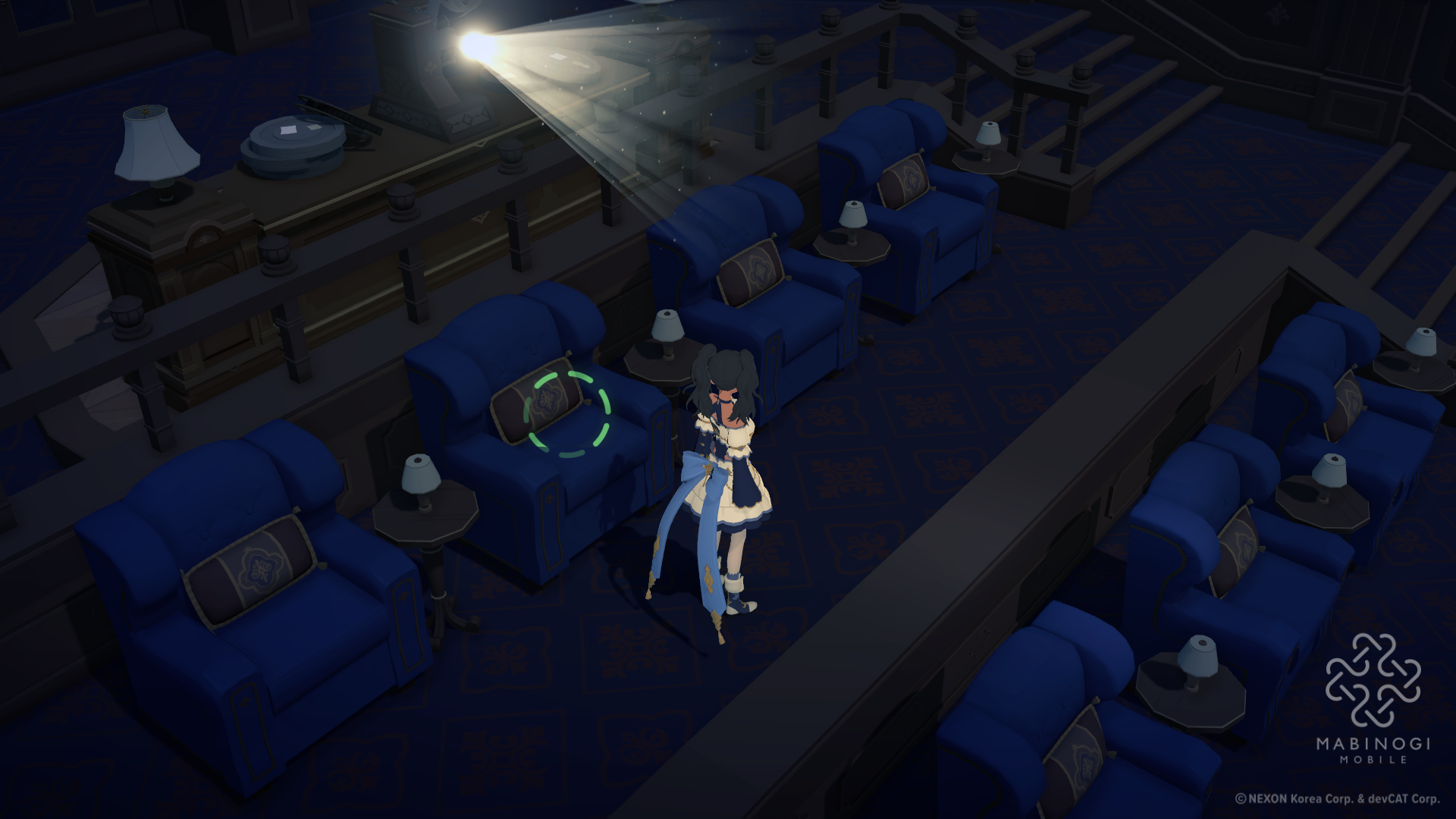
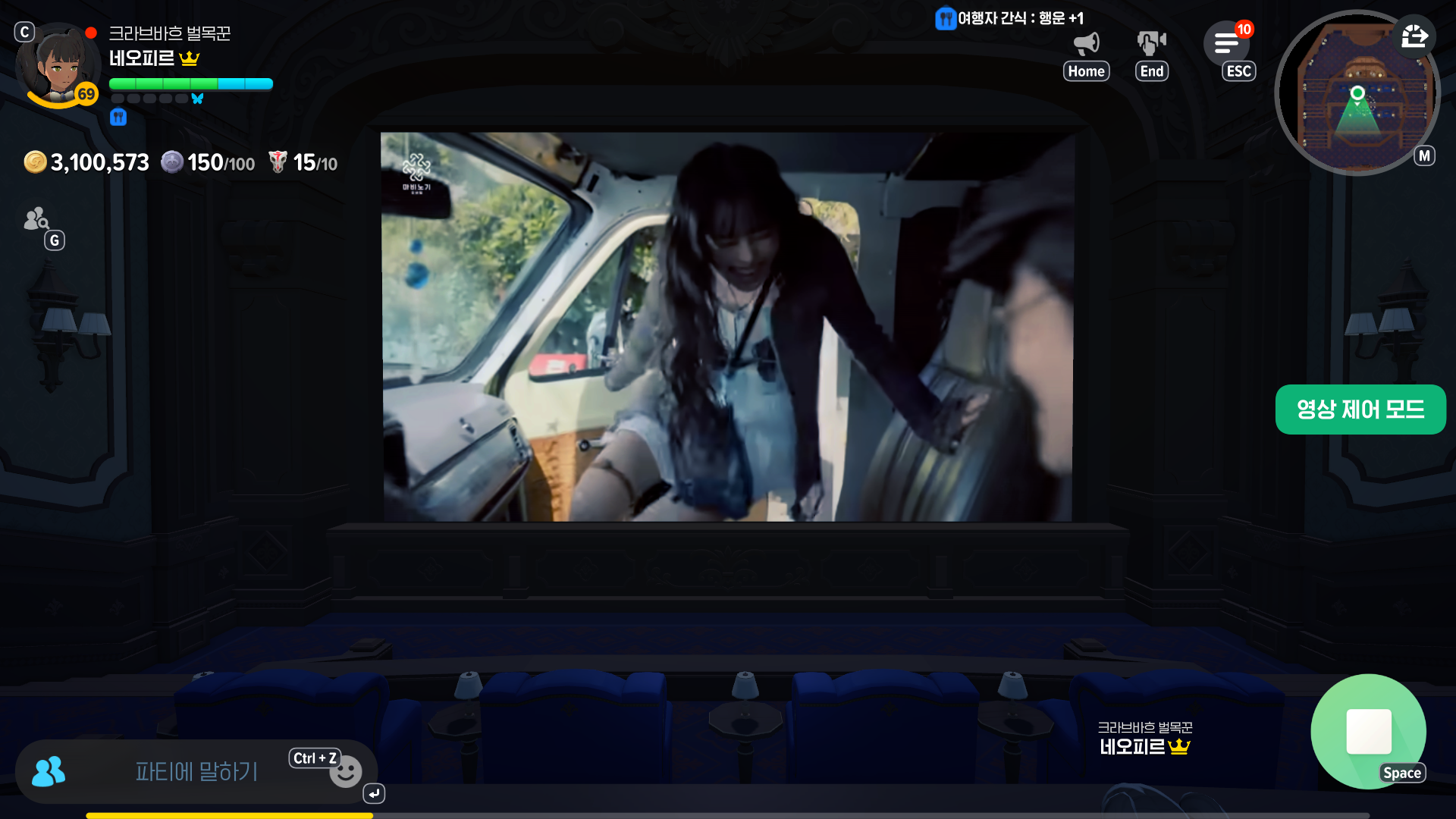
Next, sit in any seat you like. The camera will automatically switch to the best angle for watching the video.

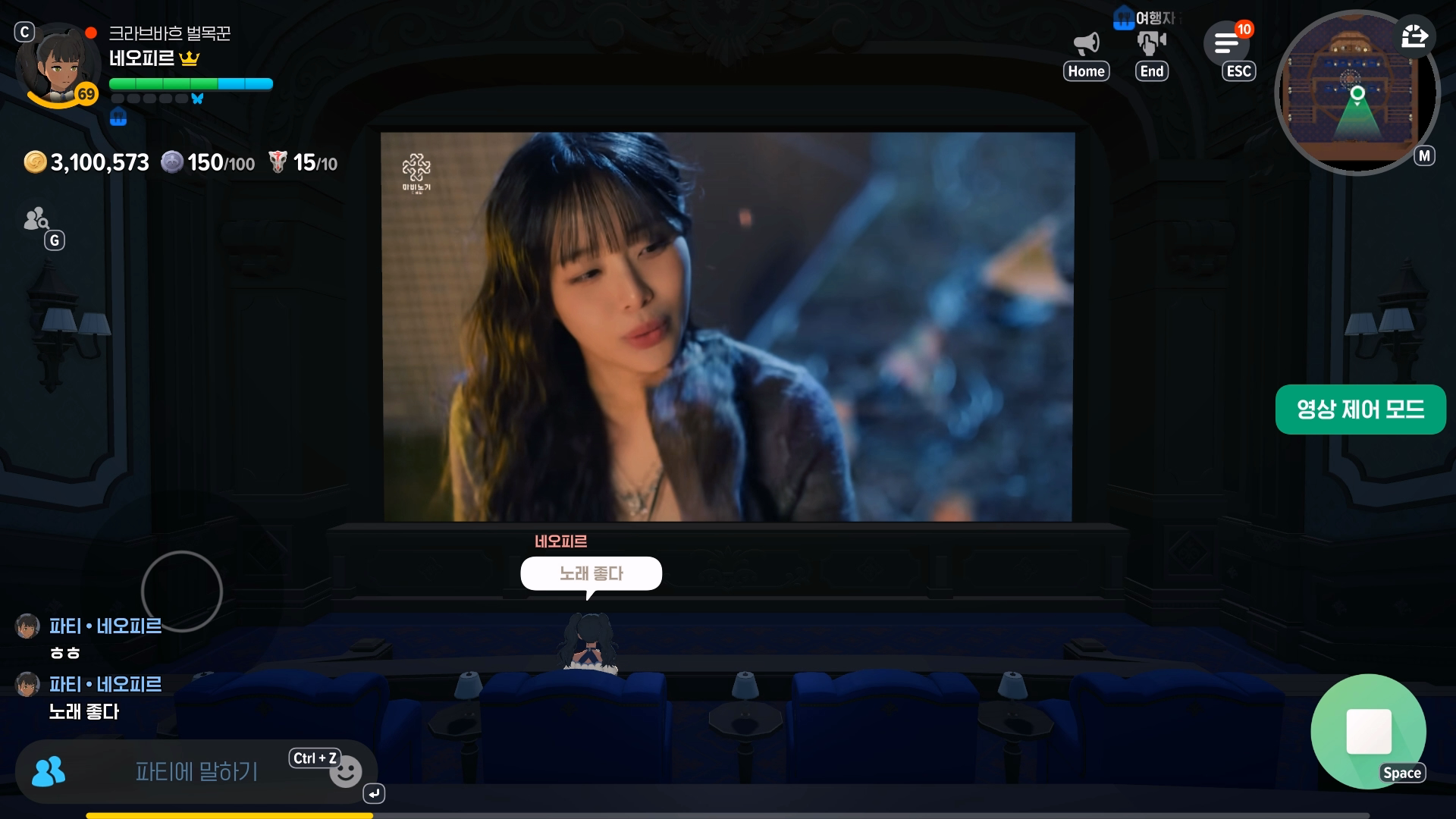
It feels a bit like a CHZZK watch party
Text chat is also available, so you can enjoy other players’ reactions and conversations while watching.
Unlike voice chat, text chat lets you stay focused on the video without much distraction, making YouTube videos more enjoyable to watch together.
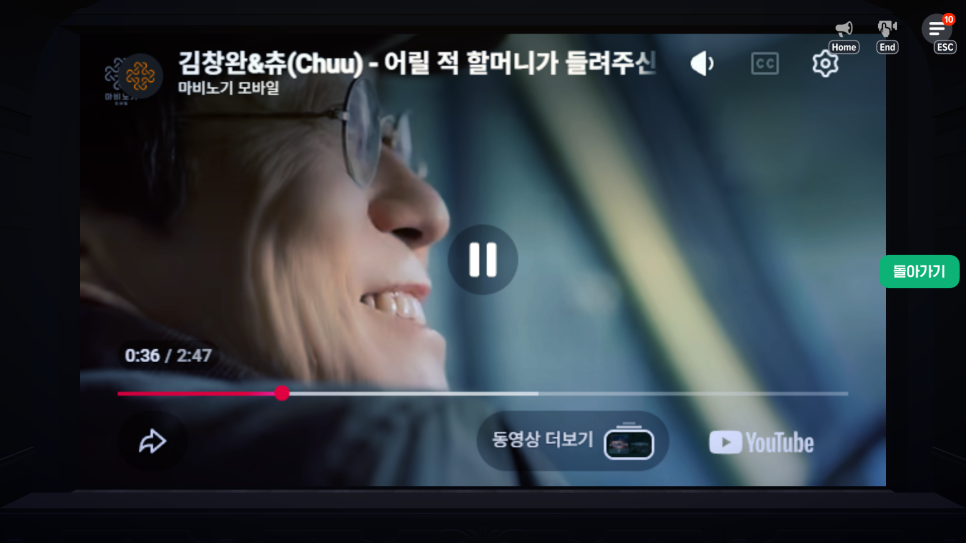
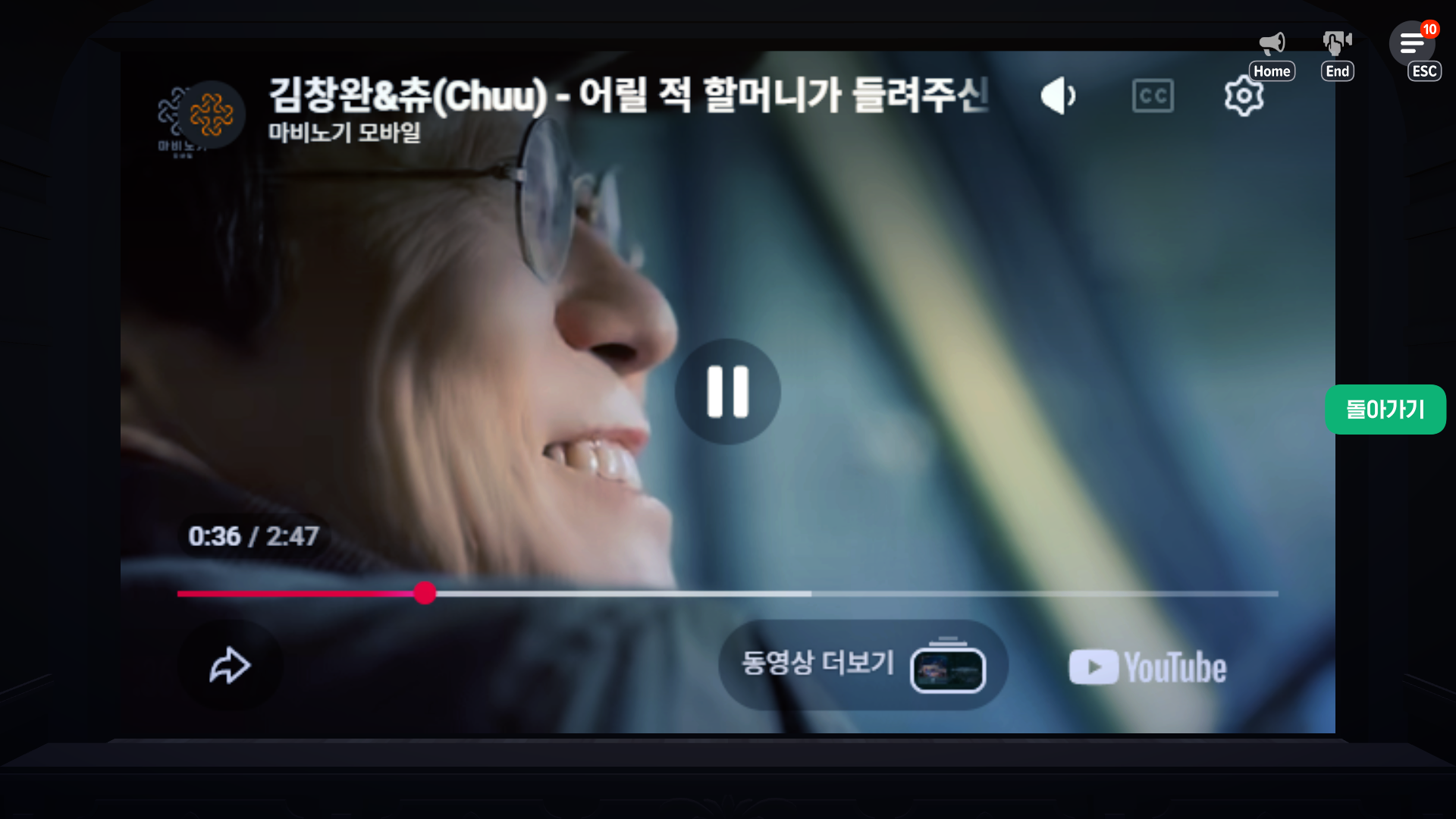
Press Video Control Mode on the right to watch in full screen if you prefer.
In this mode, you can use basic controls to pause the video or jump to a specific point.
However, you cannot play related videos or swipe to another video. You can only watch the video whose URL you entered, so the theater is better suited to long-form videos than Shorts.

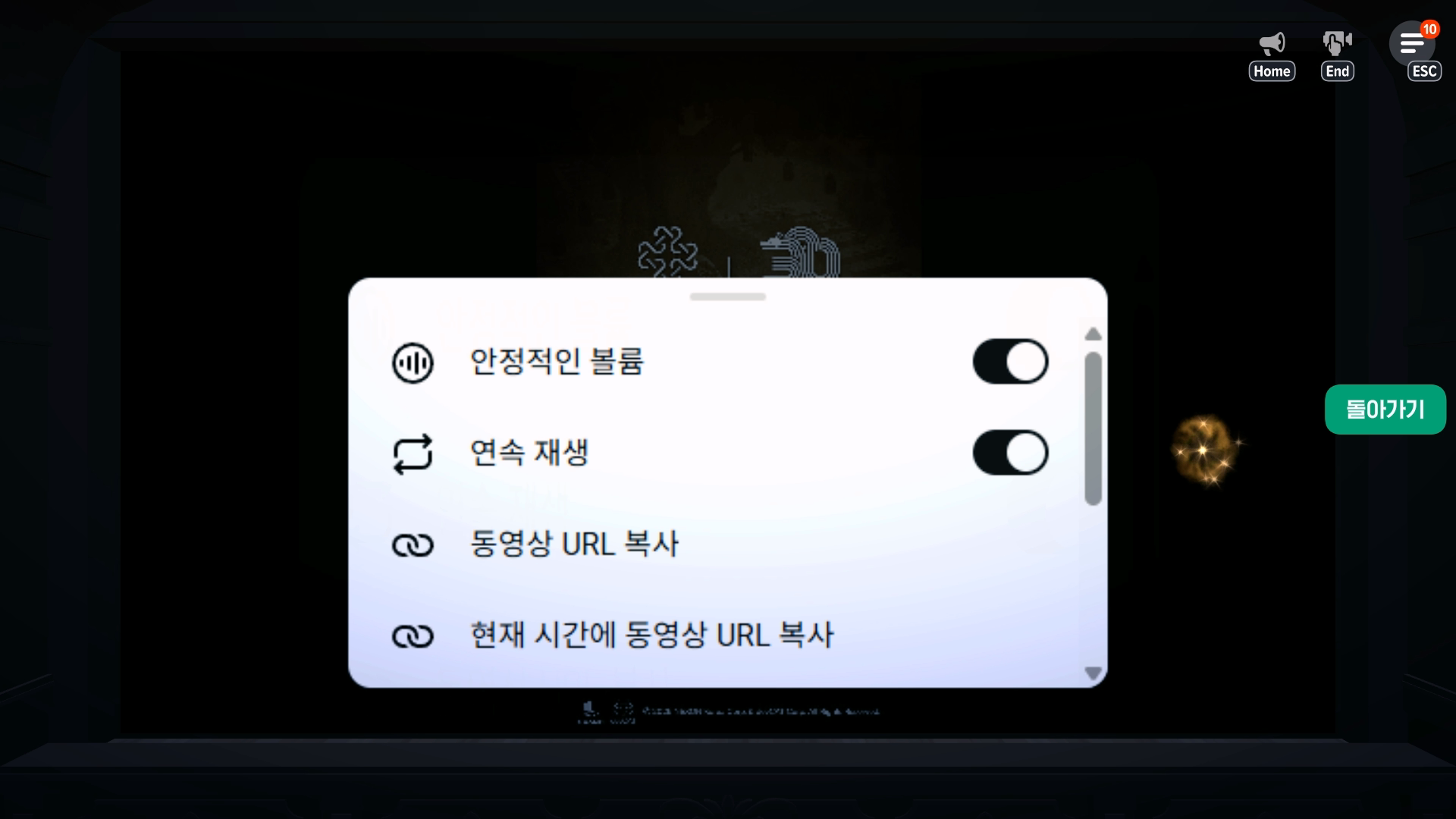
A useful tip: you can adjust the playback speed by pressing the gear icon in the upper-right corner of the video.
You can also open More Options and check Loop to repeat the video indefinitely.

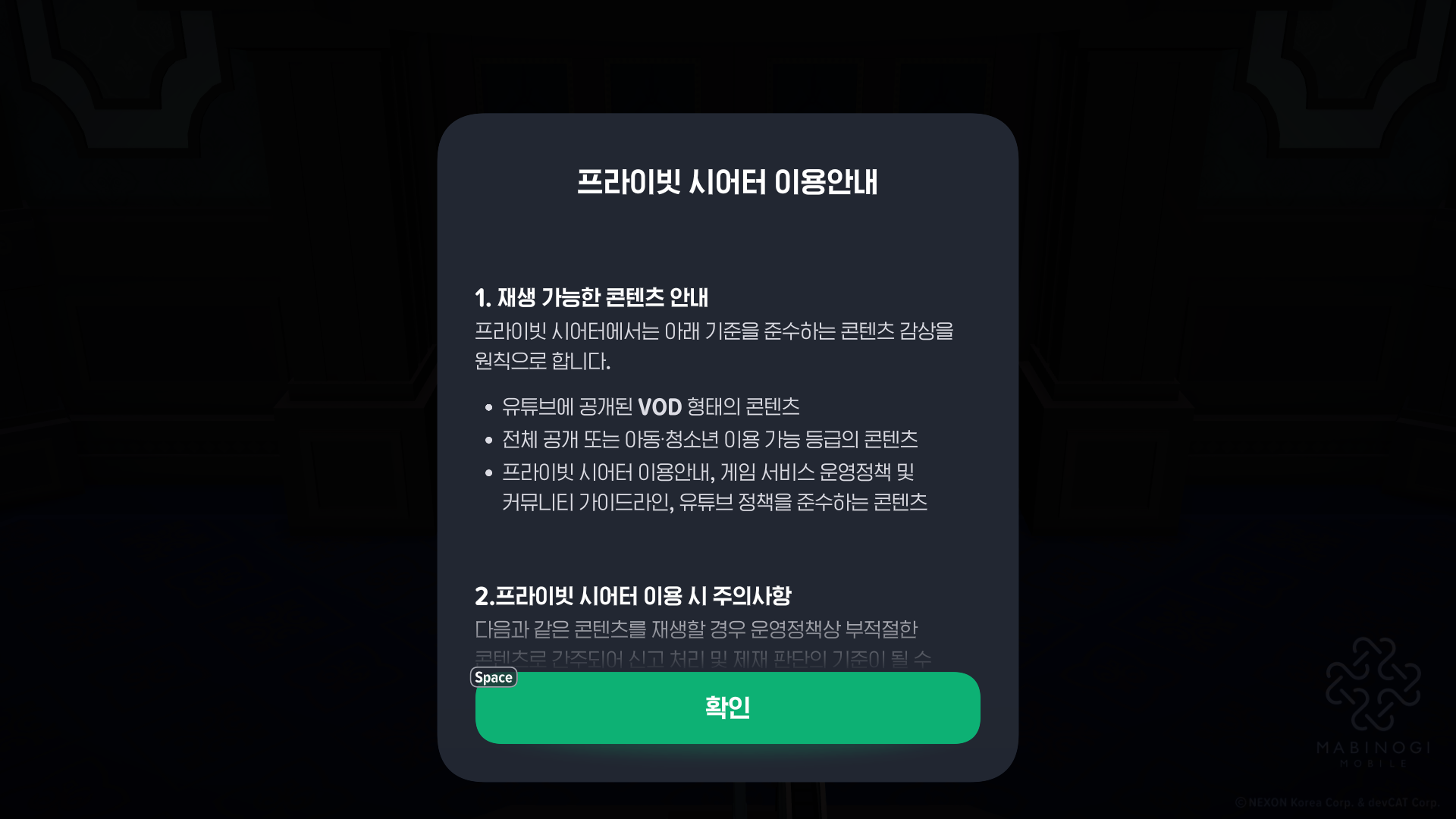
Keep in mind that videos must be public or rated as suitable for children and teenagers, and their visibility must be set to public for playback to work.
Wrapping Up
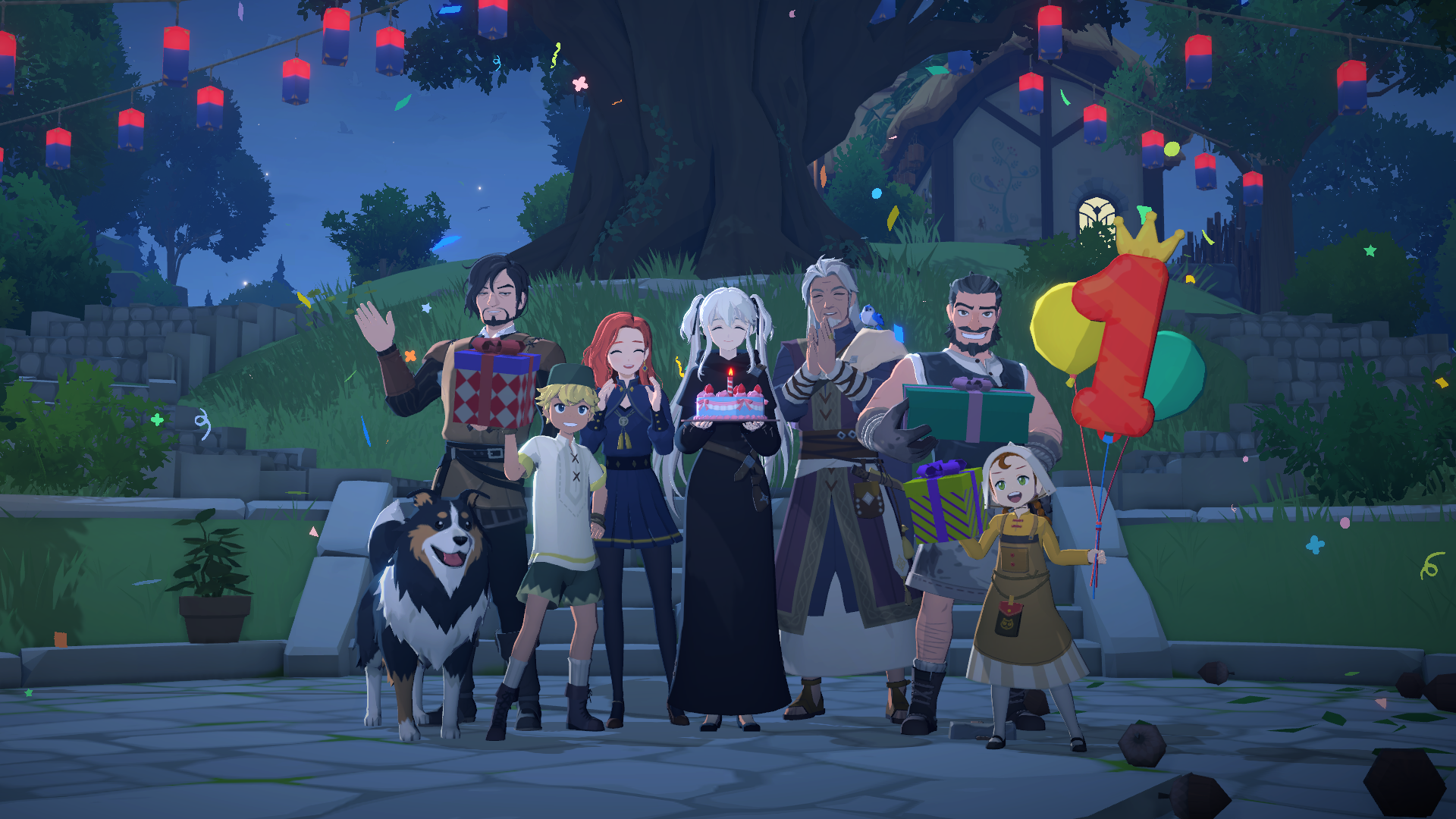
That covers my experience with Mabinogi Mobile’s Private Theater and where to find 메라.
I think this is a great way for players with shared interests to come together, watch their favorite videos, chat, and make like-minded friends. With Mabinogi’s 1st anniversary celebrations underway, it is a good time to log in, try the theater, and enjoy the celebrations as well.
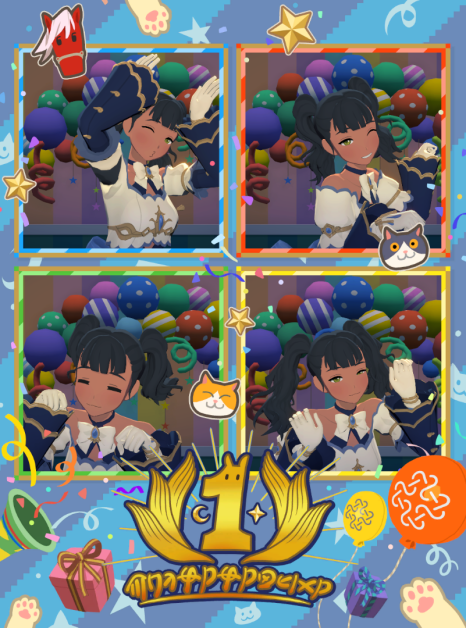
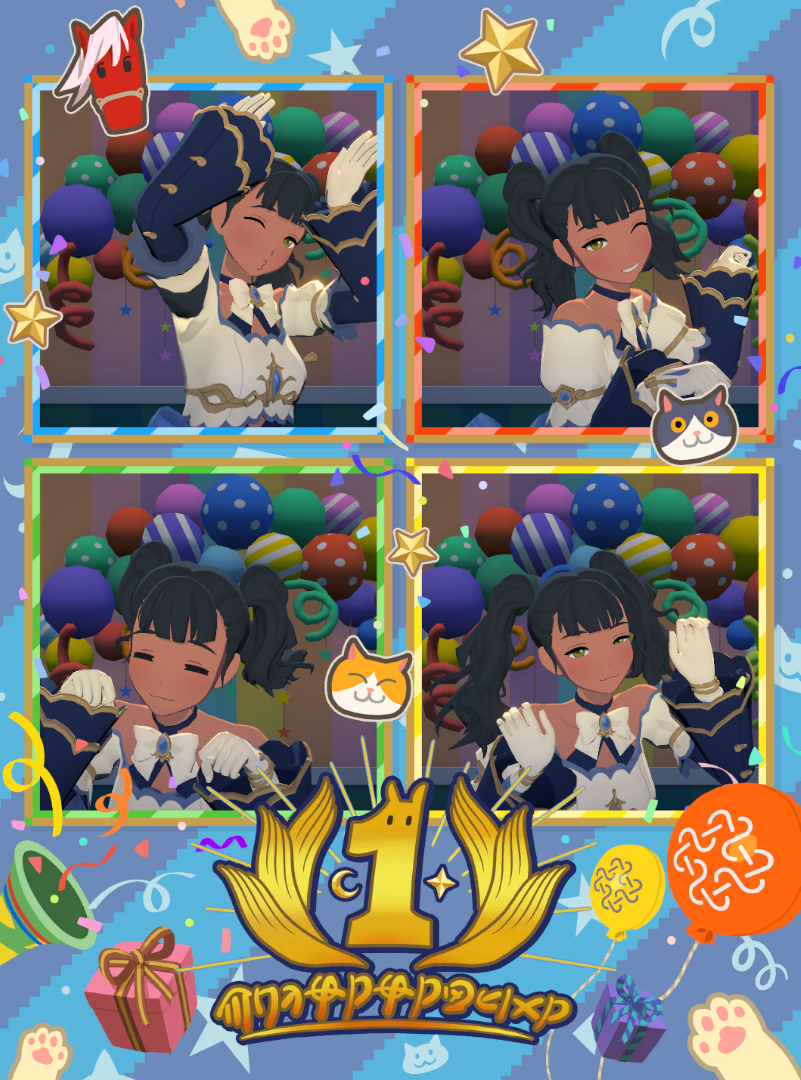
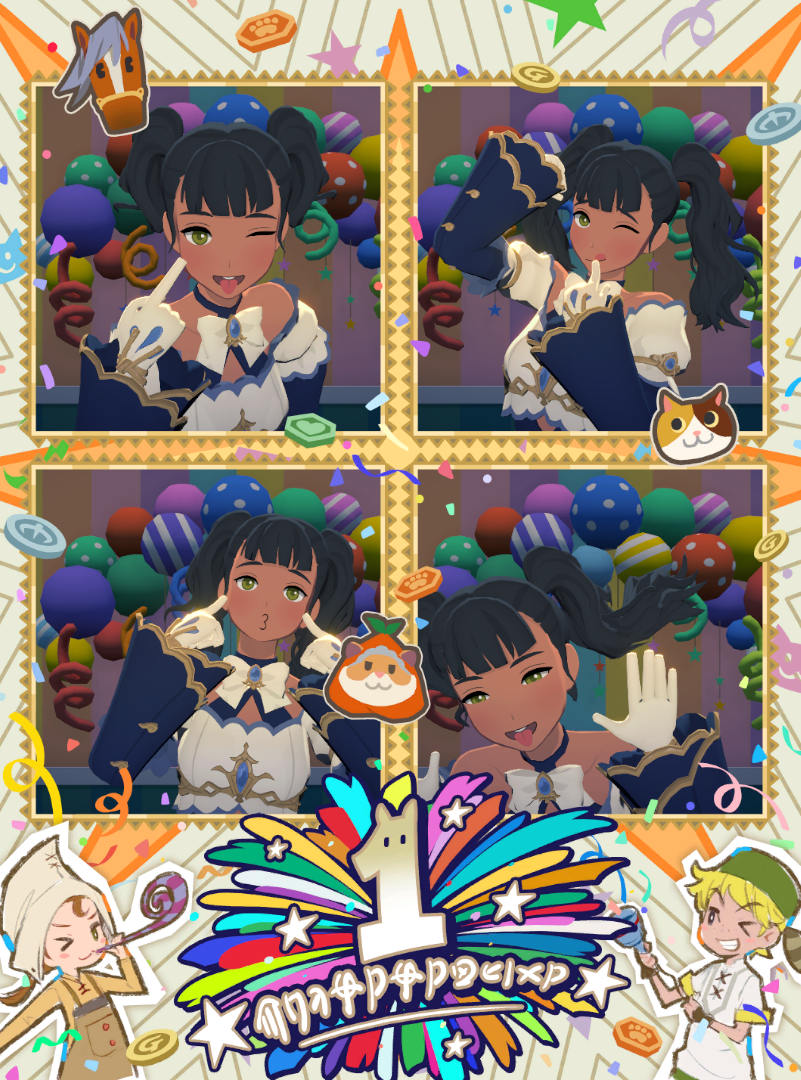
 I also took a commemorative photo at the 1st anniversary photo booth
![[마비노기 모바일] 두쫀쿠 같은 매력의 직업, 대검전사를 소개합니다!](https://peak-file.nexon.com/uploads/20260124_0356_3d6-b4fb-4a05-9236-17f7119423b7)