Essential wrist stretches for gamers! #손목
제이메르
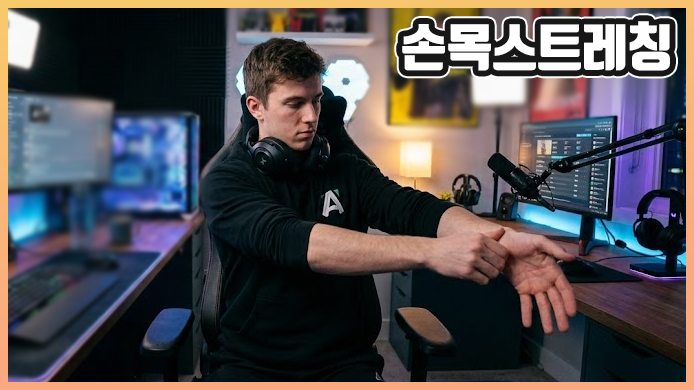
Hello,
I'm 제이메르, a Nexon Picker.
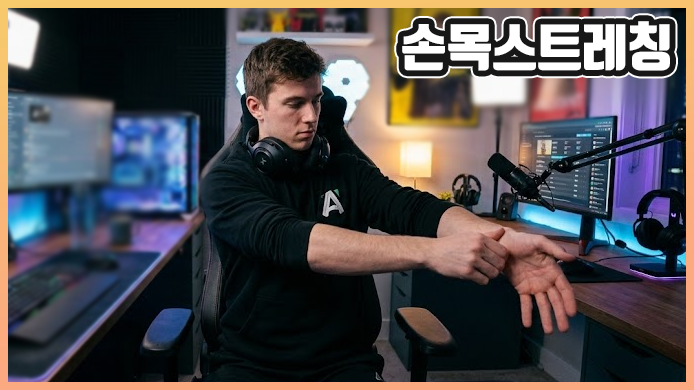
Long sessions of mobile or PC gaming can put strain on your wrists.
Repeatedly using touch controls, a mouse, or a keyboard
can leave your wrists tense and held in the same position.
Today, we'll cover an essential part of caring for your wrists during long gaming sessions:
wrist stretches and care tips.
*The images in this post were created using AI.
Warm-Up Wrist Stretches
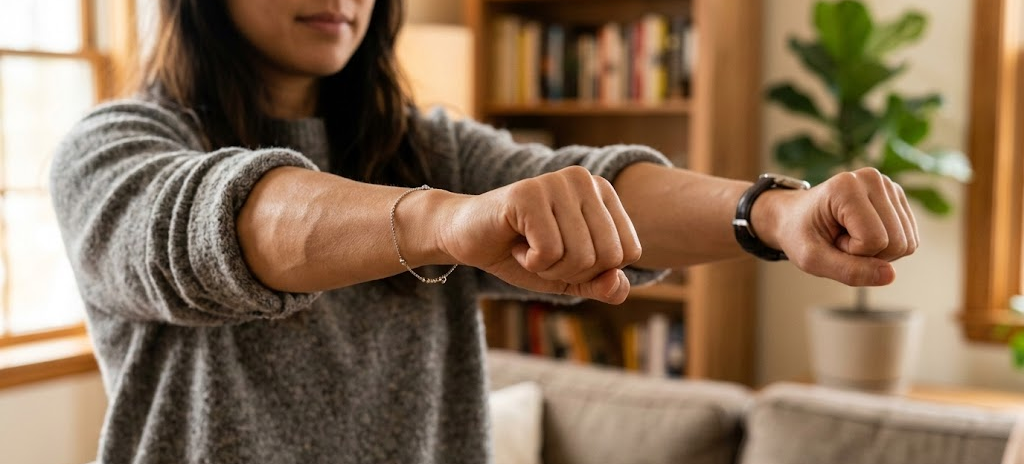
Before you start playing, try some gentle movements to warm up your muscles.
First, extend both hands in front of you and make loose fists,
then slowly rotate your wrists in large circles.
Repeat about 10 times clockwise and 10 times counterclockwise.
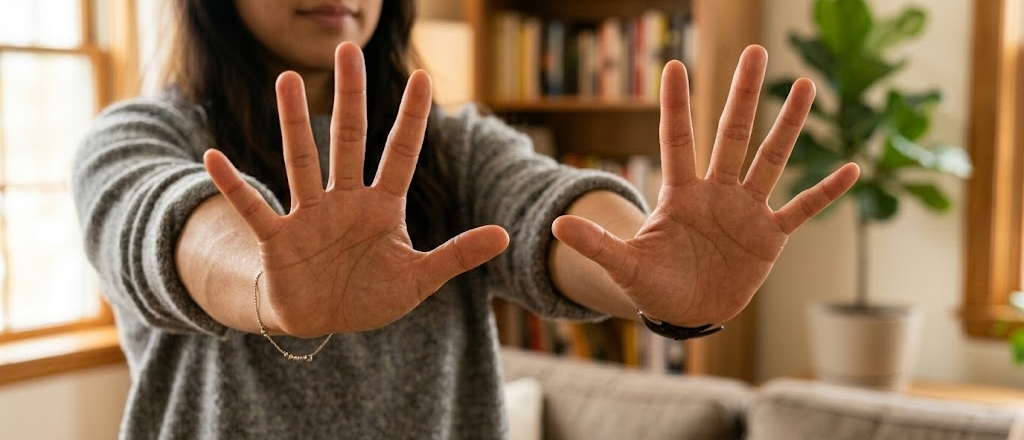
Next, spread your fingers wide, then clench your fists firmly, repeating about 10 times.
This helps improve circulation and ease tension in your fingers.
Rather than forcing your wrists into a deep bend right away,
move gently to loosen up your joints gradually.
Wrist Stretches to Relax After Playing
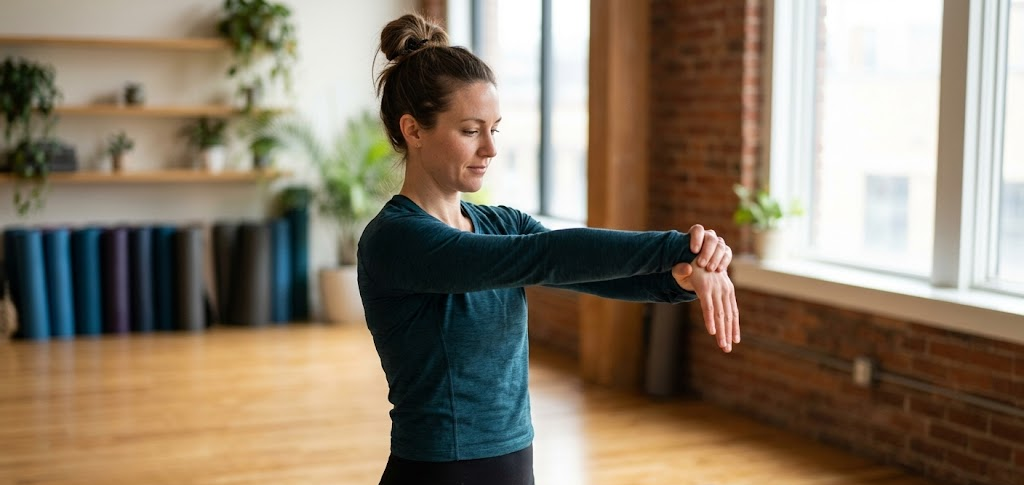
After a long gaming session, take time to relax tense muscles with a few stretches.
Extend one hand in front of you with your palm facing down,
then place your other hand over the back of that hand and slowly pull it toward your body.
Once you feel a stretch along the back of your arm and wrist, hold for about 10–15 seconds.

Next, turn your hand over so your palm faces up
and gently press your fingers downward to relax the inner side of your wrist.
Repeat 2–3 times on each side.
Be careful not to pull so hard that you feel pain.
Stretch only enough to gently ease the stiffness.
If you find the written instructions difficult to follow,
try searching for wrist stretches on YouTube and following along.
Tips for Everyday Wrist Care
-
Avoid holding your wrists in a bent position, whether upward or downward
-
Take a break for about 5 minutes for every 1 hour of play
-
Adjust your desk and chair heights so your elbows naturally rest at a 90-degree angle
-
Use a wrist brace or wrist rest on days when you spend a long time using a mouse
-
Use a warm compress to relax your wrists if they feel stiff
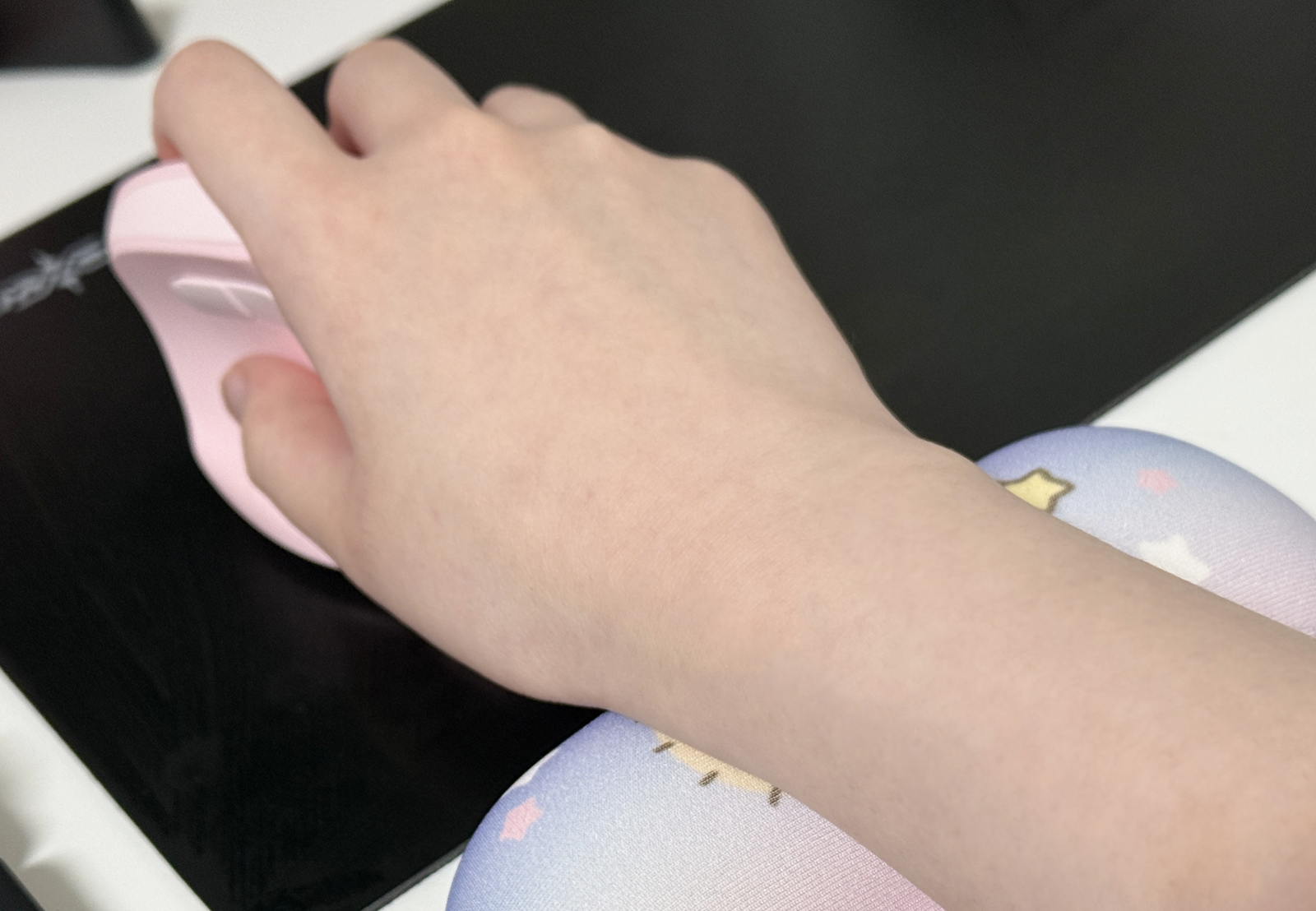
When using a mouse, keeping your wrist suspended in the air
or pressed against the edge of your desk for long periods can put extra strain on it.
In these situations, a wrist rest can help.
I also use a vertical mouse.
I've found that I don't really need a wrist rest when using a vertical mouse.
Wearing a wrist brace can also prevent excessive bending.
However, a brace that's too tight can restrict circulation,
so choose one that fits snugly and comfortably.
That wraps up this guide to essential wrist stretches for gamers.
I hope you've found this post helpful, too 🤗



![[마비노기모바일] 험난한 모험길에서도 손목 만큼은 건강하게 지키자!](https://peak-file.nexon.com/uploads/20260308_1100_bb7-9786-4ebf-a5f7-0791e1d5e930)
![[모비노기] 독보적인 몰입감! 마비노기를 #진생 이라 부르는 이유](https://peak-file.nexon.com/uploads/20260505_0808_868792b5.png)