Tips for clearing out your inventory in DNF Mobile
네오필


Some tasks in games feel like a chore until you get started, and organizing your inventory is one of them.
It keeps your items easy to find whenever you need them, and looking through everything you have collected along the way can be satisfying in itself. In some ways, it is a lot like cleaning your room.
With that in mind, today I thought I would explain how I organize my inventory in DNF Mobile, the game I play most often.
Organizing Equipment

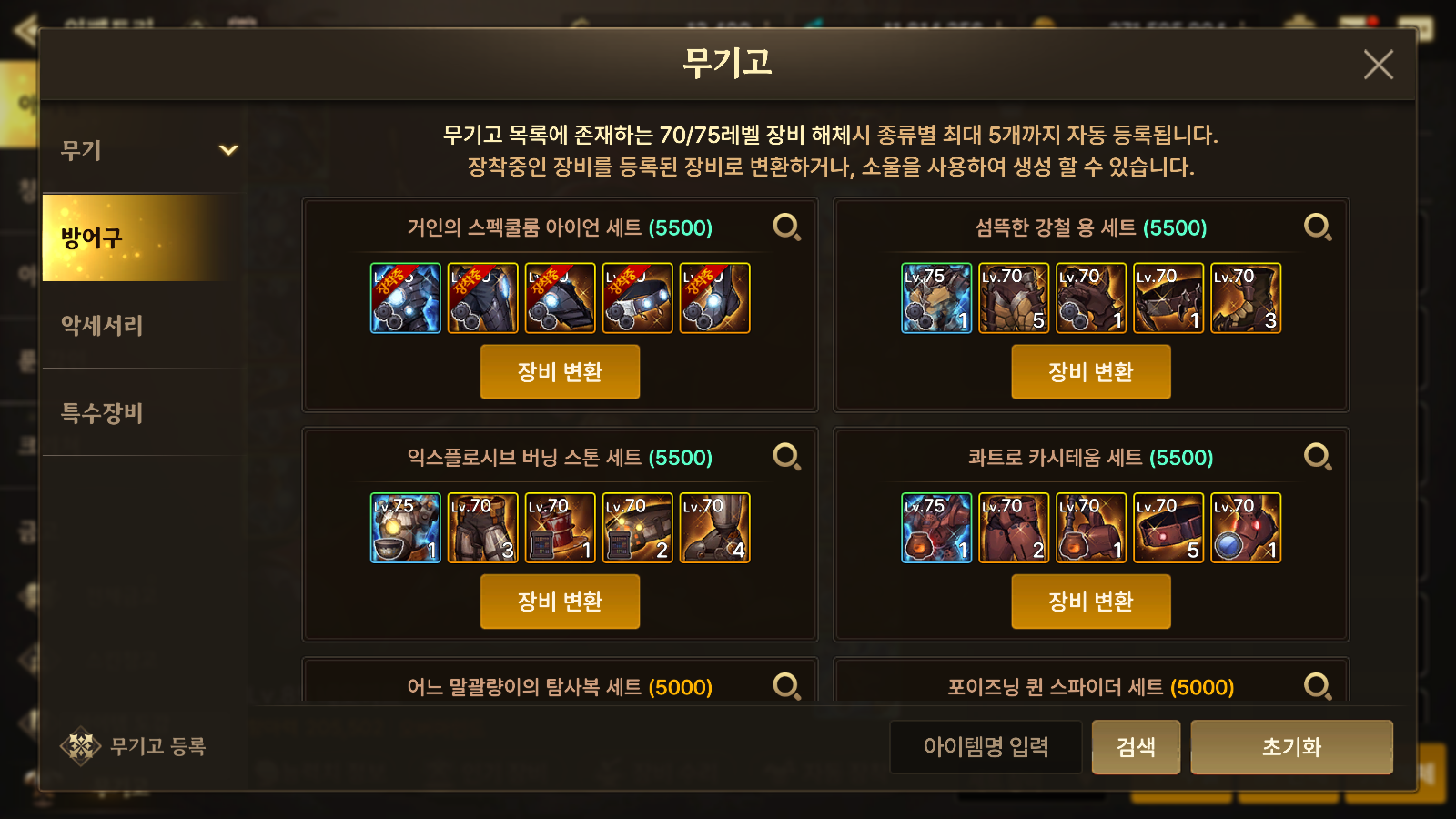
My general approach to equipment is to sell or disassemble everything.
Unique, Epic, and Exceed equipment is automatically stored in the Armory when disassembled, so there is no need to keep it separately.

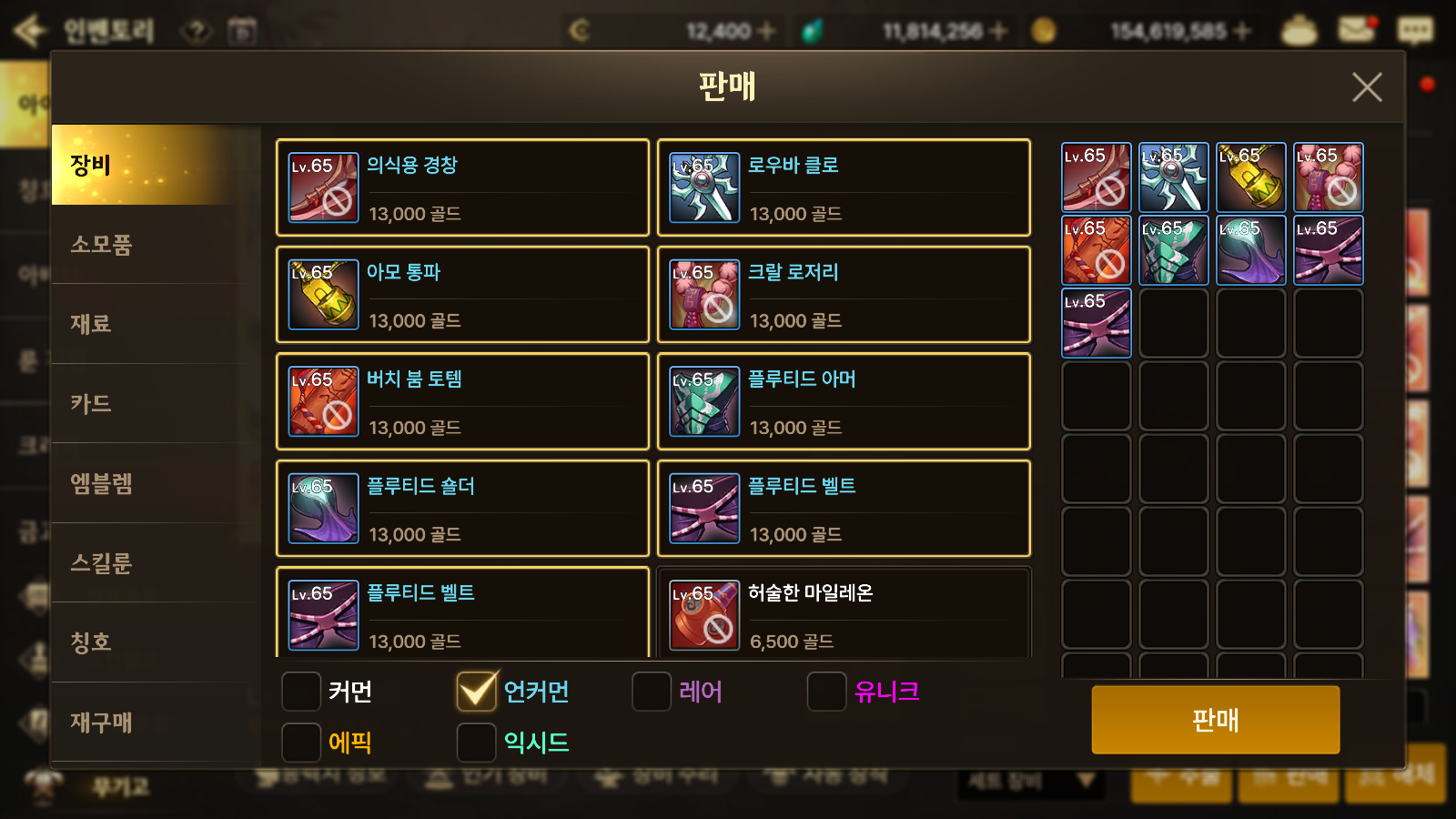
I do not have much use for the Uncommon Souls obtained from Uncommon (light blue) items, so I simply sell those items for gold.
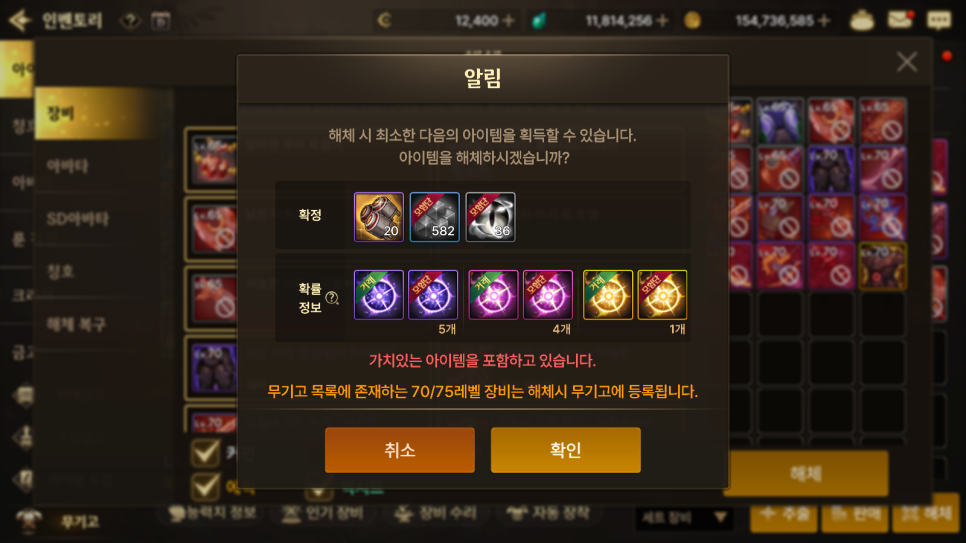
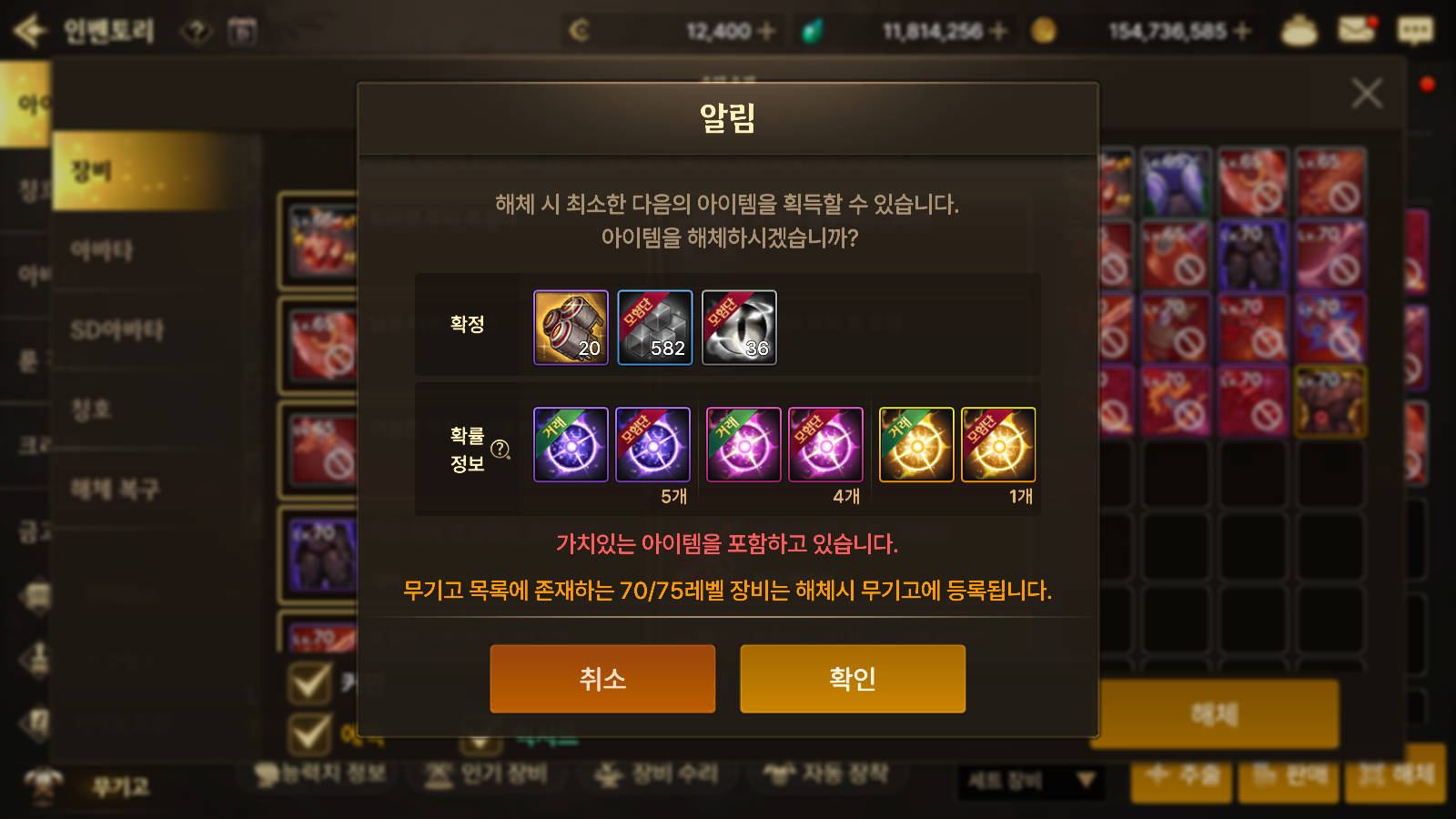
Common Souls (white) are key materials for Clear Cubes and Gold Ingots, so I make a point of collecting them by disassembling equipment.
I also collect Rare, Unique, Epic, and Exceed Souls, since they are key currencies used in the Exchange.

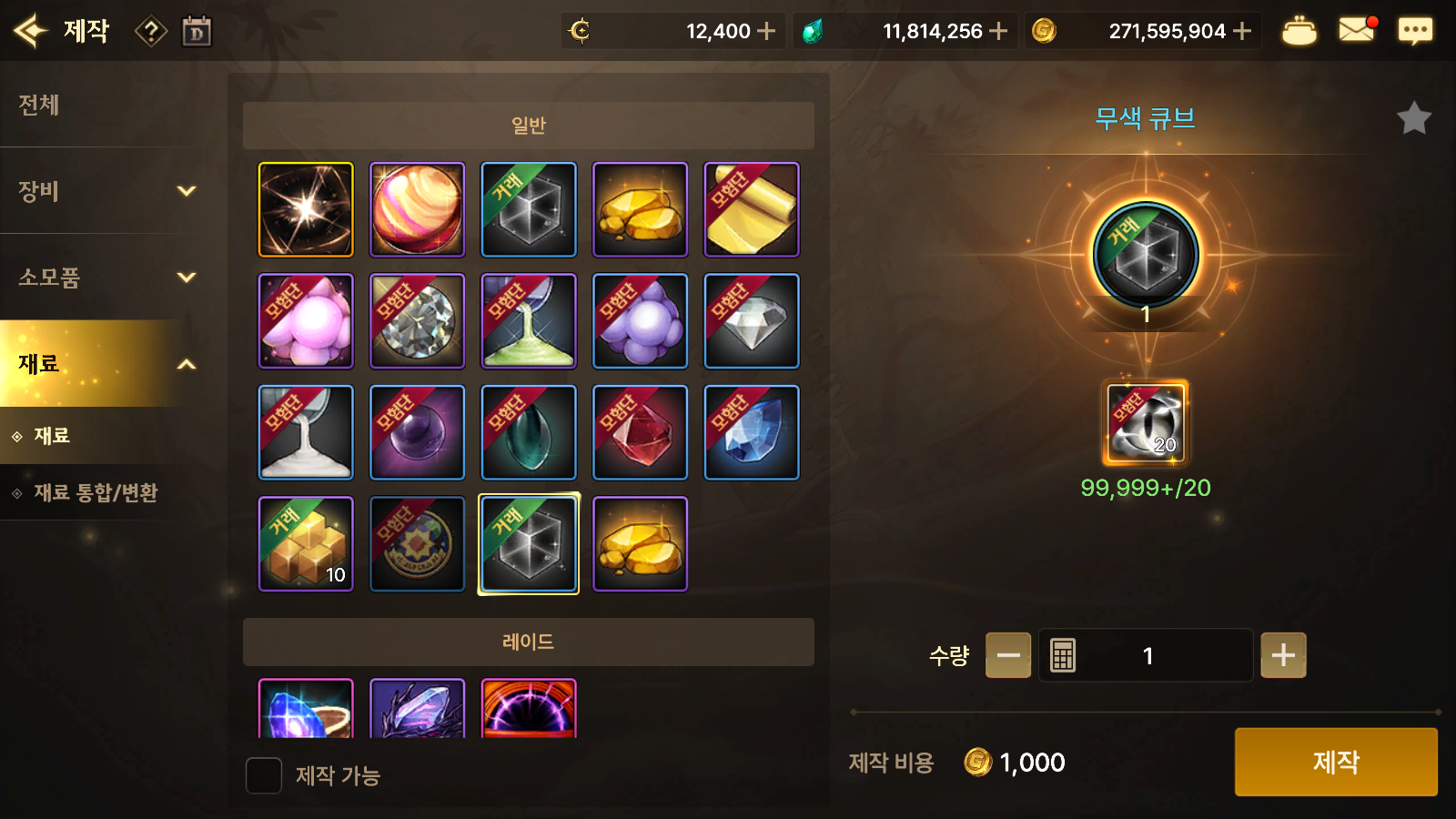
Clear Cubes have several uses: opening one gives you 100 fragments, selling one to a shop gives you 20,000 gold, and selling one through the Auction House can earn you around 100 Terra. Aside from trading them, you can also use the Adventure Team Vault to move gold to your main character.

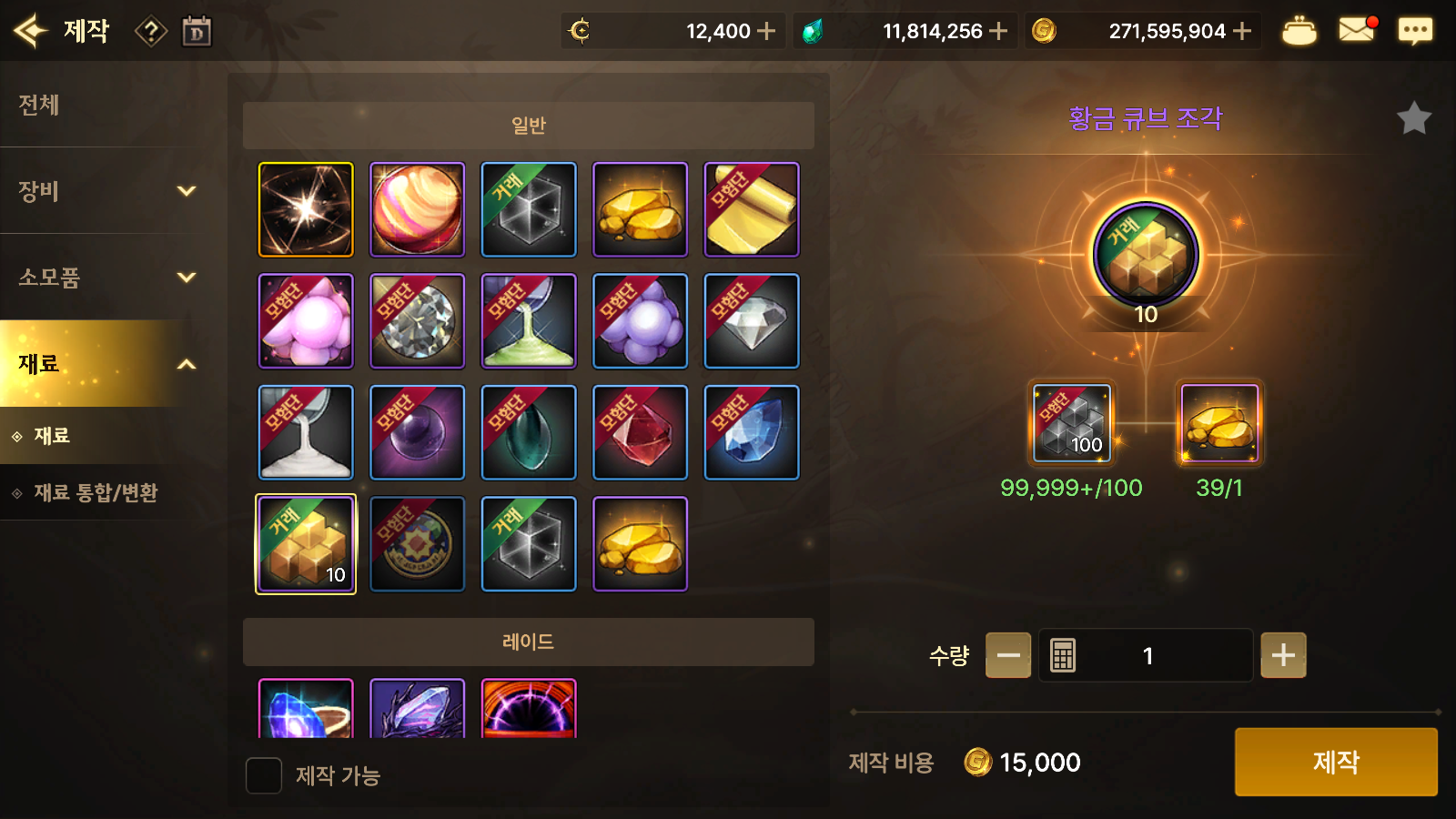
Clear Cube Fragments and Gold Ingots are used to make Gold Cube Fragments. Now that raid entry tickets are available through the Exchange, these materials see less use than before, but demand will rise again when the Sirocco Raid arrives in March, so stocking up in advance is well worth it.

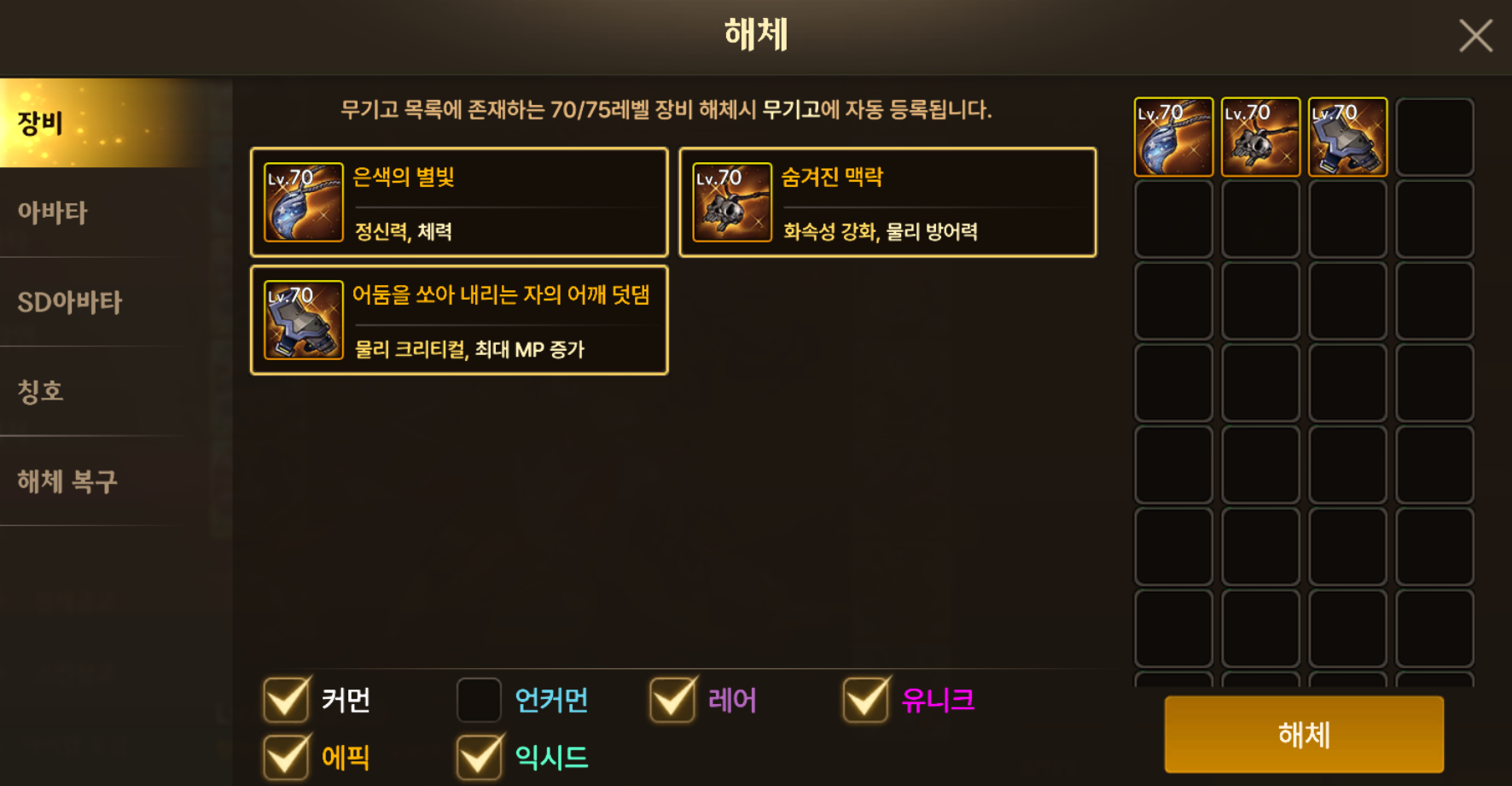
After checking the Magic Seal options here, click the equipment icon to check its quality as well.
There is one more thing to check. Before disassembling level 70–75 equipment, always check its quality and Magic Seal options. If either has good values, you can use the Inheritance feature to transfer them to your character's main equipment.

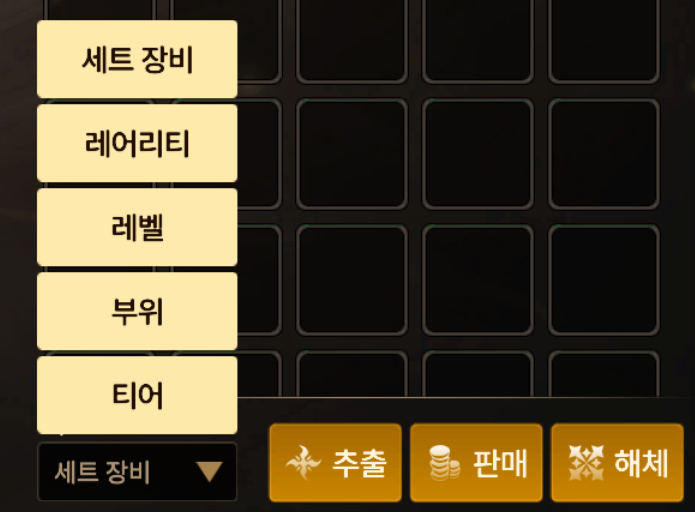
Also, the button at the bottom of the Equipment tab lets you sort all your equipment by set, rarity, level, slot, or tier. I used this feature often last season, but I have needed it less since the Armory was added this season.
Organizing Materials

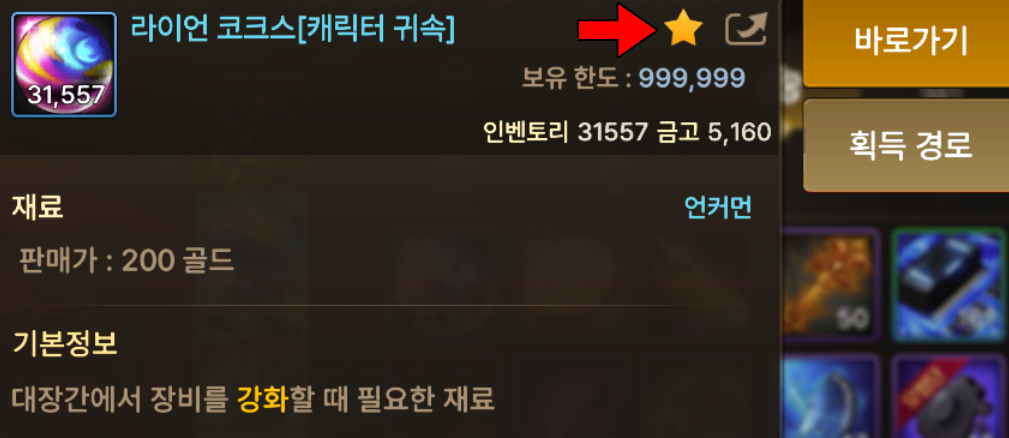
The key to organizing materials is to make good use of the Favorites feature.
When you select an item, a star icon appears to the right of its name. Clicking it turns the star yellow and adds the item to your favorites. You can add up to 20 items and view the list directly by pressing the Manage Favorites button below.
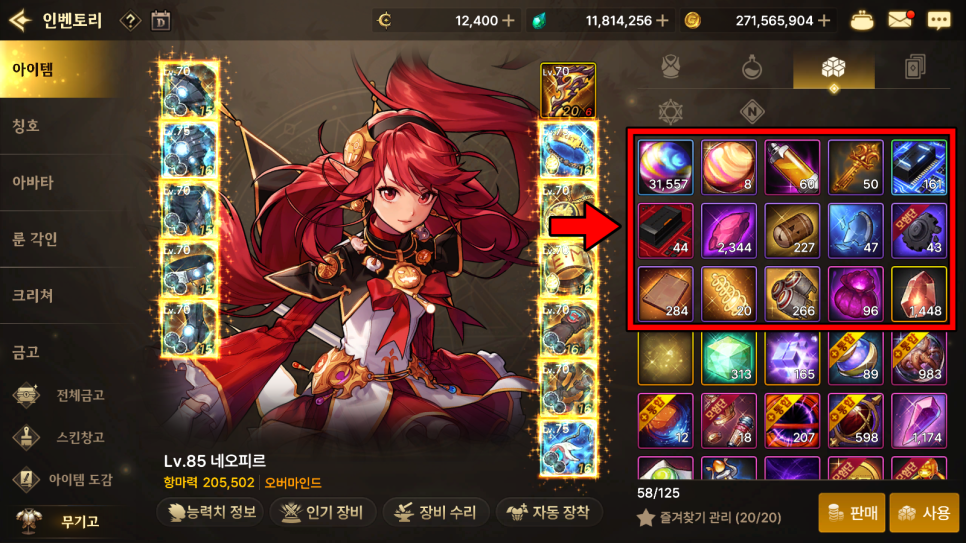
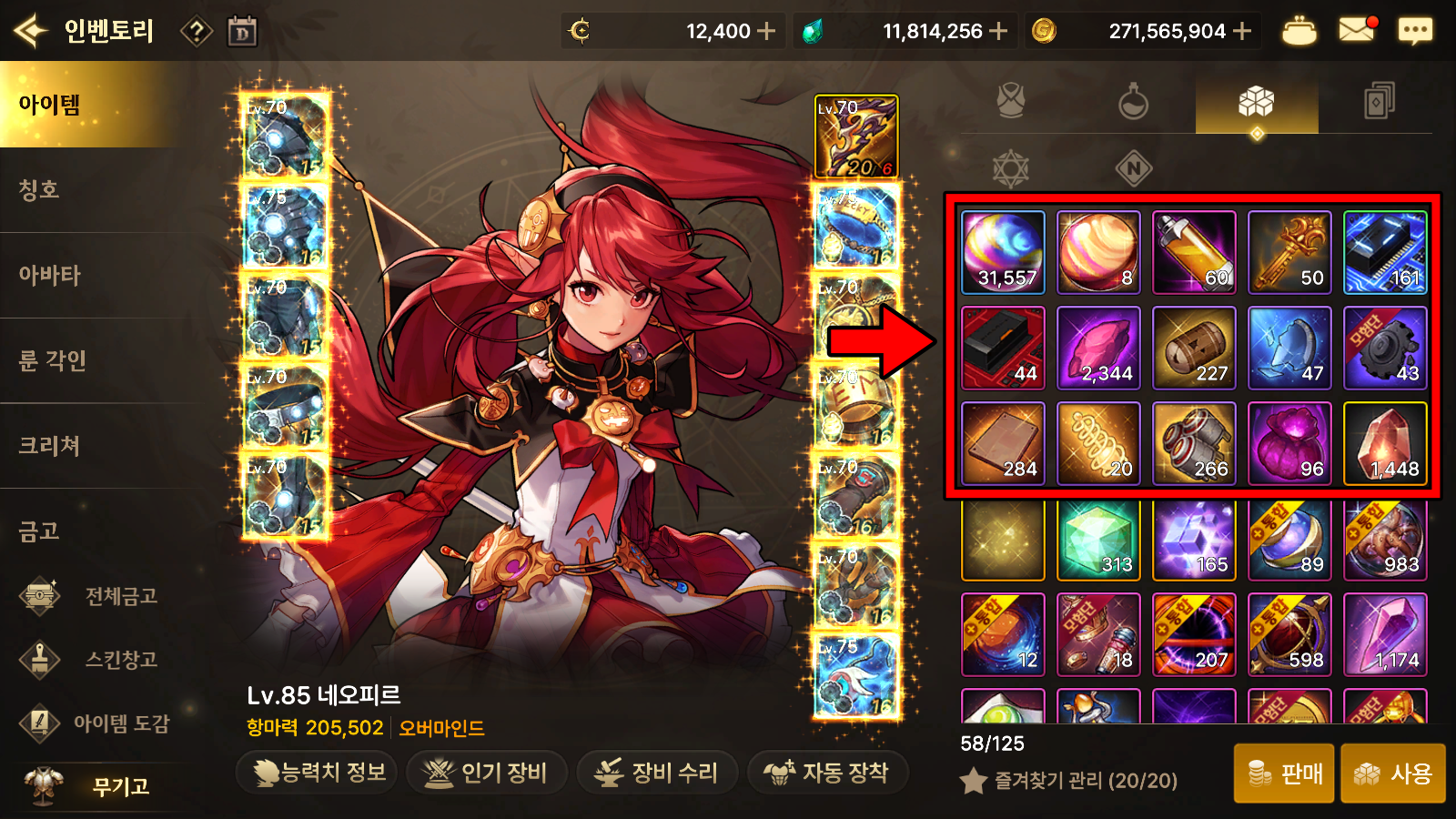
Items added to your favorites will appear first the next time you open your inventory.
I keep important reinforcement materials, Keys of Liberation, and this season's key materials at the front, in that order. I consider selling last season's materials and the miscellaneous items further down when I need gold. In practice, though, I have trouble throwing anything away, so they keep piling up.
Organizing Cards
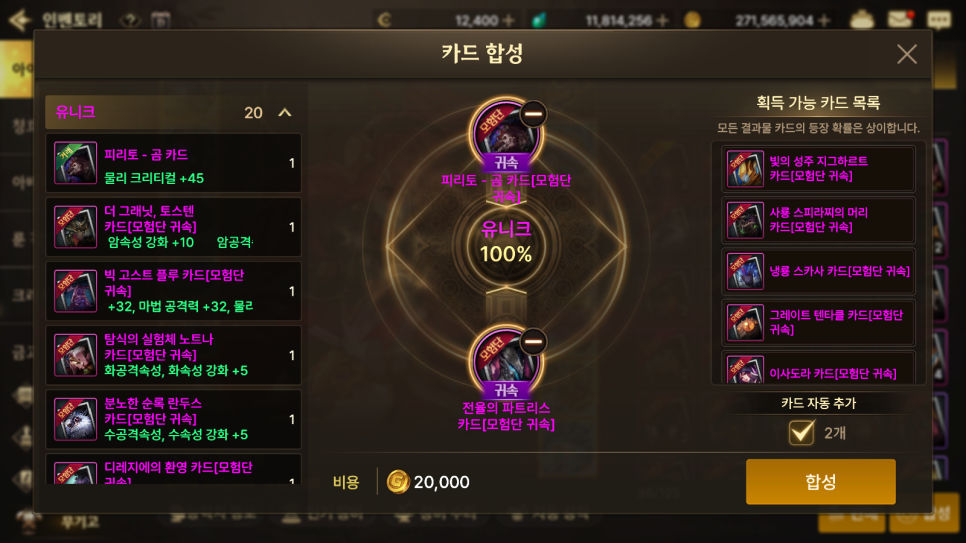
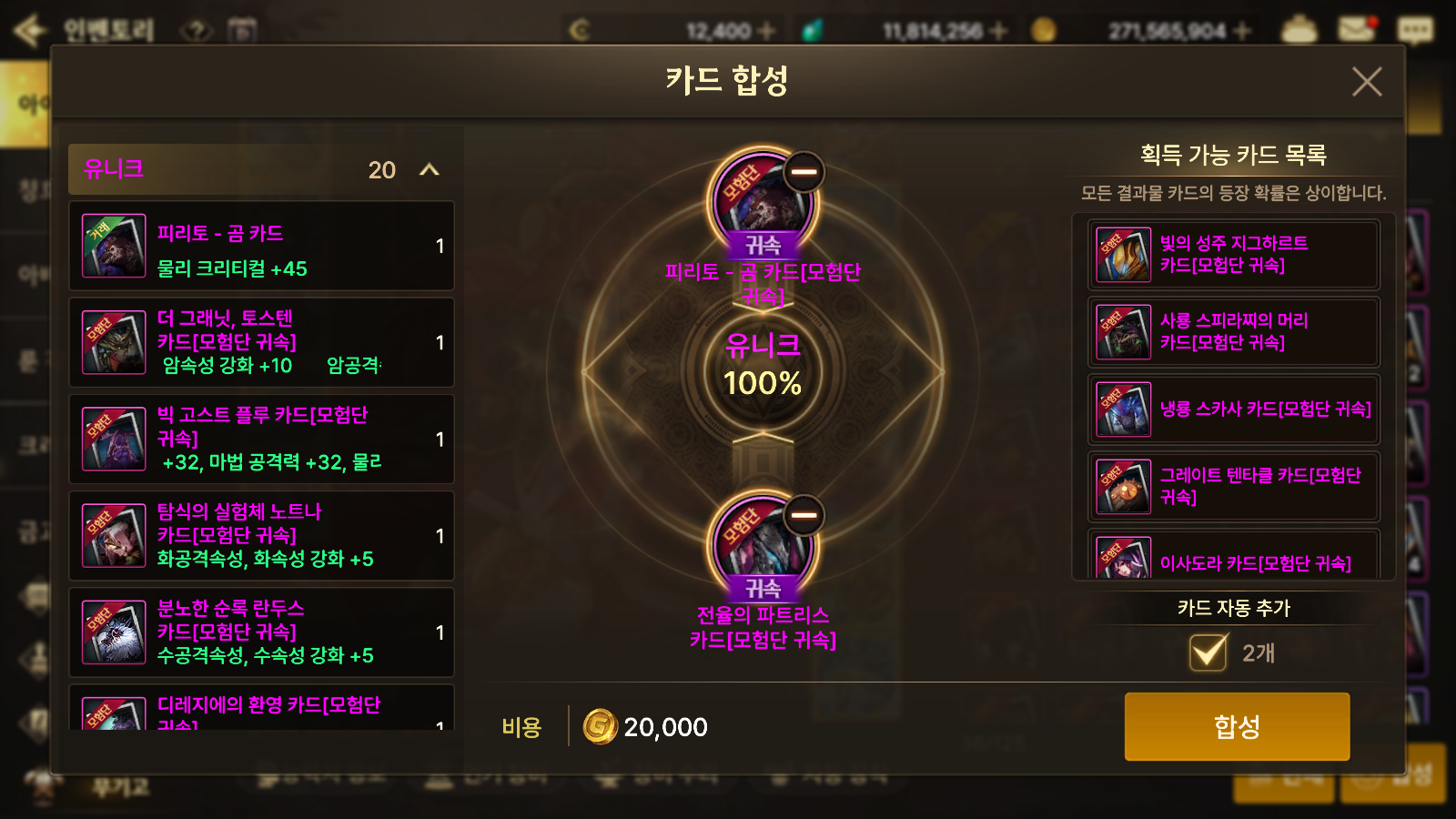
Cards naturally accumulate as I run Disaster Dungeons. Once I have enough saved up, I use the Adventure Team Vault to move all the cards scattered across my alternate characters to my main, then combine them all in one batch.
Be careful here, because combining cards without checking them can mean accidentally using a useful card as material. Whenever you get a good card, it is best to put it in storage right away before continuing.
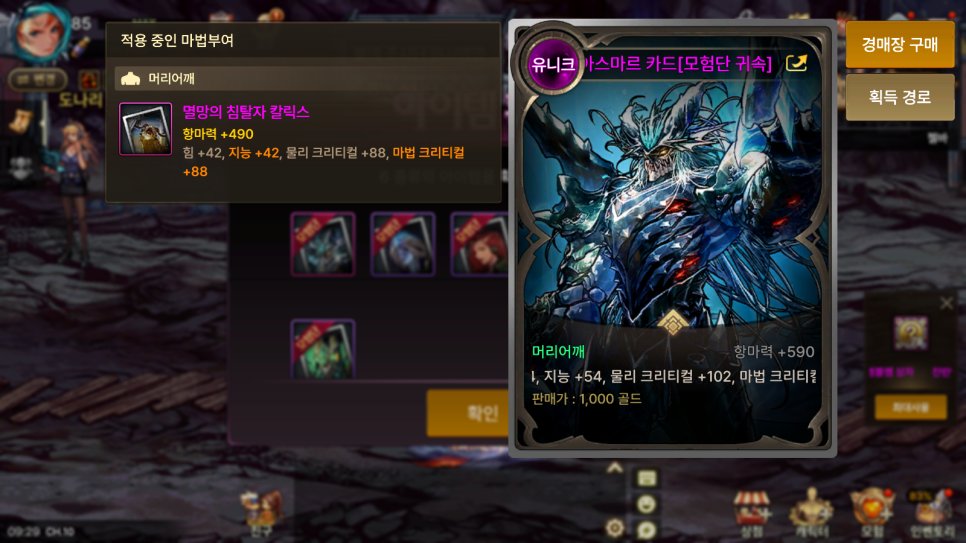
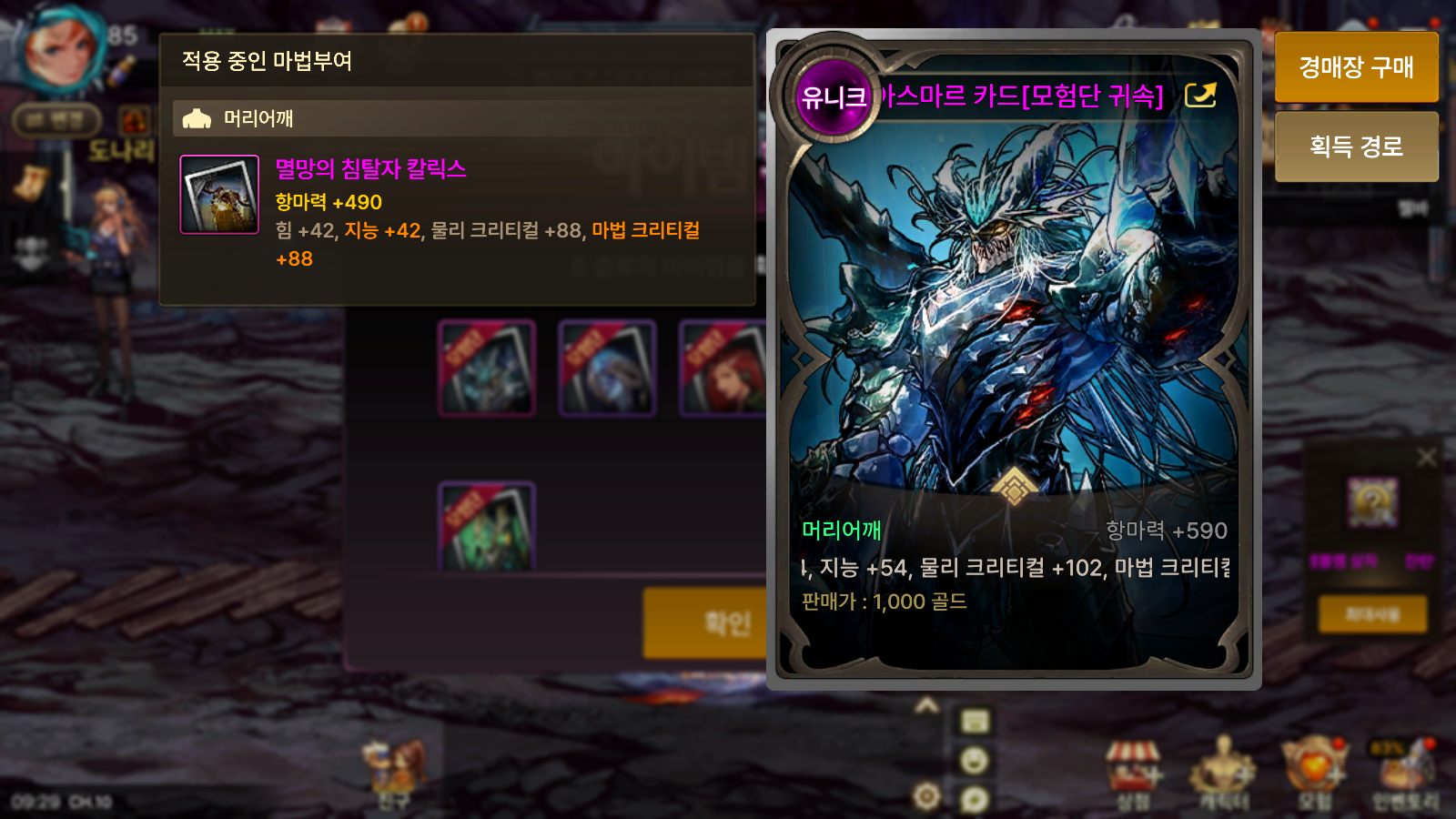
Recently, while running dungeons on an alternate character, I finally got the best-in-slot 아스마르 card I had been hoping for and equipped it on my main. Let me take a moment to show it off.
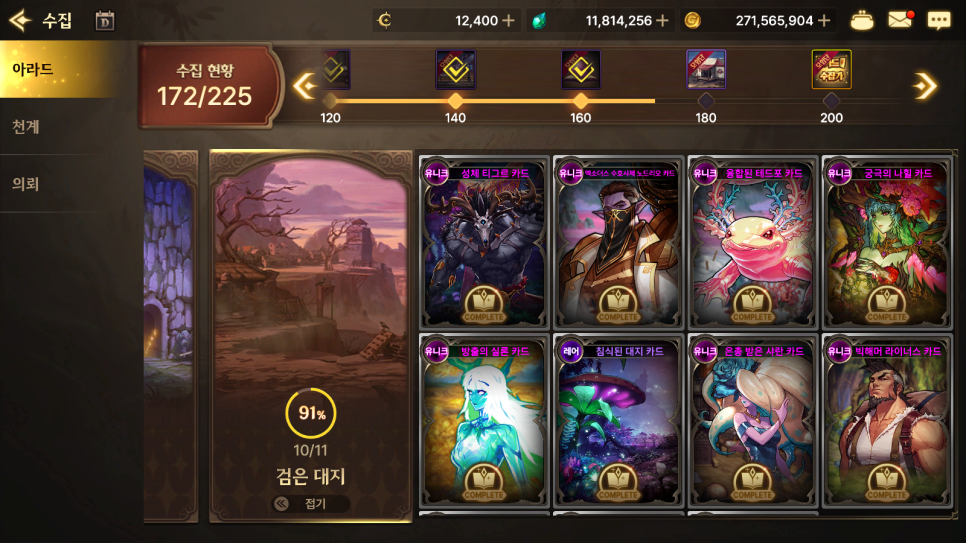
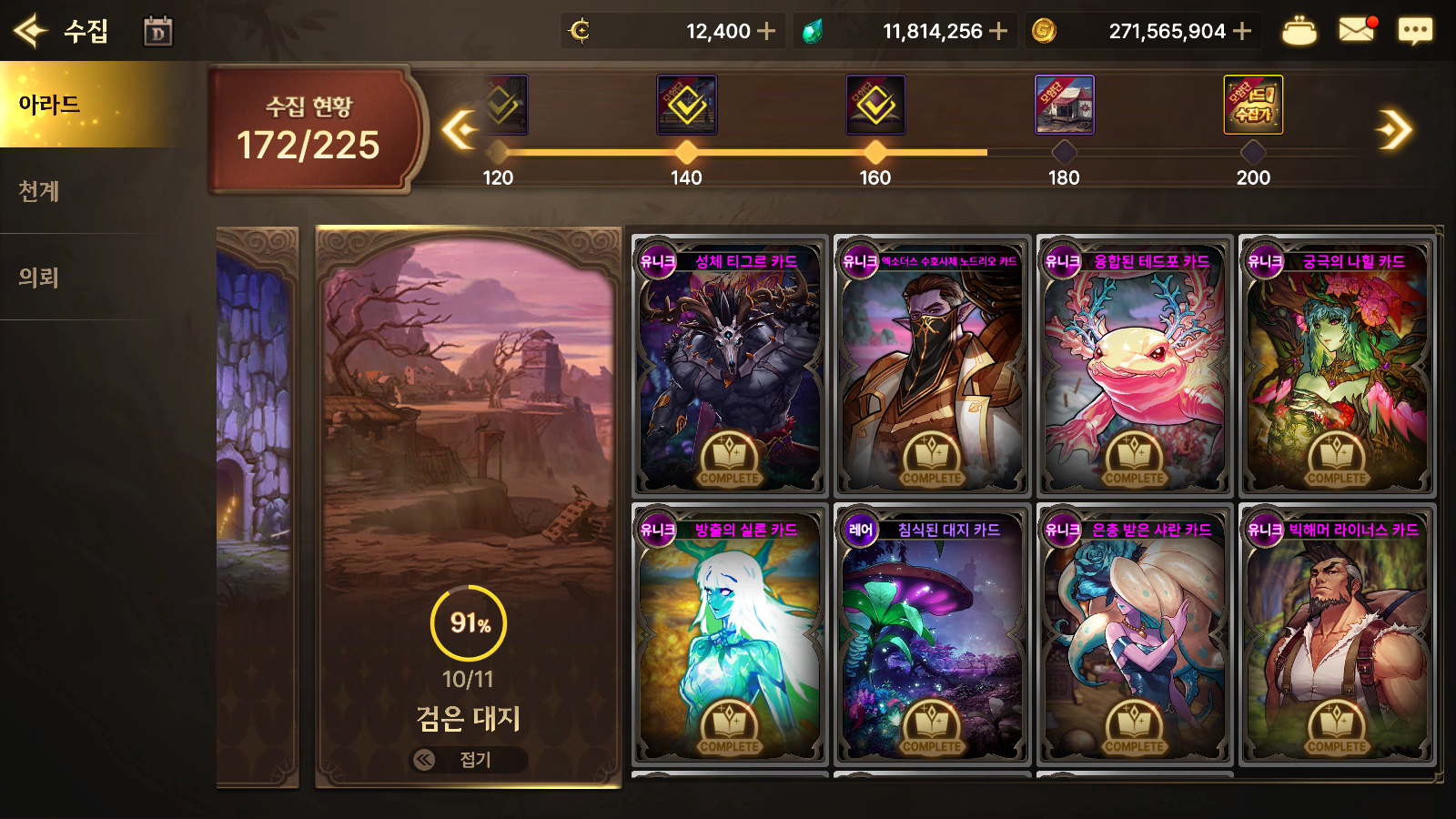
Registering cards in the Card Collection is also more enjoyable than you might expect once you give it a try.
Even if you leave out the expensive cards, filling out the collection one card at a time is satisfying, and you can also earn items to decorate your Adventure Team profile.
There are now so many types of cards that they often do not all fit in the regular Adventure Team Vault. Personally, I would like to see a dedicated card vault added.
Organizing Emblems
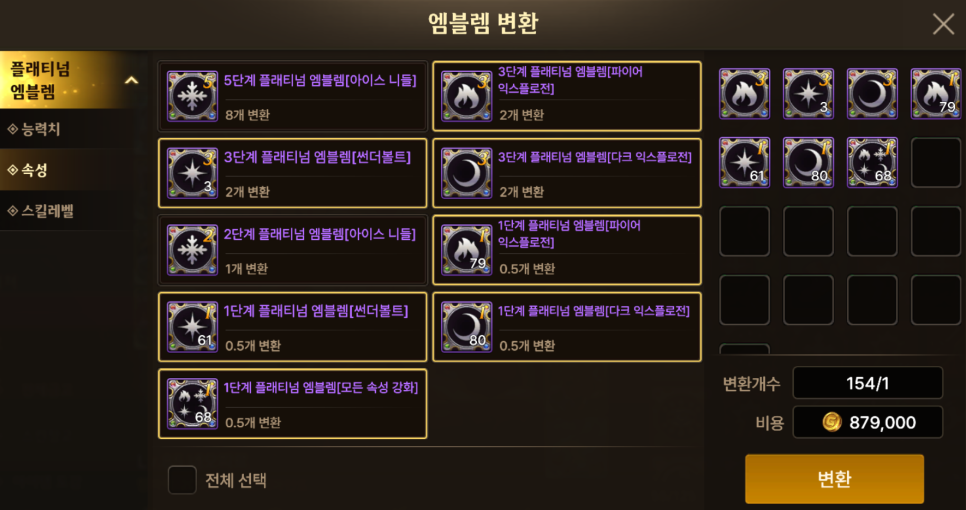
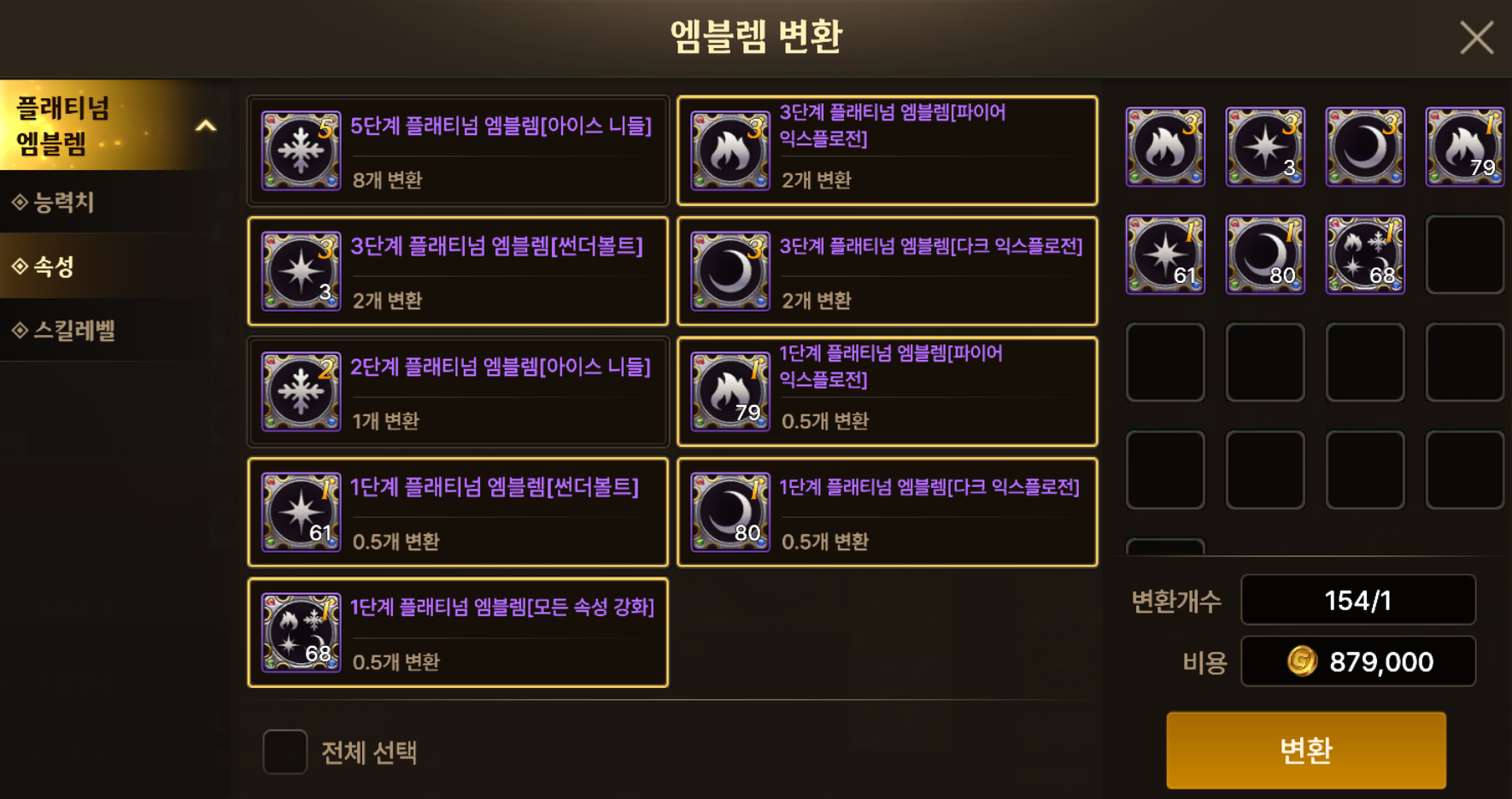
As with cards, I collect Emblems from Disaster Dungeons and then combine or convert them all at once.
For Elemental Emblems, I first convert them to the element I mainly use, then combine them to raise their level as high as possible before equipping them. Upgrades have a chance to fail starting at level 5 to 6, which is also when catalysts become available. These days, though, I skip catalysts at level 5 and consider using them from level 6 or 7 onward.

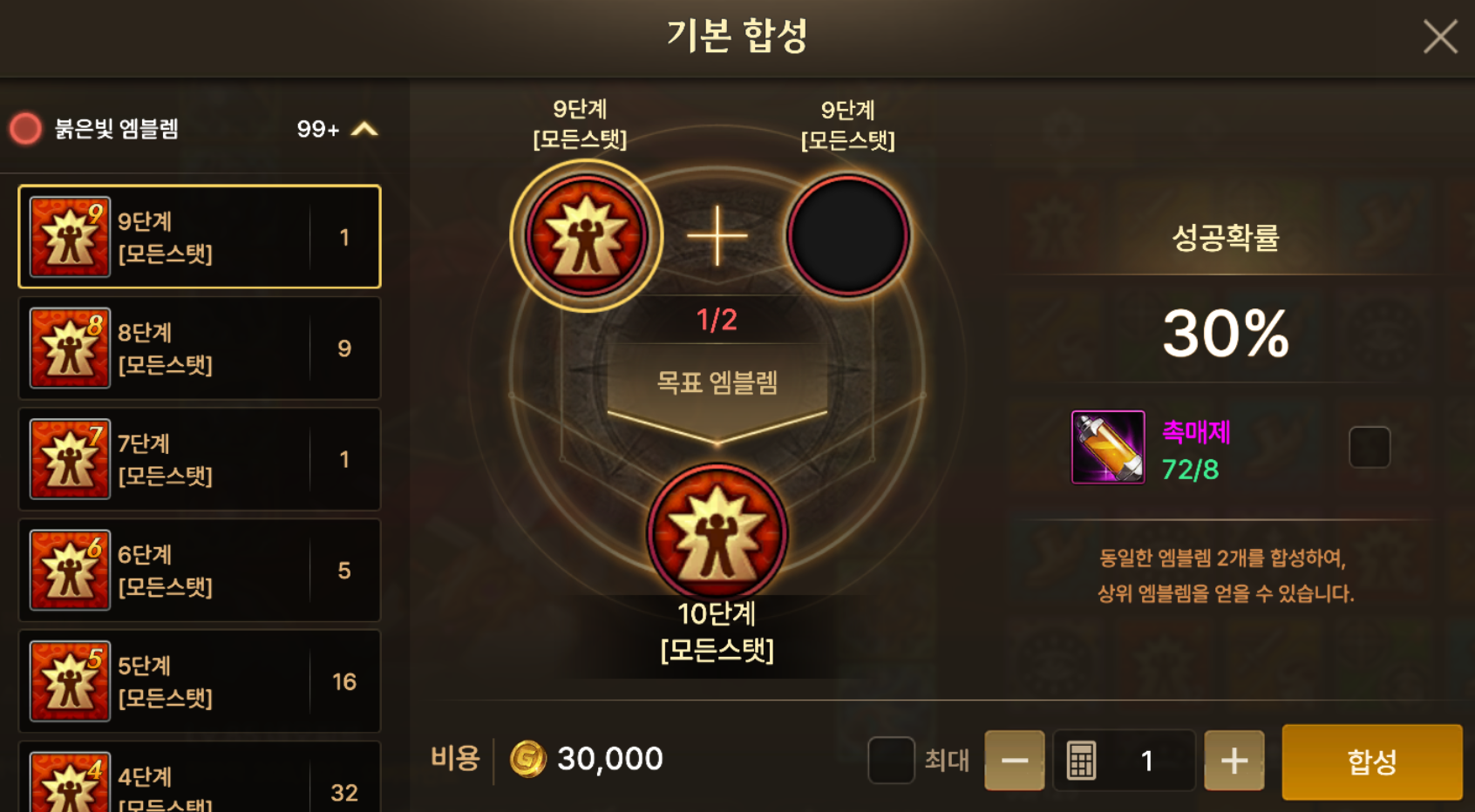
For Red, Yellow, Green, and Blue Emblems, preferences vary, but it is common to use catalysts when combining level 9 Emblems or higher. However, sources of catalysts are limited, and reinforcement and honing take priority, so I tend to use catalysts only when combining Red Emblems.
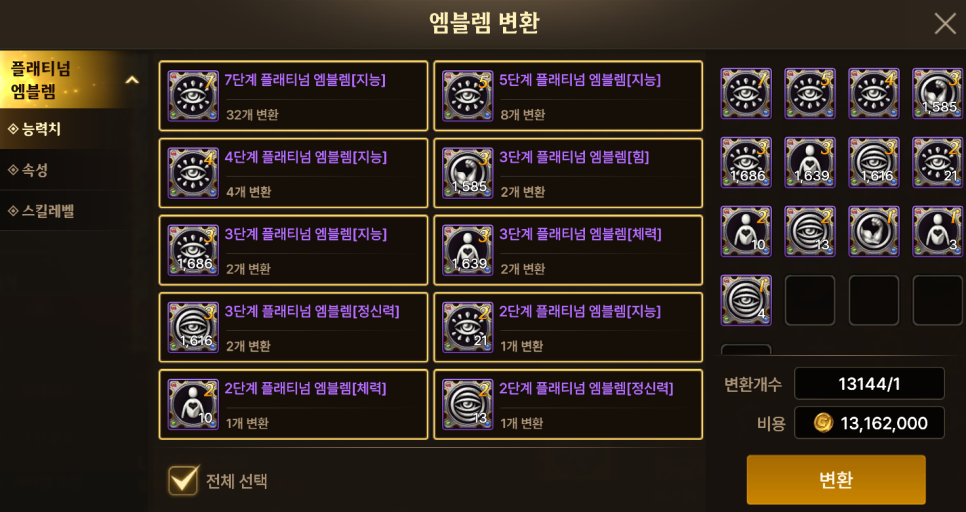
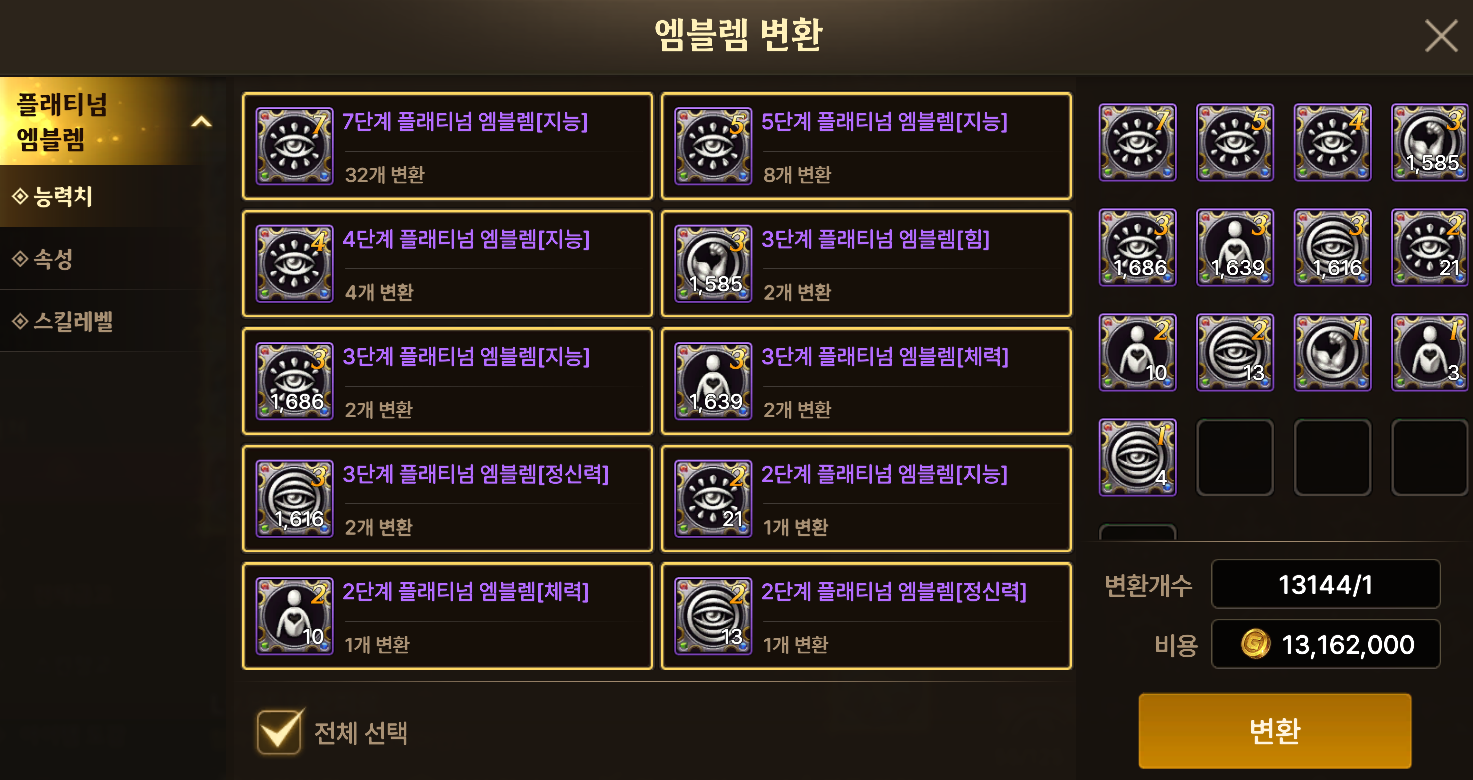
You can simply leave Stat Emblems as they are, or sell them later when you need gold.
Organizing Vaults
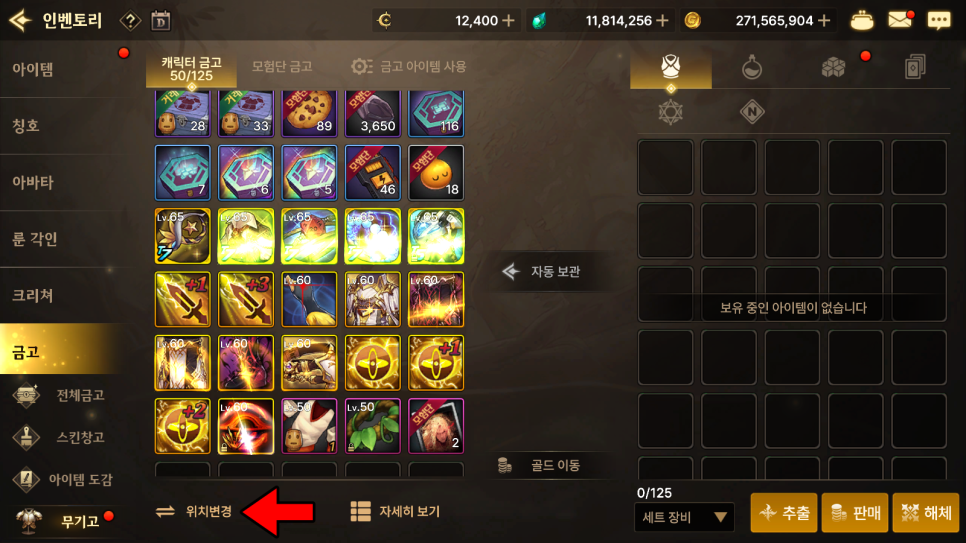
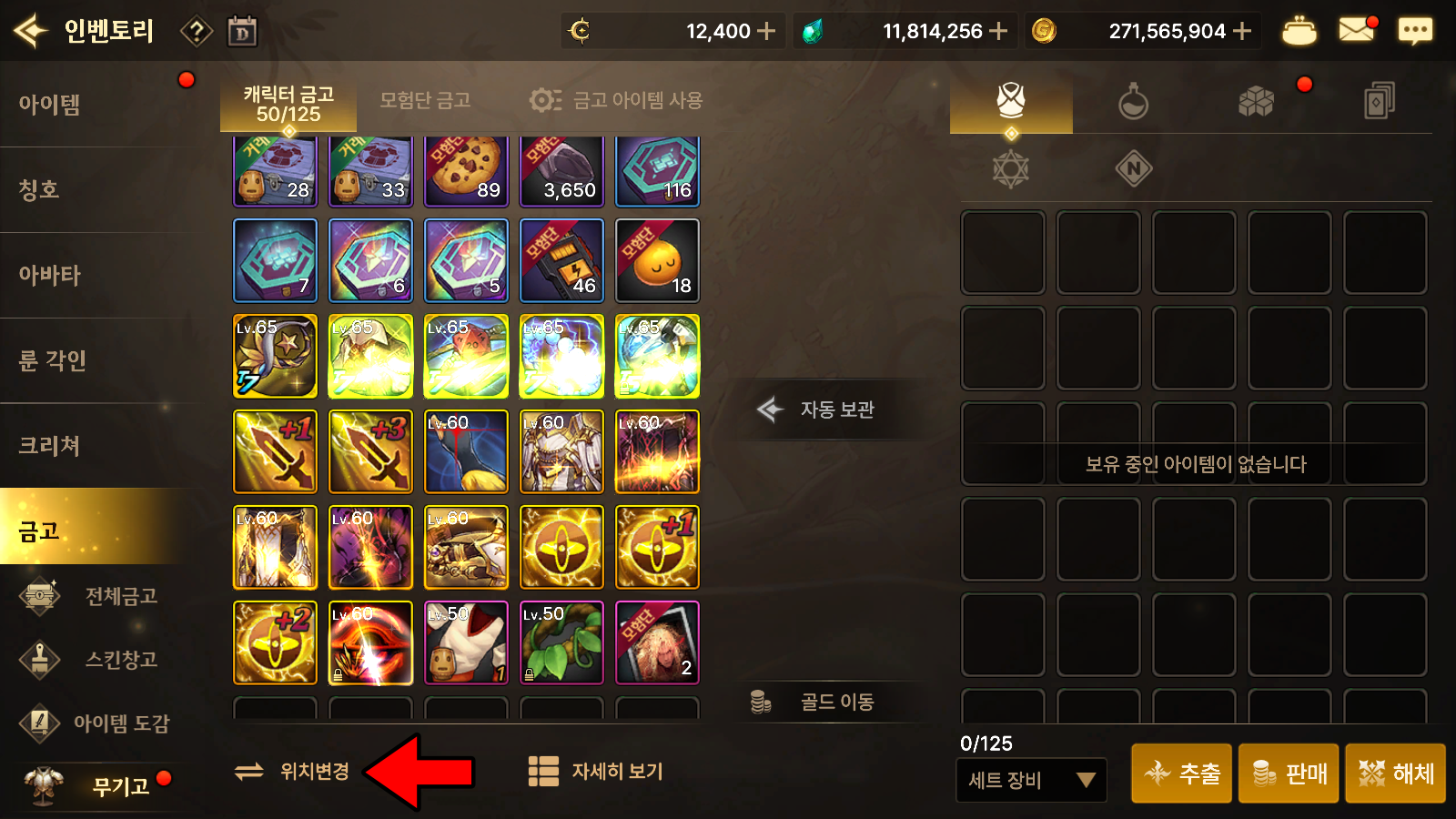
To organize my individual character vaults, I press the Change Position button, then select Apply Automatic Settings to sort everything at once.
I usually finish by dragging any items I take out frequently to the top. Items from previous seasons and keepsakes from my time playing that character are also tucked away in a corner of the vault.

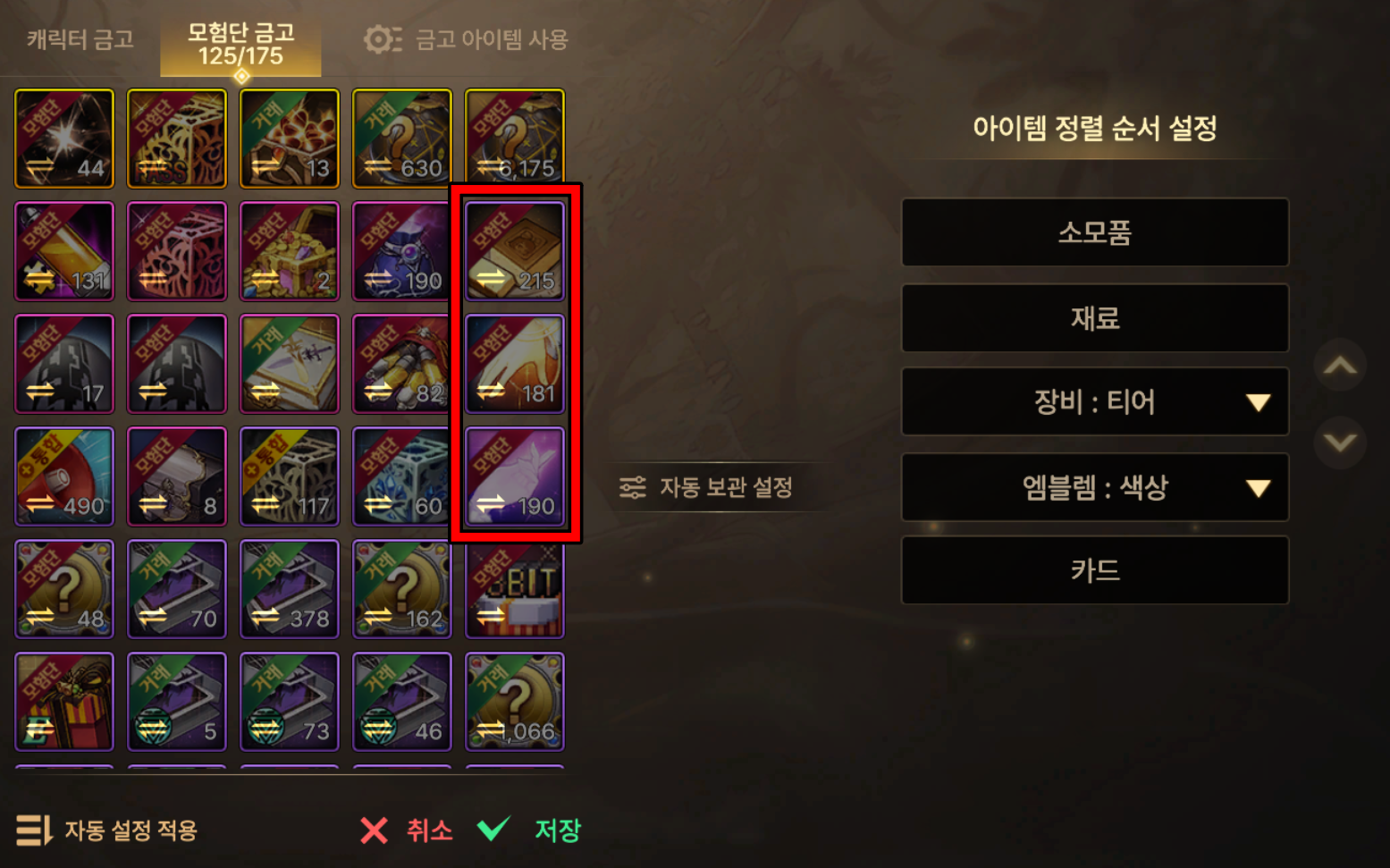
I keep the Remy's items I use frequently close to the inventory.
I sort everything in the Adventure Team Vault at once, just as I do with character vaults, and use it to keep items collected by my alternate characters together in one place.
The Auto-Store feature is convenient because it instantly deposits all items matching those already in the Adventure Team Vault. You can also specify exceptions through Auto-Store Settings.
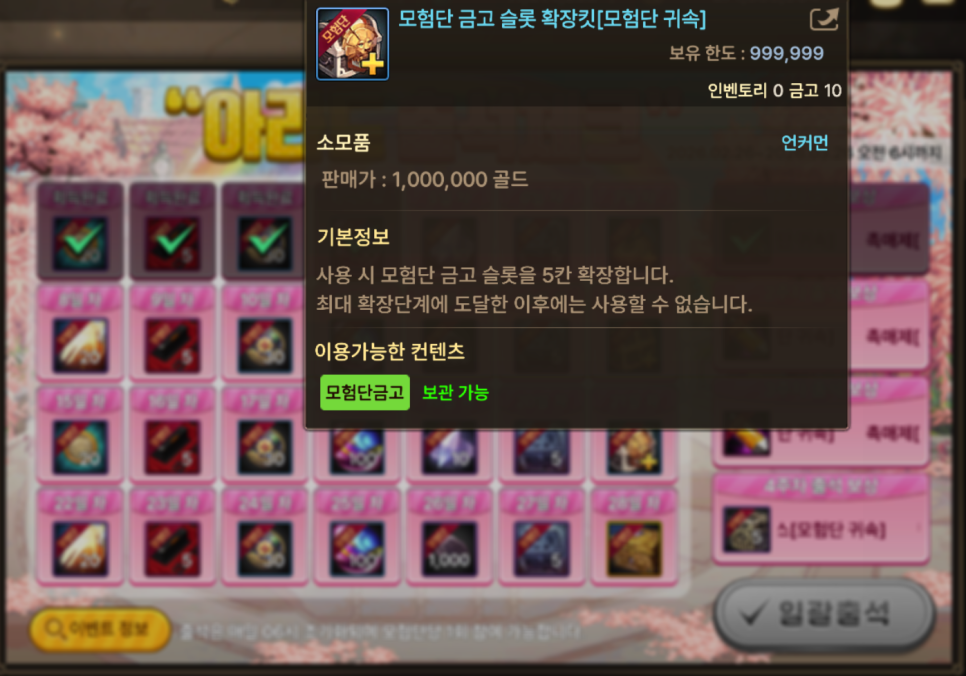
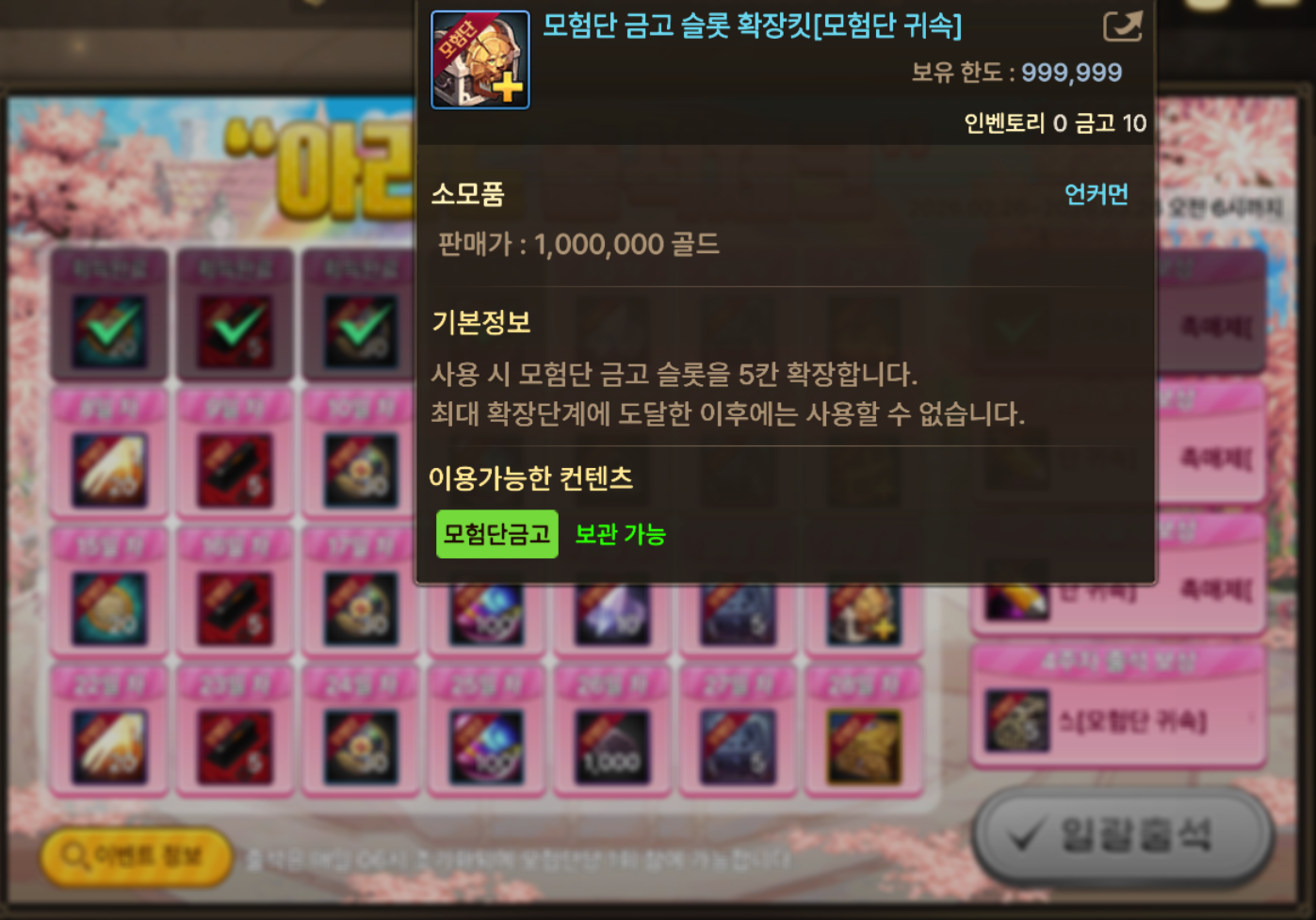
There is no need to stretch your resources to expand your inventory and vaults. I recommend using Adventure Team Vault Slot Expansion Kits once the expansion cost reaches 50,000 Terra (the maximum). You can get 1 expansion kit each month through attendance rewards.
The maximum expanded capacity is 125 slots for a regular character vault and 175 slots for the Adventure Team Vault.
Wrapping Up
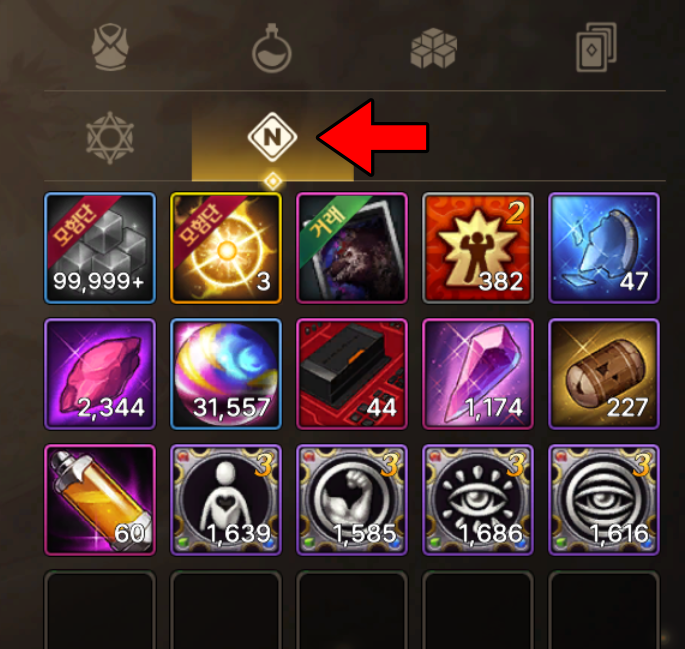
That covers how I clean up my inventory in DNF Mobile.
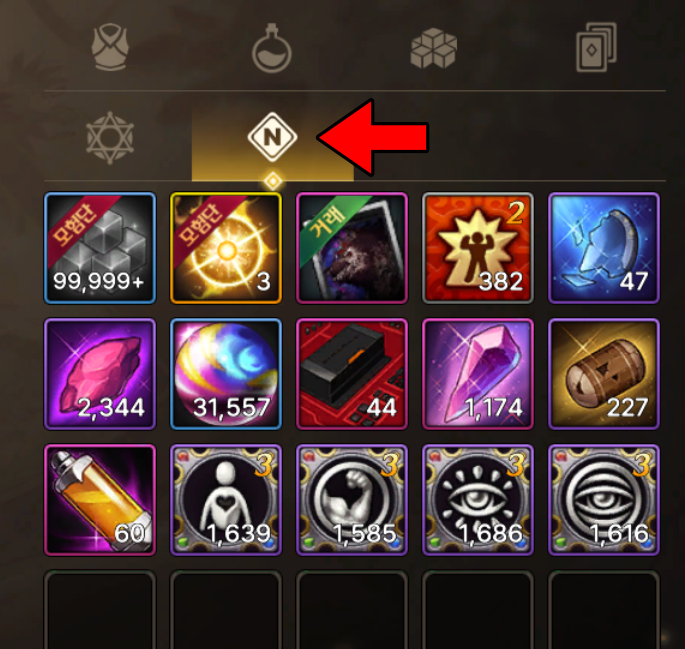
One final note: selecting the last inventory tab lets you view a separate list of recently acquired items. It is useful for checking whether you have missed anything, so it is worth opening from time to time.

![[모비노기] 가방 확장 무게 정리 하는법 #인벤토리 청소](https://peak-file.nexon.com/uploads/20260227_0245_910-7f33-4bfc-b456-9364e8c19492)