Tips for Keeping Your Smartphone Clean #스마트폰 Cleanliness
연백

Hello!
In this post, I would like to share
some practical care tips to help you keep your smartphone clean.
With their convenience and wide range of useful and entertaining features, smartphones
have become an essential part of our lives, but
this also means they are more likely to be exposed to unhygienic environments,
and because they often get dirty, regular care is essential.
With this in mind, let us look at some ways
to keep your smartphone a little cleaner and more pleasant to use.
🖐Washing your hands is essential!

Before you start cleaning your smartphone, the first thing to do
is to make sure your hands are clean.
Our hands can easily get dirty in all sorts of ways,
and since we use our hands to operate our smartphones,
that dirt can easily transfer to our phones as well.
In particular, if you often play mobile games that involve tapping all over the screen,
sweat, dirt, oil, and other substances on your hands
can frequently leave your screen covered in smudges.
For this reason, before using your smartphone,
I recommend making sure your hands are clean whenever possible.
💦 Cleaning with disinfectant solution
For a reliable way to keep your smartphone clean,
I recommend wiping it down with a disinfectant solution.
Since this is a key part of smartphone care,
let us go through the cleaning process step by step.
0. What you will need
Tissues / Microfiber cloth
Disinfectant solution (ethanol)
Wet wipes (optional)
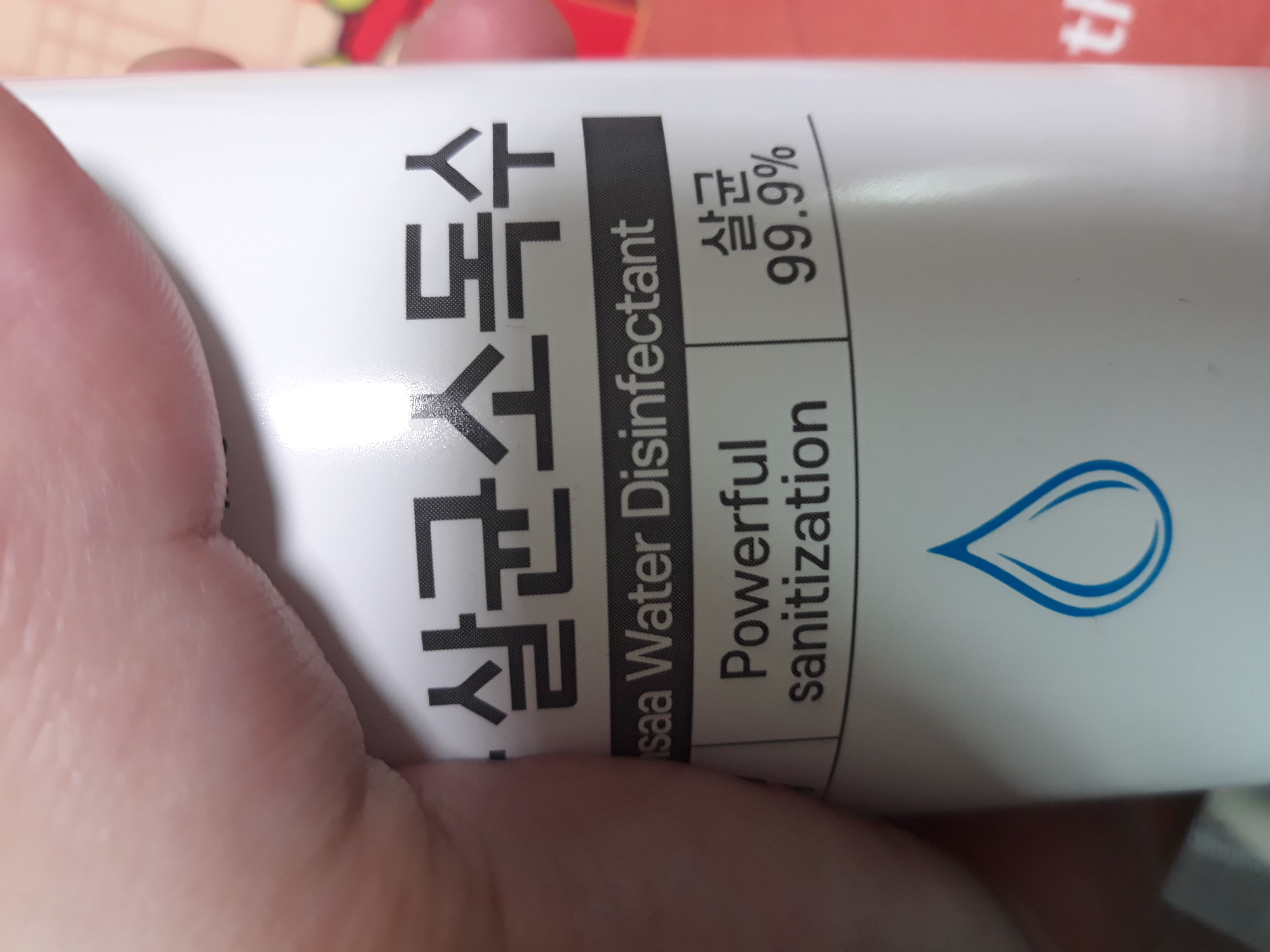
When choosing a disinfectant solution (ethanol), I recommend a product suitable for use on the skin.
Hand sanitizer, which was widely used at the height of COVID, or a surface disinfectant would be good examples.
The pre-soaked ethanol cloths available these days
are also a good option.
1. Remove your smartphone case
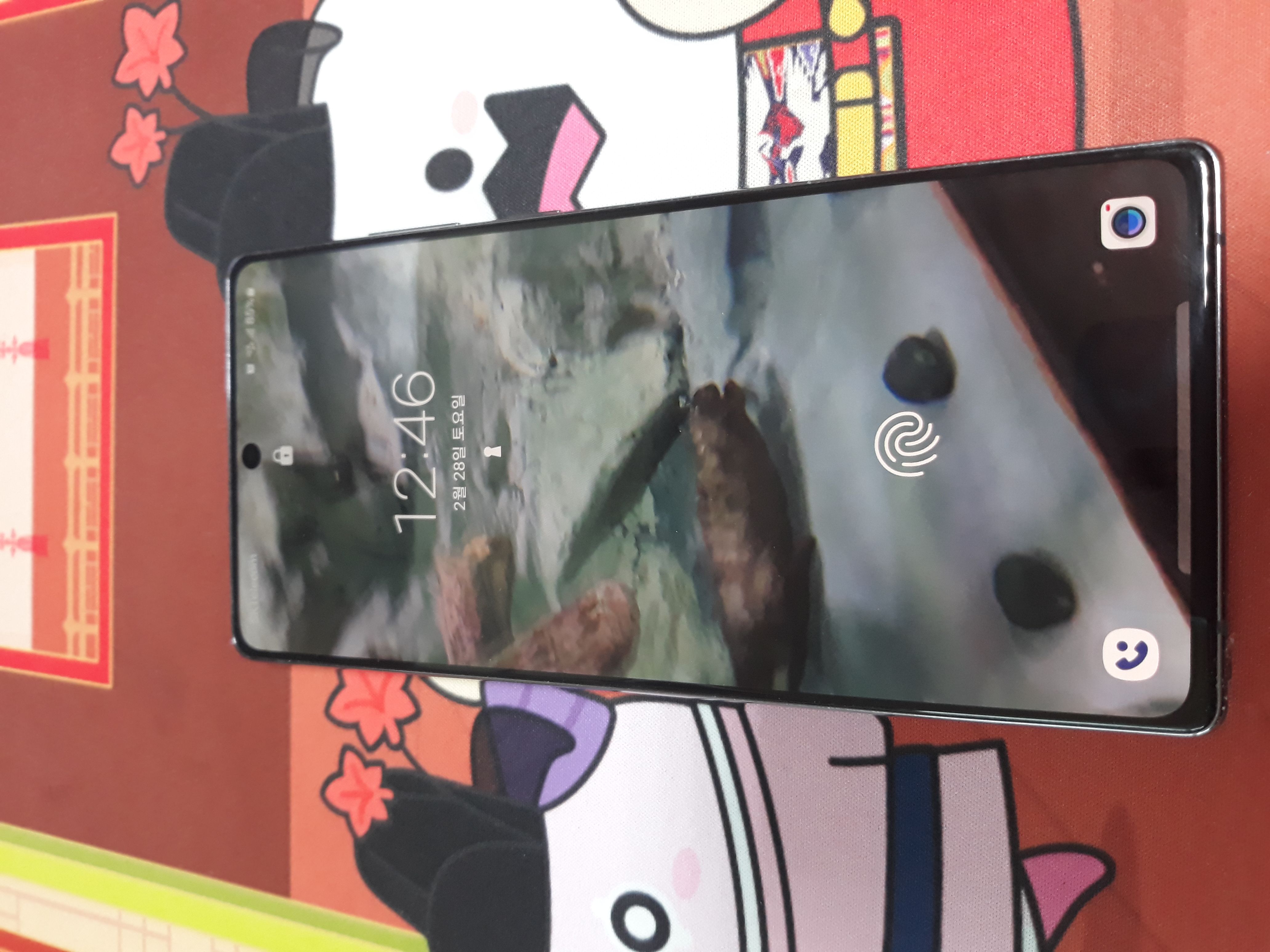
First, place your smartphone somewhere suitable for cleaning it.
If you use a phone case, remove it so you can clean it as well.
2. Wipe all parts of your smartphone with disinfectant
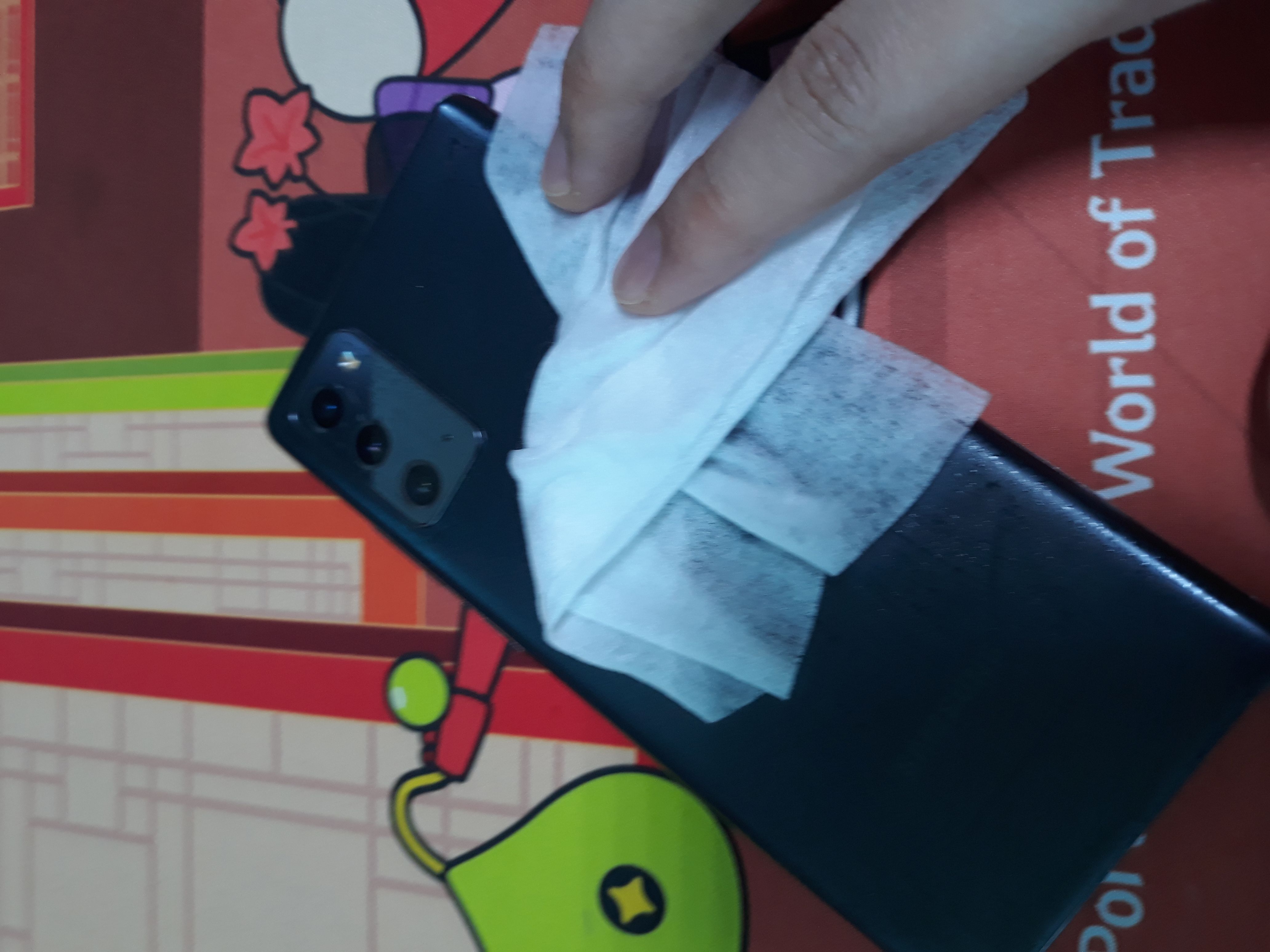
Spray disinfectant onto a cloth / tissue / wet wipe, then wipe down your smartphone.
Keep in mind that spraying disinfectant directly onto your smartphone could damage it, so
I recommend applying it to a cloth before wiping the phone.
A microfiber cloth or an eyeglass cleaning cloth is my first choice.
I use tissues as a fallback, since they can leave lint behind when you wipe thoroughly,
and I occasionally use wet wipes when the phone is visibly dirty.
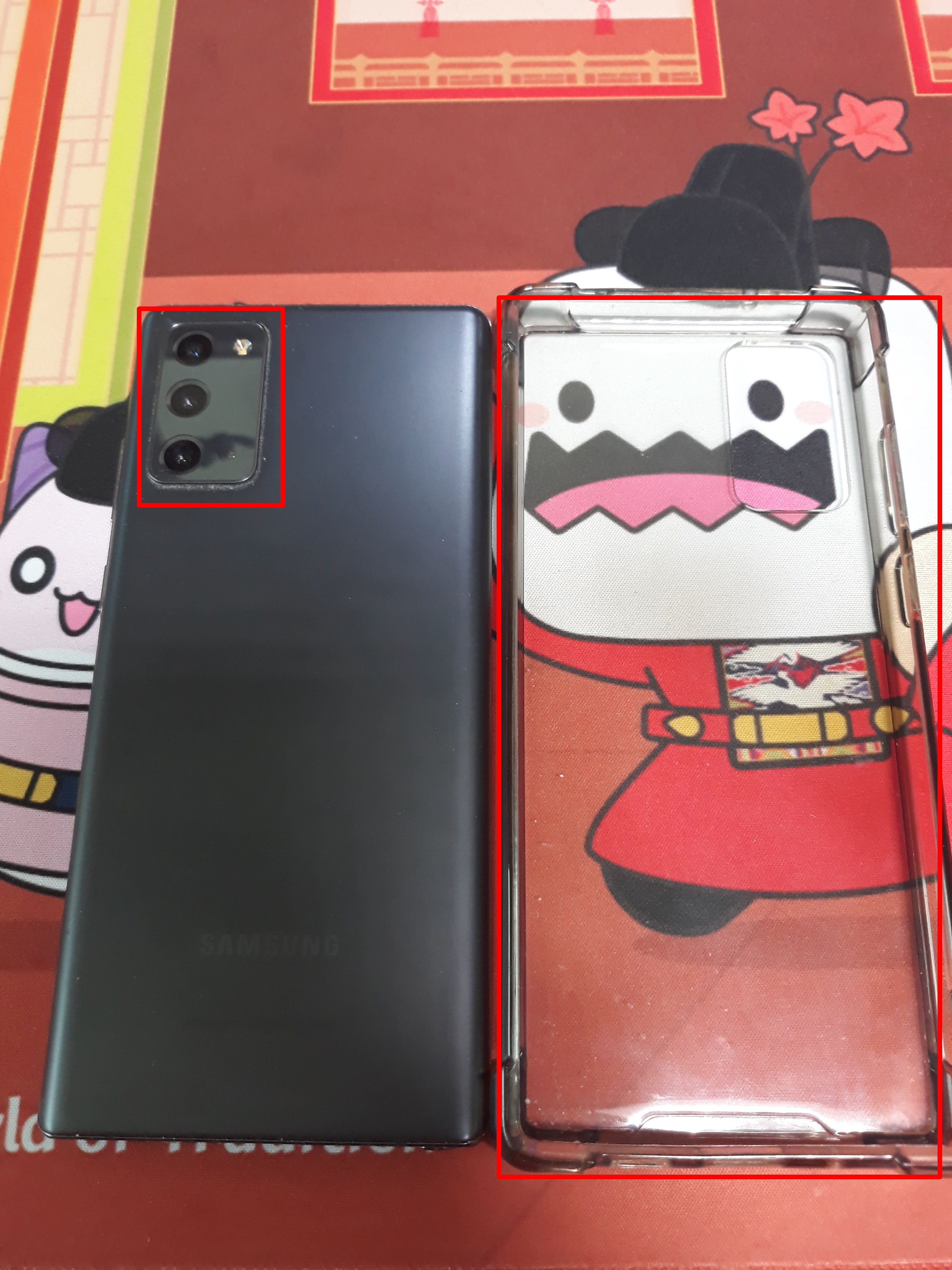
Along with the screen you touch directly with your hands,
be sure to wipe everything, including the case, the back of the phone, and all the edges.
Some smartphone models have protruding lenses or grooves,
and dust or debris often collects in those gaps,
so take care to clean every nook and cranny.
3. Finish with a cloth / tissue
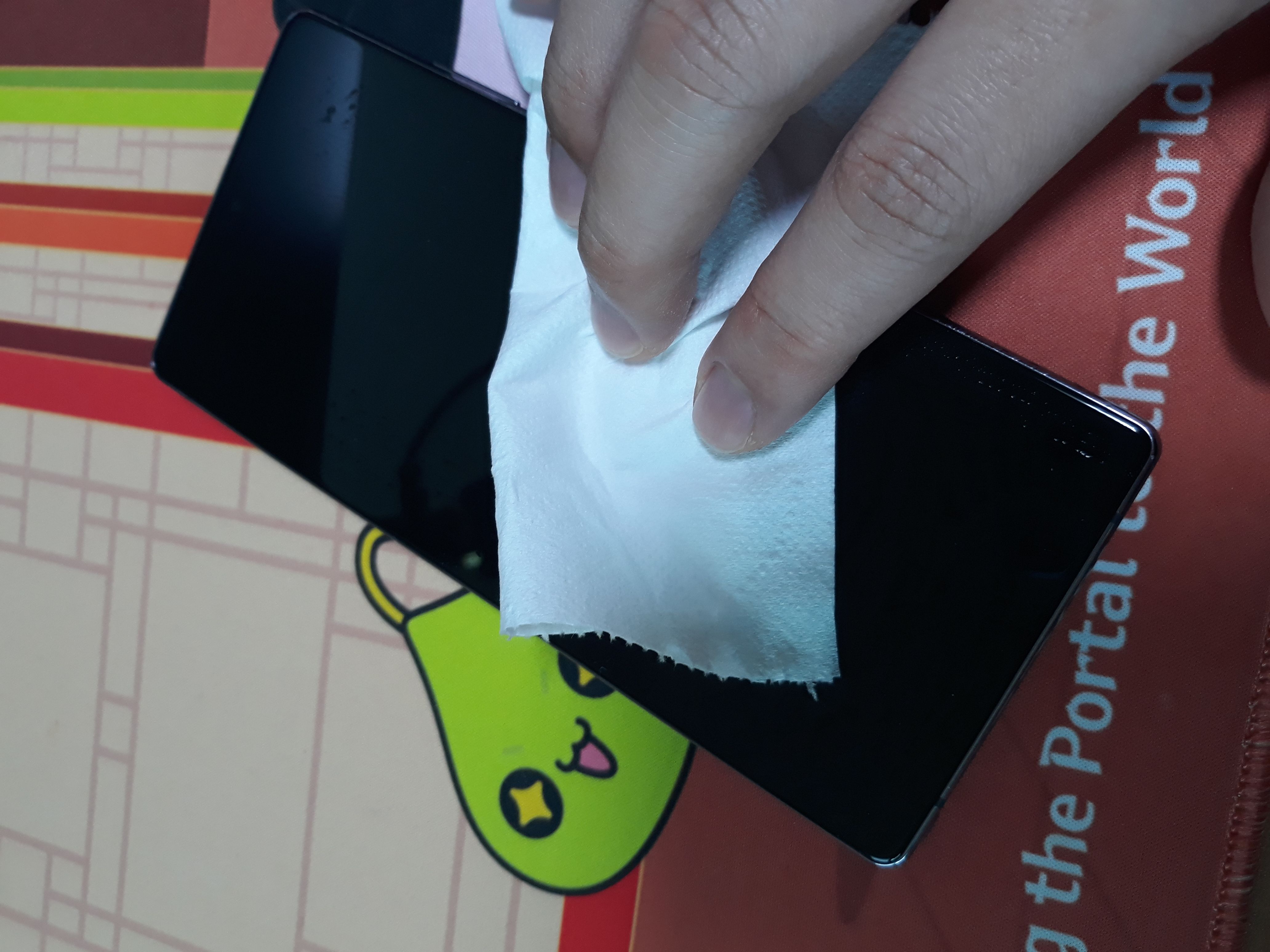
Finally, to remove any remaining moisture or smudges,
give the phone a final wipe with a dry cloth or tissue, and you are done.
If you used a wet wipe, there may be water marks left behind,
so take a little extra care when wiping them away.
⚠ Caution
Cleaning too frequently may actually wear away the screen coating,
so I recommend cleaning your phone after outings where it is likely to have gotten dirty,
or at regular intervals.
🛡 Using a smartphone screen protector
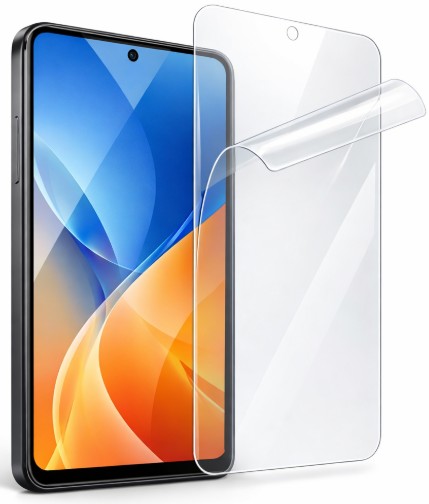
(This image was created using ChatGPT.)
Using a smartphone screen protector can also go a long way toward making your phone more pleasant to use.
In addition to useful features such as scratch protection and screen privacy,
many screen protectors these days offer antibacterial properties or oil resistance (to prevent fingerprint marks),
which can help you keep your smartphone hygienic more efficiently.
That covers some practical ways to keep your smartphone hygienic.
Your phone can easily get dirty as you play different games,
and these are methods I regularly use to keep mine as clean as possible,
so I hope you will try these care tips to keep your phone fresh and clean!




![[피크 챌린지] 마비노기 모바일 파티로 던전 클리어하기](https://peak-file.nexon.com/uploads/20260719_0131_61912ea9.png)