How to Protect Your Nexon Account with Two-Step Verification #계정 보안
용혁순
Hello, I'm 용혁순, a Nexon Picker.
Account security is worth paying attention to when you play Nexon games. In some games, you can't even log in unless you have the required security measures in place.
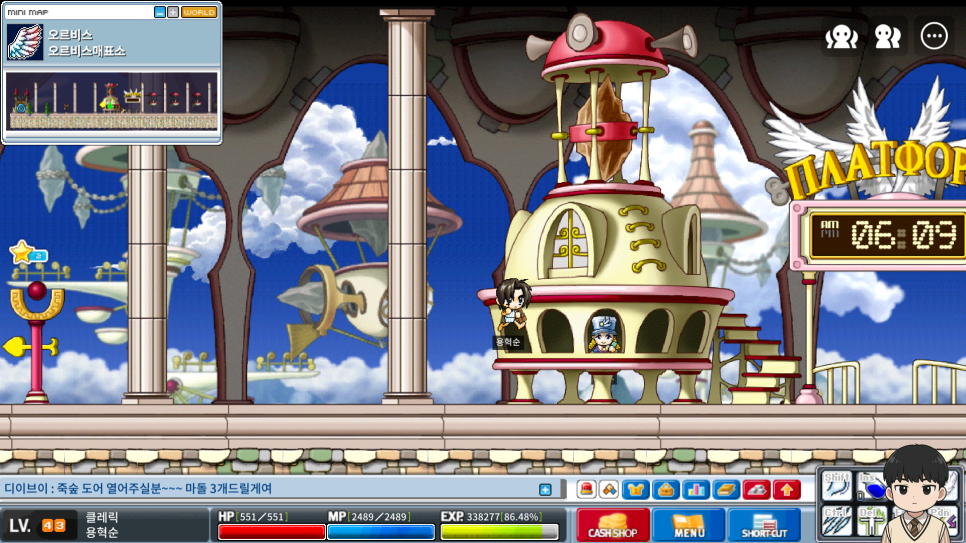
Not too long ago, when Nexon OTP still wasn't required for 메이플랜드, my level 40 Cleric was hacked. I'd worked hard to level up that character, only to have all my mesos and items stolen. That experience is why I always keep account security in mind.
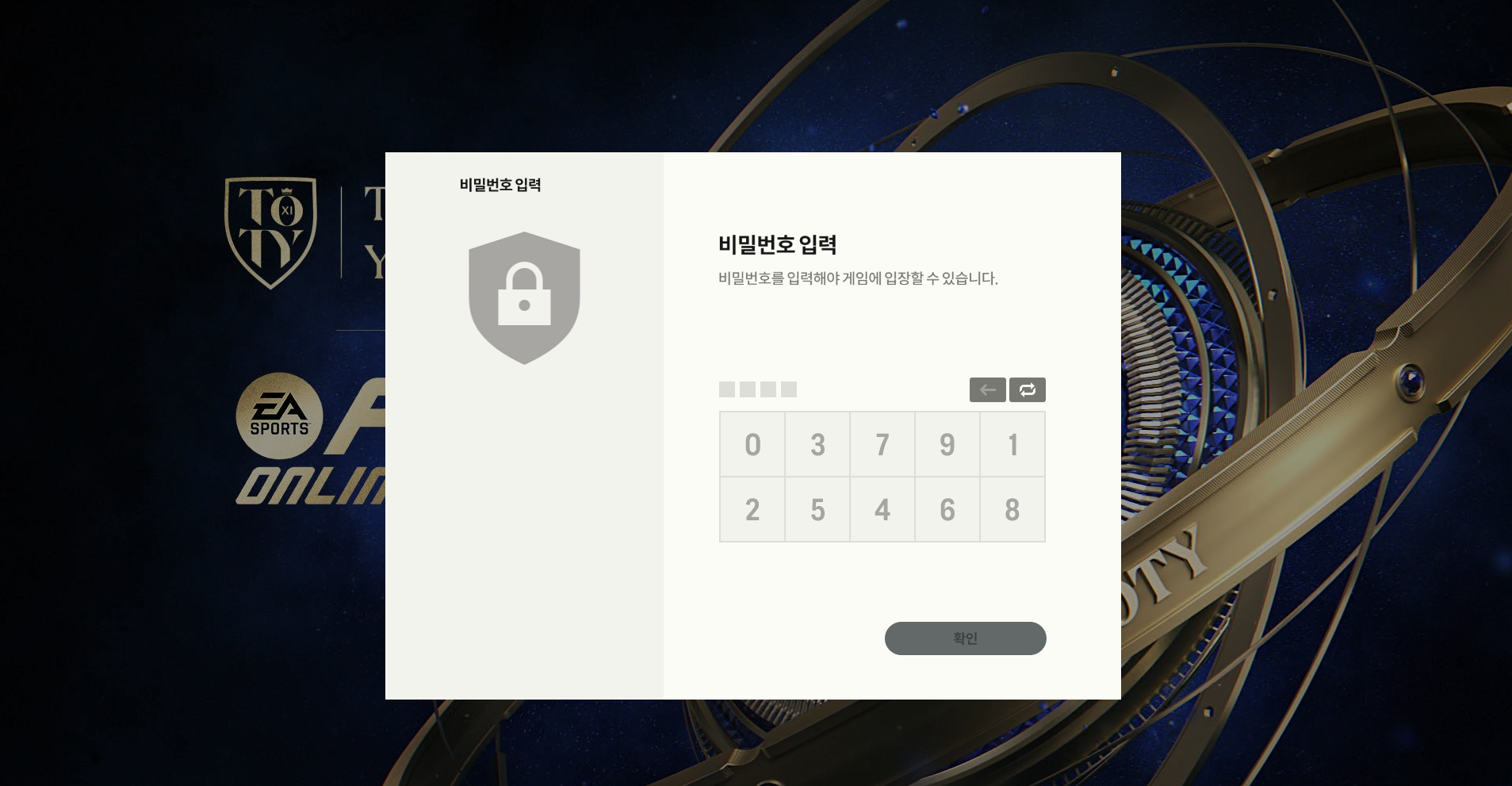
The secondary password system in Nexon games can help, but I worry that these passwords are relatively easy to guess, including for hackers. Let's look at the two-step verification options recommended by the Nexon Security Center.
Nexon Two-Step Verification
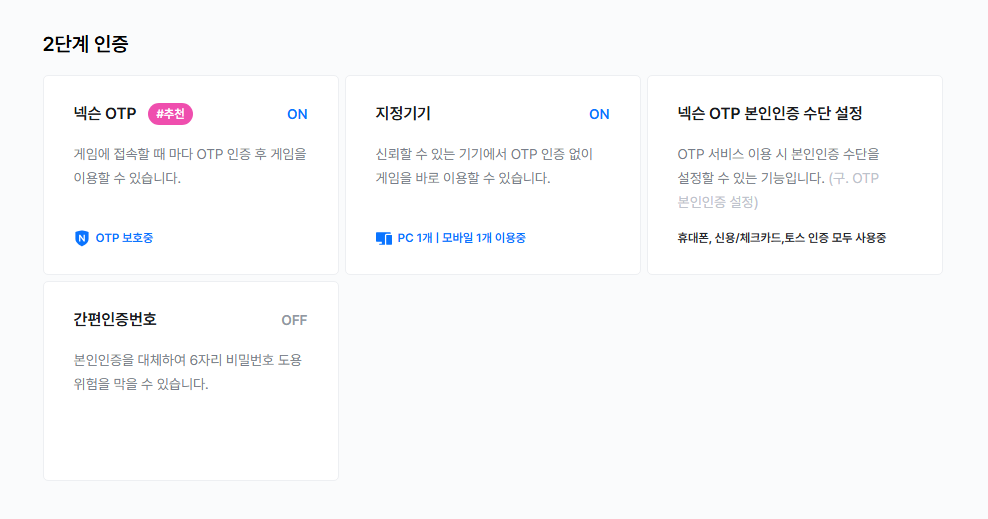
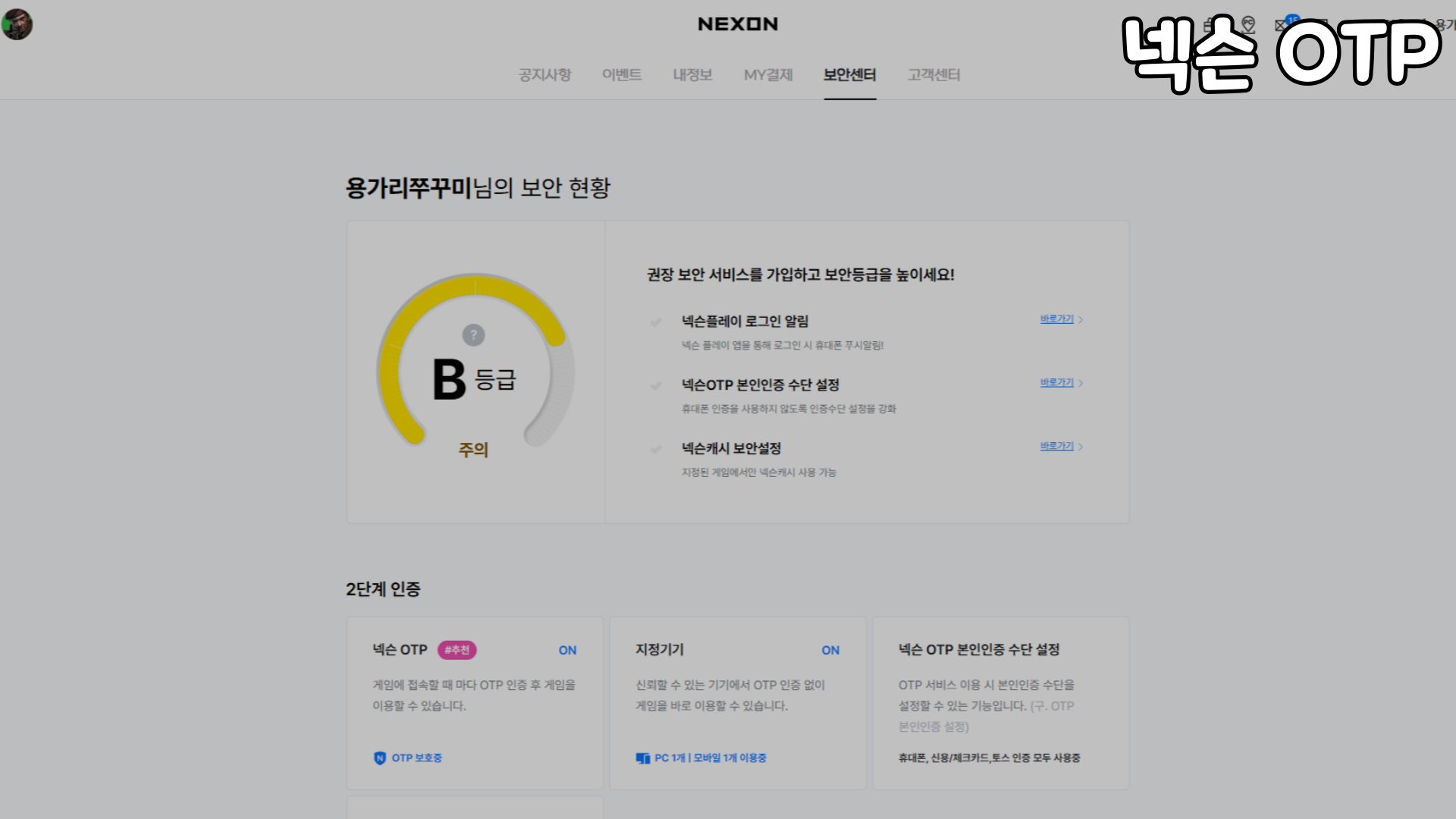
I use 2 of Nexon's two-step verification options: Nexon OTP and designated devices. Entering a Nexon OTP code every time you start a game might sound inconvenient, so I'll show you how to set up designated devices to skip that extra step.
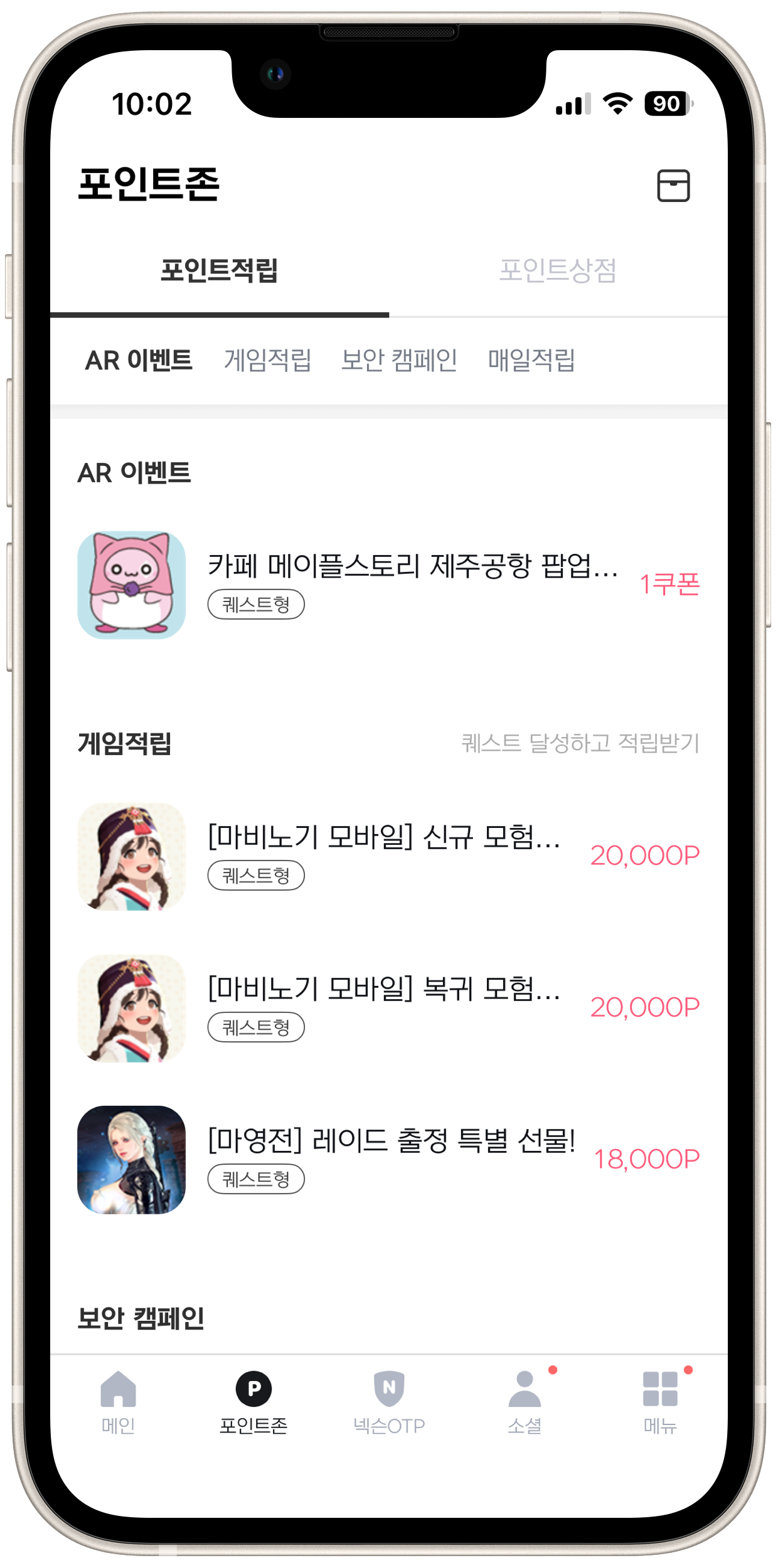
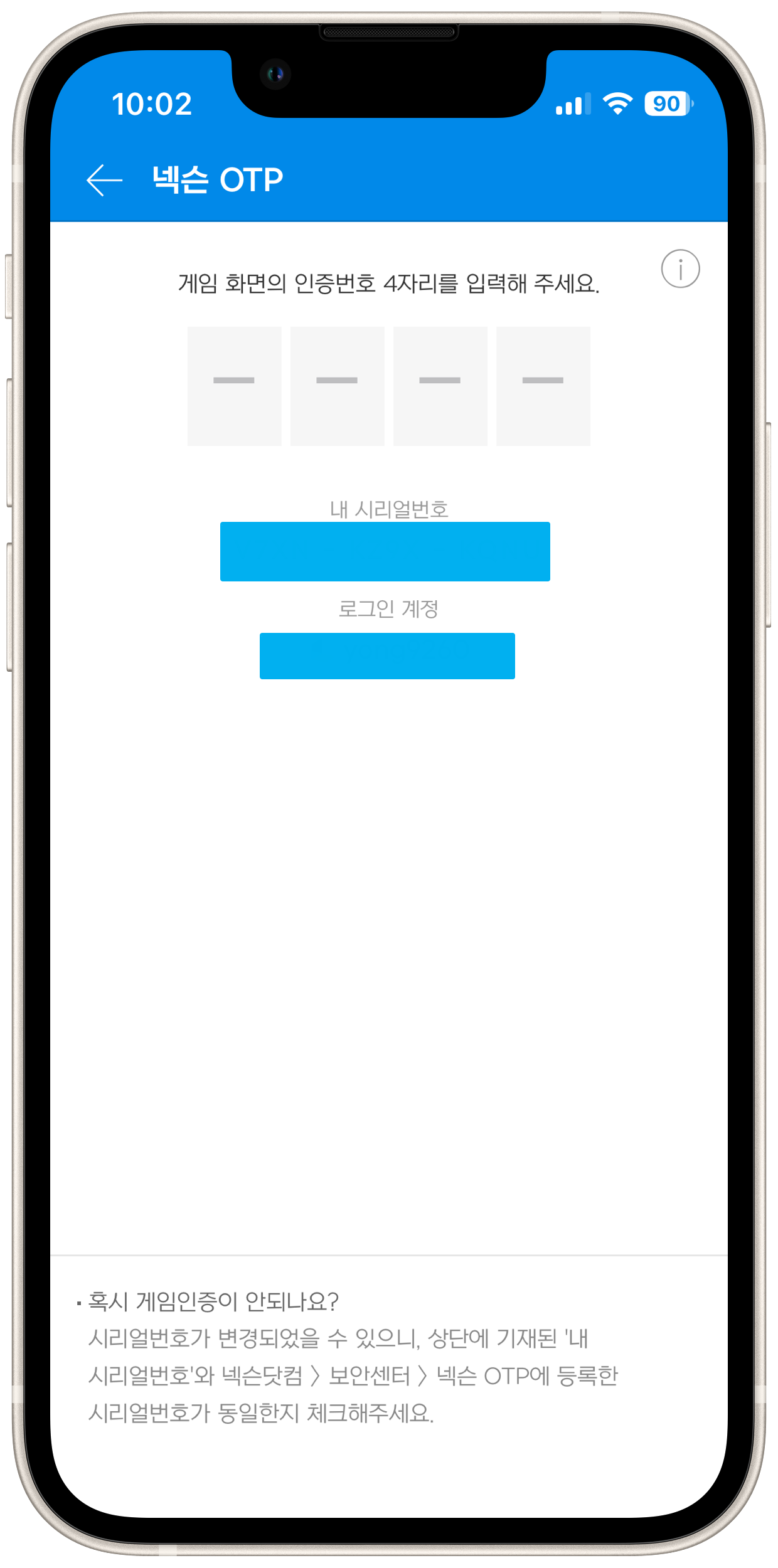
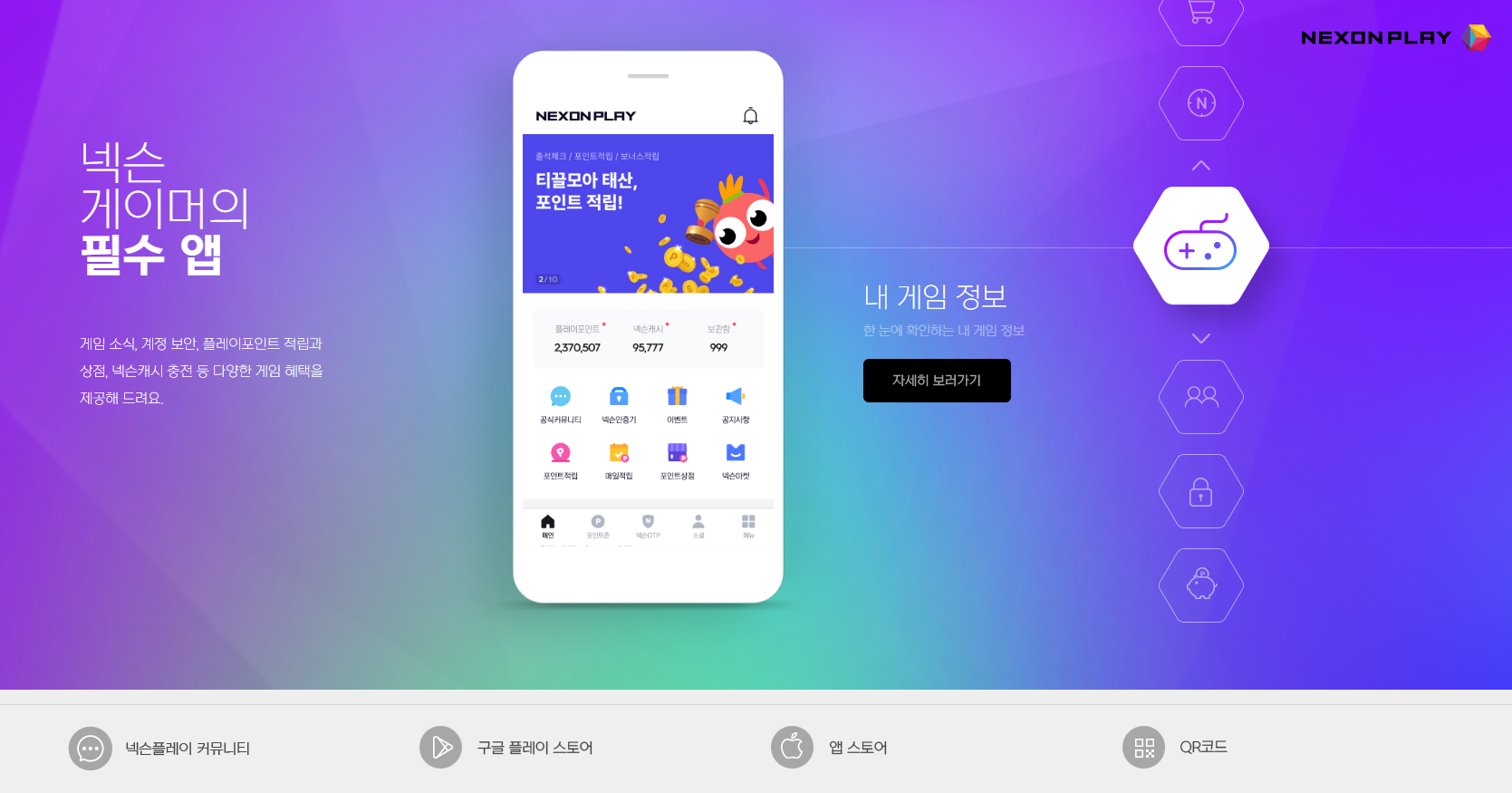
To use Nexon OTP, download the Nexon Play app. Alongside the OTP verification feature, the app lets you earn Nexon Play Points through various missions and gameplay, then exchange them for Nexon Cash to spend. For that reason, I consider it an almost essential app for anyone who plays Nexon games.
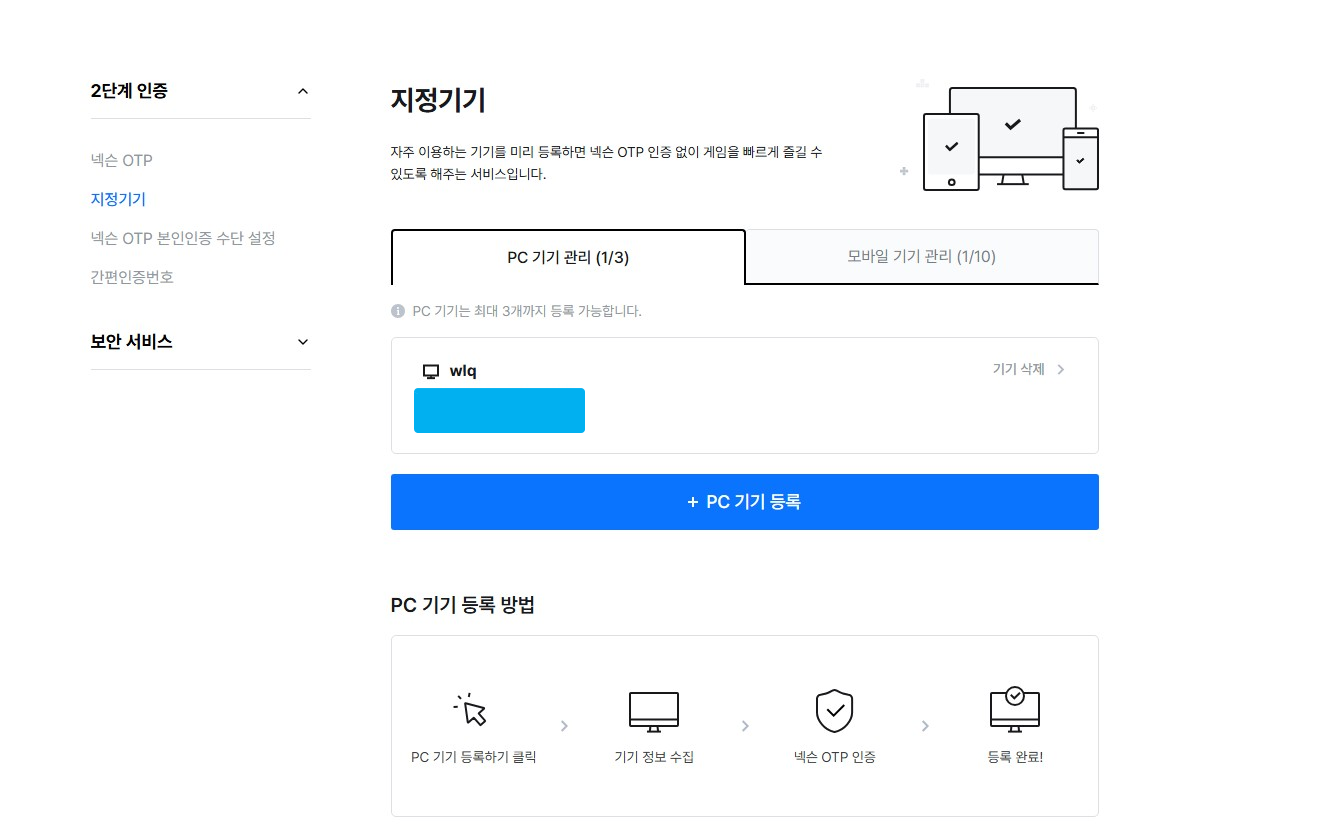
Some people avoid OTP because they don't want to enter a verification code every time they play. The designated device feature removes that inconvenience: once you register your PC or mobile device, you won't need to enter an OTP code on it.
It's generally a good idea to register your main computer so you can log straight into your games without entering a verification code.
That covers Nexon's two-step verification options and how to protect your account: #계정 security.
Don't wait until you've lost everything and regret not taking precautions, as I did. Be sure to set up OTP and keep your account security in mind.