[Mabinogi Mobile] How to Switch Between PC and Mobile #크로스 플랫폼
피스타임
![[Mabinogi Mobile] How to Switch Between PC and Mobile #크로스 플랫폼](https://peak-file.nexon.com/uploads/20260215_0216_7c5-4620-4610-8c9c-7232dbf9baba)
Hello!
I’m Nexon Picker 피스타임.

Mabinogi Mobile was built from the ground up
as a cross-platform game for both PC and mobile.
You can enjoy all its content on whichever platform you prefer,
but you can also tailor how you play to make the most of each platform’s strengths.
Combat that calls for precise control?
Stay focused and play on PC!

Mabinogi Mobile features Raids and Abyss,
two types of weekly combat content.
In these encounters, certain attack patterns can take you down
in a single hit, no matter how strong you are.
Whenever possible, I recommend giving these fights your full attention
on PC, where the controls are a little easier and more precise.

This is especially true as bosses get tougher:
their attack patterns become more challenging and demand finer control,
so I spend a large portion of my playtime on PC.
Of course, for content that’s easy enough to clear on auto,
mobile is a very convenient option!
Endless life-skill grinding?
Keep it simple on mobile!
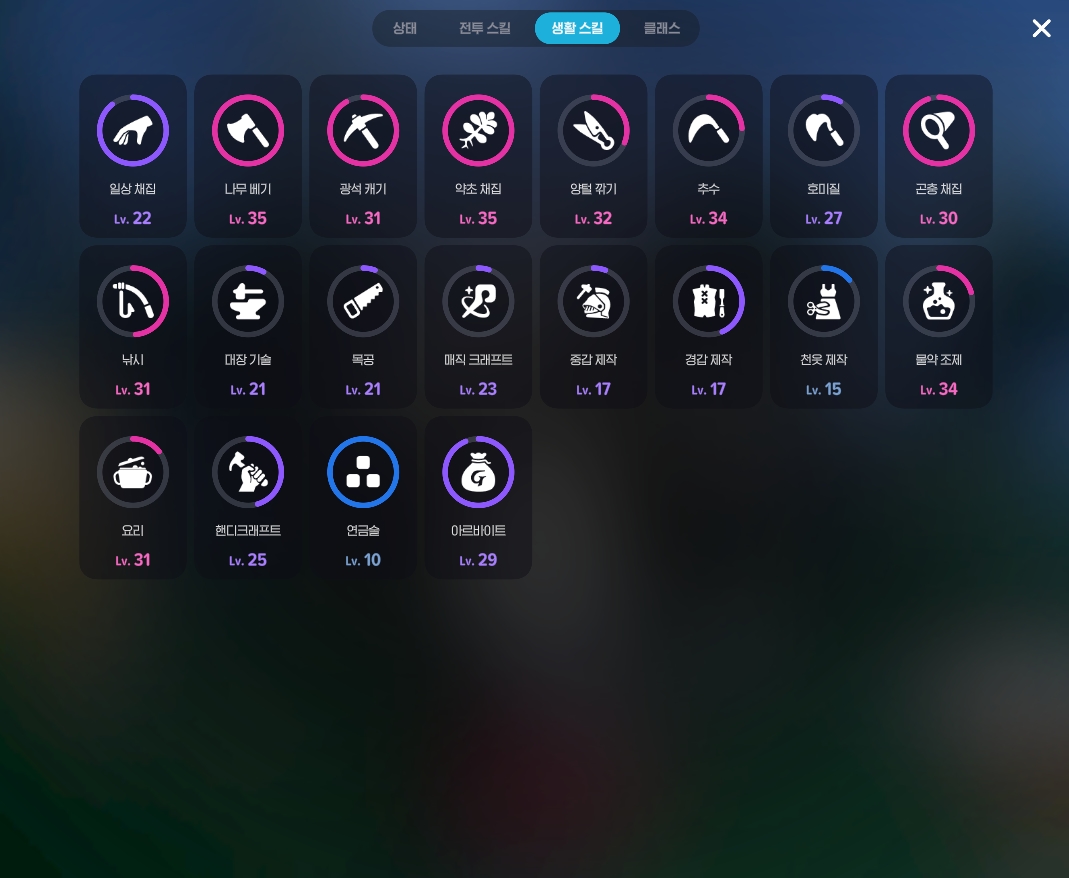
Life skills also play a major role in Mabinogi Mobile.
Activities range from gathering and logging to mining,
but using your PC for repetitive tasks can feel like a bit of a waste.
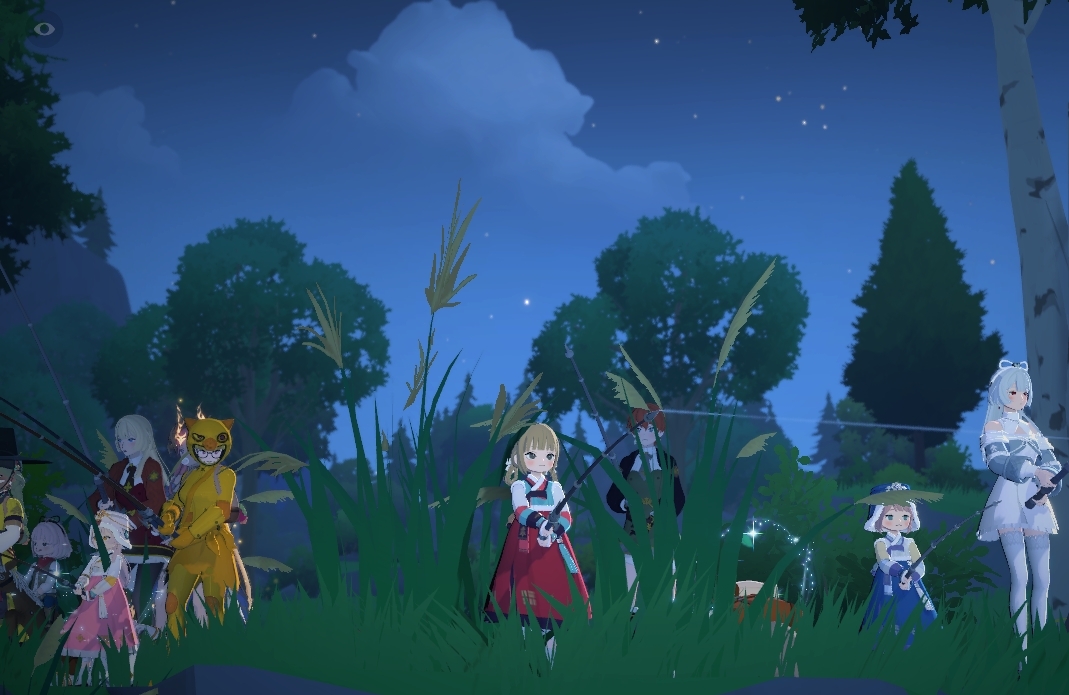
Fishing, in particular, can run almost indefinitely once you start it,
so I sometimes leave it running on my phone when I go to bed.
Waking up the next day to a haul of fish
and a big boost to fishing EXP is always satisfying.
PC or mobile
Enjoy life in Erinn anywhere

One of Mabinogi Mobile’s core attractions
is the fun of interacting with other players.
Socializing doesn’t require complicated controls or auto-play,
so you can enjoy it just as easily on PC or mobile.
Today, I’ve shared some ways to make the most
of Mabinogi Mobile’s cross-platform features
by switching between PC and mobile.
Give 모비노기 a try and enjoy it anytime, anywhere!

![[마비노기 모바일] 엔드 콘텐츠 어비스 지옥 후기 #굳이데이](https://peak-file.nexon.com/uploads/20260104_0714_7b9-d7ac-45e4-8b62-b74c7cc91900)

![[모비노기] 플레이하면서 바뀐 #뇌구조](https://peak-file.nexon.com/uploads/20260206_0506_399-7a14-4935-afef-eb114c2d5c96)