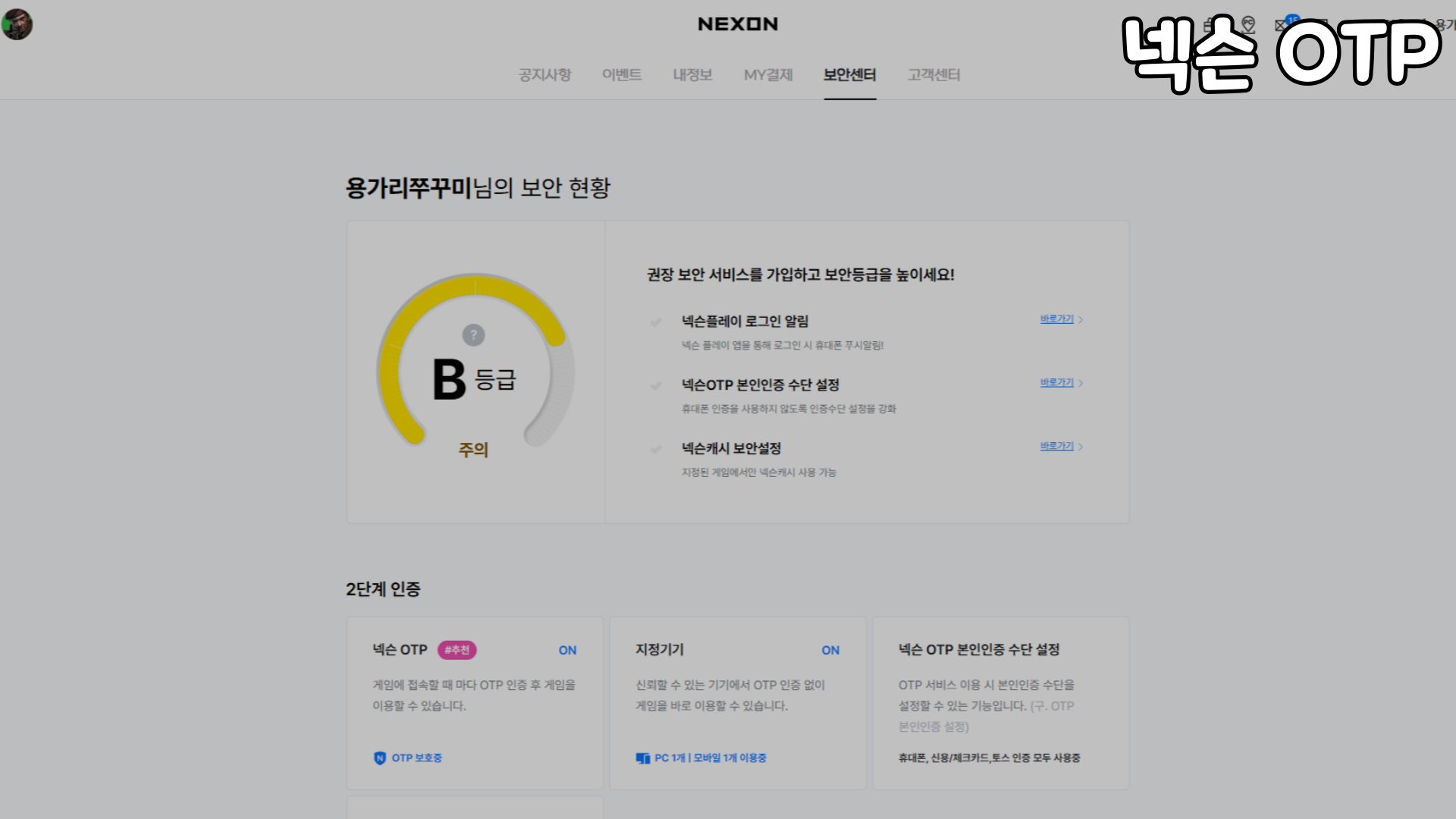
Protect your Nexon account with two-step verification
마포감튀
Hello.
I’m 마포감튀.
Today, we’ll look at how to set up two-step verification to keep your Nexon account secure.
What is two-step verification?
Even if you’re careful with your password, hackers can still gain access to your ID and password.
Two-step verification adds a second layer of security to protect your account if that happens.
OTP stands for One-Time Password. It’s a system that generates single-use passwords using predefined encryption rules, making it an effective way to keep your account secure.
Registering for Nexon OTP
Let’s take a quick look at how to register for Nexon OTP.
First, log in on the nexon.com website.
Once you’re logged in, go to “Security Center.”
You can use the shortcut button on the main page, or
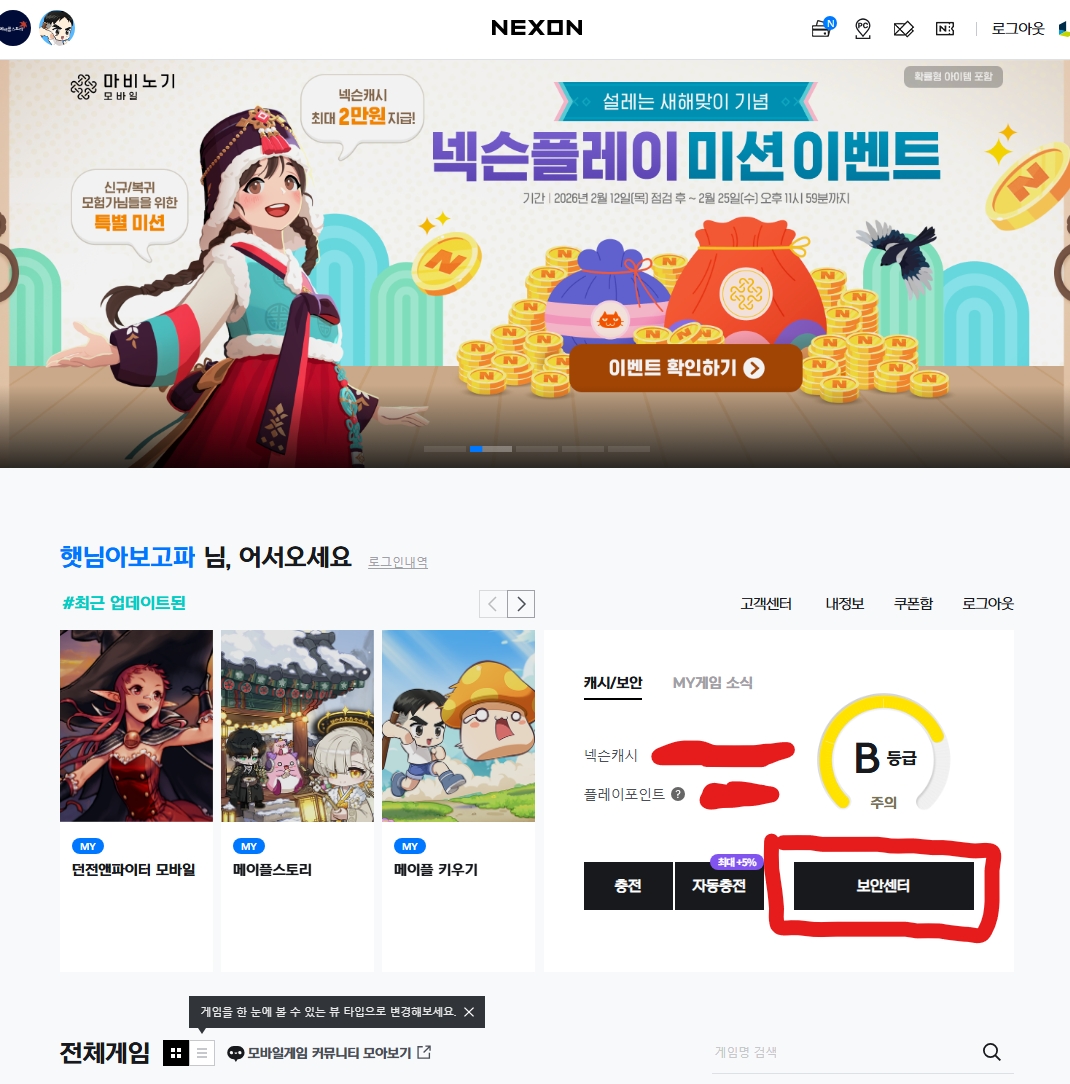
open it through the menu in the upper-right corner.
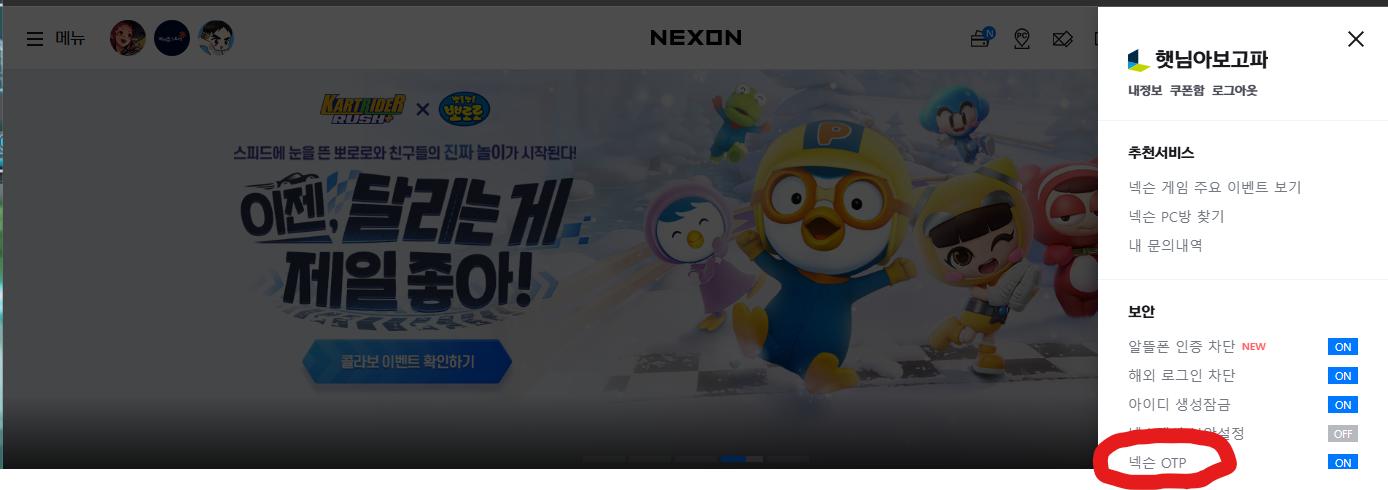
Next, click the Nexon OTP registration option.
I’ve already registered, so this is what I see.
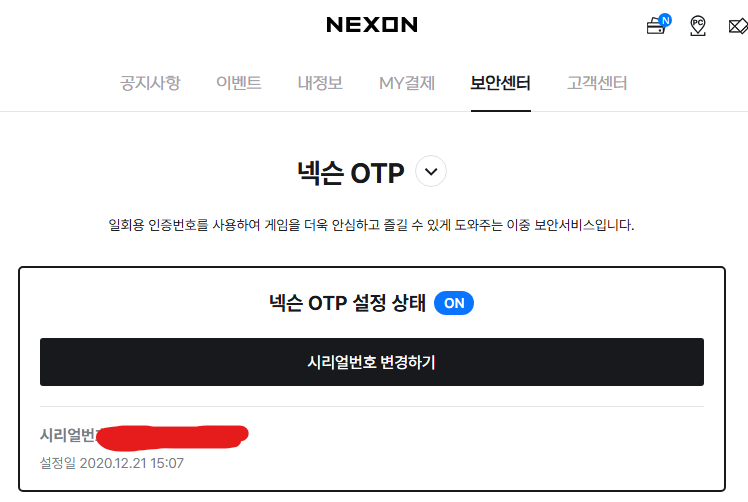
If you haven’t registered yet, you’ll see a Sign Up button.
The website walks you through the setup step by step as you sign up.
You just need to keep track of two things: the serial number and the verification code.
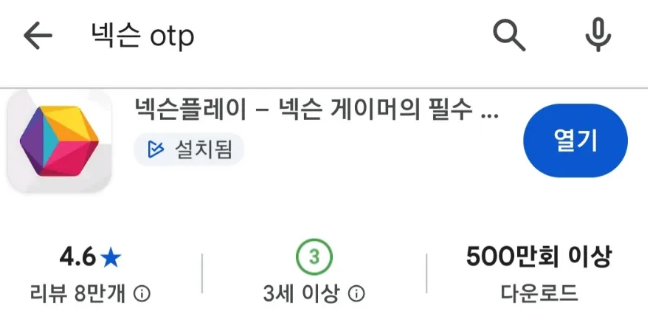
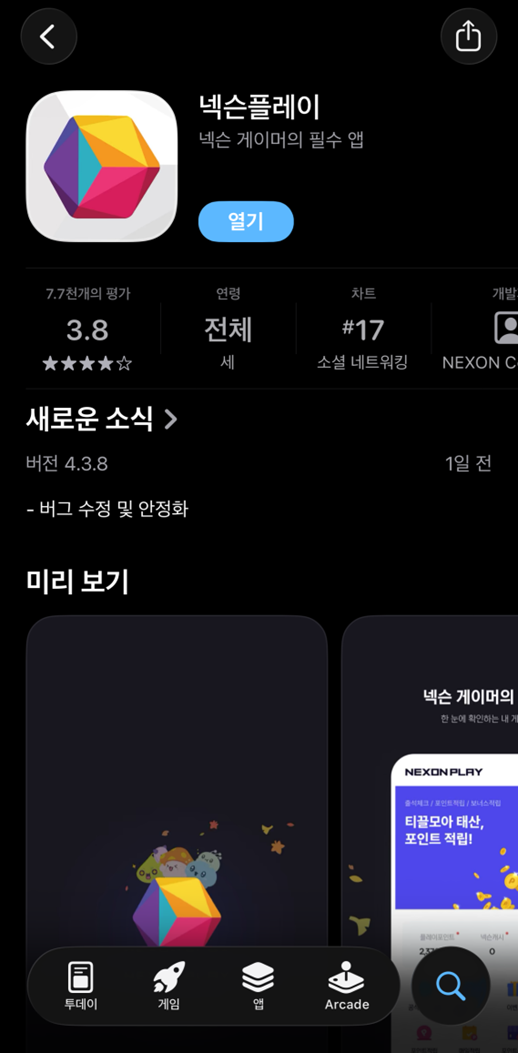
First, download the app from the store,
then log in to the app and tap the OTP menu in the middle.
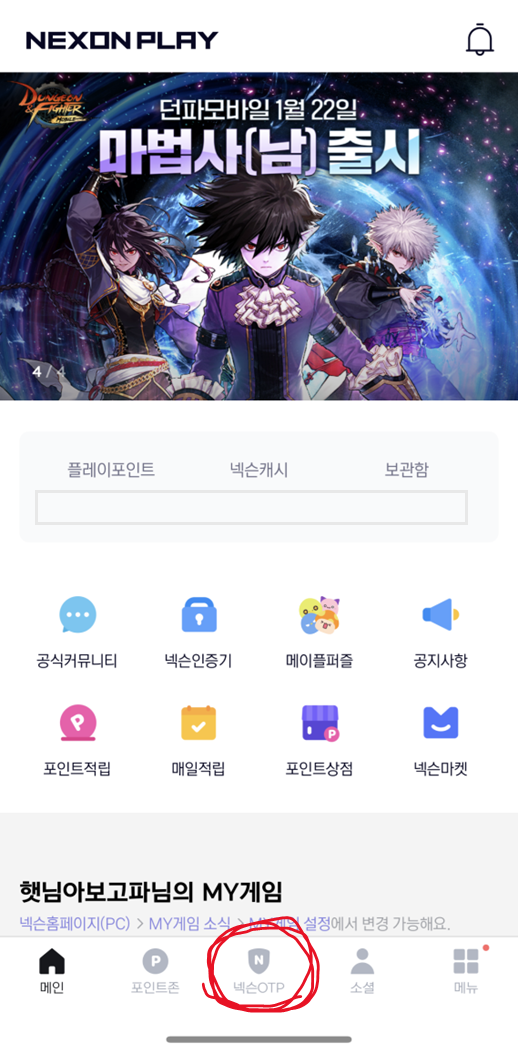
The 12-digit number in the center is your “serial number.”
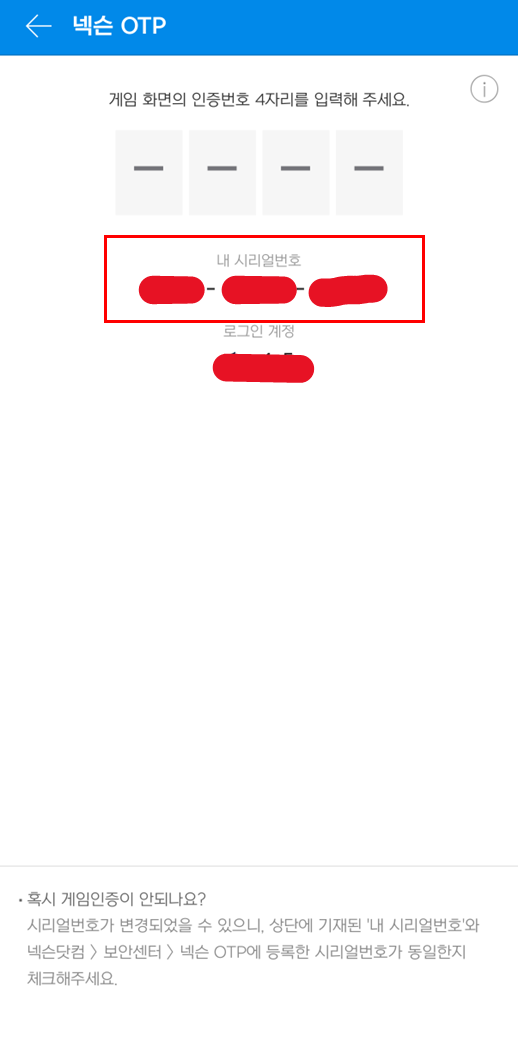
The field in the middle that accepts 4 digits is where you enter the OTP.
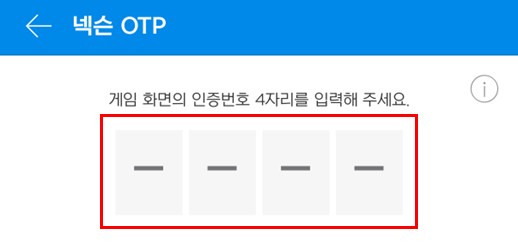
With Nexon OTP, you enter a password generated online into the app to complete verification.
Example: using OTP
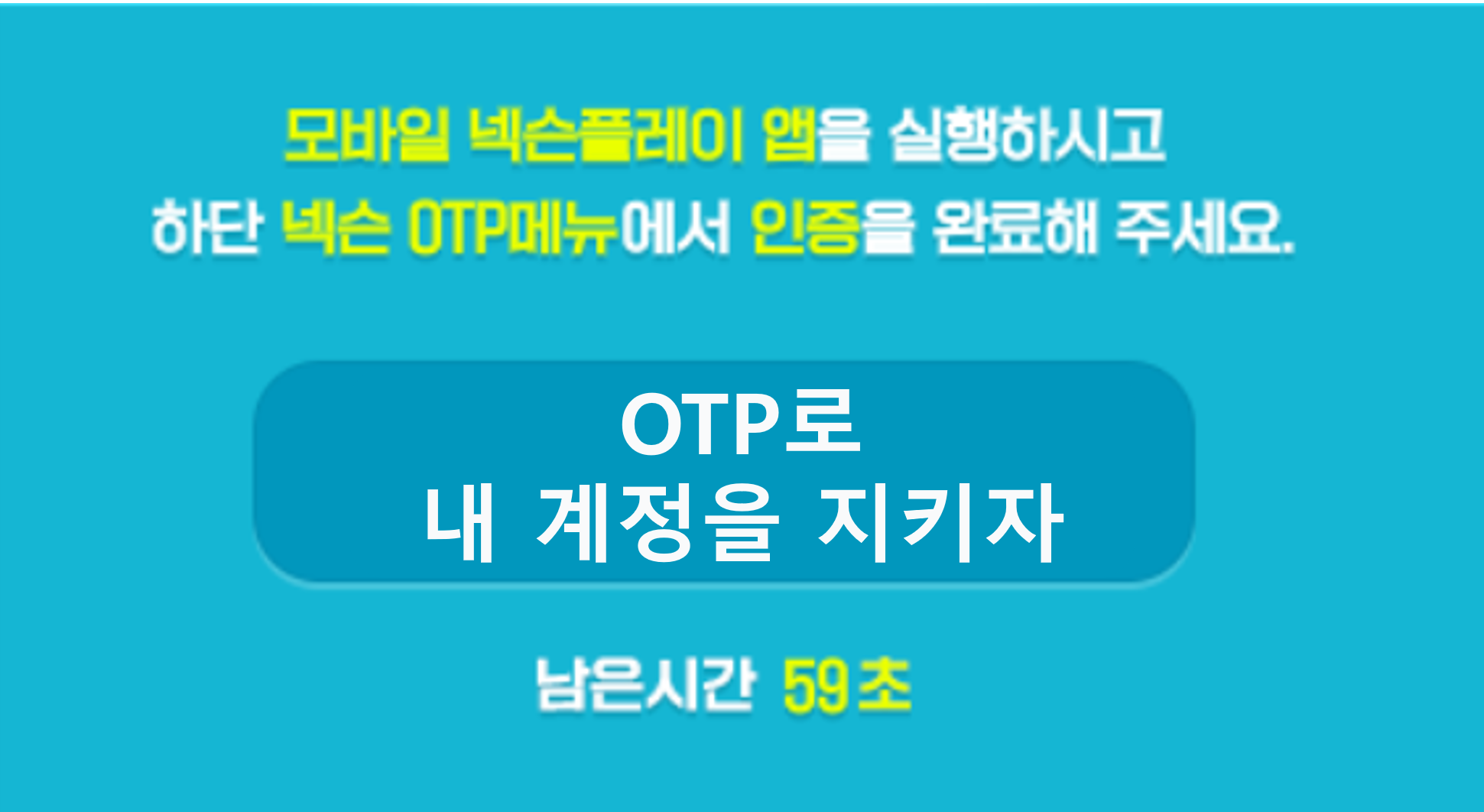
When you try to delete a character in MapleStory, you’ll see a prompt to enter an OTP, as shown here.

If you do want to delete the character, you’ll need to enter the number shown on this screen into the Nexon Play app.
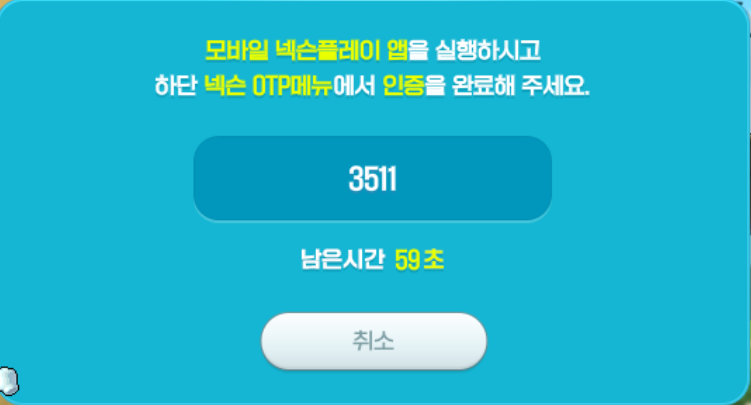
Take the number shown here
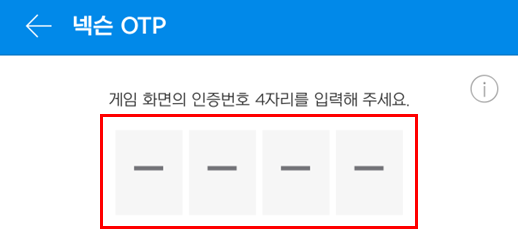
and enter it in the field shown above.
This stops someone who has taken over your account from maliciously deleting your characters.
Additional tip
If you find it inconvenient to get an OTP prompt every time you log in to a game on your home PC,
try the designated PC registration feature in the Security Center.
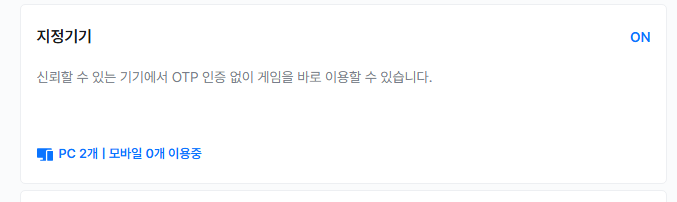
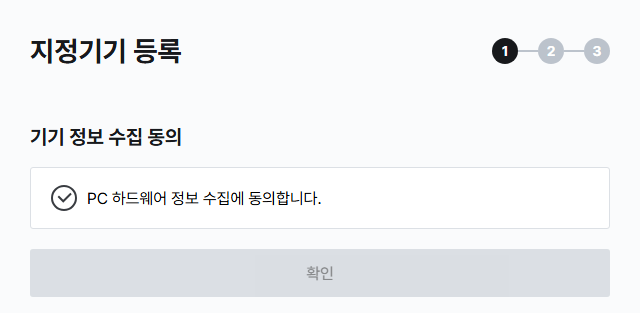
Agree to the collection of information about your PC,
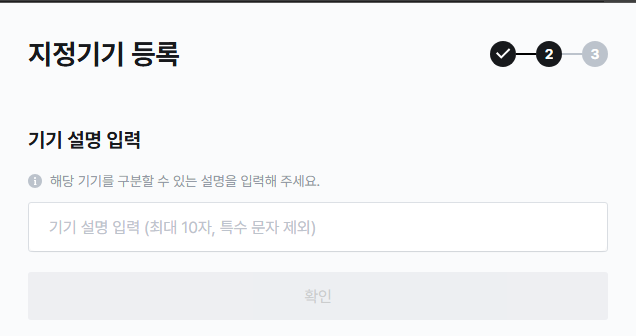
give the device a nickname,
then run NGM, and you’re done!
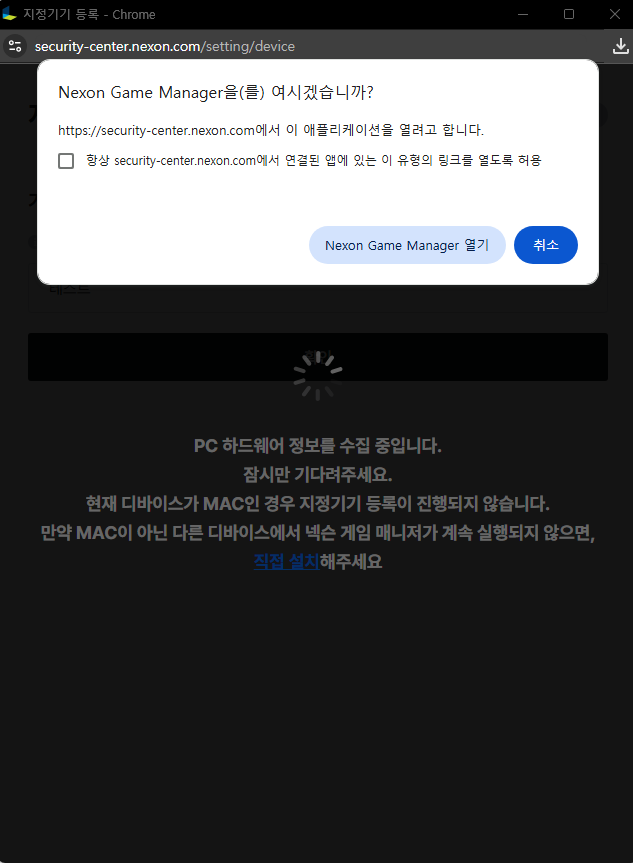
Apparently, this doesn’t work on MAC, so Mac users will still need to use OTP ㅜㅜ
Once you’ve registered your PC this way, you won’t need to enter an OTP when logging in to a game on it.
Just remember: never register a shared PC, such as one at an internet café, as a designated PC.