Secure your Nexon game account with Nexon OTP
말랑
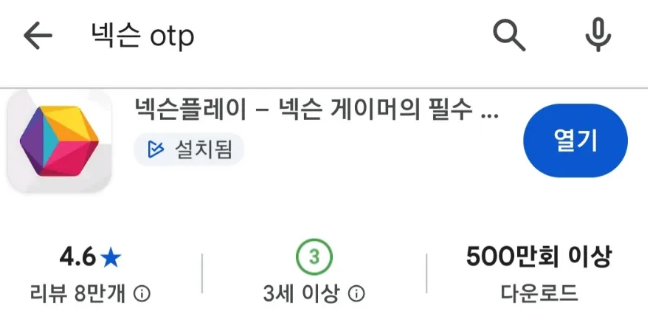
If you play Nexon games,
there’s one essential app you should have on your phone:
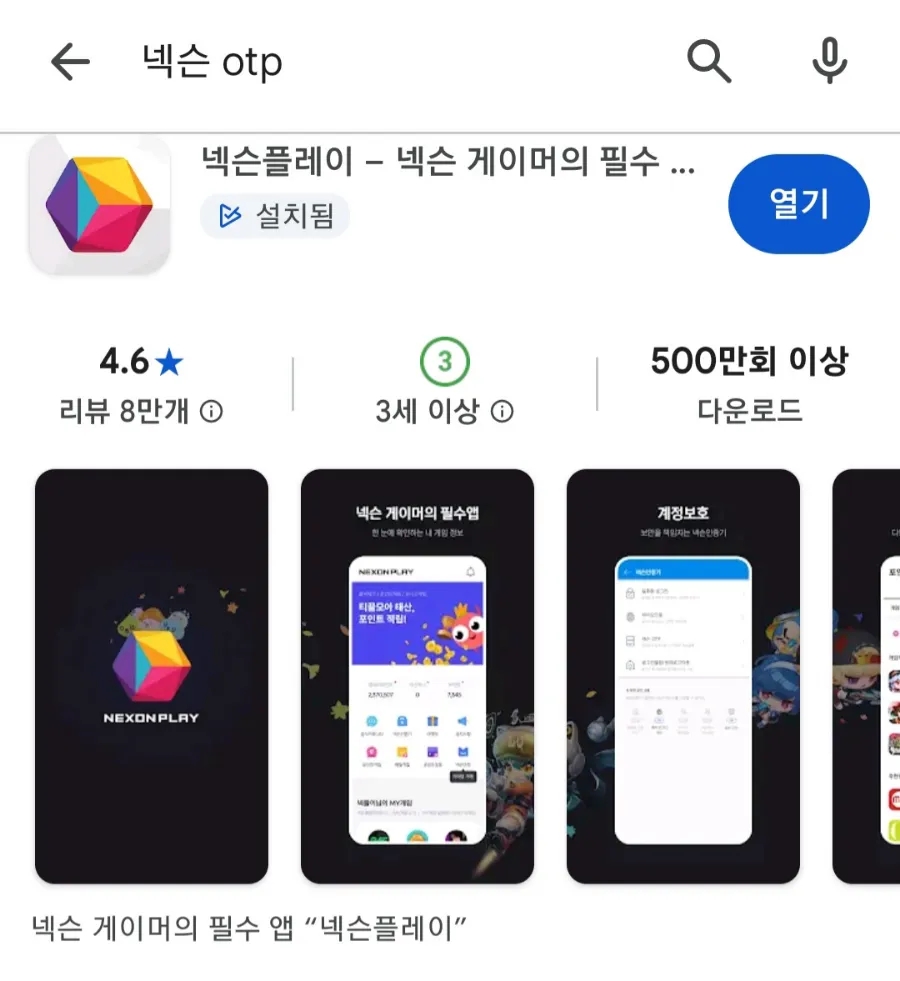
Nexon Play!
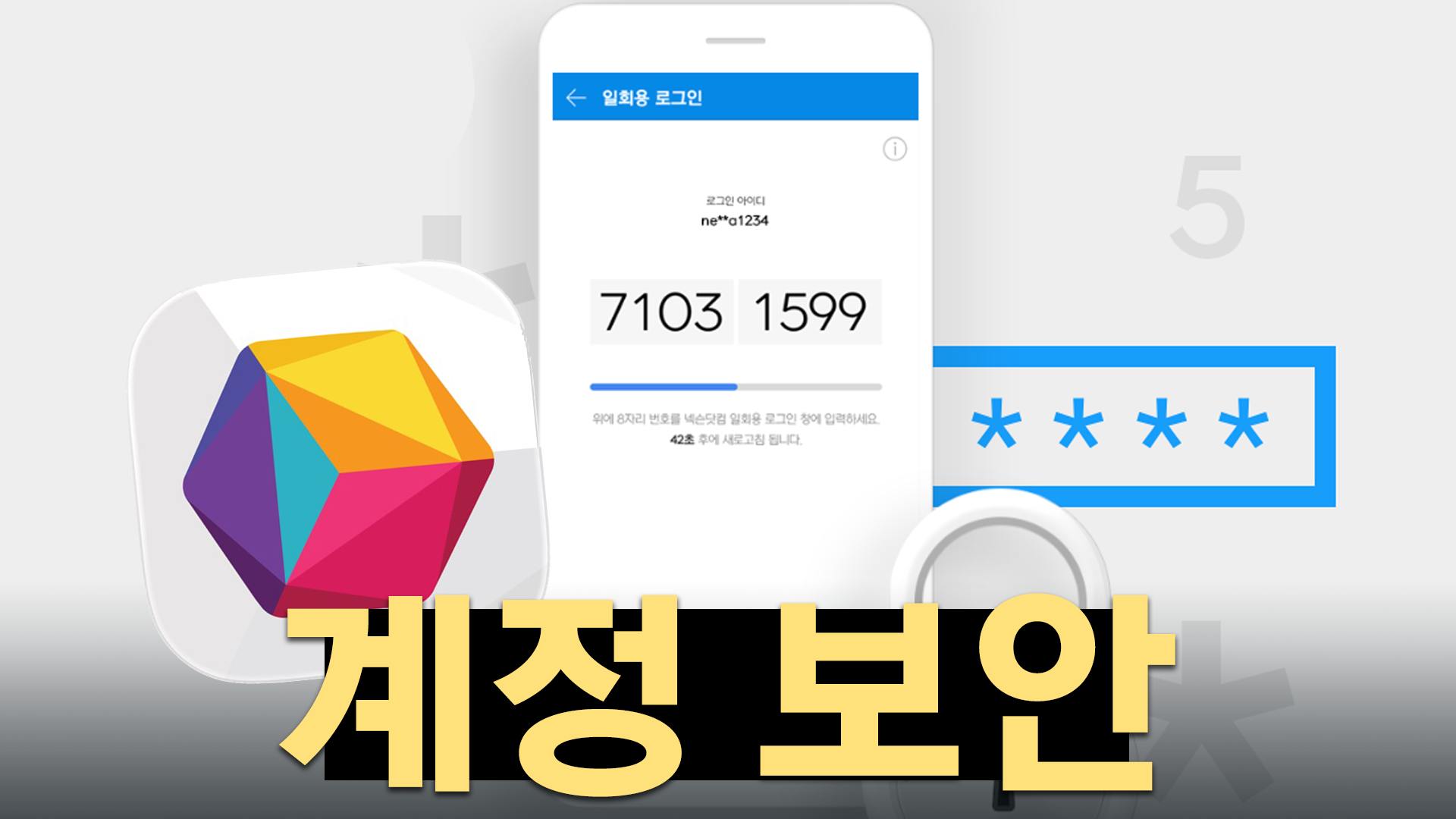
To log into a game, first check the 4 digits displayed on the game screen,
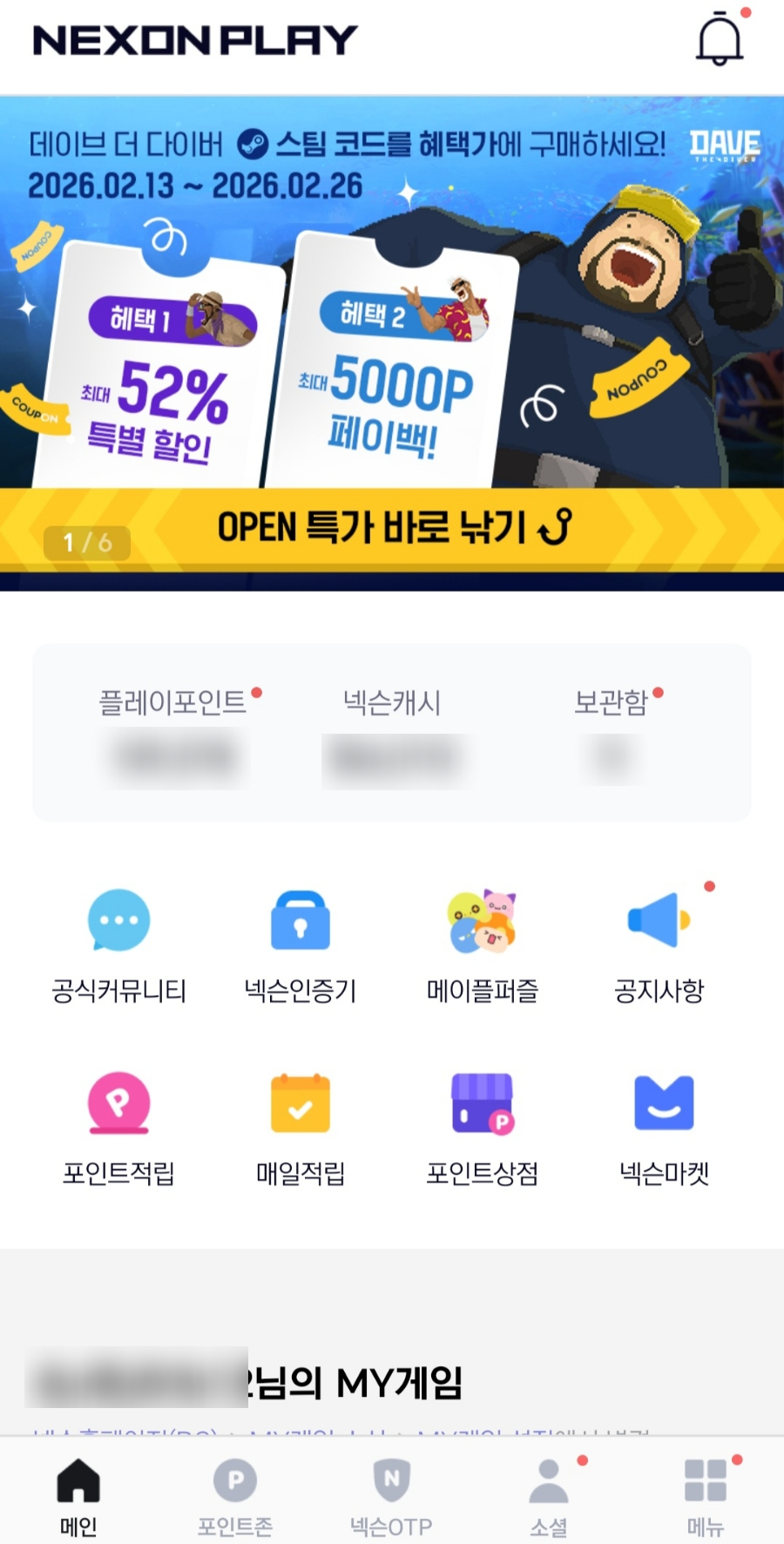
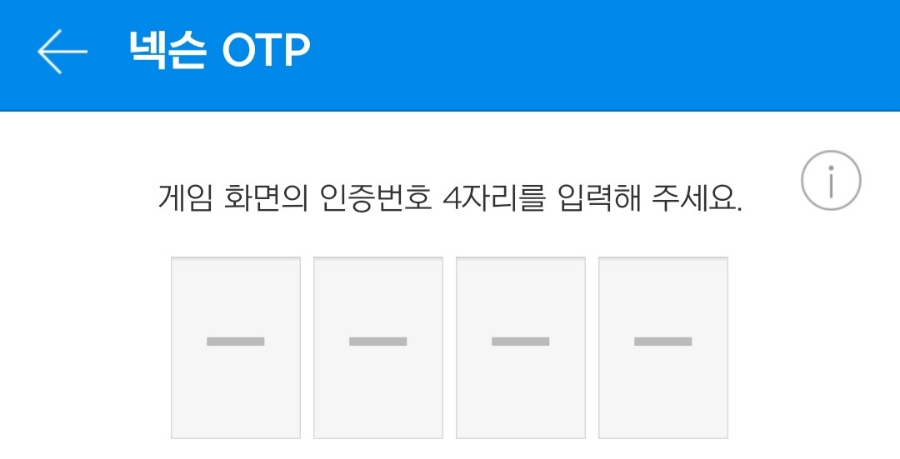
then open Nexon OTP in the Nexon Play app on your phone
and enter those digits manually. This keeps your account from being hacked.
Of course, entering an OTP every time you log into a game can get tedious and frustrating.
Fortunately, there’s a way around that.
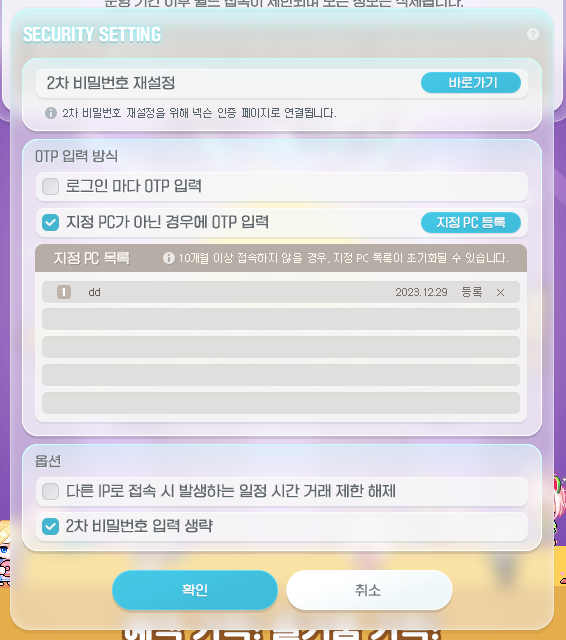
Simply register a designated PC!
I mostly play MapleStory at home, so I’ve registered my home computer as my designated PC.
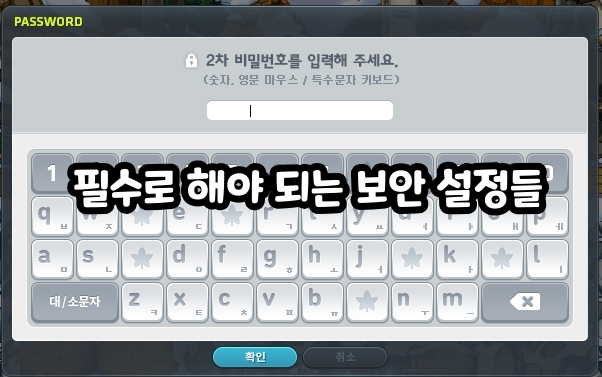
It’s much more convenient without having to enter an OTP or a secondary password every time I log in.
Nexon OTP isn’t just required when logging into a game,
but also when deleting characters or making untradeable items tradeable.
It’s reassuring to know this can help protect a character you’ve worked hard to level up from being deleted.
For anyone who plays Nexon games, Nexon Play is an essential app.
Be sure to install it on your phone to keep your valuable account safe from hacking🙂