Essential Nexon security settings to enable #계정 security
마빡도로시
Hello.
This post focuses on account security and the steps you can take to protect your account when playing Nexon games.
Before looking at game-specific security measures, start with the basics: set a password of sufficient length and run regular virus scans with antivirus software such as Windows Defender. Then, follow the game publisher's security recommendations as appropriate for your situation, and you will have taken reasonable precautions on your end.
If you are new to a game or have put off configuring your security settings because it seemed like a hassle, spending just 10 minutes reviewing the Nexon Security Center below can make a meaningful difference in preparing for future risks. As with any unfortunate incident, it is the person whose account gets hacked who has to deal with the consequences, so taking precautions beforehand is always worthwhile.
Nexon Security Center: https://security-center.nexon.com/

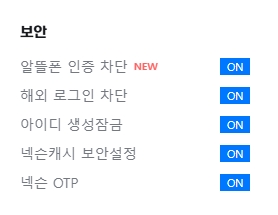
Nexon offers account security features through its Security Center. On PC, you can access it at the bottom of the full menu on the left side of the Nexon website, or by clicking the security icon next to your ID on the right.
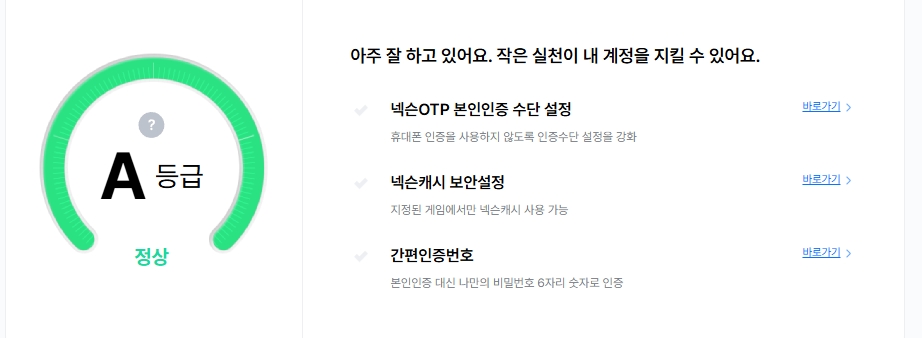
These features do not take long to configure, so it is worth enabling most of them as soon as you have time. They cannot guarantee that your account will never be hacked, but they can help keep the damage to a minimum if it happens. Here are the main options.
Nexon OTP (One Time Password) and Designated Devices

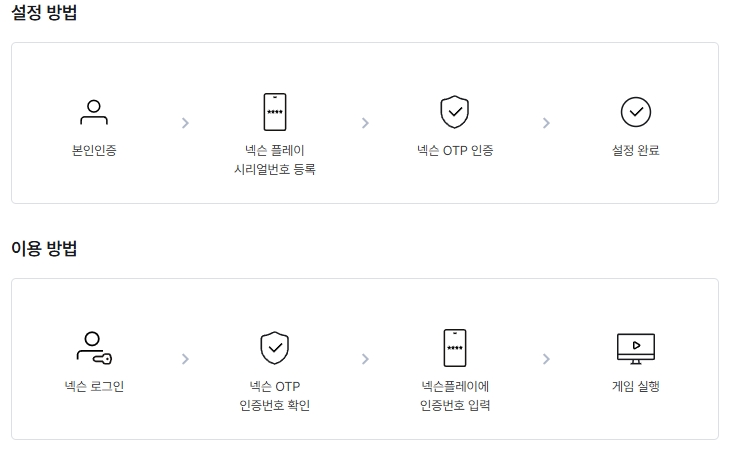
Nexon OTP is a security feature available through the Nexon Play app and is strongly recommended as an almost essential precaution.
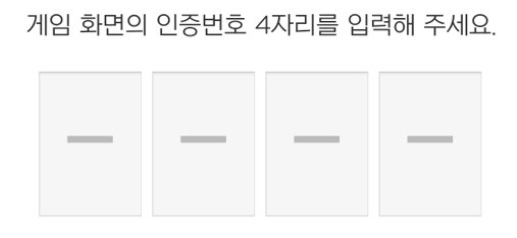
Once enabled, OTP requires you to enter a different 4-digit verification code each time you log in to a game, but you can then register a designated PC to skip this step on that computer and avoid the inconvenience. With OTP enabled and your designated PC registered, you can log in directly from your own computer, while anyone using another PC must enter an OTP, blocking access from other computers without that code.
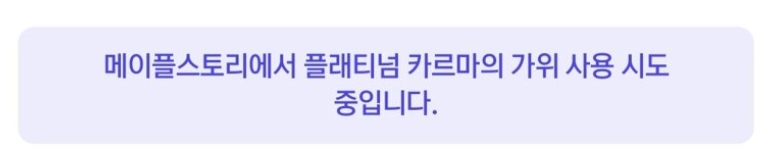
In MapleStory, you must enter an OTP when deleting a character or using Platinum Scissors of Karma, and the app identifies the action being requested, as shown above. If you ever see a notification like this when you are not performing that action, use Nexon Play's remote logout feature to disconnect the session and limit the damage.

You can generally register designated PCs within each game, and this option also appears to be available on the Nexon website.
Nexon Cash Security Settings

Nexon Cash security settings let you limit cash spending to the games you specify.
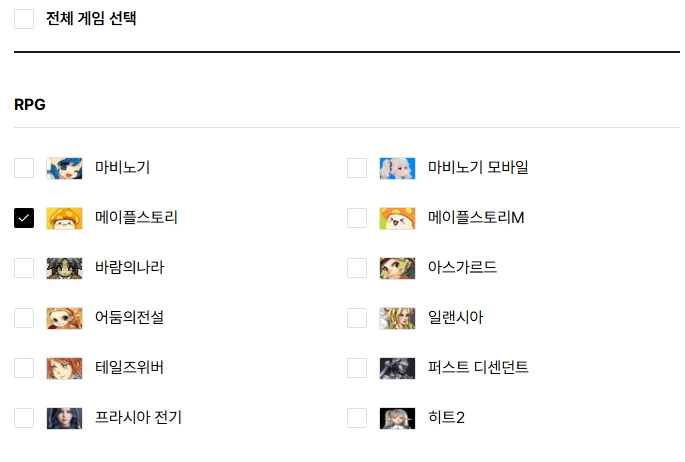
Select only the games you play, as shown here, and your cash cannot be spent in any other games. This is particularly useful given how many account hacking incidents involve purchases of cash items in games the account holder does not play.
For example, I once heard an account on an online stream of a player who only played FC Online and was surprised to find a purchase of a Power Elixir Package (Maple Points) in MapleStory. I do not know whether this feature was available at the time, but enabling it could have prevented that purchase.
Block Overseas Logins
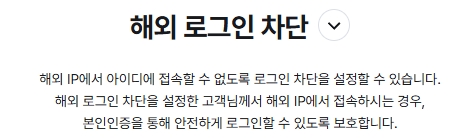
As the name suggests, this feature blocks logins from overseas. Since many account hacking incidents involve logins from another country, it is best to enable this block unless you play from overseas yourself.
Block Verification via Budget Mobile Carriers
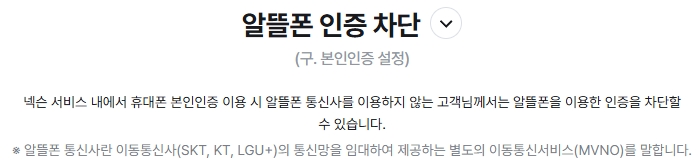
This feature does exactly what its name suggests: it blocks verification through budget mobile carriers. If you do not use one yourself, there is little reason to keep this verification option available, especially since related incidents have led to a dedicated blocking feature, so it is best to enable the block.
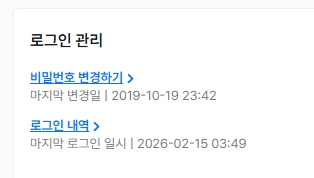
You can also use the Security Center to review your login history, configure identity verification methods for OTP, and generate a quick verification code to confirm your identity. Use these options as needed.
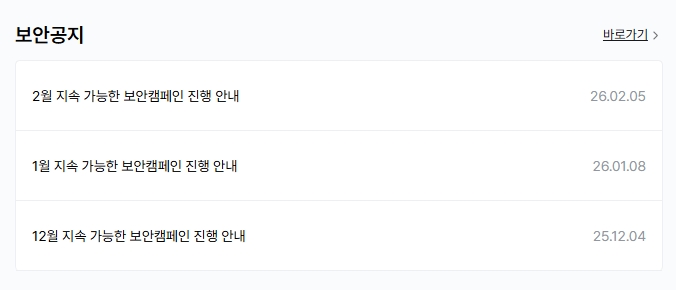
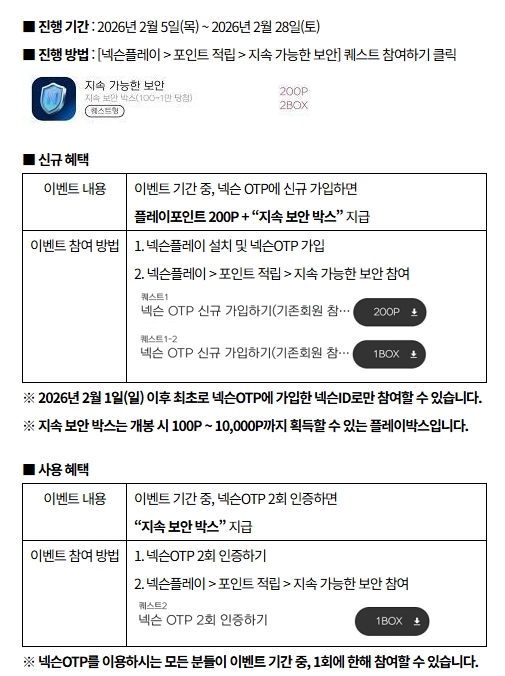
Monthly events also encourage players to enable OTP. Regardless of these events, OTP is worth setting up at a minimum, and taking just a few minutes to go through all the settings can significantly reduce future risks.
Security Features in MapleStory
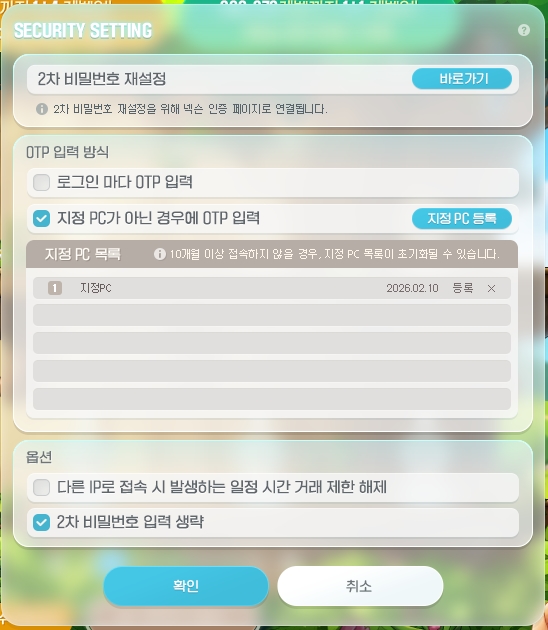
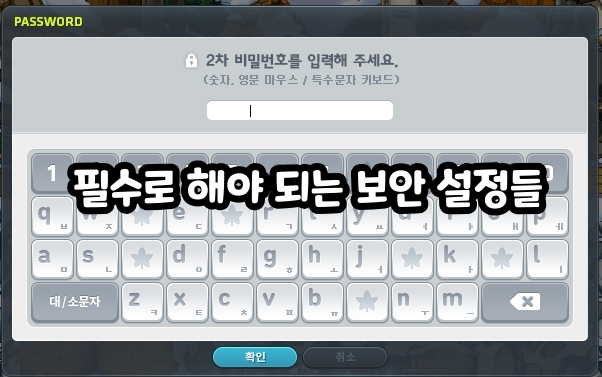
In addition to the security measures on the Nexon website, each game has its own security procedures. In MapleStory, the first is a secondary password, which you must set up initially, although enabling the OTP service mentioned earlier and registering a designated PC lets you skip entering it for added convenience.
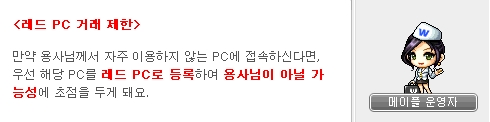
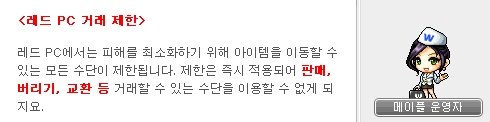
The Red PC system also blocks trading on computers you do not use regularly, but you can use OTP and designated device registration to register a computer as a Green PC.
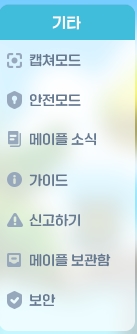
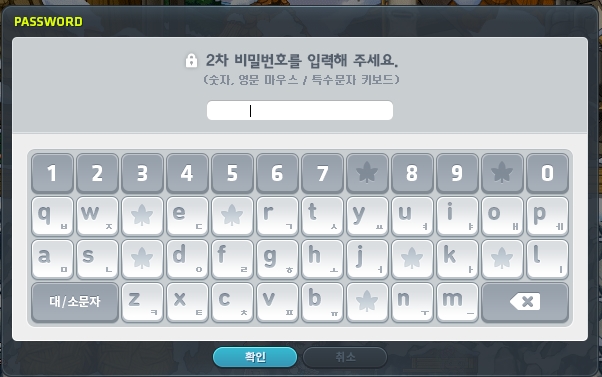
Finally, selecting Safe Mode from the menu opens a secondary password prompt that cannot be dismissed with the Cancel button. Until you enter the secondary password, you cannot perform any other actions or even exit the game. This feature is reportedly used when participating in AFK events at PC cafés.
Thank you for reading.