Ironclad Security for My Character: Why I Installed Nexon Play 🔒
재파민
Hello, fellow Nexon game fans!
It’s 재파민!
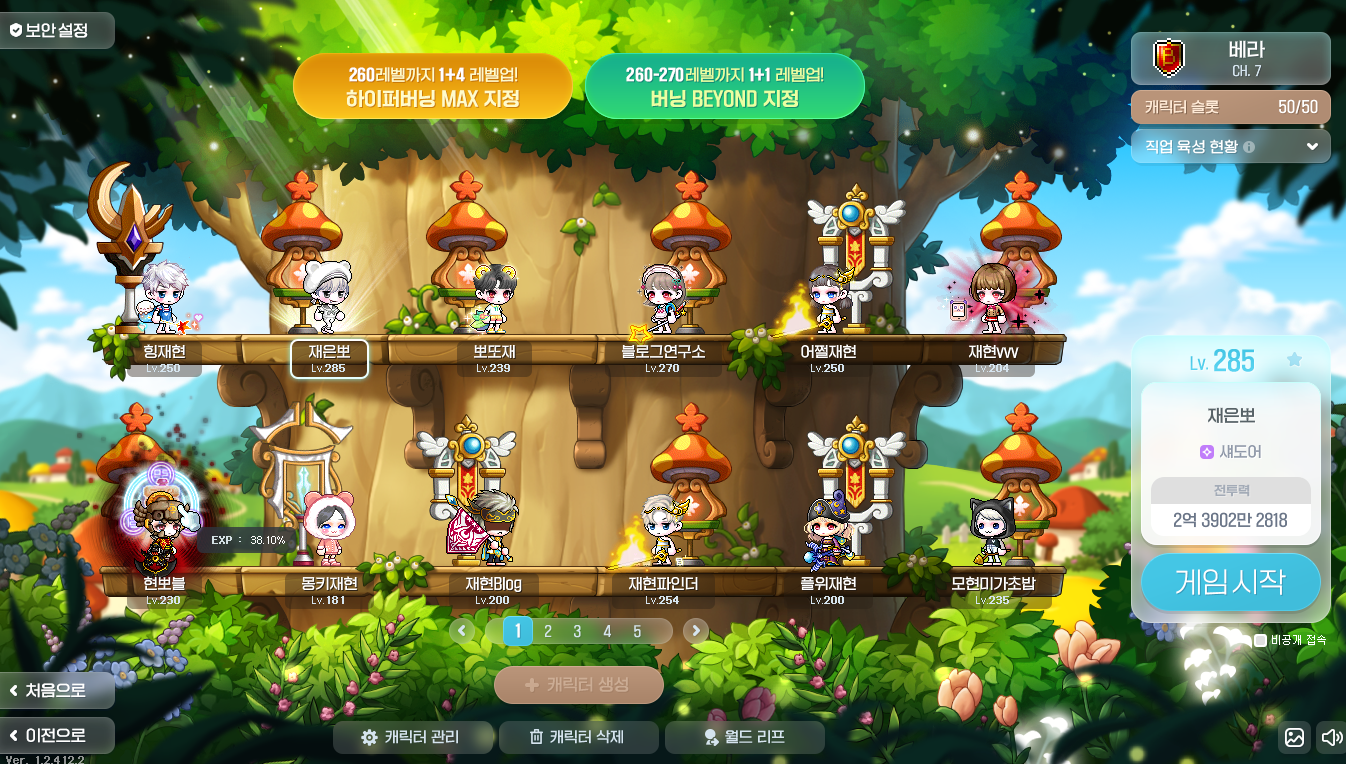
How would you feel if an account you treasured got hacked? I once had a nightmare that all my MapleStory characters had been deleted, and it sent chills down my spine.
After that nightmare, I took extra care setting up my secondary password, but I still felt it wasn’t enough. At a PC café, someone could look over my shoulder, see my secondary password, and break into my account.
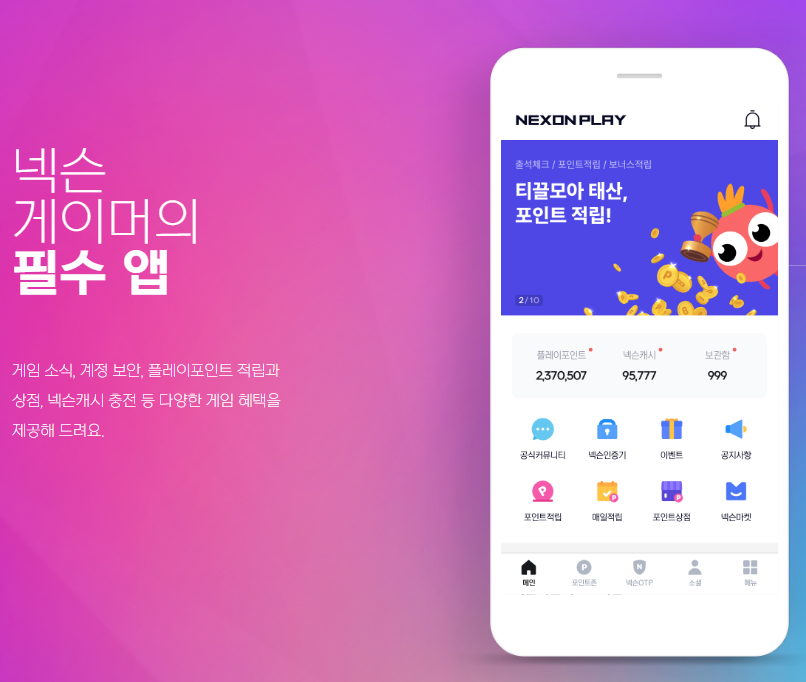
There’s an all-in-one app that puts those worries to rest: Nexon Play!
Along with protecting your account, Nexon Play gives you a handy way to browse various events. I’ll walk you through it in a quick, straightforward overview. I hope you’ll find it useful—let’s get started.
Nexon Play: An Essential Account Security App
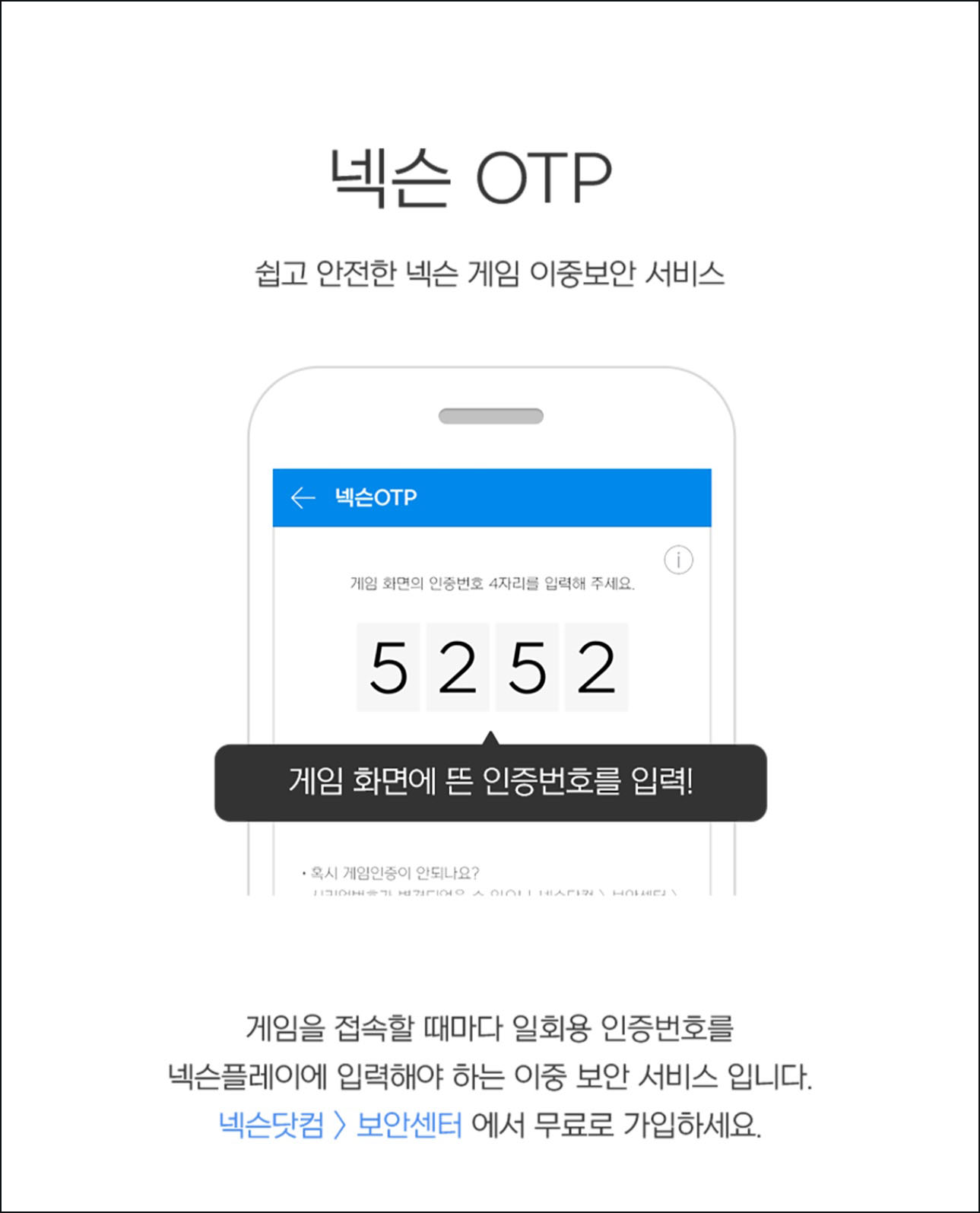
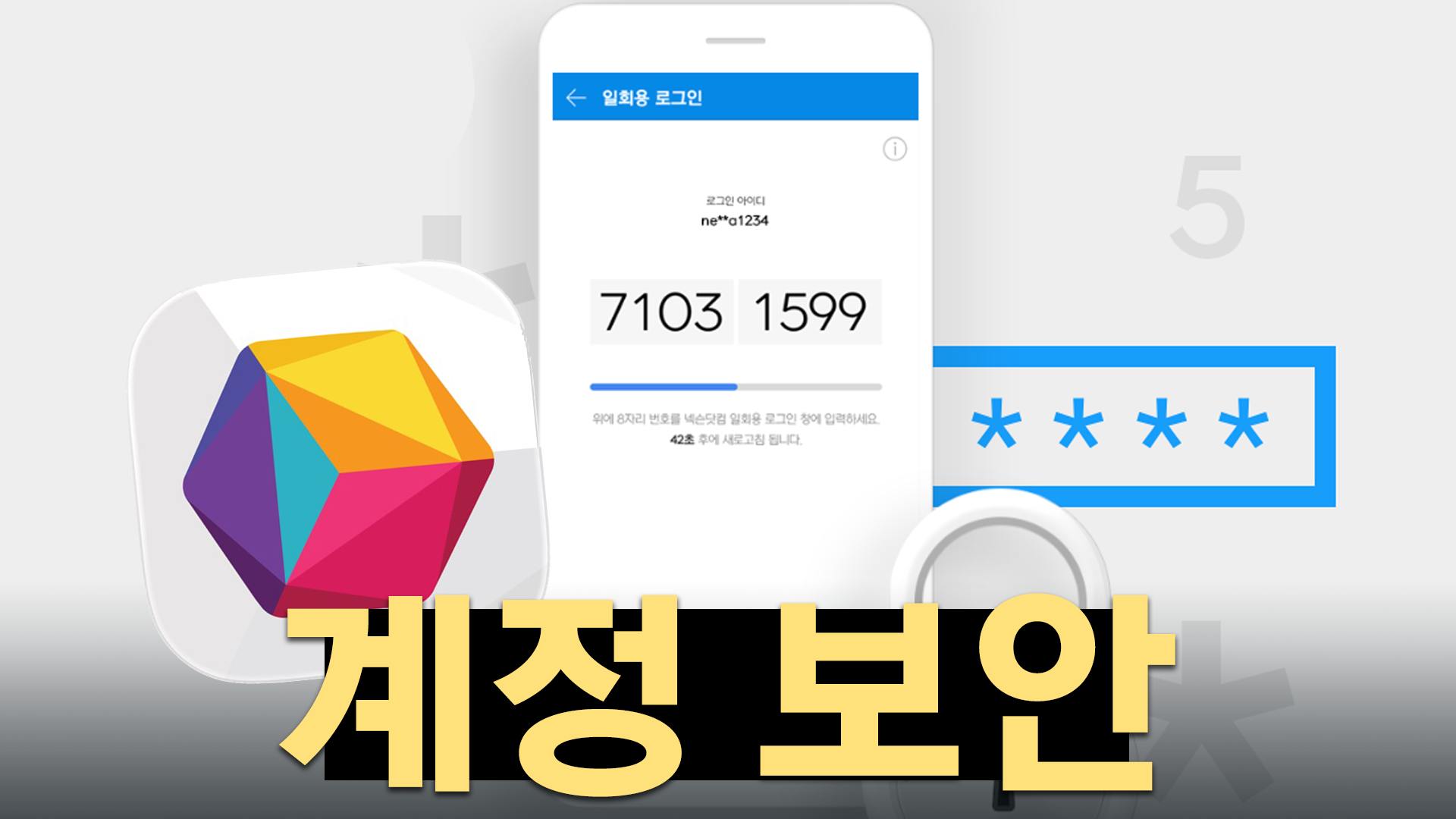
Linking Nexon Play to your account activates 2-step verification. Any login attempt from a device other than your designated computer requires an OTP code that’s only available in Nexon Play.
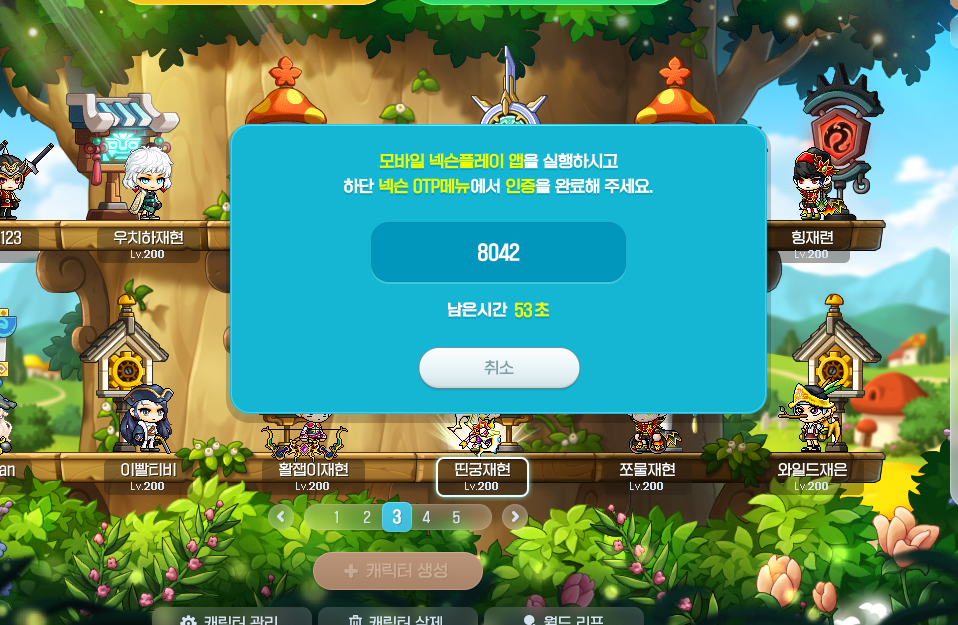
That means even if there’s a large-scale hack or someone deliberately targets your account, they won’t be able to get in. If you’re a frequent PC café visitor, I strongly recommend setting this up.
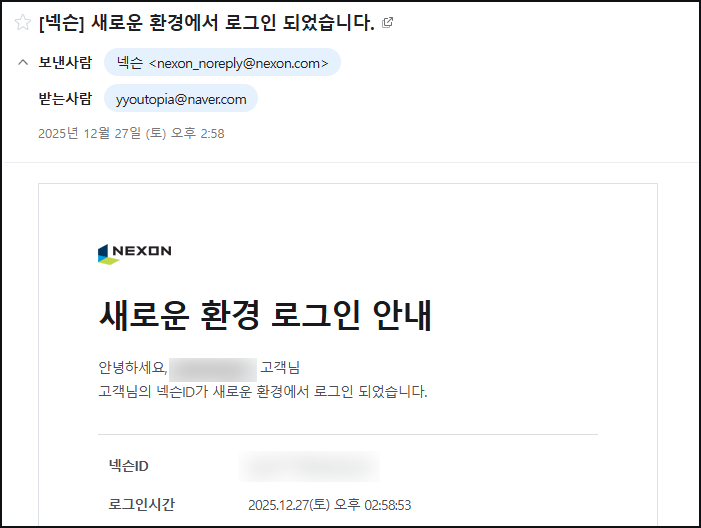
Even if your account is compromised, you’ll find out right away by email. The alert doesn’t come from Nexon Play, but the system lets you take immediate action through Nexon Play. That gives me real peace of mind.
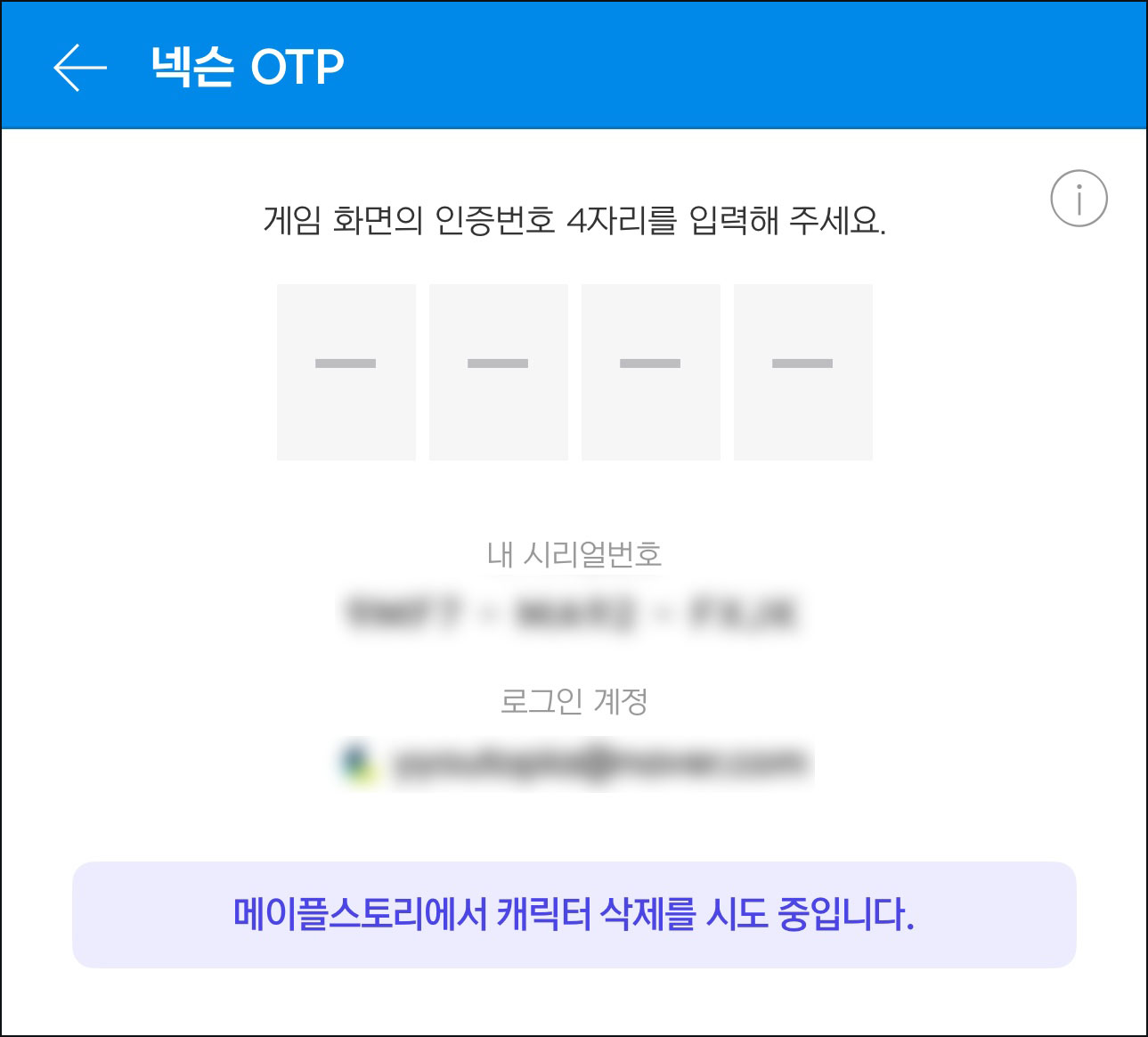
The Nexon OTP screen in Nexon Play also shows you why a code is being requested. For example, if someone tries to delete my character, a message at the bottom says, “A deletion is being attempted.”
Seeing that screen after your account has been compromised would be chilling, but you can rest assured that the intruder can’t access your account and cause any actual damage. Think of a thief making it through your front gate, only to be stopped by the security at your front door!
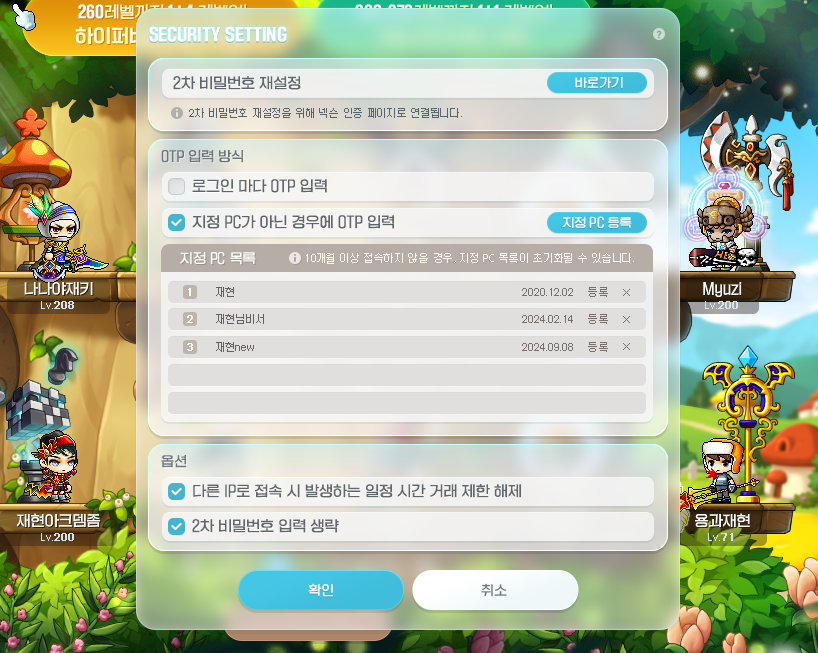
For more control over your account security, you can set your OTP entry preferences on the Nexon game login screen. If you only play at home, setting a designated PC should be enough. If you often visit PC cafés, it’s best to choose “Enter OTP at every login.”
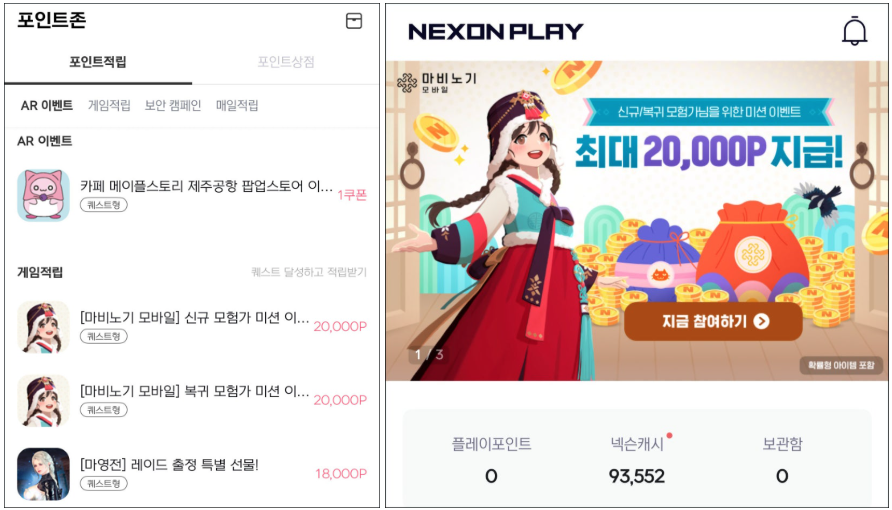
The Nexon Play app also lets you earn points and get the latest event news. If you’d like those benefits alongside account security, I recommend installing it now.
Thank you for reading!