Nexon Games That Support Multiple Ways to Play #크로스 플랫폼
마빡도로시
Hello.
This article focuses on cross-platform features that let you access Nexon games across multiple platforms.
Supporting multiple platforms can help games attract more players, whether that support covers the full game or only certain features. With that in mind, I have put together an overview of some of the options available.
MapleStory: Maple Hands

First released back in 2013, Maple Hands is an app whose core function is to let you check information about your MapleStory characters on mobile.
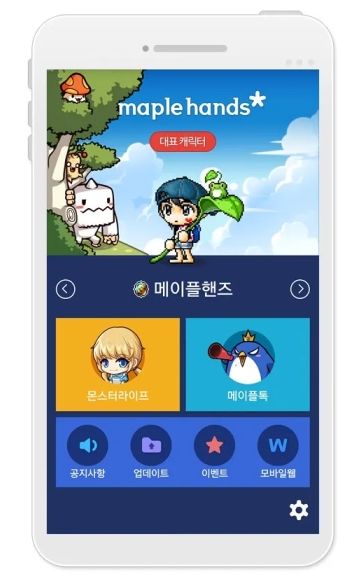
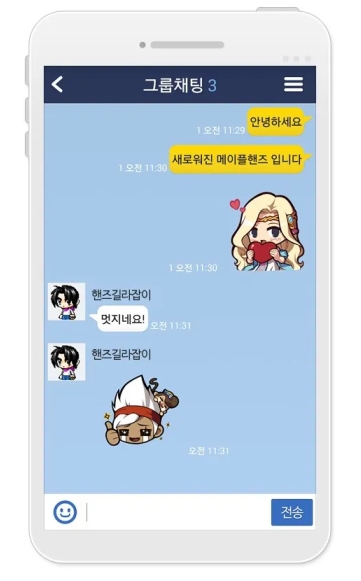
Following its release in 2013, Maple Hands was upgraded to Maple Hands+ in 2016 and remains in regular use today. It has become a practically essential companion and authentication app for MapleStory, with uses ranging from verifying admission to showcases to receiving Maple Auction sale notifications.
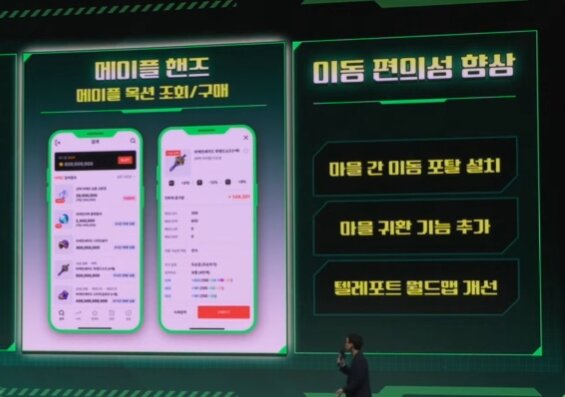
The features most directly connected to the game itself are Maple Auction searches and purchases, which were added relatively recently in 2025.
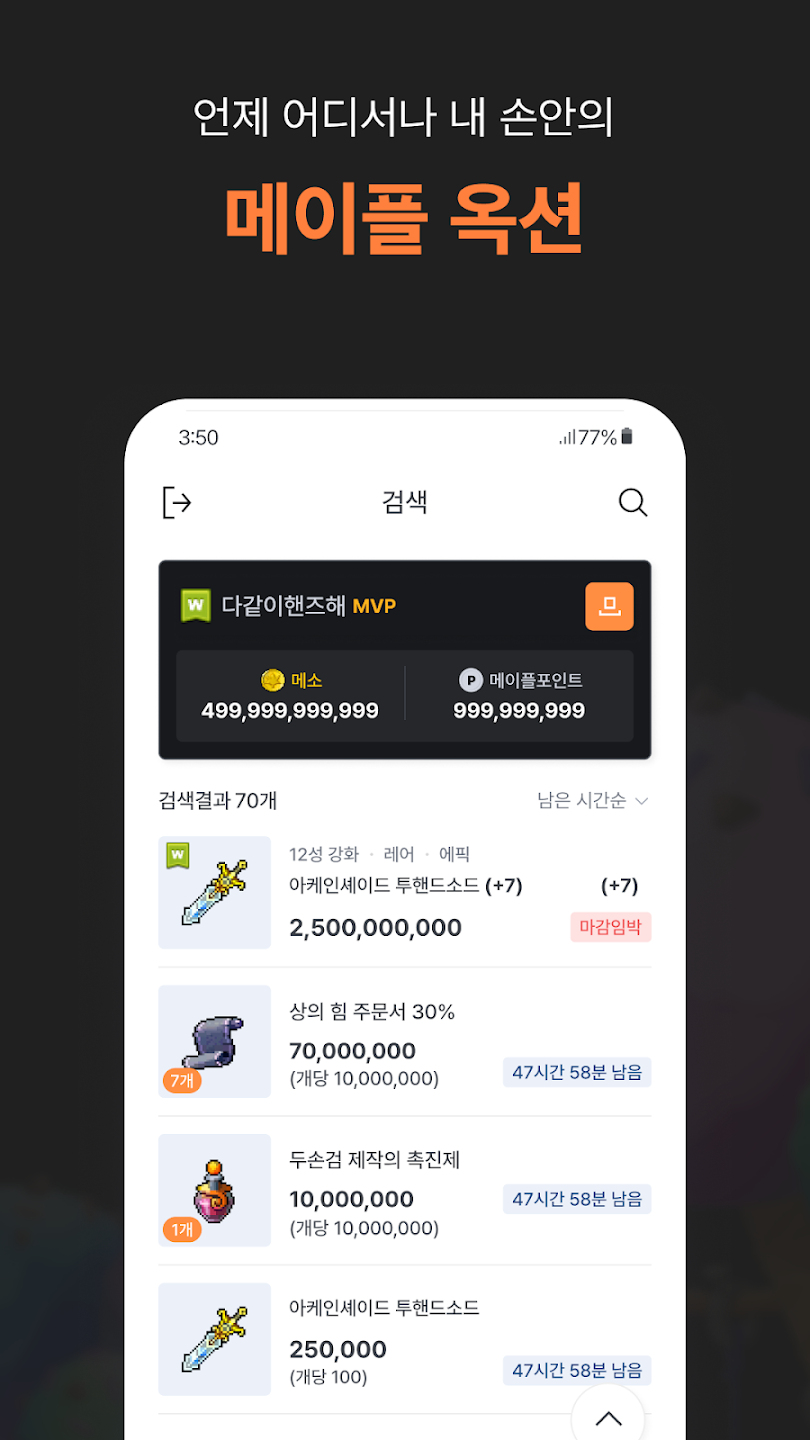
Many players had requested these features, and they saw heavy use after launch. A recent extended maintenance period therefore drew a particularly strong reaction.
The issue may have been related to the large number of mobile Maple Auction users. The latest update has since limited Maple Auction searches through Maple Hands to 100 per day per Maple ID.
MapleStory M: An Official PC Client

Although MapleStory M launched as a mobile game, an official PC client is available from its website.


Without an official PC client, players would need to use a third-party Android emulator. These often come with issues such as lag, so I consider the dedicated client a significant advantage.
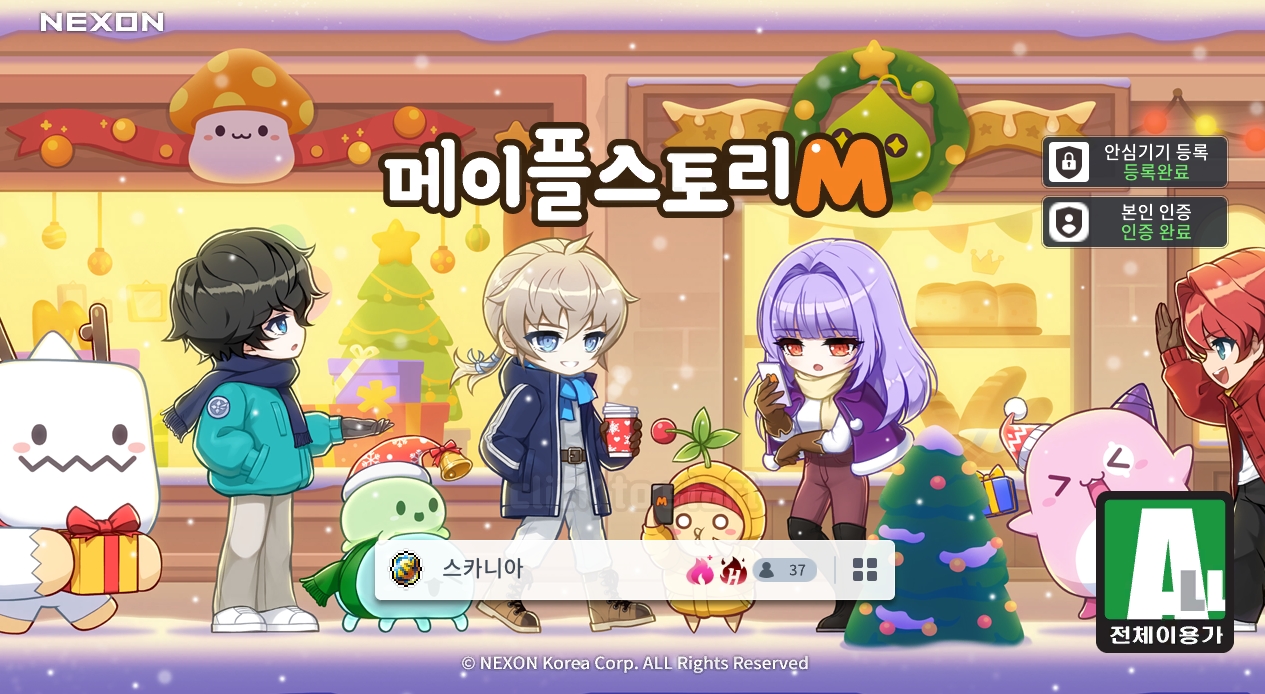
Focusing on a phone screen tires me out quickly, so I prefer to play on PC whenever possible. The client made playing more convenient when I was actively leveling my character, and it still does when I complete daily quests today. I also experience no lag when launching, playing, or closing the game, and being able to play alongside other games is another advantage.
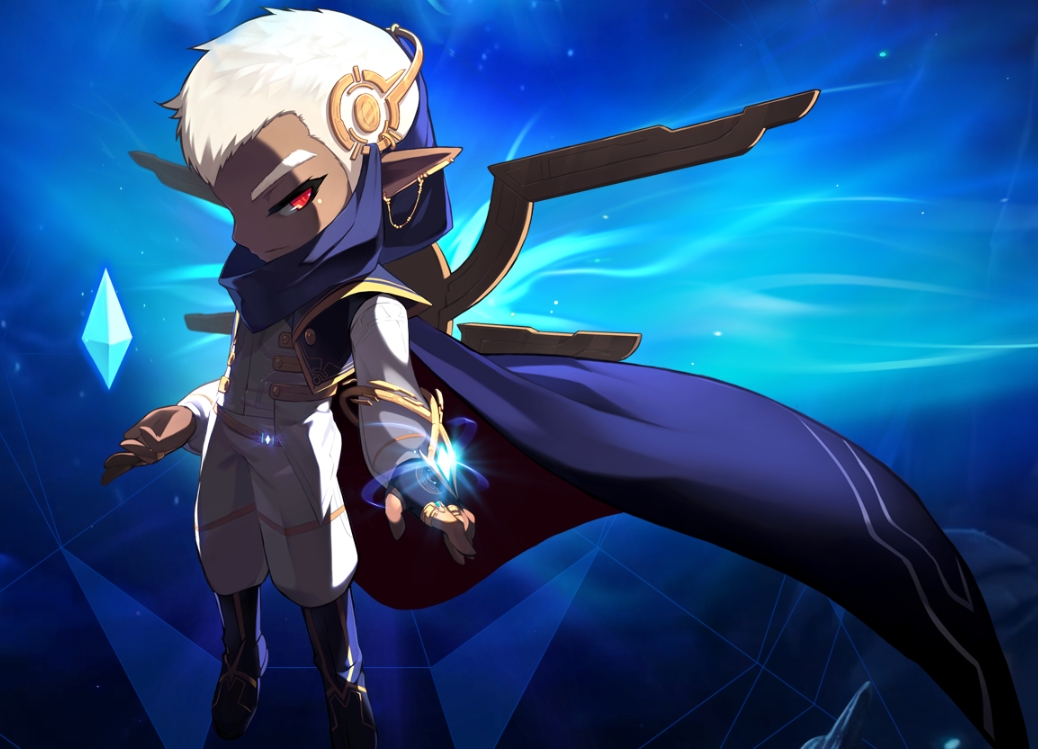
Illium has recently been added as a new class, so interested players may want to take a look.
MapleStory Worlds: Mobile Support
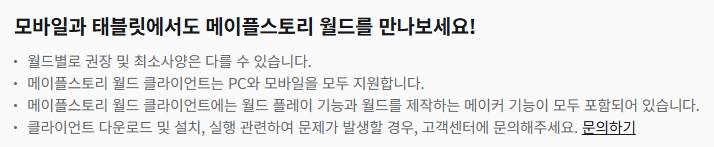
MapleStory Worlds officially supports both PC and mobile.
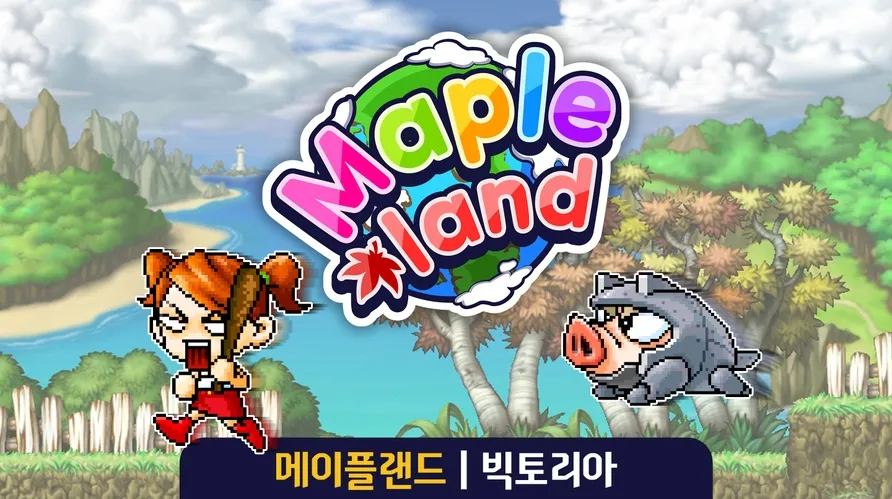
A search for 메이플랜드, one of the leading games on MapleStory Worlds, suggested that many people play it on mobile. That support may also have contributed significantly to its success.
MapleStory: Mac Support: https://maplestory.nexon.com/News/Notice/145659

MapleStory has supported Mac through a beta service since November 28, 2024.
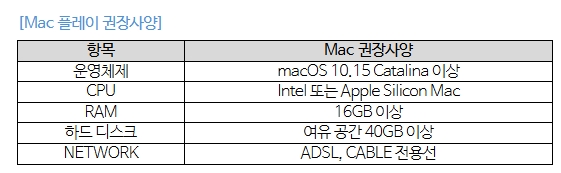
The beta has some limitations: the game can only be accessed through the website, and the notice states that support may end without further announcement depending on the circumstances. However, it remains available as of this writing.

Alongside ongoing bug fixes, the latest update has enabled voice chat. These improvements suggest that support is likely to continue without major issues.
MapleStory: Nexon Link: https://nexonlink.nexon.com/kr
Finally, Nexon Link lets you remotely play a game running on your PC from a mobile device. It is currently available for HIT2, HIT:The World, 바람의나라:연, MapleStory, and Elsword.
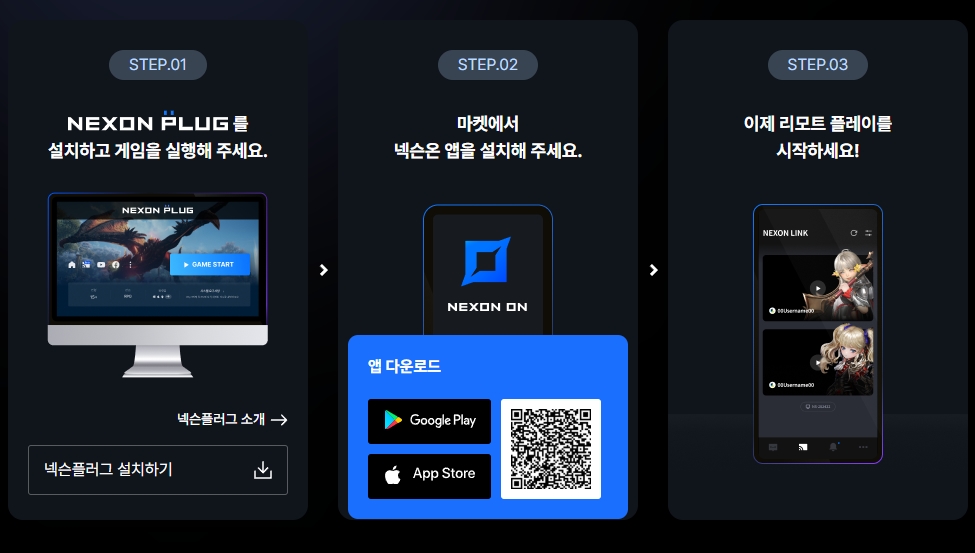
Remote play requires Nexon Plug and the Nexon ON app to be installed. Both the game and Nexon Plug must already be running before you connect.
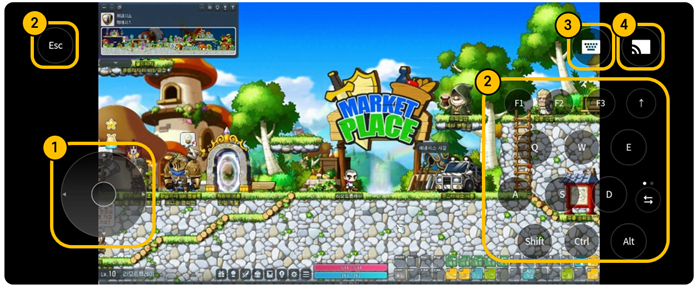
Beta testing for MapleStory began on July 17, 2025. Once connected, you can use the on-screen buttons to move your character, configure key bindings, access the keyboard, and adjust settings.
Playing MapleStory through Nexon Link comes with the following restrictions.
-
Hunting is limited to 10,000 monsters per day per Maple ID. Monsters stop appearing once the limit is exceeded.
-
Remote play is not available at Premium PC Cafés.
-
Gathering farms cannot be entered.
-
You cannot play another game that supports remote play at the same time.
-
Peripherals such as mice and keyboards are not supported.
Some players who use the feature extensively reportedly even take on boss content. It is a useful option, and the skill and concentration of those players are impressive.
■ Fixed an issue where controls would occasionally become unresponsive during remote play through Nexon Link on an unstable mobile network.
This fix appears in the recent release notes, and I expect further improvements to both functionality and stability.
Thank you for reading.