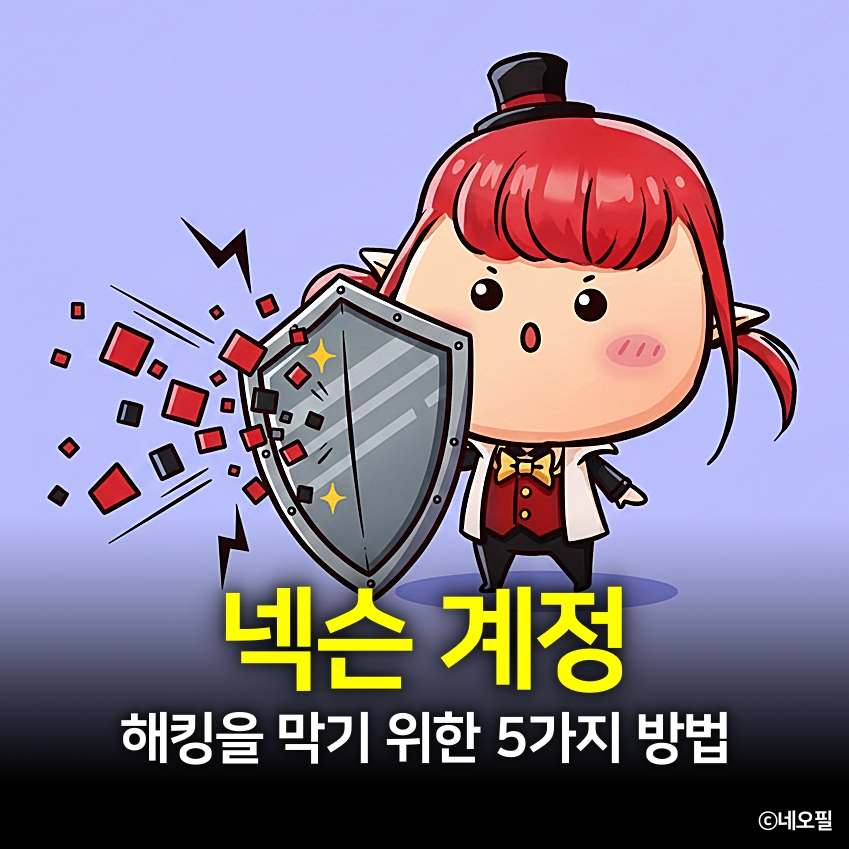
5 Practical Steps to Secure Your Gaming Account!
네오필
Reports of hacked game accounts remain common. As security technology advances, so do hacking techniques.
Using the features in the Nexon Security Center effectively can give your account multiple layers of protection, even if a hacker discovers your password.
This guide covers practical tips for keeping your Nexon account secure.
Set a Strong Password

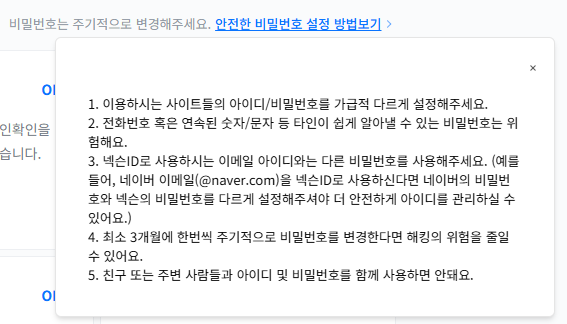
Your password is the most basic security measure, but also the most important.
Create a password that is at least 8 characters long and contains a mix of uppercase letters, lowercase letters, numbers, and special characters, and do not reuse a password from another game or website.
In particular, I recommend setting a strong password for the email account linked to your Nexon account as well. If someone gains access to your email, they could use a password reset to take over your account.
When playing at a PC cafe or on a shared PC, always log out after your session, and make a habit of keeping automatic login disabled.
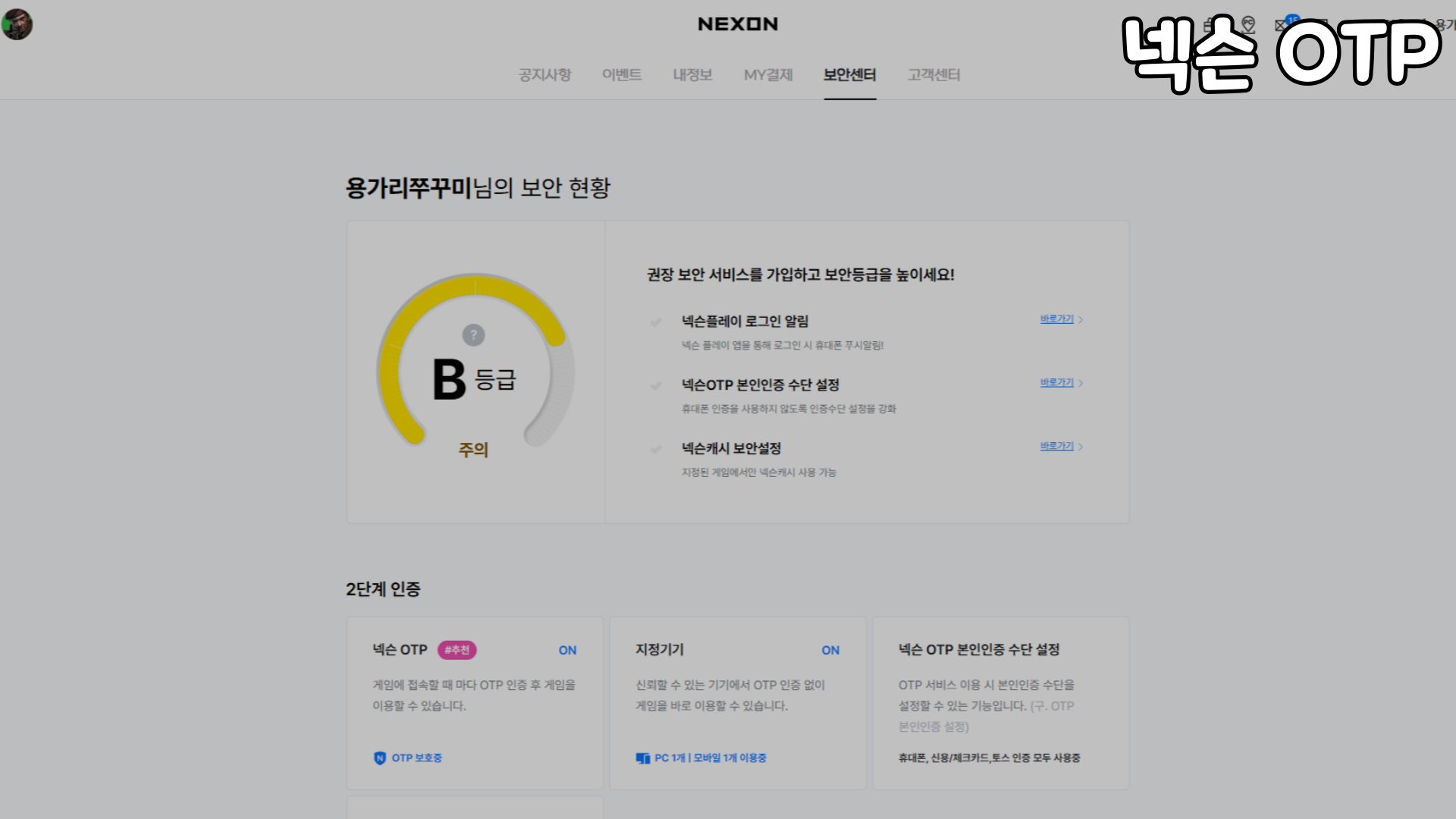
Use Nexon OTP
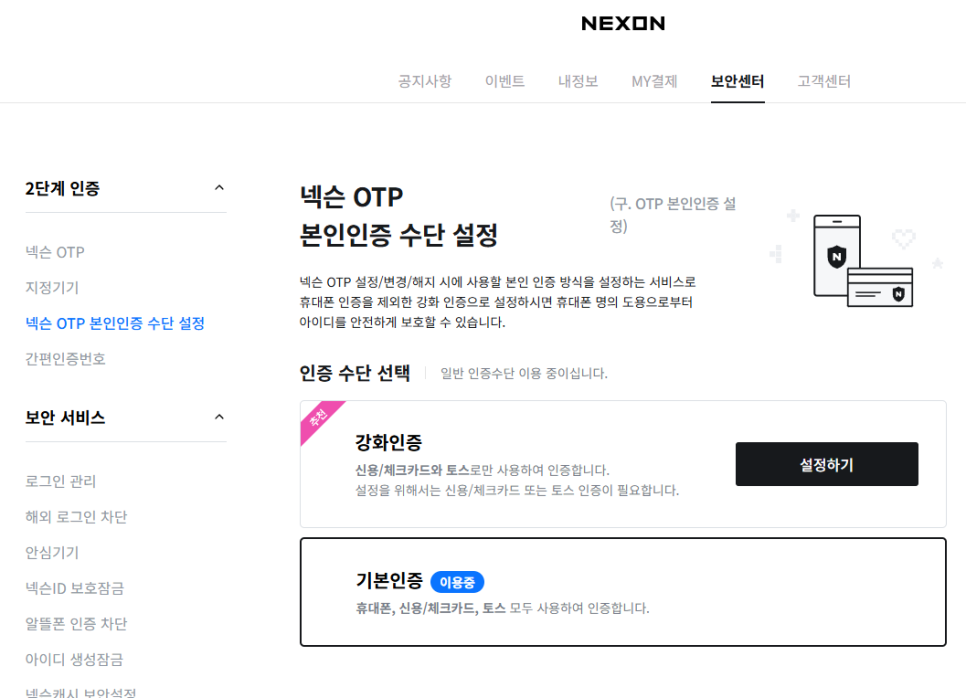
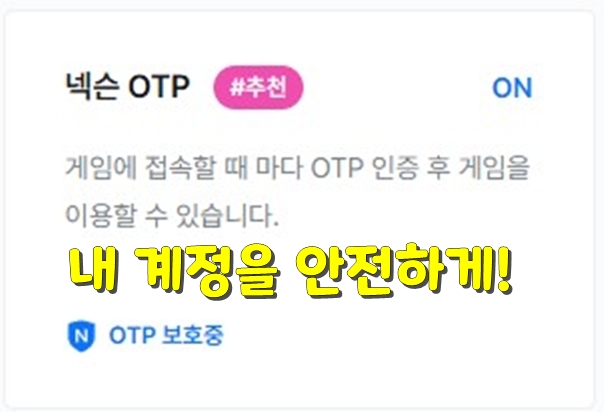
Of the features in the Security Center, Nexon OTP is my top recommendation. Enabling OTP makes it nearly impossible for a hacker to log in without the 6-digit verification code displayed on your phone, even if they know your password.
Verification methods using credit and debit cards or Toss have recently been added for stronger security.
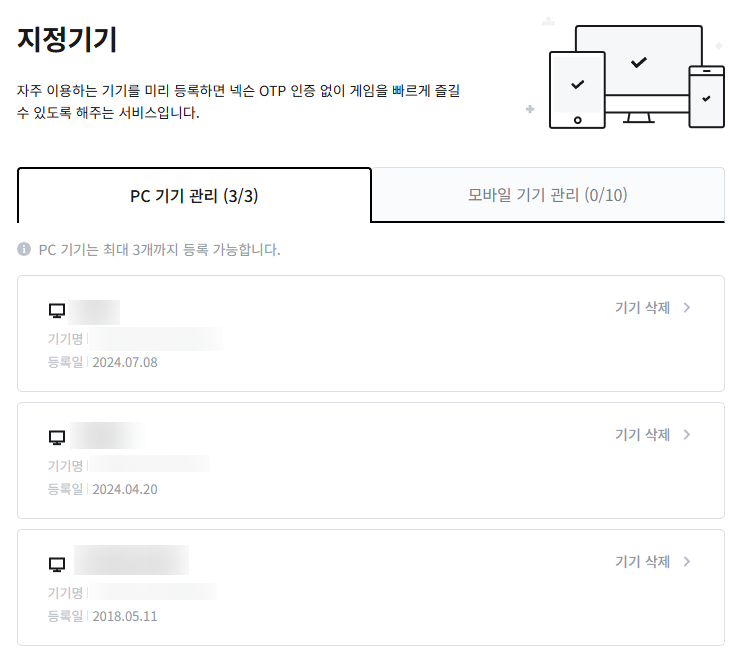
Some people avoid setting up OTP because they find it inconvenient to verify every login.
Registering the PCs and mobile devices you regularly use lets you log in without OTP verification. You only need to verify your login when connecting from a PC cafe or another location. You can also get a one-time login verification code to make signing in more convenient.
Block Overseas Access

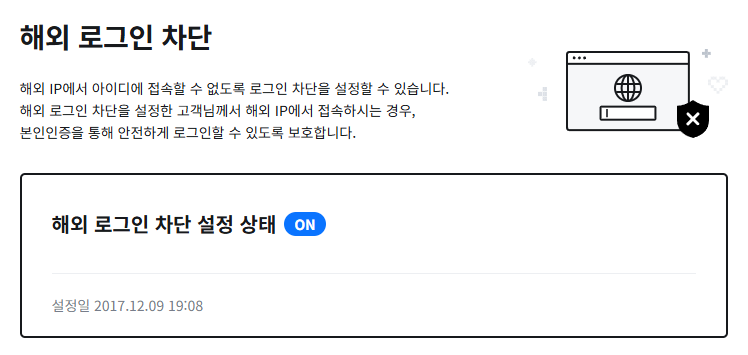
Overseas access blocking prevents logins from IP addresses outside South Korea, stopping overseas hackers from accessing your account in the first place. If you have no plans to travel abroad, simply enabling this feature can significantly improve your account security.
Logins from overseas are often found in account hacking cases.
Manage Your Logins
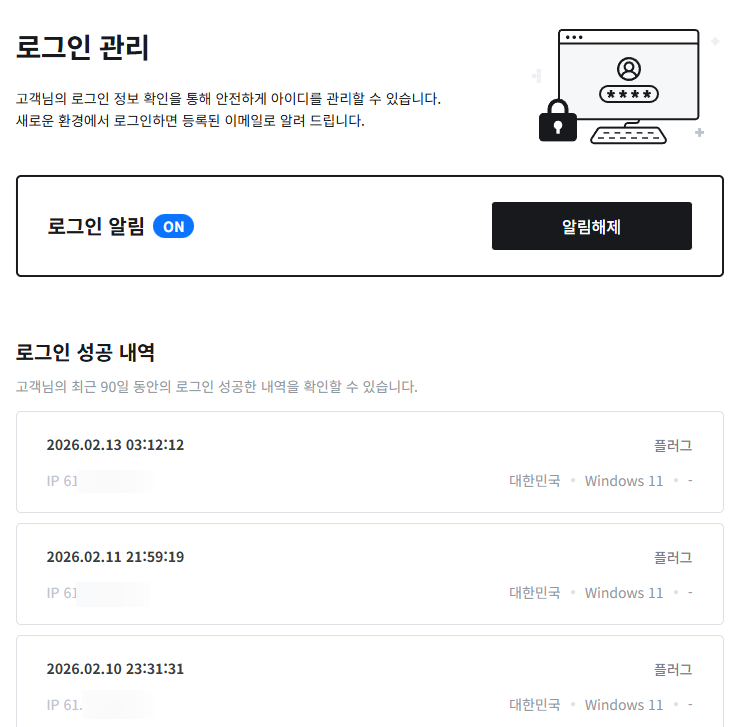
You can also check your login history in the Security Center. Checking it occasionally is best, but responding when you receive an alert is sufficient.
Your login history records who logged into your account, when, and from where. If you notice an unfamiliar IP address or country, change your password immediately and double-check your OTP settings.
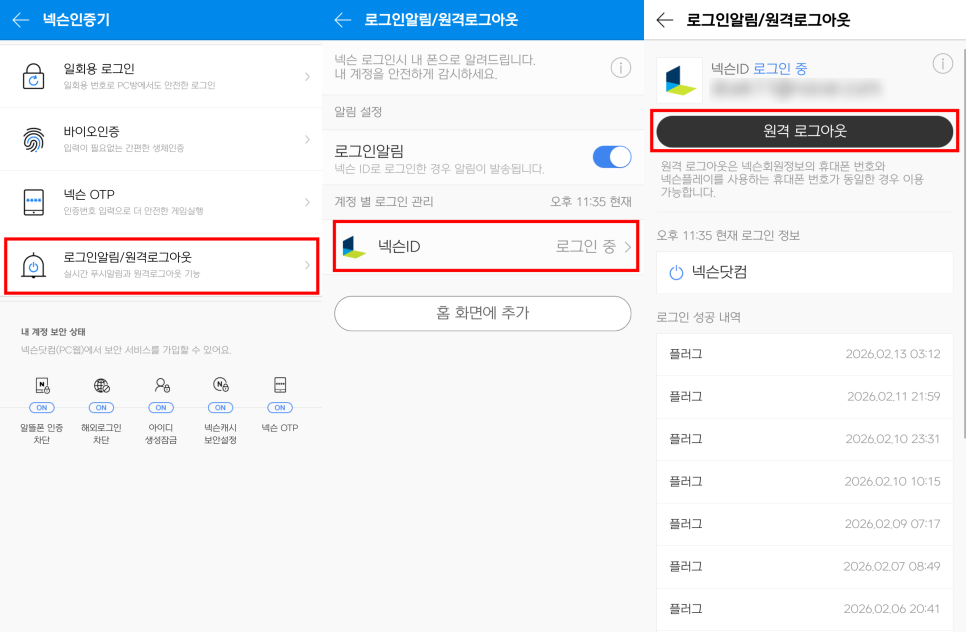
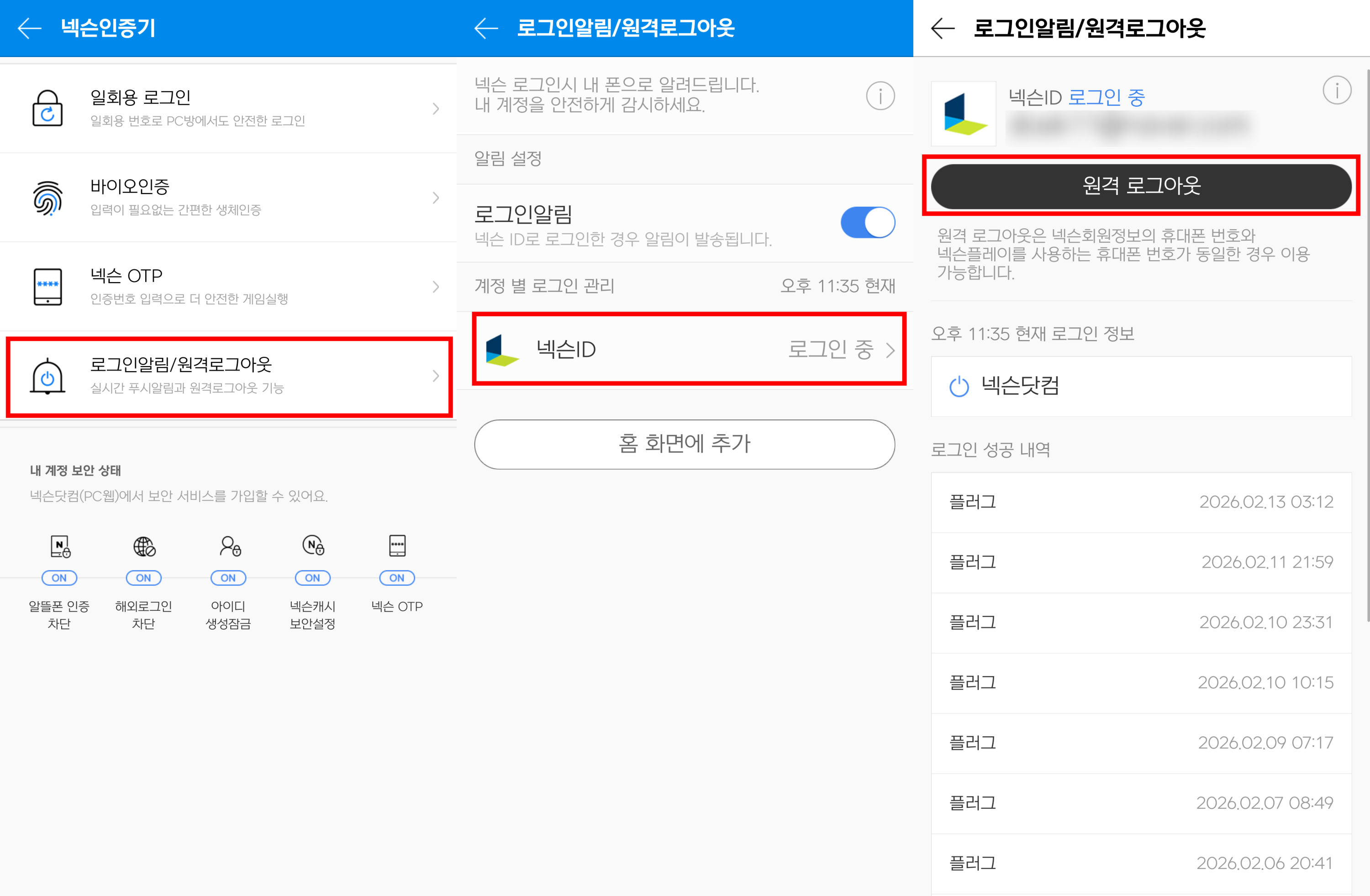
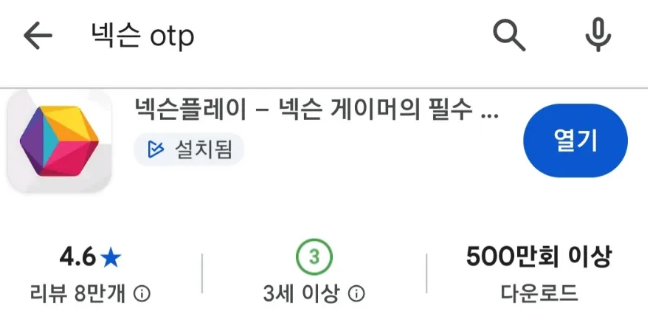
You can also log out remotely through the Nexon Play app.
If you are away from a PC and discover that your password has been changed or that someone is hacking your account, open the app immediately, check your login history, and log out remotely.
Avoid Clicking Unverified Links
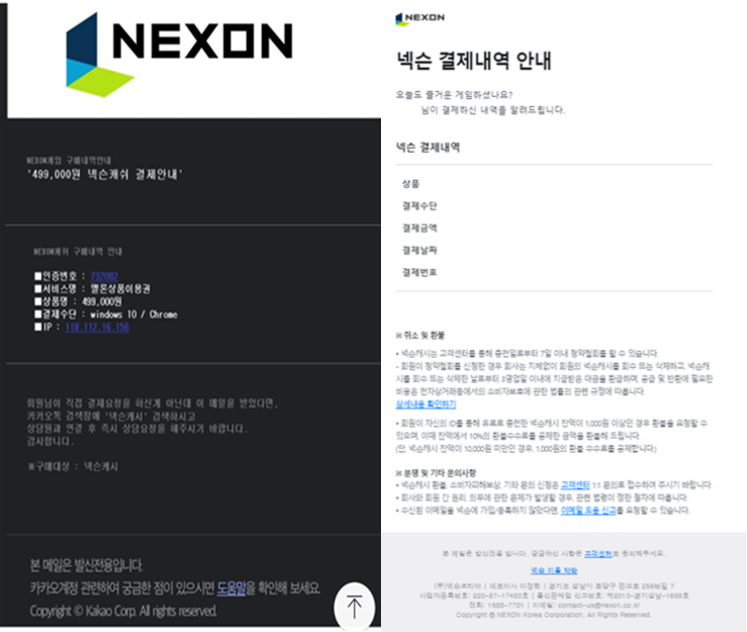
If you receive an email claiming that a payment was made, stay calm and go directly to the Security Center.
Most Nexon account hacks happen through phishing sites or suspicious links.
Whether an email or text message catches your attention or someone posts an interesting comment with a link in a community, make a habit of pausing before you click.
Common examples include messages such as 'Password changed' or 'Payment completed'. If you did not take that action yourself, go directly to the Nexon Security Center to check your account status instead of clicking the link.
Final Steps
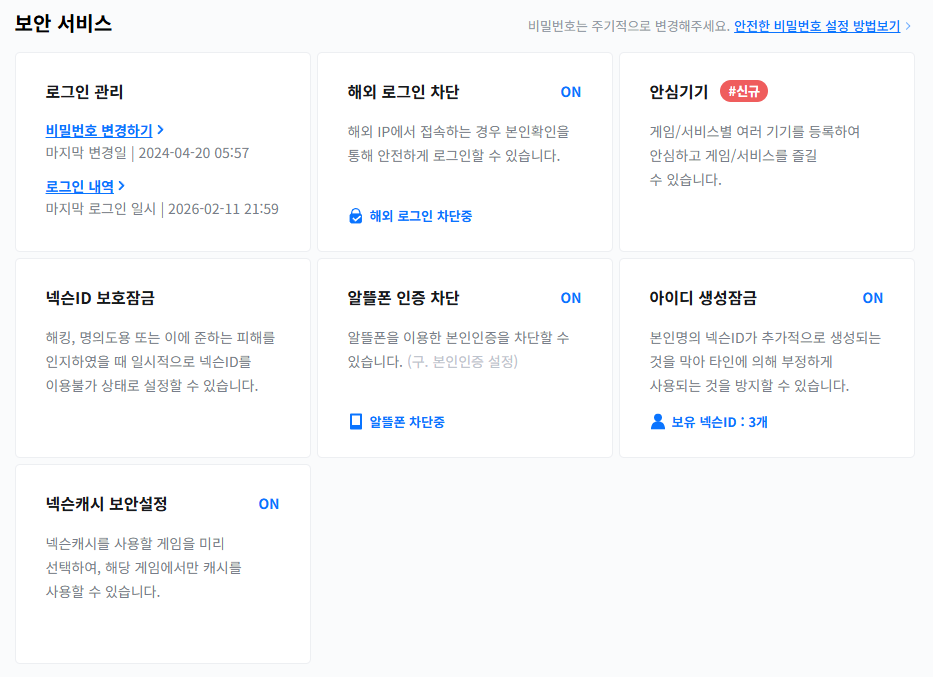
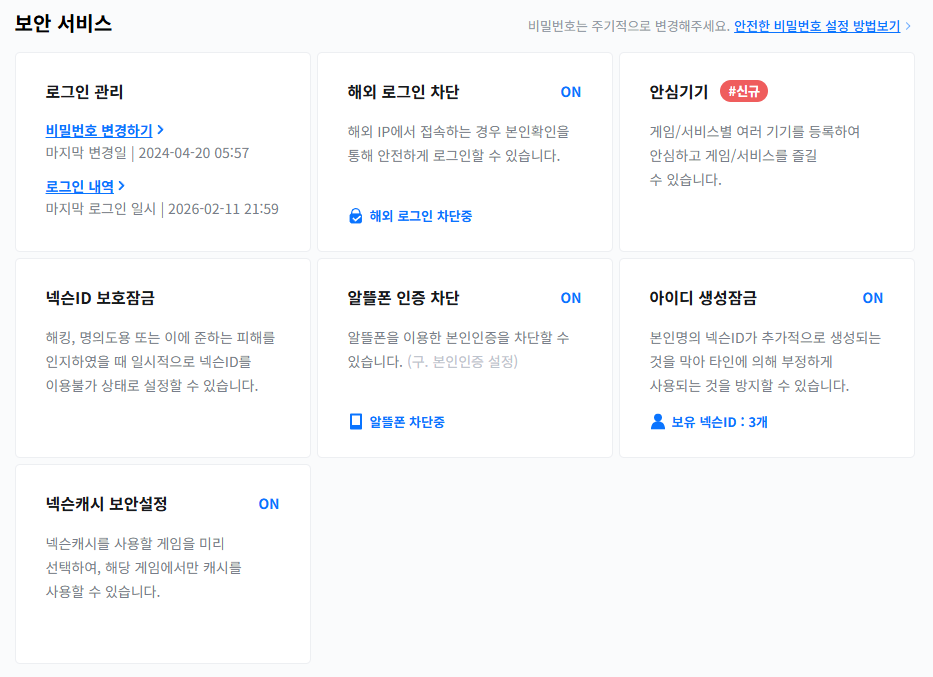
Other options include blocking verification through budget mobile carriers, locking ID creation, a protection lock, and Nexon Cash security settings.
These are 5 ways to help prevent your Nexon account from being hacked. Setting them up may feel inconvenient, but about 10 minutes of effort is a small investment for 10 years of peace of mind.
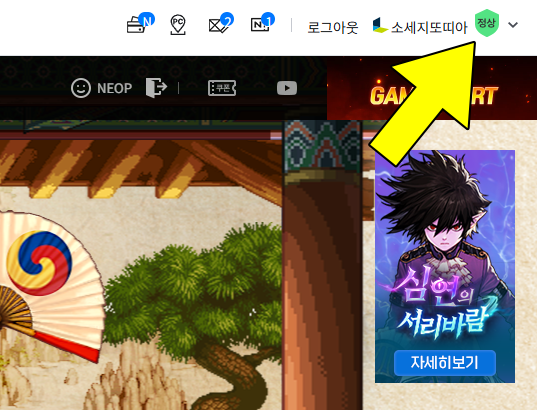
After clicking, go to My Info - Security Center.
Start by clicking the shield icon in the upper-right corner of the game website you regularly visit.