Tips and features to help keep your account secure! #계정 Security
연백
Hello!
In this post, we’ll explore security features that can help you enjoy your games safely.
Players’ valuable assets are always at risk from external threats.
By making the most of the security features Nexon provides,
you can enjoy your games more safely and with greater peace of mind.
Let’s look at the available features and how to manage and use them.
🔒Passwords
The most familiar security feature—and the most fundamental—is your password.
Think of it as the passcode to your front door: you are required to set one up.
Passwords matter more than you might think, but because we use them everywhere, it is easy to overlook their importance.
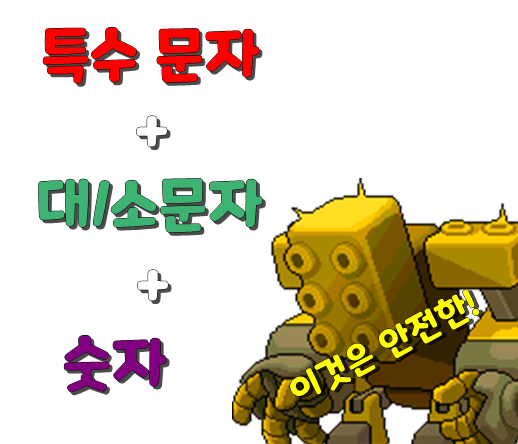
A password that combines special characters + uppercase/lowercase letters + numbers
is much harder for hackers to figure out, which is why this combination is so widely used.
Some websites even require it.
However, even with this combination, you still need to be careful.
In particular, if you reuse a password from another website,
your risk of being hacked can increase significantly.
If that password is leaked from another website,
someone may use it to try logging in to other websites where you have accounts,
potentially compromising several accounts in succession and causing losses.
(I have experienced this myself.)
For this reason, I recommend using 3 ~ 4 different password combinations if possible.
If that feels difficult to manage, adding or changing a few letters or special characters in the middle of your passwords
can also be a useful approach.
🔒Secondary Passwords
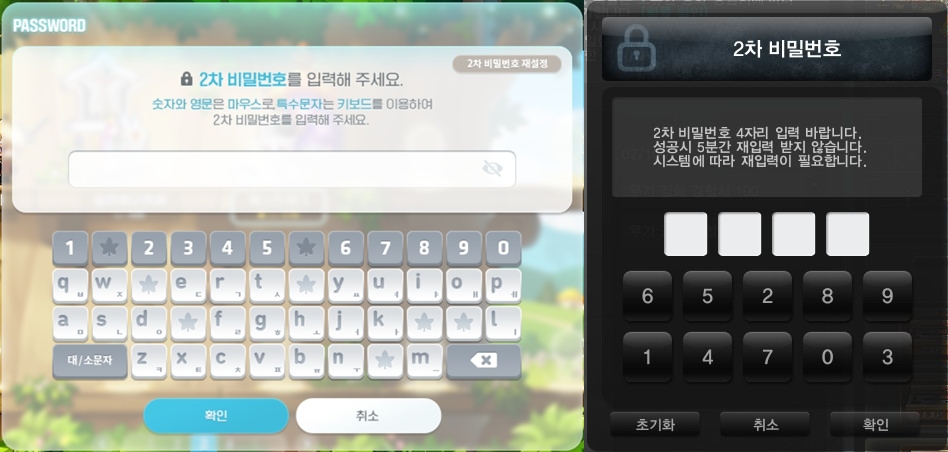
Secondary passwords have become an essential feature in many Nexon games.
They provide a second layer of protection, creating another barrier even if your main password is compromised.
They are used not only when accessing a game, but also when crafting, dismantling, or locking certain items, among other actions.
These passwords are tied to features that require identity verification,
making them a final layer of security that can lock your account after several incorrect attempts.
These passwords are usually simple, consisting of around 4 digits.
Even so, choosing numbers that are meaningful to you rather than 1111, 1234, or 0000
can help you avoid the worst-case scenario of having everything stolen.
🪪Security Services
(Nexon Cash Lock, Verification Blocking, Account Creation Lock, etc.)
Beyond the basic features covered above,
you can enable additional security services for greater peace of mind.
https://security-center.nexon.com/
You can configure these services at the Nexon Security Center.
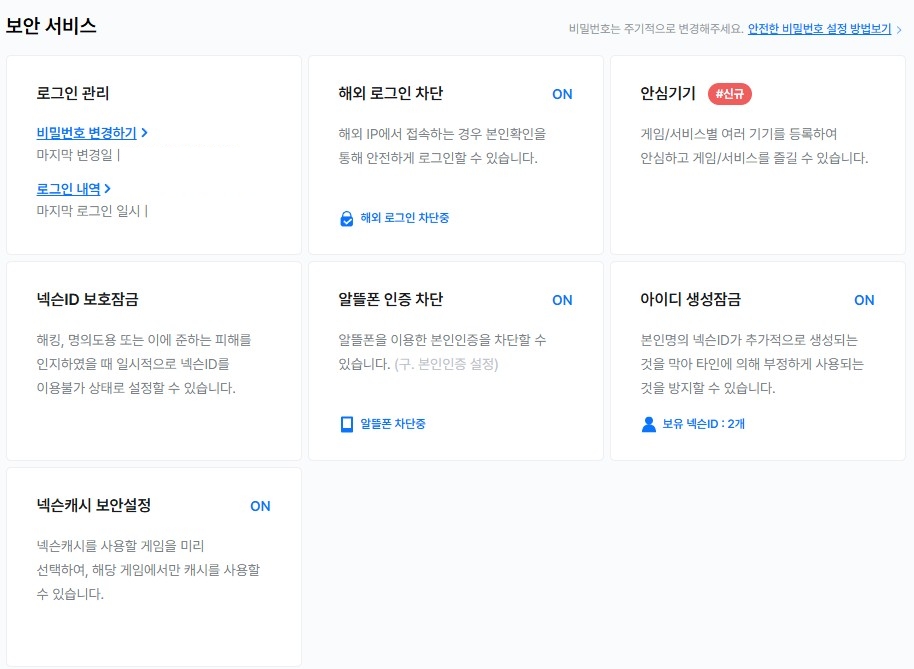
Block login attempts from overseas entirely
Block verification attempts through mobile carriers you do not use
Block account creation under your name
Block Nexon Cash spending in other Nexon games
And more.
There are plenty of useful features to choose from.
In particular, these services can stop attempts to misuse your identity to create or steal accounts before they happen,
helping you avoid situations such as opening a game you do not normally play and discovering that someone has created an account and been playing under your name.
These are the kinds of incidents you can prevent. (This is also from personal experience.)
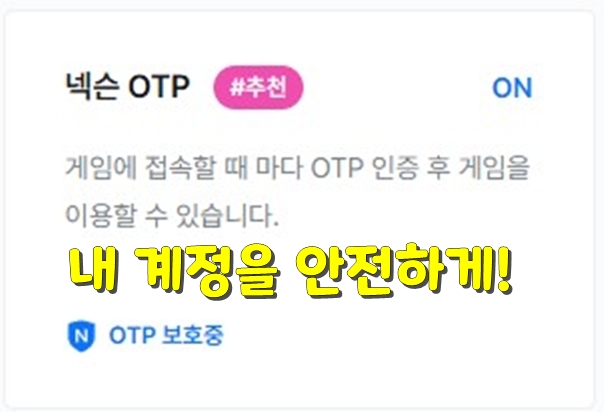
🔐Nexon OTP (Nexon Play)
Another good way to make your gaming experience more secure
is to use Nexon’s Nexon Play app with Nexon OTP.
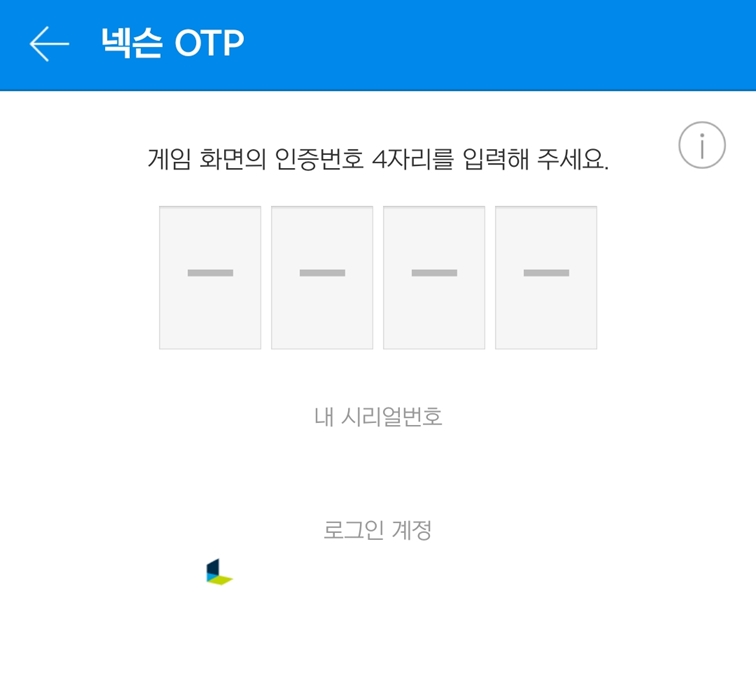
Requiring an additional Nexon OTP code when you access a game
helps verify that the player who owns the smartphone is the one logging in,
making this the most reliable security feature.
Entering a Nexon OTP code every time you access a game
may feel a little inconvenient or tedious.
However, it can protect your account several times more securely and reliably than a password alone,
so I strongly recommend using it.
(The Designated Device feature lets you skip Nexon OTP on PCs you use frequently,
so you can enjoy your games with easier access for you and a harder time for hackers.)
+
Because of the extra step and the need for a smartphone to verify logins, some players choose not to set up Nexon OTP
and share access to games and accounts, which can lead to item theft, hacking, and other problems.
In these cases, violations of the terms of service and recovery policy may make you ineligible for recovery,
so I strongly advise against sharing your account.
++
If your account is hacked without Nexon OTP enabled, you may receive recovery assistance just 1 time, for the first incident.
After that, however, you are very likely to be ineligible for protection under the operating policy,
so setting up OTP is essential.
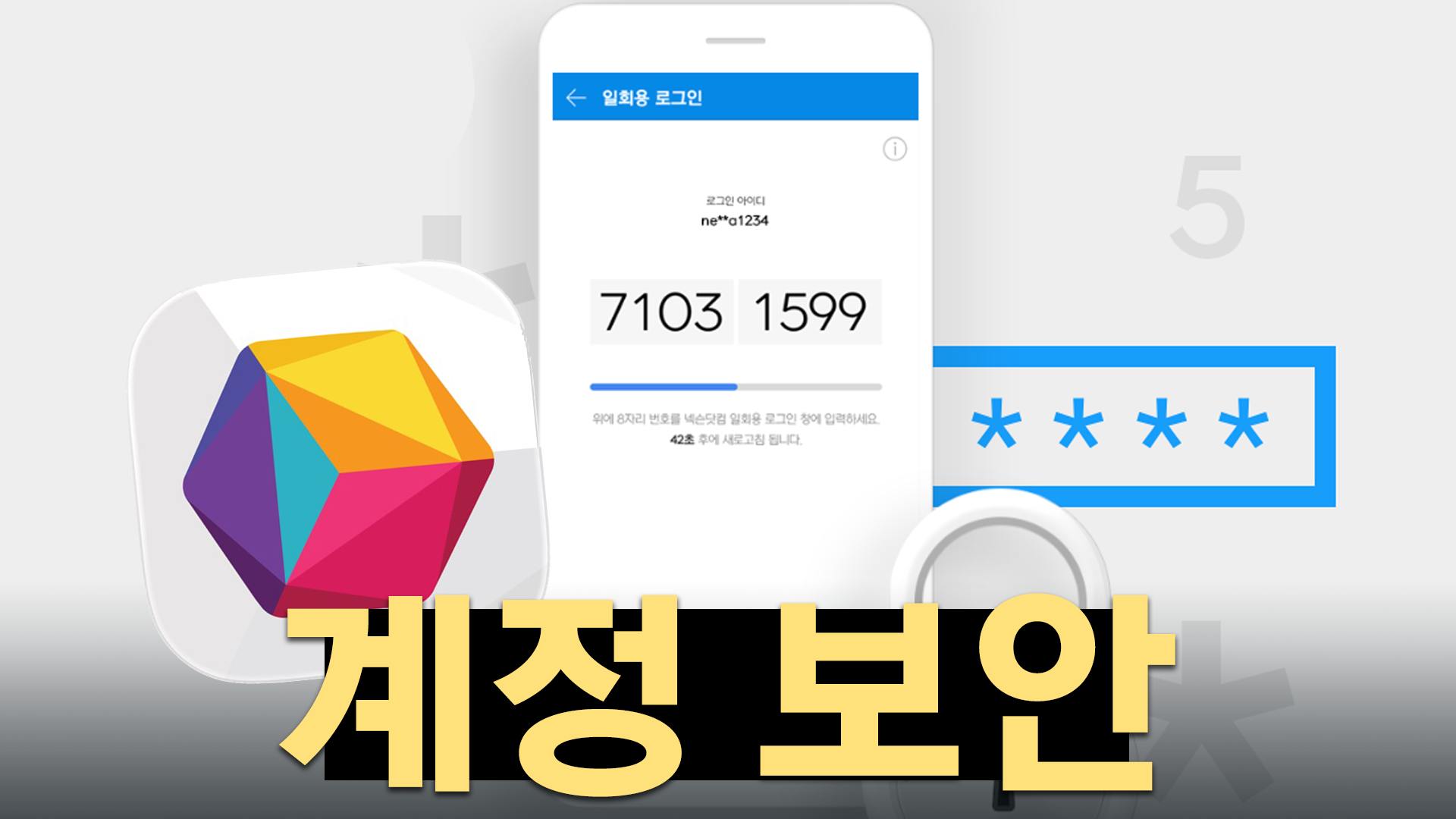
🔍 One-Time Login
If you need to log in at a PC café or for a temporary session
and are worried about your ID or password being saved automatically or leaving traces behind,
the One-Time Login feature in Nexon Play can help.
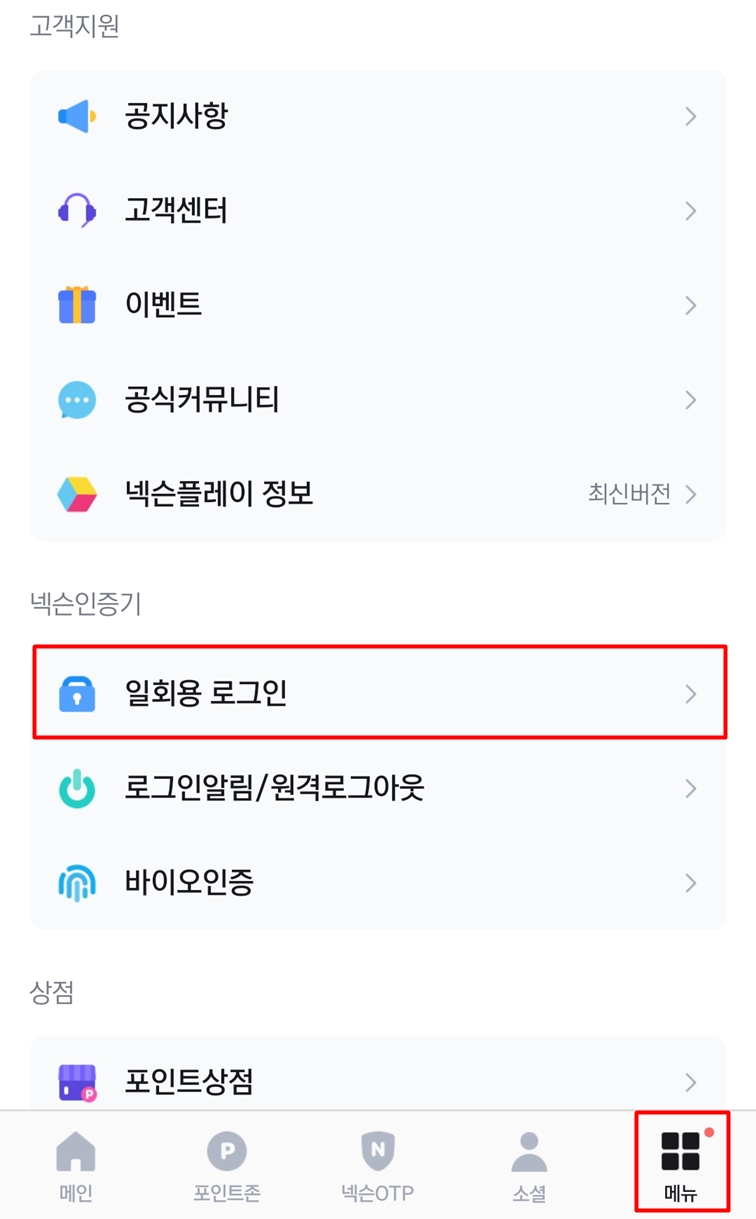
(You can find it under Menu → One-Time Login.)
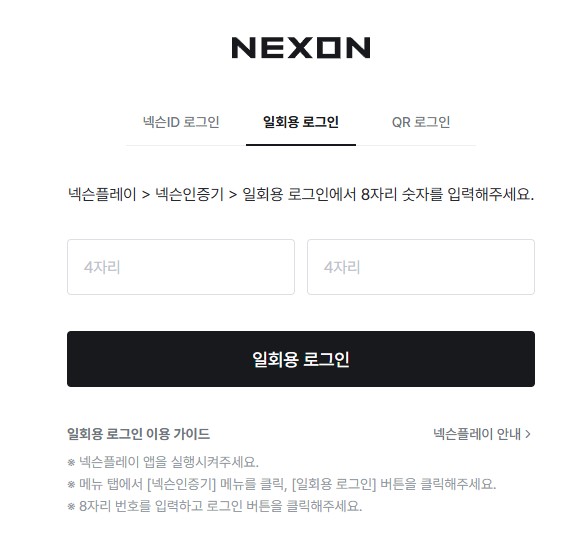
When logging in to Nexon, click the One-Time Login tab
to open a window that asks for 8 digits instead of your ID and password.
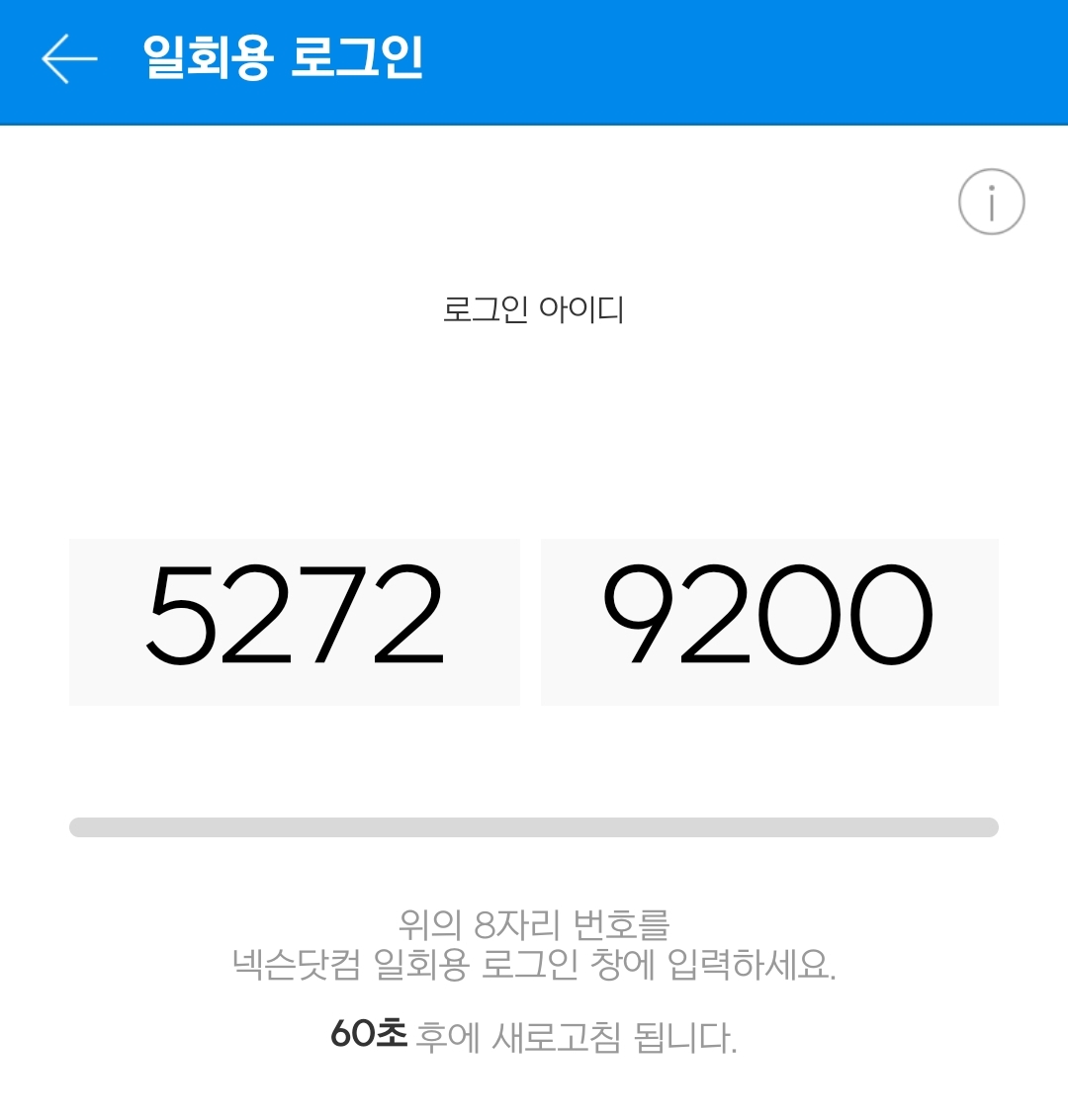
Enter the 8 digits shown in the One-Time Login section of Nexon Play,
and you can log in with ease.
The code changes to a new random number every 60 seconds, making this a secure and convenient option
for keeping your account safe even when you are away from home.
That covers the security features and tips you can use to protect your Nexon account.
The risk of hacking is always present, and an attack can happen without warning.
To protect the characters and currency you have worked hard for,
it is worth taking precautions now.